







Microsoft Windows Production PCA 2011, the certificate that signs the Windows boot loader, expires on October 19, 2026. It’s the last major deadline in Microsoft’s 2026 Secure Boot certificate transition, after two other 2011 certificates expired in June.
Your PC won’t stop booting when it expires. According to Microsoft’s guidance, a PC without the new certificates “will still start and operate normally,” and standard Windows updates keep installing. However, it can no longer receive new security protections for the early boot process.
The last major Secure Boot certificate deadline for Windows arrives October 19
Secure Boot is a UEFI firmware feature that checks the signature of each piece of boot software, from UEFI drivers to the operating system, before your PC starts. Since Windows first supported Secure Boot, PCs have trusted Microsoft certificates issued in 2011, and Microsoft is replacing them with a 2023 set.
| Old certificate | Expiry | Replacement |
|---|---|---|
| Microsoft Corporation KEK CA 2011 | June 24, 2026 | Microsoft Corporation KEK 2K CA 2023 |
| Microsoft UEFI CA 2011 | June 27, 2026 | Microsoft UEFI CA 2023 and Microsoft Option ROM UEFI CA 2023 |
| Microsoft Windows Production PCA 2011 | October 19, 2026 | Windows UEFI CA 2023 |
The KEK certificate authorizes updates to the allowed (DB) and revoked (DBX) signature databases, and Microsoft UEFI CA 2011 signs third-party boot loaders, EFI applications, and option ROMs. The Windows Production PCA 2011 signs Windows Boot Manager, and its replacement, Windows UEFI CA 2023, is stored in the DB.
Microsoft’s engineers said during a June Secure Boot AMA that the company could keep signing boot managers with the old key until October, so future Windows boot managers will need the 2023 certificate. Firmware still trusts boot loaders signed before the expiry, unless the certificate is added to the DBX revocation list.
A PC without the 2023 certificates misses “updates to Windows Boot Manager, Secure Boot databases and revocation lists,” along with fixes for newly discovered boot-chain vulnerabilities. BlackLotus, the 2023 bootkit that bypassed Secure Boot on fully updated Windows 11 PCs, is the kind of threat those revocations block.
How to check if your Windows 11 PC has the new Secure Boot certificates
The 2023 certificates gets to your PC through Windows Update, and Microsoft says “in many cases, no action is needed.” Your PC needs a supported version of Windows, unpaused updates and Secure Boot turned on, which System Information (msinfo32) shows under “Secure Boot State”. Windows 10 PCs get the certificates only with ESU.
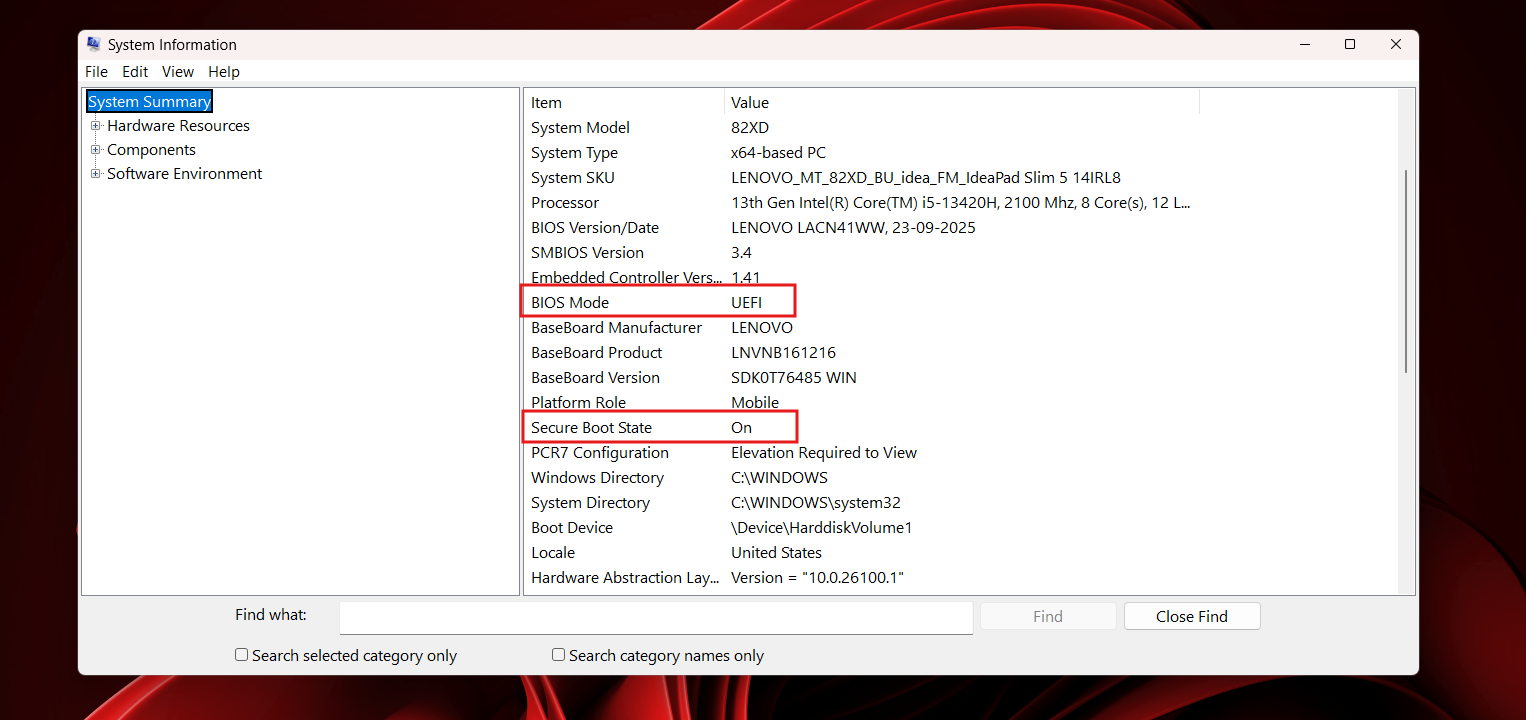
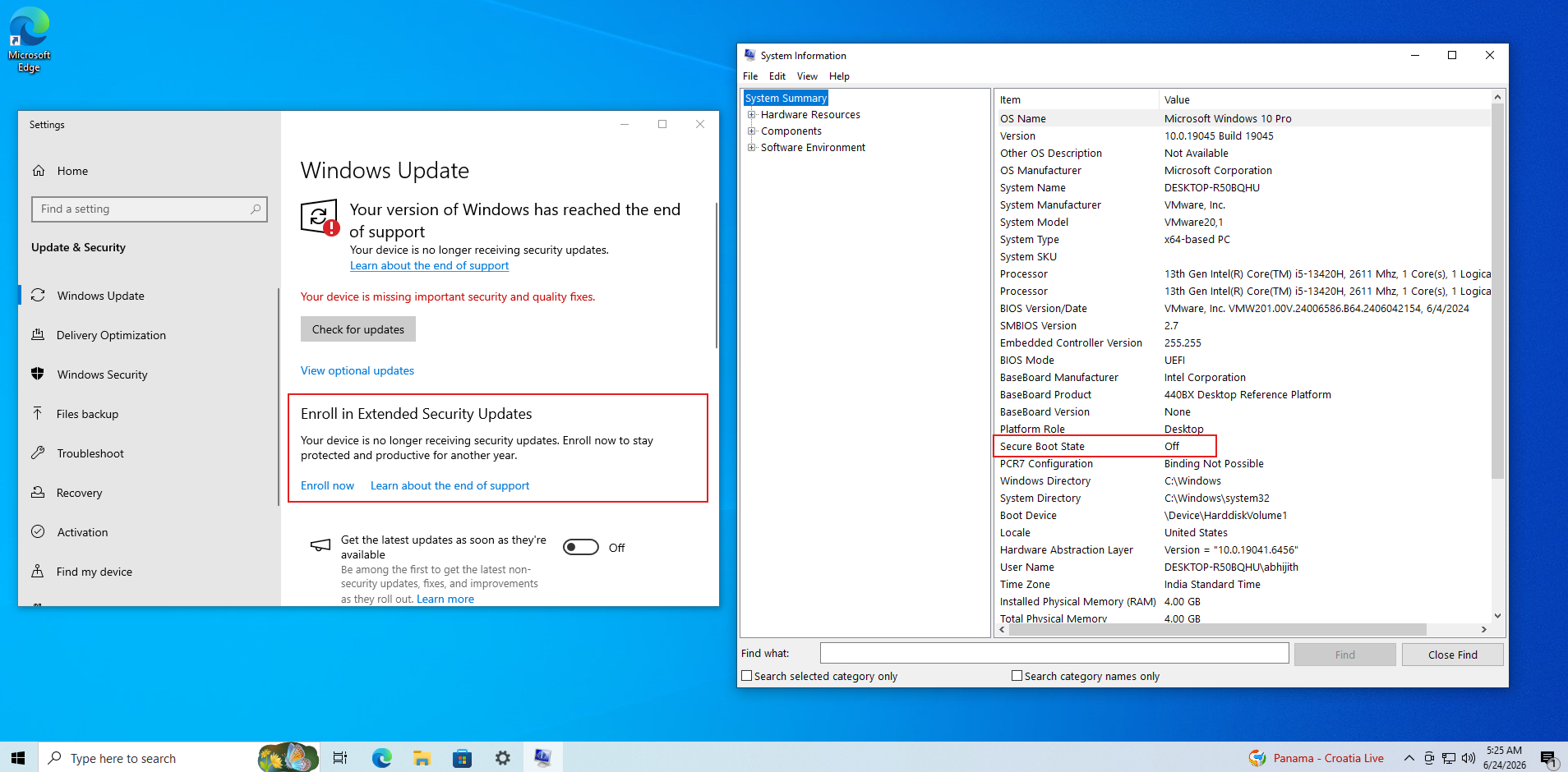
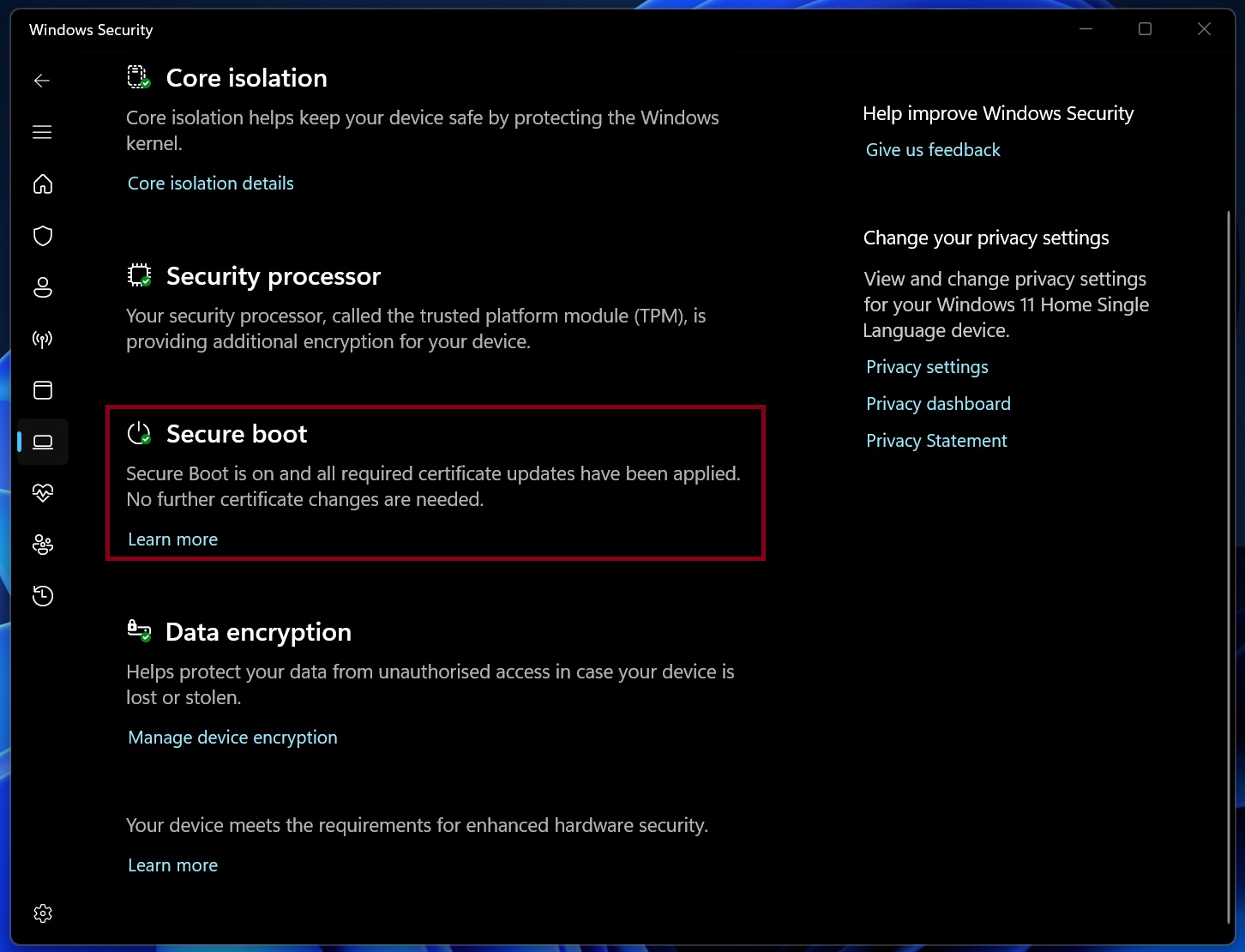
To check, open Windows Security > Device security > Secure Boot. Windows 11 started showing certificate status there in April, and Microsoft explains each message.
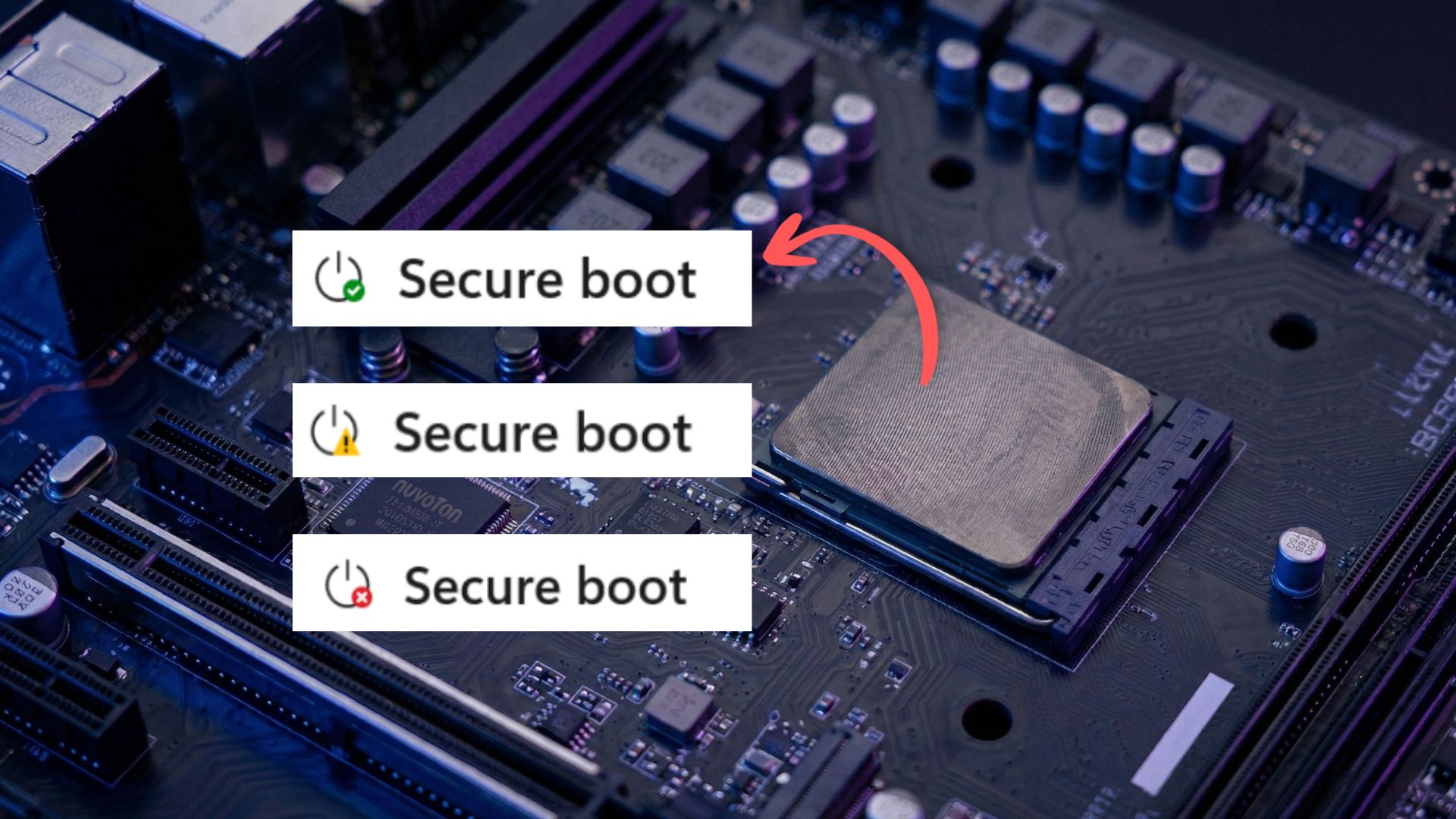
- “All required certificate updates have been applied” means you’re done.
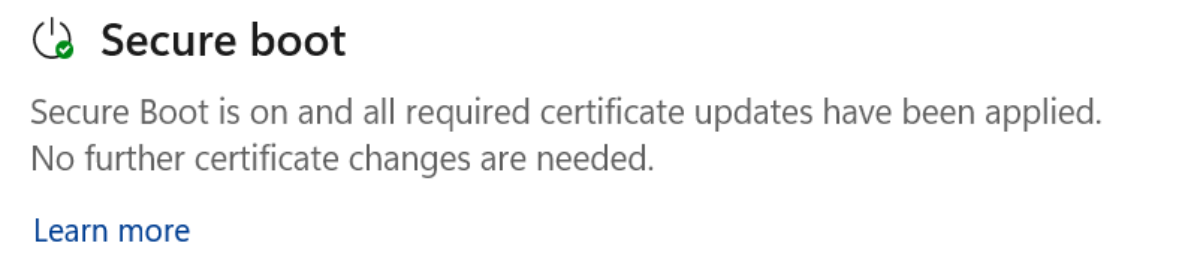
The Secure Boot section showing the “fully updated” status with a green checkmark icon. - “Older boot trust configuration” means Windows should update it on its own, so install pending updates and restart.
- “Affected by a known issue” means Microsoft has paused the update for your PC until a fix is ready.
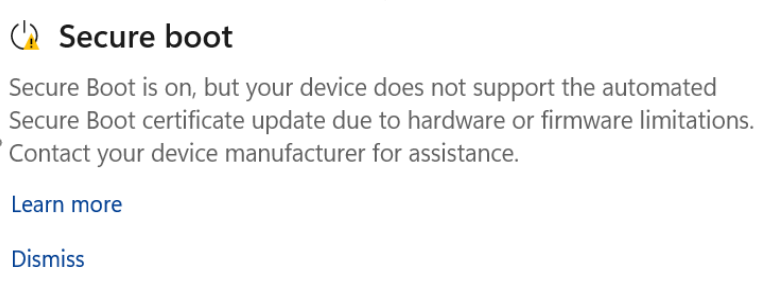
The Secure Boot section showing the “Not yet updated” status with a yellow warning icon. - “Hardware or firmware limitations” means you need help from your PC maker.
- “Can no longer receive required updates” means the PC is still on an expired certificate.
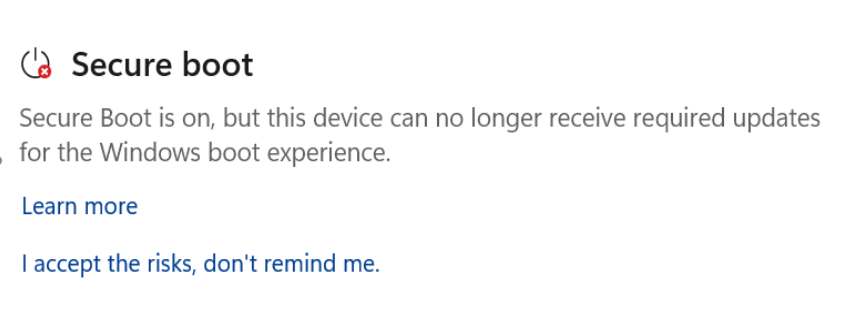
The Secure Boot section showing the “Requires action” status with a red stop icon.
In my opinion, the firmware warning deserved its own color. It shows the yellow badge, just like the “older boot trust configuration” message, even though only one of them fixes itself.
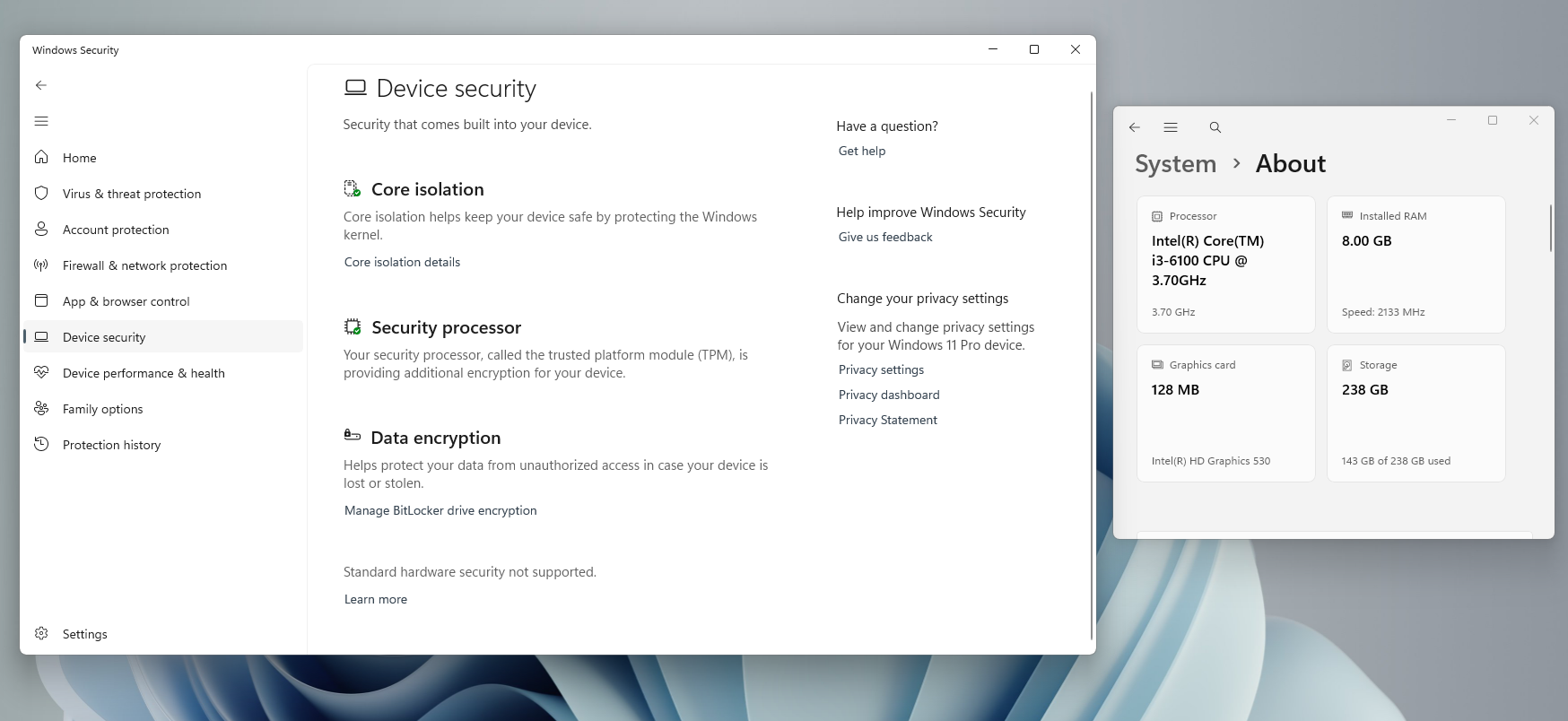
If there is no Secure Boot section, it means the PC uses Legacy BIOS, has Secure Boot off, or runs Windows 11 on unsupported hardware through a bypass. My father’s ThinkCentre mini PC with a 6th-gen Core i3 falls in the last group, and our guide explains what to do if your PC missed the update.
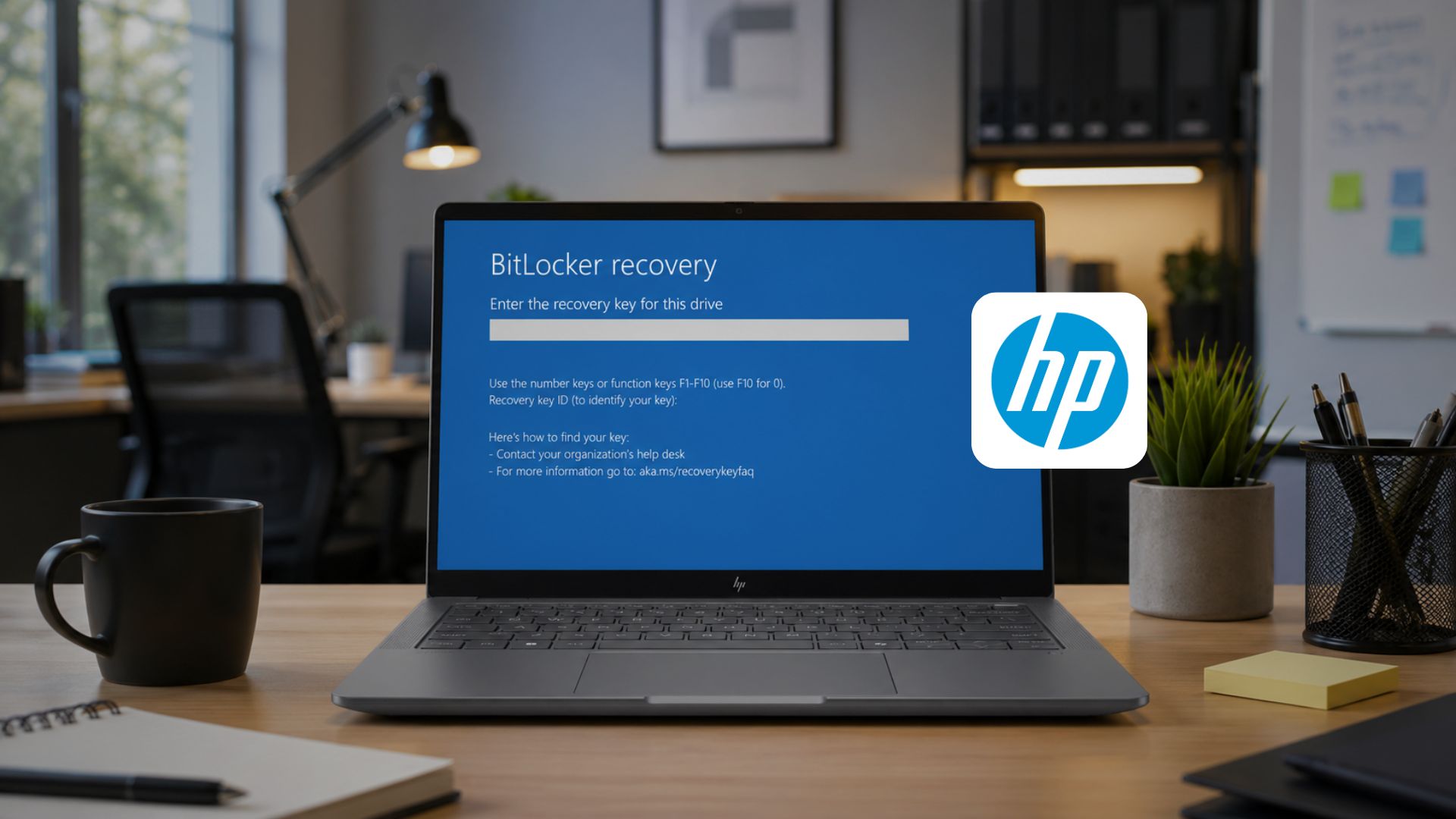
For a yellow or red warning, check your PC maker’s support page, as Dell, HP, Lenovo, Asus, and Acer all have Secure Boot pages with BIOS updates. Back up your BitLocker recovery key first, because some of HP’s April BIOS updates put PCs in a BitLocker recovery loop.
Whatever you do, don’t turn off Secure Boot, as Microsoft says it “should not be disabled to work around certificate expiration.” Windows still moves such PCs to the 2023-signed boot manager, so turning Secure Boot back on later can leave a PC unbootable if its firmware trusts only the 2011 certificate. Resetting the BIOS to factory defaults has a similar risk unless those defaults include the 2023 certificates.
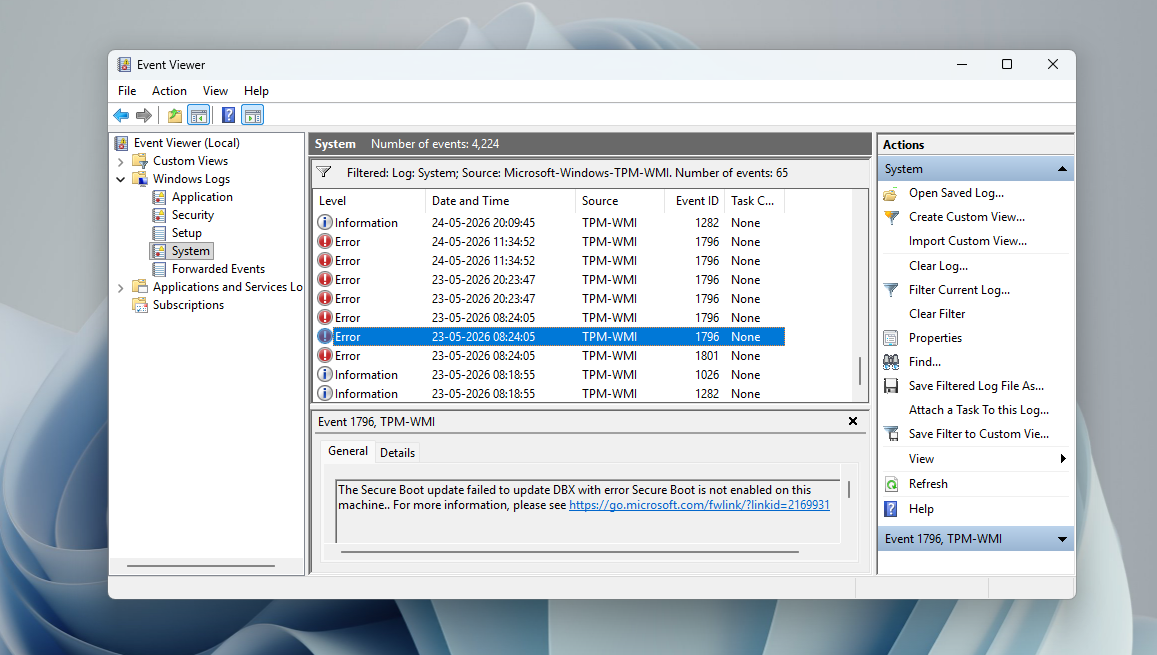
Microsoft is still rolling out the Secure Boot update after the June deadlines
Microsoft released the update to all eligible PCs hours before the first expiry, and it’s still pushing it. The September 8 update, KB5124008, added “additional high confidence device targeting data,” which unlocked the update for more PCs. With the October 13 update, Microsoft says it “will continue delivering the newer Secure Boot certificates to eligible devices through Windows Update.”
The rollout looks slow because of Microsoft’s high-confidence database. PCs are grouped into buckets by hardware and firmware, and a bucket gets the update automatically only after similar PCs update successfully. The June update moved most consumer PCs with diagnostic data into the high-confidence group, and Microsoft refreshes the data twice a month. A PC offline for months still gets the certificates when it reconnects.
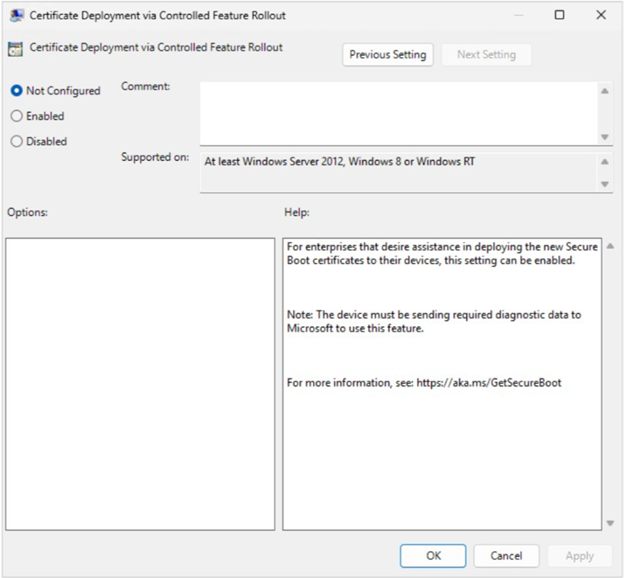
Dell won’t release BIOS updates for platforms that reached end of service life before January 1, 2026, and Secure Boot has been a messy ride on older PCs, with stuck KEK updates and BitLocker loops even on HP’s latest firmware. Some ASUS, MSI, and ASRock boards struggled with the 2023 updates back in March.
By the way, PCA 2011 also signs Windows files outside the boot process. Microsoft’s August code signing document says Windows signing is moving to Microsoft Windows Production PCA 2026, and the September 10 Release Preview builds, 26100.9539 and 26200.9539, are already signed with it. Microsoft advises developers not to pin the Secure Boot certificates in their apps.
Lastly, don’t assume one Windows update finished the job. PCs may restart a few times as the certificates move into firmware, and the new SecureBoot folder in C:\Windows is expected. Microsoft considers a PC as fully updated only when it has both the 2023 certificates and the new boot manager, which is why the green checkmark is the one to trust.