







When Microsoft rolled out the September 2026 Patch Tuesday update, it once again reminded us that the Secure Boot certificate update is still being rolled out. The company says it’ll continue to release Secure Boot updates, even though the first certificate deadlines have already passed, and the second major deadline is in October 2026.
In the release notes of Windows 11 KB5124008 (Build 26200.9445), Microsoft noted that it expanded the rollout of Secure Boot certificates yet again, and more PCs that fall under “high confidence” are now eligible to receive them.
“This update includes additional high confidence device targeting data, increasing coverage of devices eligible to automatically receive new Secure Boot certificates,” Microsoft noted in the September 2026 update documentation.
When you’ve got all the necessary Secure Boot updates downloaded, your PC might be asked to reboot one additional time, and it usually happens alongside these monthly security updates.
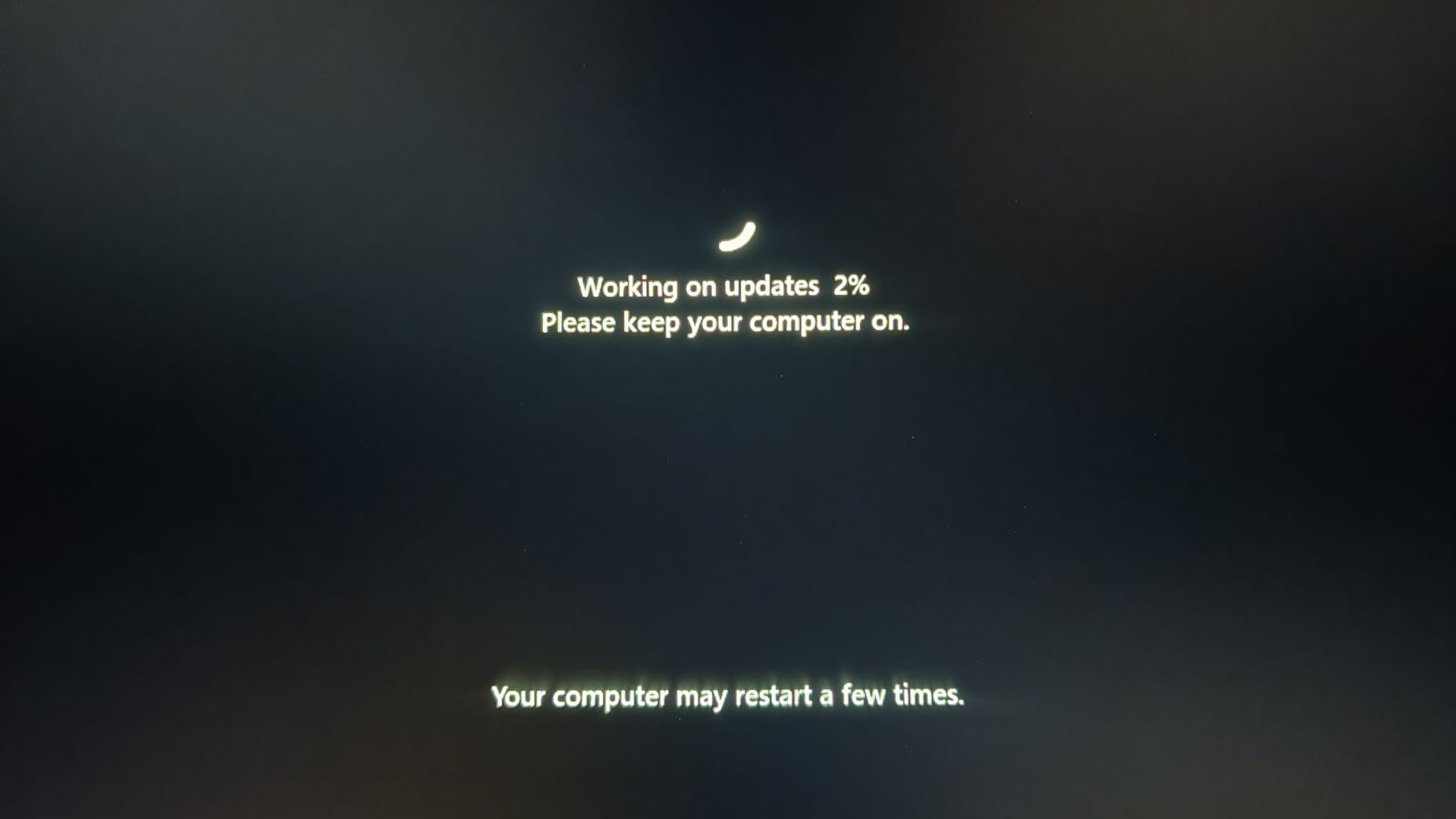
As Windows Latest previously explained, some Secure Boot certificate updates require a reboot to finish installing. Microsoft also says some PCs may need firmware updates before the newer certificates can be applied correctly, and that requires another reboot.
In our tests, we’ve observed that your PC would reboot multiple times for Secure Boot, and even after it has been applied. This happens due to a pending firmware update that the PC manufacturer suddenly remembers is required for your PC.
In another document, Microsoft clarified that the Secure Boot rollout isn’t finished and will continue over the next few months. This aligns with what we heard from Microsoft during an Ask Microsoft Anything session with the Windows experts, who made it clear that updates will keep happening beyond these deadlines.
“We will continue to install the newer certificates via Windows updates in the coming months,” Microsoft previously confirmed.
But wasn’t the major Secure Boot deadline in June 2026, and aren’t we already past that?
What is actually happening with Secure Boot in 2026?
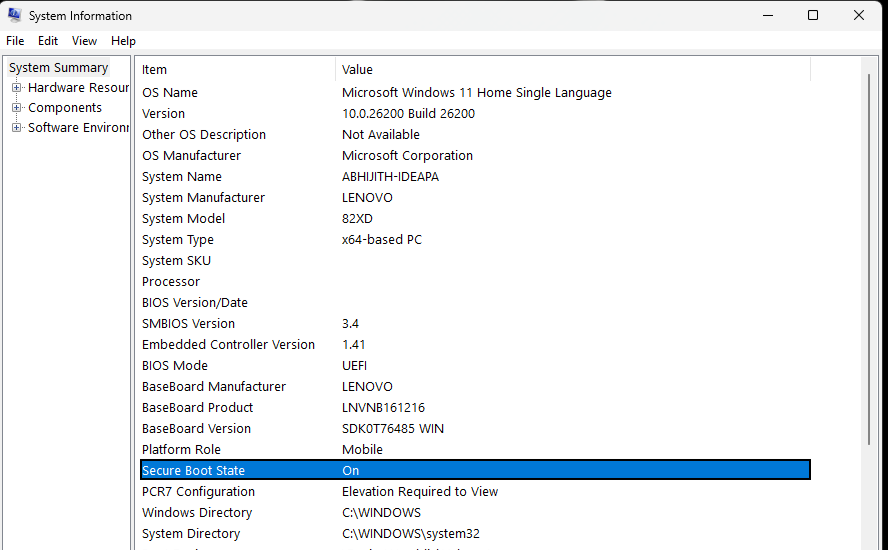
Secure Boot is required by Windows 11, and it uses certificates stored in your computer’s firmware (UEFI) to determine if particular software involved in the boot process is trusted, well before Windows 11 even starts. That means if particular boot-level software isn’t trusted, such as a malicious or compromised boot loader, it’s blocked by Secure Boot before Windows starts.
It’s an excellent idea, at least on paper, but the catch is that the industry does not have a better way to deal with certificates that decide the fate of software at the boot level. And certificates that were last issued in 2011, during the days of Windows 8, are starting to expire in 2026.
But there isn’t a single Secure Boot expiration date, which is why Microsoft says it’ll continue to release Secure Boot updates.
For those unaware, Microsoft’s old certificates expire in stages:
| Old certificate | Expiration | Explanation according to Microsoft |
|---|---|---|
| Microsoft Corporation KEK CA 2011 | June 24, 2026 | Signs updates to Secure Boot’s allowed and revoked databases (DB and DBX) |
| Microsoft UEFI CA 2011 | June 27, 2026 | Signs third-party boot loaders, EFI apps, and some option ROMs |
| Microsoft Windows Production PCA 2011 | October 19, 2026 | Used for signing the Windows boot loader |
The first two dates have already passed.
We’re already past the June 24 and June 27 deadlines, but that doesn’t mean the Secure Boot transition is over. June 24 was the deadline for Microsoft Corporation KEK CA 2011, while Microsoft UEFI CA 2011 expired on June 27.
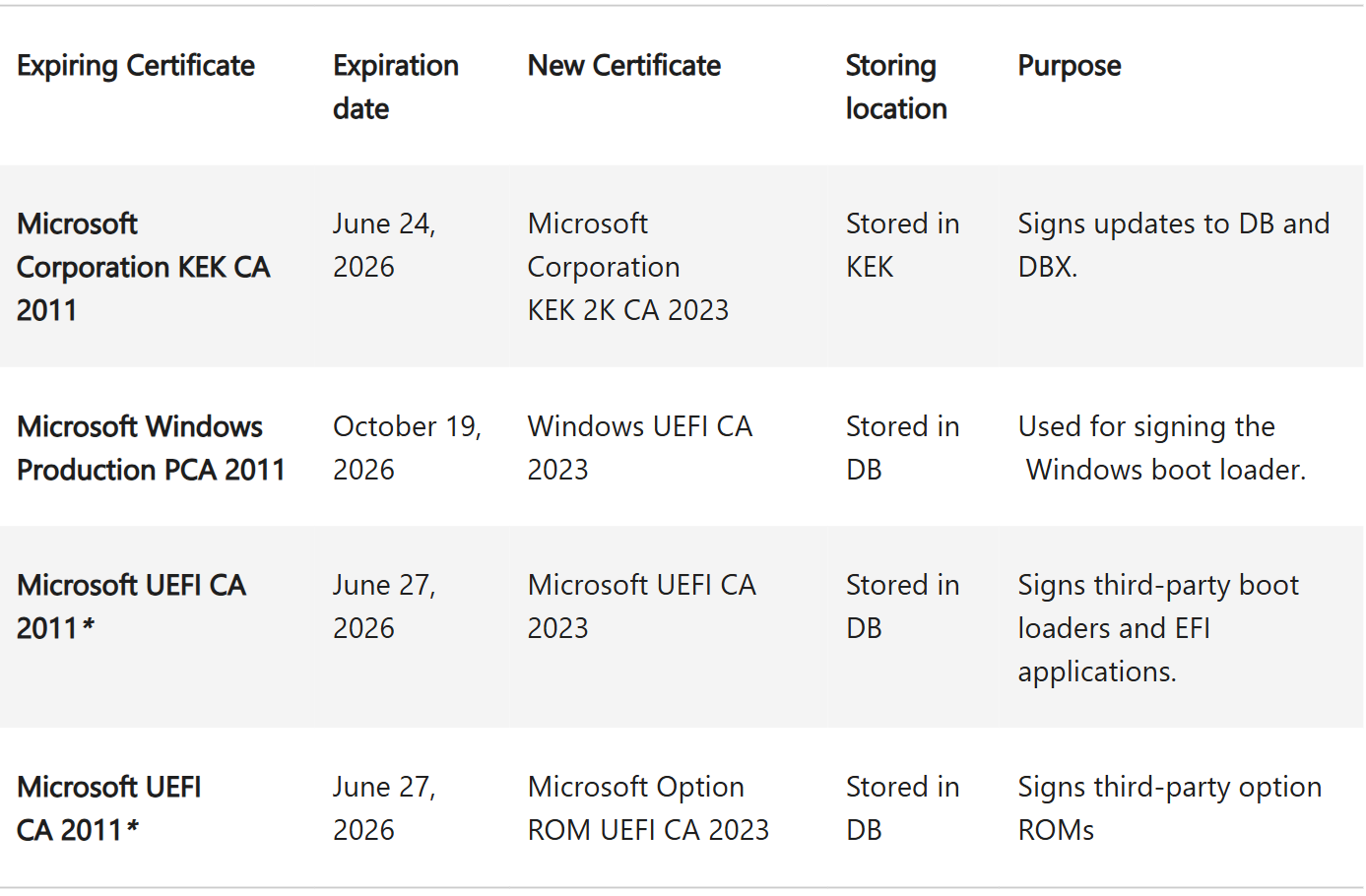
Now, the next big date is October 19, 2026, when Microsoft Windows Production PCA 2011 expires. Microsoft says this certificate is used for signing the Windows boot loader, which makes it important as well.
Here’s what you must do before the October Secure Boot deadline
For most Windows 11 users, there isn’t much to do manually. Microsoft is rolling out the new Secure Boot certificates through Windows Update, so make sure you’ve installed the latest updates, including the September 2026 Update
You can also check if Secure Boot is updated by going to Windows Security > Device security > Secure Boot. It must tell you that “Secure Boot is on and all required certificate updates have been applied. No further certificate changes are needed.”
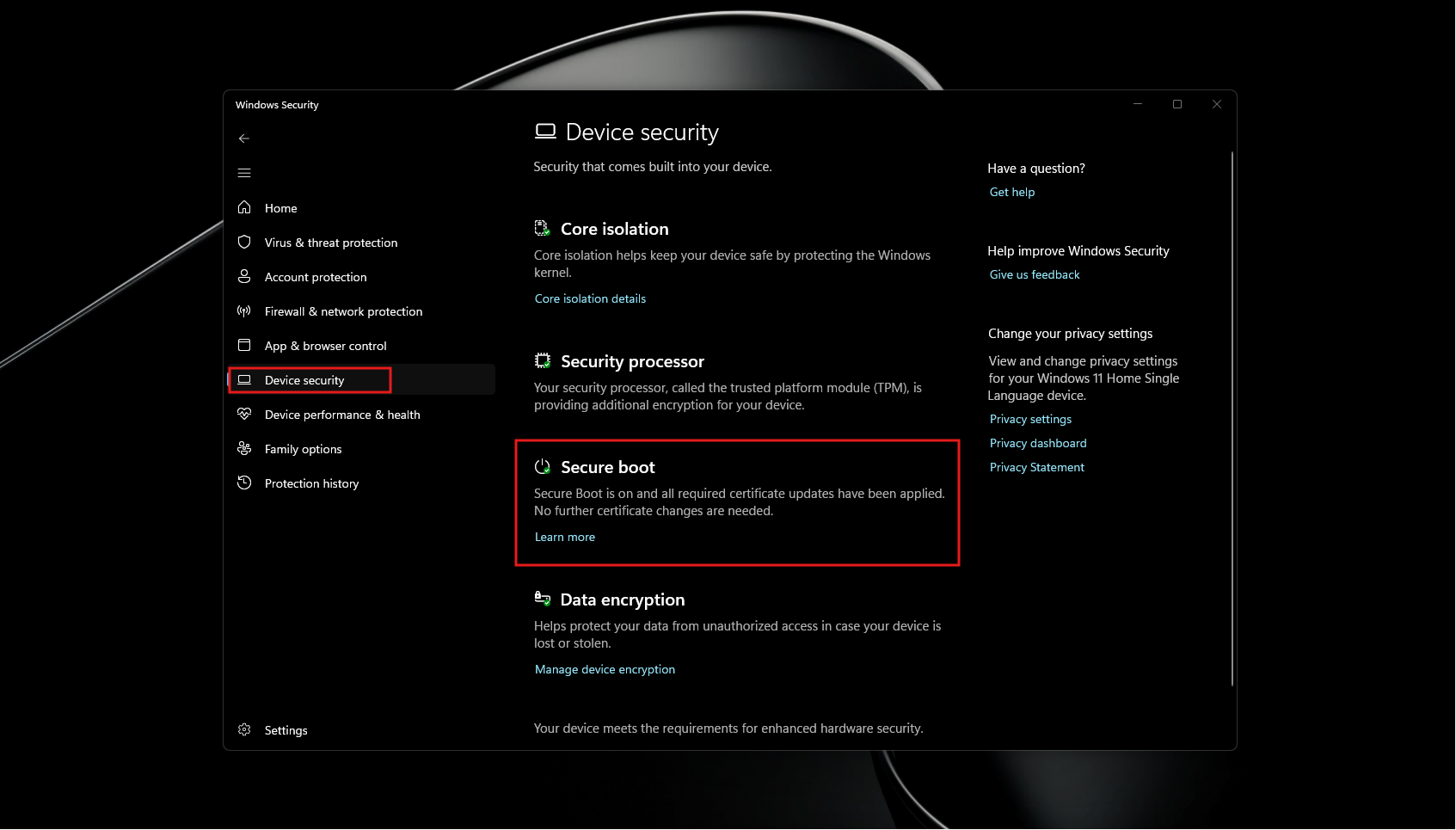
If Windows says you’re still using an older boot trust configuration, keep Windows Update enabled and check for any firmware or BIOS updates from your PC manufacturer.
We’ve been closely following Secure Boot certificate-related changes. When the June 24 deadline arrived, Microsoft significantly expanded the number of devices eligible to automatically receive the newer certificates, but the company never treated June 24 as the end of the rollout.
In fact, Microsoft had already confirmed before the first deadline that June 24 was not a hard stop and there was no end date where the update mechanism would suddenly stop working.
Microsoft and OEMs also confirmed in July that compatible devices won’t suddenly lose their ability to move to the 2023 certificates just because one of the old certificates has expired.
Microsoft repeated that message again in July, adding that PCs without the newer certificates will continue to start normally and receive standard Windows updates while Microsoft continues rolling out the certificates.
September’s Windows 11 update once again expands the targeting data used by Microsoft to decide which PCs can safely receive the certificates, and Microsoft says certificate deployment will continue across supported PCs and non-managed business devices in the coming months.