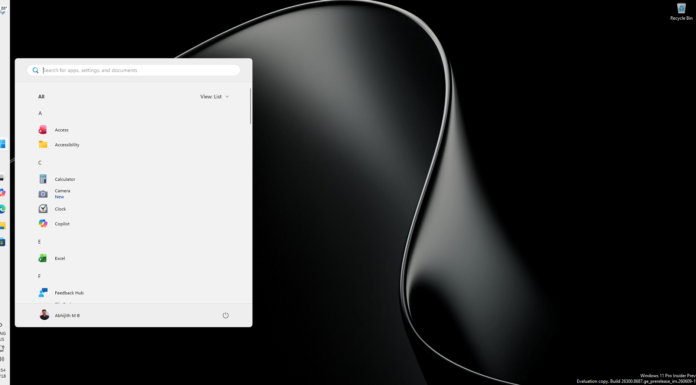







Windows 11 is getting “accelerated app launches,” and Microsoft Edge is the first app to use them. When Edge is already running in the background and you click a link or open it from the taskbar or Start, Windows now sends the request straight to the running Edge instead of first starting an extra, temporary process.
We spotted the change in the latest Release Preview update, where Microsoft also calls it “the first step in a broader Windows capability that any app can adopt to speed up its own launches.”
If implemented, this could make opening apps in Windows faster, and I sure hope it gets picked up, because the OS is infamous for taking time to open certain apps when other apps are running.
Windows 11 now skips an extra process when opening Edge
Microsoft released KB5127936 to Windows Insiders in the Release Preview Channel on October 16, 2026, moving Windows 11 25H2 to Build 26200.9807 and 26H2 to Build 26300.9807. The Edge change is part of the gradual rollout, so it may not show up right after installing the update.
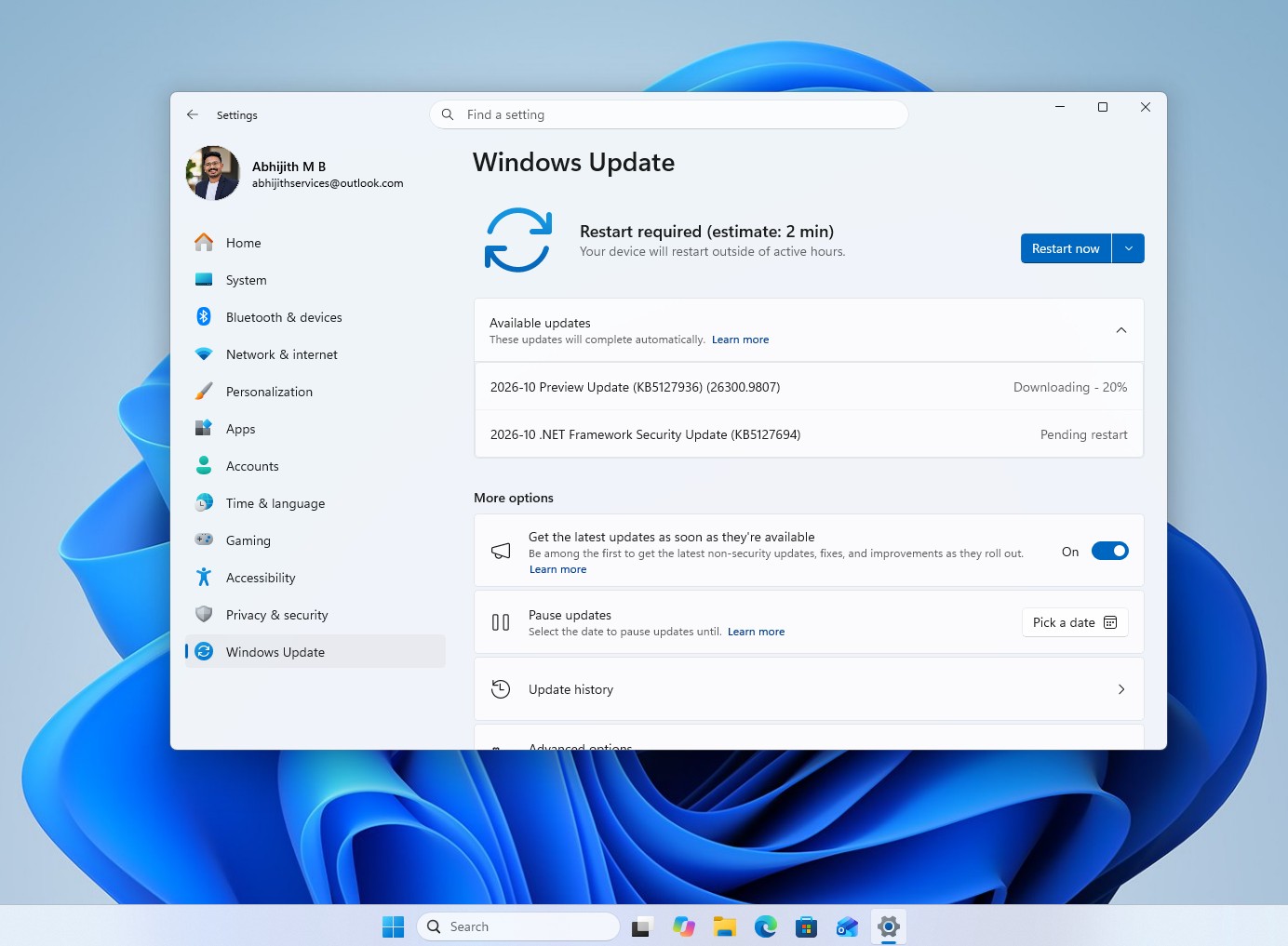
“Windows now routes your request directly to the running instance instead of first starting an extra, temporary process,” Microsoft says in the changelog. “Removing that step shortens the launch path, so Edge responds more quickly, most noticeably on busy devices when you’re multitasking.”
The change only helps warm launches, where Edge is already running in the background. It’s more common than you’d think, as Edge’s Startup boost keeps it running in the background even after you close it. Opening Edge for the first time after a restart won’t get faster, and Microsoft hasn’t shared how many milliseconds it saves.
Microsoft wants every Windows app to launch faster, too
By default, many Windows apps are multi-instanced, meaning every launch starts a new process and a new window. Apps like Edge are single-instanced, and Microsoft’s app instancing documentation says “attempting to launch a second instance of a single-instanced app typically results in the first instance’s main window being activated instead.”
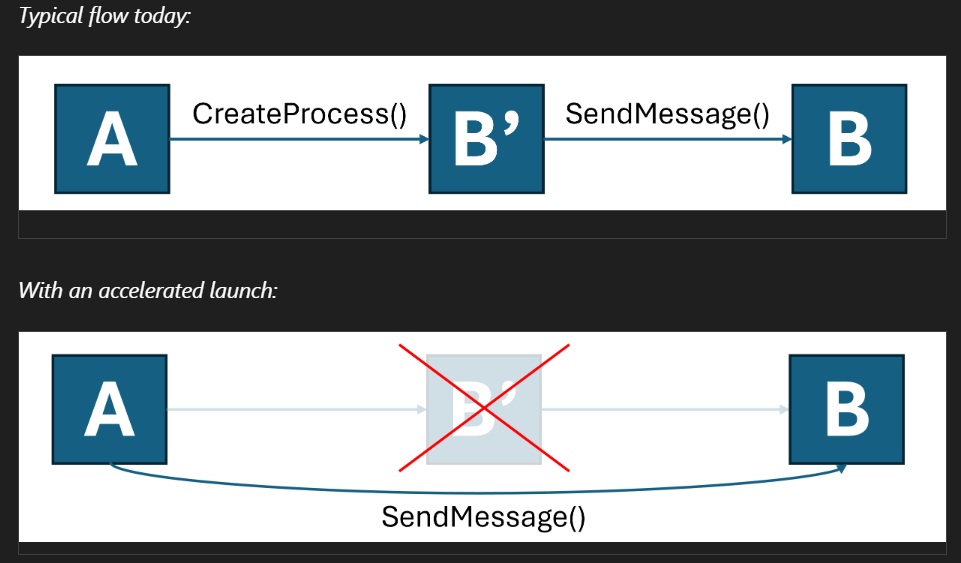
The issue with this approach is in how Windows gets there. When you click a single-instanced app’s icon or a link, it should open, but Windows still starts a new process. The new process checks whether the app is already running, hands your request over to it, and then exits. It’s a pointless middleman, and on a PC that’s already busy, starting it takes time.
Microsoft has been quietly working on removing this middleman. A Microsoft Learn page titled “Register your application for accelerated warm launches”, dated just over an year ago in October 2025, explains it for developers. With an accelerated launch, the running app registers a window with Windows, and when you launch it again from its Start menu icon or taskbar or a link that opens it, Windows sends the request straight to that window. Microsoft says this “reduces overall latency by eliminating the intermediary process.”
However, apps don’t get it for free, according to the documentation.
- The APIs are a Limited Access Feature, so developers have to request an unlock token from Microsoft.
- Apps register through an experimental API, IExperimentalAPIInvoker, for Start tile and link launches.
- Links are only accelerated for protocols the app is the default handler for.
- Apps must keep their own single-instance code, because the feature “doesn’t cover every kind of launch, from every source application, on every version of Windows.”
So, Edge using it doesn’t mean Spotify or Discord will open faster next month. But if Microsoft opens up the APIs, any single-instanced app you keep running in the background could skip the middleman, too.
Windows already has other ways to speed up app launches
Microsoft has tried to make apps open faster before, but mostly by keeping them running in the background.
Edge’s Startup boost “starts core Microsoft Edge processes in the background to keep them ready when the browser is closed,” according to Microsoft. Office does it too, as Microsoft added a Startup Boost task that keeps Word loaded in a paused state on PCs with at least 8GB of RAM.
File Explorer got a preload, too. When we tested its preloading last year, Windows 11’s File Explorer still opened slower than Windows 10’s, and the preloaded process used an extra 35MB of RAM.
Accelerated launches take the opposite route. Instead of keeping more stuff in memory, Windows simply skips work it didn’t need to do, and I’d take that over another background process any day. Microsoft is also making WinUI lighter on RAM, so the next few months could make Windows 11 feel snappier while also using lesser memory, which we already tested in 26H2 that uses 2GB lesser RAM.
If Microsoft follows its usual schedule, accelerated Edge launches should reach the optional update later this month and everyone with the November 2026 Patch Tuesday update on November 10, though the gradual rollout means some PCs will get it later.