







Microsoft has multiple editions of Windows 10, such as Pro, Home, and LTSC. Although LTSC is typically meant for businesses, some clever consumers also use it, and one of the most popular editions is Windows 10 Enterprise LTSC 2021. Now, it’s reaching the end of support in January 2027, and Microsoft wants you to prepare by paying $61 per device.
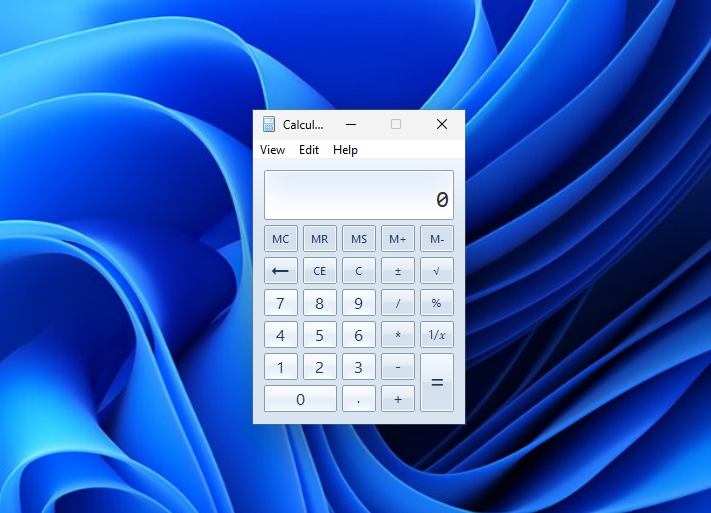
For those unaware, LTSC is separate from the regular versions of Windows 10, such as Home, Pro, Enterprise, and Education. Unlike these regular editions, Windows 10 LTSC feels like a breath of fresh air, as it doesn’t come with ads, bloatware, or even many of Microsoft’s own apps. For example, you don’t even get the UWP Calculator app by default.
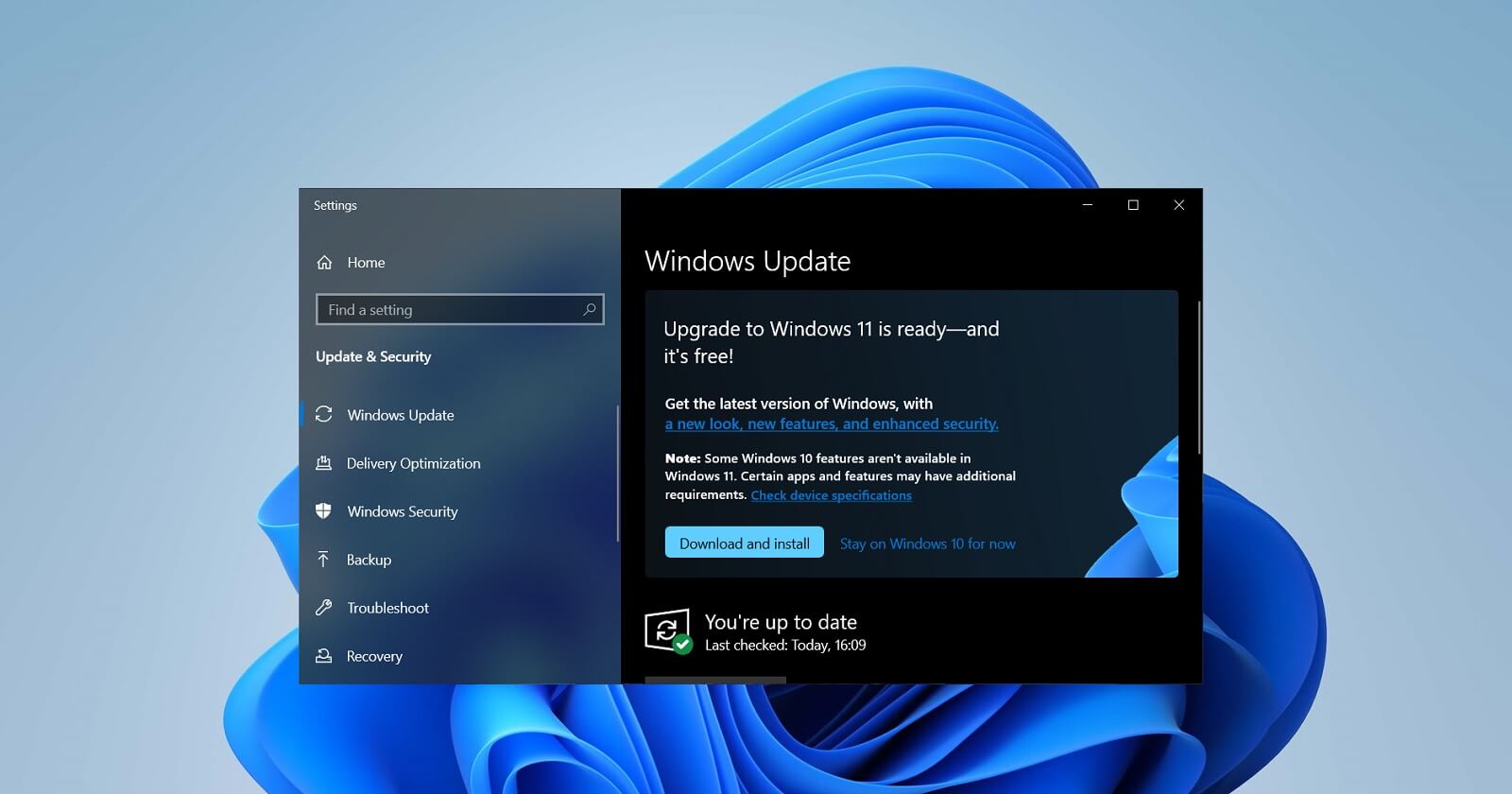
In a statement to Windows Latest and other enterprises, Microsoft reminded us that support for Windows 10 Enterprise LTSC 2021 is ending. This OS version first shipped in November 2021 and will reach the end of support on January 12, 2027.
After that date, if you use this edition of Windows LTSC, whether through enterprise licensing or unofficial methods, you will no longer receive regular security updates, including fixes for critical bugs.
I made a small table that explains Windows 10’s end-of-support dates for those still using it, along with the available options for extending updates:
| Windows 10 edition | Version | Release date | End of support | Extended to |
|---|---|---|---|---|
| Home and Pro | 22H2 | October 18, 2022 | October 14, 2025 | October 12, 2027 with consumer ESU |
| Enterprise and Education | 22H2 | October 18, 2022 | October 14, 2025 | October 10, 2028 with commercial ESU |
| Enterprise and IoT Enterprise LTSB 2015 | 1507 | July 29, 2015 | October 14, 2025 | Not available |
| Enterprise and IoT Enterprise LTSB 2016 | 1607 | August 2, 2016 | October 13, 2026 | Up to three additional years with paid ESU |
| Enterprise and IoT Enterprise LTSC 2019 | 1809 | November 13, 2018 | January 9, 2029 | Not announced |
| Enterprise LTSC 2021 | 21H2 | November 16, 2021 | January 12, 2027 | January 8, 2030 with paid ESU |
| IoT Enterprise LTSC 2021 | 21H2 | November 16, 2021 | January 13, 2032 | Not required |
Of course, Windows 10 LTSC, just like Windows 10 Home or even Windows 7, will not stop working after it reaches the end of support. It’s more about receiving regular fixes, and these monthly cumulative updates are now more important than ever. As Microsoft previously told us, you should not delay updates by more than three days due to rising AI-powered security threats.
In either case, it’s always better to use a supported version, and Microsoft has shared three options for those affected.
How to prepare for Windows 10 LTSC 2021 end of support
The first option is to move to another supported edition of Windows 10 LTSC. Enterprise LTSC 2019, along with its IoT equivalent, remains supported until January 9, 2029. The 2019 release has a longer lifecycle, while the regular Enterprise LTSC 2021 edition received only five years of support.
There is also Windows 10 IoT Enterprise LTSC 2021, which is a separate edition and remains supported until January 13, 2032. Most consumers who use an IoT edition rely on IoT Enterprise LTSC, and Microsoft says the new ESU offer does not apply to it because it is already covered by its existing lifecycle until 2032.
The second option is to pay $61 per device for the first year of Extended Security Updates for Windows 10 Enterprise LTSC 2021. The first year costs $61 per device, or $45 for organizations using Microsoft Intune or Windows Autopatch.
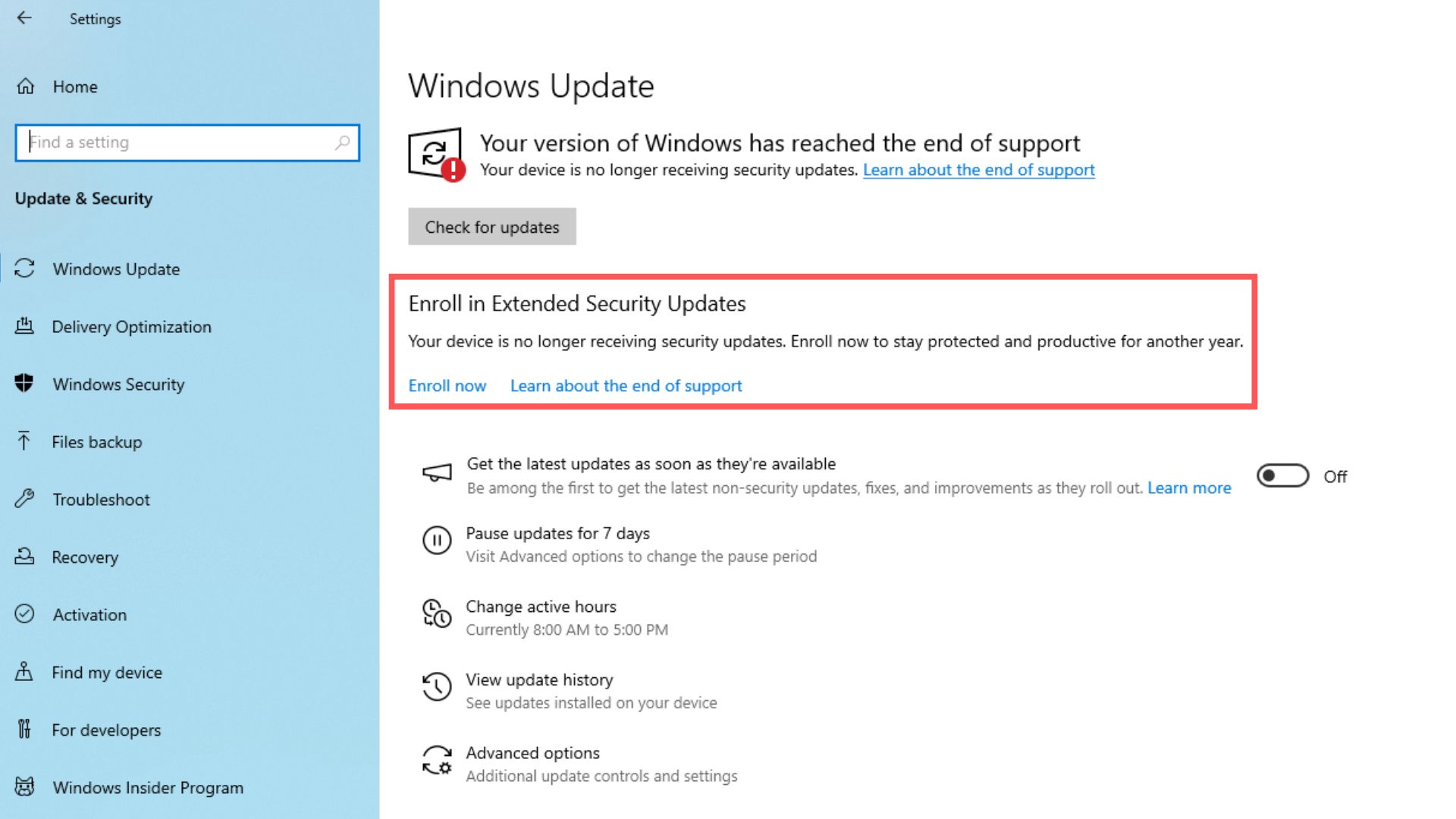
The ESU program will be available for up to three years after support ends, allowing Windows 10 Enterprise LTSC 2021 to continue receiving security updates through January 8, 2030. However, the price doubles every year.
Also, if you wait until the second year to enroll a device, Microsoft will require you to pay for both the first and second years.
Microsoft also makes it clear that ESU is only a temporary bridge and does not restore full support. It includes critical and important security updates, but you will not receive new features, general quality fixes, design changes, or regular technical support.
The third option, which is obviously Microsoft’s recommendation, is to upgrade to Windows 11 Enterprise LTSC 2024.
How good is Windows 11 LTSC?
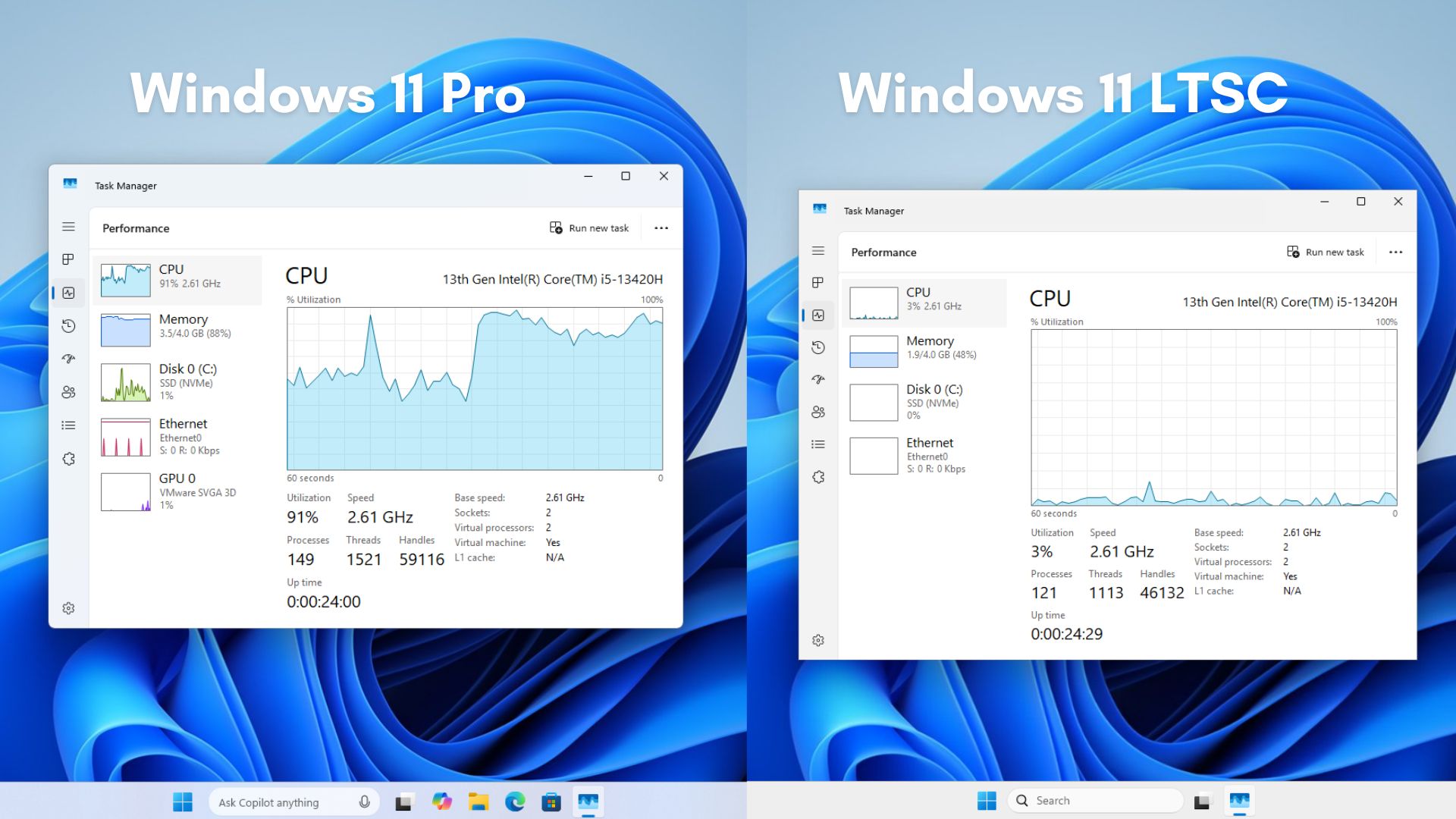
Windows 11 LTSC is designed for enterprises, so it doesn’t come with pre-installed apps, popularly referred to as “bloat.” This means you’re not going to find apps such as Clipchamp or HP Support. You’d find these in regular editions of Windows, but they’re missing from Windows 11 LTSC.
There are also other changes that make LTSC far more stable and calmer. For example, Windows 11’s drag and drop tray, which lets you transfer files, is not turned on by default in LTSC:
It also doesn’t come with Copilot, so that’s another win for those who prefer vanilla Windows 11, but you cannot officially use it as a consumer. You have to buy it as an organization or enterprise.
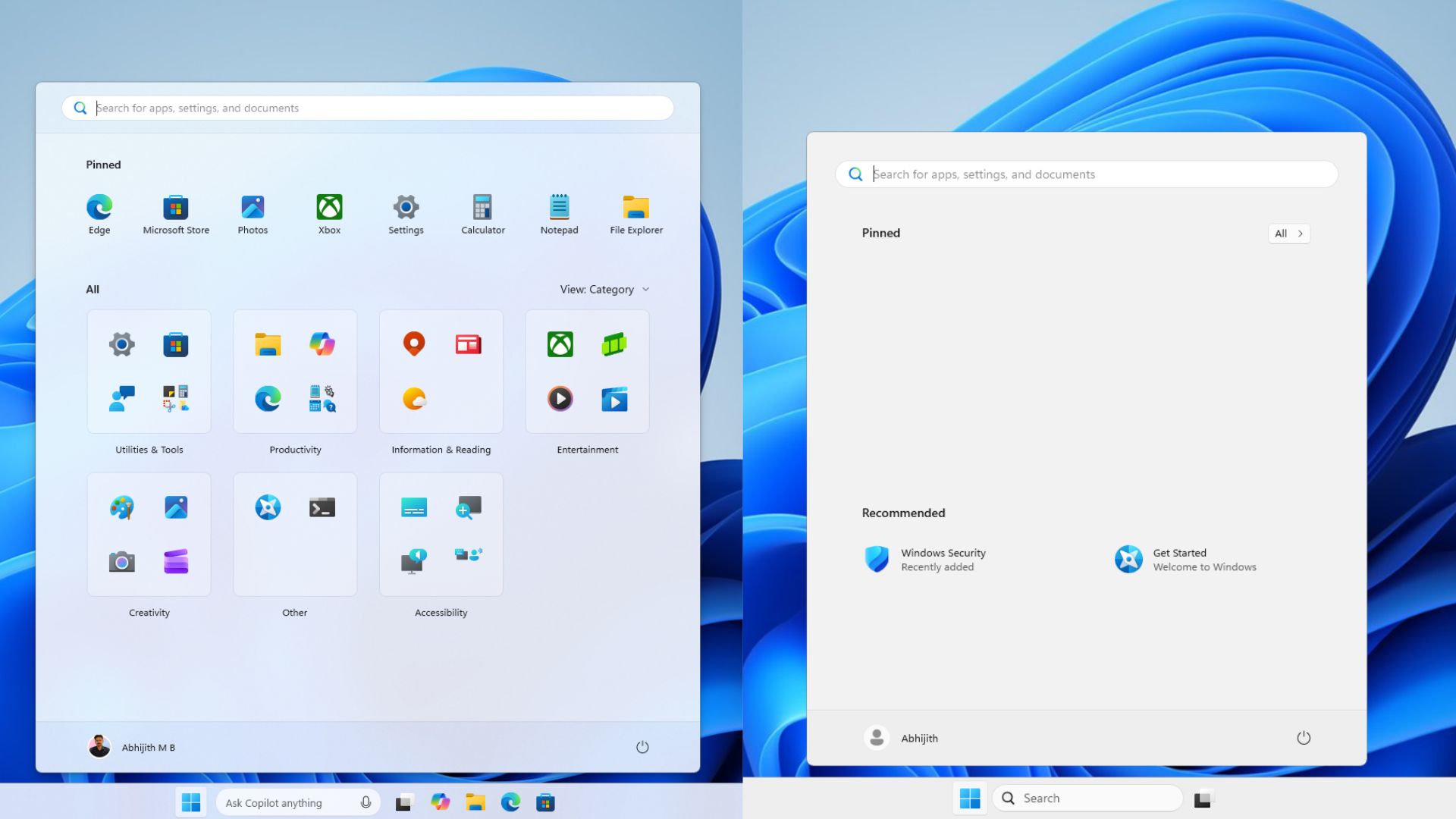
I’ve been using Windows 11 LTSC for a long time now, and while it may not be as good as the LTSC version of Windows 10, you’re going to love it compared to standard Windows 11.
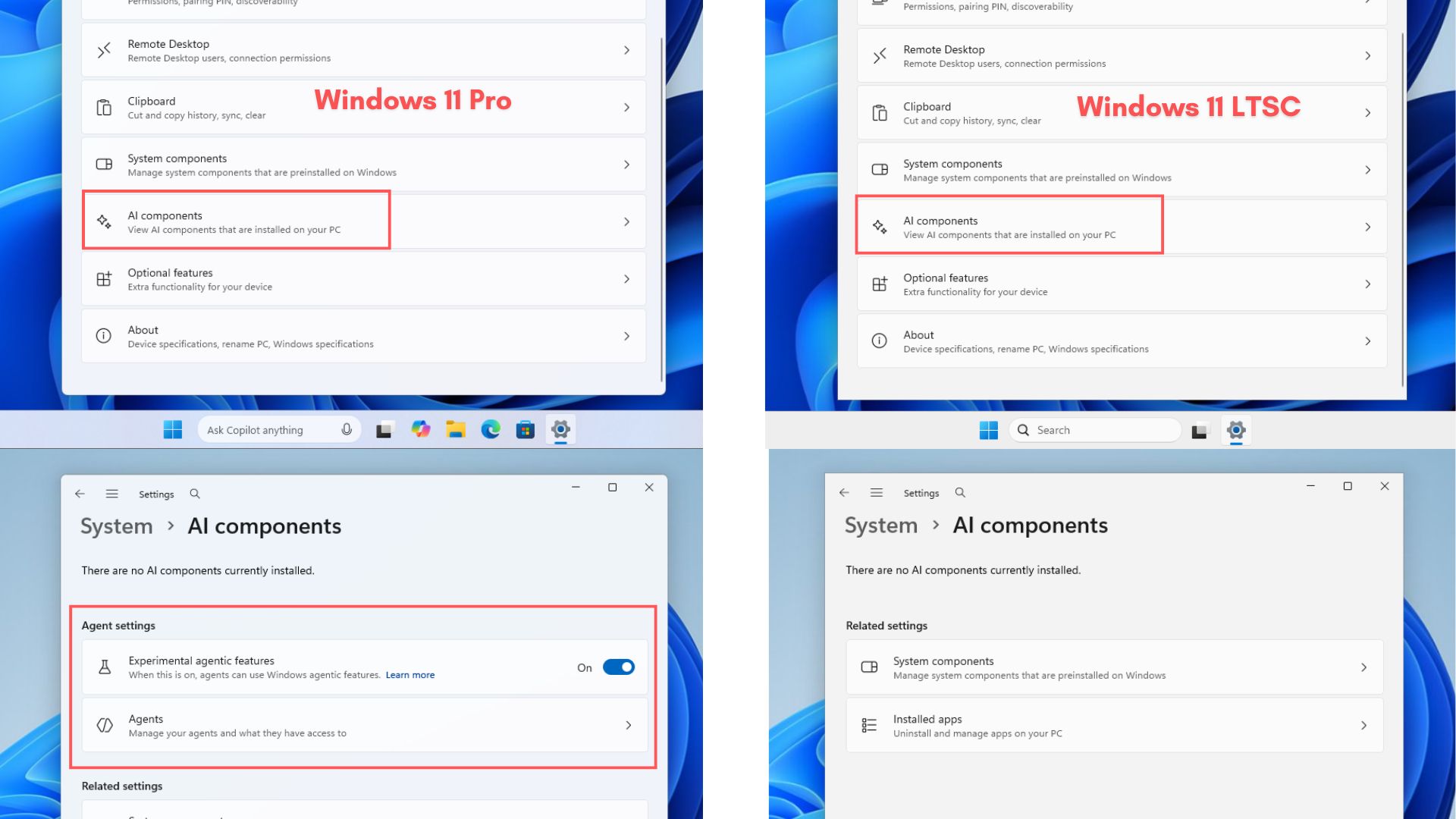
It doesn’t come with the modern versions of Notepad, Paint, or Calculator. All of them use their classic versions, and there’s no Widgets board, Copilot on the taskbar, or even Microsoft Store.
Windows 11 LTSC is just as good as Windows 10 LTSC, and the only major difference comes down to the usual design changes. It’s a matter of preference at this point, as I did not find Windows 11 noticeably slower than its Windows 10 counterpart.
Regardless, if you use Windows 10 Enterprise LTSC 2021, you need to make a decision soon. I expect Microsoft to launch a massive Windows 11 campaign and try to convert more consumers before Windows 10’s extended support finally concludes in October 2027.