




Microsoft is making Windows 10 less appealing to holdouts by limiting Microsoft 365 and OneDrive, and Microsoft 365-related changes will begin rolling out in August 2026. This month, Microsoft 365 version 2608, which covers all Office apps and Copilot, will be the last major release for Windows 10, and you’ll be asked to move to Windows 11 if you want new features.
Microsoft has pledged support for Office apps on Windows 10 until at least October 10, 2028, and we have no indication that it’ll extend support beyond that date. But that doesn’t mean Office apps will stop working on Windows 10.
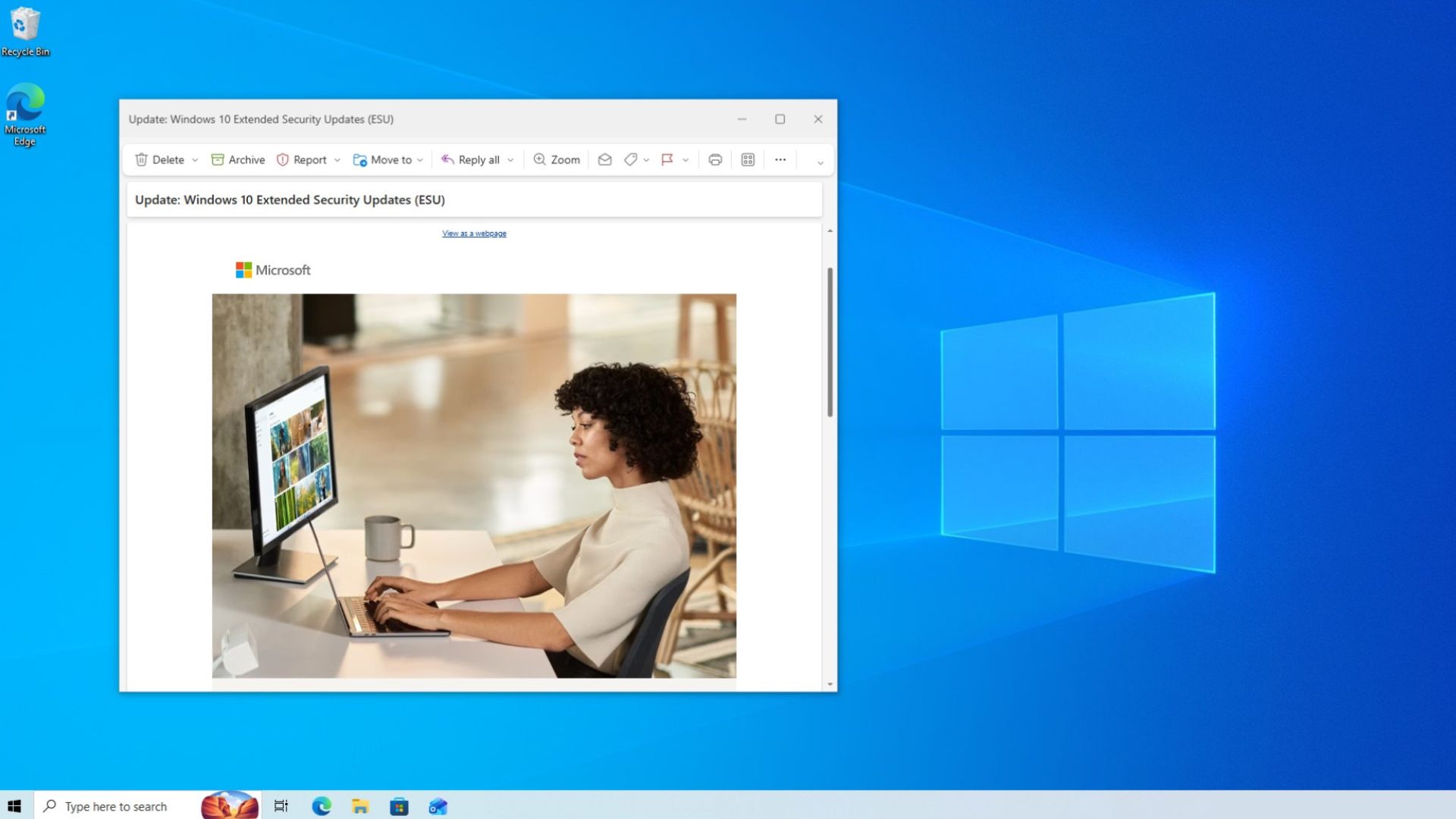
In a support document, Microsoft noted that Office apps remain supported on Windows 10 until October 2028, and there are no changes to the plan it outlined last year. However, it won’t release new features after version 2608, which is set to begin rolling out in August 2026.
“Devices running Microsoft 365 Apps on Windows 10 will receive feature updates and Copilot support (where eligible) until Version 2608 is released,” Microsoft noted. “Devices will remain on Version 2608, receiving only security updates until October 10, 2028.”
Version 2607 was released on August 11, and we’re expecting version 2608 in two weeks.
Once this update rolls out, you can keep using Office apps on Windows 10 for another two years, but you won’t get new features available on Windows 11 or even macOS.
This means Office apps for Windows 10 are now officially in a “frozen development” state.
Sorry, Microsoft. You can’t convince Windows 10 holdouts to embrace Windows 11 by limiting Office apps
Microsoft may be making a big deal out of limiting Office app updates on Windows 10, but I don’t think it’s a major loss for most people, at least initially. If you look at the release notes, most of the major new features for Office products have been more or less around Copilot or Microsoft’s agents.
For example, PowerPoint’s last major update rolled out in April, and it added the ability to edit your presentation with Copilot. This means you can use Copilot in PowerPoint to refine presentations, add new content directly inside PowerPoint, generate slides, and improve layouts, as long as you have a Copilot subscription.
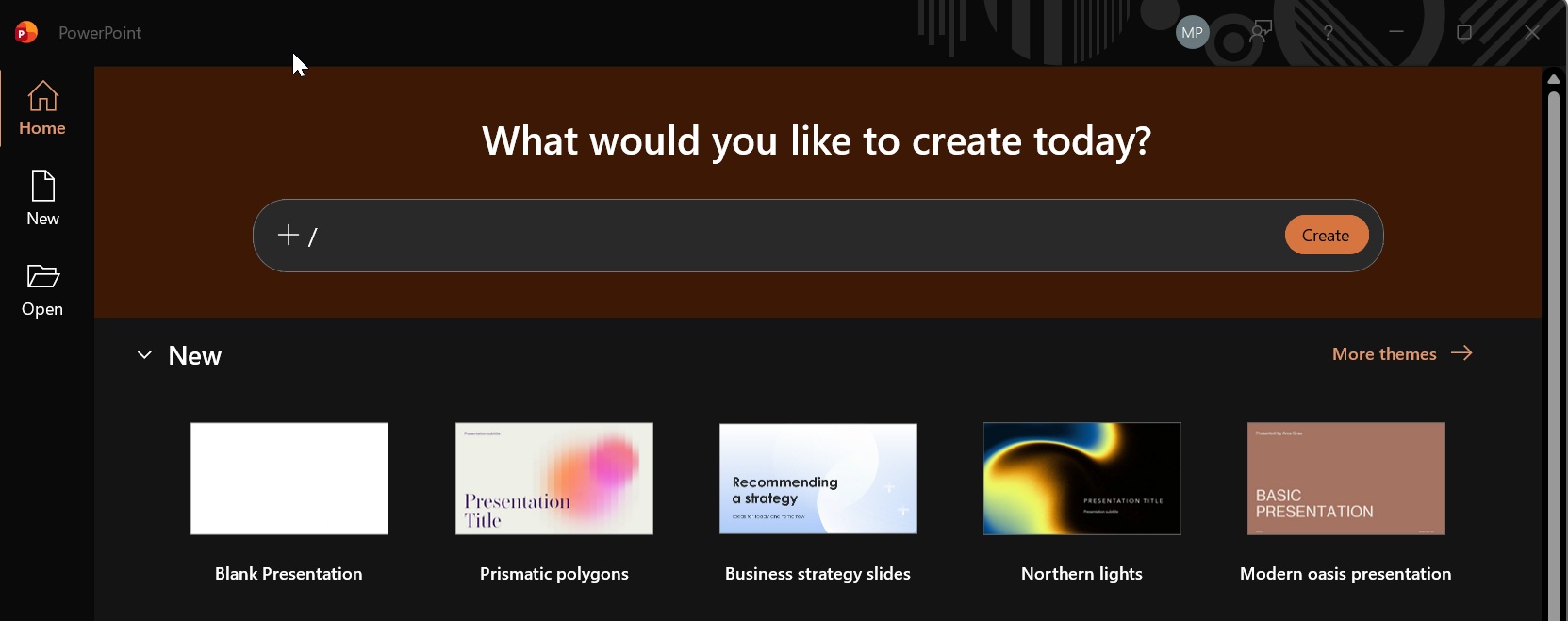
We had a similar update in February when Microsoft added support for agents in Word, and that has pretty much been it.
As much as Microsoft may want to deny it, the reality is that these Office apps are mostly feature-complete, and enterprises or consumers are more than happy with the current state of the features.
Ironically, most of the major problems with Office apps have also been around Copilot, such as a floating Copilot button that made it difficult to read cells in Excel.
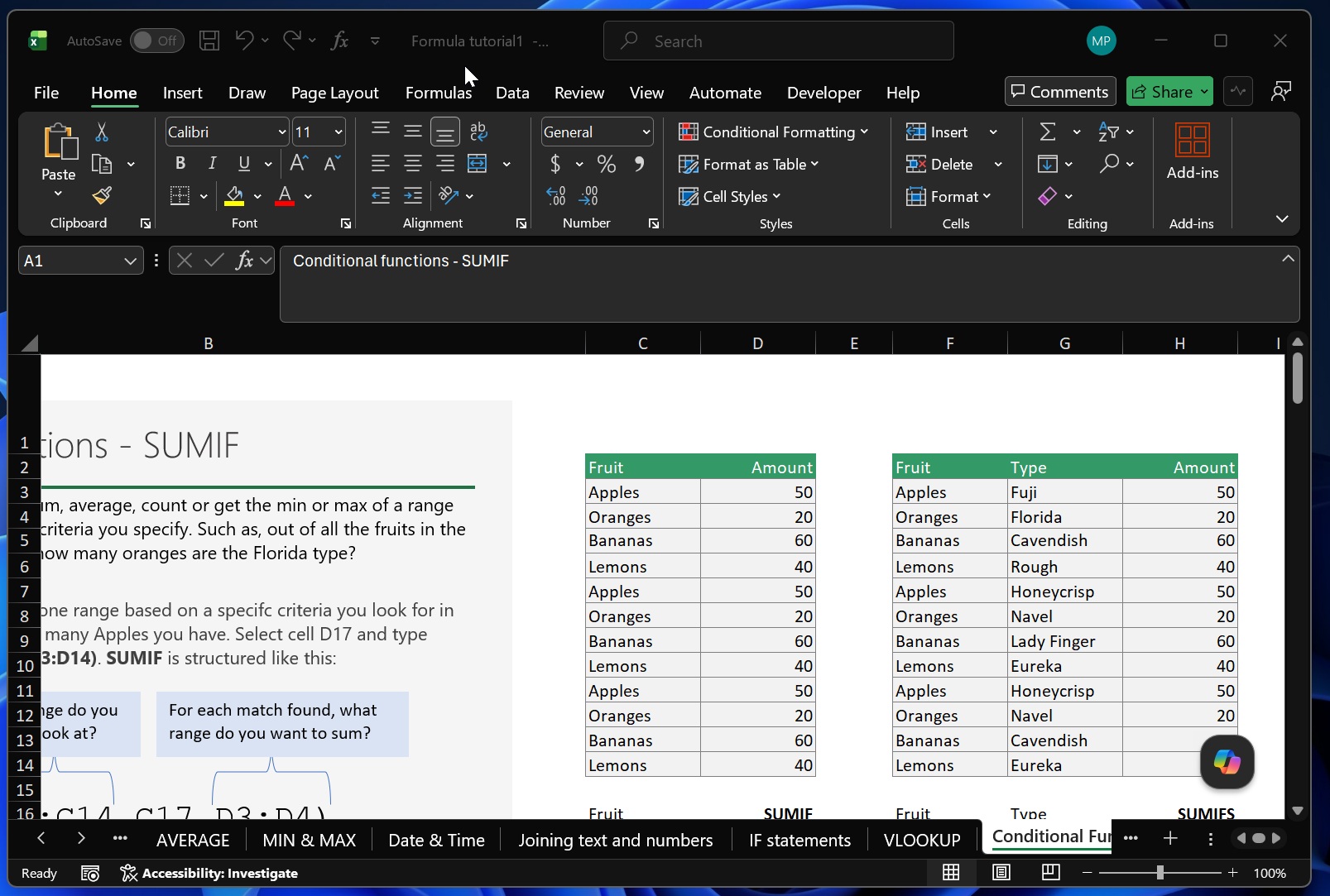
It was eventually rolled back after outrage, but if Microsoft really follows its own announcement, Windows 10 users will no longer be victims of wild AI tests.
But, of course, for Microsoft, it’s also an opportunity to create a fear of missing out by limiting new features on Windows 10. My only concern is that Microsoft could ship features and integrate them into other products in ways that make Office apps a bit more difficult to use on Windows 10, which could convince some customers to make the switch.
What about OneDrive for Windows 10? Will it stop working?
OneDrive will not stop working on Windows 10 as long as you use the most recent version of the OS.
Microsoft plans to retire support for older versions of Windows, mostly those released before Windows 10 22H2. However, most people are already on Windows 10 22H2, so it shouldn’t be an issue. What’s less clear is whether the company will continue releasing new OneDrive features for Windows 10.
“Devices running the OneDrive desktop app on Windows 10 22H2 will continue to receive updates through October 10, 2028. On devices running an older version of Windows 10, the OneDrive desktop app will no longer update,” Microsoft noted in a document.
OneDrive has largely remained on par with Windows 11, and even the controversial OneDrive Photos app has made its way to Windows 10.
But if you use an older version of Windows 10, don’t be surprised if OneDrive eventually stops working properly. And if you use OneDrive on Windows 10 22H2, you should probably lower your expectations for major new features going forward.
Windows 10 holdouts are stubborn, and they don’t have a reason to install Windows 11
According to HP, three in ten PCs still use Windows 10, and those numbers mostly align with other independent figures we have. For example, an IT management company noted that Windows 10 has approximately 17% market share, and adoption of Windows 11 has slowed.
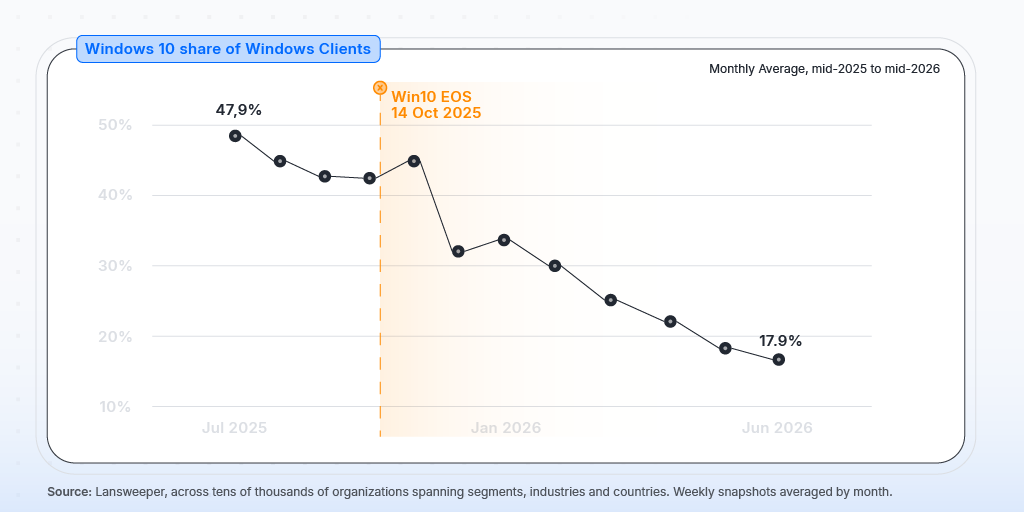
Microsoft also admitted that Windows 10 is no longer driving Windows 11 sales as much as it did last year, and all of that makes sense.
Microsoft has reached a point where it knows Windows 10 holdouts simply won’t abandon it and move to Windows 11. It’s either because Windows 10 works perfectly fine for them, or because they don’t have a valid reason to upgrade their hardware just to run Windows 11, especially as PCs are now almost twice as expensive as before.
What about you? Have you moved over to Windows 11, or are you still hanging out with a perfectly capable Windows 10 PC?