






Microsoft has fixed a Windows 11 bug that could make mouse input stutter in some games, and the fix comes with the October 2026 Patch Tuesday update, KB5127648. We spotted the one-line entry in Microsoft’s changelog without much fanfare, and it is easy to miss a fix for an issue that gamers have been dreading for a long while.
If your mouse has been stuttering in games for no obvious reason, install the latest Windows Update.
Microsoft confirms Windows 11 had a mouse stuttering bug in some games
“This update fixes an issue that could cause mouse input to stutter in some games,” Microsoft says in the KB5127648 release notes, under Gaming. The fix wasn’t in the September 22 optional preview, so it’s new in October.
Microsoft doesn’t say what caused the stutter, which games were affected, or how many gamers were affected (although we found several reports from users). But the fix confirms the problem was on Windows’ side, which some users suspected, while others contemplated replacing their existing gear with more expensive ones.
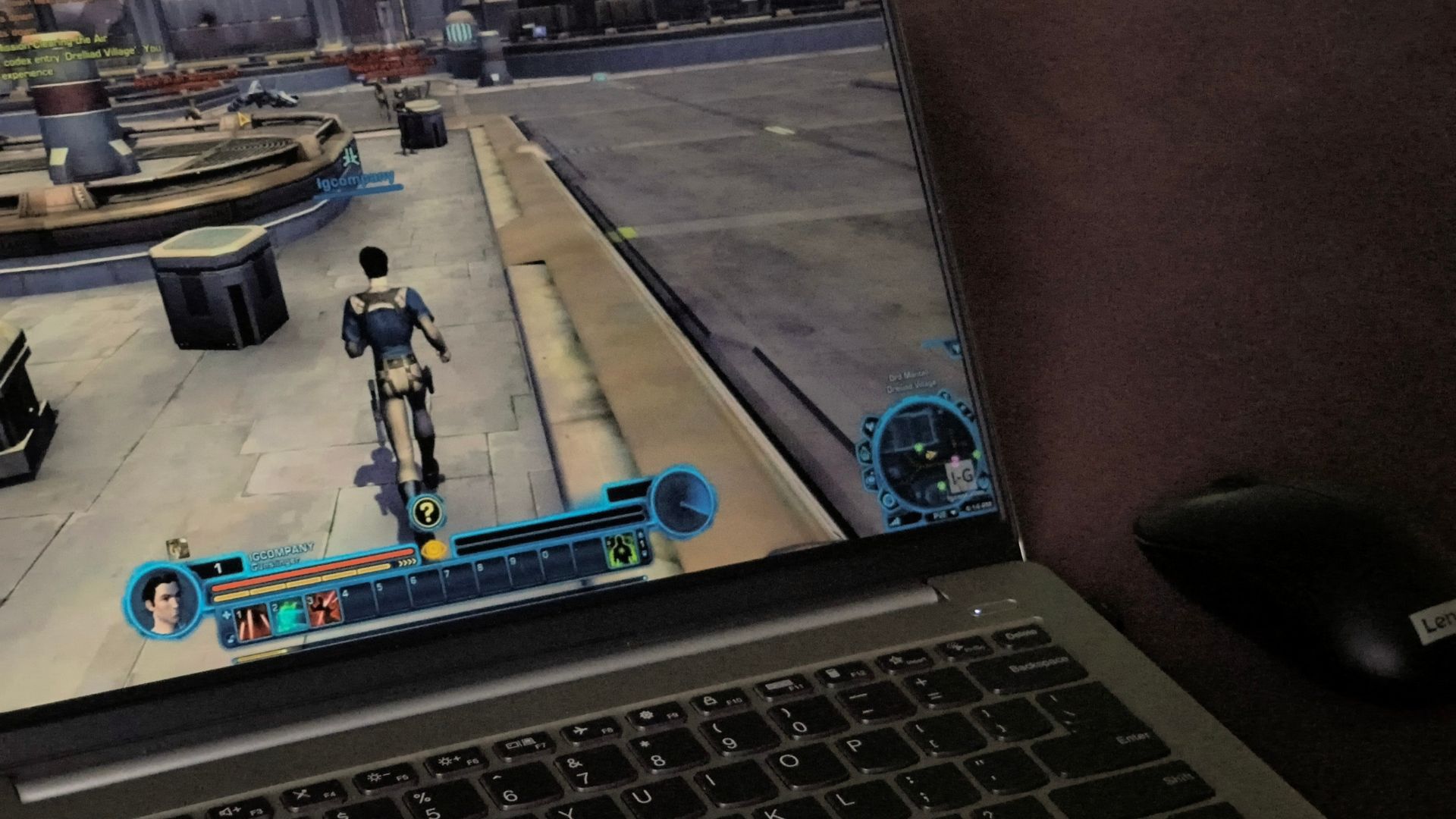
In June, a Windows 11 user posted on Microsoft Q&A that a Windows update had ruined their mouse in Star Wars: The Old Republic and Final Fantasy XIV. In SWTOR, they said, “my mouse would whatever reason does a 360 camera look” after they pressed the Windows key and returned to the game. In Final Fantasy XIV, the cursor kept moving while they turned the camera, and “when I need to turn left my cursor would disappear to the right screen.”
They lowered their Logitech G600’s DPI and polling rate to 800 DPI and 125 Hz, swapped the keyboard and mouse, tried a clean boot and contacted both Logitech and Microsoft. Funnily enough, Logitech’s answer was a 30% discount on its merchandise. Even after the clean boot, they wrote “it still doing the weird camera thing.”
More frustratingly, mouse trouble after Windows updates goes back further. In February 2025, a user on a fresh Windows 11 24H2 install said the mouse “has lagged and stuttered constantly,” and another replied, “I got the update recently that was supposed to fix this, and it did not.”
Gamers on Reddit were just as lost. Just this month, two The Division 2 players posted about camera stutter while moving the mouse and mouse stutter they couldn’t fix, even though the game ran smoothly. They tried new mice, polling rates and reinstalls, and replies blamed everything from polling rates to GPU drivers. Others have seen micro stutters on high-end PCs, too.
To be clear, Microsoft hasn’t said these reports share one cause. Mouse stutter can come from a lot of places, but in my opinion, a Windows bug explains why so many people swapped perfectly fine mice and saw no difference.
Here’s how to fix mouse stuttering in Windows 11 games
- Open Settings > Windows Update.
- Select Check for updates.
- Download and install the October 13, 2026 security update, KB5127648.
- Restart your PC.
KB5127648 moves Windows 11 26H2 to Build 26300.9711, 25H2 to Build 26200.9711, and 24H2 to Build 26100.9711. It’s also the last update for Windows 11 24H2 Home and Pro. If Windows Update keeps failing, you can grab the offline installer from our KB5127648 download guide.
If any of your games still stutter after the update, the problem might be an outdated mouse, USB, or GPU driver, G-SYNC or Adaptive Sync, wireless interference, and maybe even very high polling rates.
Docks can be a culprit as well. Last October, one user’s mouse worked fine on their Dell laptop but started to jerk and crawl on external monitors connected through a Kensington dock after a Windows update.
Imagine spending exorbitant prices for impeccable framerates only to have a stuttering mouse ruin the experience. At least now, there’s a clear first step before you start blaming your mouse.