






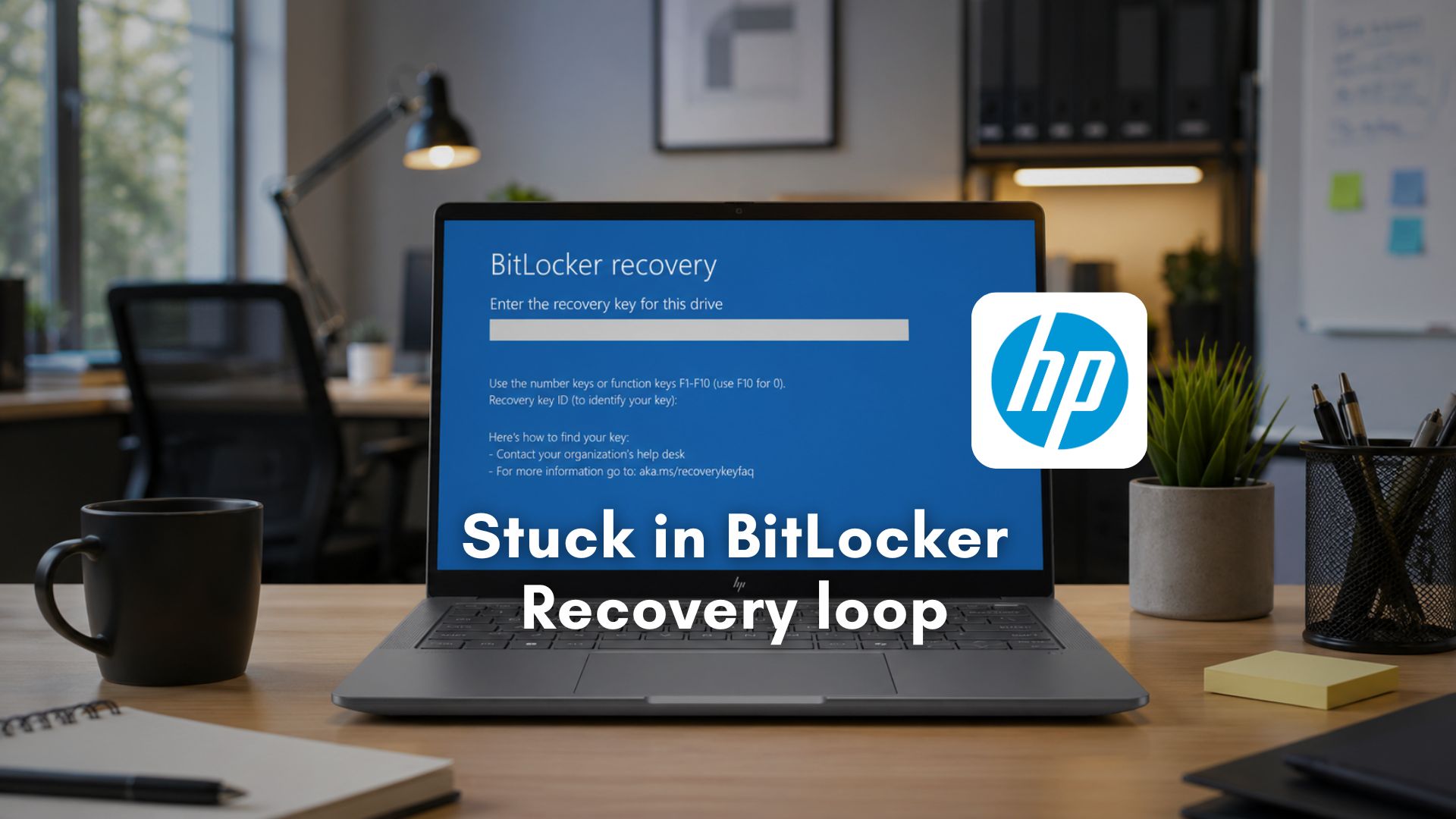
A widespread wave of system failures has struck owners of premium HP commercial laptops, desktops, and high-end workstations. Users who accepted critical firmware updates released by HP in early April 2026 found their multi-thousand-dollar machines transformed into inoperable hardware or locked inside an unending BitLocker recovery loops.
Following weeks of mounting user complaints, HP officially published a support advisory confirming the flaw. The advisory notes that the bug impacts a huge fleet of corporate hardware, spanning all HP Commercial Notebooks, Commercial Desktops, and Workstation Computers, running Windows 11 23H2, 24H2, and 25H2.
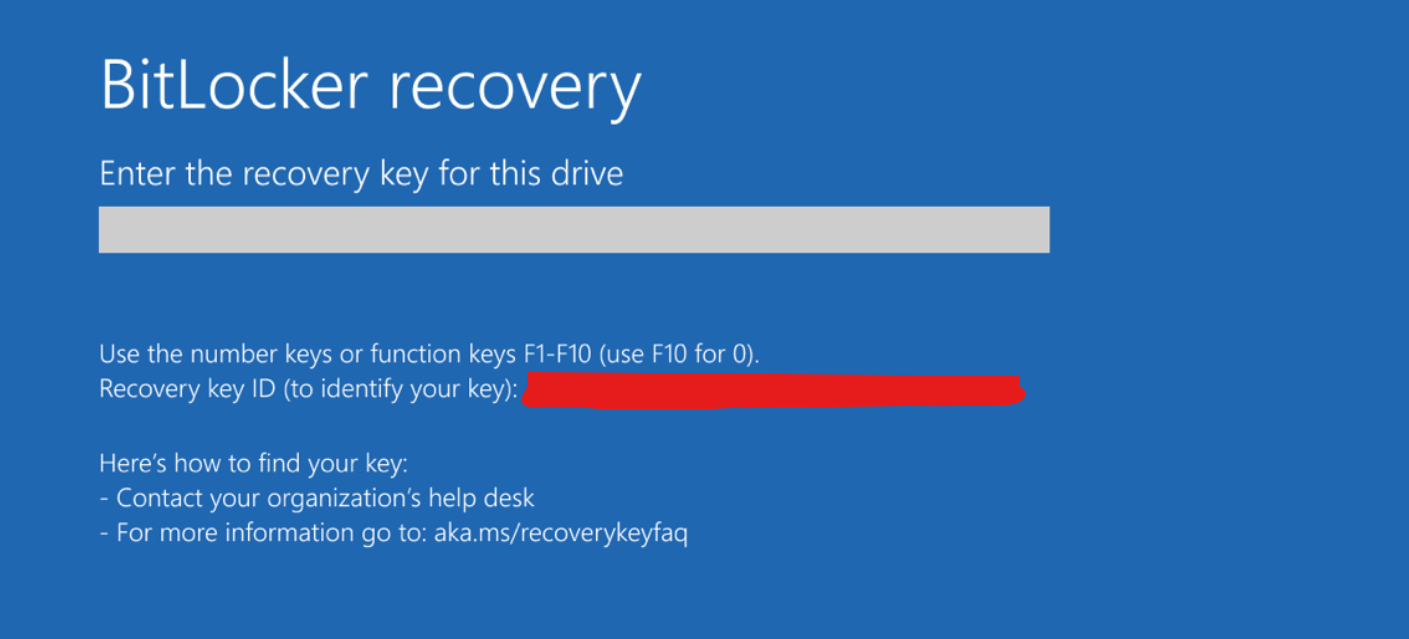
As expected, the issue is incredibly frustrating for end users. After installing the faulty BIOS update, the computer boots directly to a BitLocker recovery screen. Even if the user enters the correct recovery key and successfully accesses the desktop, the OS fails to register the change, forcing the computer right back into the same BitLocker recovery loop upon the next reboot.
HP also confirms that Microsoft’s 2023 Secure Boot certificates may fail to install on the computer when this BitLocker issue occurs.
Faulty firmware on HP devices blocks Microsoft’s critical Secure Boot updates
As the PC industry approaches a major security milestone, Microsoft recently revealed what happens to your Windows 11 PC if you ignore the Secure Boot deadline in June 2026. The global expiration of the original 2011 cryptographic keys requires motherboard vendors to deploy updated certificates. And during the process, you may also see a new Secure Boot folder in Windows 11, which isn’t a bug, as it functions as a staging ground for these firmware keys.
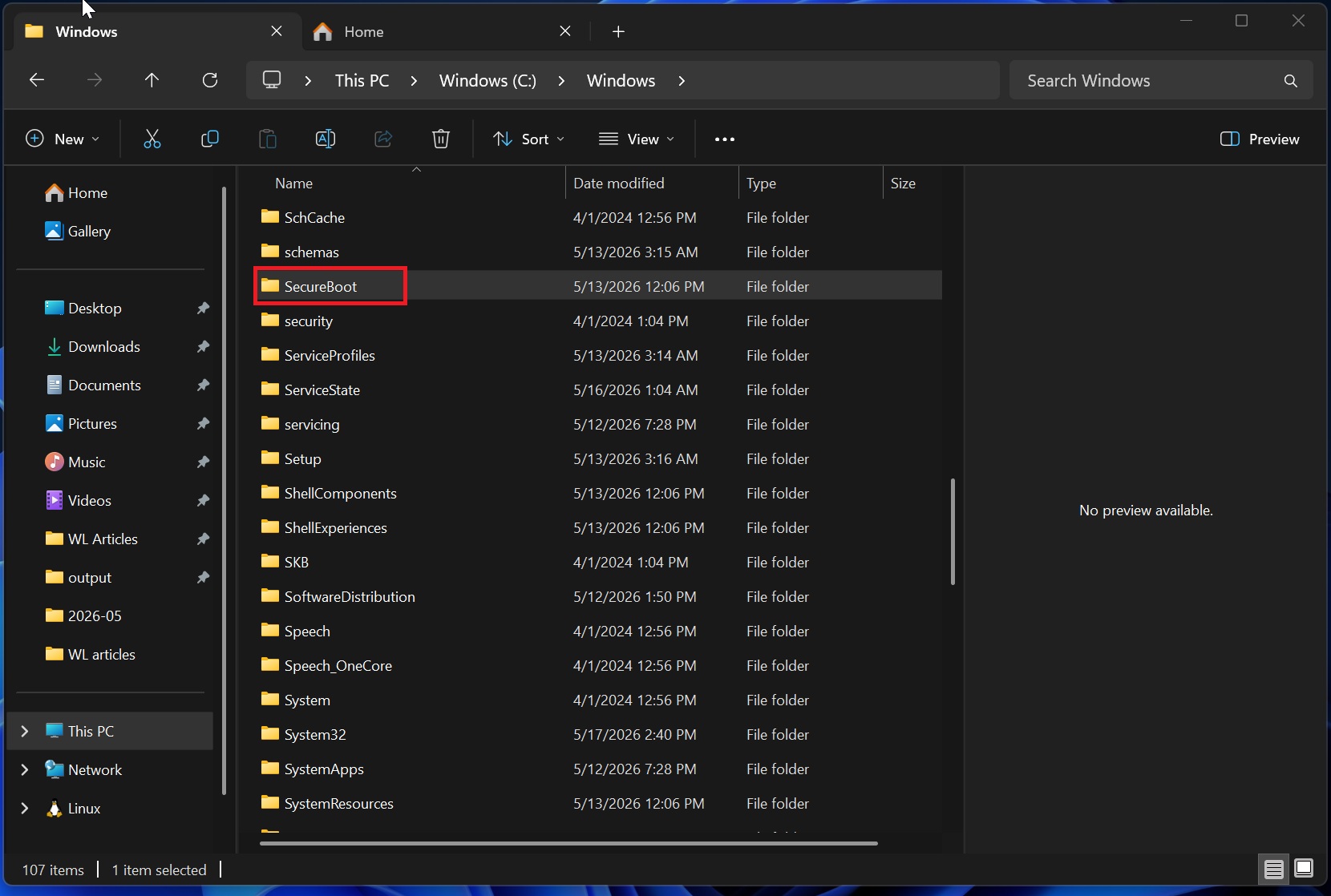
Unfortunately, HP’s April firmware updates broke this vital synchronization chain. When Windows 11 attempts to hand off the staged keys to the motherboard, the hardware encounters an unhandled exception, causing the system to constantly prompt for encryption keys.
Windows Latest made a very detailed report about why Windows 11’s Secure Boot 2023 updates are failing across some PCs, exposing a wider firmware problem.
Enterprise administrators can verify if their fleet is failing by opening the Windows Registry and checking the SecureBoot Servicing path. If the UEFICA2023Status registry string remains stuck in an In Progress state over time and the UEFICA2023Error registry value shows any number higher than zero, the certificate handoff has completely failed.
HP explains why some Windows 11 PCs are not booting after BIOS update
As first spotted by Windows Latest, HP has officially posted a support document that focuses on the BitLocker recovery loop issue. The issue may be intertwined with a severe boot freeze bug that began appearing across HP community forums in early April 2026.
High-end hardware owners, including users of premium platforms like the HP ZBook Ultra G1a mobile workstation, reported that the critical BIOS update version 01.04.05 Rev A caused their systems to freeze completely at the initial boot logo.
When a buggy BIOS update installs, it attempts to modify the Secure Boot variables, typically the Key Exchange Key and signature database (and in some cases the Platform Key) within the motherboard. For some hardware configurations, this abrupt modification can introduce a firmware incompatibility or validation bug during the early Power-On Self-Test sequence, resulting in a boot failure that can leave the system stuck at the company logo.
For systems that manage to look past the initial hardware check, the modified firmware changes the boot measurements recorded in the Trusted Platform Module chip’s Platform Configuration Registers. Because these measurements no longer match the values BitLocker sealed its key against, the chip refuses to release its cryptographic key, forcing Windows 11 to demand a BitLocker recovery key.
The crisis turns into a loop because the Secure Boot certificate update sequence hasn’t fully completed.
As the firmware update is unstable, the new keys and certificates are never committed successfully, so the firmware state and the sealed baseline never reconcile, which leaves the platform viewing itself as altered with every reboot sequence until the update completes or BitLocker is suspended.
“After entering the correct BitLocker password, which will allow a successful boot to the Operating System, the computer may boot to the same BitLocker recovery screen again upon reboot,” HP noted in a support document. “Microsoft’s 2023 certificates may fail to properly apply on the computer when this BitLocker issue occurs.”
How to manually resolve the HP BIOS BitLocker recovery loop
For those currently locked out of their PC, HP has provided a multi-step manual workaround using the motherboard settings interface to force compliance.
If you are an IT professional attempting to push these configuration changes remotely through fleet management tools, you must ensure that BitLocker encryption is fully suspended across the network before modifying any firmware environments.
- Power on the computer and tap the F10 key repeatedly until the HP logo appears to enter the BIOS configuration page.
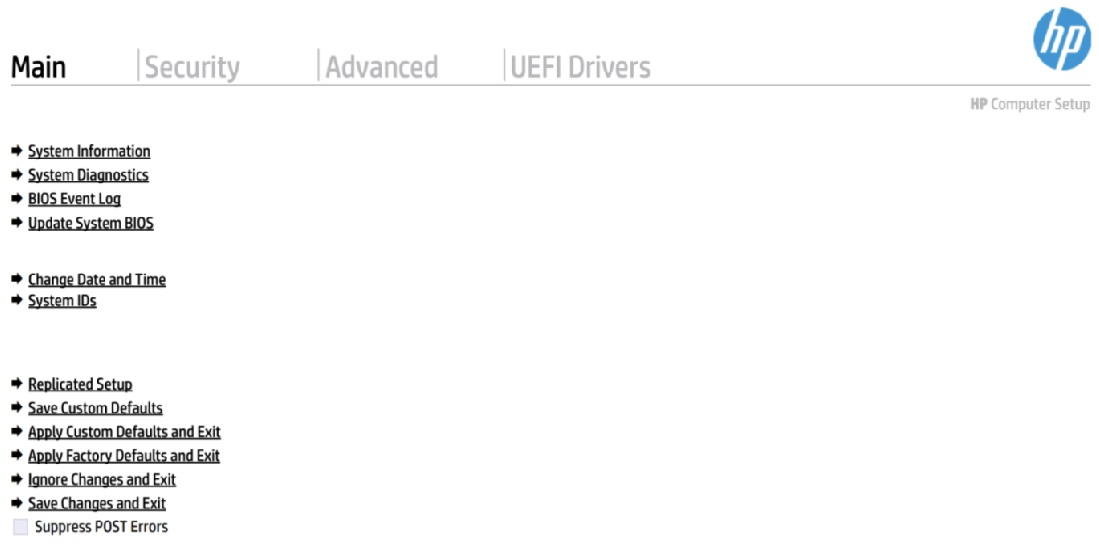
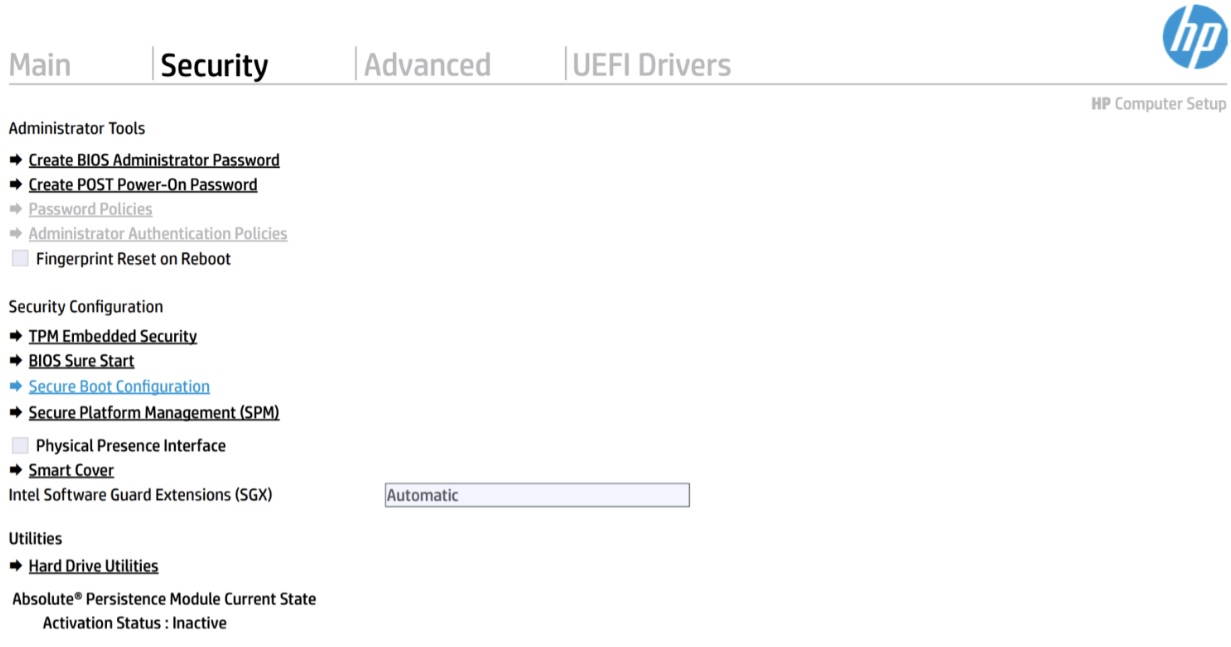
- Open the Security menu and select Secure Boot Configuration from the list.
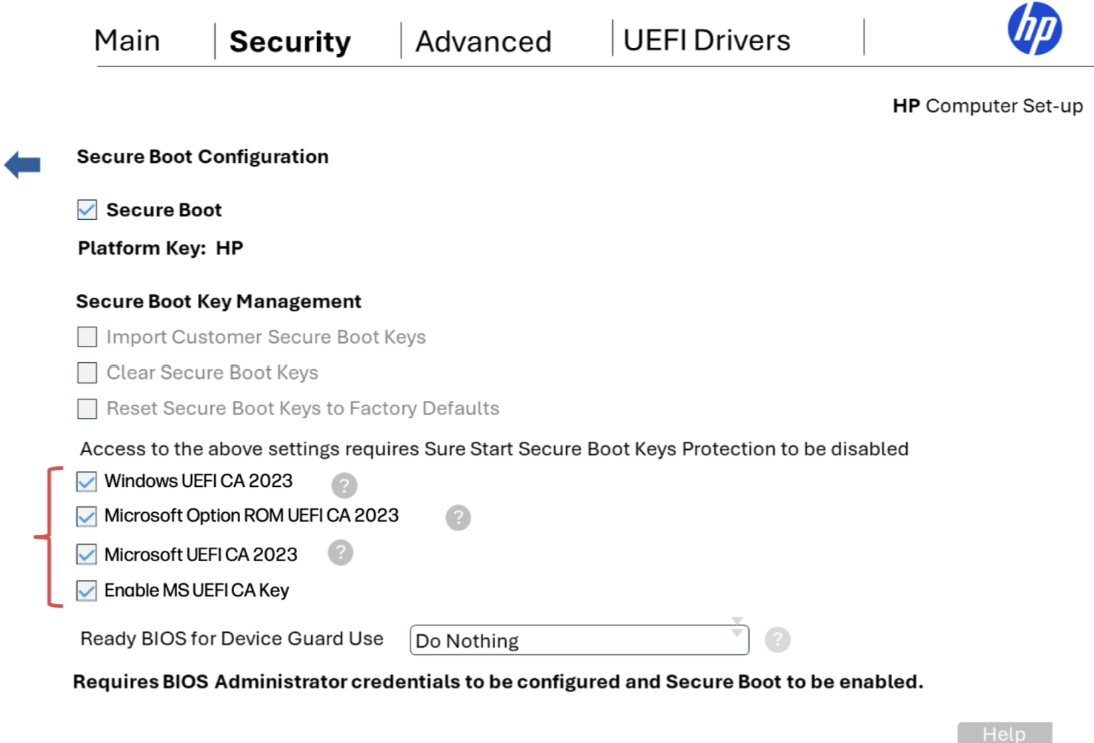
- On the configuration screen, check the boxes to enable the Microsoft Option ROM UEFI CA 2023, the Microsoft UEFI CA 2023, and the general Enable MS UEFI CA Key fields.
- Save your changes, exit the interface, and reboot the machine.
Once the machine reboots, the operating system will finally be allowed to flush the staged files directly to the motherboard NVRAM. You may notice your PC restarting multiple times to apply the Secure Boot 2023 updates properly.
When the Windows environment loads, you can run a PowerShell script to ensure the UEFICA2023Status registry string reads as Updated. Open PowerShell and run the following command:
Get-ItemProperty -Path “HKLM:\SYSTEM\CurrentControlSet\Control\SecureBoot\Servicing” -Name “UEFICA2023Status”
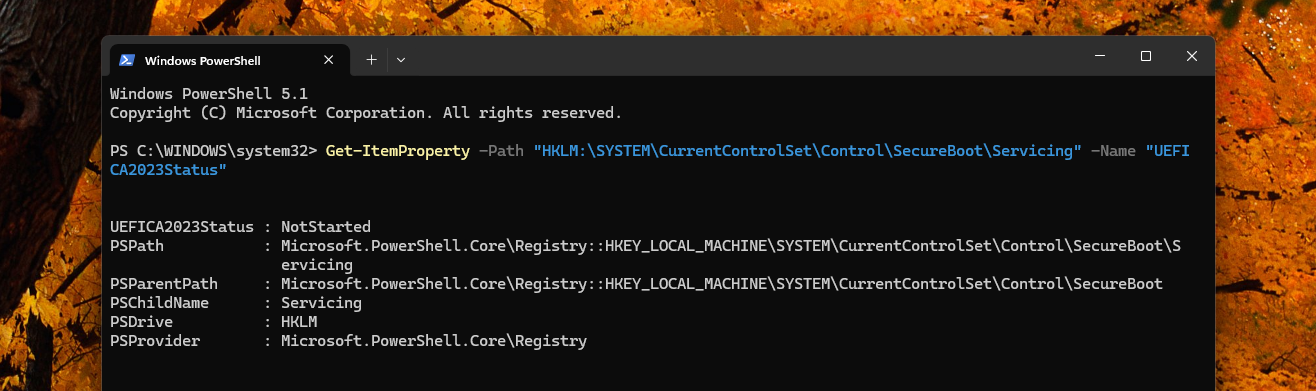
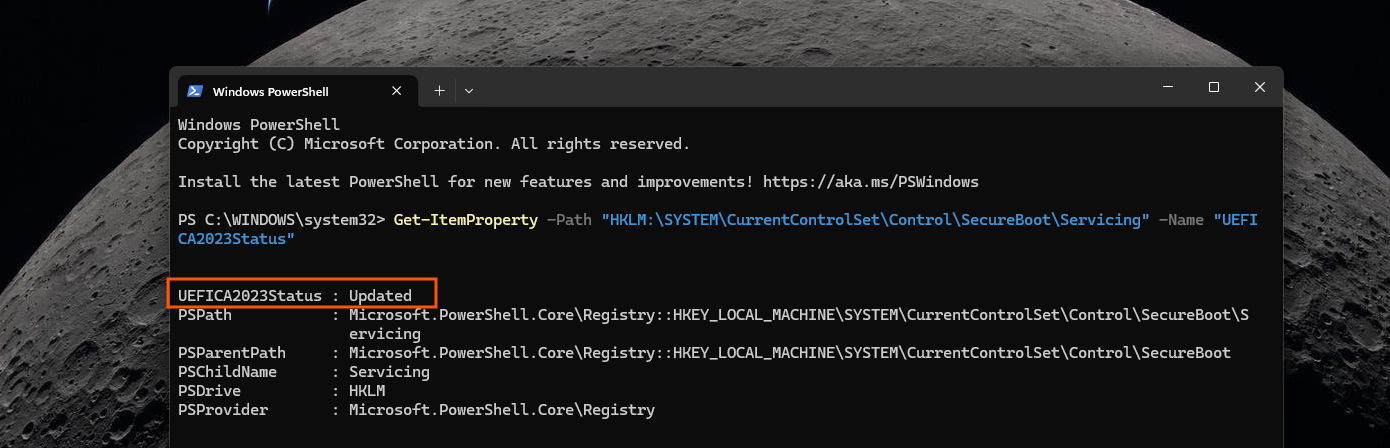
Interestingly, HP recommends that once the update succeeds, security-conscious users should go back into the BIOS and uncheck those same options to maintain the tightest possible security baseline, provided they do not use specialized third-party boot loaders.
In a statement to TheRegister, HP previously said it was aware of boot issues, but it did not confirm BitLocker recovery loop that Windows Latest found.
The push for Windows 11 hardware quality has already begun
HP’s Boot and BitLocker Recovery issues come at a time when the PC industry is attempting a gigantic quality overhaul. Microsoft has spent the last several months coordinating with major hardware vendors to clean up low-level system code.
The company already admitted that bad drivers were breaking Windows 11 PCs. The new initiative announced at WinHEC 2026 will force hardware makers to deliver cleaner, deeply optimized code.
During the recent hardware engineering summit, the tech industry also openly pledged to move away from unstable deployment methods. This effort is supposed to prevent bad drivers from causing crashes, overheating, and poor battery life.
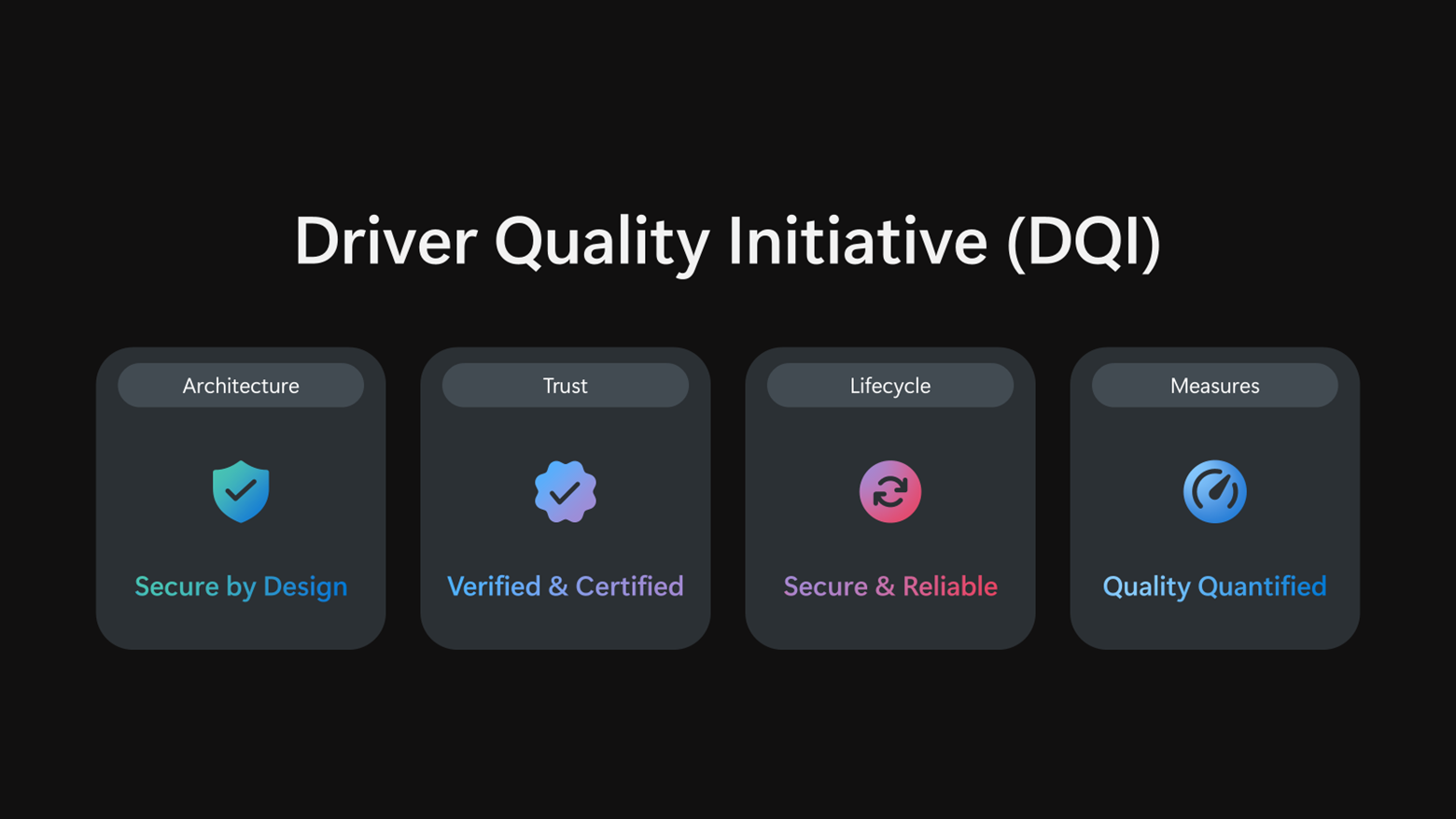
However, as this HP incident proved, forcing hardware vendors to rapidly modernize their firmware to meet strict security deadlines can sometimes yield the opposite result. When PC manufacturers rush out updates to comply with the new Windows platform mandates, the lack of rigorous validation can easily bypass automated telemetry checks, leaving enterprise users to deal with the fallout.
What gets under my skin is that these issues shouldn’t be happening to ultra-expensive hardware. Enterprise customers expect absolute stability when buying professional gear, yet they are finding themselves as beta testers for core system updates.
Either way, if you manage a fleet of HP EliteBooks, ProBooks, or ZBook workstations, we highly recommend that you cross-reference your internal error logs with the registry values given by HP. Ensure your deployment teams are fully aware of the manual F10 BIOS workaround before pushing any pending spring firmware updates across your network.