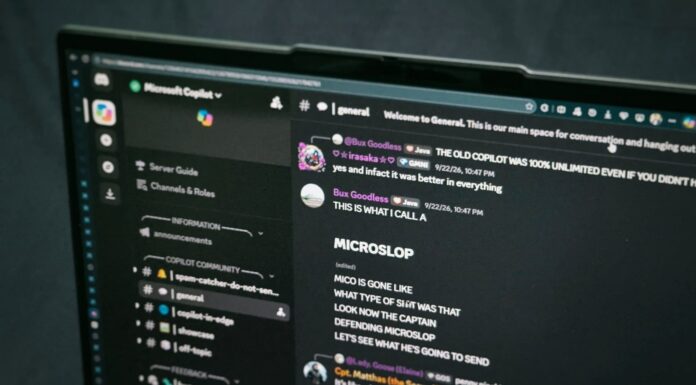








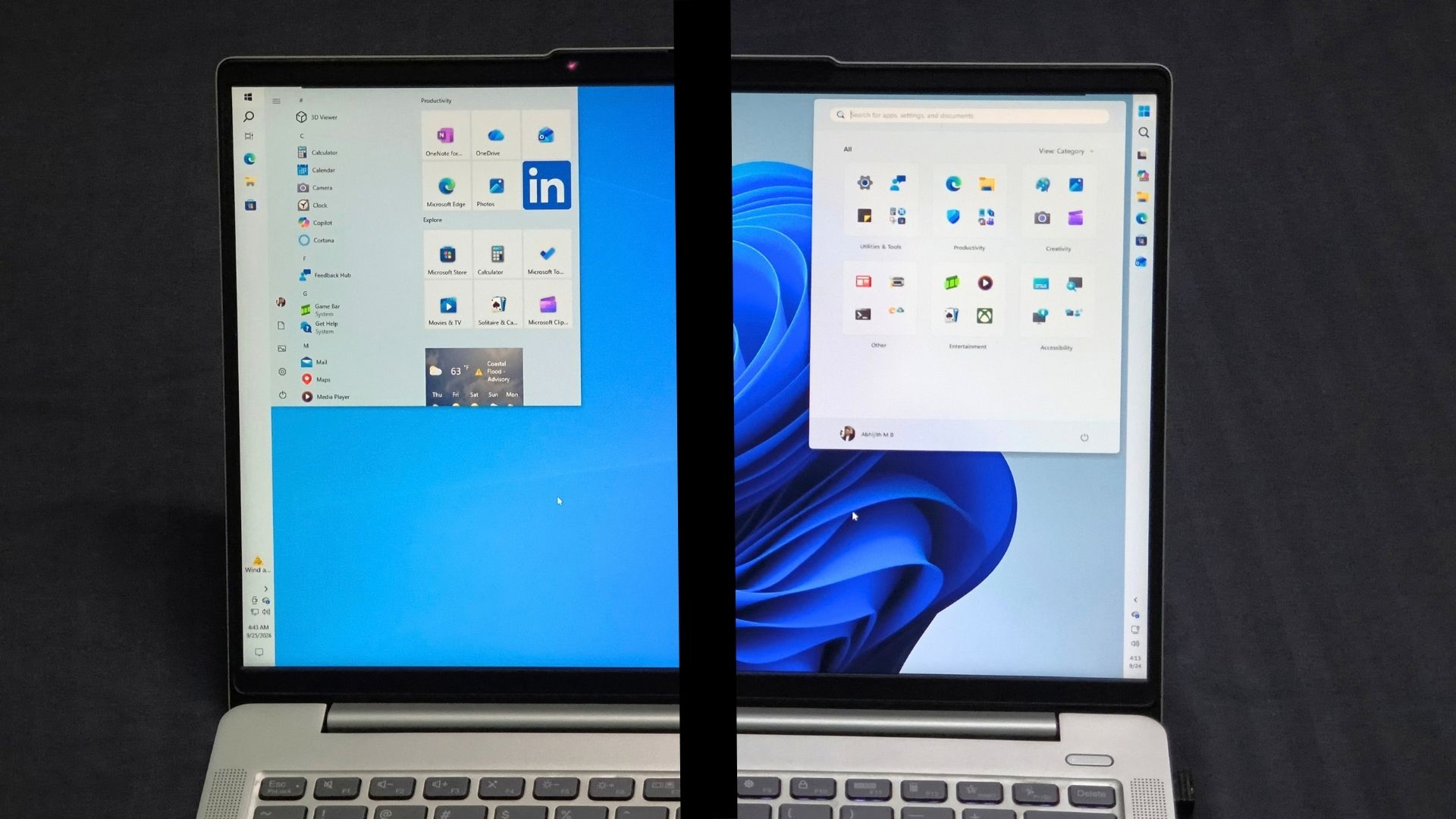
Windows 11 received its September update on the 8th of this month, and within days Microsoft had acknowledged or investigated problems involving Remote Desktop, USB audio, Linux and WSL-based apps like Claude Cowork, and enterprise domain issues. Windows Latest also found File History failures, Explorer.exe crashes, and AMD GPU instability, with an emergency update following on September 14 that still did not fix everything.
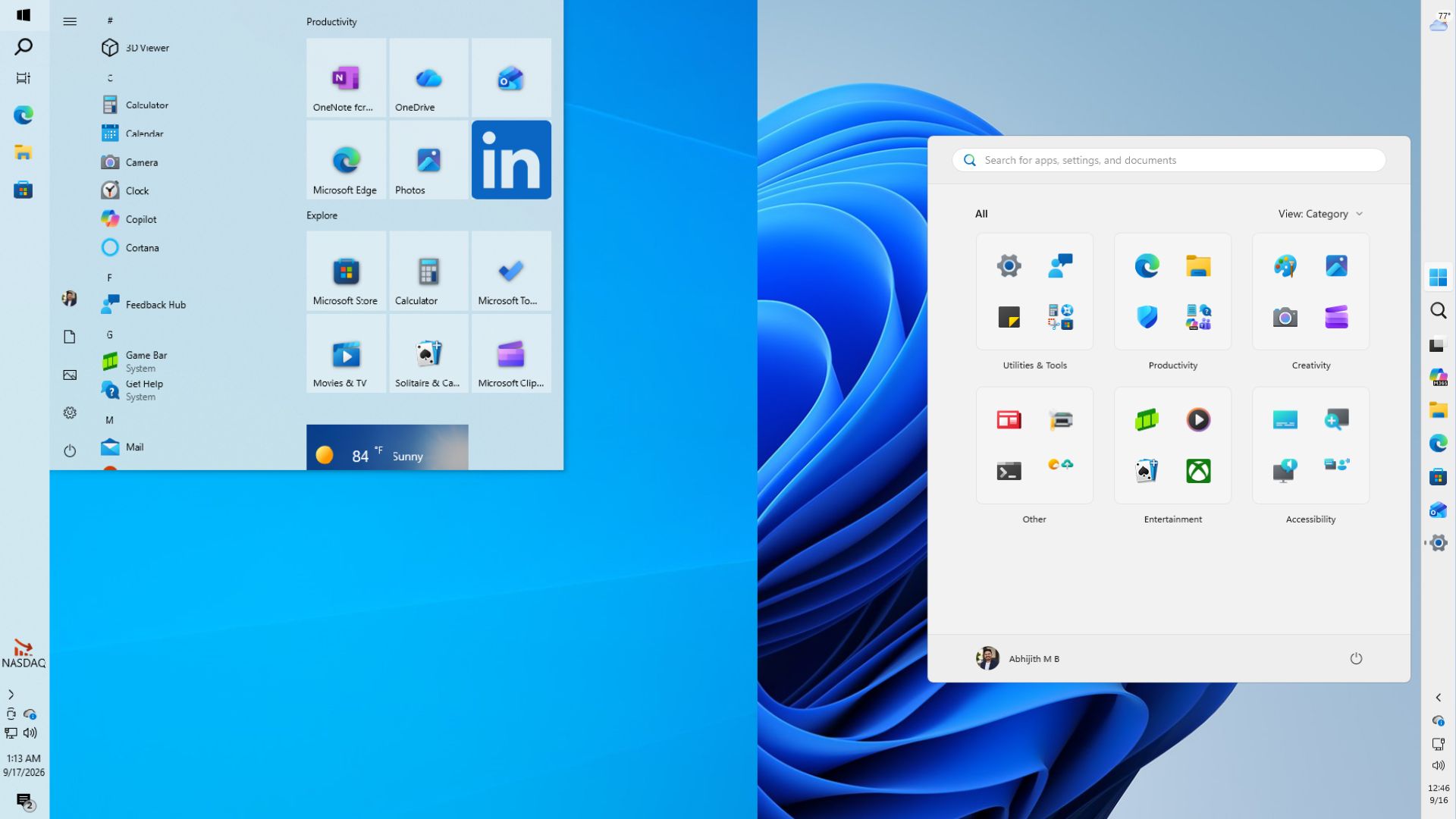
This got us curious, and we looked back across the nine monthly updates released from January through September 2026 and, rather unsurprisingly, Windows 10 update history isn’t infected with nearly as many bugs as that of Windows 11.
Nine months of Windows 11 updates have produced a long list of issues and fixes
Starting in January, KB5074109 produced black screens, frozen Outlook Classic POP profiles, and broken Azure Virtual Desktop authentication, while File Explorer stopped obeying desktop.ini customization.
Microsoft shipped a fix for at least some of it, but problems kept coming as the month went on, and Microsoft eventually confirmed BSODs and boot failures on some commercial PCs.
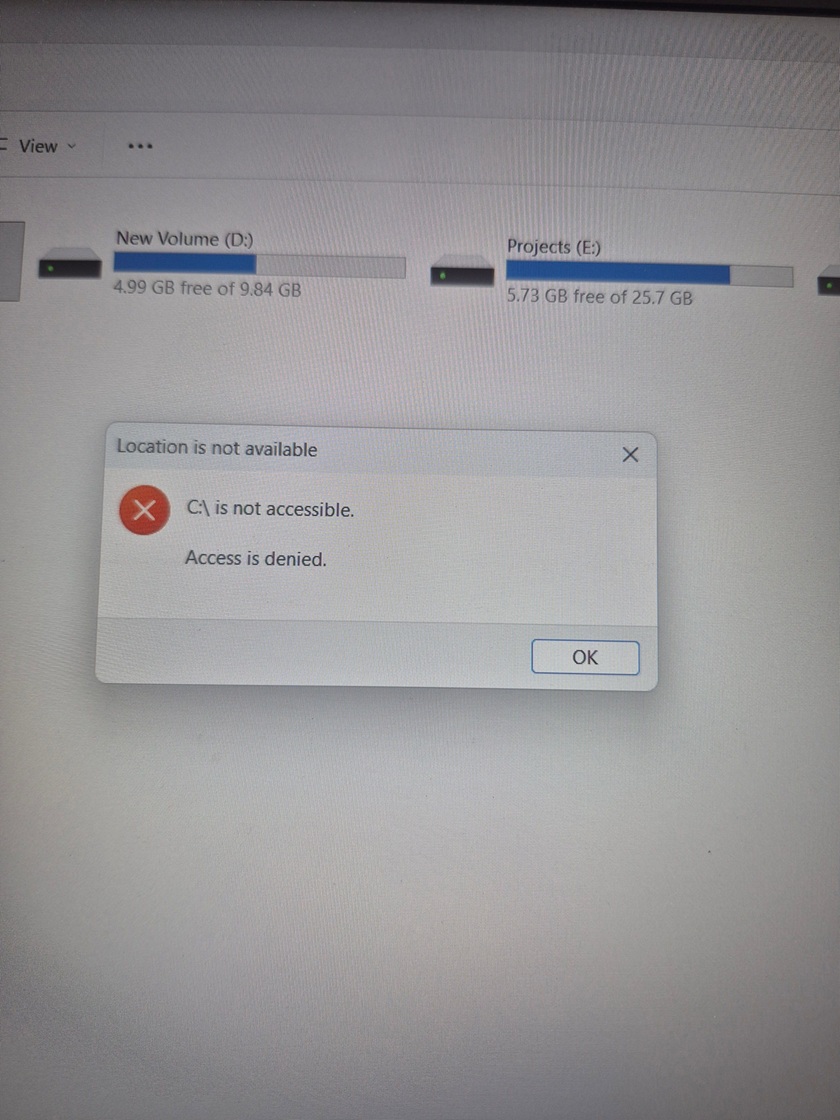
Considering the circumstances, March deserves some credit for restraint. When reports of BSODs and an inaccessible C: drive spread online, Windows Latest investigated and found Microsoft’s update was not the cause, tracing the claim to fewer than 10 reports and at least one AI-generated summary passed off as reporting, which is happening a lot lately!
Microsoft did have a real problem that month, though. KB5079473 broke Microsoft account sign-in across Teams, OneDrive, Edge, and Office, fixed 11 days later with an out-of-band KB5085516. Microsoft also pulled the optional KB5079391 preview after it caused an install error loop.
April and May didn’t disappoint (in the number of bugs). KB5083769 could trigger BitLocker recovery on some PCs and needed multiple reboots to finish installing, though Windows Latest confirmed it was not causing BSODs or death loops as some reports claimed. May brought KB5089549, which failed to install on systems with 10MB or less of free EFI System Partition space, rolling back with error 0x800f0922 before Microsoft shipped an emergency patch.
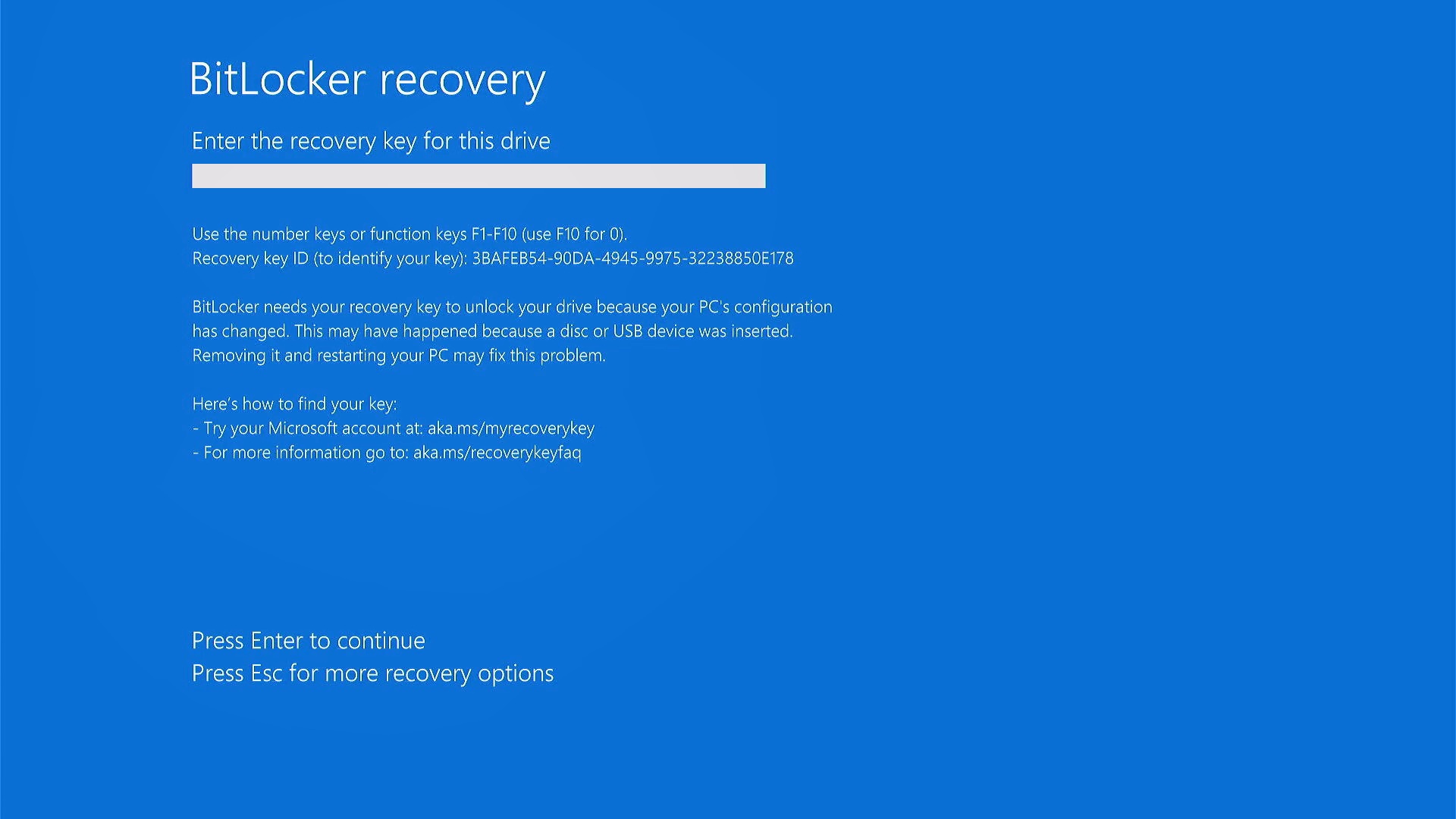
June and July were too much, even for Microsoft’s standards. KB5094126 caused boot failures and BitLocker recovery loops on HP business PCs, with more than 150 reports in under 48 hours, alongside broken OneDrive sync and a Recycle Bin bug affecting every supported Windows version.
July then brought KB5101650, which Microsoft blocked on Dell PCs after an Intel driver conflict caused unexpected shutdowns, overheating, and battery drain. The issues originated in June’s preview update and went into July’s mandatory security update.
August is a fairer entry for Microsoft. KB5121003 appeared to crash games, including ARC Raiders and The Finals, but Microsoft’s investigation concluded the update was not responsible, tracing the crashes to a third-party driver bundled with RGB lighting software that started conflicting with the update.
September then showed up as the worst month yet, with RDS failures, Plan9/WSL problems that broke Claude Cowork, File History failures, Explorer.exe crashes, and AMD GPU instability, all needing the emergency KB5129195 that still left some issues unresolved.
| Month | Windows 11 | Windows 10 |
|---|---|---|
| January | Multiple confirmed/reported regressions | Several issues, quickly fixed |
| February | No major new known regression | No known issue |
| March | Microsoft account sign-in + failed optional update | No known issue |
| April | BitLocker and installation issues | Smaller Remote Desktop/BitLocker issues |
| May | Update installation failures | Limited enterprise BitLocker issue |
| June | Boot failures, BitLocker recovery loops, OneDrive and Recycle Bin bugs | A smaller group of application/Explorer issues |
| July | Dell/Intel compatibility problem | Limited BitLocker/TDI issues |
| August | Game crashes (traced to third-party driver, not Windows) | No major new issue documented |
| September | RDP, audio, Linux/WSL, File History, Explorer, GPU and domain issues | No comparable wave |
Windows 10 has bugs too, but look at what Microsoft is fixing
January showed us that Windows 10 is not immune to those pesky bugs. KB5073724 caused some Secure Launch-capable PCs with Virtual Secure Mode enabled to fail to shut down or hibernate, a niche issue resolved by February’s KB5075912.
Microsoft’s release-health documentation says it was aware of no new issues with February’s update, and March’s KB5078885 shipped with zero known issues too, fixing the shutdown bug for good.
Windows 10 did pick up some issues in June and July, coming from the same shared Patch Tuesday base as Windows 11, including the Recycle Bin bug and a BitLocker issue.
But compare that with September. Windows 10’s KB5122878 is basically a routine security-and-servicing release, while Windows 11’s KB5124008 needed an emergency follow-up and multiple known-issue investigations.
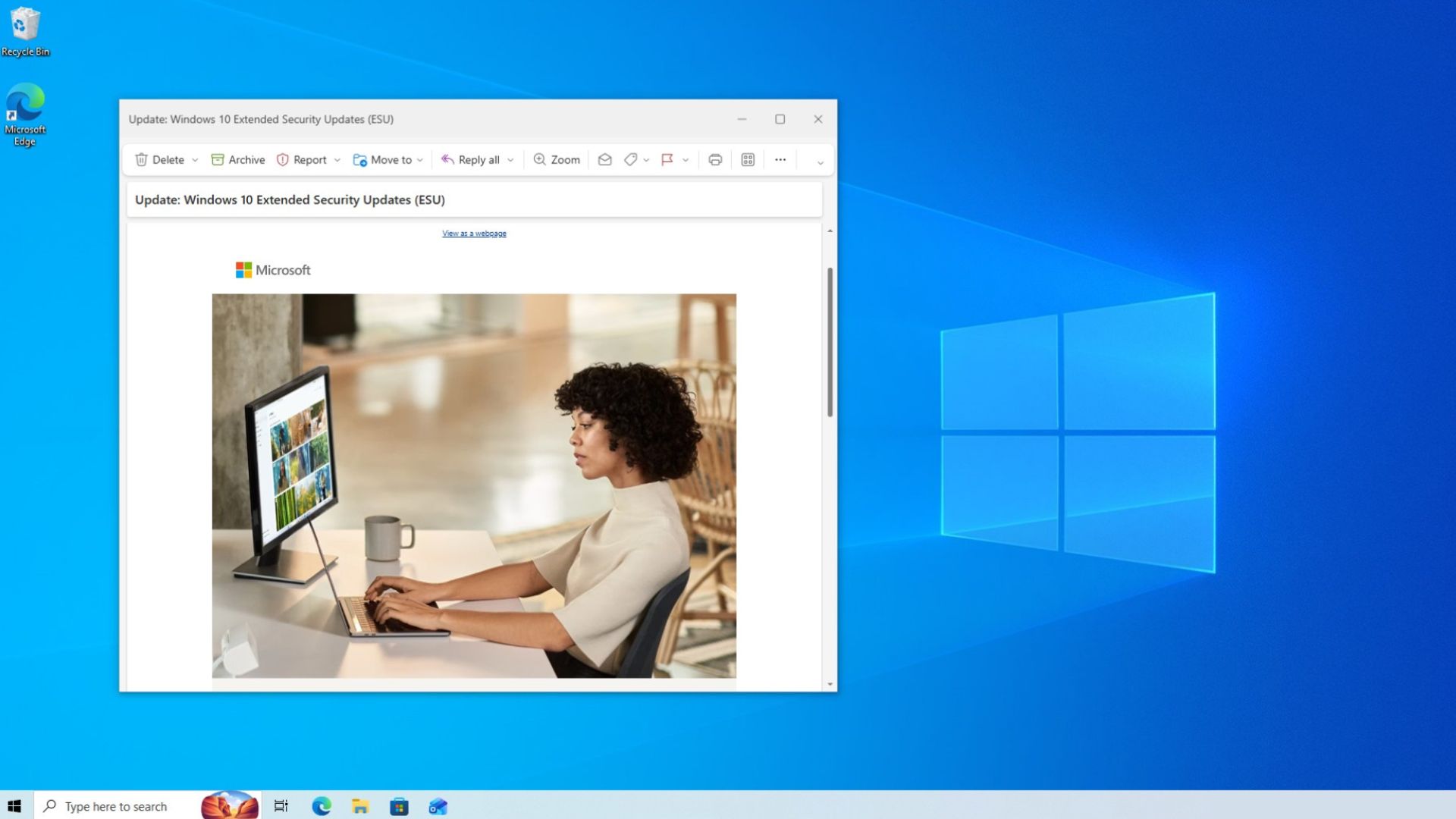
Note that we are getting updates to Windows 10 in the first place because Microsoft committed to Extended Security Updates for the OS, whose support was supposed to end in October 2025, but Microsoft has extended it twice, with the ESU program now available for consumers and organizations until October 12, 2027.
But why does Windows 10 get fewer bugs than Windows 11?
We cannot attribute Windows 10’s stability to Microsoft perfecting it. They haven’t. Windows 10 is stable partly because Microsoft has mostly stopped changing it.
With Windows 11, however, Microsoft is adding more and more highly requested features each month, and we are excited for that. Redmond is simultaneously talking up AI-assisted development, with Distinguished Engineer David Fowler saying “typing code is absolutely over”.
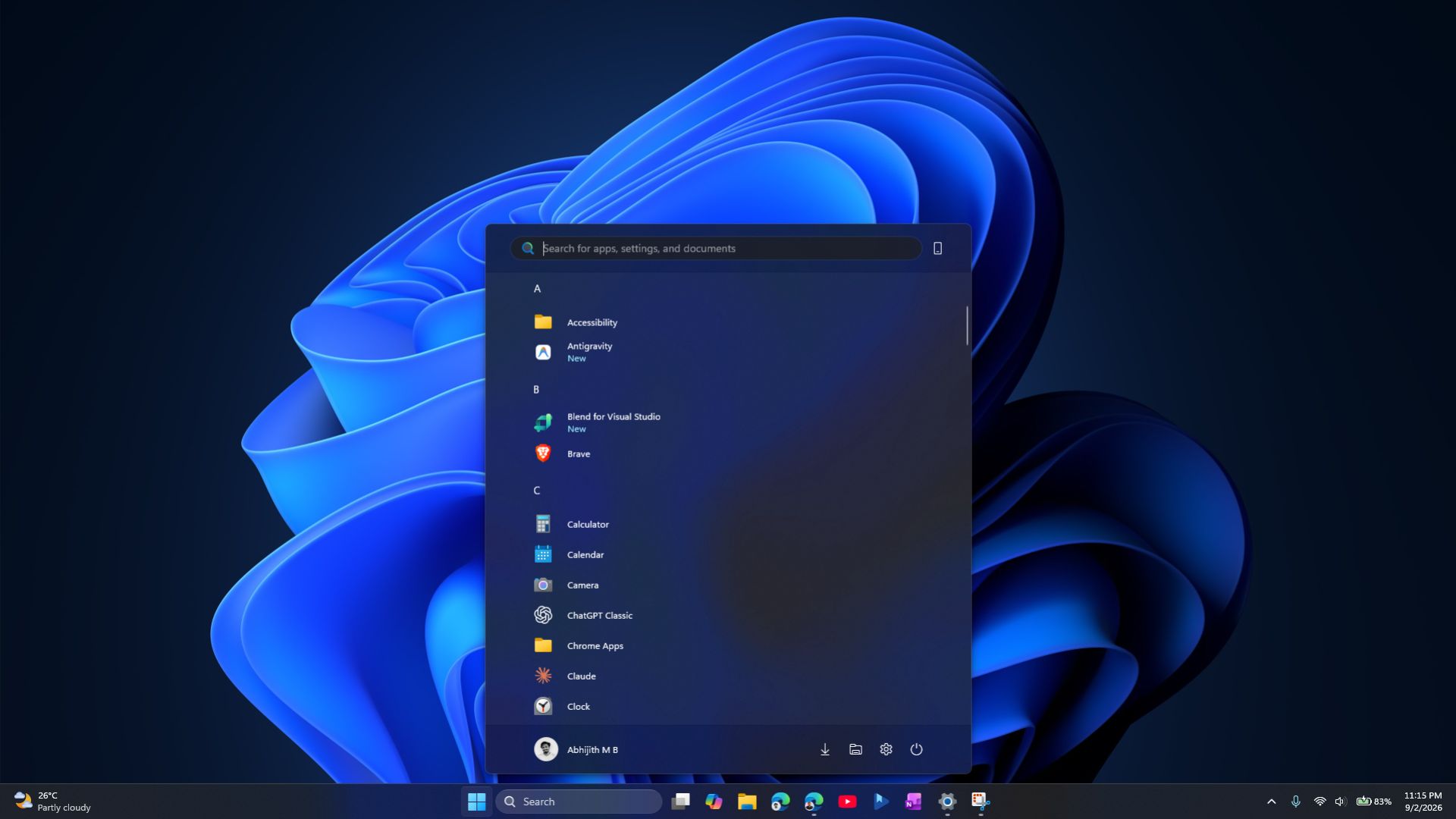
The irony here is that Microsoft is now patching a record number of security issues with every update, the recent one in September fixing 723 known vulnerabilities across Windows. This update also brought the movable taskbar and cleaner Search, and perhaps this is the consequence.
Faster development does not automatically mean fewer bugs, and Windows 11’s 2026 update history is a good reminder that software quality still depends on testing, compatibility work, and restraint.
Windows 10 is not getting exciting new features anymore, and that is why it is boring for me. But right now, boring is what stability looks like.