






Microsoft has finally confirmed that it’s aware of an issue where Windows 11’s May 2026 Update (KB5089549) fails to install due to errors such as 0x800f0922, 0x80240069, 0x80240031, among others. Thankfully, Microsoft is rolling out an emergency server-side update to address these errors.
Windows 11 KB5089549 is a mandatory update that’s supposed to install automatically on all PCs, but in some cases, it refuses to install.
In an updated support document, Microsoft noted that Windows 11’s May 2026 Update installation begins when you click the download button, and it normally reboots to finish applying the changes. You’ll be on the spinning circle screen, similar to the screenshot below:
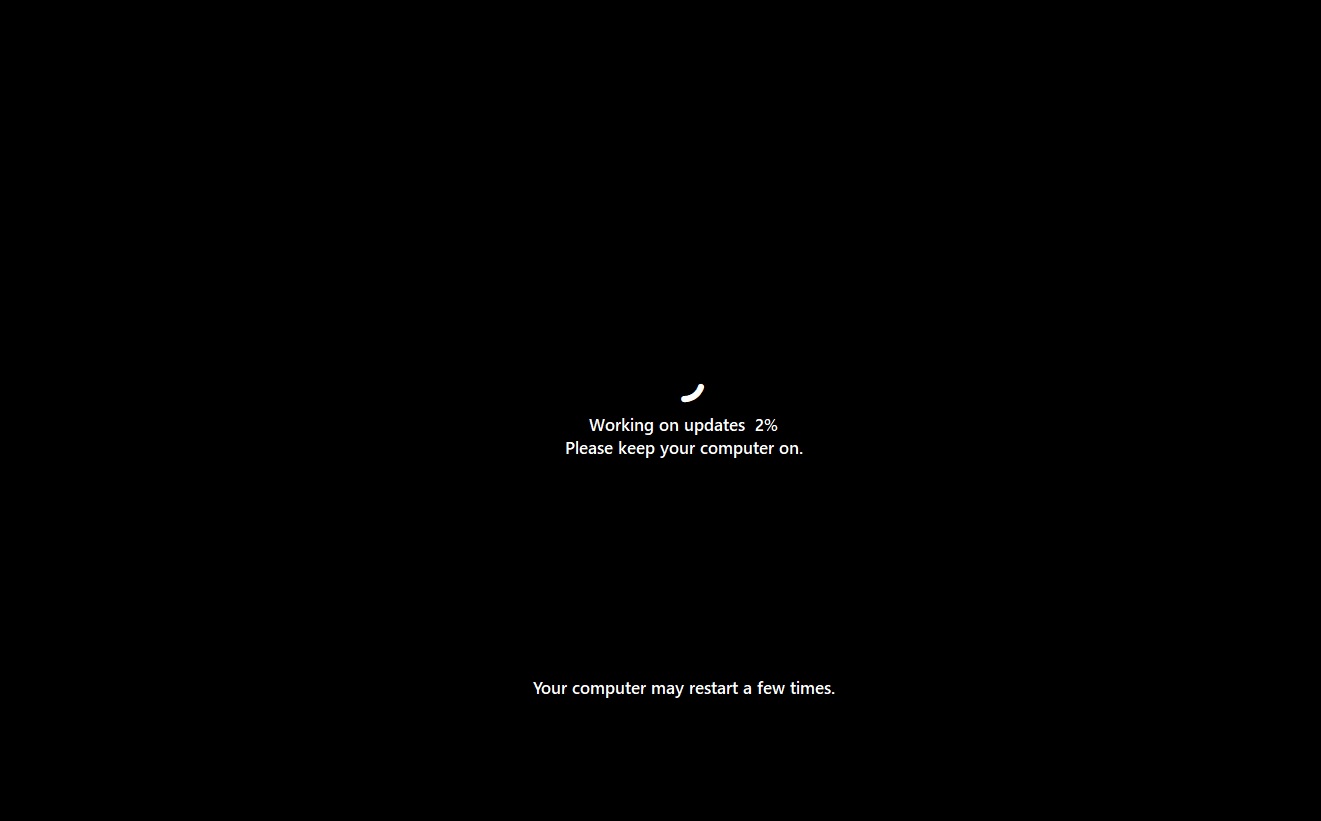
In the above case, Windows Update is at 2% and is safely moving forward, but the installation could automatically get stuck at approximately 35-36%, and Windows will begin rolling back the changes. If Windows doesn’t roll back the update, your PC might not boot correctly or could feel slower than before.
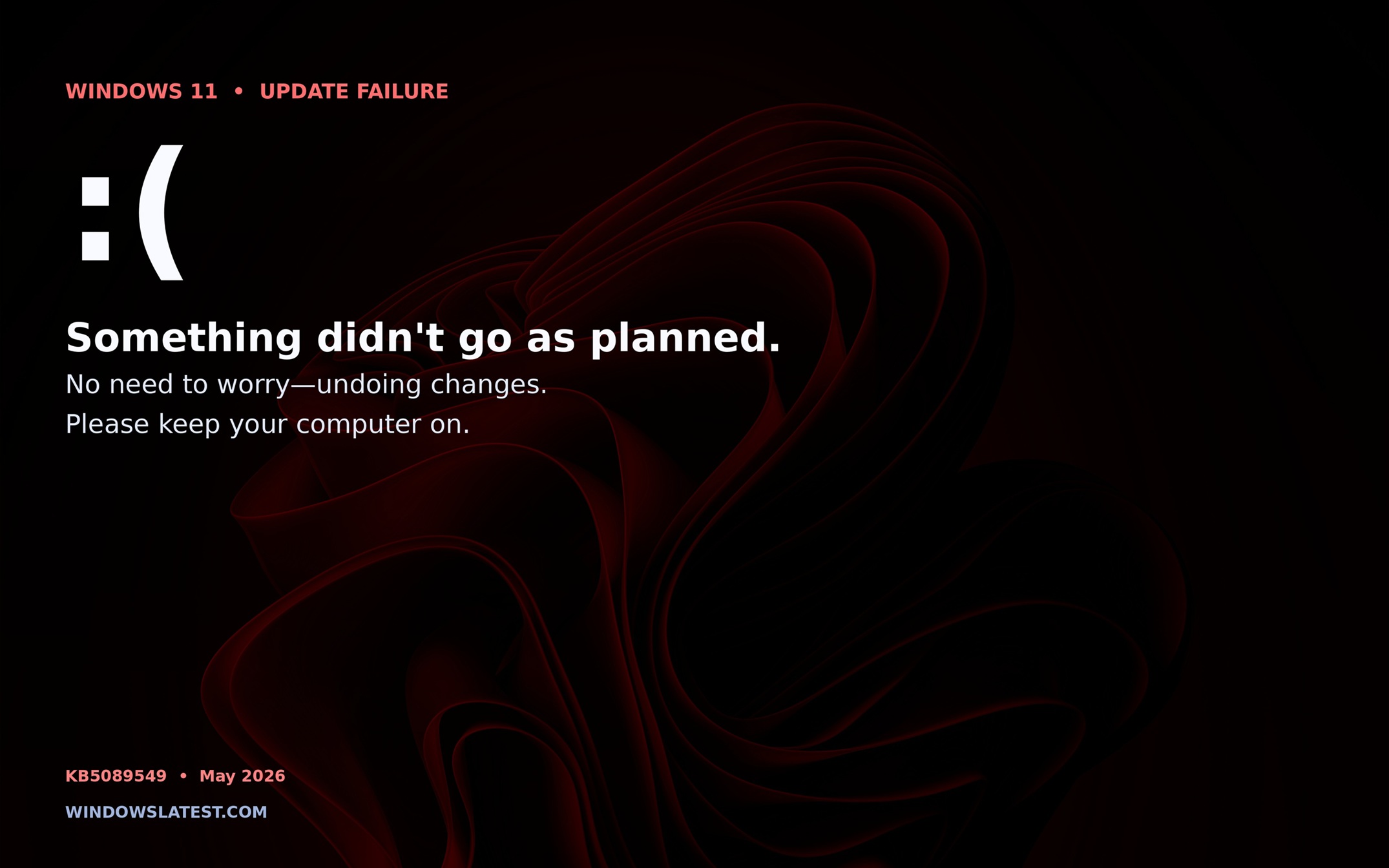
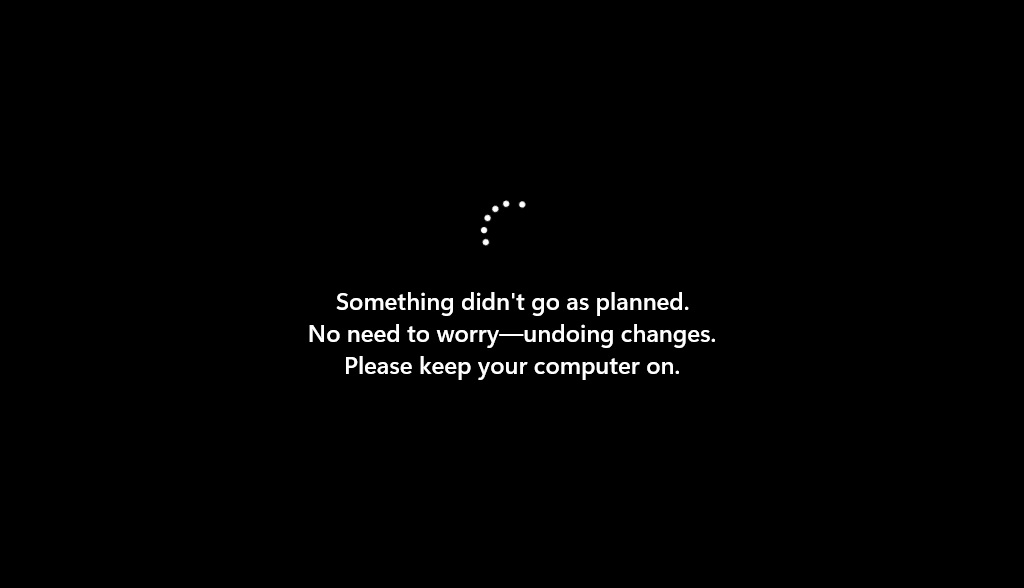
You’ll see “something didn’t go as planned. Undoing changes” on your screen, and Windows will boot back to the desktop.
Why is the Windows 11 KB5089549 update failing due to 0x800f0922?
In our tests, Windows Latest found that the bug is specifically hitting PCs with low EFI (Extensible Firmware Interface) partition space, and there’s a chance the problem is widespread.
If you open Windows Update, you’ll see that Windows 11 KB5089549 failed due to error code 0x800f0922, and Event Viewer will log everything inside C:\Windows\Logs\CBS\CBS.log with the following details:
SpaceCheck: Insufficient free space ServicingBootFiles failed.
Error = 0x70 SpaceCheck: used by third-party/OEM files outside of Microsoft boot directories Workaround
For those unaware, EFI System Partition (ESP), also known as EFI, is a mandatory feature of Windows, and it’s almost always pre-installed, but it typically takes no more than 100MB of your disk space. ESP is used to store the boot files your PC requires to boot Windows 11, and Microsoft intentionally hides it, so you don’t accidentally use the partition.
However, Windows Latest understands that the 100MB space, which is believed to be more than enough, can run out when firmware updates released by OEMs leave bulky files behind or when you install multiple Windows versions or even Linux. In those cases, Windows 11 KB5089549 (May 2026 Update) could fail to install.
You might also run into other potential problems if you install Windows 11 KB5089549 and your free EFI storage is less than 10MB.
How can you check EFI System Partition (ESP) storage?
You can’t go to File Explorer and right-click one of the volumes to find out the current EFI storage space because Windows automatically hides the partition for safety reasons, but you can use a PowerShell script to peek inside. To check your EFI storage before you install monthly updates, open PowerShell (admin) and run the following script:
Get-Partition | Where-Object GptType -eq '{c12a7328-f81f-11d2-ba4b-00a0c93ec93b}' | Get-Volume | Format-List Size, SizeRemaining
On my PC, Windows 11 returned a total size of 268,435,456 bytes, which converts to 256MB, and available free space of 126,996,480 bytes, which translates to 121MB. This is far above the required free space for Windows Updates, which is at least 11MB. If your storage is less than 10MB, Windows Updates could fail to install.
Windows update gets stuck in a loop, rolls back due to low free space in EFI System Partition (ESP)
In a Feedback Hub post, one user noted that their PC is stuck in a boot loop while installing KB5089549. The system restarts three times consecutively, fails to complete the update, and rolls back changes.
“It keeps forcing me to retry the installation,” they added.
“I’ve tried installing this update and both times it went through to 100% installed and then messaged that it found a problem and not to worry it would try to recover/roll back the update. I tried restarting manually by physically pressing down and keeping pressed down the On /Off button and it finally recovered. Windows history sometimes showed the update as failed, but the last time just didn’t report on the update. Windows troubleshooter can’t find any problem,” another frustrated user added.
Microsoft rolls out an emergency update to address the May 2026 update installation issues, but other problems persist
Microsoft recommends increasing the size of the ESP by modifying the Windows Registry to smoothly install Windows 11 KB5089549, but I don’t think it’s necessary anymore because a server-side update has already patched the problem.
“This issue is mitigated using Known Issue Rollback (KIR),” Microsoft noted. “The resolution has already propagated automatically to consumer devices and non-managed business devices. Restarting your Windows device might help the resolution apply more quickly.”
As Microsoft confirmed, you should reboot your PC a few times before checking for updates.
Microsoft told Windows Latest that it is not aware of any other bugs, but we’ve come across two notable issues.
Taskbar animations are missing, and Windows might reboot multiple times after the May update
First, some of you might notice that the May 2026 update has turned off the new animations for taskbar app previews and app groups. These animations, which made Windows 11’s taskbar experience feel much smoother, were rolled out earlier this year, but they are missing after installing the May 2026 update.
Second, and probably the most annoying or worrying problem, is that Windows might reboot more than two times to install Windows 11 KB5089549. This is unusual for monthly cumulative updates, which usually install with a single reboot.
In this case, Windows 11 reboots multiple times, and the installation takes longer than usual, but you don’t have to worry. Microsoft told Windows Latest that Windows 11 is rebooting twice or thrice because Secure Boot updates are still being rolled out in phases.