







Microsoft has confirmed that it has paused the rollout of Windows 11 KB5101650 on some PCs with Intel IPF drivers. Only Dell PCs appear to be affected, but until now, it was unclear which models were experiencing severe performance issues, overheating, and battery problems. Windows Latest has now obtained a list of affected Dell PCs.
On July 14, Microsoft rolled out Windows 11 KB5101650 as a mandatory security update with more than 570 fixes. It’s one of the largest Windows updates to date, and Microsoft is urging everyone not to defer updates for more than three days due to the growing threat of bad actors using AI.
July 2026 Update also comes with Point-in-time restore, a new widgets board without ads, faster performance, an upgraded Bluetooth experience that works better with AirPods, and a more reliable File Explorer.

Unfortunately, Windows 11 KB5101650 does not show up on some PCs at all, and we’re seeing this problem mostly on Dell machines. According to Microsoft, this month’s important security update is “temporarily unavailable for some devices with Intel IPF drivers,” and it lists “some Dell PCs” as affected hardware.
Microsoft hasn’t shared a list of affected PCs yet, and we haven’t heard back from Dell either, but Windows Latest has obtained a full list of the affected models:
- Dell Pro Max 14 Premium MA14250
- Dell Pro Max 16 Premium MA16250
- Dell Pro Precision 7 14 PW714260
- Dell Pro Precision 7 16 PW716260
- Precision 5470, Precision 5480, Precision 5490, and Precision 5770
- XPS 17 9720 and XPS 17 9730
In an internal document seen by Windows Latest, Dell warns against deploying the June 2026 optional update or the July 2026 Patch Tuesday update on these affected PCs, as they could cause severe problems.
“If you are deploying updates to Dell systems, you may want to exclude the affected systems from receiving the aforementioned KBs until a new patch is released,” the PC maker noted.
Dell says affected PCs will show a “yellow error” in Device Manager and may run into severe performance issues, including a bug that could cause the device to overheat and shut down unexpectedly.
We don’t know why only Dell PCs are affected or whether other PCs with Intel Innovation Platform Framework (IPF) drivers are also running into problems. If the latter is the case, we might soon begin hearing nightmare stories. Microsoft has already warned that the July 2026 Update causes major problems on PCs with this specific Intel driver.
Microsoft explains what could go wrong if you install the July 2026 Update on incompatible PCs
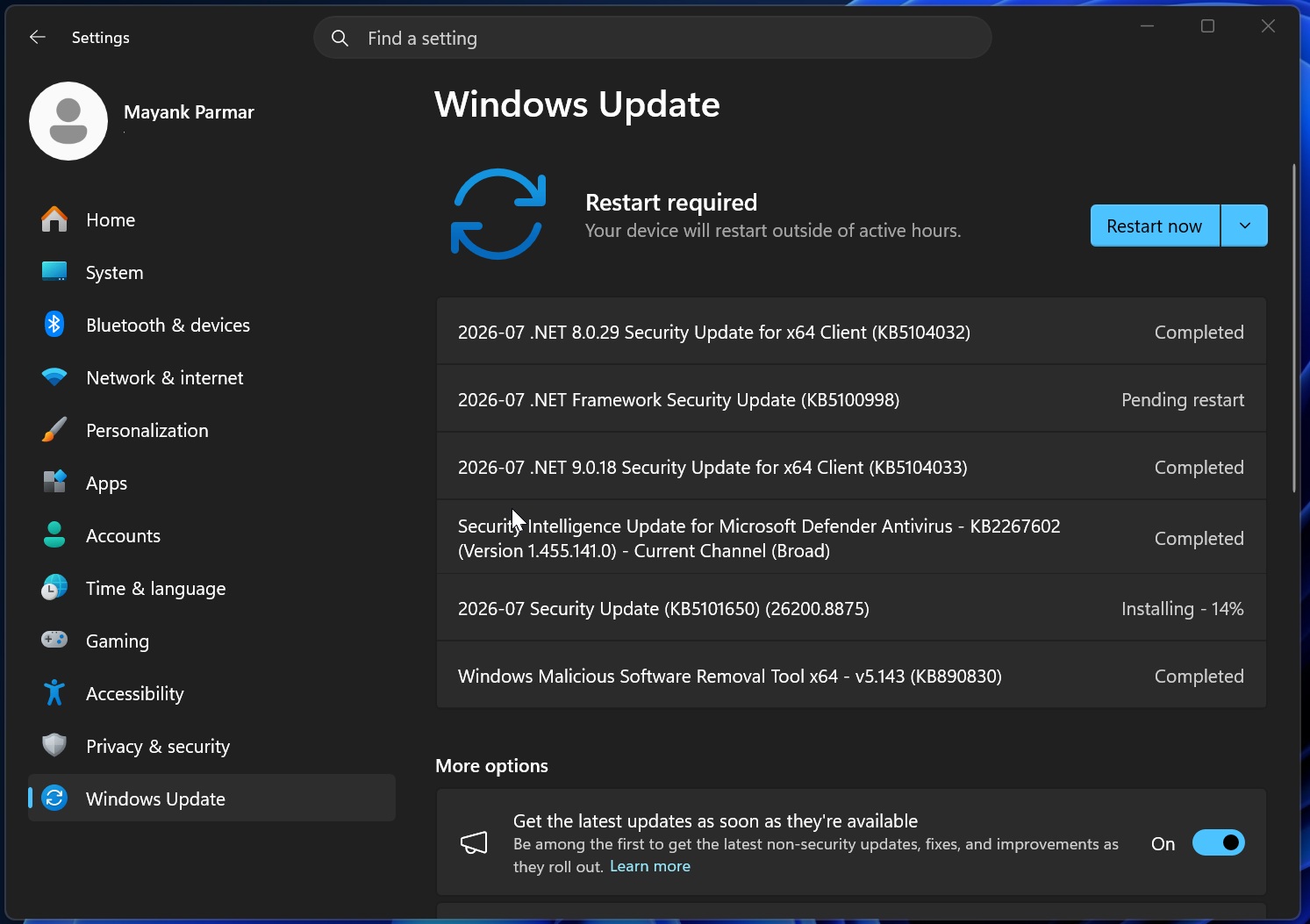
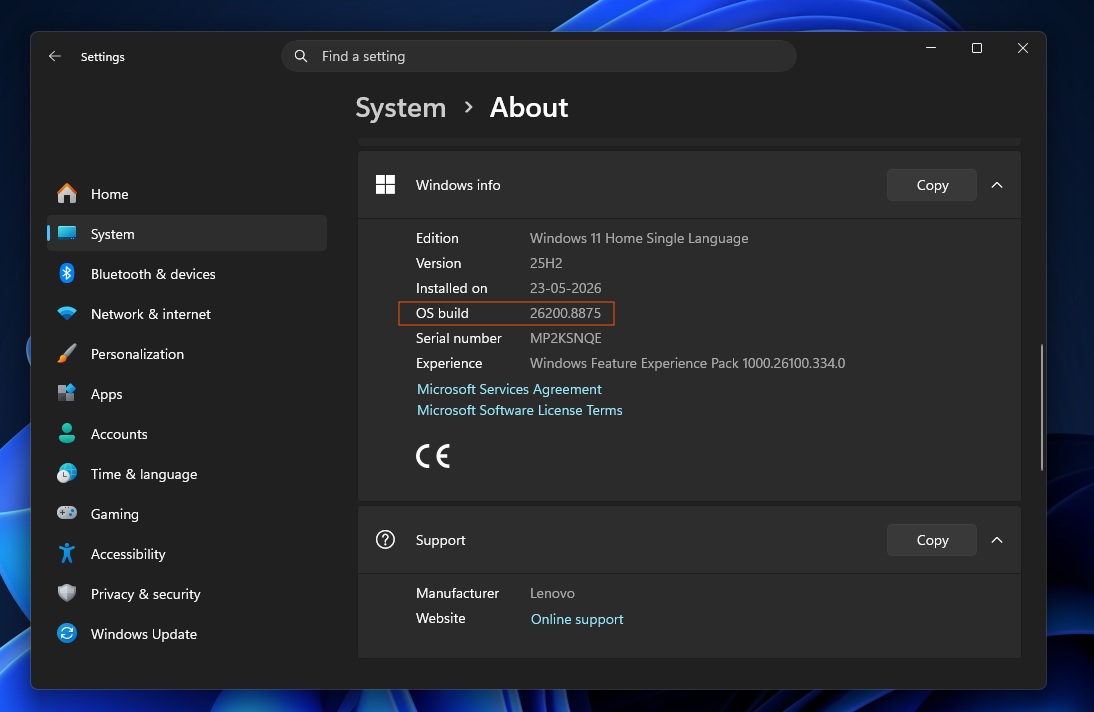
While only Dell PCs appear to be affected, our recommendation is that you do not try to force-install the July 2026 Update (KB5101650, Builds 26200.8875 or 26100.8875) if it does not show up when you check for updates:
According to Microsoft, if your device is affected and you force-install the update using the Microsoft Update Catalog or other methods, you could experience “unexpected shutdowns, poor performance, increased heat, and battery drain.”
It’s quite rare for a Windows update to cause unexpected shutdowns, but given the nature of the driver, it’s likely due to overheating or power consumption problems.
According to Microsoft, PCs with the Intel Innovation Platform Framework Processor Participant driver are affected, and only Dell machines have experienced the failure so far.
If you run into the issue, you will also see a yellow alert next to the driver in Device Manager:
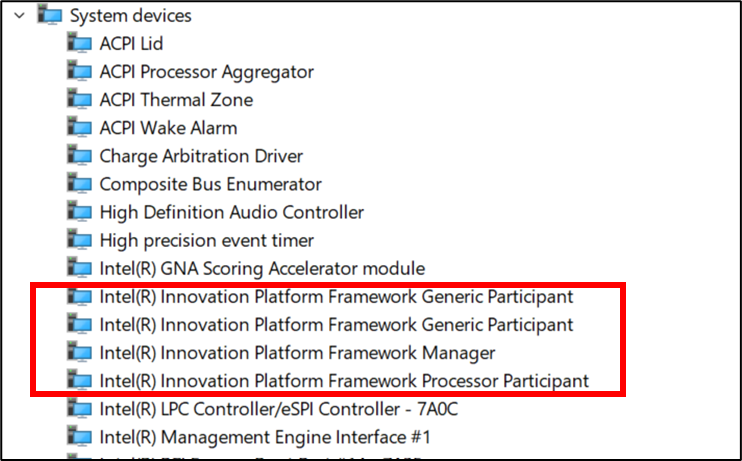
Dell and other OEMs use the Framework Processor Participant driver to manage fan noise, power management, and performance-related features. This driver is also present in newer PCs because of a feature that allows the device to detect human presence, lock the PC when you walk away, or wake it when you approach.
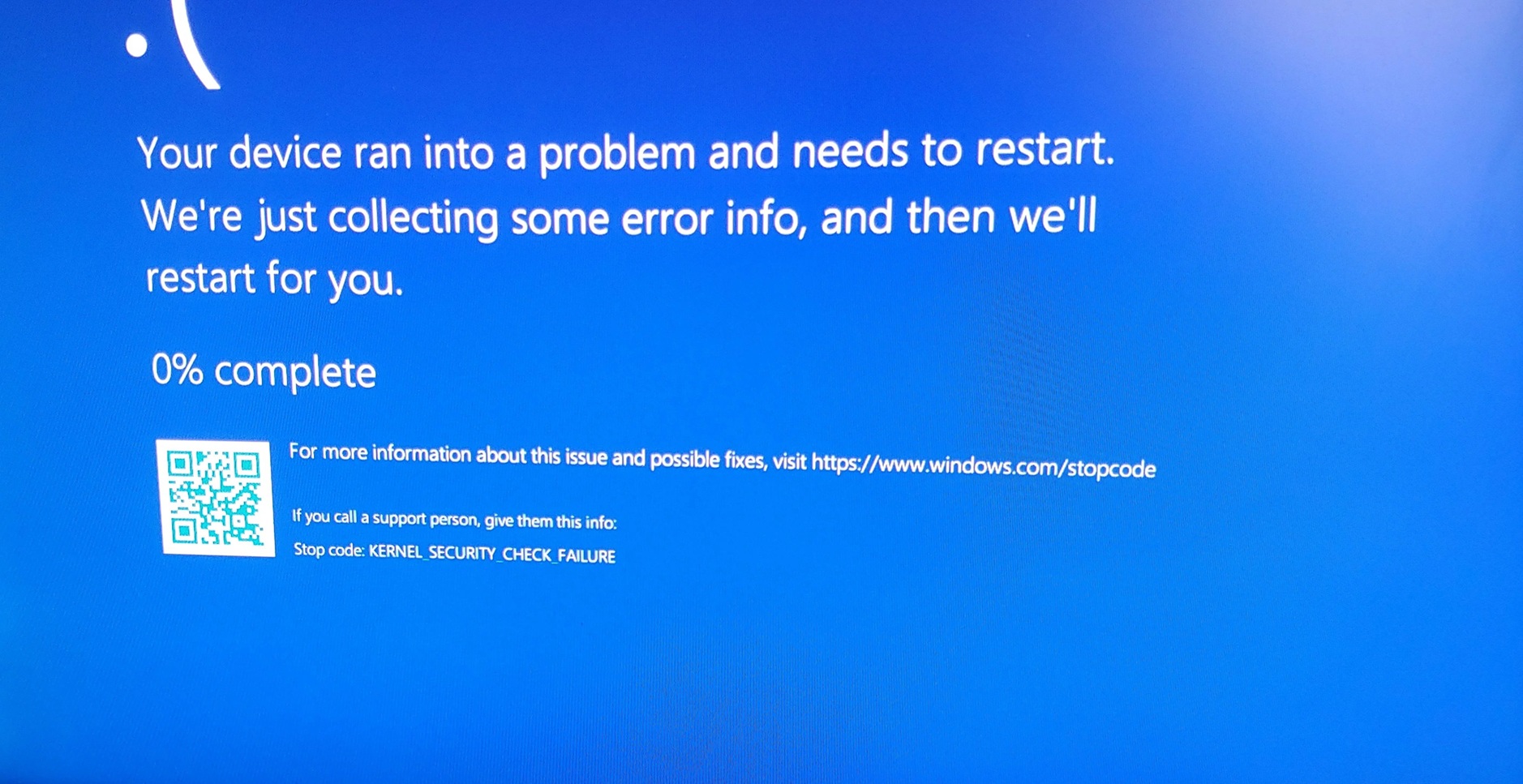
In some cases, this driver appears to be causing a Black Screen of Death (BSOD) when you force-install the July 2026 Update.
Microsoft has already identified the root cause and admits it messed up by adding a new Windows USB-C Connection Manager interface that isn’t compatible with Intel’s driver. The USB-C improvements were introduced as part of the company’s efforts to improve performance and address reliability issues.
Dell, Microsoft, and Intel are working to resolve this issue, and the botched Windows update will begin rolling out to affected PCs in the coming days.
It’s unclear if Windows 11 KB5101650 has any other issues, but we’ve come across reports of installation errors and some isolated cases of monitor problems, including distorted color management. We’re still investigating the reported problems across our test machines, and we’ll update this article with more details soon