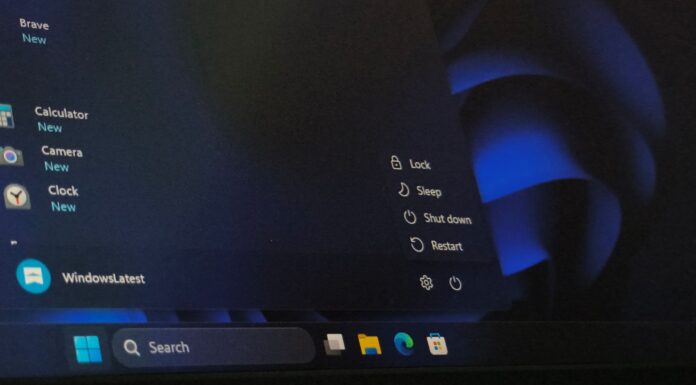








Microsoft has confirmed it’s aware of multiple known issues in KB5094126 (June 2026 Patch Tuesday update), including a bug in which the Recycle Bin fails to detect the correct file name and Office apps crash. We’re also seeing reports of Black Screen of Death (BSOD) and BitLocker recovery screen prompts, but the company hasn’t acknowledged them yet.
KB5094126 is a mandatory update that shipped as part of the June 2026 Patch Tuesday cycle, so you have no choice but to install it on all PCs running Windows 11 25H2 or 24H2. I’ve noticed that these mandatory security updates eventually install even when you’ve paused Windows updates.
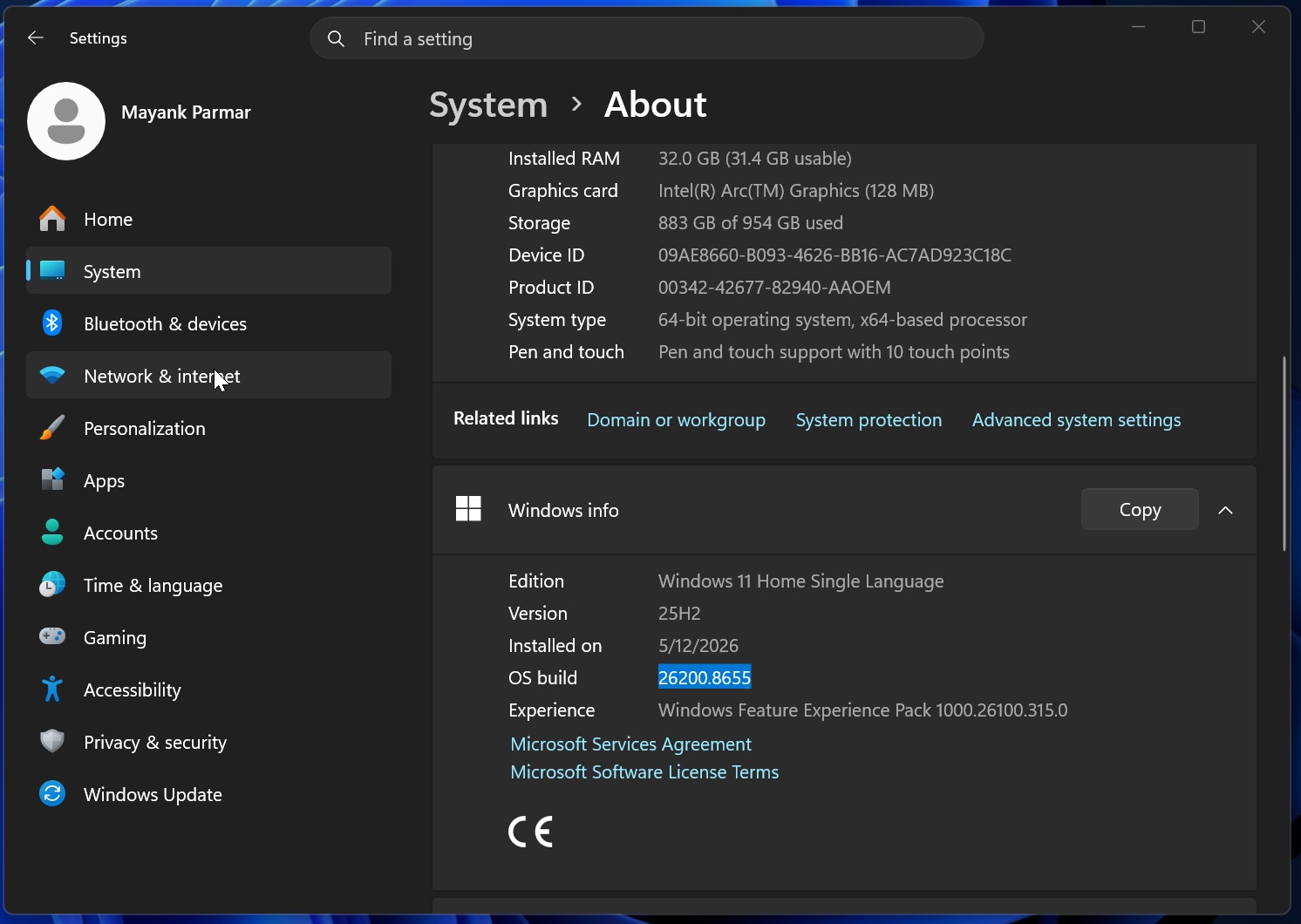
KB5094126 bumps the OS to Windows 11 Build 26200.8655 or 26100.8655, so if you’re unsure whether the update is already installed, you can verify it from Settings > System > About.
In updated documentation, Microsoft has verified two independent known issues, but our tests and reports show that there’s another nasty bug that causes BSODs, particularly on business PCs.
1. Office apps won’t launch after the June 2026 update
In our tests, we found that third-party apps may fail to open Office apps, such as Word, PowerPoint, or Excel, after the June 2026 update is installed. This means if you try to open an Office app via third-party software, it won’t open. Sometimes, when you try to open Office apps, nothing happens, and you won’t see any error message.
Following our report, Microsoft quietly confirmed that Windows 11 KB5094126 accidentally broke OLE automation, which is used by third-party apps to integrate Office apps. It allows one app to control another. For example, if you use an accounting app, it may have a button to open Word. That button/integration is usually powered by OLE automation.
OLE automation itself is not a bad idea, and it’s been used for years now, but the June 2026 update broke the integration, which is why all apps that use OLE to call Office apps actually crash Word, PowerPoint, and Excel.
For example, if you work for an organization that has a dental app, an accounting app, and a document management system, these apps can call any Office product, such as Word to load a patient document, Excel to generate a report, or PowerPoint to create a presentation. This workflow now crashes all Office apps after the June update.
It’s also why the Windows 11 KB5094126 issue does not necessarily affect Word, Excel, PowerPoint, or Access directly. If you open Word manually and then open the document from File Explorer, it may work. You’re only going to run into Office app crashes when you try to open it using another app or when an app opens the document for you.
In the updated document, Microsoft says affected Office apps may include Word, Excel, PowerPoint, Access, and other Office apps when they are launched from inside an affected third-party app.
Microsoft has specifically mentioned reports involving CCH Engagement, Workpaper Manager, dental software such as Dentrix and Softdent, and Zotero.
Other apps that rely on similar Office automation may also be affected.
2. Recycle Bin showing incorrect file names, causing confusion
Microsoft confirmed a bug that affects the Recycle Bin UI where it identifies incorrect file names, but the company assured that it’s not a file deletion or data-loss bug.
When you delete a file normally, Windows moves it into the Recycle Bin, and the deleted file shows up there until you purge it permanently. However, Windows does not internally use your original name. The actual name, which is the storage name that lives inside the Recycle Bin, is hidden from your eyes.
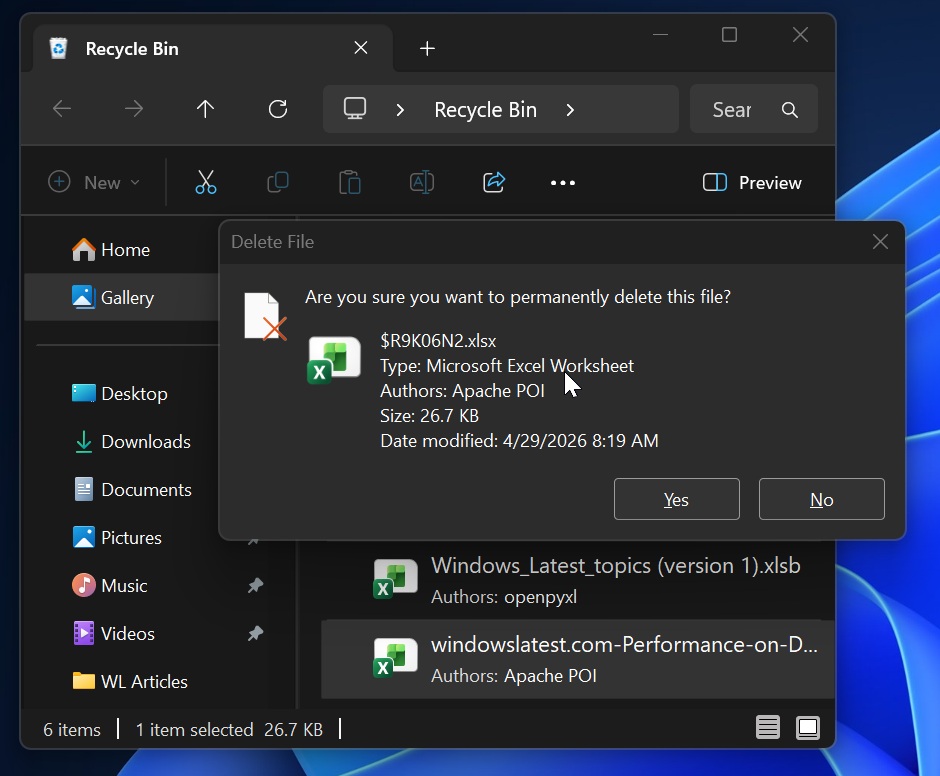
If you have a user-friendly file name like dog.jpg, then the Recycle Bin would store the file with an internal name like $Rxxxxx.ext, while separate metadata keeps the original name, original location, deletion time, and other details. File Explorer normally reads that metadata and shows you the real file name, so you never see the internal $R… name.
Windows 11 KB5094126 broke the Recycle Bin’s ability to correctly display the file name, so it shows the internal name instead of the original file name. So instead of asking whether you want to permanently delete Report.docx, Windows might show something like $R4ABC12.docx.
That looks scary, and you might wonder if you are accidentally removing or restoring an incorrect file.
Microsoft says it’s working on a workaround, but it won’t be available until July 14, 2026, which means you should double-check before you permanently delete a file in the Recycle Bin, as you might delete something you wanted to restore if you don’t pay attention to the original file name.
Microsoft lists Windows 11 26H1, 25H2, 24H2, 23H2, Windows 10 22H2, Windows 10 LTSC/LTSB versions, and multiple Windows Server releases from Server 2012 through Server 2025 as affected.
3. Some PCs are stuck in a BitLocker recovery loop and running into Black Screen of Death (BSOD) errors
Microsoft hasn’t acknowledged our findings yet, but the most serious issue reported with Windows 11 KB5094126 is a boot failure that appears to affect mostly HP business PCs.
Some admins say PCs reboot into recovery mode after installing the update, while others report a 0xc0430001 BSOD, BitLocker recovery screens, blank blue screens, or Secure Boot verification errors.
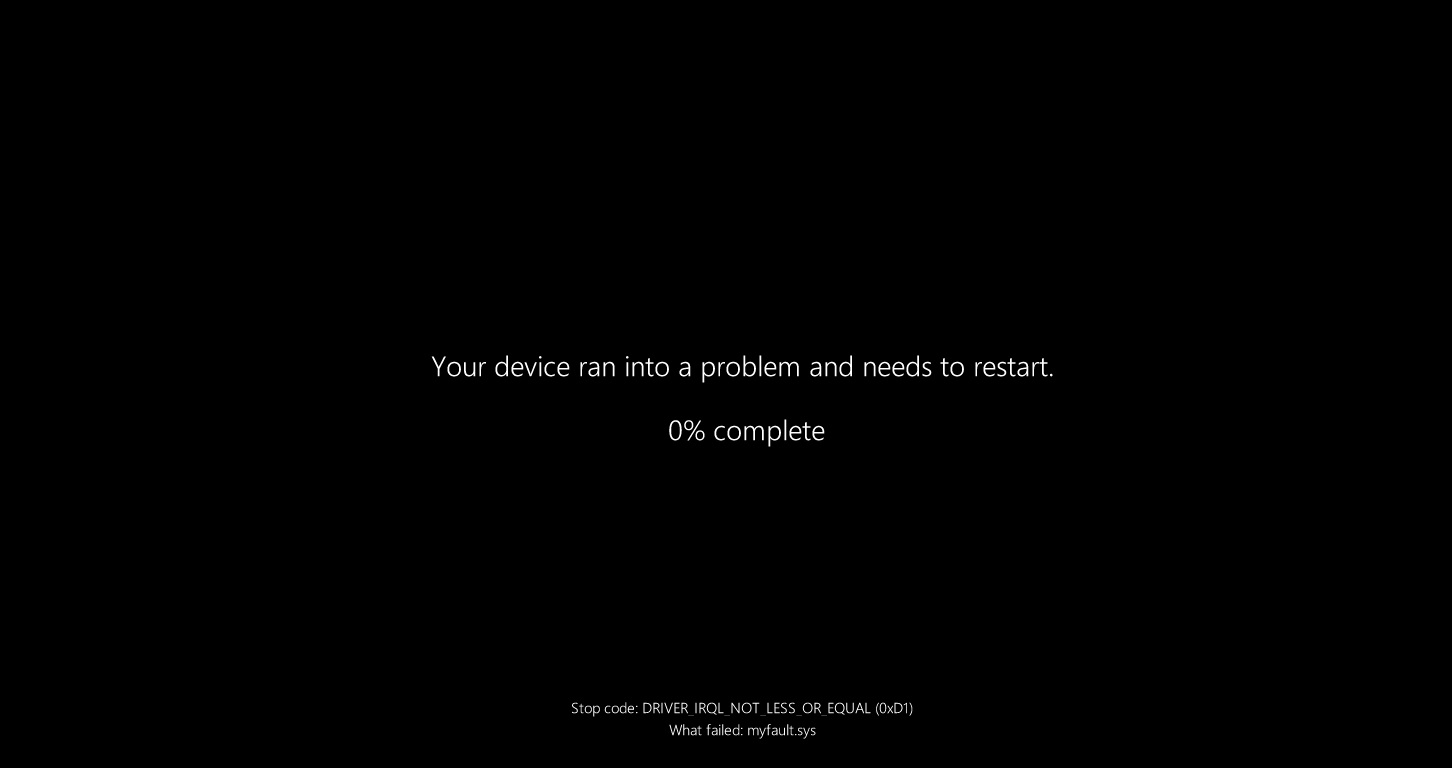
The list of affected models includes HP EliteBook 840 G10, HP ProBook 460 G11, HP EliteBook 860 G10, HP ZBook, HP Engage One Pro 15.6 G2 AiO POS systems, HP ProBook 650 G9, HP EliteBook 840 G9, and HP EliteBook x360 830 G6.
In our tests, Windows Latest found that the BSOD issue is related to EFI storage (this partition is used to store boot or firmware-related files), so if it’s running out of storage, it could cause the updates to fail, but in other cases, Secure Boot may refuse to trust the boot path.
That can lead to a BSOD, recovery mode, BitLocker recovery, or errors such as “operating system loader failed signature verification.”
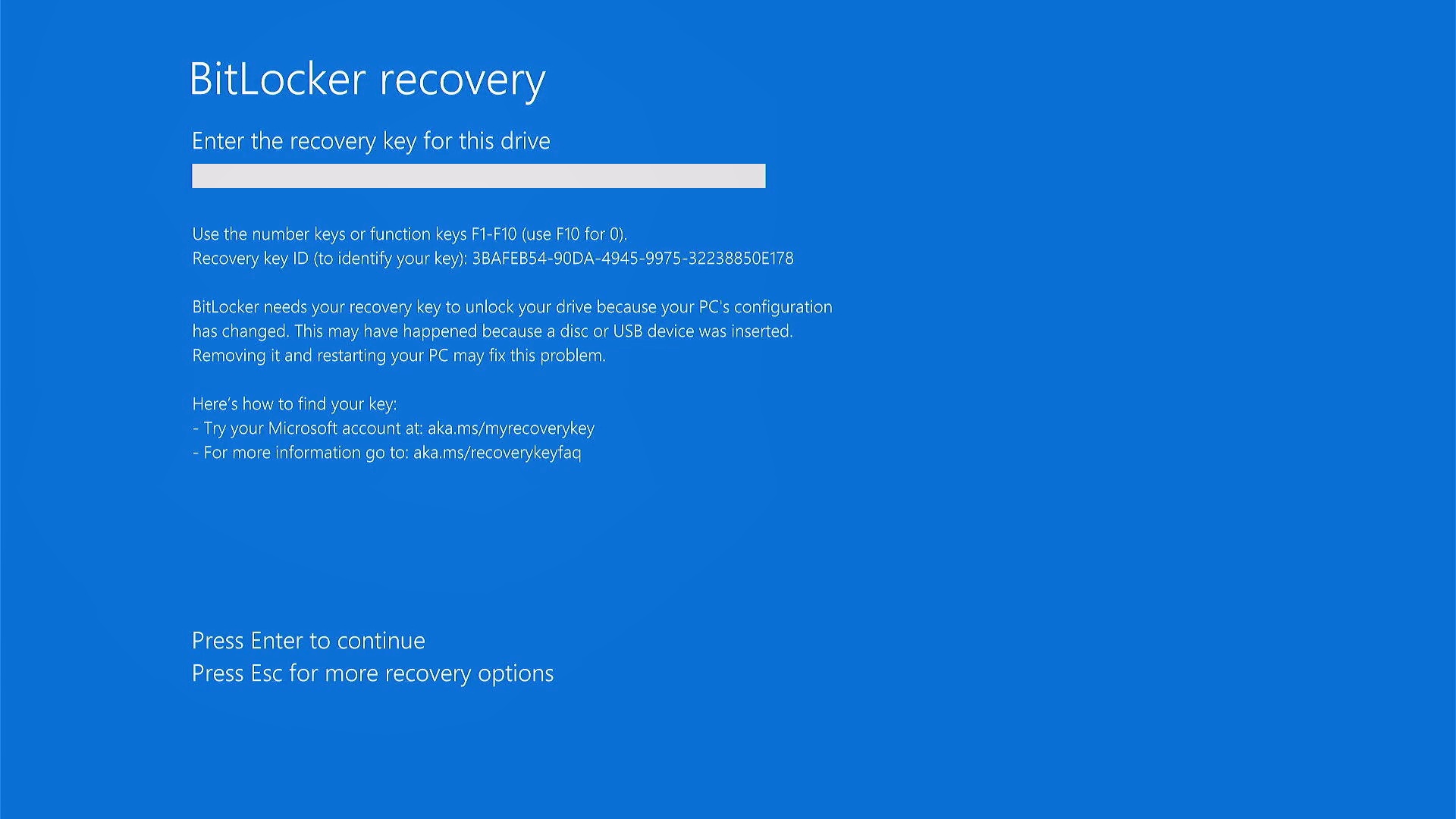
If you run into BSODs after Windows 11 KB5094126, I recommend turning off Secure Boot, then trying the update again, and re-enabling it after it installs smoothly. You should also consider expanding the EFI partition.