





Windows 10’s original support ended in October 2025, and it’s been on extended security support since then. But even that comes to an end on October 12, 2027. That means you’ve got roughly 11 months left before you’ll need to upgrade to Windows 11 or continue without those security updates. And Microsoft is already preparing for D-Day by offering Windows 11 26H2 to eligible Windows 10 PCs.
Windows 10 is usually late to be offered a direct upgrade path to the most recent version of Windows 11. For example, a year ago, it took several months before Windows 11 25H2 finally showed up on PCs running Windows 10. Most PCs were still being offered either 23H2 or 24H2.
Now, if you check for updates on Windows 10, you’d be offered to install Windows 11 26H2 right away, replacing version 24H2 or 25H2 on some PCs. While it’s not really a big deal, it shows that Microsoft is now hoping Windows 11 26H2 could be a turning point. And it totally makes sense, as this specific version of Windows is being seen as a “faster” update by consumers.
Windows 11 26H2 began rolling out on September 29, so it’s been well over a month. A few days ago, Microsoft confirmed that the update is now available for all eligible PCs and recommended that everyone upgrade to it.
“Windows 11, version 26H2 is now available for all eligible devices. We recommend updating to version 26H2 to stay up to date, secure, and productive,” Microsoft noted in a quietly updated support document.
It’s not unusual for Microsoft to recommend a newer version of Windows as more secure, but it’s interesting how quickly 26H2 reached full availability. As I reported last week, the update had already reached full availability for Windows 11 24H2 and 25H2 PCs in less than a month.
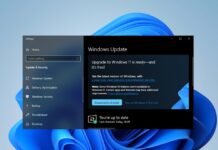
If you’re on Windows 10 and want to check whether the upgrade is available, go to Settings > Update & Security > Windows Update. Your PC will need to meet Windows 11’s hardware requirements, and the upgrade can take longer than it does on a PC already running Windows 11 24H2 or 25H2.
It’s also worth noting that Windows Latest understands Microsoft is preparing a new bombardment of upgrade alerts on Windows 10, so it makes sense to begin offering a direct upgrade route to Windows 11 26H2.
Windows 10 is running out of lifelines
Windows 10’s support was extended because millions of users are still refusing to move to Windows 11.
I assume that would change if Microsoft relaxed Windows 11’s system requirements, such as TPM 2.0 and Secure Boot, but that wouldn’t happen because Microsoft actually wants people to buy a new PC. It was the whole point of shipping Windows 11 with stricter system requirements.
Of course, you can bypass them and move ahead, but a non-tech-savvy user wouldn’t do it. It’s also not the right time for everyone to buy new hardware. And then, you’ve got millions of users who are simply not ready to accept Windows 11.
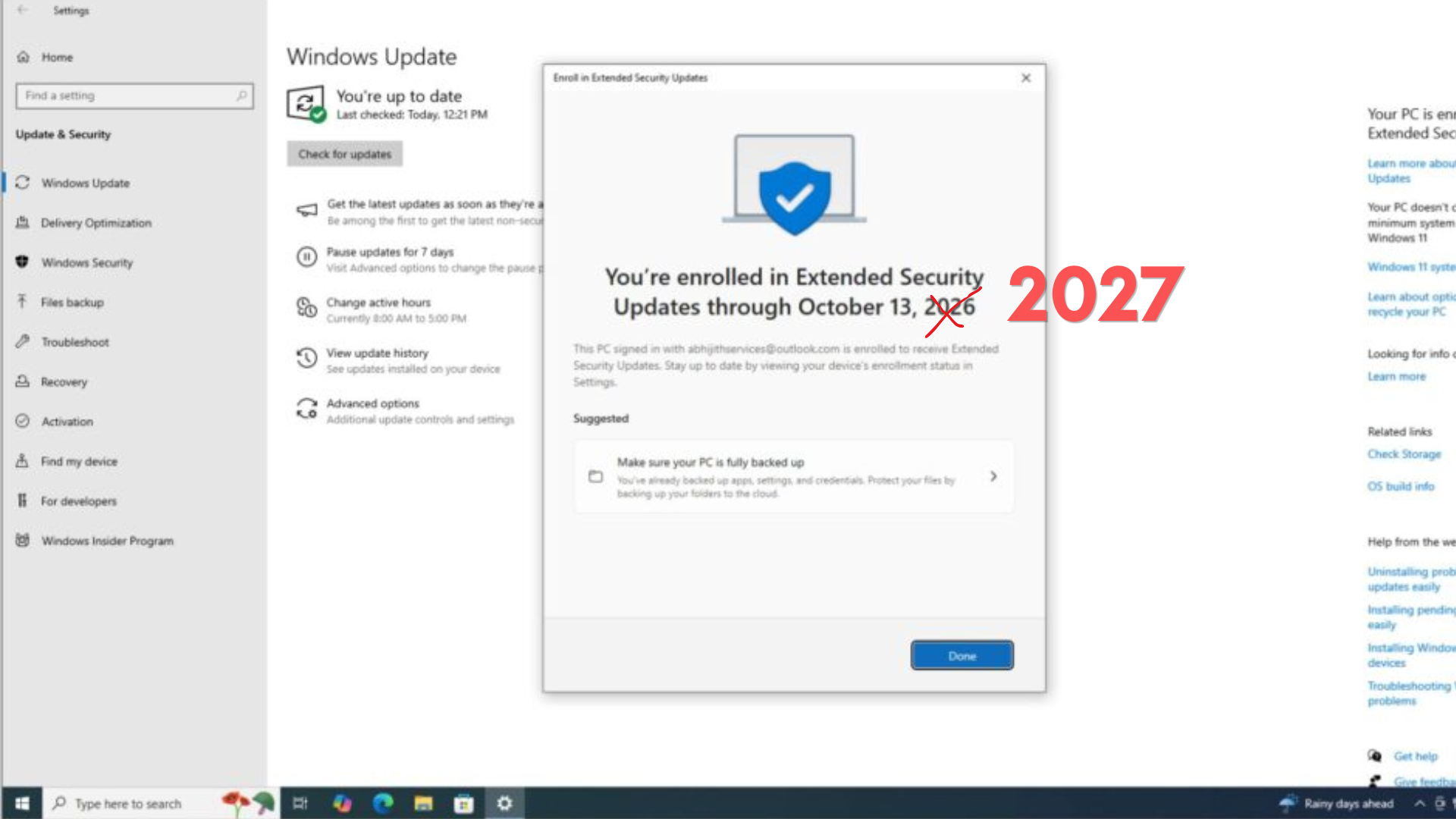
If you want to stay on Windows 10, you need to enroll in the Extended Security Updates (ESU) program to keep getting critical updates. As Windows Latest first reported, Microsoft extended the consumer ESU program through October 12, 2027.
Windows 11 26H2 is faster, but it’s still a nothingburger update
I’ve previously called Windows 11 26H2 a nothingburger update because it comes without any visible changes, and it’s based on the same platform release as version 24H2 or 25H2. So regardless of which version you use, the experience is going to be the same. However, Windows 11 26H2 gives you extended support on the same servicing branch, which has been tested for three years now.
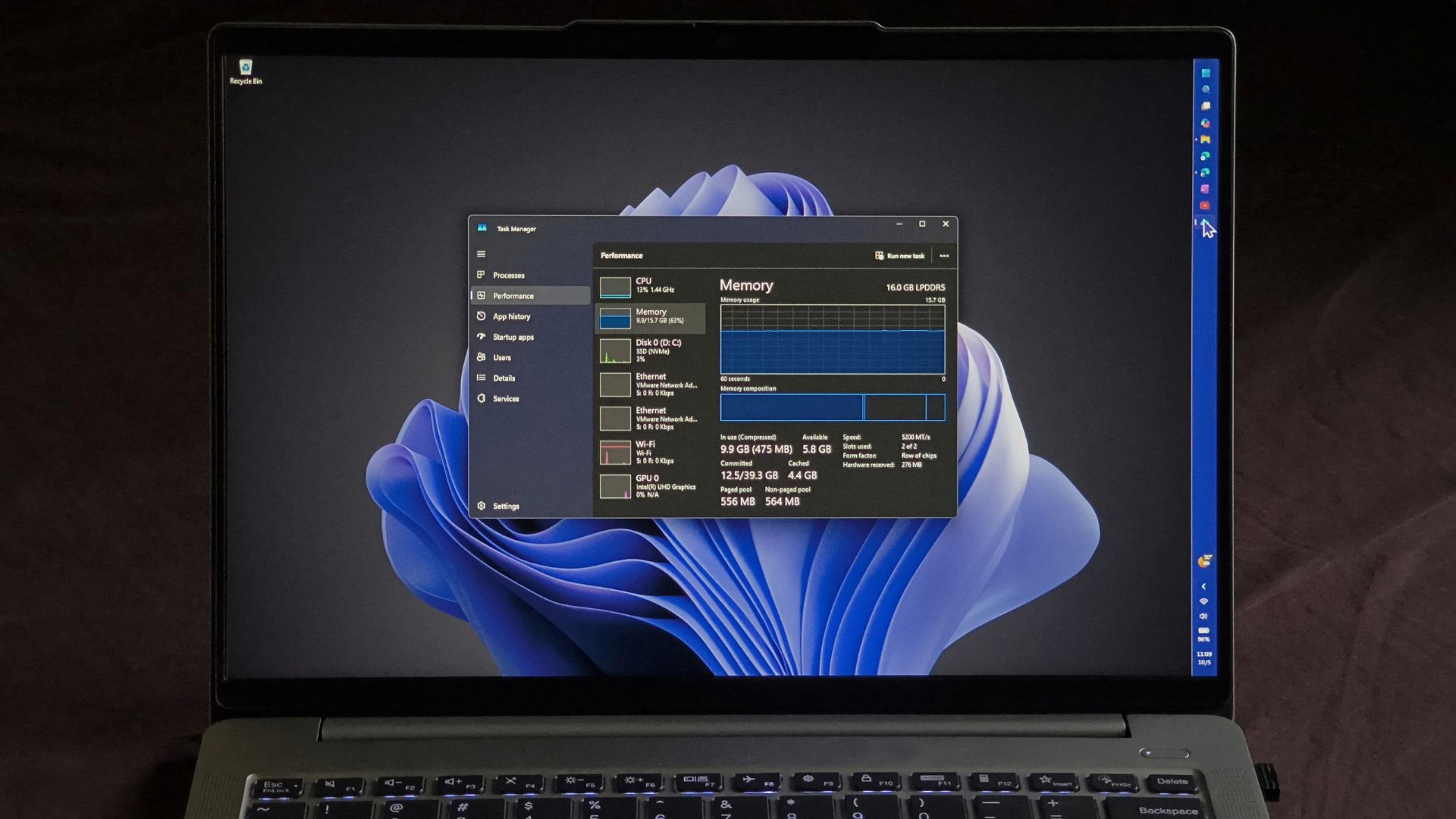
Windows 11 26H2 also turns on recent improvements rolled out over the past few months, including better performance on low-RAM PCs, faster app launches, and a faster Start menu or Windows Search via Low Latency Profile.
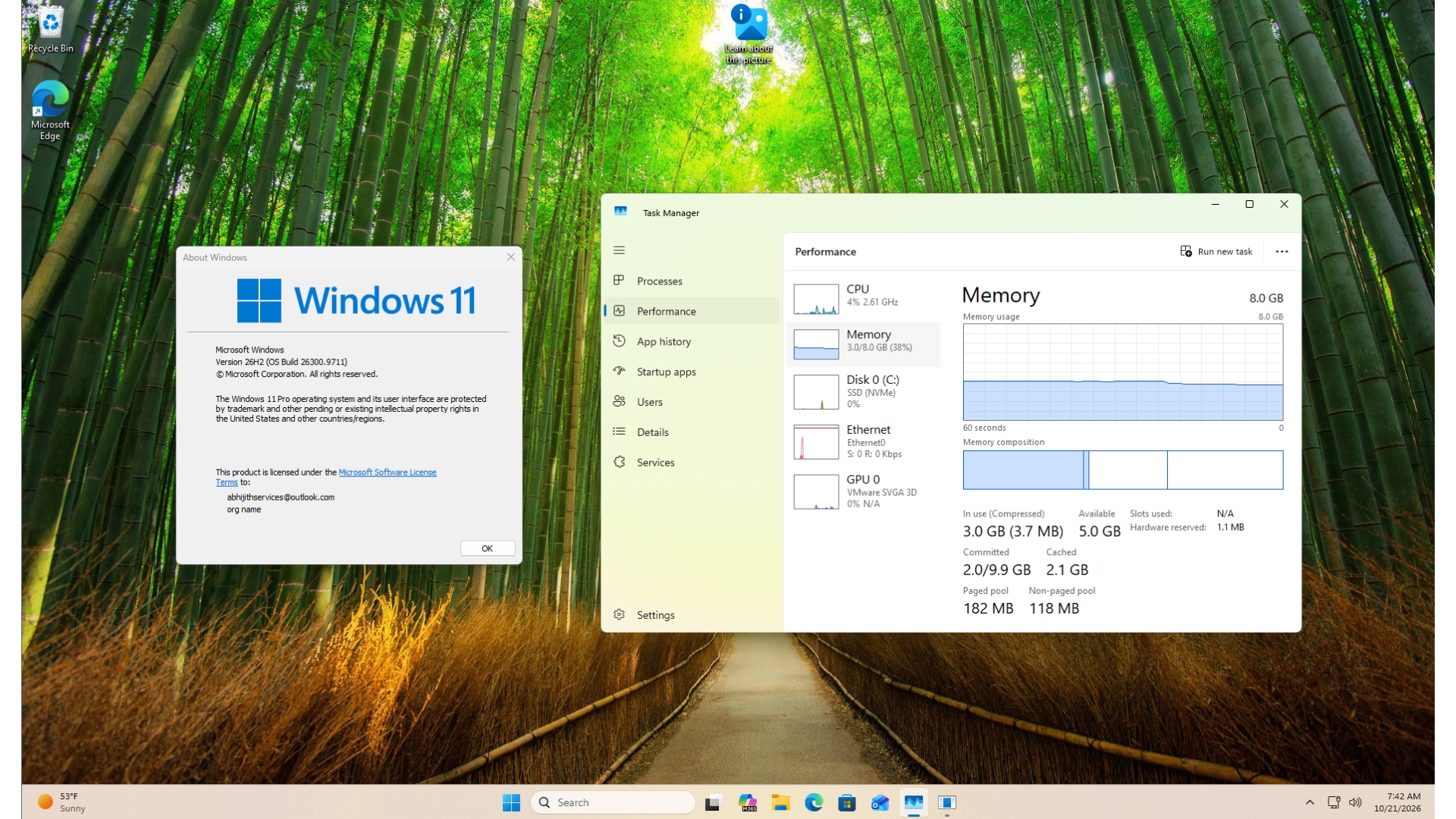
Microsoft says Windows 11 is now up to 20% more responsive, and it plans to make things like Start, Search, and File Explorer even faster. In our tests on an 8GB laptop, we also noticed lower memory usage after updating to Windows 11 26H2.
Of course, you shouldn’t expect every PC to suddenly become 20% faster just by installing the Windows 11 2026 Update, and Microsoft is also not planning to share the numbers yet, so we don’t know where the 20% improvement is actually being observed.
Windows 11 26H2 gives you more time before the next big release
As I’ve been repeating for a while, even if Windows 11 26H2 changes nothing for those not willing to move away from Windows 10, it still resets the support lifecycle for Windows 11. In 2027, Microsoft is planning to release one of the biggest updates for Windows 11, and we’re expecting it to arrive around October 2027.
If you’re on Windows 10 and you hate changes, you’d probably want to move to Windows 11 26H2 and stick to it while we watch Windows 11 27H2 become stable. That gives you more time on the current Windows platform before you need to consider the next major release.
| Windows 11 version | Servicing branch | Home and Pro support ends | Enterprise and Education support ends |
|---|---|---|---|
| Windows 11 24H2 | 24H2 / Germanium | October 13, 2026 | October 12, 2027 |
| Windows 11 25H2 | 24H2 / Germanium | October 12, 2027 | October 10, 2028 |
| Windows 11 26H2 | 24H2 / Germanium | October 2028 | October 2029 |
As I’ve reported previously, Windows 11 27H2 is expected to be a new platform release in 2027. That could make it a much bigger update than 26H2, but we’re expecting compatibility and other potential issues.
Regardless, Windows 10’s consumer ESU deadline is getting closer, and you’ve got less than a year to decide what you want to do next.