



After all the outrage over ‘Microslop,’ Microsoft said it’s listening to your feedback and promised to make Windows 11 a “calm” operating system. Microsoft wasn’t just referring to ads or upsells on Windows, but also the annoying pop-ups you always get from third-party apps, such as IDM, when there’s a pending update.
Unlike iOS or Android, Windows does not have a single place to update all your apps unless you use some third-party tools, and even those would prompt you to manually open the app you need to update. Most third-party apps that don’t use the Microsoft Store have their own installer, which is why you deal with frequent lags and interruptions.
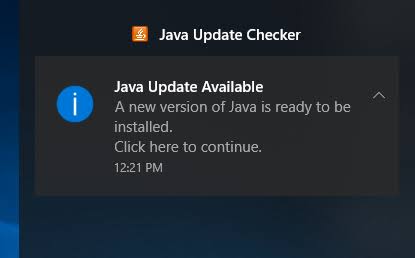
Who doesn’t remember the famous “Jave Update Available” pop-ups on Windows?
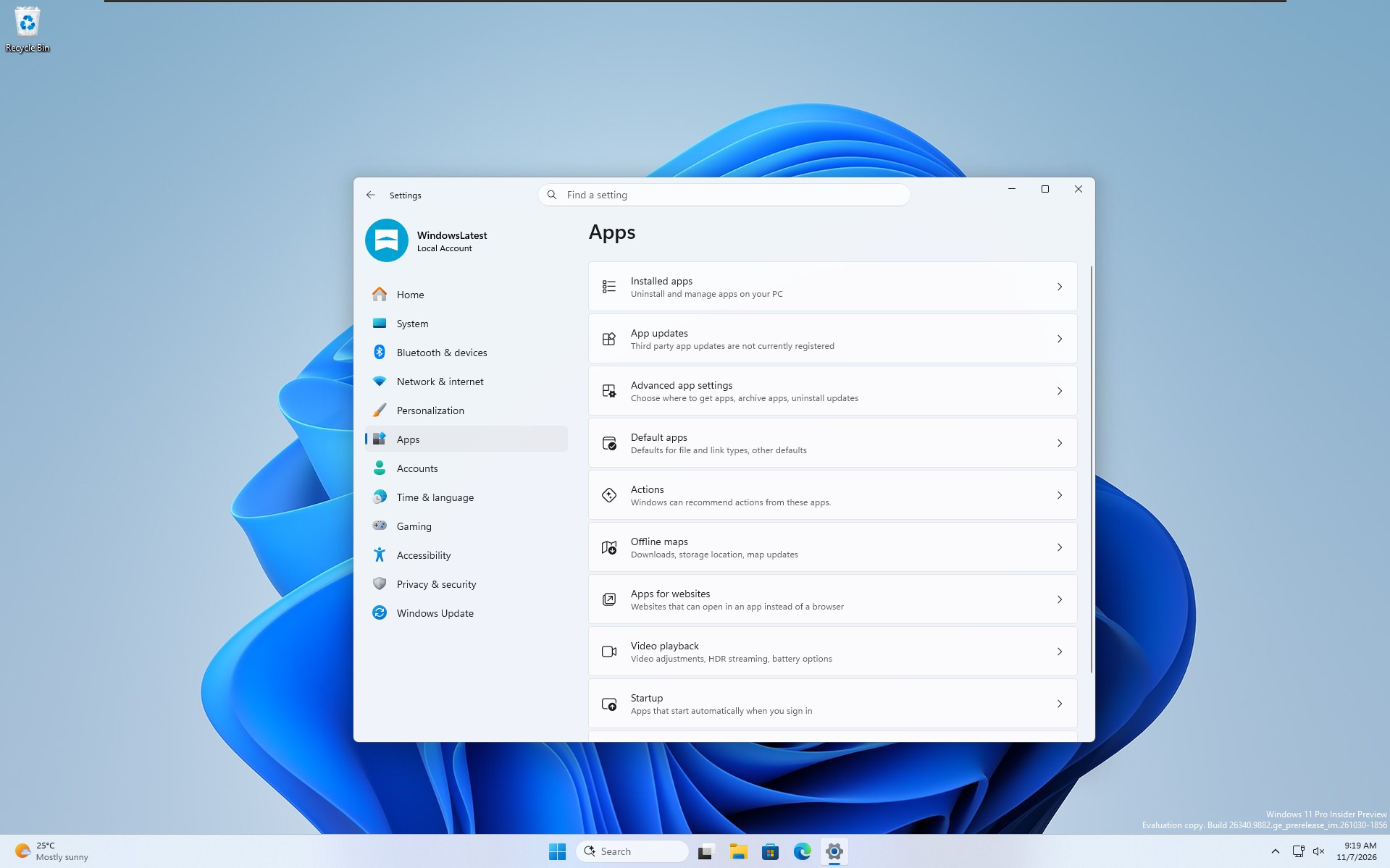
Microsoft has an idea to stop apps from nagging you, and that is to make app updates less fragmented, but it’s going to be a while before you actually begin seeing meaningful changes. I spotted a feature called “App updates” under Settings > Apps in December 2025, and it just reappeared in a Windows 11 26H2 preview build, hinting at an imminent rollout.
As you might have guessed, the idea is to bring updates from third-party apps to a single page. Microsoft is hoping that developers register their apps for Windows 11’s unified updates and let a page in Settings take care of them.
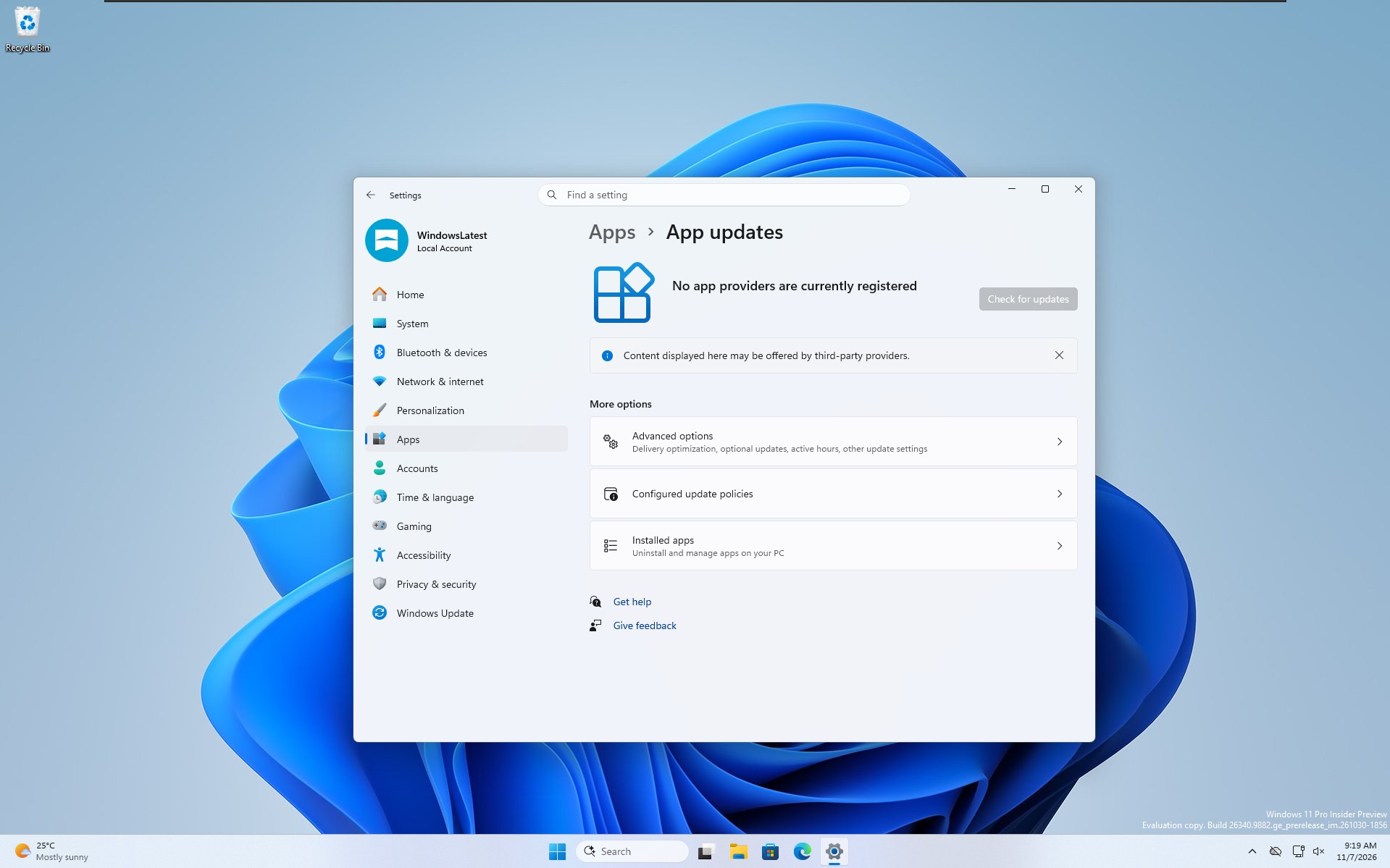
However, there aren’t any registered app providers on my test PC right now, not even Microsoft for Teams, Outlook, and other apps. As you can see in the screenshot above, Windows says “No app providers are currently registered.” The Check for updates button is also greyed out, so there’s nothing to check or install on my test machine.
Windows 11 wants to bring third-party app updates under one roof
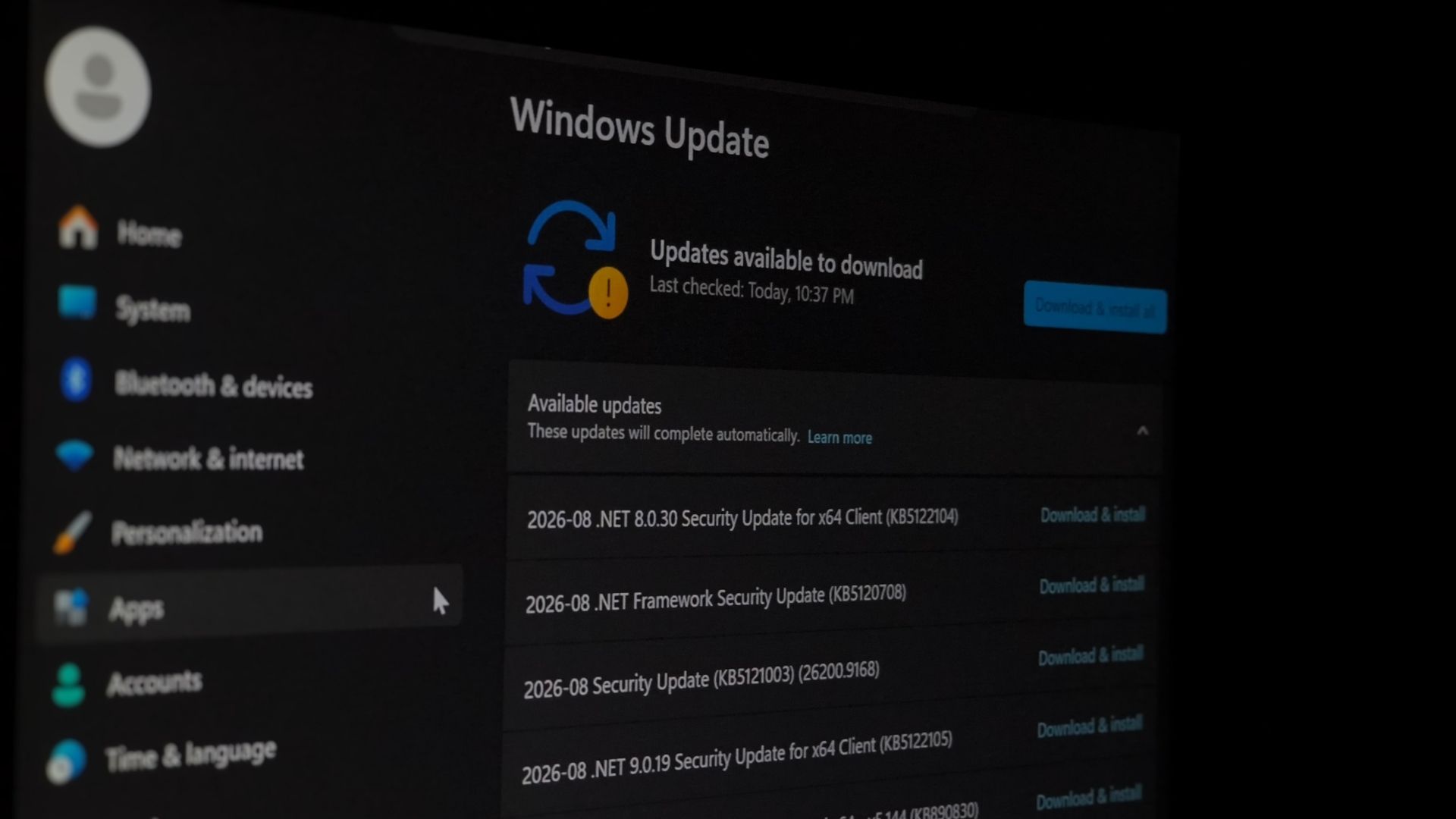
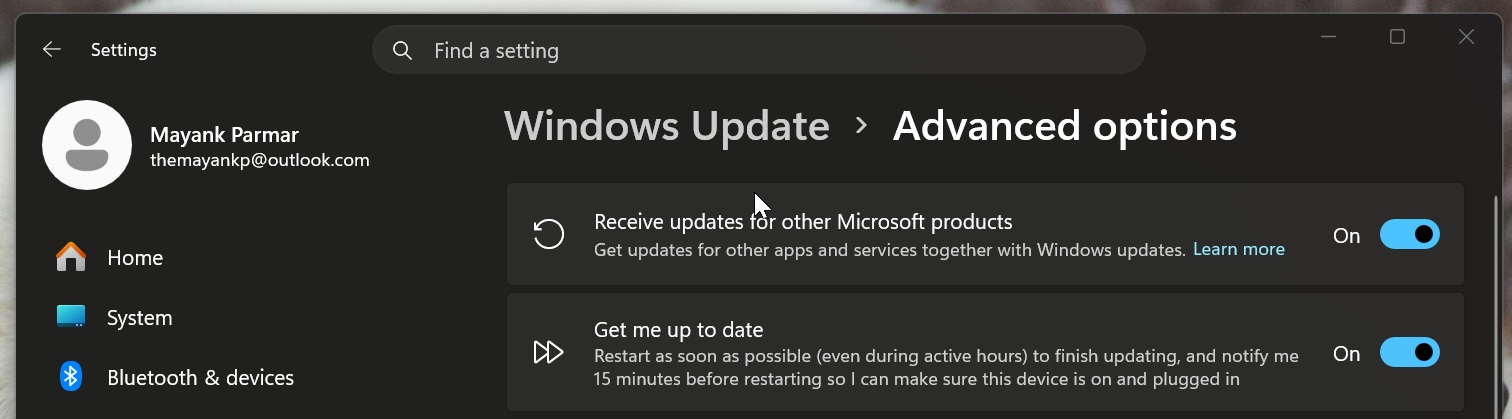
Right now, we use Windows Update for system updates, drivers, and even some Microsoft products, such as .NET Framework, as long as the toggle “Receive updates for other Microsoft products” is turned on in Settings > Windows Update > Advanced settings. And for everything else, you’ve got the Microsoft Store.
However, that does not cover many traditional desktop apps, such as Google Chrome, Firefox, VLC, MPV, and other Win32 apps that use their own services and installers for good reasons. Windows doesn’t even know when there’s an update coming to one of these apps, unlike the Microsoft Store, where it knows everything, as it’s the distributor.
In 2025, Microsoft proposed an idea called the “Windows Update Orchestration Platform (UOP),” which allows developers to register their app updates as “providers” with Windows 11. This would allow Windows to periodically check for updates for participating apps and coordinate their installation when deemed necessary (you’ll have control over it). If anything, it would make it easier to see all participating apps and their pending updates.
Microsoft does not want to force developers to abandon their existing update mechanisms, so third-party apps do not have to give up their update servers or installation logic. In this case, Microsoft is only providing the orchestration layer.
“Built on the Windows Update stack, the orchestration platform aims to provide developers and product teams building apps and management tools with an API for onboarding their update(s) that supports the needs of their installers,” Microsoft explained in a document published last year.
“The orchestrator will coordinate across all onboarded products that are updated on Windows 11,” Microsoft added. “The orchestrator will support MSIX/APPX and apps with custom implementation such as Win32 apps.”
This means Windows 11’s unified app updates feature will support nearly all apps, including MSIX, APPX, and Win32. But of course, not until a developer actually signs up for it and follows the due process.
Windows can decide when you need an update for your third-party apps if developers allow it
Right now, Windows can only decide when you need a Windows update, and it’s not very good at that job. When this change rolls out and third-party apps sign up as providers, you can also expect Microsoft to begin regulating when an app update installs.
Windows Latest understands that Microsoft will be using the same intelligent scheduling technology that already handles system updates. For example, Windows takes user activity, battery, network conditions, and system state into consideration when scheduling third-party app updates. The idea is to avoid interrupting you when you’re actively using your PC, and it may not be a bad idea for all use cases.
I had qBittorrent installed on my PC, and I hadn’t used it in a while, which means I never opened it and triggered the built-in update installer. As a result, I realized that I’d been missing some critical security updates. You might have had similar experiences if you think about apps you haven’t opened in months.
Now, if the qBittorrent app were registered as a provider, it could have reported the available updates to Windows and also shared the changes/release notes. This would have allowed Windows orchestrator to schedule qBittorrent’s installation without requiring me to manually open the app and trigger its built-in update checker.
It’s a great use case, which, of course, you’d realize only when you’re affected by malware due to an outdated app.
But how does Microsoft actually keep track of these third-party apps? As I said, developers need to register, but the registration isn’t a simple toggle. Devs also need to provide a script or an executable that checks for updates. The Windows orchestrator then runs this scanner periodically, keeps track of available updates, and schedules the required download and installation work.
Of course, you can always manually force updates, but we’re talking about automatic updates, aka Windows deciding when to schedule them.
I also found that the default scanning frequency is 22 hours, but developers can configure it differently.
Right now, Windows 11’s unified app updates are in the final stage of testing, and you can’t use it.