





On PCs with 8GB of RAM, Windows 11 is now up to 20% more responsive, and a heavy multitasking run finished up to 40% faster in one of Microsoft’s lab tests, according to Windows boss Pavan Davuluri. Better yet, Microsoft says you can get it today on Windows 11 version 26H2, build 26300.9818 or later, with updated Edge, Microsoft 365, and Teams apps.
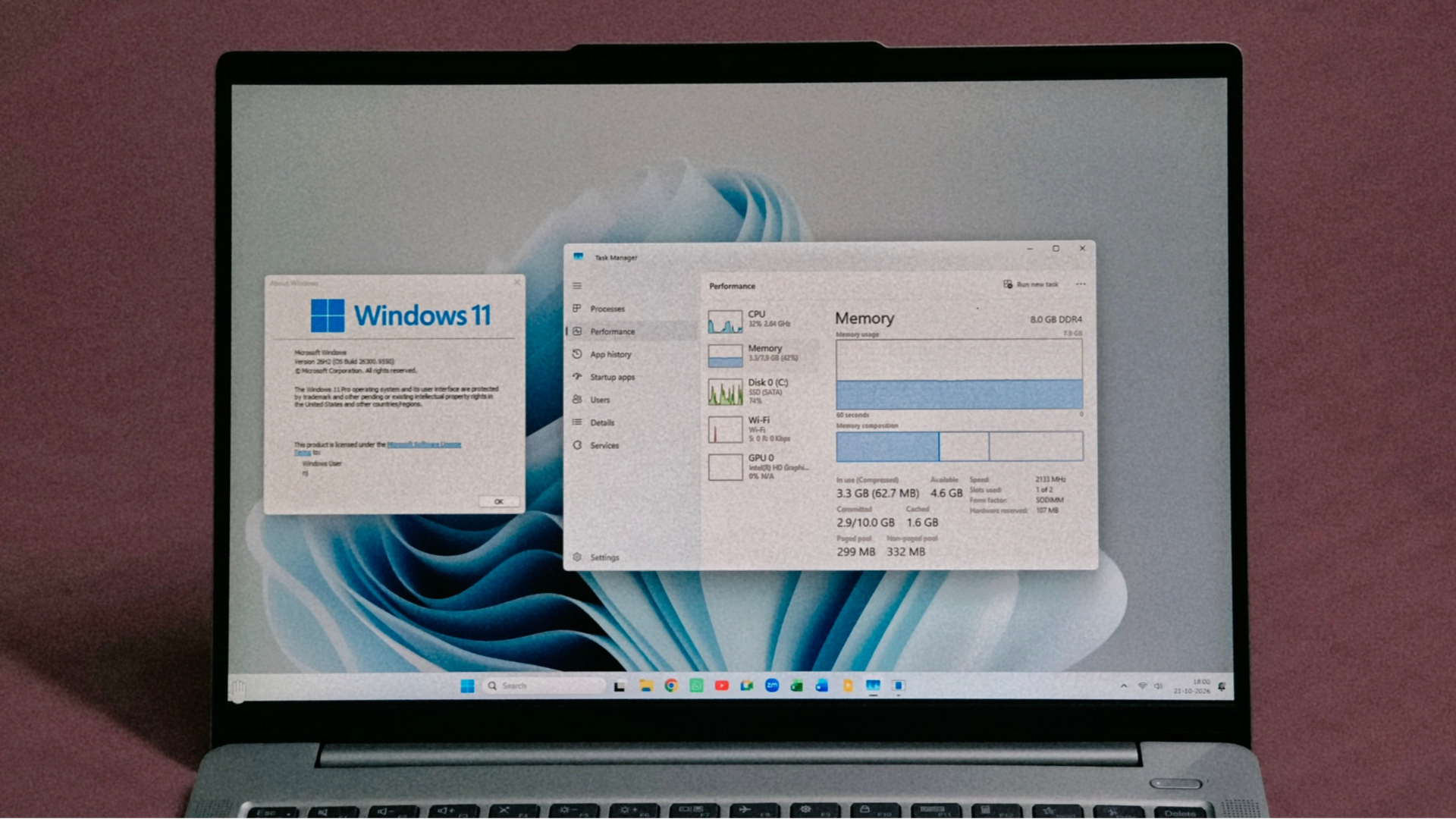
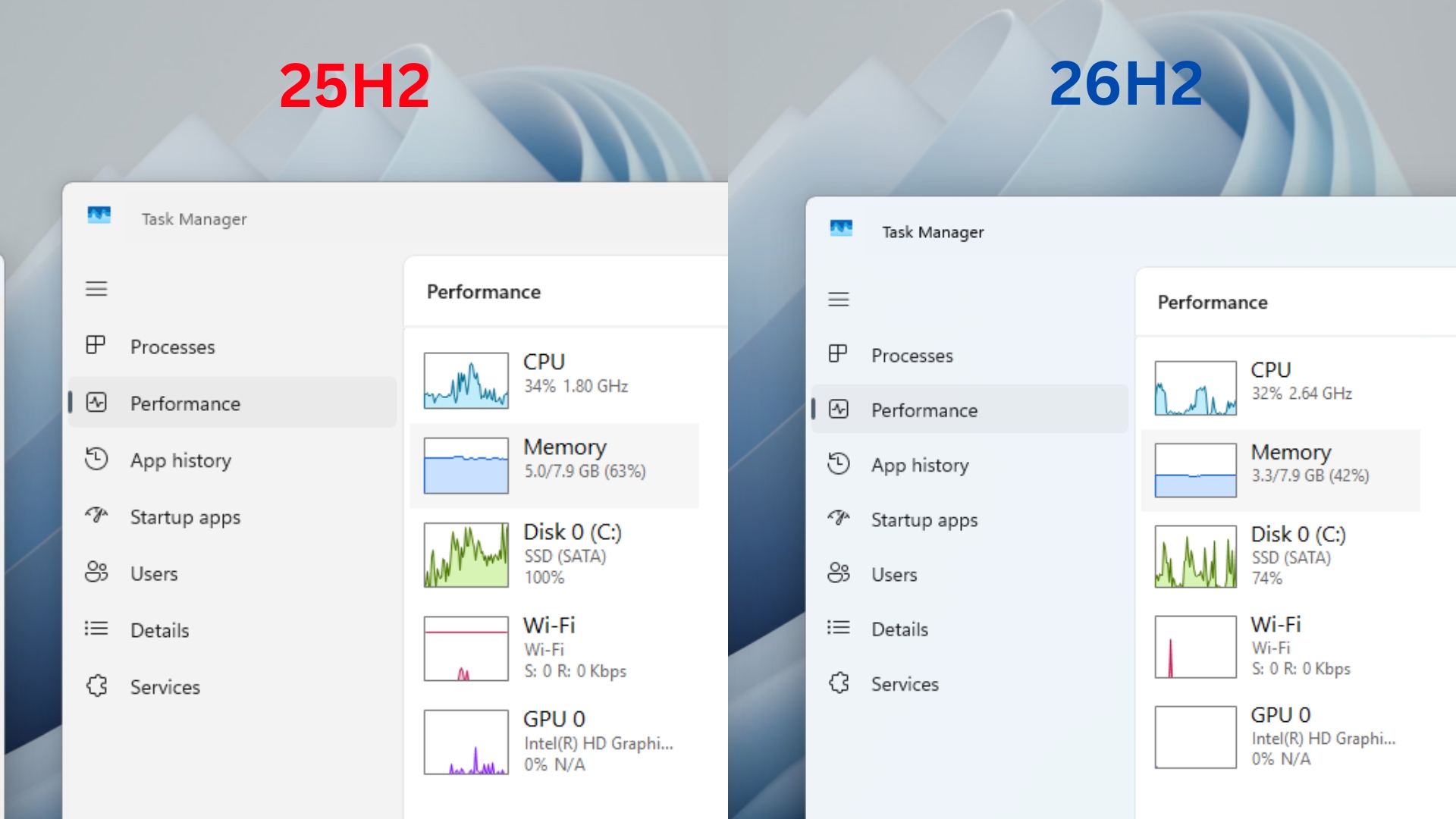
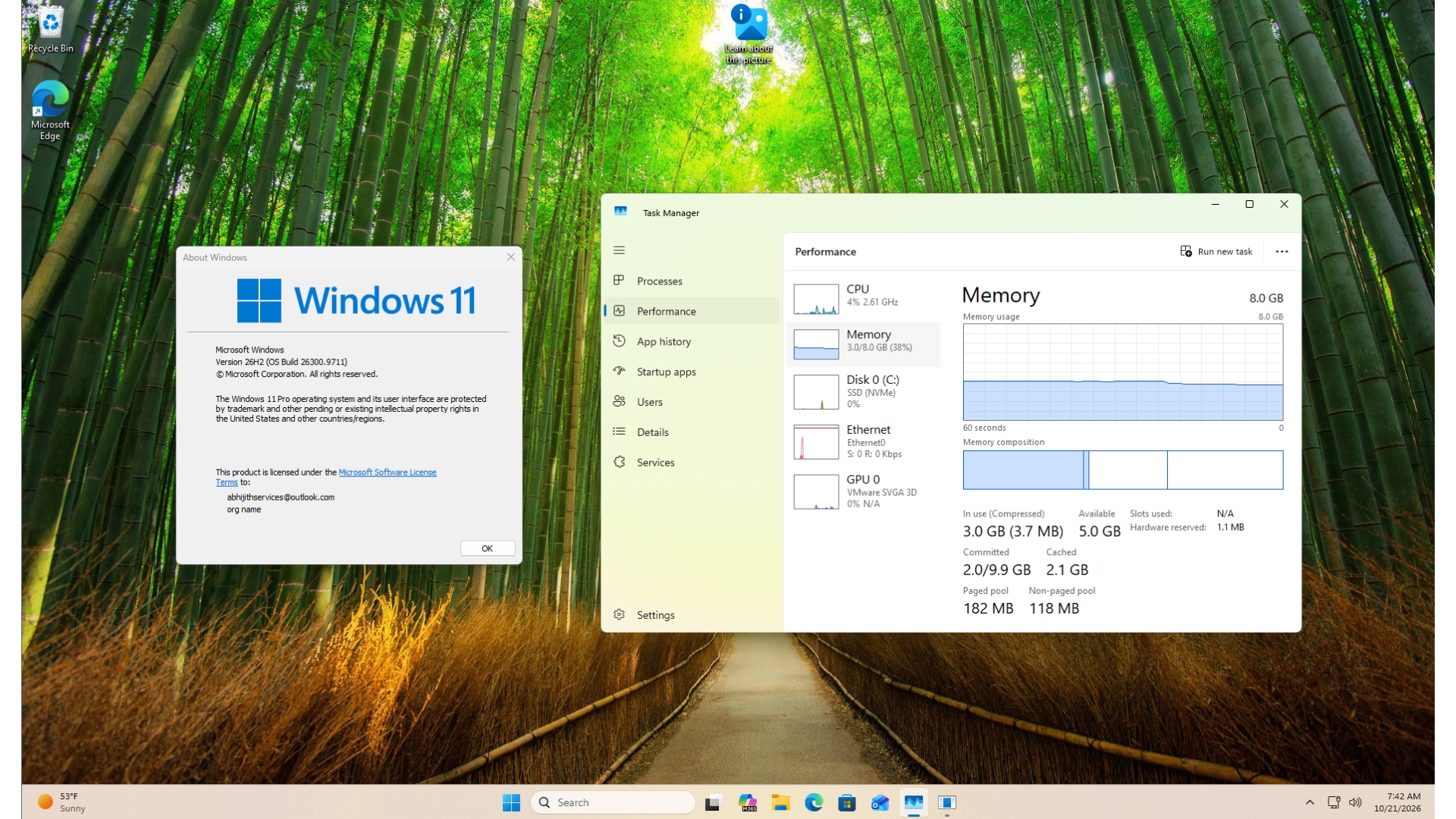
We had a head start on this one. Two weeks ago, I updated my dad’s 8GB laptop to Windows 11 26H2 build 26300.9550 (which is the build with most of Microsoft’s new numbers), and RAM usage after a restart dropped from 5GB to 3.3GB. Microsoft’s new blog finally explains where the RAM went.
Windows 11 is up to 20% more responsive and 40% faster at multitasking on 8GB PCs
Microsoft made memory optimization for 8GB PCs an official priority in July, and today’s Windows Experience Blog post gives us a bunch of test results. So, Microsoft does put their money where their mouth is!
The 20% more responsiveness data come from telemetry on 8GB PCs, measuring how quickly Start, Search, right-click menus, Settings, Snipping Tool and File Explorer respond compared with the January 2026 update. Microsoft first quoted this 20% figure on October 15 without specifically mentioning 8GB PCs.
The 40% figure has a few caveats, though, but still impressive. On an 8GB HP OmniBook 3 with a Snapdragon X Plus, Microsoft opened 20 Edge tabs, a 4K video, large Word, PowerPoint and Excel files, Outlook and File Explorer one after another, keeping everything open. Automated UI checks confirmed each step before the next began, and the company says the result is scenario-specific and isn’t a benchmark.
Interestingly, both builds in that test are 25H2 builds from January and September, so those multitasking gains were shipping before 26H2 arrived.
Microsoft’s own apps open faster, too. When Edge is already running in the background, Windows now skips a pointless extra process and hands your click straight to it, making Edge 150 and later open up to 33% faster. The Edge team says most people will see about 15%, with 33% reserved for heavy multitasking.
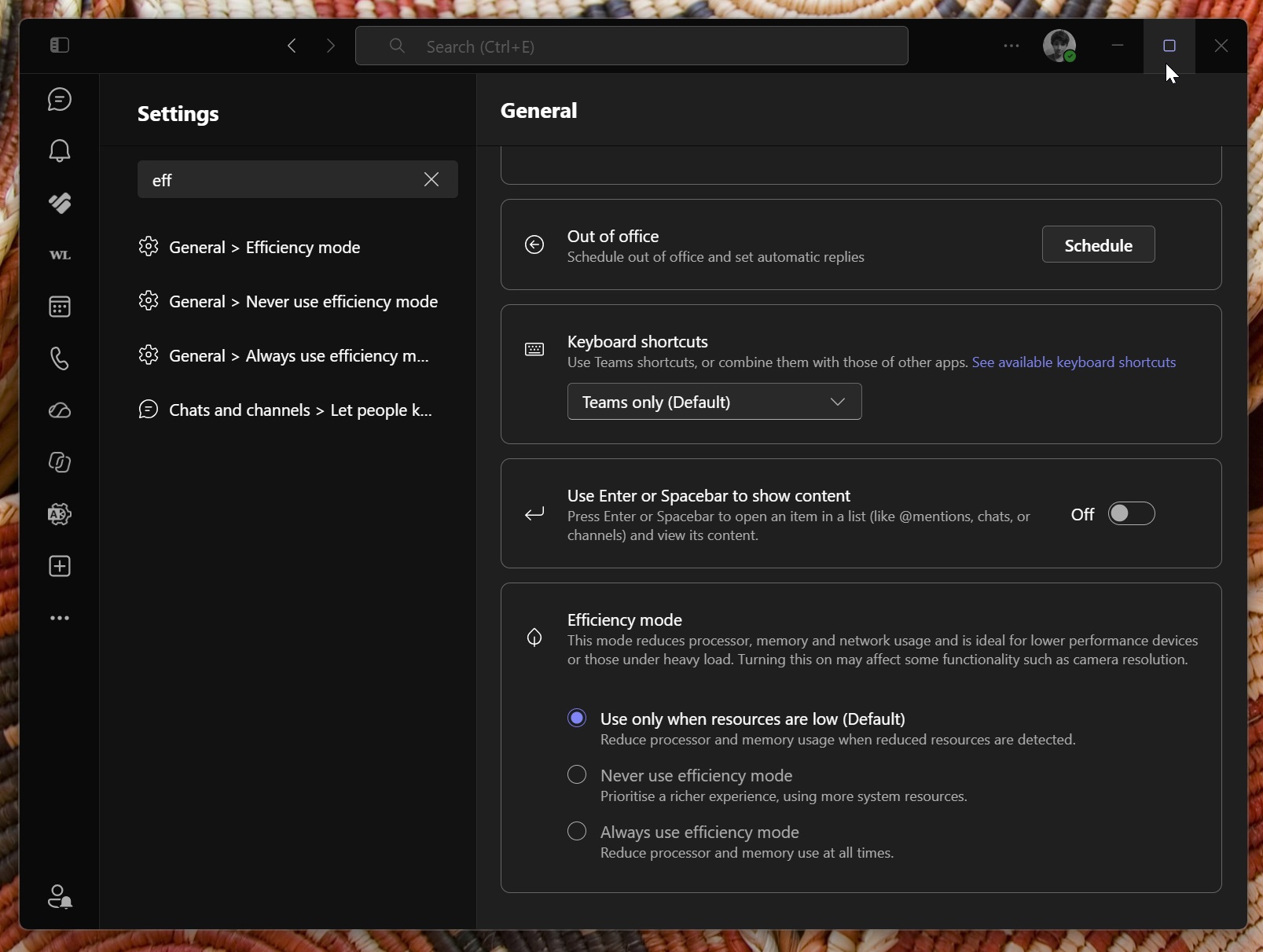
Teams can now turn on Efficiency Mode by default on 8GB PCs, launching up to 20% faster, and lower your camera resolution in meetings to keep audio clear. Of course, it’s the least Microsoft could do for an app that eats RAM while doing nothing.
How Windows 11 keeps up to 2GB more of your work in RAM
Davuluri says Microsoft is “making better use of the memory in every Windows 11 PC, protecting the interactions that need to feel instant even under load, and ensuring key apps and Windows require less memory.”
For context, Task Manager showing most of your 8GB in use doesn’t mean your PC is struggling. Davuluri compares RAM to a desk and your drive to a drawer, where anything moved to the drawer takes longer to fetch. “The real test is whether your PC stays responsive, not how much memory remains unused,” he wrote.
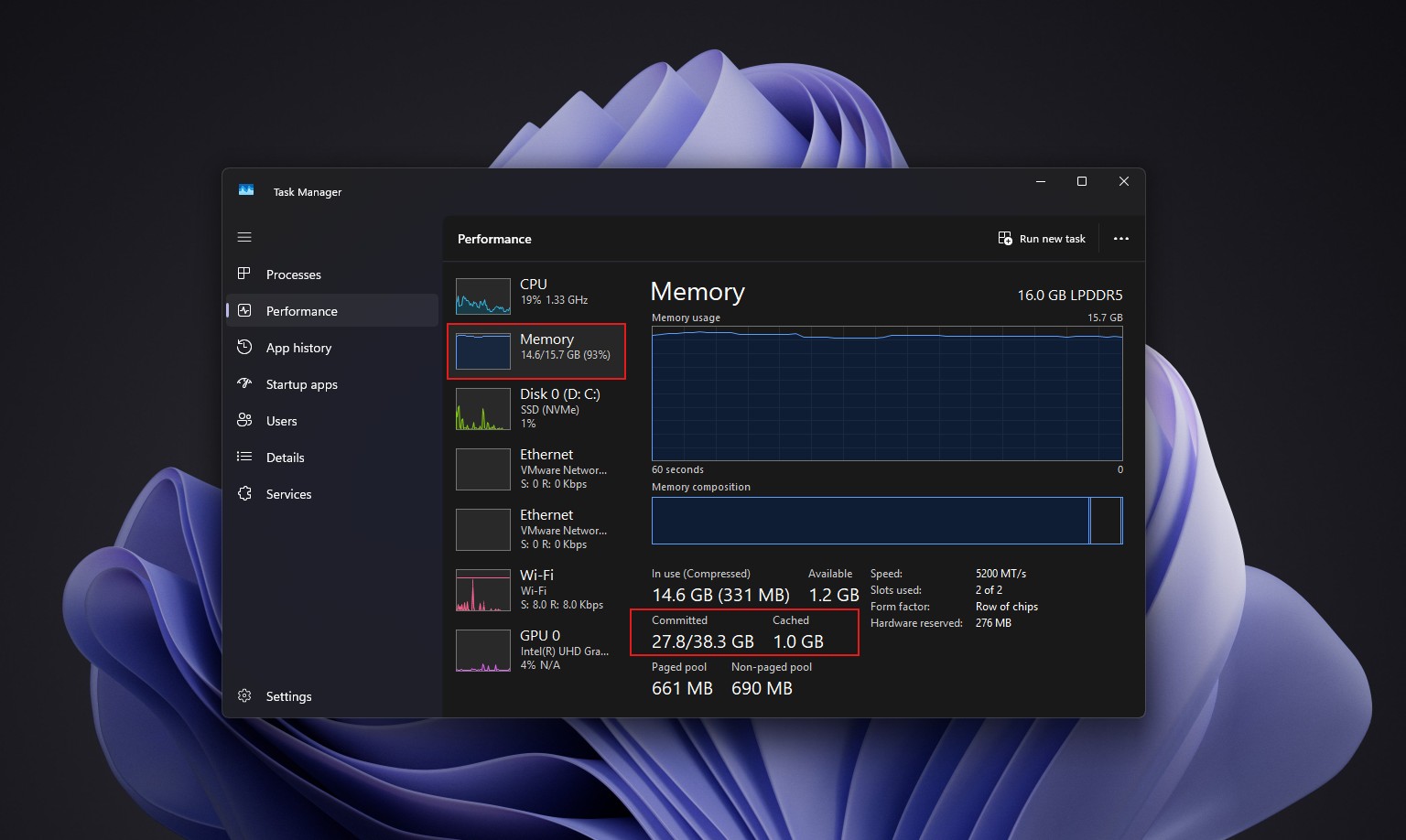
Windows has compressed less-active data for years to keep it on the desk, and Microsoft has now returned how much it compresses, when it uses the drawer, and when it fetches data back on 8GB PCs. As a result, Windows can keep up to 2GB more of your active data in RAM, so an app or tab you left open is less likely to reload.
Windows also briefly prioritizes whatever you ask for and backs off background tasks like search indexing while you’re active, a similar idea to Low Latency Profile, the CPU boost that made a 10-year-old 8GB PC feel snappier in our testing.
Microsoft cut memory growth by up to 900MB across Windows, Edge and Microsoft 365
In September tests on 8GB PCs running Edge, Office, Outlook and Teams, Windows and Microsoft’s apps reduced committed-memory growth by up to 900MB. Committed memory is what Windows has promised to back with RAM or the page file, and Microsoft measured its growth from the start of the workload to the end, so don’t expect Task Manager to show 900MB less.
Word, PowerPoint, Excel and Outlook contribute 360MB of savings through more efficient memory allocation. On PCs with 8GB or less, Widgets now loads only when you open it, cutting memory commitment by roughly 200MB while it’s closed. In my 26H2 testing, though, opening the Discover feed slowly pushed RAM usage back up. Edge also puts inactive tabs to sleep after 15 minutes by default now, down from two hours.
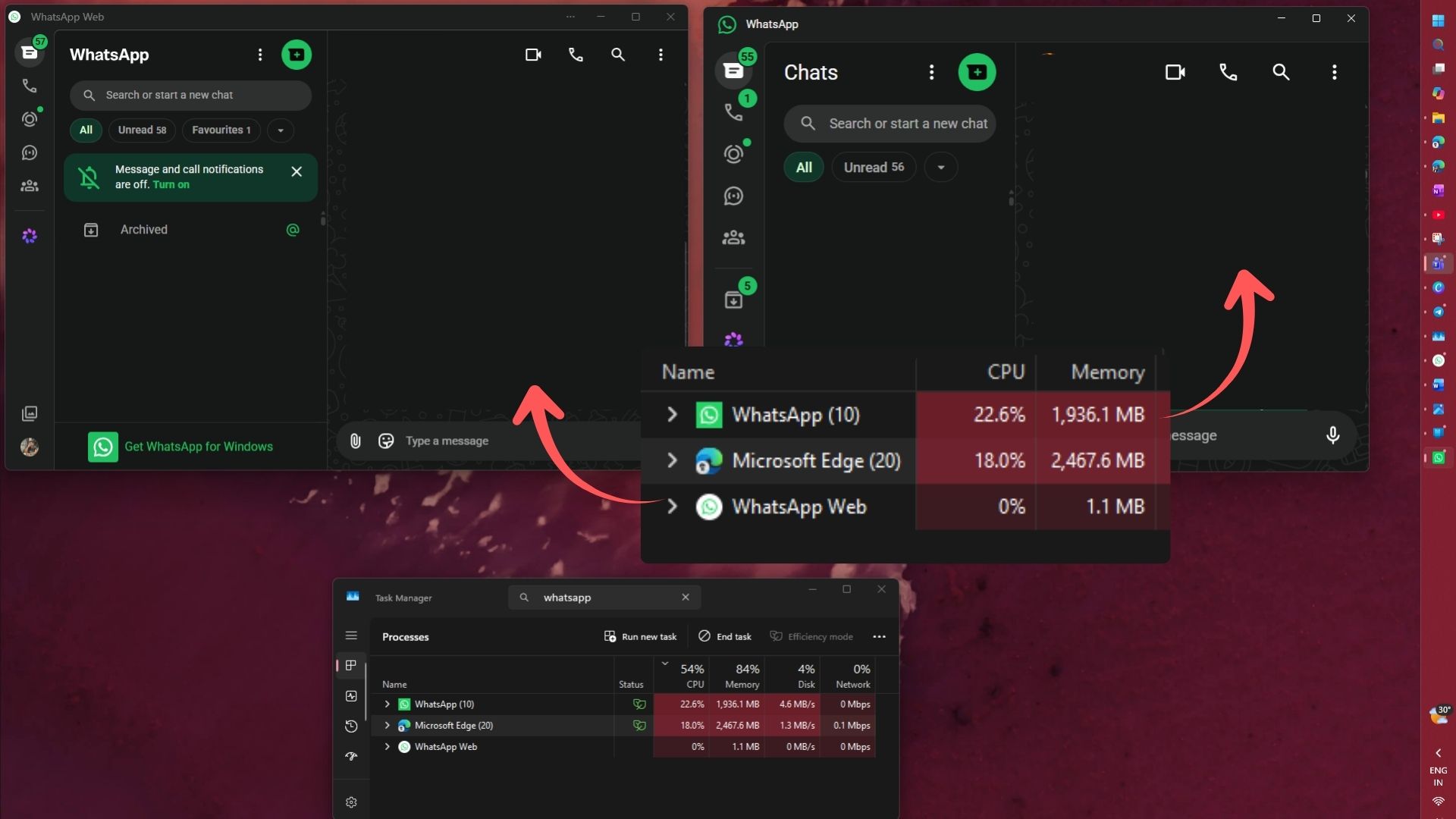
Microsoft says WhatsApp is already using this work to reduce memory use in its Windows app. Ironically, I uninstalled WhatsApp just yesterday after it crossed 2GB of RAM, so I’ll take that with a grain of salt.
Testing Windows 11 26H2 on a cluttered 8GB laptop
My dad’s laptop is far from a clean lab machine. It has 8GB of DDR4 RAM, a SATA SSD and a pile of software, from AutoCAD 2020 and SketchUp to PyCharm and VS Code. After a restart on 26H2, committed memory fell from 4.8GB to 2.9GB, and available memory rose from 2.9GB to 4.6GB.
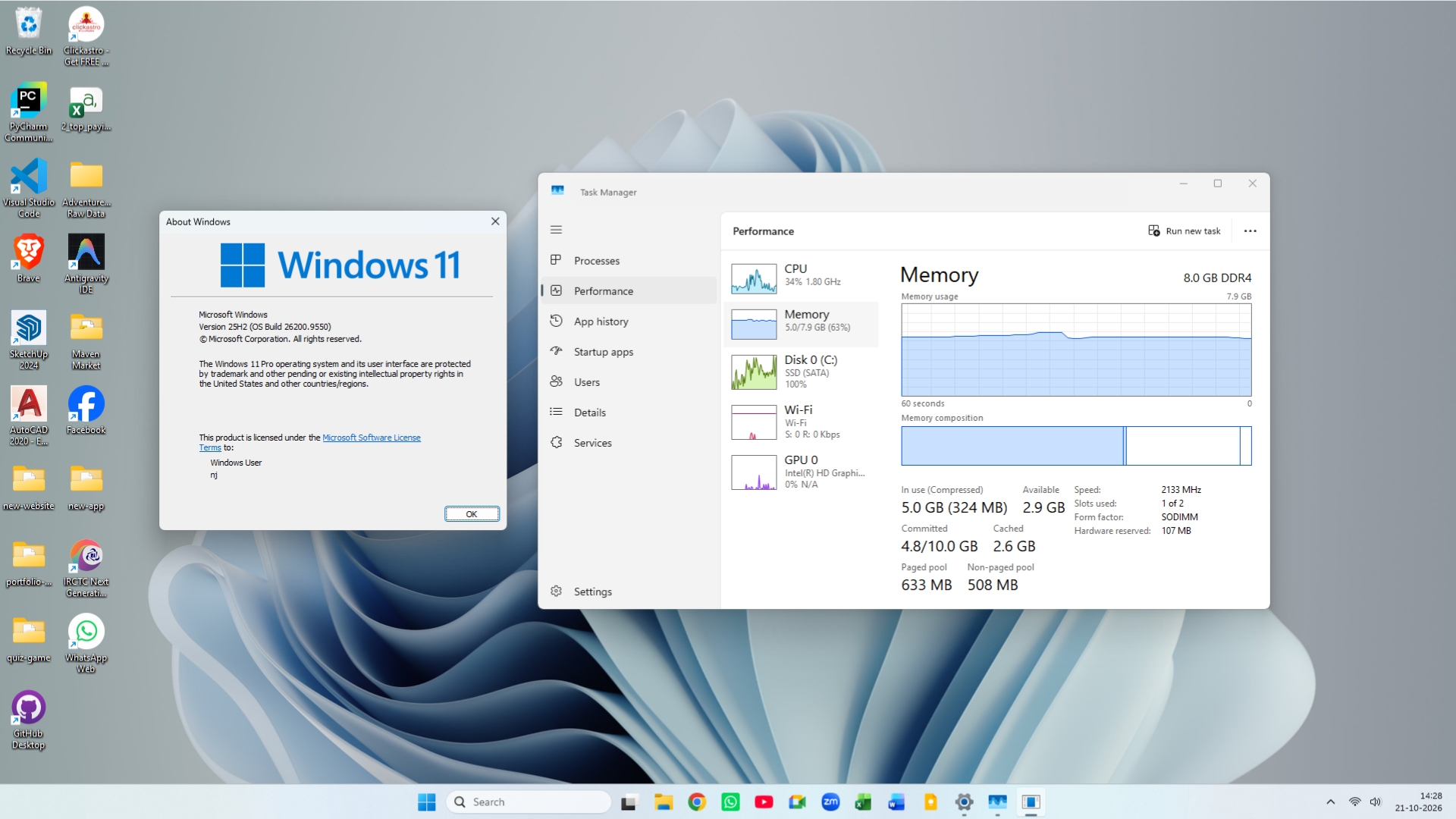
Compressed memory dropped from 324MB to just 62.7MB, so Windows barely compressed anything after boot, which fits with Microsoft’s compression tuning, though I can’t prove the link. Switching between Chrome tabs also felt slightly quicker.
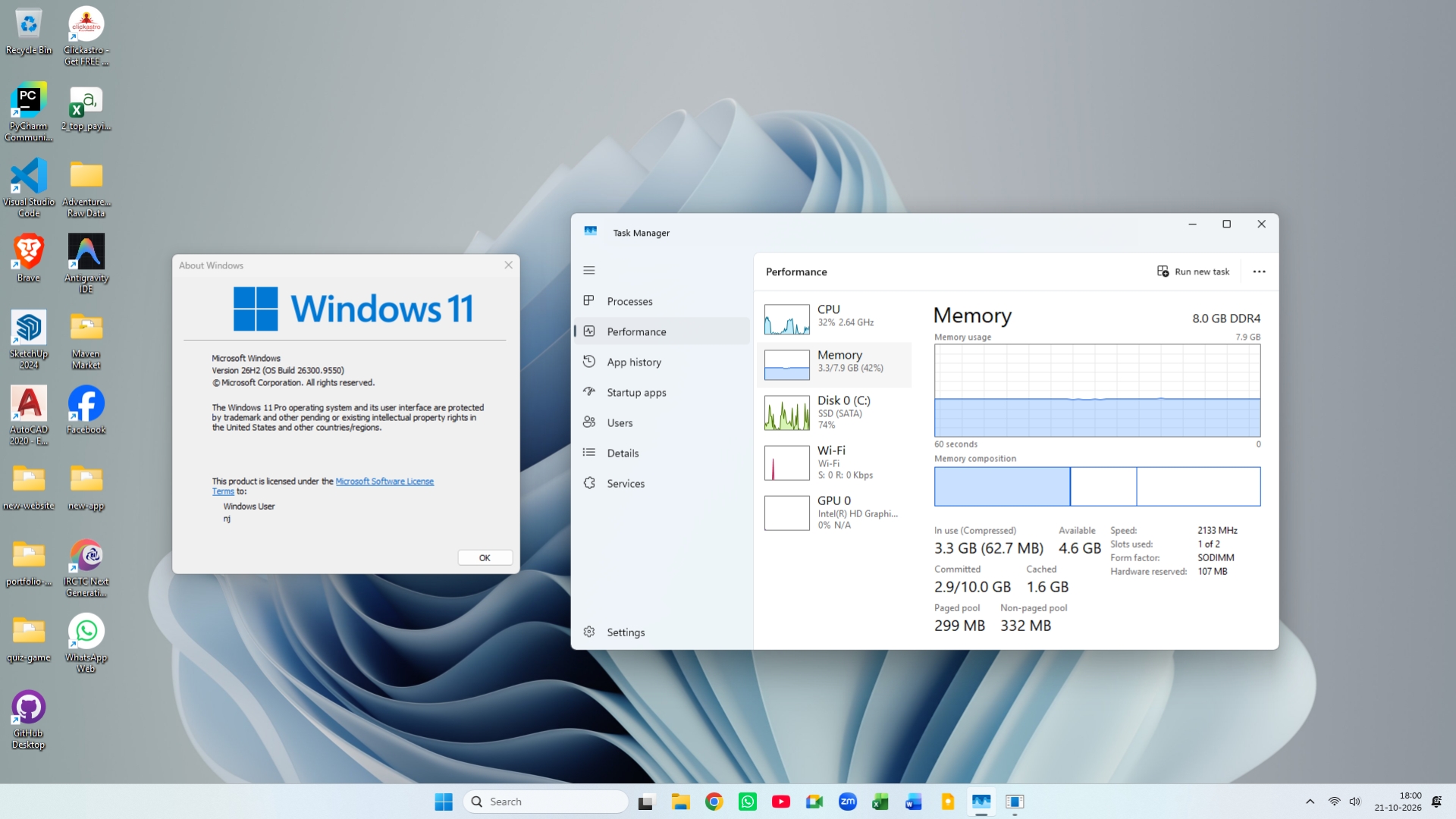
The laptop also went from build 26200.9550 to 26300.9550, which share one monthly patch level, so the drop most likely came from improvements Microsoft had been shipping gradually, which 26H2 switched on.
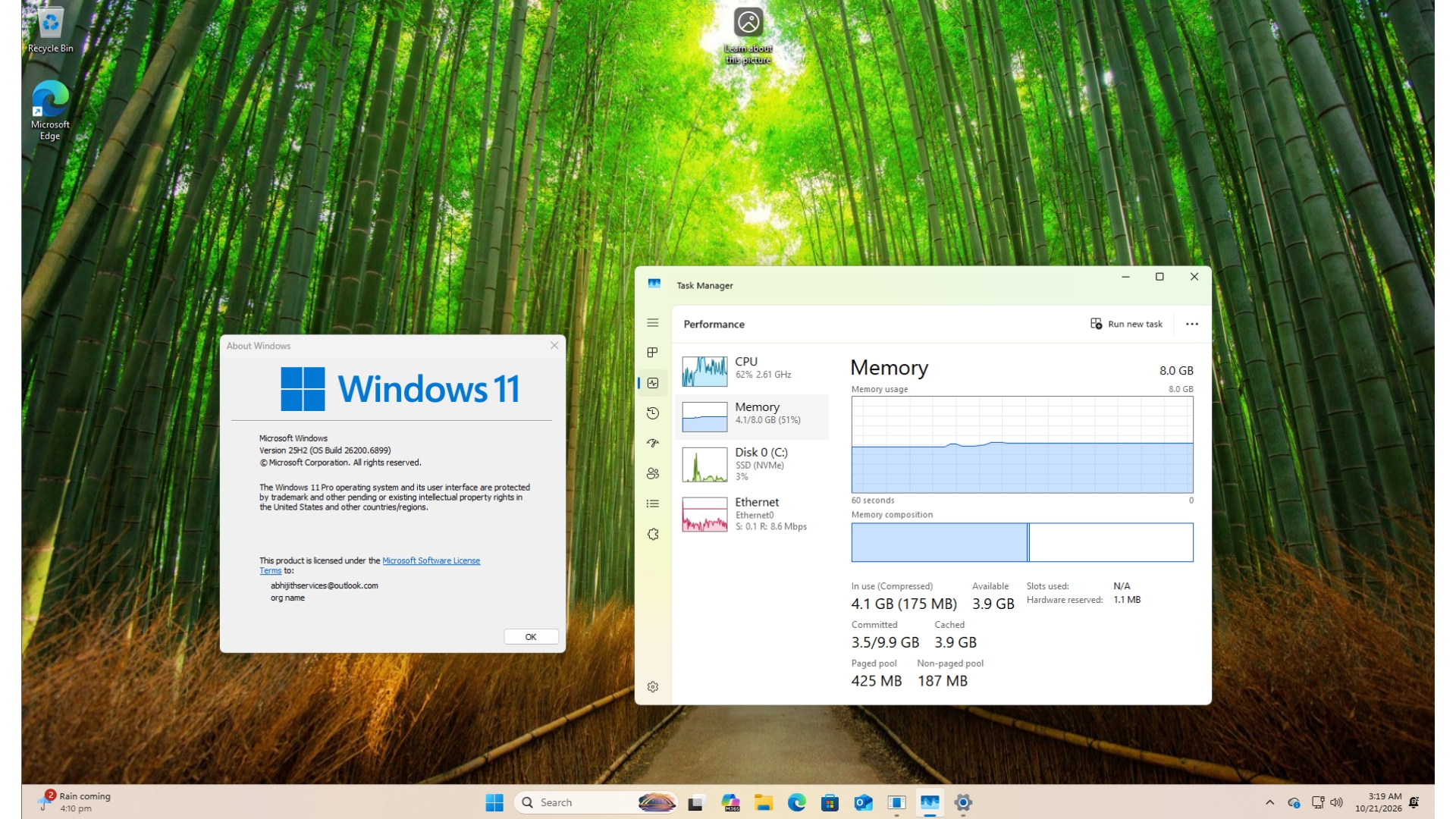
A fresh 8GB virtual machine also dropped from 4.1GB to between 2.8GB and 3.2GB, but it skipped a whole year of updates. To be clear, my numbers are readings after a restart, while Microsoft’s 900MB were during a workload.
Microsoft tested on over 20,000 PCs, but every number has its own conditions
Microsoft says it tests fixes on more than 20,000 PCs, including current 8GB models, with automated browsing, Microsoft 365, video call, and download workloads. It even uses high-speed cameras to time how long Start or an app takes to appear on screen, and rechecks real-world data after an update ships.
However, each claim comes from its own setup, according to Microsoft’s footnotes.
| Microsoft claim | Builds compared | Conditions |
|---|---|---|
| Up to 20% more responsive | 26300.9550 vs 26200.7628 | Telemetry on 8GB PCs; Start, Search, right-click, Settings, Snipping Tool, File Explorer |
| Up to 40% faster multitasking | 26200.7623 vs 26200.9445 | One 8GB HP OmniBook 3 (Snapdragon X Plus); lab test, not a benchmark |
| Up to 2GB more active data in RAM | 26300.9550 | Varies by device and usage |
| Up to 900MB less committed-memory growth | 26300.9550 vs 26200.7628 | September 2026 tests; Edge, Office, Outlook, Teams |
| Up to 33% faster Edge launch | 26300.9818 or later | Edge 150+, already running; about 15% for most |
| Up to 94% faster multi-core CPU | Not a Windows test | 2026 vs 2021 8GB Dell XPS 13; Cinebench; commissioned |
The 94% has nothing to do with Windows, as it compares a 2026 8GB Dell XPS 13 with a 2021 8GB model. In that testing by Principled Technologies, the new XPS 13 also performed about as well as a 2021 16GB configuration in CPU, browsing, AI web tasks and 4K video export tests. Funnily enough, a Microsoft-commissioned report called the MacBook Neo’s 8GB RAM a bottleneck six months ago.
Microsoft still recommends 16GB or more for 3D modeling, advanced video editing and large-scale data processing, and 8GB laptops can’t carry the Copilot+ badge either.
How to get Windows 11’s 8GB RAM improvements today
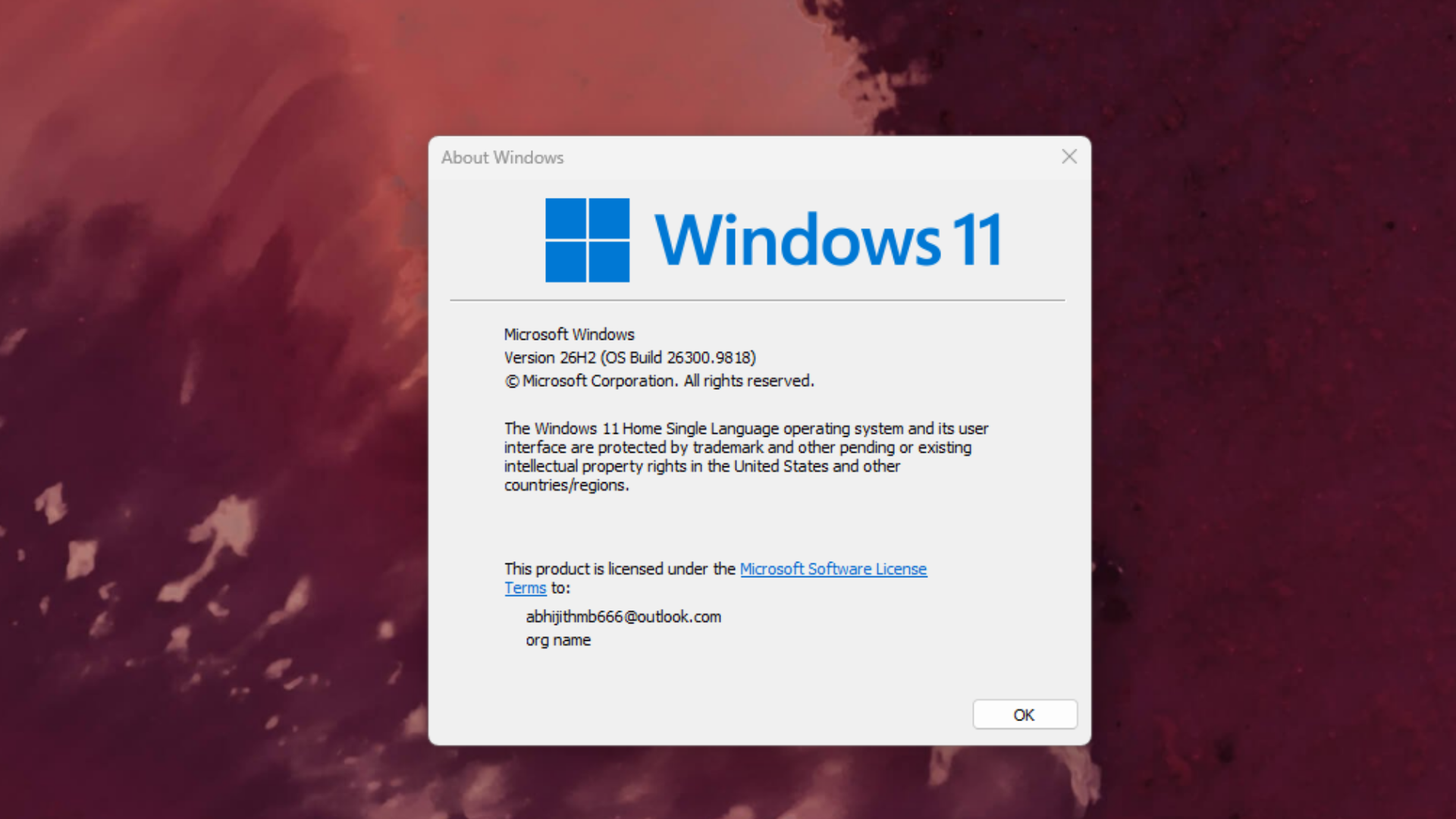
Build 26300.9818 came with KB5127936, the optional update from October 28.
- Open Settings > Windows Update.
- Turn on “Get the latest updates as soon as they’re available.”
- Click Check for updates, install KB5127936 if it’s listed, and restart your PC.
- Update Edge, Microsoft 365, and Teams, as some improvements come through app updates or the Microsoft Store.
Type winver in Start to confirm you’re on build 26300.9818 or higher. Rollout timing varies by device and region, and if you prefer to skip preview updates, these changes should reach everyone with the November 10 Patch Tuesday update.
Microsoft’s next 8GB fixes include WinUI 3 apps and shared web engines
Now, this is what I’m most excited about. Over the next few months, Microsoft plans to make memory compression smarter, while Search and Widgets will share one web engine, as will OneDrive and Photos. File Explorer, Notepad, Paint and the new Windows search, all built on WinUI 3, are being designed to open faster and use less memory. PC makers and chipmakers are also helping to cut the memory reserved for hardware.
Sharing a web engine is clever, but as someone who despises web apps on Windows, I’d much prefer native Widgets, especially after Davuluri admitted the rising cost of memory is why Microsoft is doing all this hard work.
Credit where it’s due, the software giant is finally showing its work. “Our goal is to make your 8 GB PC feel like it keeps getting better,” Davuluri wrote.
Unsurprisingly, the post ends by pitching 8GB Windows 11 PCs from $429 at Walmart this holiday, a few months after Microsoft started calling 8GB fine for everyday use. Well, at least now, Windows 11 is better prepared for them. Have you noticed any 8GB PC getting faster?