





Windows 11’s new internet speed test in Quick Settings went from an idea to a working prototype in a single day, according to Windows Design and Research lead Marcus Ash, and surprisingly, the design and build work was done by an agentic AI workflow that one person guided in their spare time. I tested it last week, and it’s one of the most polished little additions to Windows 11 in a while.
If one person can pull that off, that too during break hours, imagine what such an approach could do for the rest of Windows. Three things need to happen, and from the looks of it, all of them are already in motion.
Windows 11’s speed test went from idea to working prototype in a day
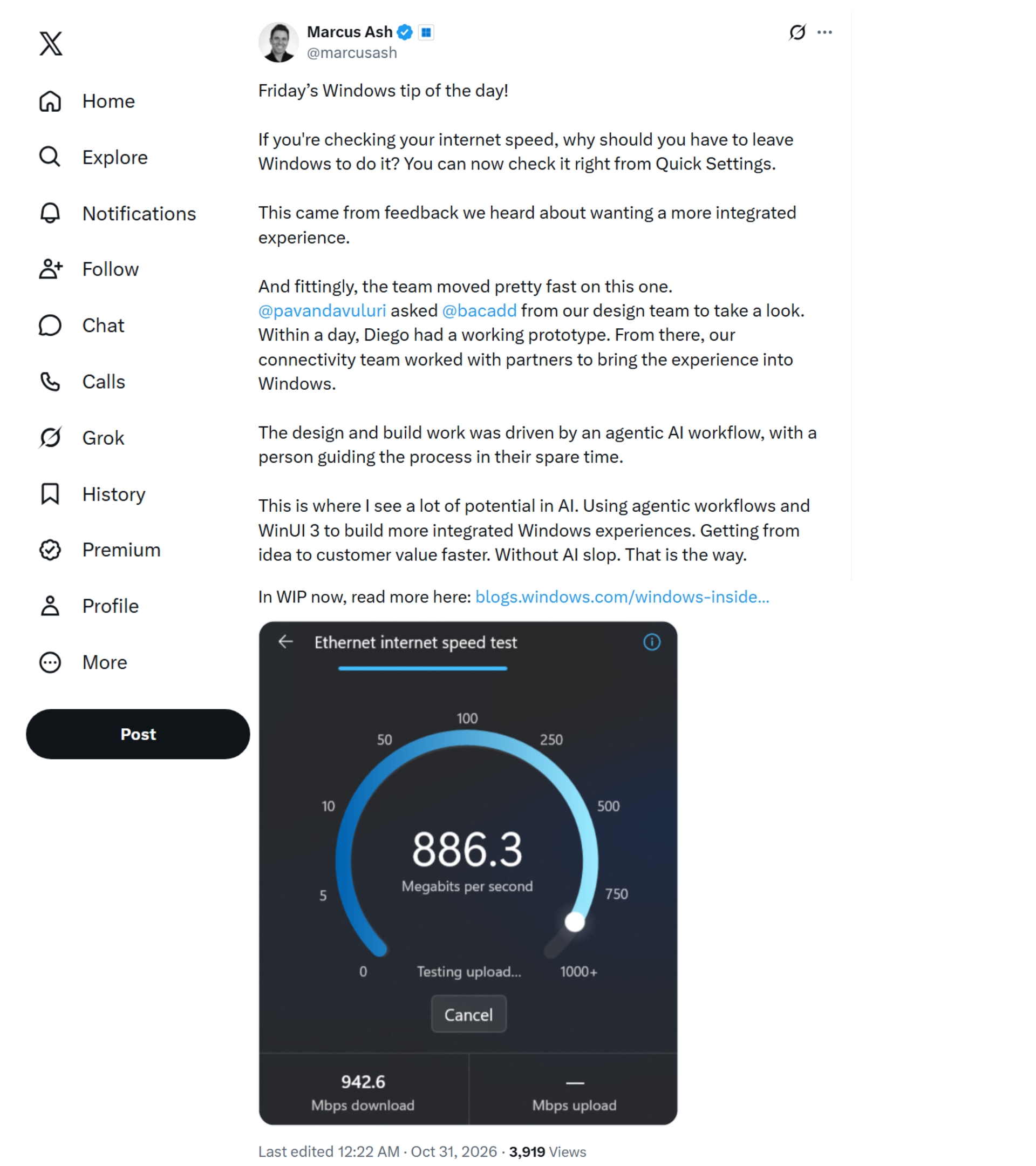
In his “Windows tip of the day” post on X, spotted by Windows Latest, Ash explained that the feature started with user feedback. “This came from feedback we heard about wanting a more integrated experience,” he wrote.
AI made this happen:
Windows president Pavan Davuluri then asked Diego Baca, Microsoft’s Vice President of Product Design, to take a look. “Within a day, Diego had a working prototype,” says Ash. After that, Microsoft’s connectivity team worked with partners to bring the experience into Windows.
As for how it was built, “The design and build work was driven by an agentic AI workflow, with a person guiding the process in their spare time,” Ash wrote, adding, “Getting from idea to customer value faster. Without AI slop.”
It’s not AI slop because a human steered the agents, and Microsoft engineers plus partners (the test is powered by Speedtest by Ookla) handled the integration. Ash didn’t reveal which AI models or tools were used, or how much of the code AI wrote.
Either way, AI or not, a prototype in a day, built in someone’s spare time, is a far cry from the usual pace of Windows development.
I tested Windows 11’s new speed test, and it works surprisingly well
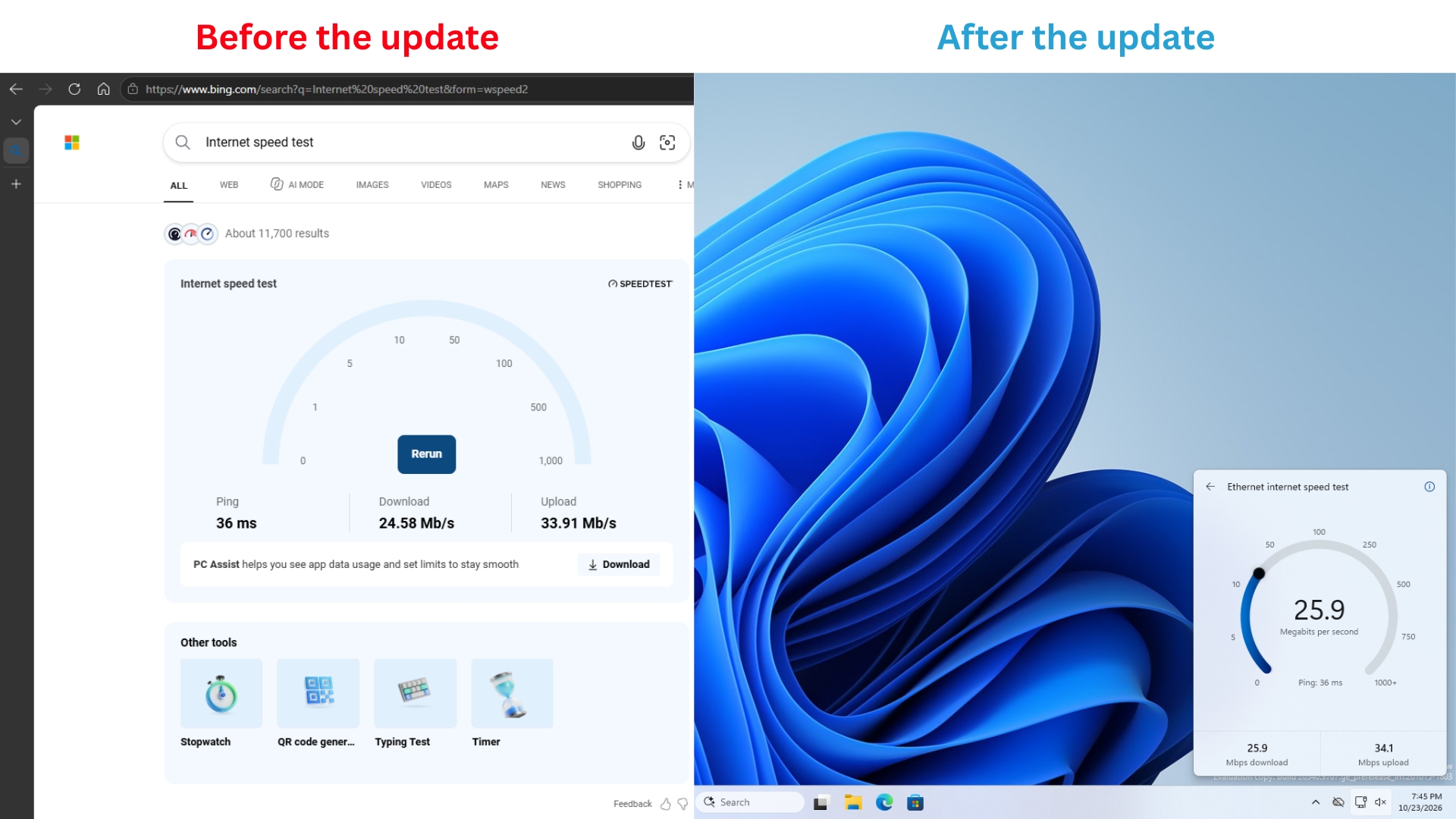
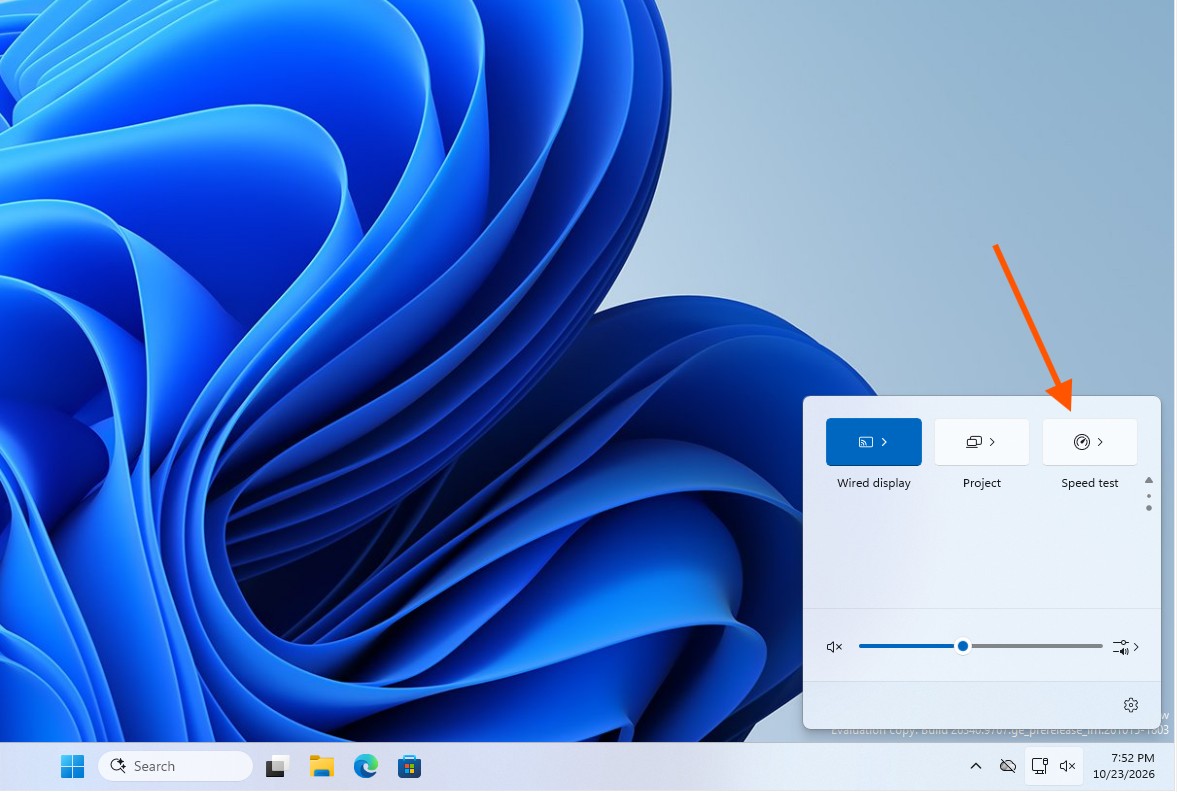
Microsoft showed us the feature with the October 23 Experimental build, where Insiders can run a speed test and see the results in Quick Settings “without being redirected to a browser.” On my build 26340.9767, I had to turn on the “Quick Settings Speed Test” feature flag first.
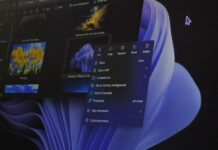
You can start a test from the new Speed test tile, the Wi-Fi flyout, or by right-clicking the network icon on the taskbar and selecting “Test internet speed”.
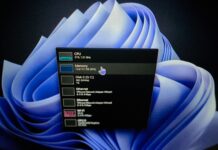
On my virtual machine connected over Ethernet, the flyout showed 31.5 Mbps download, 34.4 Mbps upload, and 32 ms ping, all in under 30 seconds. The numbers are accurate, as I confirmed the speed on two Android devices, too.
I was half expecting it to break, as it was in an Experimental build, but surprisingly, it worked without hiccups even when I moved the taskbar to other edges of the screen, and it looks good in both light and dark themes.
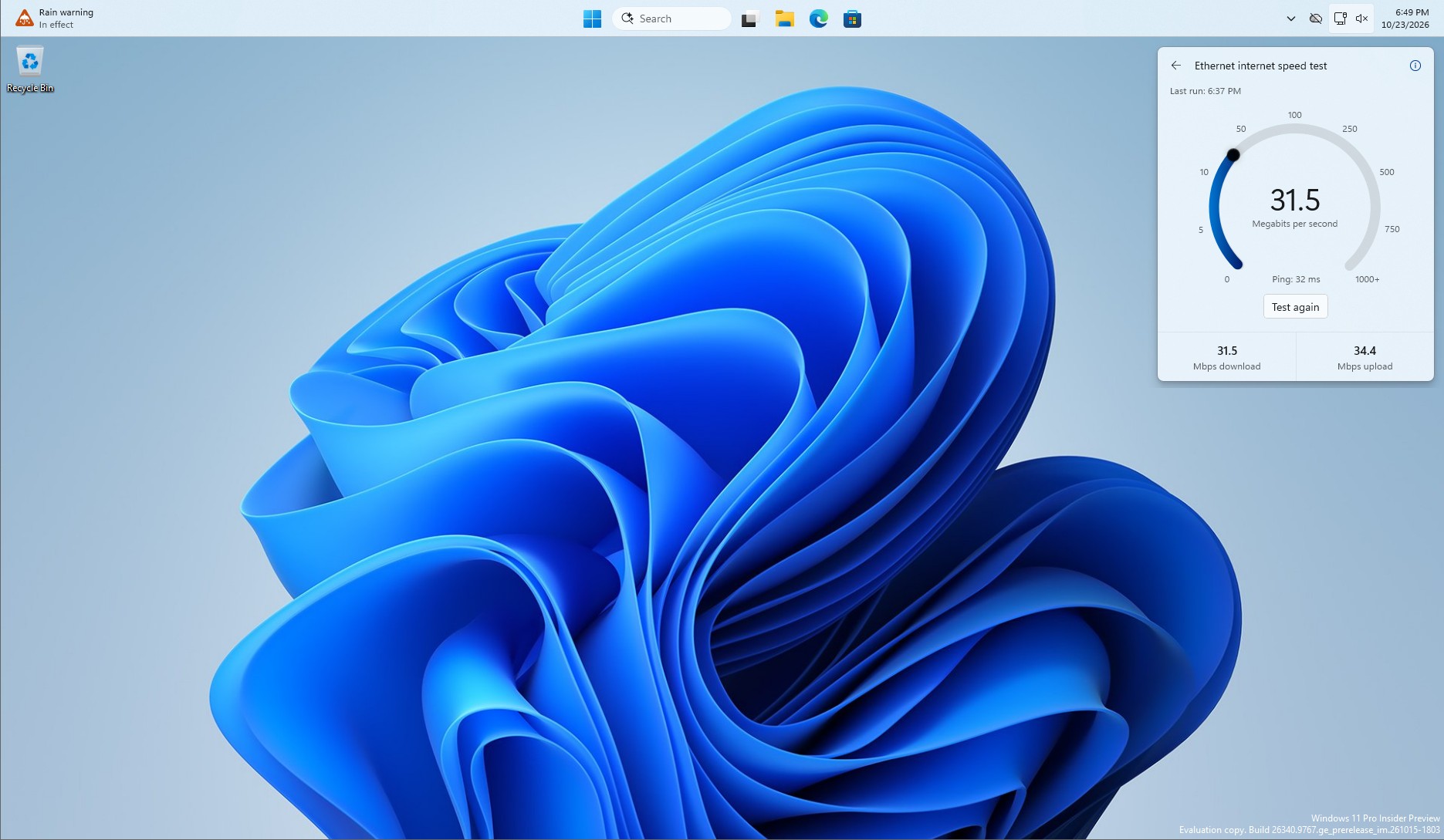
If you’re on a Windows 11 PC, you’ll know that the Perform speed test shortcut just opens Bing in your browser, which saves no time over a regular search to find internet speed. Ironically, both use Speedtest by OOKLA, even when Bing had its own version in the past.
Three things need to happen for the rest of Windows 11, and they finally are…
First of all, WinUI has to be good. Microsoft’s native framework went years without basics like data tables, charts and pen inking, which is one reason Windows 11 has so many web apps. At Build 2026, Microsoft’s Chris Anderson admitted WinUI has “a ton of feature gaps in the platform.”
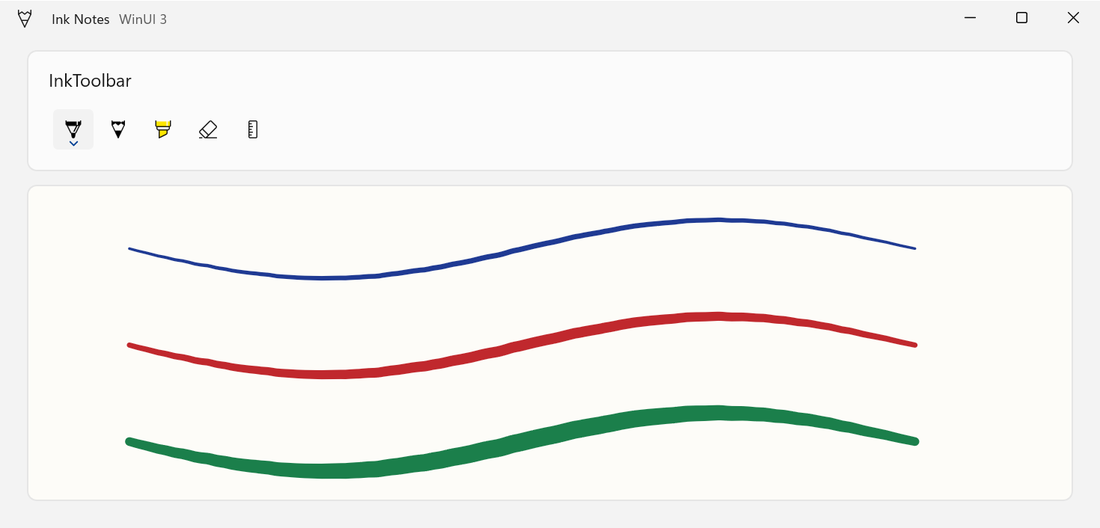
TableView and Chart finally arrived in the experimental Windows App SDK 2.5.4 on September 29, though Microsoft says they aren’t ready for production apps yet.
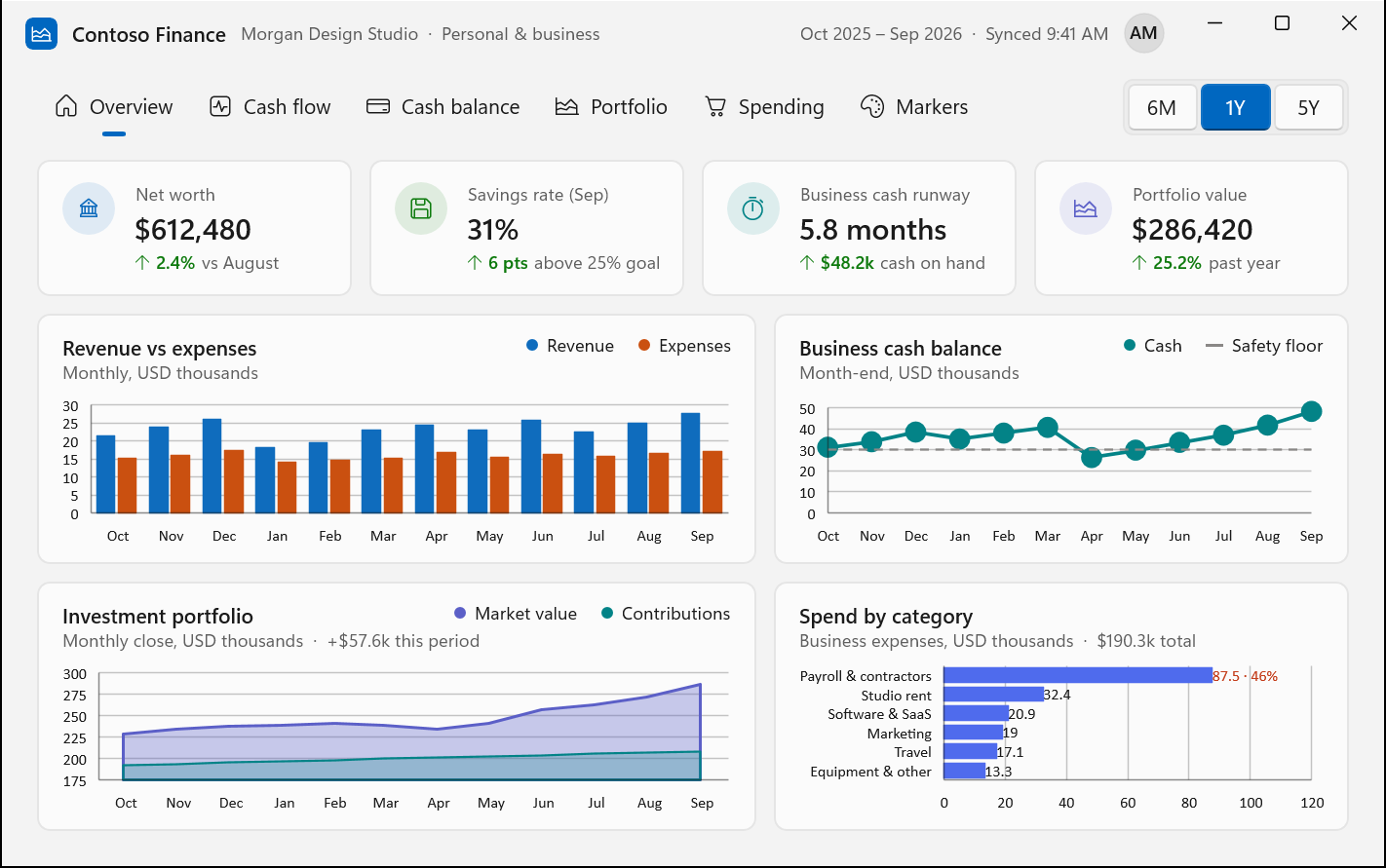
WinUI’s mainline development also moved to GitHub in August, but outside developers still can’t contribute code, as Microsoft is validating the process first.
Second, Windows has to be WinUI. After the Properties dialog was rebuilt in WinUI 3, March Rogers, Microsoft’s Partner Director of Design, said “our plan is to bring more of the Windows UI to WinUI3.” Since then, AutoPlay came next in line, and Print Management has become a standalone WinUI 3 app that even reached Release Preview quicker than I thought.
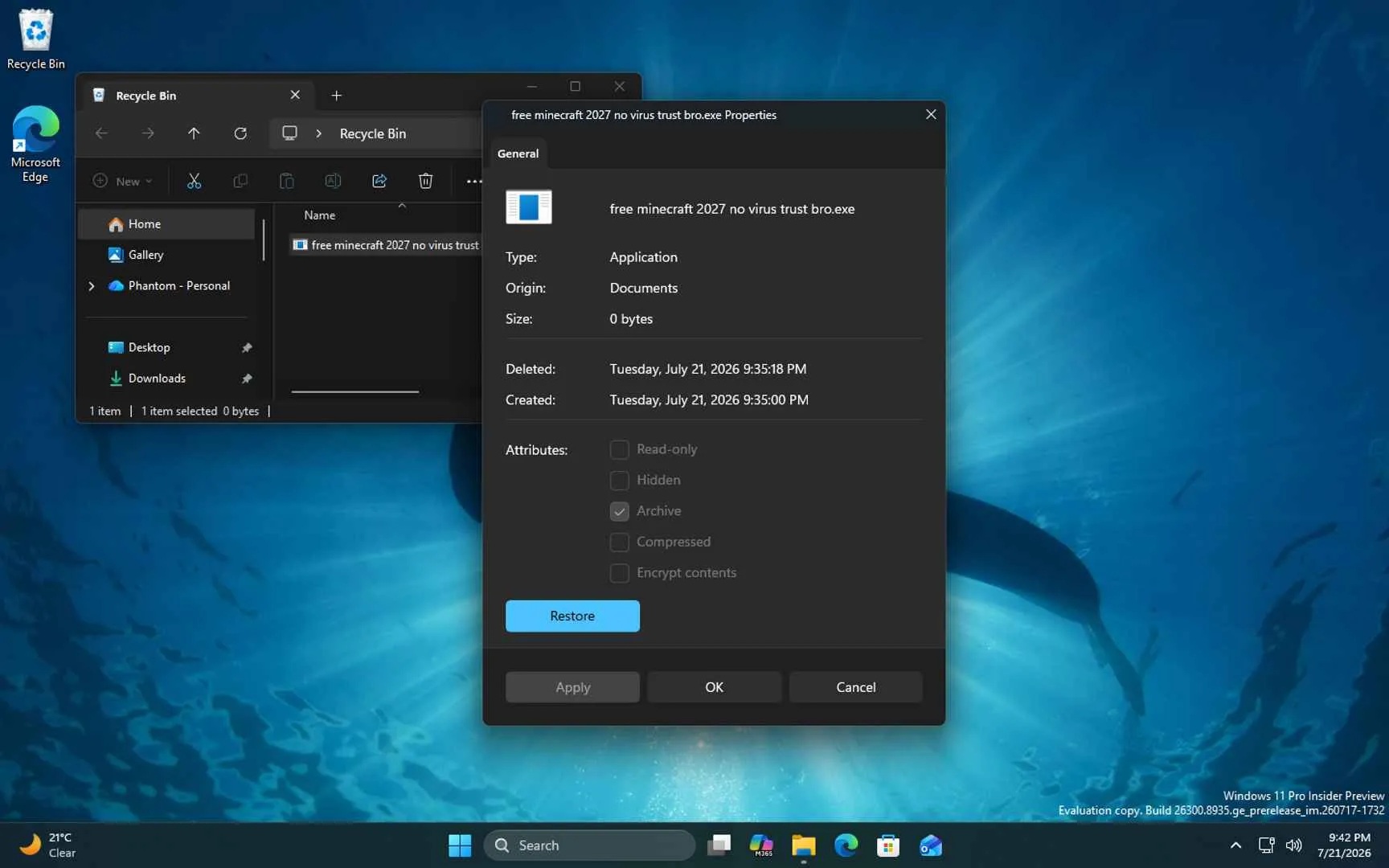
Microsoft’s telemetry also shows the new WinUI Run dialog opening in 94ms versus 103ms for the Windows 95-era version, which goes to show how fast WinUI is. Most of these are still limited to Insider builds, though.
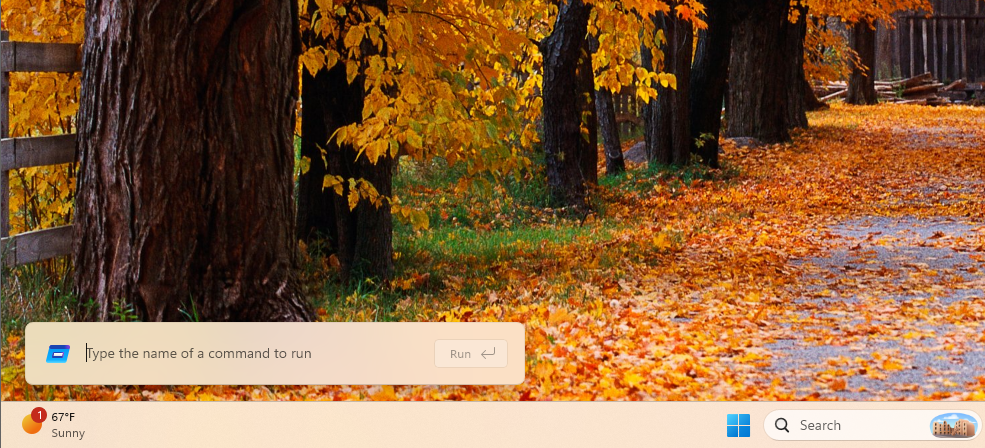
My favourite so far is the new Windows Search, which Microsoft says is “built on WinUI 3” and is “faster and more efficient with resources.” Microsoft has rolled it out to Insiders, with a broader rollout planned later this year. To put it lightly, I love everything about the new Search.
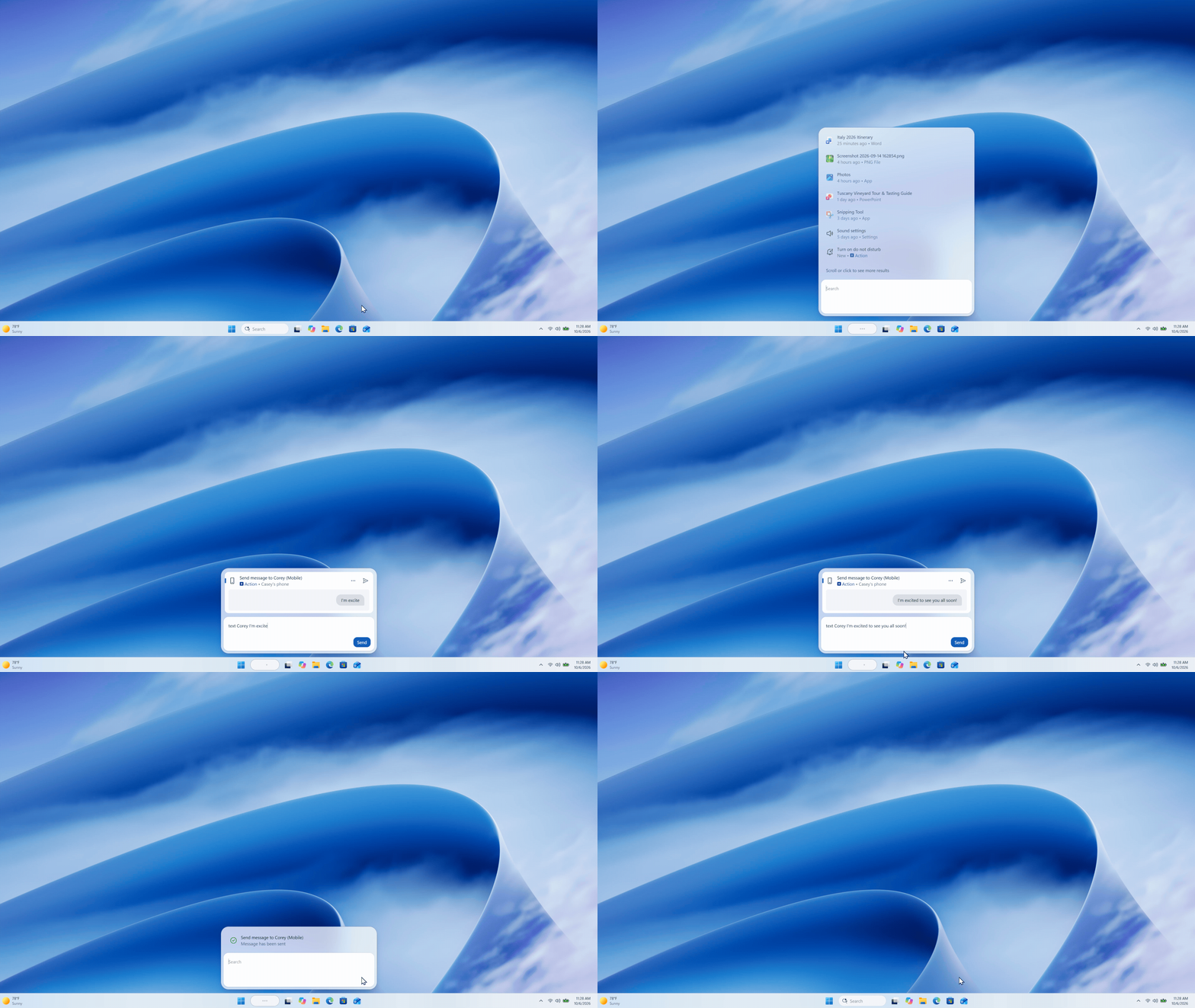
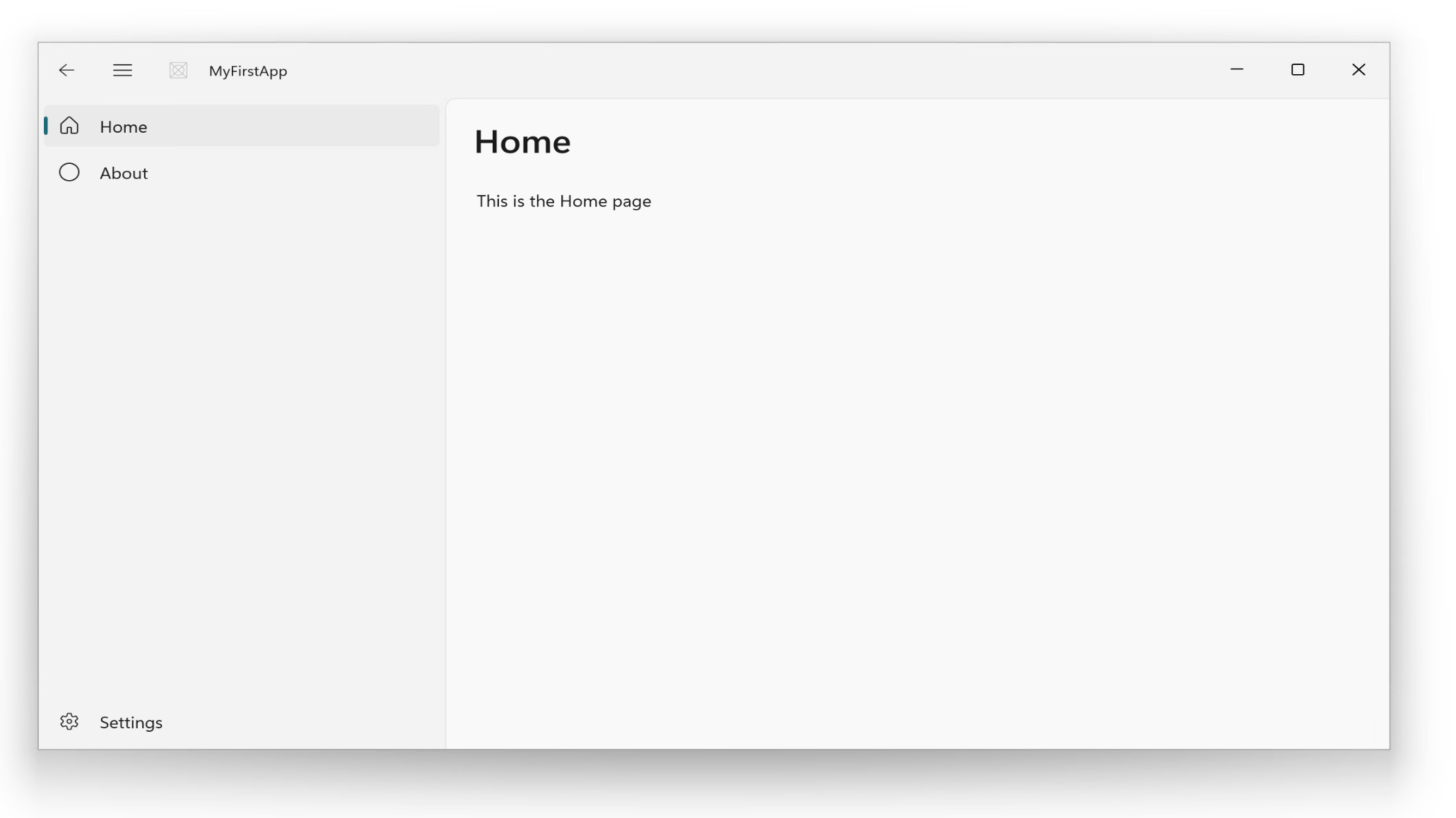
Third, all of this has to happen fast, and AI is how it can. Diego Baca says, “AI has already helped our design team accelerate significantly,” with designers now contributing code fixes to Windows. Microsoft also published guides showing AI building a native WinUI app in about 30 minutes.
Microsoft’s own apps need the ‘speed test’ type of treatment next
The app I open almost every day is Clipchamp (don’t judge me). It’s surprisingly feature-rich for small edits, even on the free plan, but it’s a web app, and the UI lag doesn’t hide the fact. I would gladly pay for Premium if Clipchamp were native WinUI.
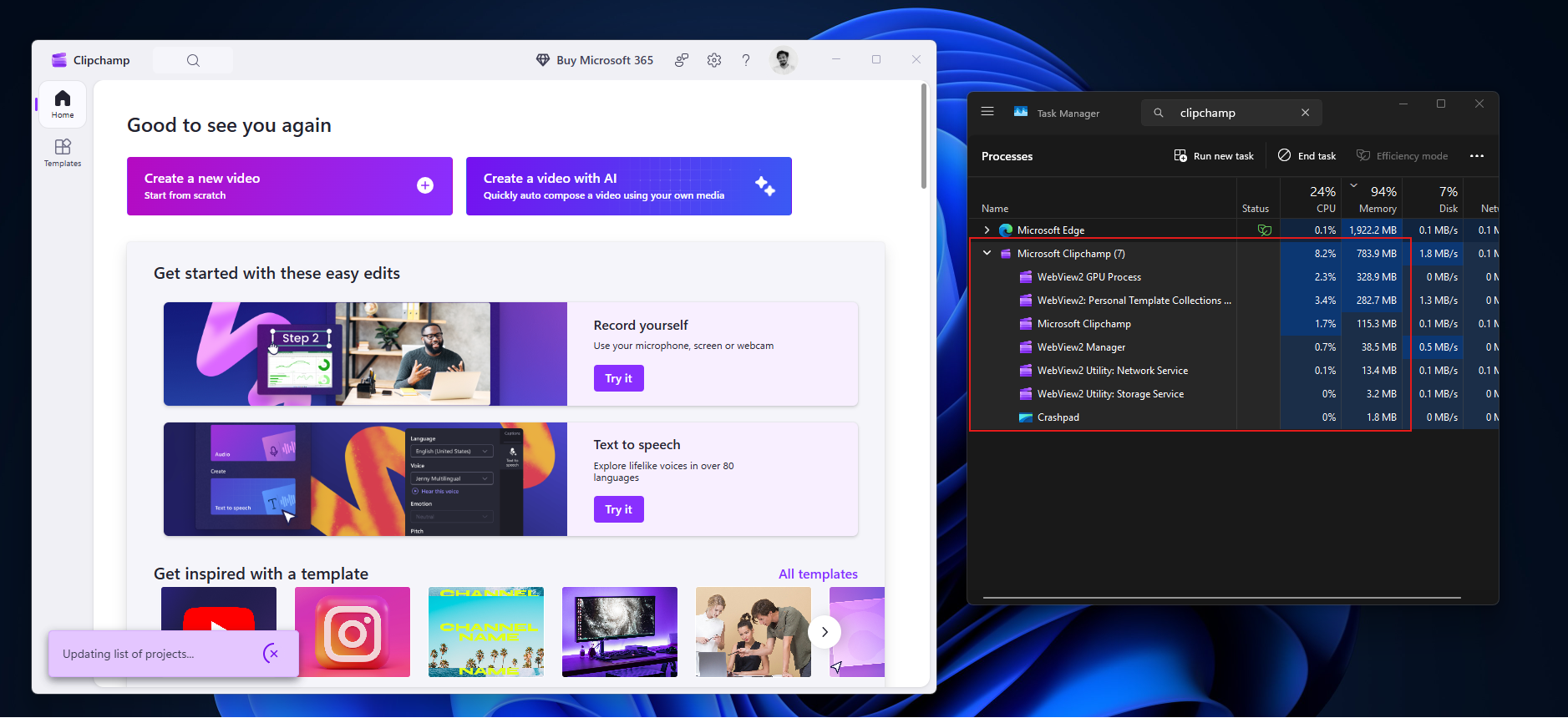
A fast, native editor could be the Windows Movie Maker of this generation, the app so many successful creators made their first YouTube videos with, including Marques Brownlee (MKBHD).
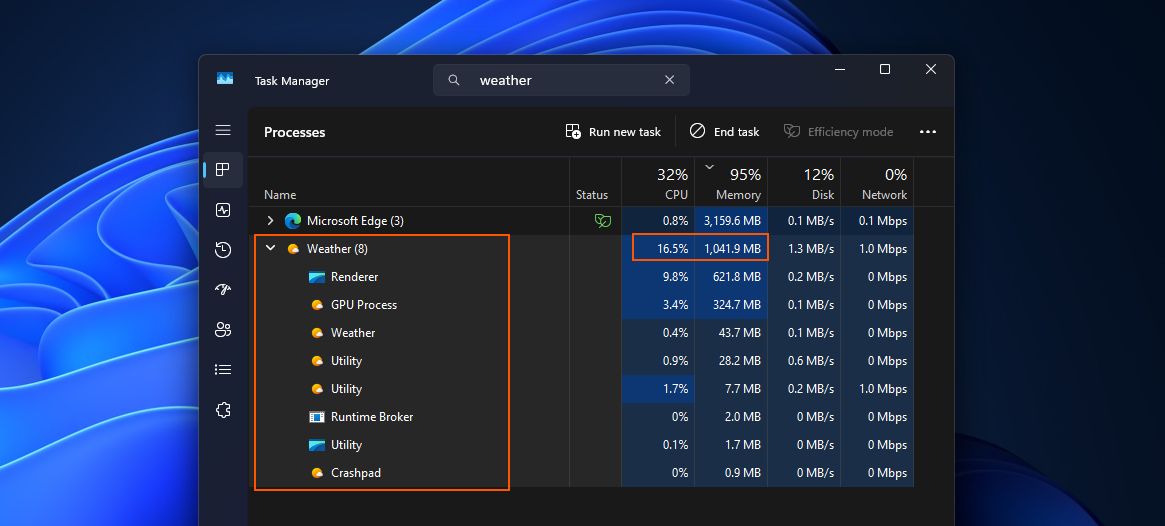
Then there’s the Weather app, a basic app every OS needs. In our testing, Windows 11’s Weather app used over 1.2GB of RAM while idle, with nine Chromium subprocesses, while Apple’s native Weather app on macOS used 246.7MB. A weather app eating over a gigabyte of memory is shameful, to say the least.
MSN News is another one. In the days of endless social media feeds, a fast, native MSN News app would be a nice antidote to brain rot.
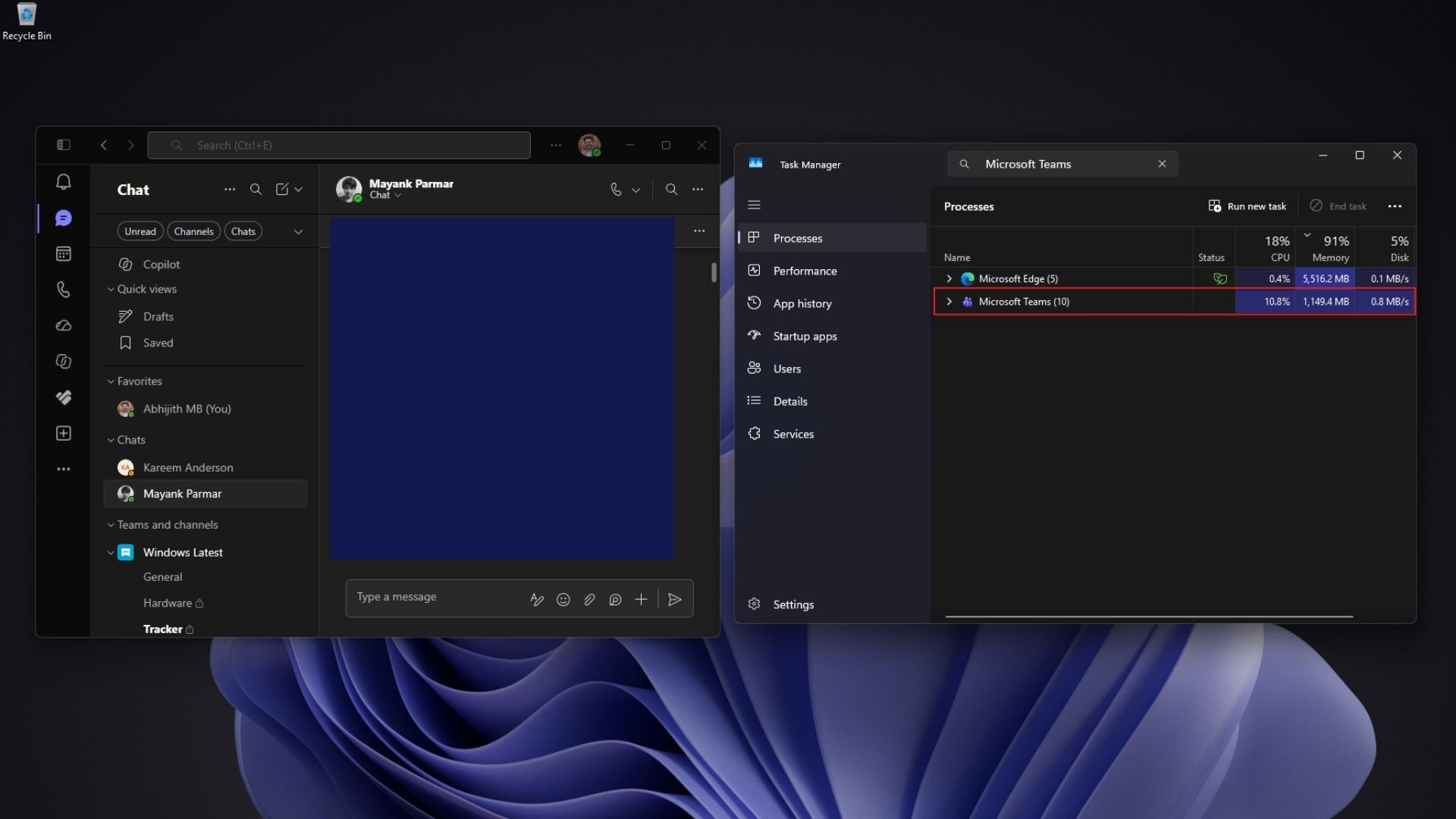
And of course, Teams. A fresh install with no chats used 963MB of RAM doing nothing on our 32GB PC, and as of now, Microsoft has no plans to move it off WebView2. Everyone I know hates using it, and compared to MSN Messenger from decades ago, Teams has zero charm.
Still, after five years of slow progress, Windows is finally moving faster than ever, and I can’t believe I’m saying this: AI deserves the credit. If one person in their spare time could build the speed test, what’s stopping Microsoft from giving Clipchamp, Weather, and Teams some of that love?