







Microsoft’s Vice President of Design for Windows, Diego Baca, says a taskbar lock switch (like the one we had in Windows 10) won’t fix dragging the Windows 11 taskbar, as it adds an extra step and could interfere with rearranging taskbar icons or system tray items. He also pushed back on reports that said drag-to-move is never coming back to Windows 11, saying “Nothing is beyond reconsideration.”
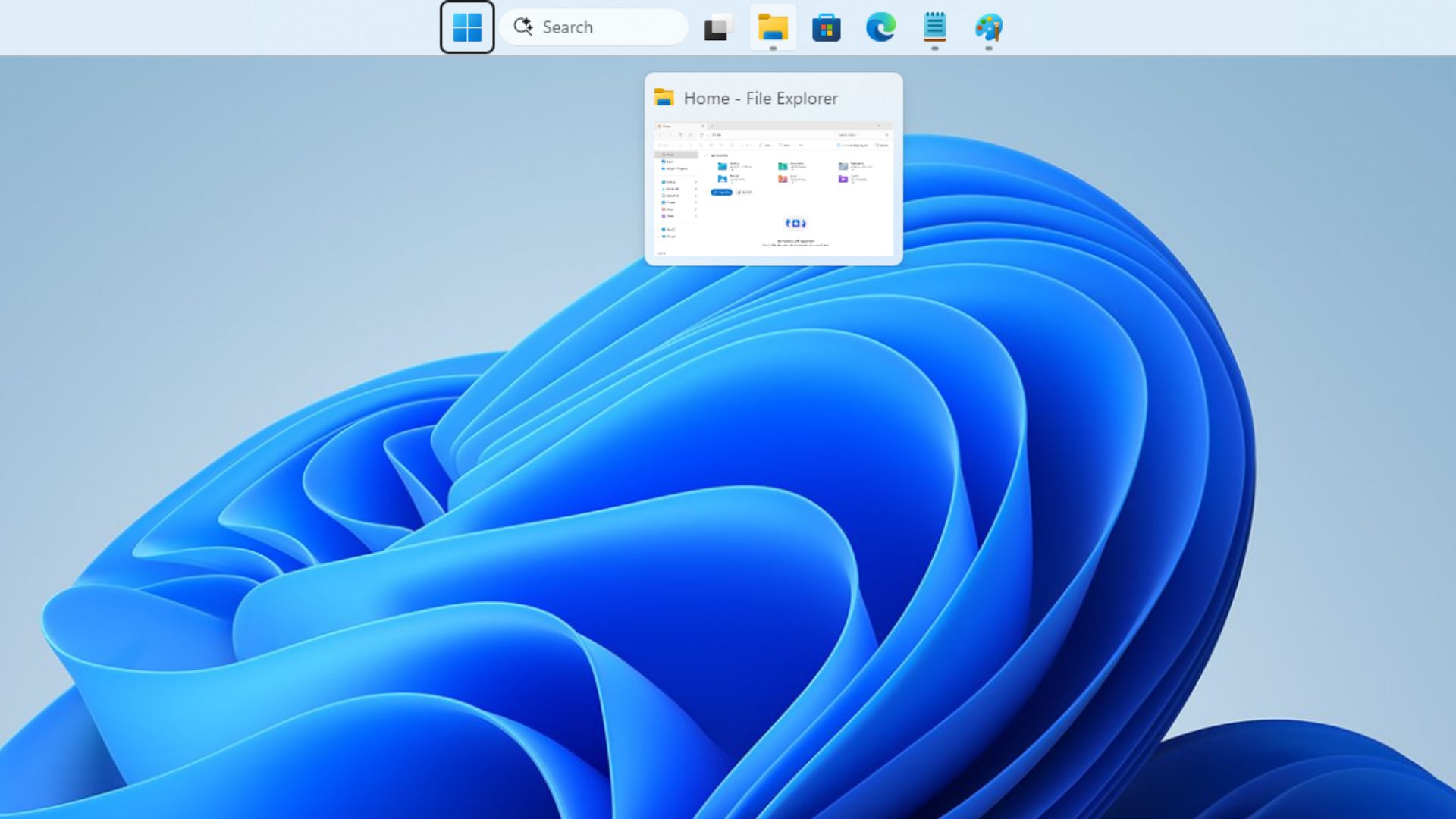
Windows 11 finally added the ability to put the taskbar on any edge of the screen, but only from Settings. Many, including me, suggested bringing back Windows 10’s “Lock the taskbar” to stop accidental drags, but Baca’s answer explains why Microsoft doesn’t think it’s that easy.
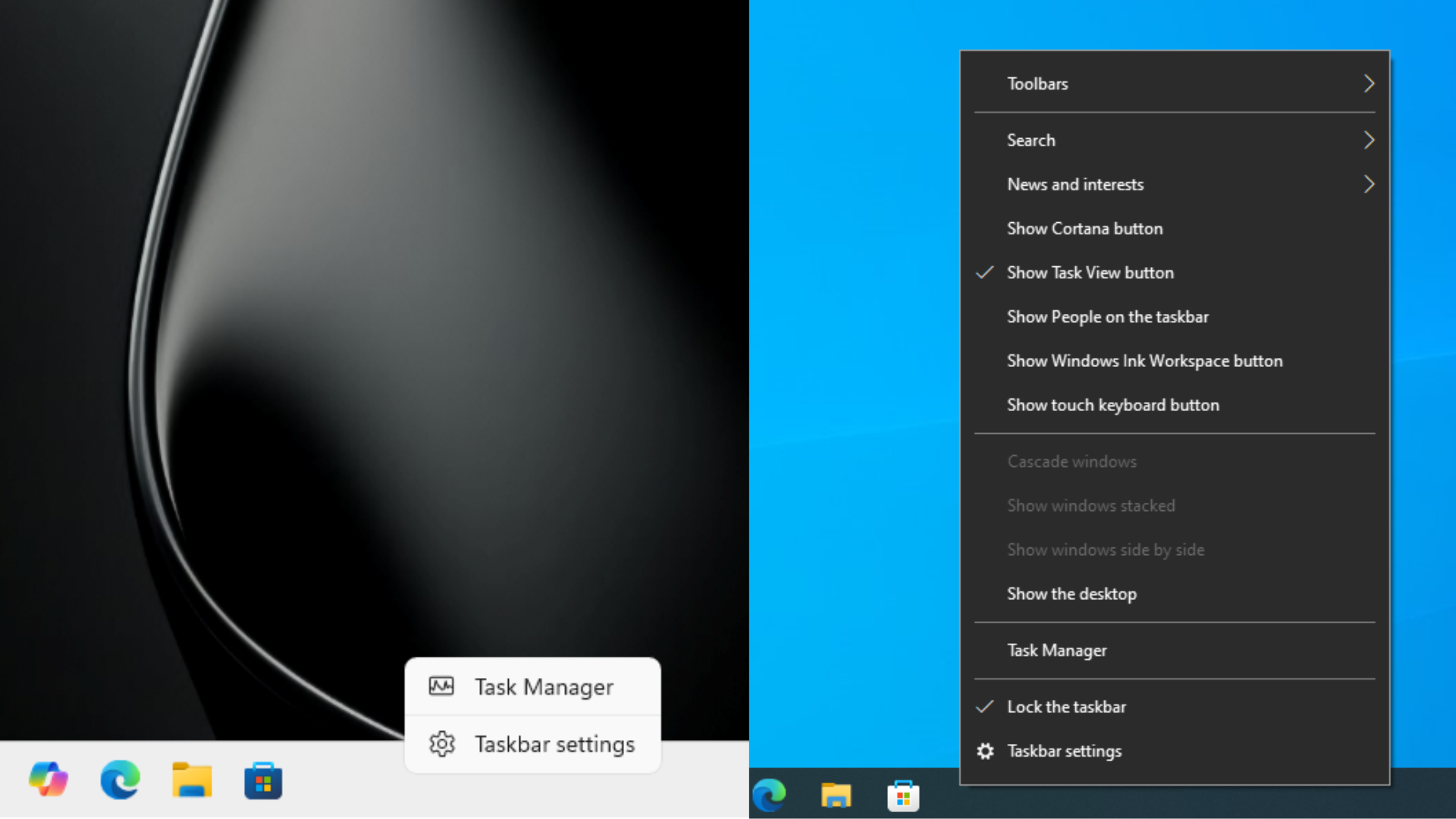
Microsoft says a lock for the Windows 11 taskbar would create new problems
“For those suggesting an “auto-lock” or lock/unlock setting as a magic solution, it really isn’t that simple,” Baca wrote on X. “You’re introducing additional friction to solve a relatively infrequent task. Now, every time you want to move the taskbar, you first need to unlock it.”
He also explained that “depending on how locking is implemented, you risk interfering with more common interactions, like rearranging icons or moving items in the system tray.”
As you would know, Windows 11 doesn’t have a “Lock the taskbar” option at all, because its taskbar was rebuilt from scratch and didn’t carry over the old code. So, a lock would have to be built anew, and Microsoft would need to decide what it freezes. If it only locks the position, you’re back to having to unlock it again before every move. If it locks more than that, it could get in the way of dragging pinned apps around, which most of us do far more often than moving the taskbar.
According to Baca, the decision came from Windows 10, “where we saw a significant volume of accidental taskbar movements.” Microsoft hasn’t shared any numbers.
In our earlier report, I argued that drag-to-move could return with a lock turned on by default. Fair enough, the trade-off is clearer now.
Microsoft says nobody said “never” about drag-to-move
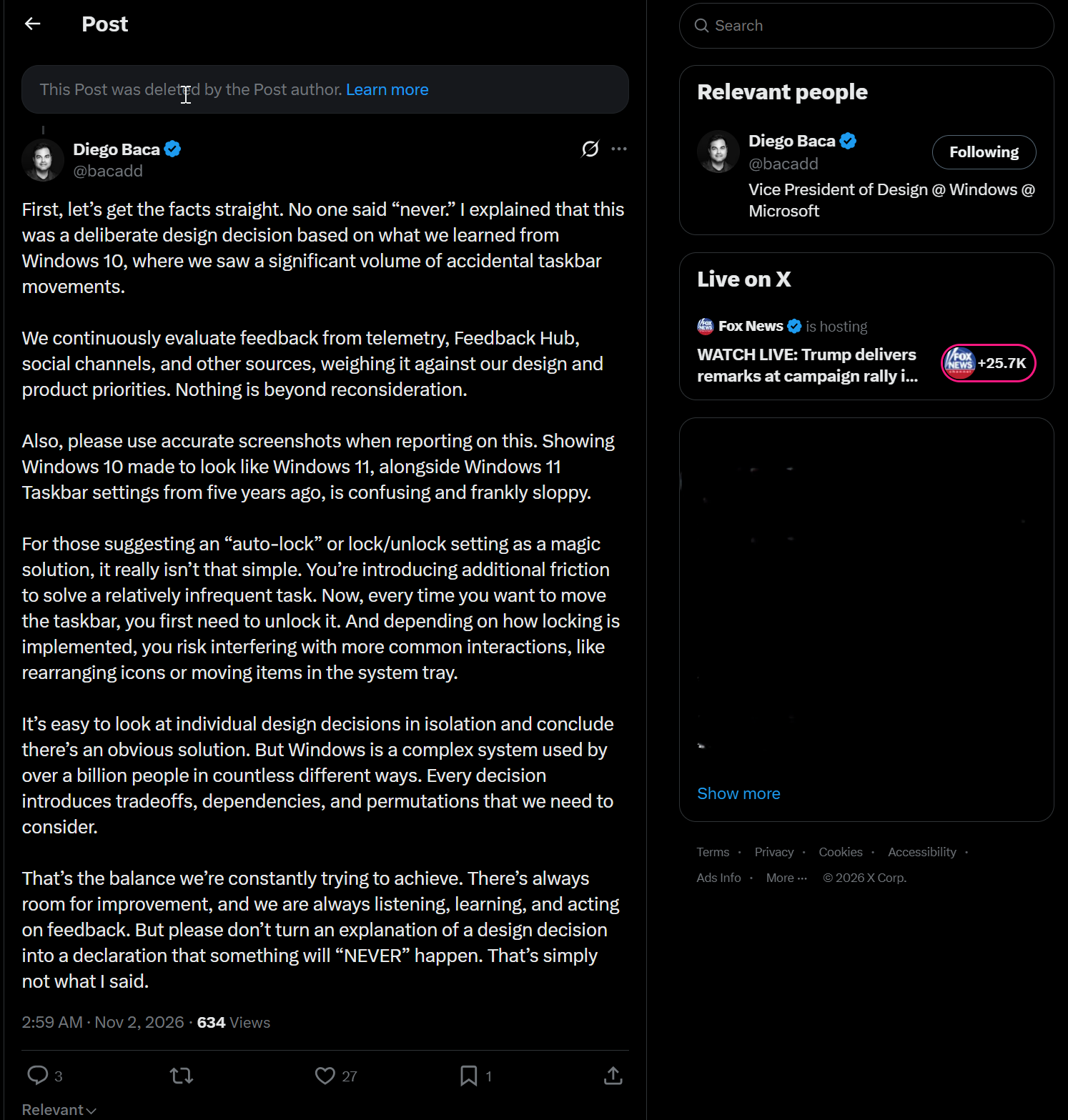
“First, let’s get the facts straight. No one said “never,”” Baca wrote, adding that Microsoft continuously evaluates “feedback from telemetry, Feedback Hub, social channels, and other sources, weighing it against our design and product priorities.”
“Please don’t turn an explanation of a design decision into a declaration that something will “NEVER” happen. That’s simply not what I said,” he added.
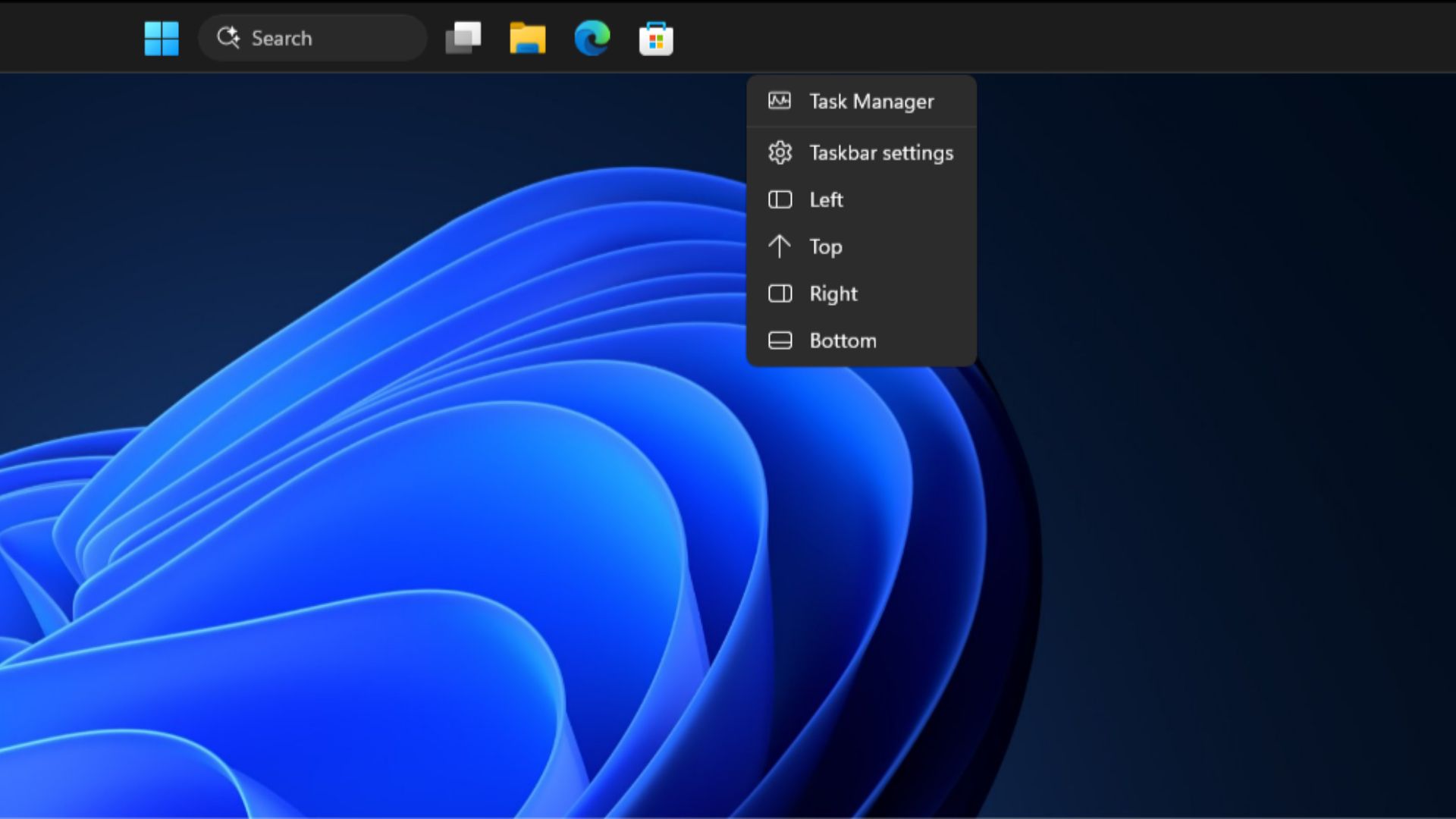
Baca’s May Windows Insider blog post said Microsoft is “evaluating additional features like different taskbar positions per monitor and drag and drop,” and Microsoft also had been testing a right-click menu with Left, Top, Right, and Bottom buttons when they first announced the movable taskbar, and we found that the leftover code still exists, which, in my opinion, is a better idea if dragging the taskbar is off the table.
History is on his side too. In 2022, Microsoft said the movable taskbar wasn’t returning anytime soon, and it came back in 2026. In 2021, Microsoft said “dragging a file onto an app in the taskbar to open it in that app is not supported in Windows 11,” and that returned with the Windows 11 2022 Update. Never combine taskbar buttons also made a comeback.
To be clear, Microsoft hasn’t promised drag-to-move or given any timeline.
Windows 11’s taskbar serves over a billion people, and every change has trade-offs
“Windows is a complex system used by over a billion people in countless different ways,” says Baca. “Every decision introduces tradeoffs, dependencies, and permutations that we need to consider.”
In another reply, he listed “User research, implementation details, technical constraints, accessibility, consistency” among the factors, and said, “Not everyone has visibility into the full picture.” He also pushed back on calling the setting hidden, saying a single right-click “is hardly buried.”
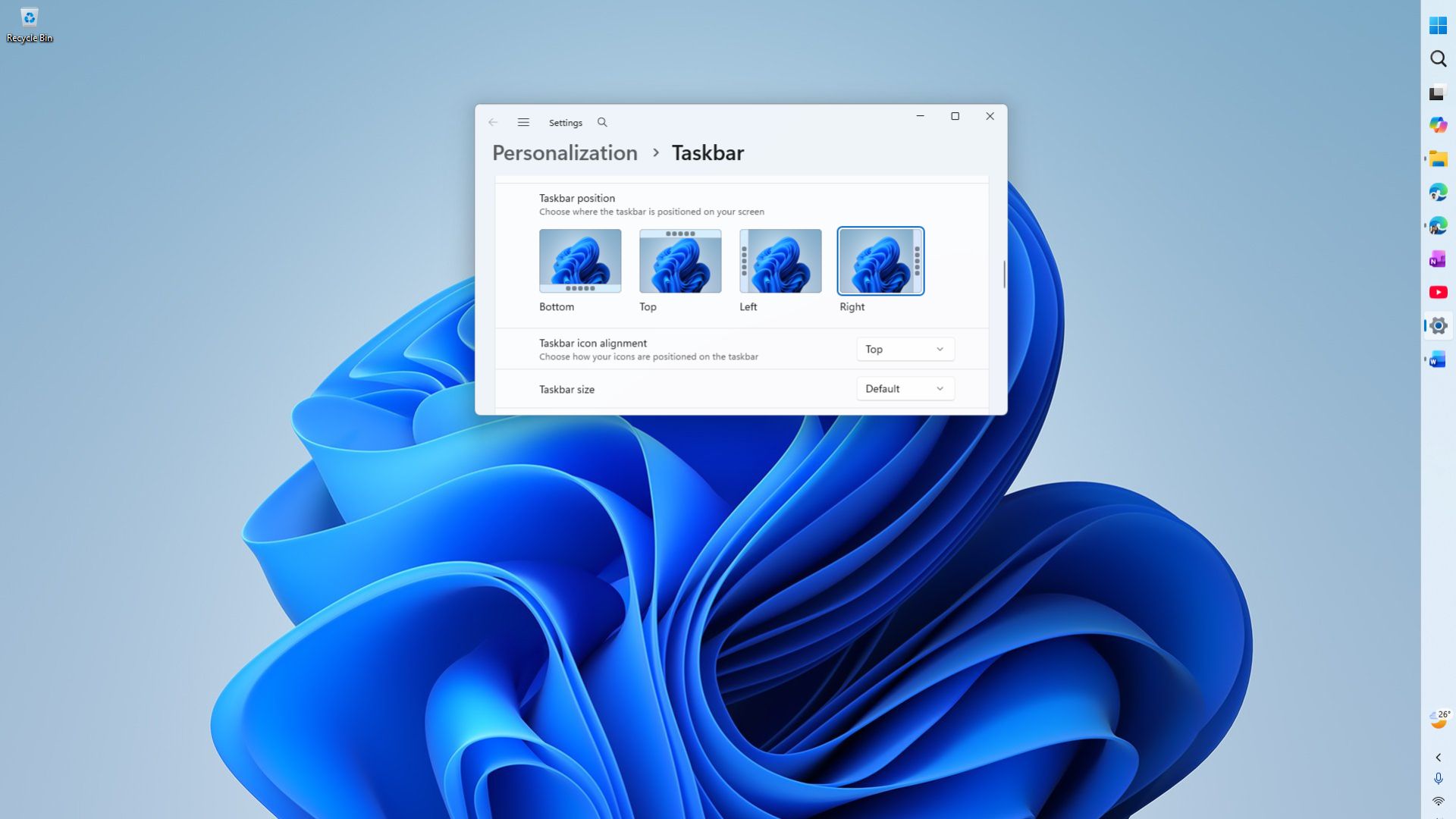
Baca even said he’s “100% supportive of third-party software that extends Windows,” and for people who move their taskbar often and aren’t worried about accidental drags, third-party drag tools are “perfect.”
Credit where it’s due, it’s rare to see a Microsoft VP explain a design decision in this much detail, in public, and then admit, “That doesn’t mean every decision we make is perfect or beyond criticism. Far from it!” Anyway, I like that Microsoft is being more transparent about their decisions.
“There’s always room for improvement, and we are always listening, learning, and acting on feedback,” says Baca. Drag-to-move isn’t on the way, but the door is still open.
Would you use an unlock step if it meant getting drag-to-move back? Let us know in the comments.