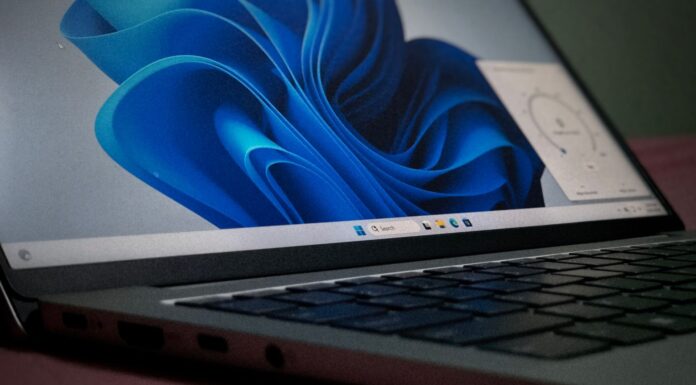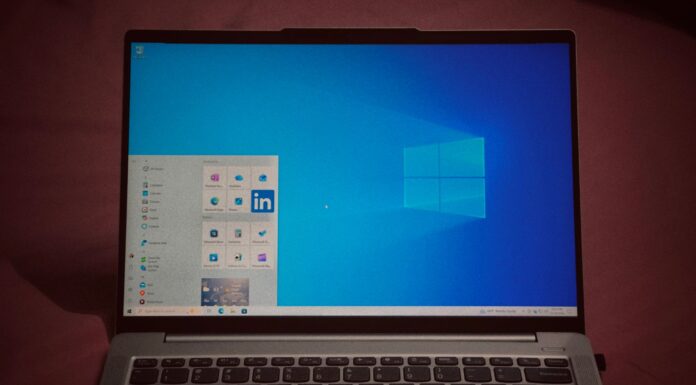






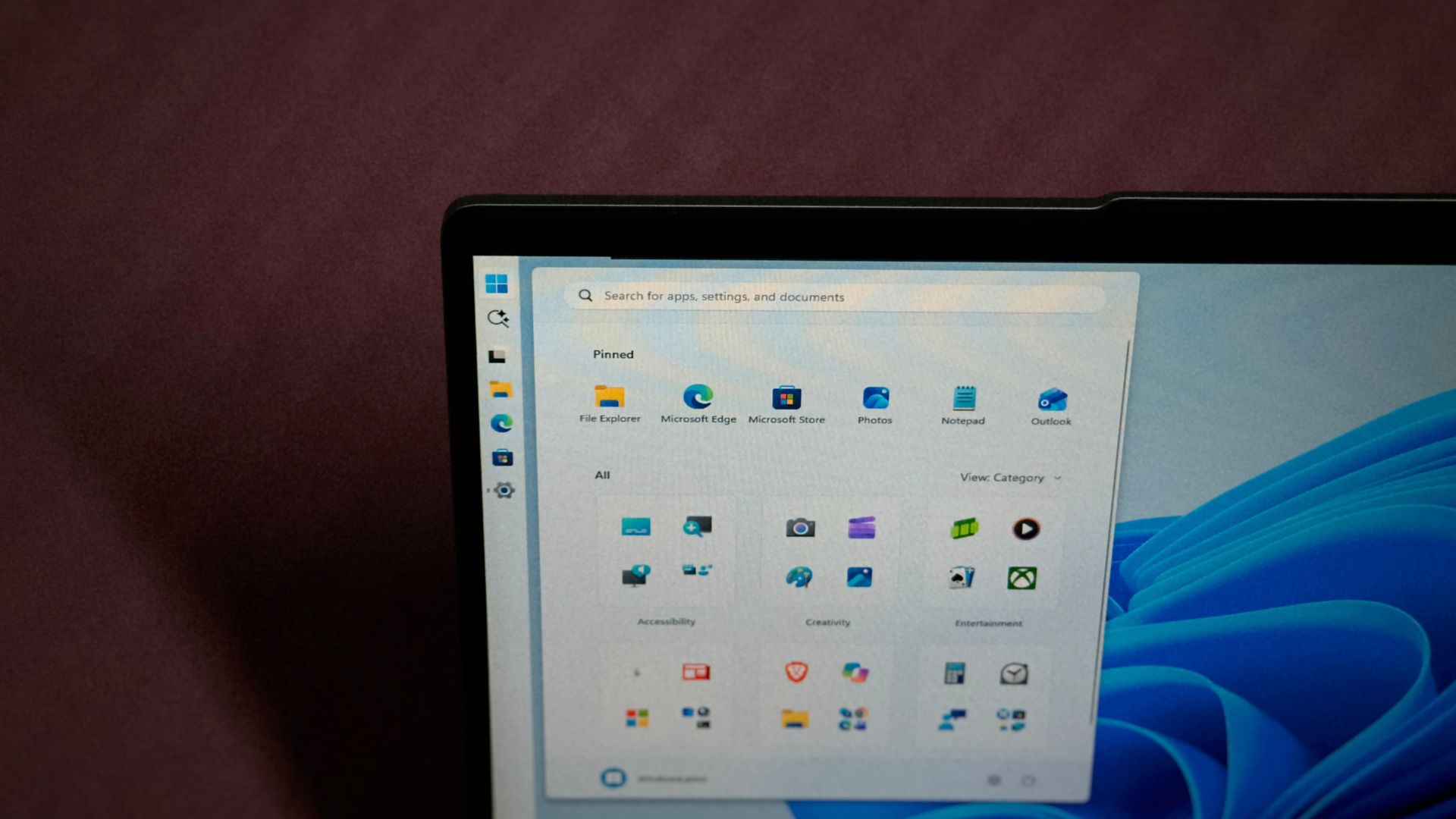
Windows 11’s taskbar can finally go to the top, left, or right of the screen, but only through Settings, as you still can’t drag it there like in Windows 10. Microsoft says that’s by design. Diego Baca, Microsoft’s Vice President of Design for Windows, says dragging the taskbar caused accidental movements, people rarely change its position anyway, and leaving drag-to-move out was a deliberate choice.
I understand the argument here, and the history of the Windows 11 taskbar is in his favour. But a lone developer has already added drag-to-move on top of Windows 11’s new taskbar positions, and Baca himself had a working prototype of a Windows 11 feature within a day with the help of AI.
So why not give the users what they want? Well, there are a lot of layers here.
Microsoft says dragging the Windows 11 taskbar leads to accidental movements
Baca was replying to a post on X saying you “still need” a third-party app to drag the taskbar. “I find headlines like these unnecessarily negative,” he wrote, suggesting “you can also use” one instead.
“From our research, dragging the taskbar to reposition it can lead to accidental movements, which is one of the reasons “Lock the taskbar” existed in previous versions of Windows,” says Baca, adding that changing the taskbar position “isn’t something people do frequently.”
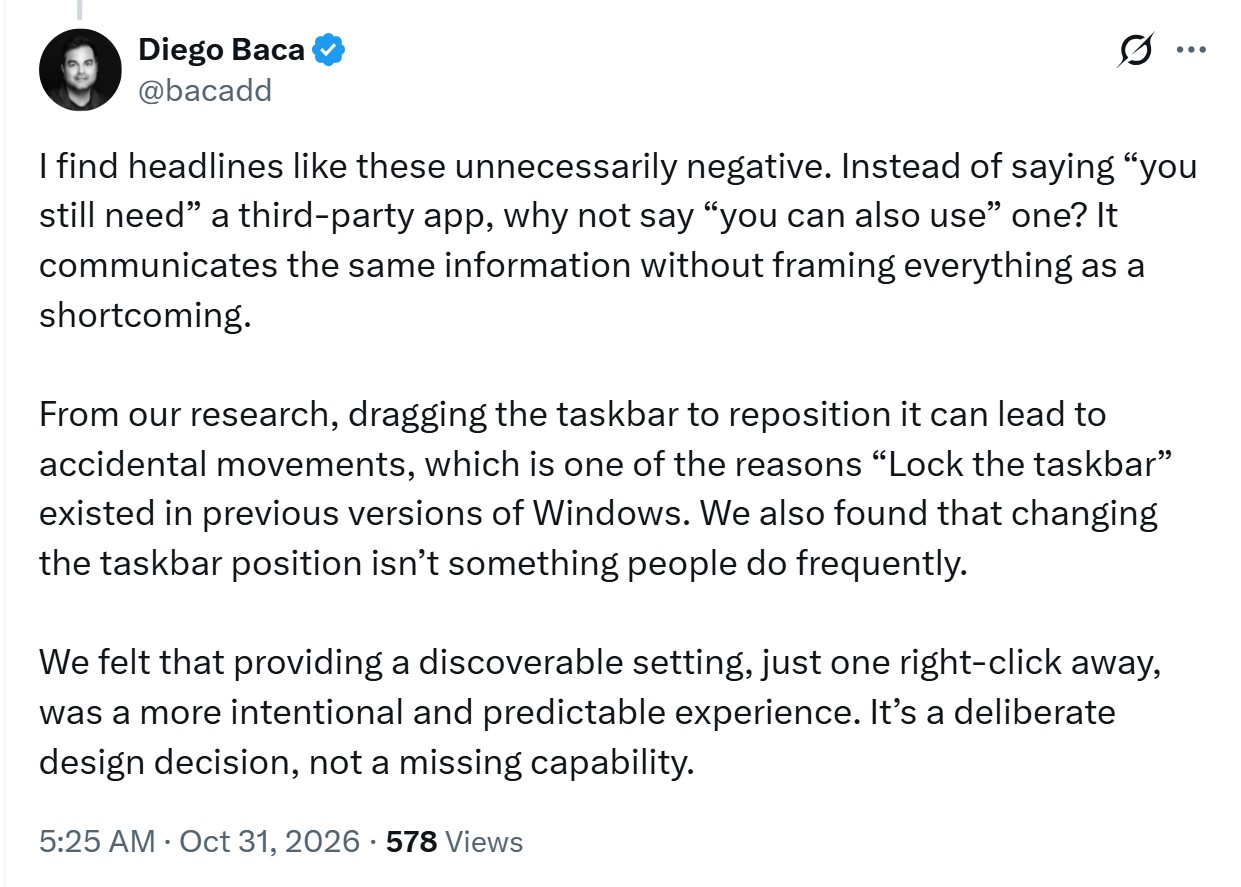
As you’d know if you’ve used Windows 10, one careless drag could send the taskbar flying to the side. It happened to me when I first used the OS, but never later. Microsoft’s answer (for Windows 11) is a setting, which Baca calls “a more intentional and predictable experience,” available “just one right-click away.” He signed off with “It’s a deliberate design decision, not a missing capability.”
Microsoft’s Brandon LeBlanc replied, “Agreed,” which means this is the company’s present stance on this capability. Another user said he had accidentally moved the taskbar before.
Baca also wrote Microsoft’s May Windows Insider blog post, which called the movable taskbar “one of the most requested features,” and said the focus was to keep the experience “simple, predictable, and free from accidental taskbar movement.” Interestingly, that post also said Microsoft is “evaluating additional features like different taskbar positions per monitor and drag and drop.”
The Windows 11 taskbar was rebuilt from scratch, and dragging didn’t make the cut
Windows 11 shipped in 2021 with a brand-new taskbar that didn’t carry over the old code, and former product lead Tali Roth said the work needed to move it was “just huge,” because of “the reflow and the work that all of the apps have to do.” Microsoft’s data also said other taskbar features were in higher demand.
There was a design reason too. Former Windows and Bing boss Mikhail Parakhin said the vertical taskbar was killed for Windows 11’s “symmetric panes,” with notifications on the right, widgets on the left, and Start in the middle.
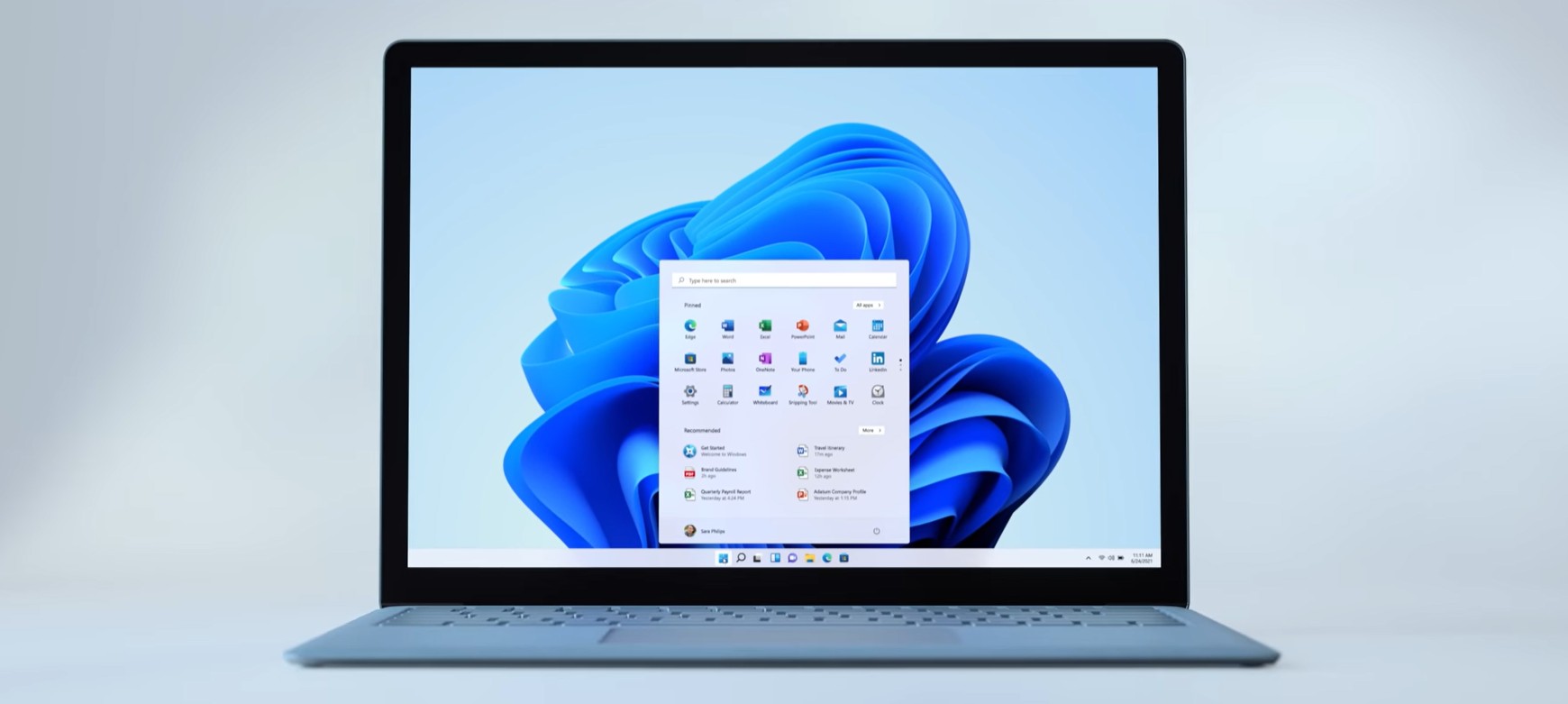
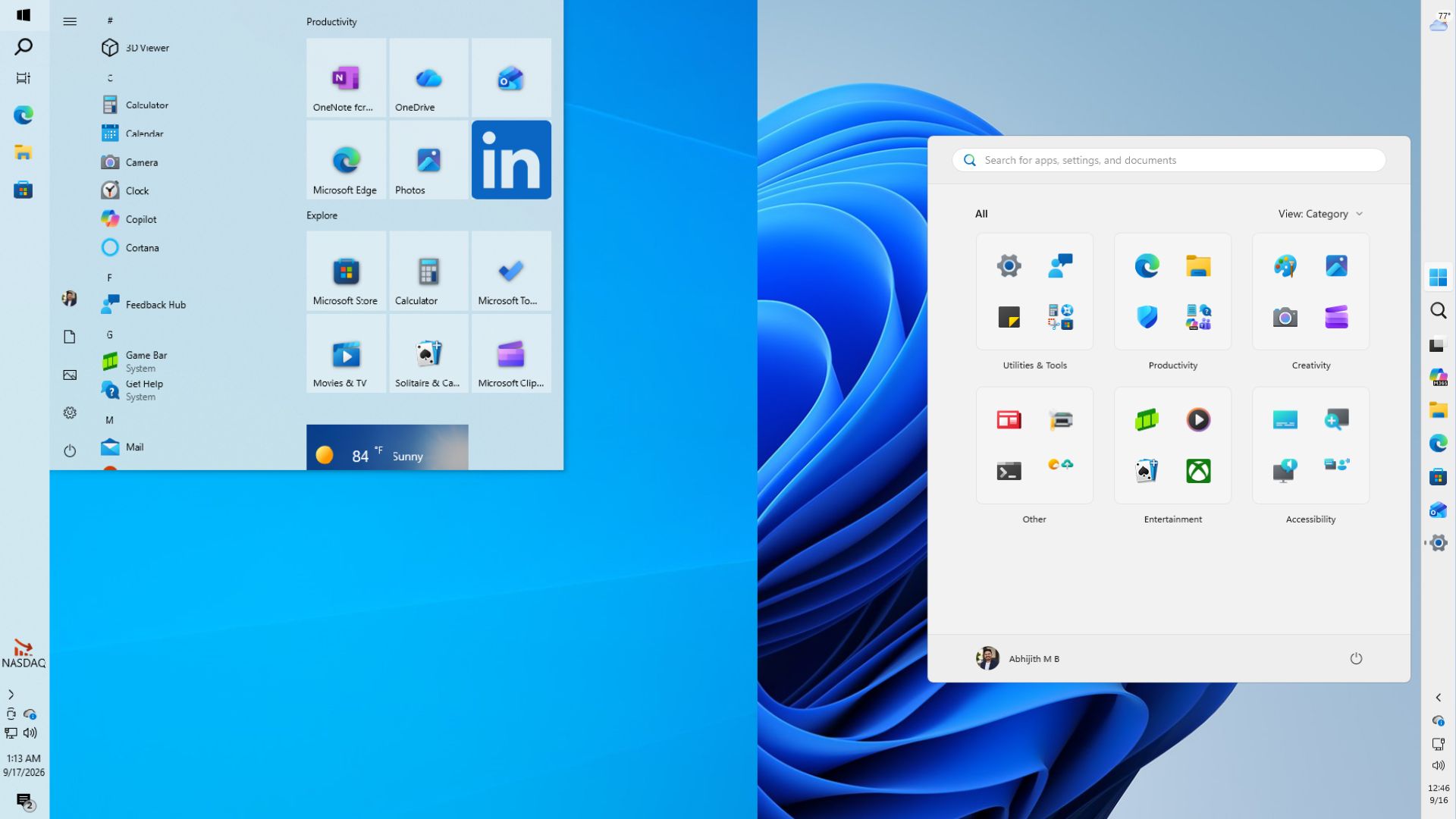
Five years later, Microsoft brought back taskbar positions with the August 27 optional update KB5120998, and the September Patch Tuesday restored the movable taskbar for everyone through a gradual rollout. You’ll find it under Settings > Personalization > Taskbar > Taskbar behaviors. Funnily enough, Microsoft’s taskbar support page still says “there are no settings for moving a taskbar to the top or to the side of the screen.”
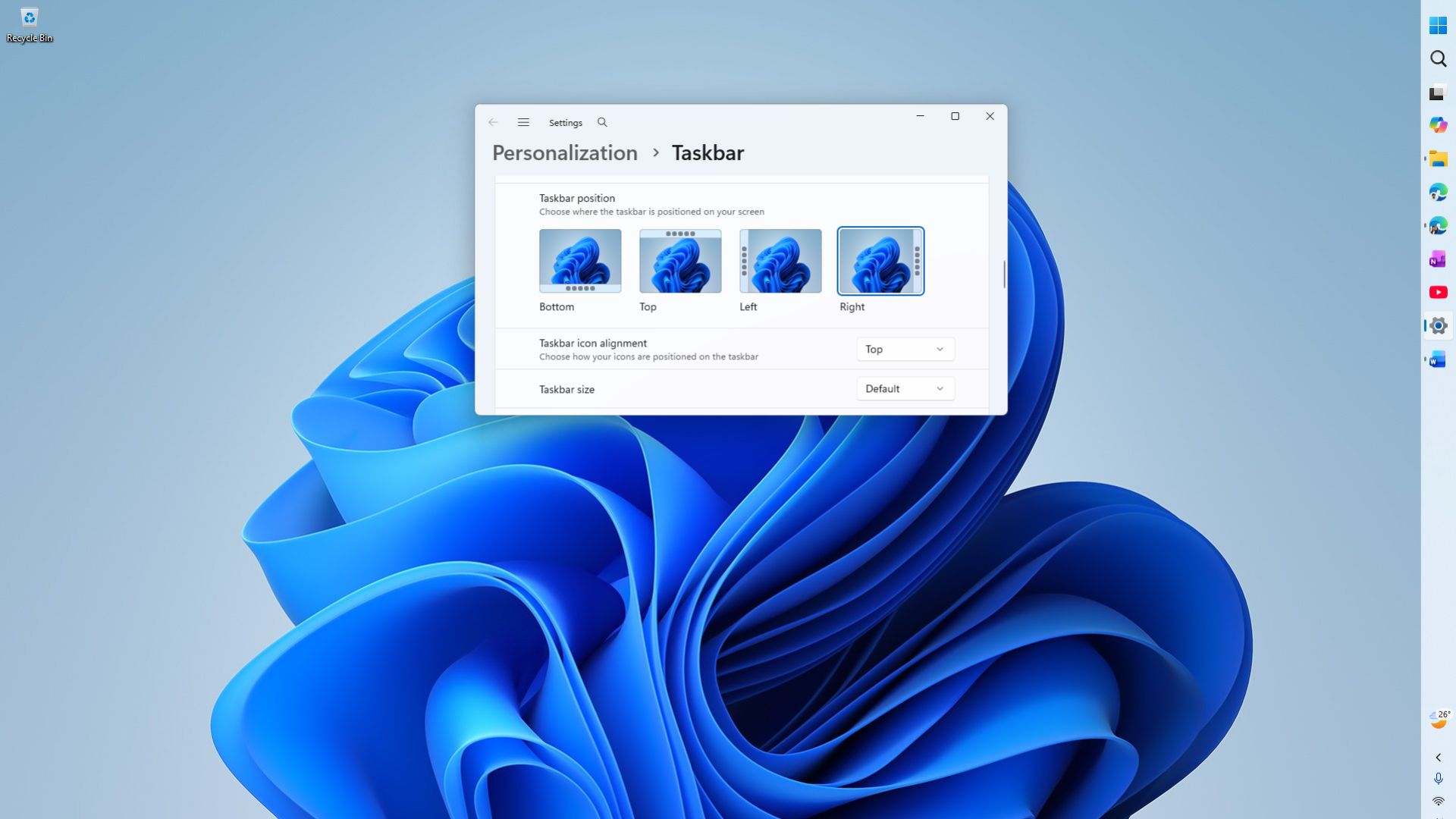
Strictly speaking, Windows 11’s taskbar didn’t have drag-to-move when it launched, so Microsoft didn’t take anything away. A small startup can ship whatever its users shout for, but a company handling a billion PCs goes by data, and refactoring a new component for a rarely used gesture has to pass through a ton of processes.
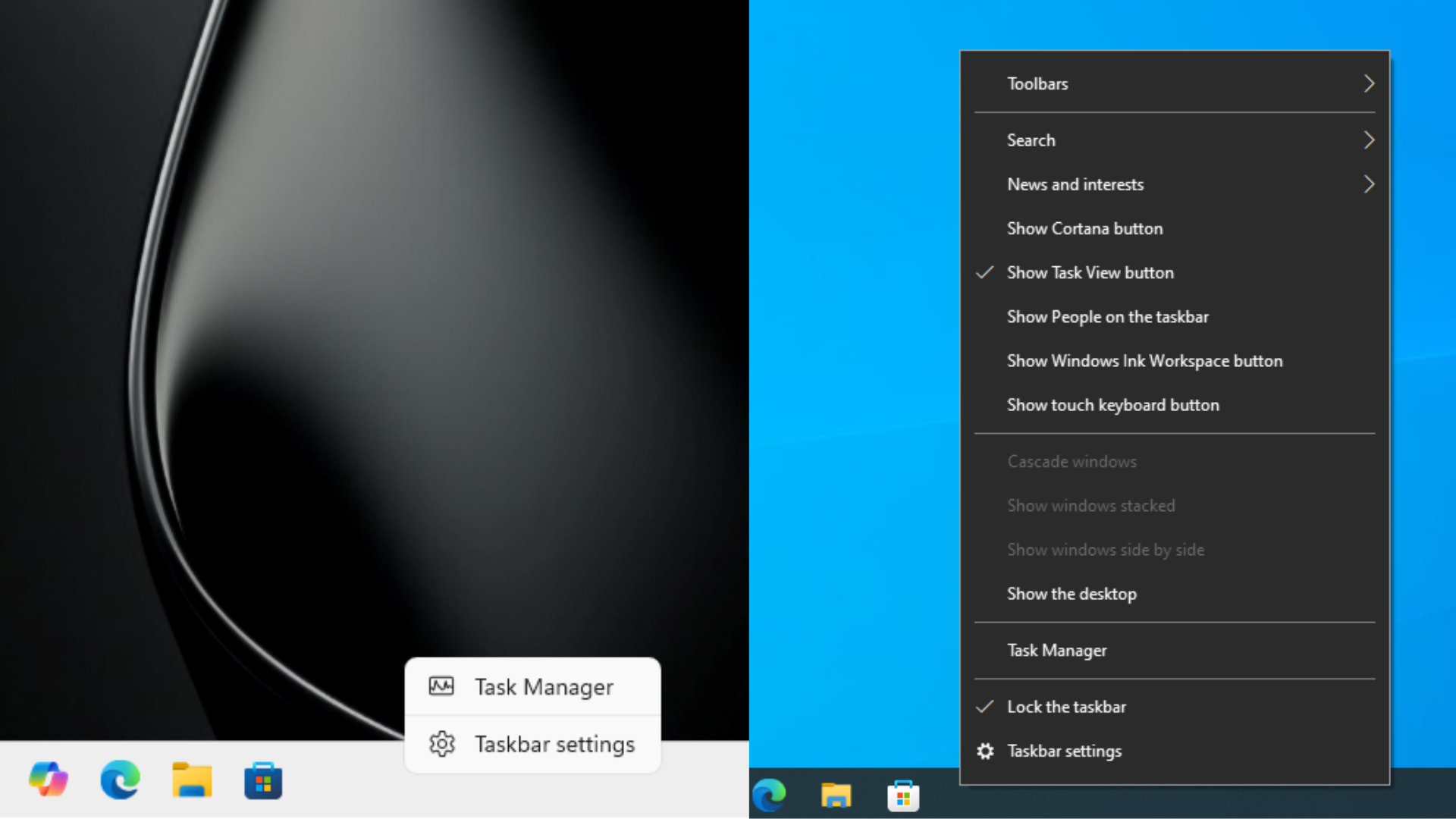
During the initial moving taskbar announcement, Microsoft tested buttons on the right-click menu on the taskbar to move it. We recently found that leftover code still exists in the right-click menu with Left, Top, Right, and Bottom buttons. I thought if such buttons existed, then it would be easier to map them to dragging motions, but apparently that’s not the case.
Also, interestingly, in the May 15 blog about Improving Windows Quality, Diego Baca said, “Touch gestures for alternate positions are still in progress.” Doesn’t a touch gesture equate to drag and drop?
Meanwhile, independent developer Michał Łeptuch has already built what Microsoft left out. His free app, Taskbar Location Options, adds Left, Top, Right, and Bottom to the taskbar’s right-click menu and lets you drag the taskbar to any edge of the screen. It needs Windows 11 26H2 (build 26300 or newer), and it works by writing the standard TaskbarLocation registry value.
Łeptuch was quick to clarify that his tool “doesn’t unlock any built-in Windows 11 features,” calling it “a small experiment” that “can stop working anytime.” He also added, “I don’t want to put bad light on the great engineers working on Windows 11.” Note that installing it means trusting a self-signed certificate, so it’s not for everyone.
Point taken, but if one developer can wire up drag-to-move for free, surely the 3.8 trillion-dollar company can too?
Windows 11’s taskbar still lacks a few Windows 10 conveniences
Microsoft has restored several missing taskbar features, but Windows 10 still offers a few conveniences that Windows 11 doesn’t fully match.
| Feature | Windows 10 | Windows 11 |
|---|---|---|
| Right-click customization | More options | Limited menu |
| Multiple app windows | Visible stacked indicators | Indicators appear on hover |
| Taskbar toolbars | Supported | Not supported |
| Calendar agenda | Native agenda view | No equivalent native experience |
Microsoft’s data may be right, but Windows needs goodwill
I’m one of those very few people who change the taskbar position. Mine is on the right, which pairs well with Edge’s vertical tabs on the left and leaves more room to read. In Windows 10, I dragged it to the side while working in Word and Excel, and back to the bottom for movies or PowerPoint.
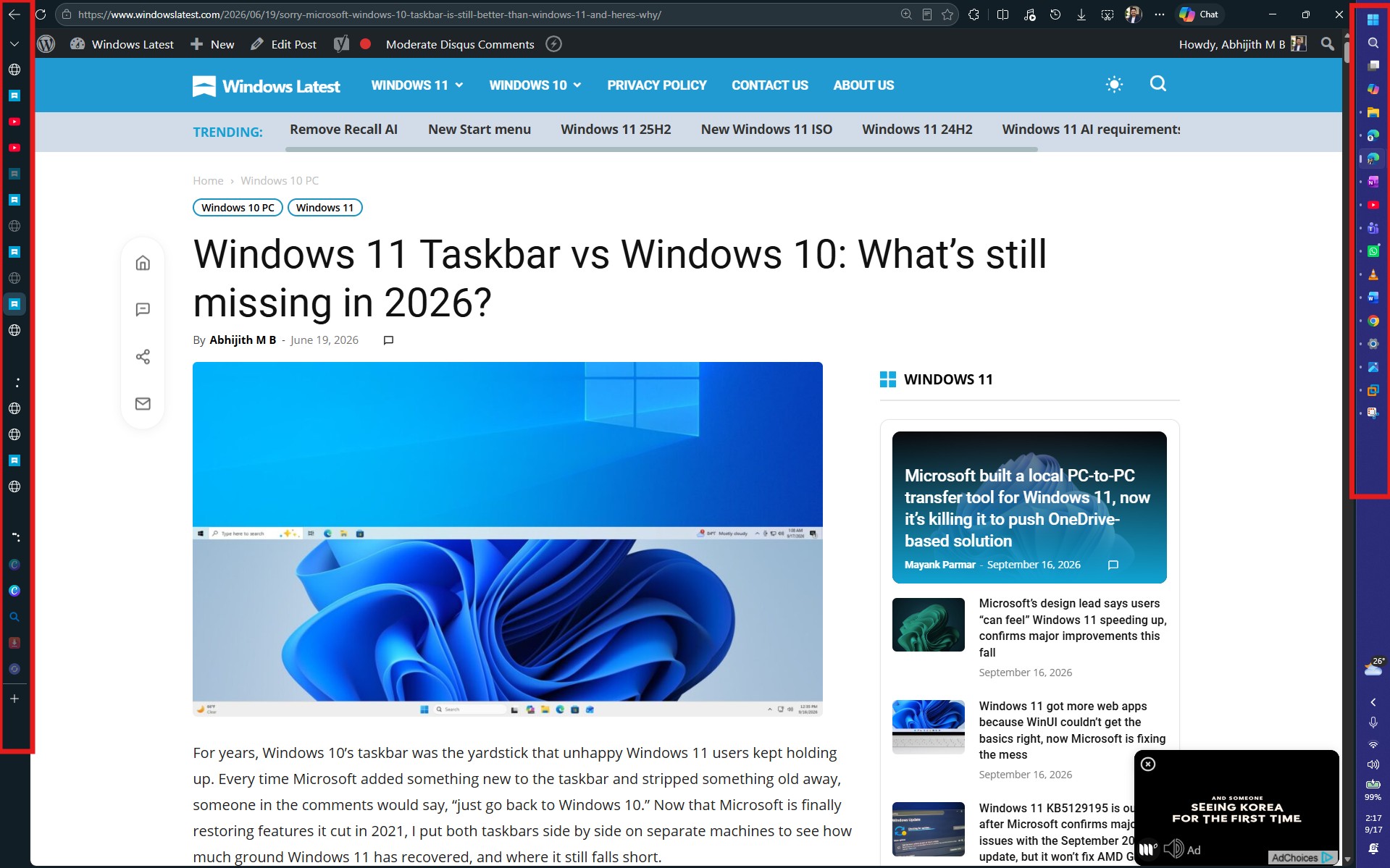
But that’s not the point. Decades ago, internal data decided what got built. Today, it’s what’s trending on X, Reddit and YouTube, where power users set the tone, and I see a ton of thumbnails of people excitedly switching to Linux or macOS, as if they’ve been liberated from Windows!
People who don’t even use a vertical taskbar (the huge majority of the 1 billion Windows 11 users) watch those videos, conclude that Windows doesn’t listen, and side with power users over the 3.8 trillion dollar company.
Microsoft’s Windows OEM and Devices revenue fell 22% last quarter, which the company puts down to last year’s Windows 10 end-of-support rush, excess inventory and a weaker PC market. Fair enough, but holdouts won’t switch if their feeds keep saying Windows 11 lacks simple features, even when it doesn’t.
AI was supposed to make small requests cheaper
On Friday, Windows CVP Marcus Ash explained that Windows 11’s new internet speed test in Quick Settings came from user feedback. When Windows president Pavan Davuluri asked Baca to take a look, “Within a day, Diego had a working prototype,” says Ash. The design and build work was driven by an agentic AI workflow guided by a person in their spare time!
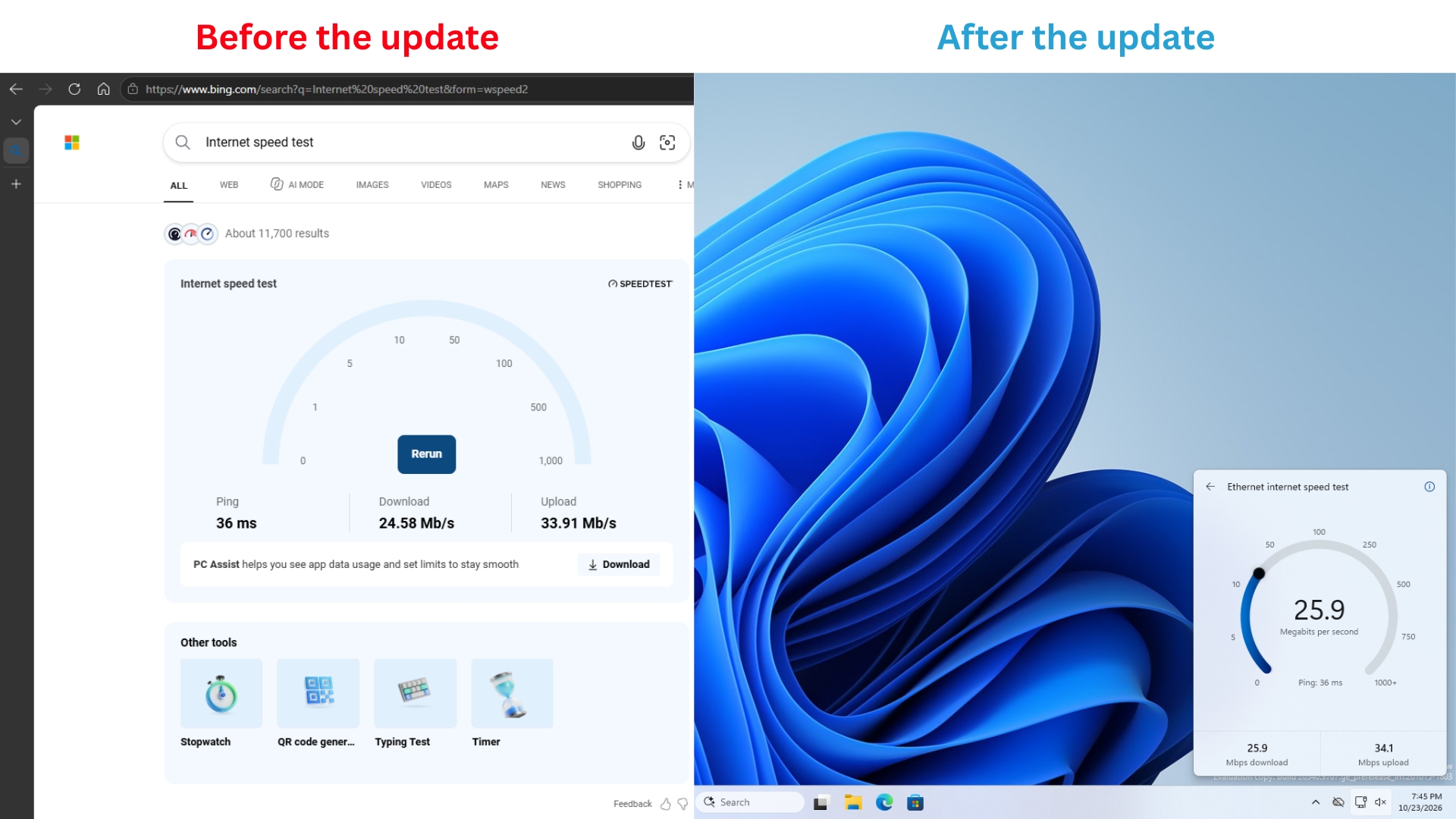
Microsoft’s designers are also contributing code fixes to Windows with AI now. So, if AI can take a feature from idea to prototype in a day, shouldn’t Microsoft stop waiting for its data to justify small features? Just ship what people keep asking for, even if only a fraction of users end up using it.
As for accidental movements, Microsoft solved that problem decades ago. Baca himself mentioned that “Lock the taskbar” existed for this reason, and in Windows 10, the taskbar came locked by default. Bring back drag-to-move with that lock, and the people who don’t move their taskbar wouldn’t even notice it.
I want Windows 11 to get the love XP and 7 got, and Microsoft has done a commendable job this year. But it isn’t in a position to bargain with users, yet. For a while, it should stop defending and build what people ask for, so that Windows 12 can be everything users wanted Windows 11 to be.
Did you used to drag your taskbar around, or did you set it once and forget it? Let us know in the comments.