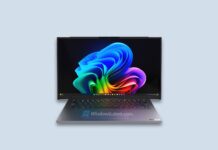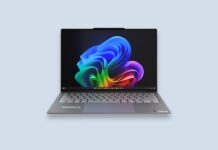







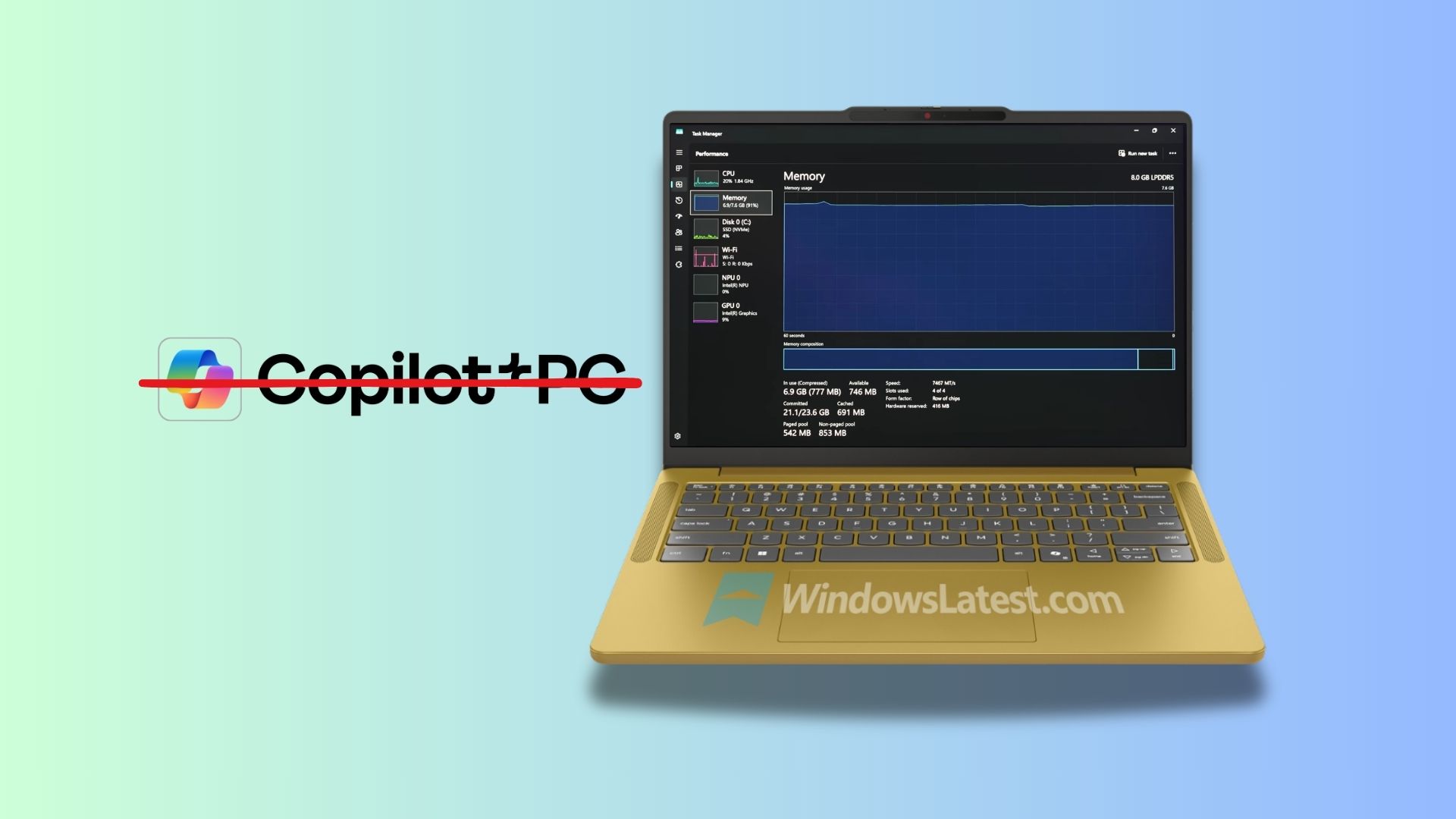
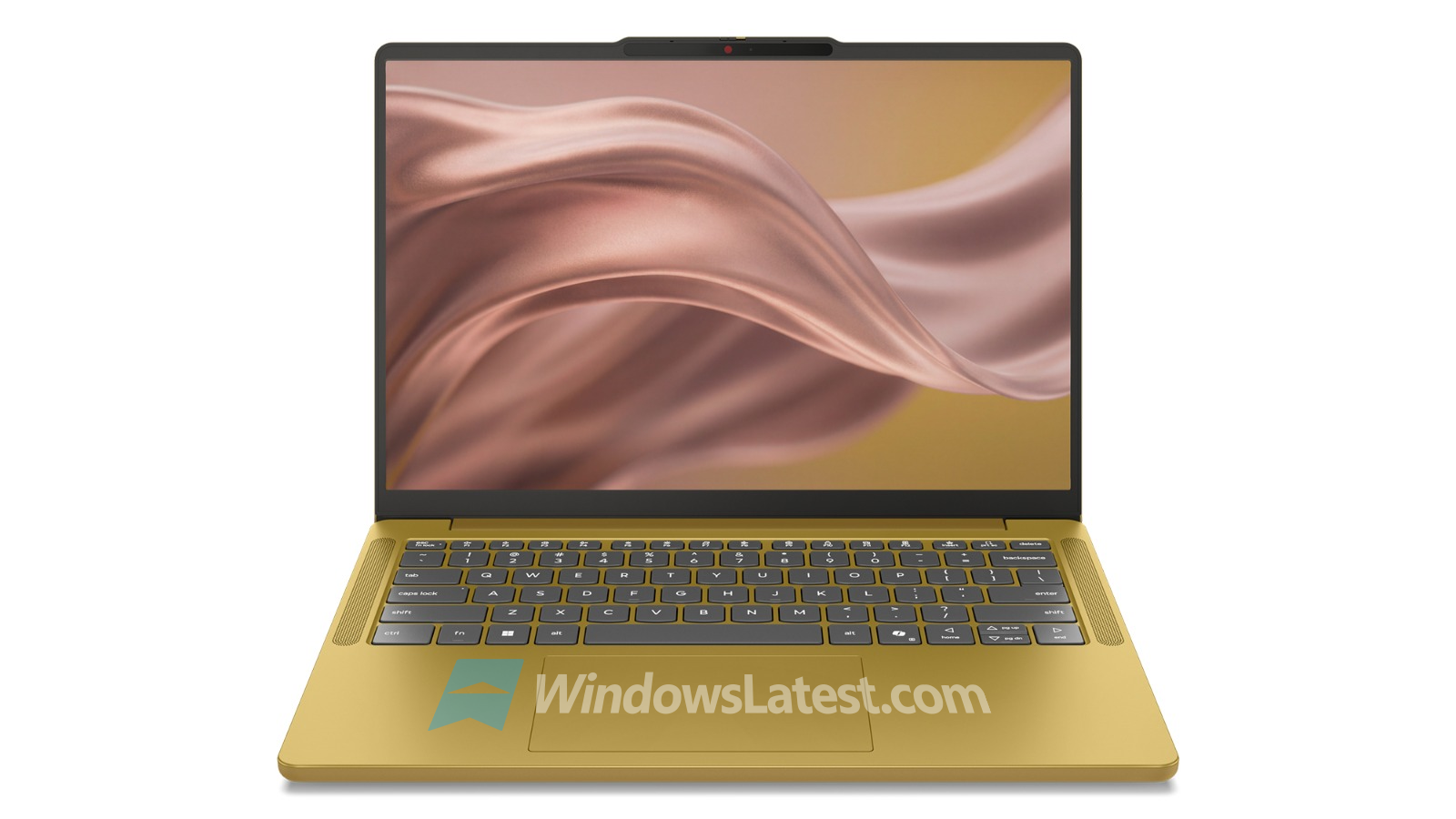
Windows Latest has found a clear distinction between 8GB and 16GB RAM configurations in Lenovo’s upcoming IdeaPad Vibe. Lenovo’s specification sheet that we obtained explicitly defines the device with less than 16GB memory as “Non-Copilot”. The 8GB versions can have the same AMD Ryzen AI silicon as the 16GB ones, yet Lenovo still won’t call them Copilot+ PCs.
Lenovo is drawing a line right as Microsoft needs it least. Microsoft spent the past two years making 16GB the defining requirement for the Copilot+ badge, right as the PC market swings back toward 8GB configurations because RAM has gotten expensive and manufacturers are trying to keep prices under control.
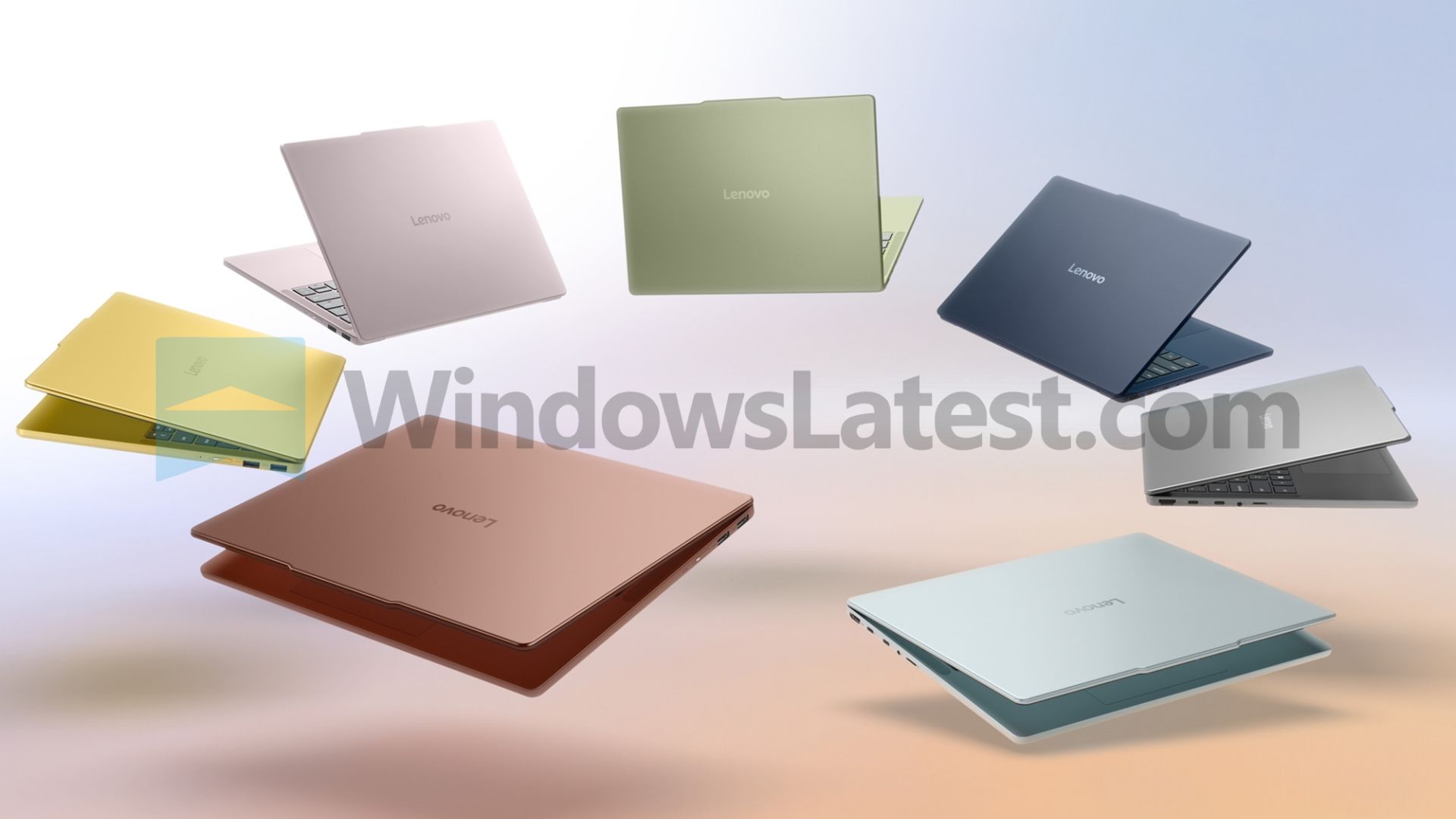
Microsoft is simultaneously promising to make Windows 11 run better on 8GB PCs while pushing Windows toward more local AI. If 8GB becomes the norm again, how exactly does Microsoft expect Windows PCs to become the platform for on-device AI?
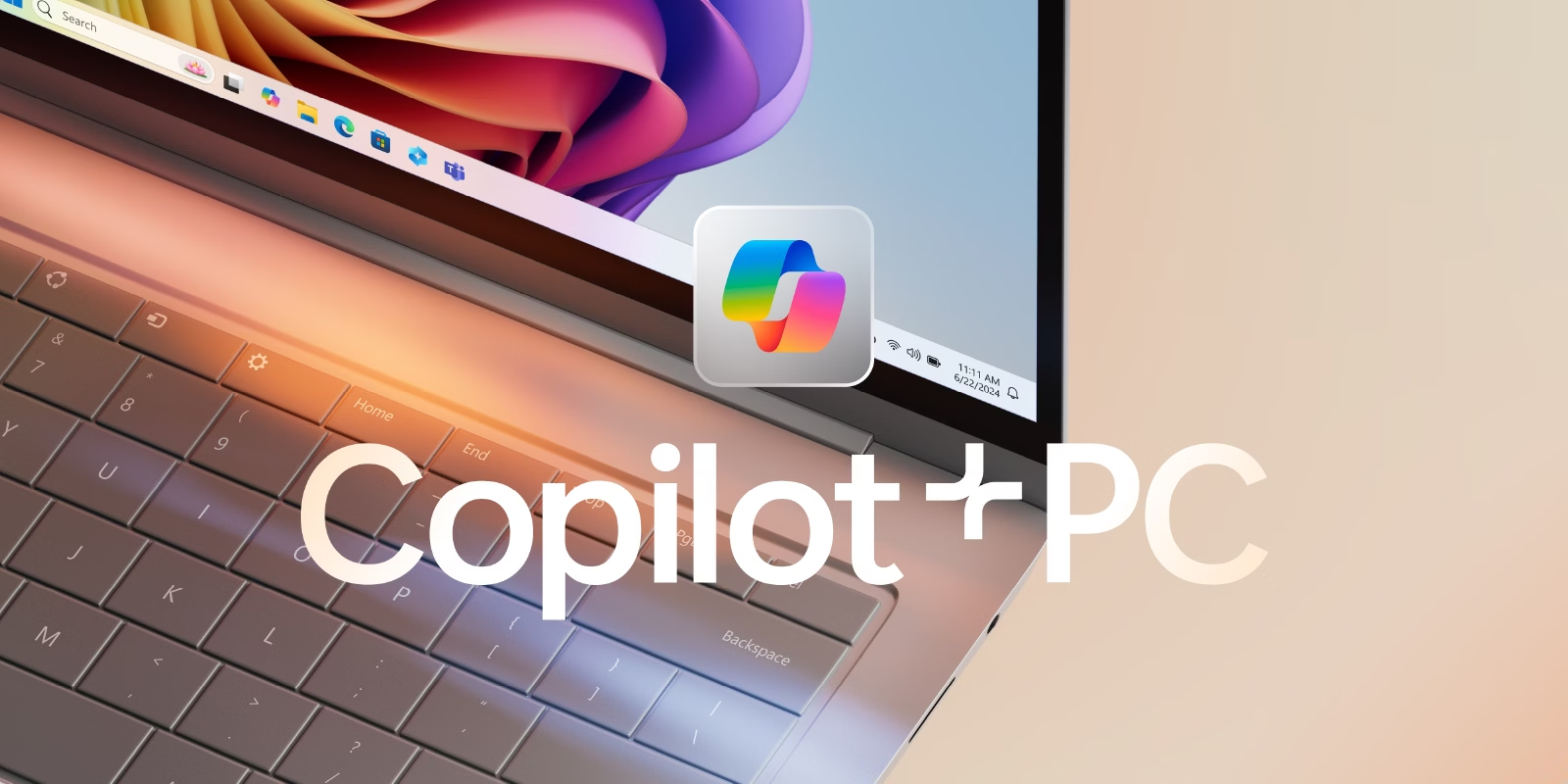
Lenovo’s leaked IdeaPad Vibe specs draw a hard 16GB line for Copilot+
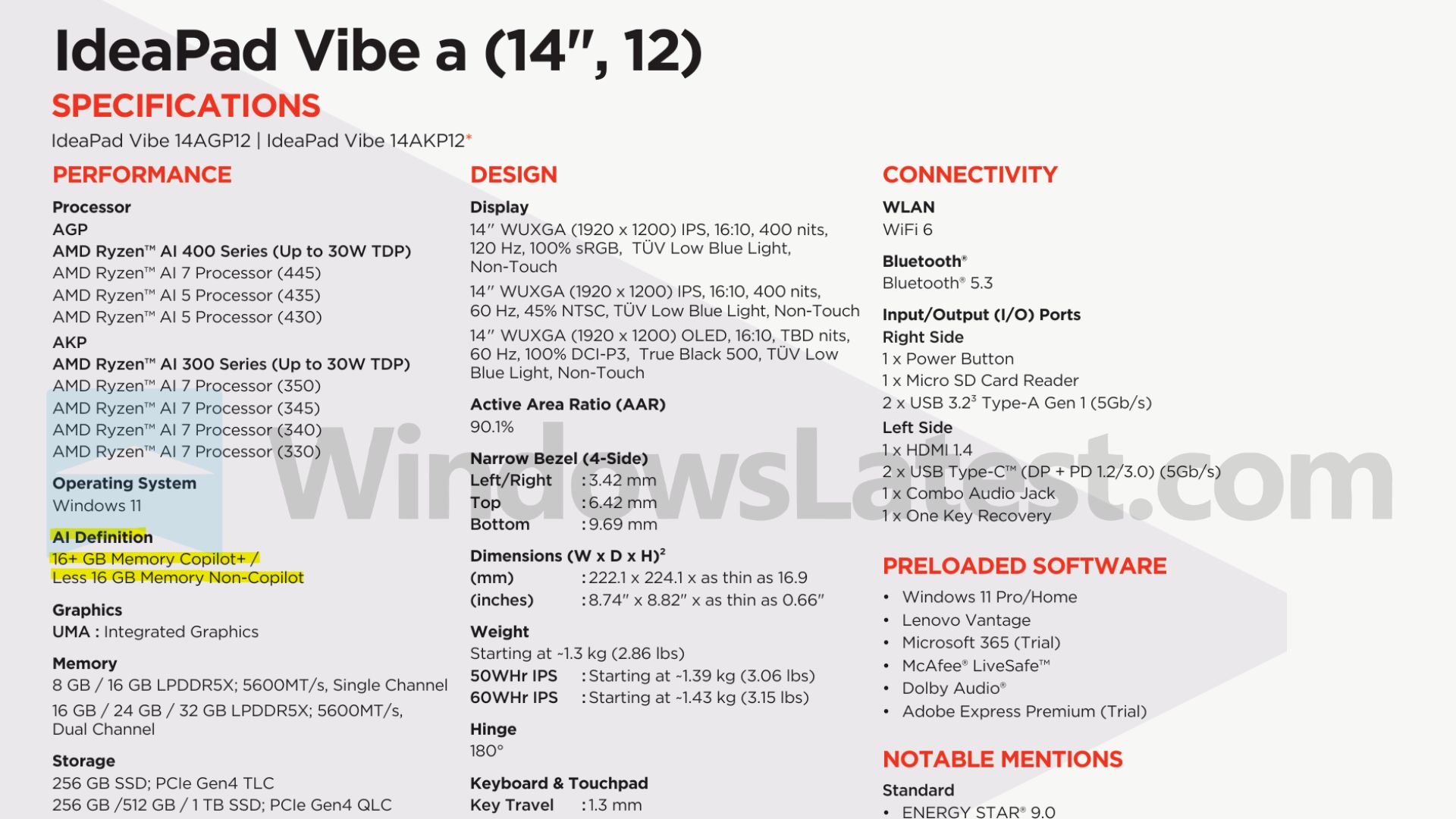
As we uncovered the full specifications of IdeaPad Vibe we found the OEM AI guideline, right next to the processor and memory options:
“AI Definition: 16+ GB Memory Copilot+ / Less 16 GB Memory Non-Copilot.”
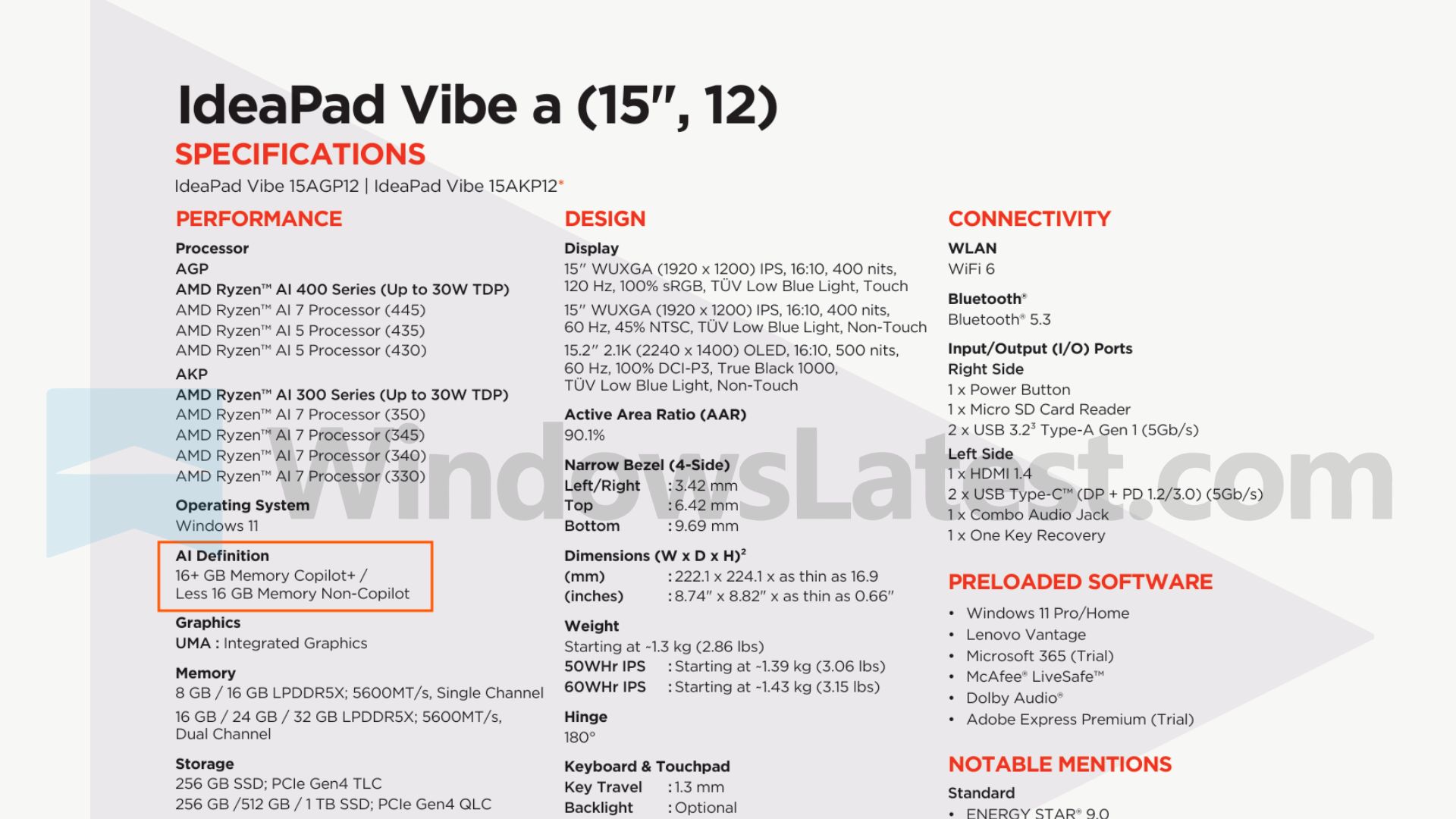
The Vibe can run AMD’s Ryzen AI 400-series chips, including the Ryzen AI 7 445 and Ryzen AI 5 435, and Lenovo still splits the lineup by memory capacity regardless of which processor is inside.
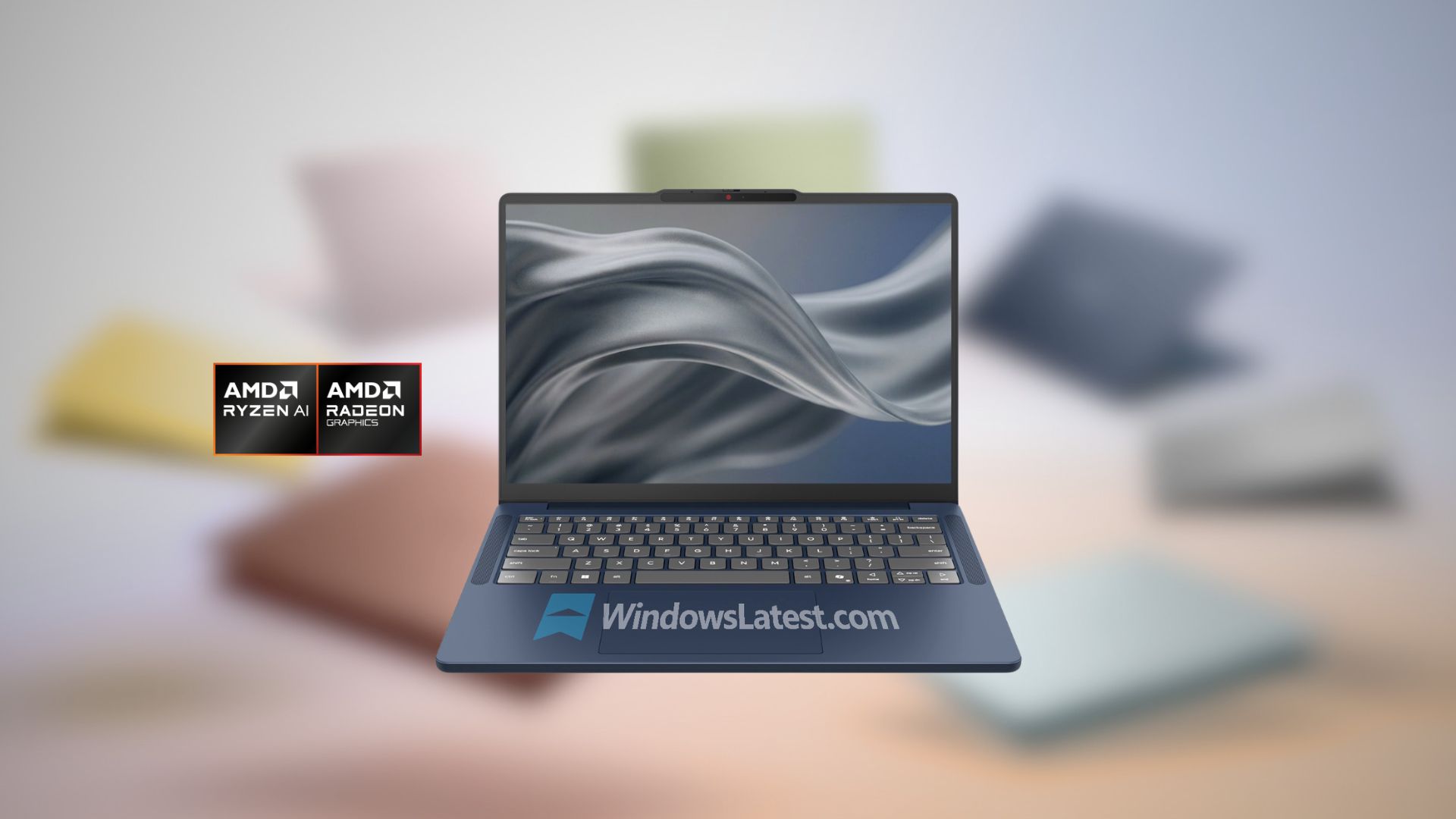
An 8GB IdeaPad Vibe is still a Windows 11 laptop with an AI-capable AMD processor. It simply isn’t a Copilot+ PC, according to the AI guidelines that Lenovo follows.
Microsoft’s published requirements mention Copilot+ PCs need a 40+ TOPS NPU, 16GB of DDR5 or LPDDR5 RAM, and at least 256GB of storage, with AMD Ryzen AI 300 and 400 series among the supported processor families. Lenovo isn’t inventing a new rule here. It’s just the first OEM to print Microsoft’s requirement on a spec sheet, now that 8GB laptops are coming back. Basically, memory capacity is now the deciding factor if a PC gets the Copilot+ badge.
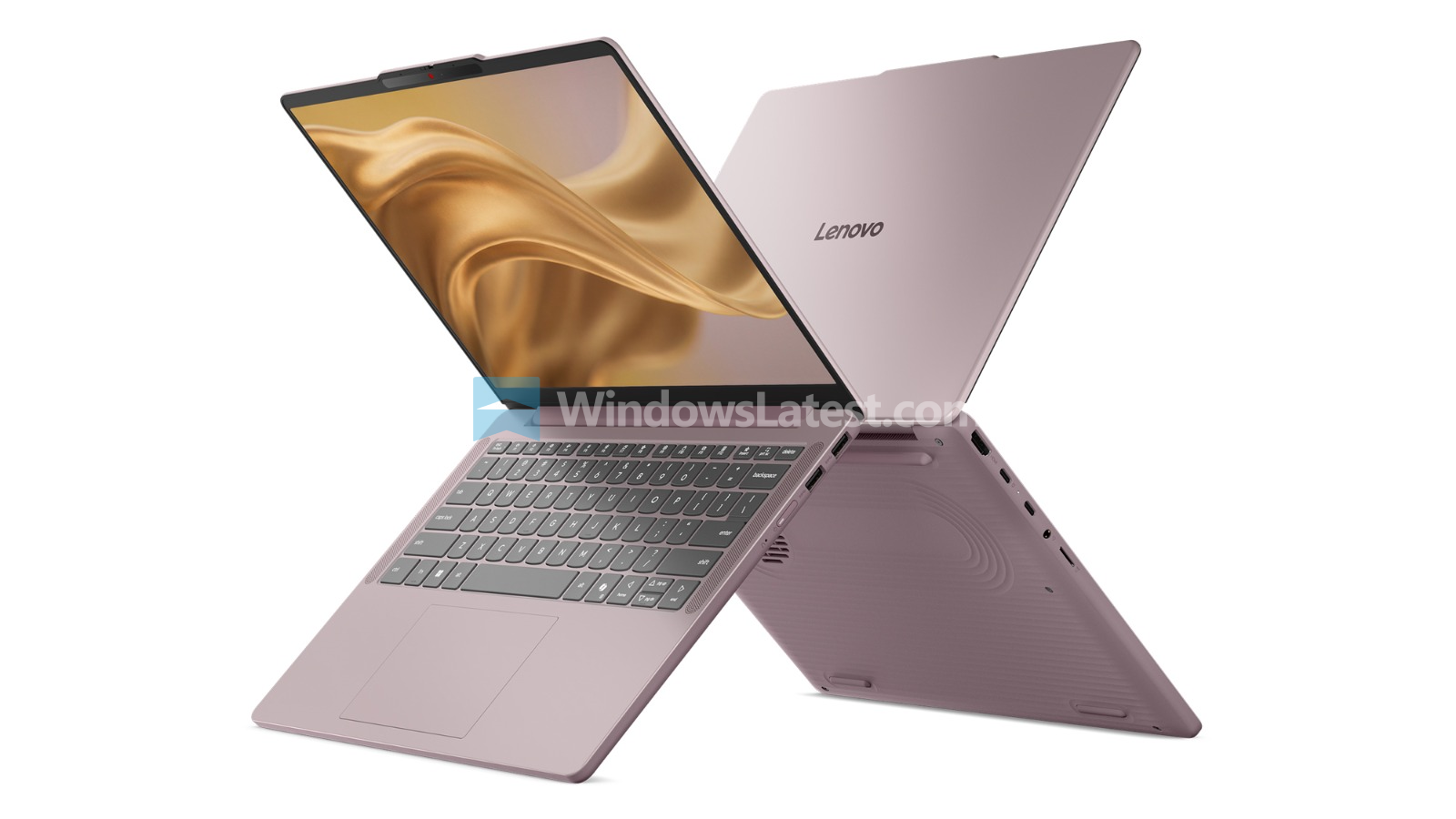
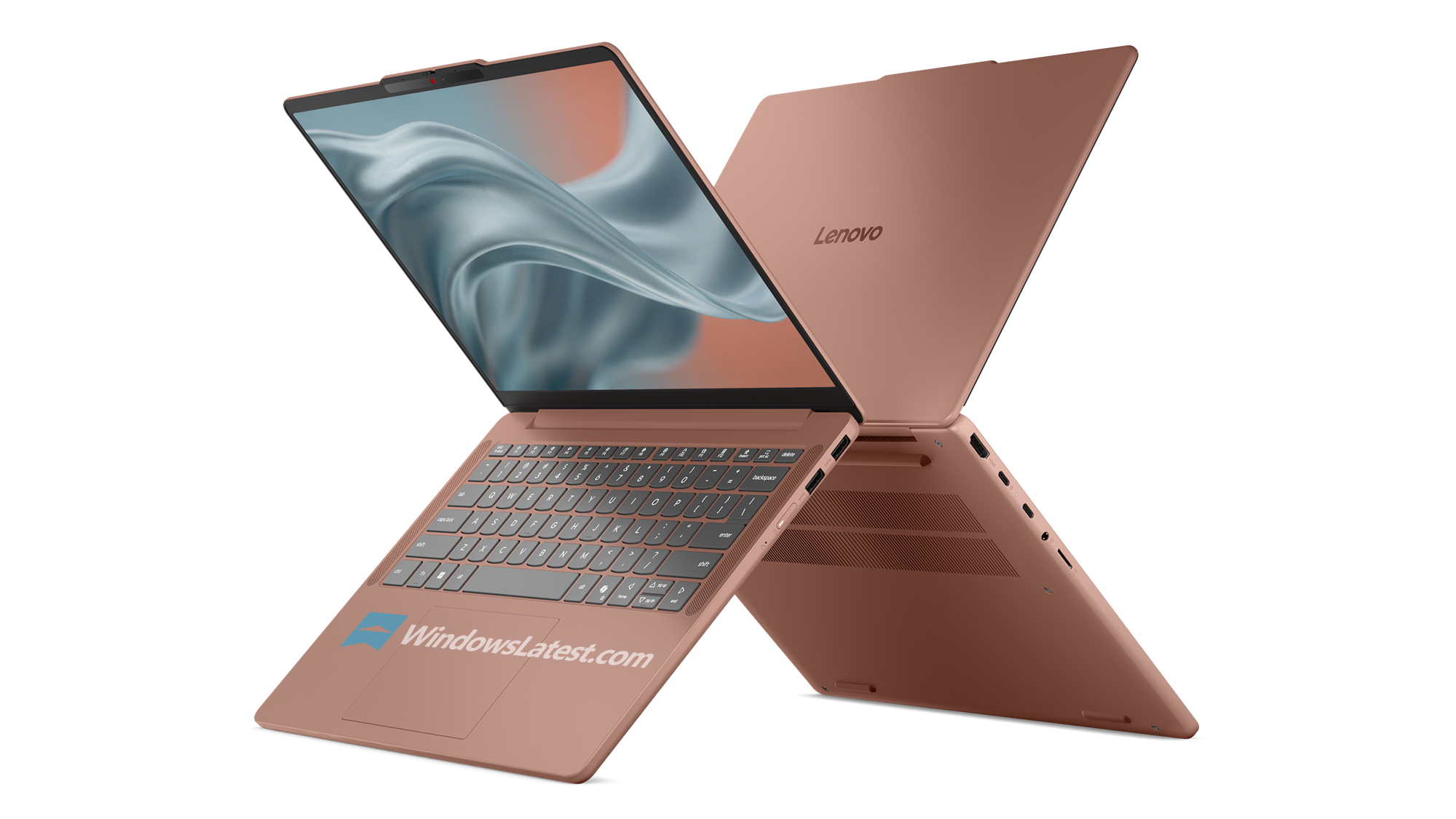
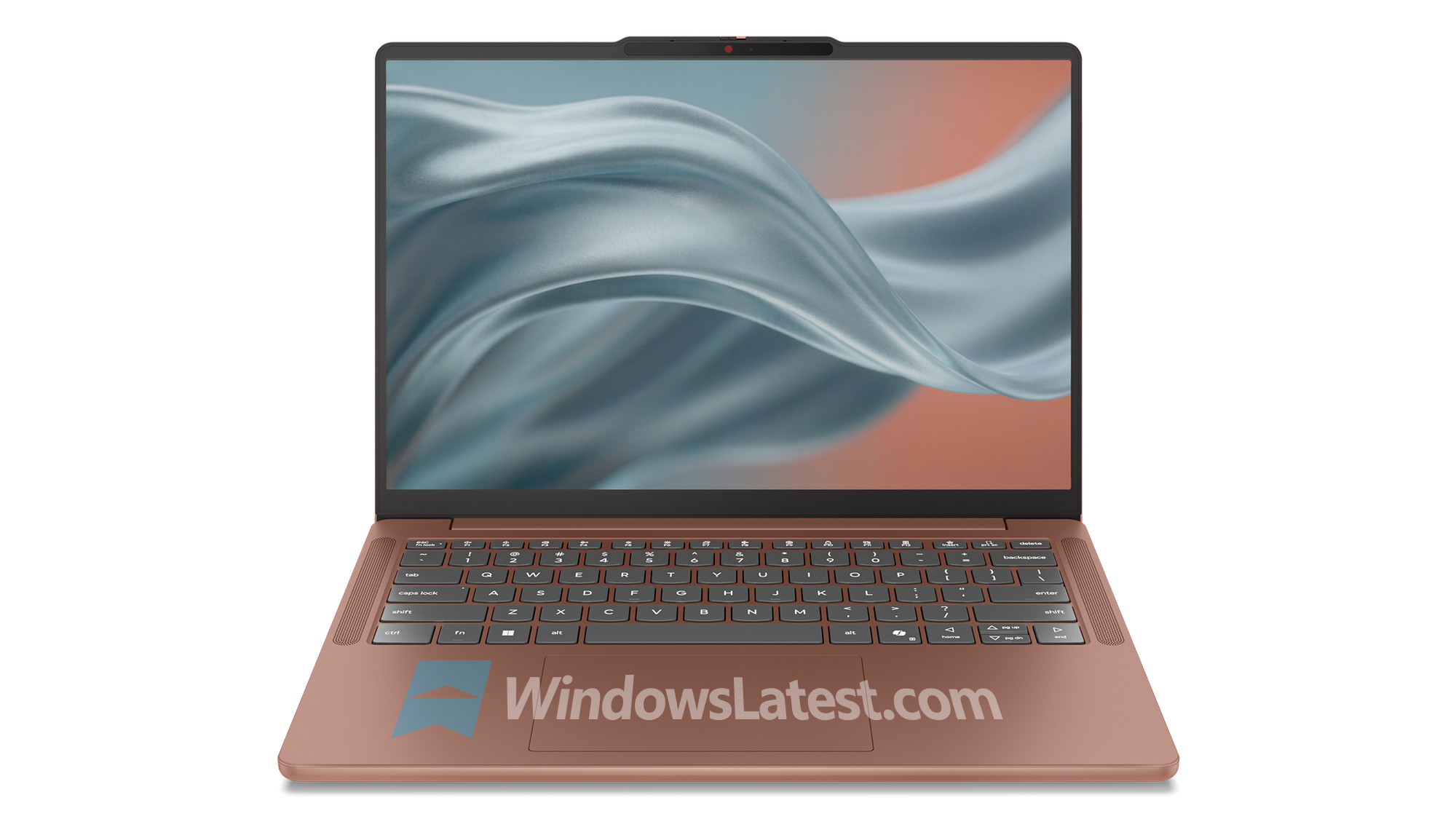
Lenovo isn’t building one cheap configuration either. The IdeaPad Vibe’s memory options run 8GB and 16GB in single-channel, then 16GB, 24GB, and 32GB in dual-channel, meaning there’s a deliberate lower-cost tier sitting outside Copilot+ branding while still using current AI-capable hardware, as a way to reduce cost to become a viable competition to the MacBook Neo.
Microsoft is optimizing Windows 11 for 8GB while building it for local AI
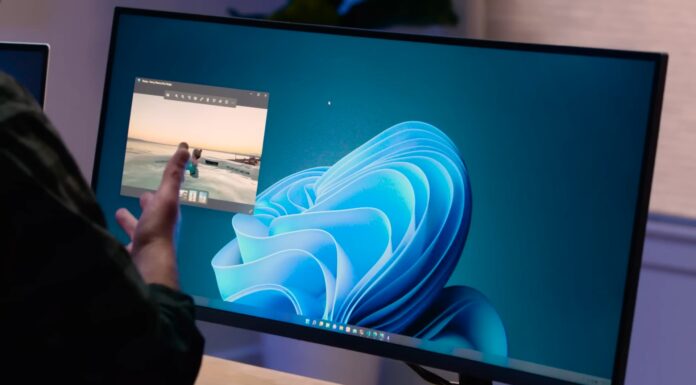
Microsoft has already admitted Windows 11 needs to use less memory. In early August, Microsoft confirmed “Memory optimization for 8GB and above” is coming by the end of 2026, aiming to cut the operating system’s memory footprint and make PCs feel more responsive.
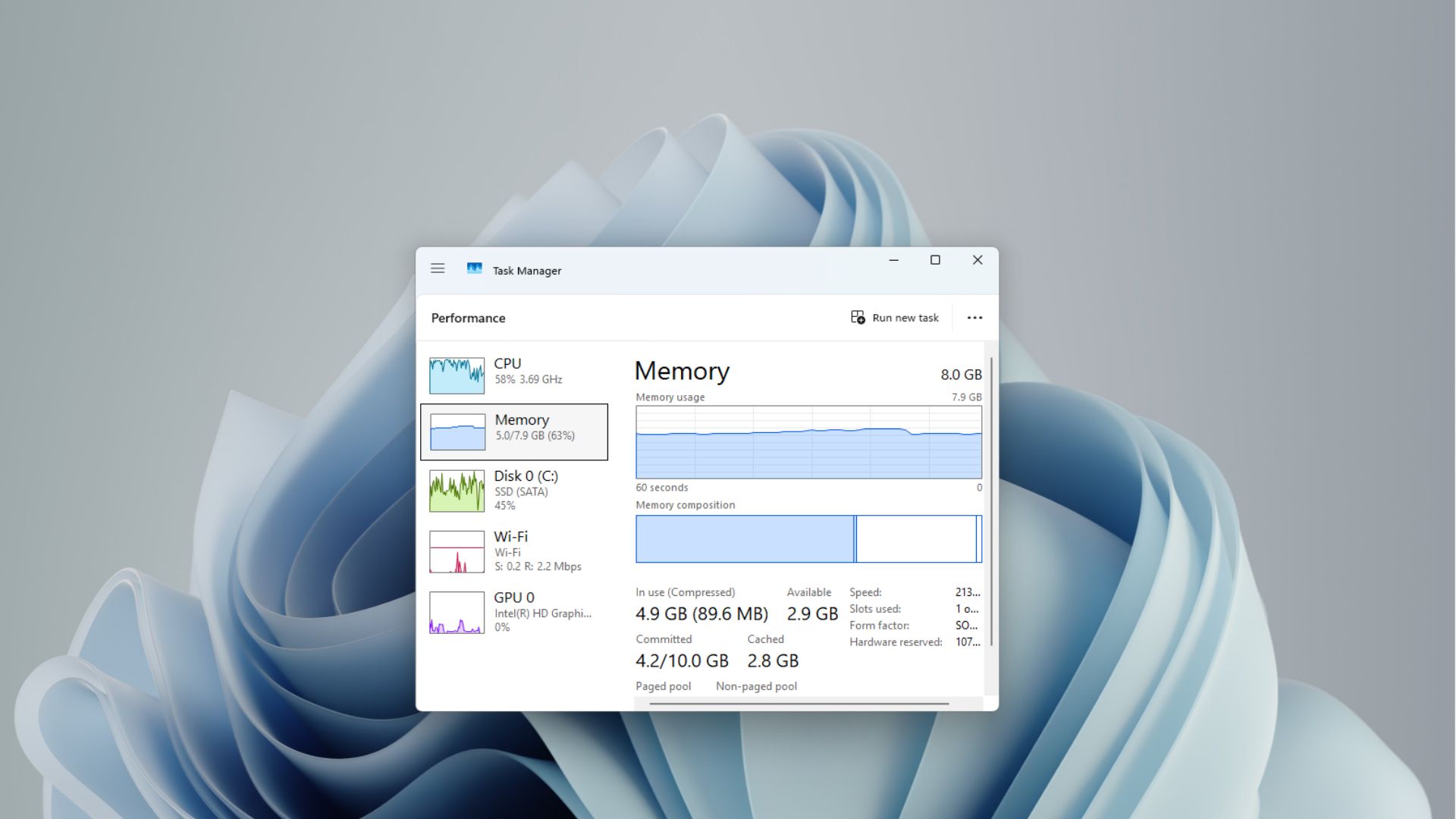
The memory optimization promise arrives at the end of a fairly messy year for Microsoft’s RAM messaging. The company pushed 16GB as the practical baseline for years, then said 8GB is fine for everyday use, then sold an 8GB Surface Laptop for $1,299, then quietly deleted its 32GB gaming recommendation after the backlash that followed.
Now, OEMs are coming back to 8GB again largely because memory prices have surged, and Microsoft’s messaging has bent to match.
Removing WebView2 components from the OS is Microsoft’s best bet at making Windows 11 more optimized for 8GB hardware.
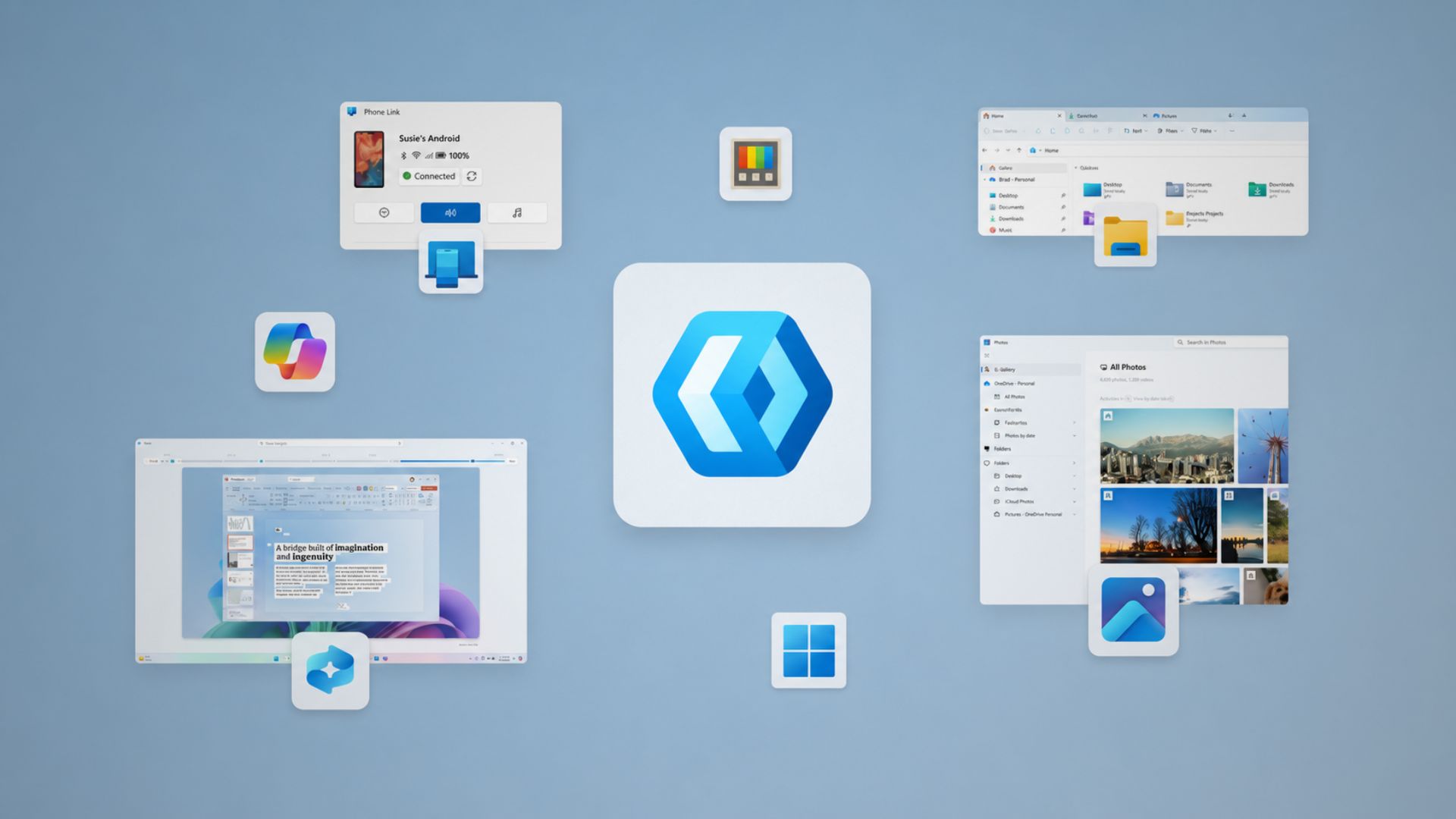
Also, Microsoft has been replacing legacy Windows interfaces with WinUI 3, which will make the native modern framework ubiquitous in the not-so-far-away future. Windows Latest has tracked that work as it spread to more of the OS, most recently reaching another legacy interface this month.
Microsoft wants Windows to become an AI computer, but 8GB is the biggest obstacle
Satya Nadella gave the statement of intent on Microsoft’s FY26 Q4 earnings call: “We see significant opportunity for Windows to become the offload for unmetered intelligence, combining powerful on device compute with enterprise-grade security.”
Microsoft isn’t just trying to make Windows run Office and Chrome comfortably on 8GB. It’s simultaneously positioning Windows as an edge AI platform where the CPU, GPU, and NPU all handle more work locally, and Nadella’s phrase, “unmetered intelligence,” makes the ambition explicit.
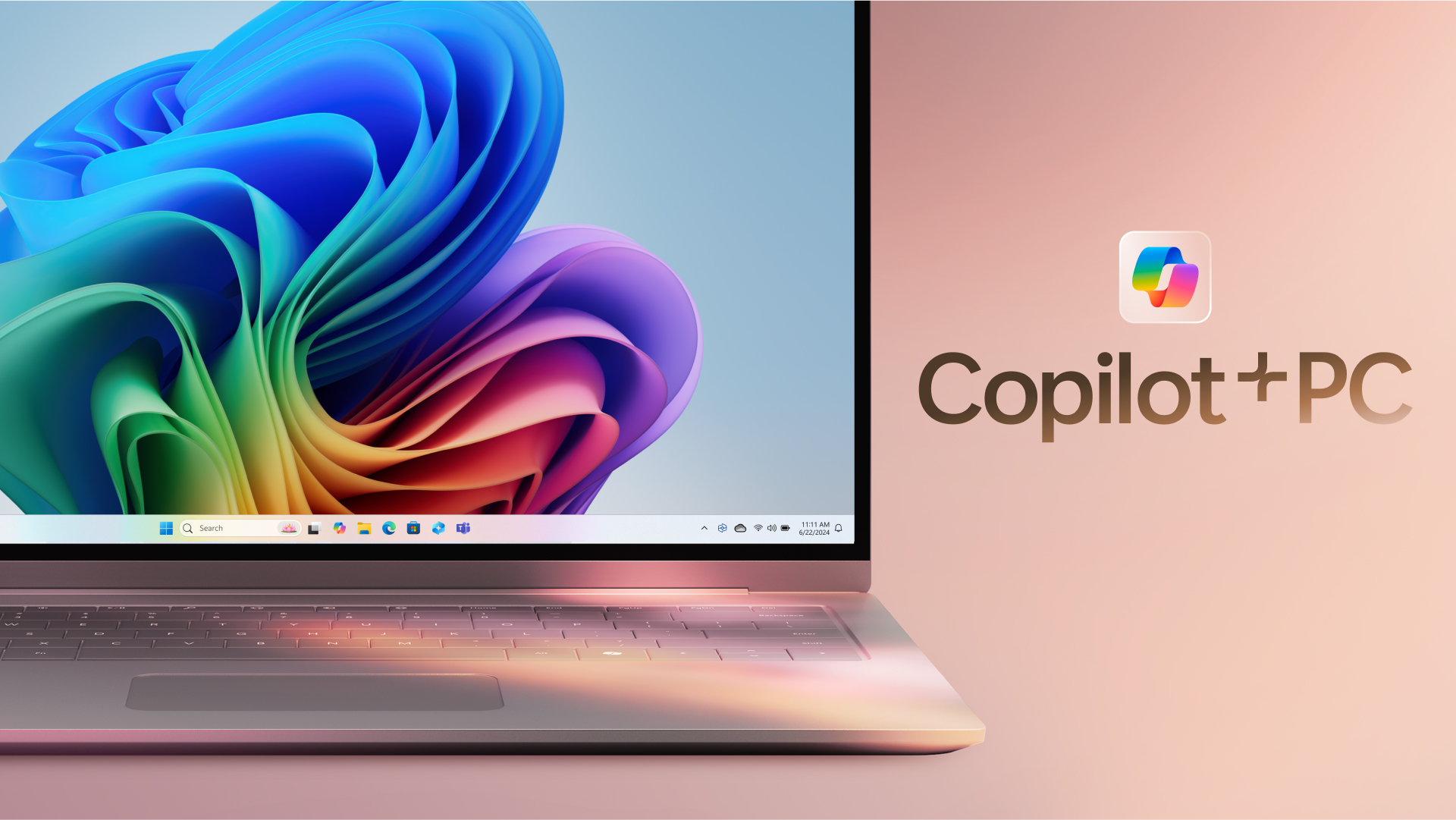
8GB can be enough for everyday Windows use, but definitely not ideal for a PC that’s expected to run local AI workloads. However, for powerful GPUs, Microsoft has already started blurring its Copilot+ line to compensate, expanding local AI APIs to PCs with RTX 30-series or newer GPUs and 6GB of VRAM, no NPU or Copilot+ badge required. A move like this makes the Copilot+ label a lot less useful as a universal answer to “can this PC do AI.”
Lenovo IdeaPad Vibe spec reveal doesn’t show Microsoft abandoning Copilot+. It shows the Windows PC market splitting into two tiers. 8GB machines can be cheap, capable everyday Windows PCs, while 16GB is the entry point for Microsoft’s branded local-AI experience.
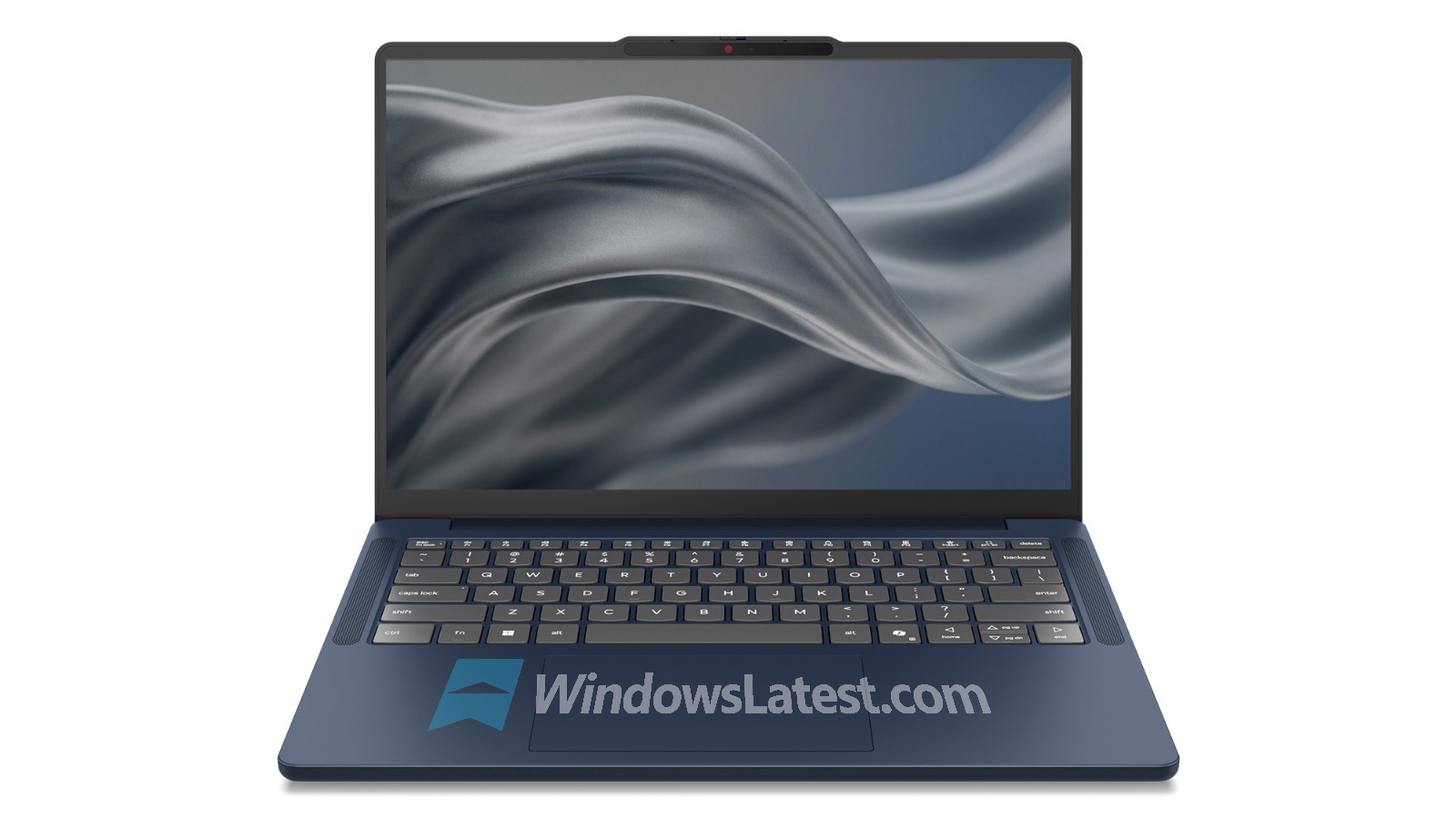
Microsoft now has to make both halves of that equation work at once with Windows 11 light enough for 8GB laptops, and powerful enough to become the local AI platform Nadella keeps describing.