







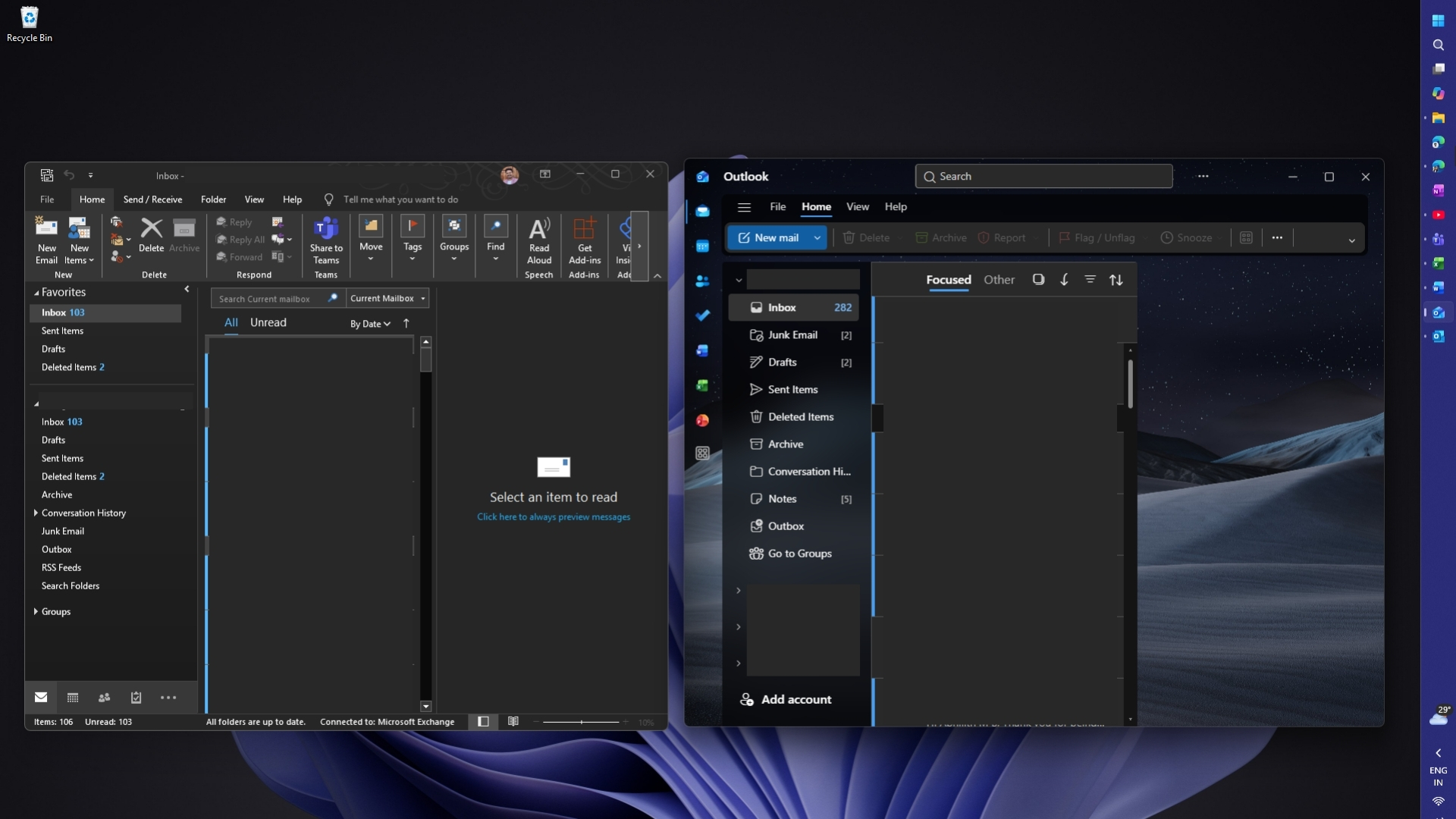
If you’ve been planning to finally ditch Outlook Classic for New Outlook’s unified inbox, you might want to hold off. While some Outlook Classic users will be automatically switched to New Outlook in 2027, with the option to switch back, you still have a choice between the two clients. And quite a lot of us have been waiting to see how the unified inbox works before making the switch.
Unified inbox, also known as All Accounts view, is not a new idea. It was part of Windows 10’s ad-free Mail and Calendar app before Microsoft killed it off, and you also have it in Gmail for Android and Outlook for Android.
For some reason, we don’t have a similar experience in Outlook Classic. You can use folders or groups as a workaround, but it’s not the same experience, and even New Outlook has been missing it.
But earlier this year, as I reported, Microsoft confirmed it was working on the All Accounts view for New Outlook. It did begin rolling out, and we were able to test it last week, but Microsoft now says it needs another month to complete the rollout.
Microsoft expects the unified inbox rollout to be completed by late November, and I wouldn’t be surprised if it gets delayed again or we have to wait until December or January to see it across all accounts.
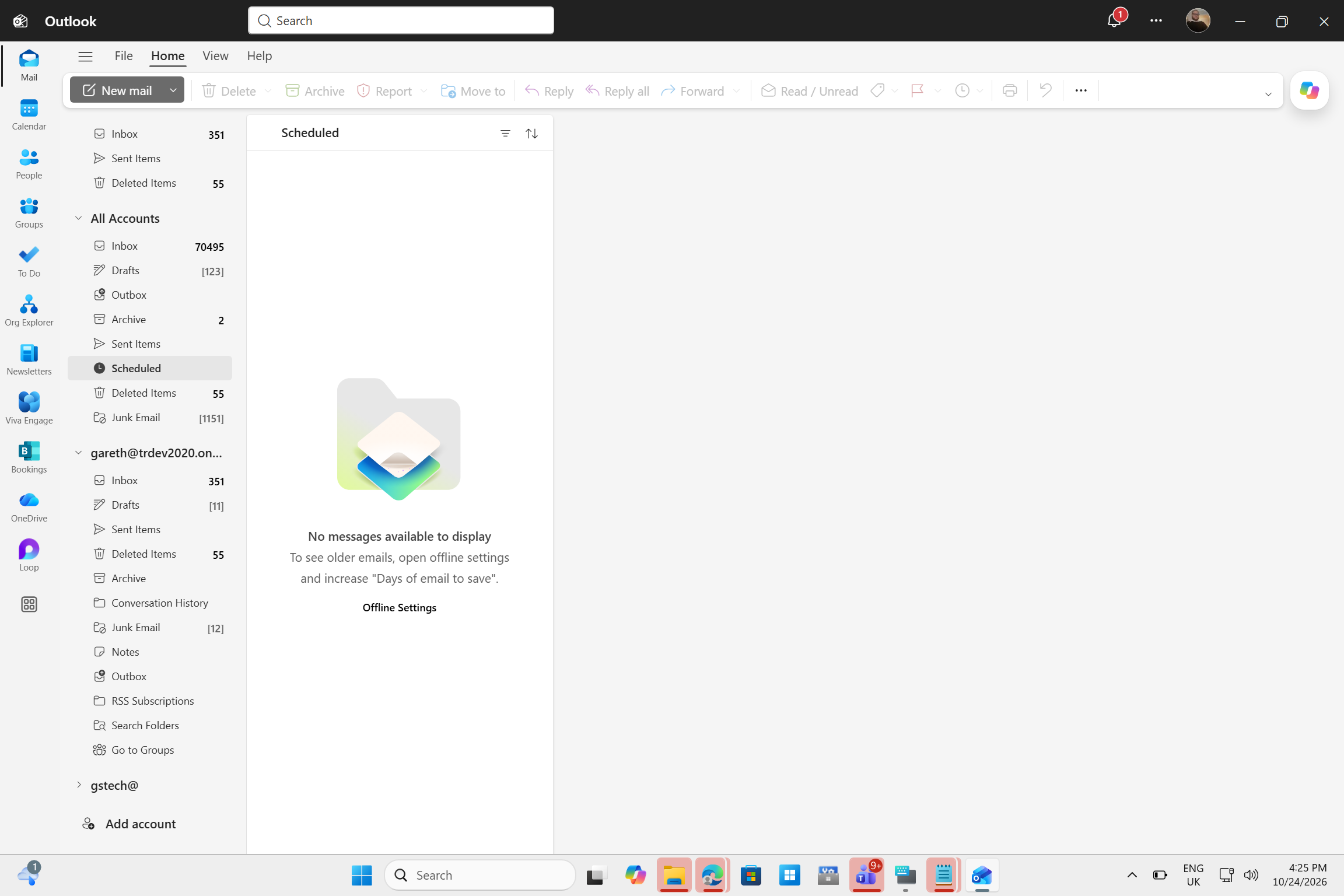
However, you don’t need to pay for Microsoft 365 to use the unified inbox, as it seems to work with free accounts as well. Of course, with ads. Those are here to stay.
“We began rolling out in late September 2026 and expect to complete by late November 2026 (previously late October),” Microsoft noted in an admin portal update seen by Windows Latest.
Once it reaches your account, you may need to turn it on manually if it isn’t enabled automatically. For IT admins, Microsoft has new controls rolling out in the next few weeks, although they were originally planned for sometime in October 2026.
“Once available, admins will be able to manage whether Unified Inbox is enabled or disabled by default and whether users can change that setting,” the company explained.
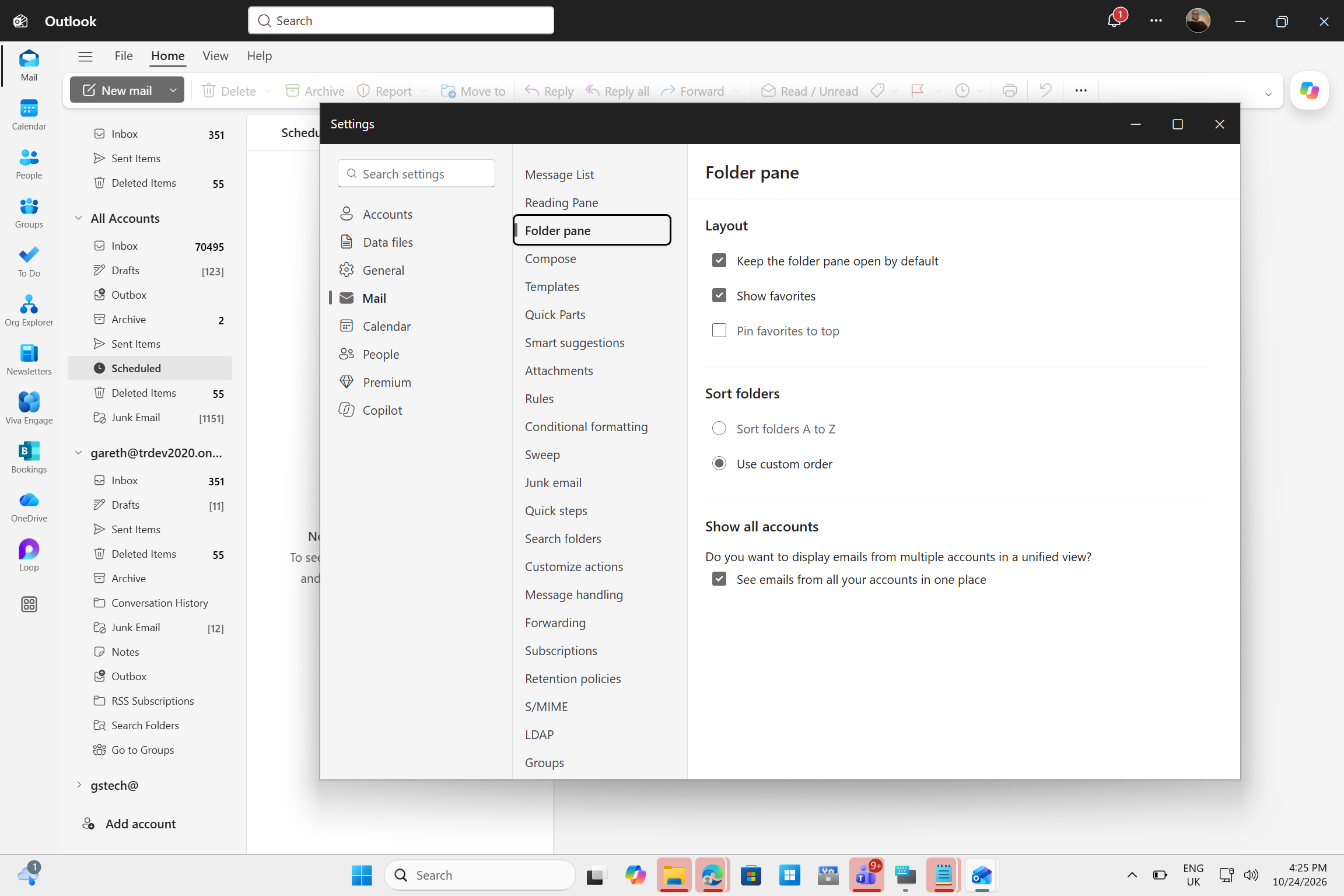
For everyone else, you can toggle the feature on or off from Outlook Settings > Mail > Folder pane:
How does New Outlook’s unified inbox actually work?
If you’ve used Windows 10’s beautiful Mail & Calendar app that Microsoft killed in favor of New Outlook, you’ve probably already tried the All Accounts view. A similar experience is coming to New Outlook, but I think it’s better, and Microsoft also suggests the same because it’s powered by “AI.”
When you turn on the feature, you’ll see emails from multiple accounts in a single inbox, so you don’t have to merge mailboxes, go back and forth between folders, or navigate between mailboxes on the left sidebar of New Outlook. That can take a lot of scrolling when you have dozens of email accounts linked to the app.
Microsoft is not killing off separate inboxes, so you can still open each account’s regular inbox.
“Each account’s inbox stays separate, and All Accounts view brings messages together so users can triage mail from one place,” Microsoft explained.
You can also delete, move, archive, or mark messages from the unified inbox, and those actions will be reflected in the individual inboxes. For example, if you delete an email from account B in the unified inbox, you’ll also see it disappear from account B’s dedicated inbox.
“This feature provides a unified view across connected accounts in the new Outlook for Windows but does not merge mailboxes or move messages between accounts,” Microsoft explained in a document seen by Windows Latest.
My favourite part is the idea of searching all mailboxes without opening each one and repeating the same search until you find what you were looking for. However, when Windows Latest tested the feature, searching for older messages only searched one mailbox, so we’ll have to see how this works as the rollout expands.
Microsoft is also bringing Copilot into the unified inbox
Microsoft is planning to use the unified inbox as a new way to sell Copilot.
“The experience integrates with Copilot for AI-assisted email workflows and supports Search with Copilot for finding messages across the user’s primary account,” the company noted.
For now, the unified inbox is finally on its way, but you’ll have to wait a little longer if it hasn’t reached your account yet.