







Microsoft Teams will let organizations plug in certified third-party tools that scan meeting audio and video for deepfakes, with the rollout starting in mid-November 2026 on Teams for desktop, Mac and web. Microsoft says the outside provider does the detection, while Teams only shows the alerts and controls. However, the software giant hasn’t named any providers, licensing, or what meeting data those vendors get to see.
Teams getting this specific ability makes all the more sense, as the FBI warned in July that “AI-generated content has advanced to the point that it is often difficult to identify,” including fake executives on real-time video calls.
Microsoft Teams is getting deepfake detection, but Microsoft won’t be the one scanning
The feature first showed up on the Microsoft 365 roadmap on October 2 as “Third-party synthetic audio and video detection in Microsoft Teams,” and it’s still listed as in development. Synthetic media is AI-generated content, like a cloned voice of your CFO or a face-swapped video of a vendor you haven’t met before.
Microsoft’s admin notice, MC1509787, made sure to mention who does the work. “Synthetic media detection is performed by the third-party provider,” it says, while “Microsoft Teams provides the platform integration and experiences for surfacing and acting on detection signals from supported providers.”
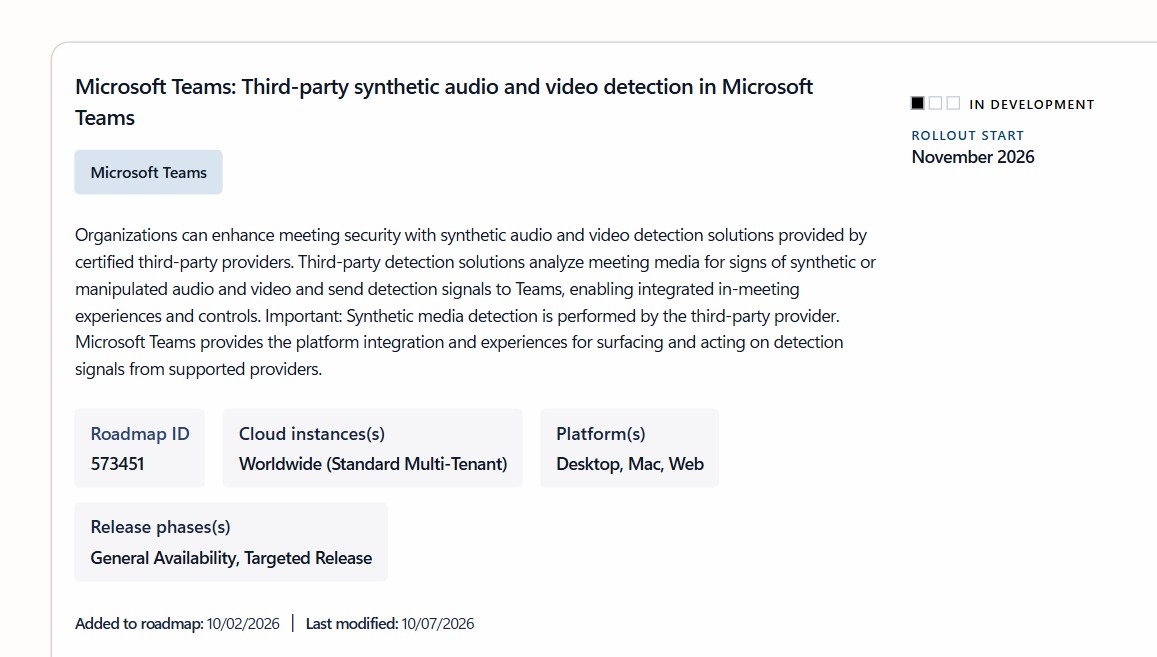
Microsoft also changed the schedule on October 22. The original notice planned general availability from late November to mid-December, but the revised one only commits to a Targeted Release between mid-November and late November. For everyone else, Microsoft says it “will communicate via Message center when we are ready to proceed.”
The roadmap only lists Desktop, Mac and Web. Microsoft’s separate impersonation warnings for Teams meetings, also due in November, list Android and iOS, but deepfake detection doesn’t, at least for now.
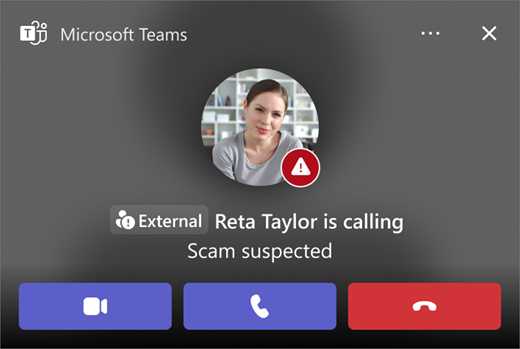
Here’s how a deepfake detection bot will flag someone in your Teams meeting
Microsoft’s Graph documentation already has a beta API called reportSyntheticMedia, which shows how it works.
A certified detection bot has to be admitted to the call, and your tenant admin has to grant it the Calls.ReportSyntheticMedia.All permissions. The bot then flags a participant with a confidence score between 0.0 and 1.0, a low, medium, or high severity, and whether it thinks the content is malicious. Microsoft’s examples include a “voiceClone” audio detection and “faceSwap” and “lipSync” video detections.
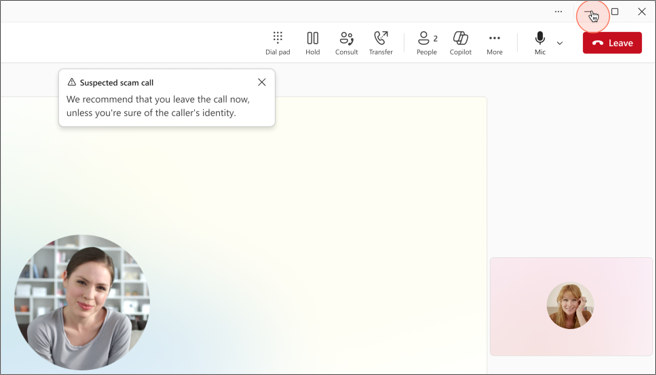
Microsoft says the result is propagated to “all participants via roster updates,” which tells us that everyone in the meeting gets the signal. It won’t be limited to the organizer. Microsoft also asks bots to report no more than once per minute per participant.
On the admin side, the notice asks IT teams to pick a provider, deploy its app from Manage apps in the Teams admin center, grant permissions, and configure meeting policies. Teams PowerShell already has two policy settings for it, SyntheticMediaDetection and SyntheticMediaDetectionAppId, though Microsoft says they “will have no effect” until the feature is fully released.
Interestingly, the documentation says the default app ID mentions “Microsoft Detection when 1P is available.” So Microsoft may have its first-party detector in the works, too, though we can’t confirm that yet.
Microsoft hasn’t said what these deepfake detectors get to see in your meetings
Microsoft’s compliance note says “certified third-party providers may analyze meeting audio/video signals,” and asks admins to “review provider terms, data handling, and compliance documentation before enabling.”
For context, when Teams uses its own AI to enhance audio and video, Microsoft says your meeting’s audio and video “never leave Teams and aren’t stored anywhere, by anyone.” That promise is about Microsoft’s processing, and it doesn’t automatically cover an outside vendor’s bot.
Some vendors already sell Teams deepfake apps. Sensity’s documentation, for example, says its bot “joins the call and captures 30 seconds of audio/video” for each analysis. Microsoft hasn’t said whether Sensity or anyone else is certified.
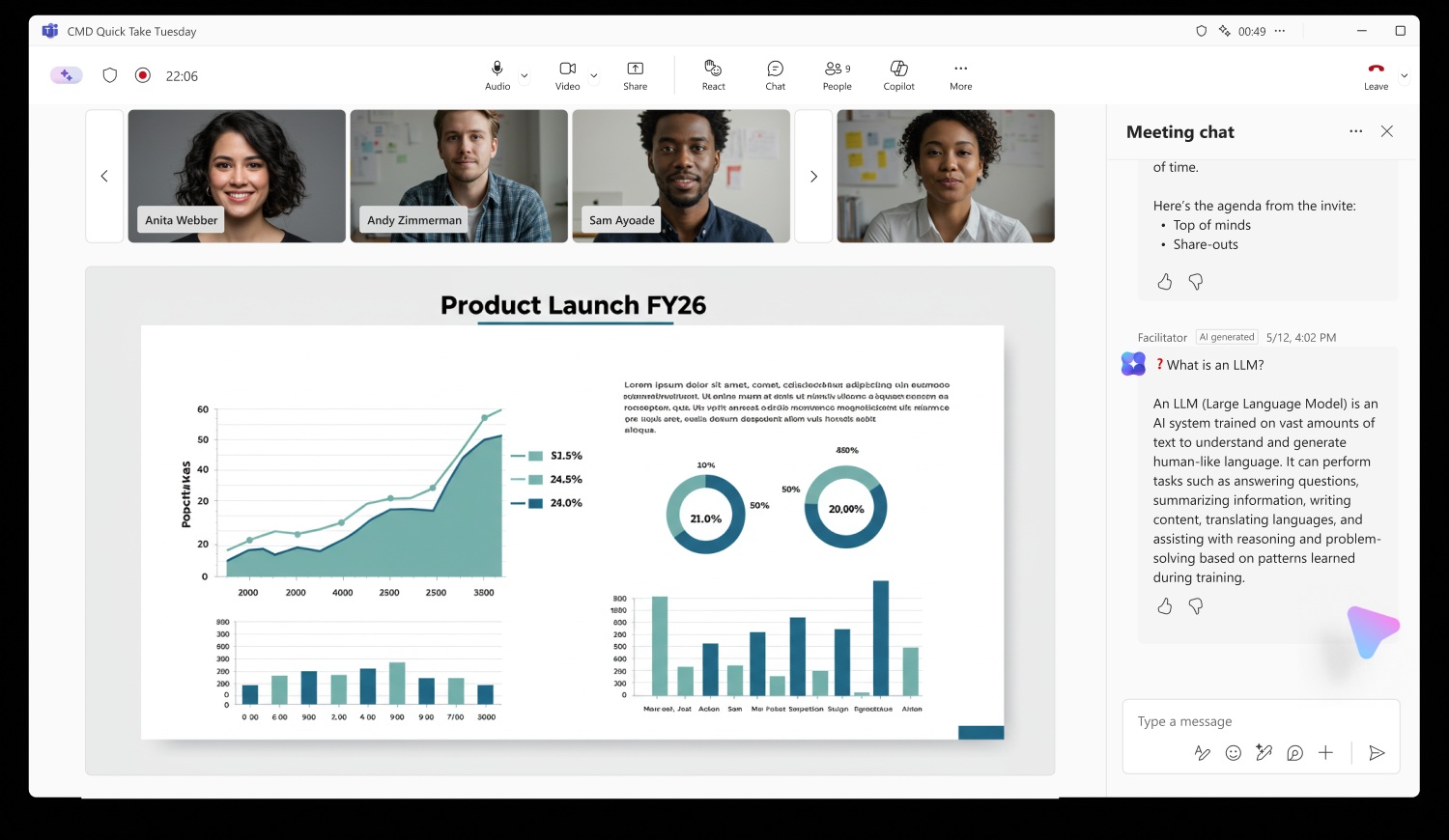
So, we still don’t know which providers are certified, what certification requires, which licenses you need, whether media is processed in the cloud, how long vendors keep it, or whether it can train their models. We also don’t know if every participant will be told that a detection bot is listening, which is a fair question after the privacy backlash against Microsoft’s own Facilitator AI in Teams.
How it’s different from Teams’ Report a concern button
Microsoft already lets people flag suspicious meetings with Report a concern, which Windows Latest first covered in August. The admin notice for it, MC1466296, planned general availability from mid-October to late October, and it covers Android and iOS, too.
| Report a concern | Third-party deepfake detection | |
|---|---|---|
| Who flags it | A meeting participant | A provider’s detection bot |
| What it flags | Phishing, impersonation, scams, social engineering | Synthetic or manipulated audio and video |
| Where it goes | Teams admin center and Microsoft Defender | Every participant, via roster updates |
| Default | On, with the “Allow users to report meetings” policy | Needs a provider, permissions and policy |
Report a concern isn’t automatic, obviously, as a person has to spot the fake, and research says people are bad at it. In a 2023 UCL study with 529 participants, people identified deepfake speech only 73% of the time, and training barely helped. A 2024 meta-analysis of 56 papers shows overall human deepfake detection accuracy at 55.54%, which isn’t reliably better than a coin toss. Also, the funny part is that we all think we’re good at spotting deepfakes, even when we’re not.
A deepfake warning in Teams won’t be proof of fraud
A confidence score is still a guess, but I guess something is better than nothing. Also, it doesn’t help that Microsoft hasn’t published accuracy or false-positive rates for any provider. Teams being so popular, and Microsoft with all its resources, Redmond does have a responsibility in preventing deepfake scams. I wonder how well the third-party tools perform if a participant has a bad webcam or an intentionally patchy internet connection.
Of course, I’m not understating a very welcome security layer, although I’d love to see Microsoft put the same energy into other aspects of Teams, like how it idles at around 1GB of RAM as a WebView2 app.
Would you trust a third-party bot to be an attendee in your Teams meetings?