






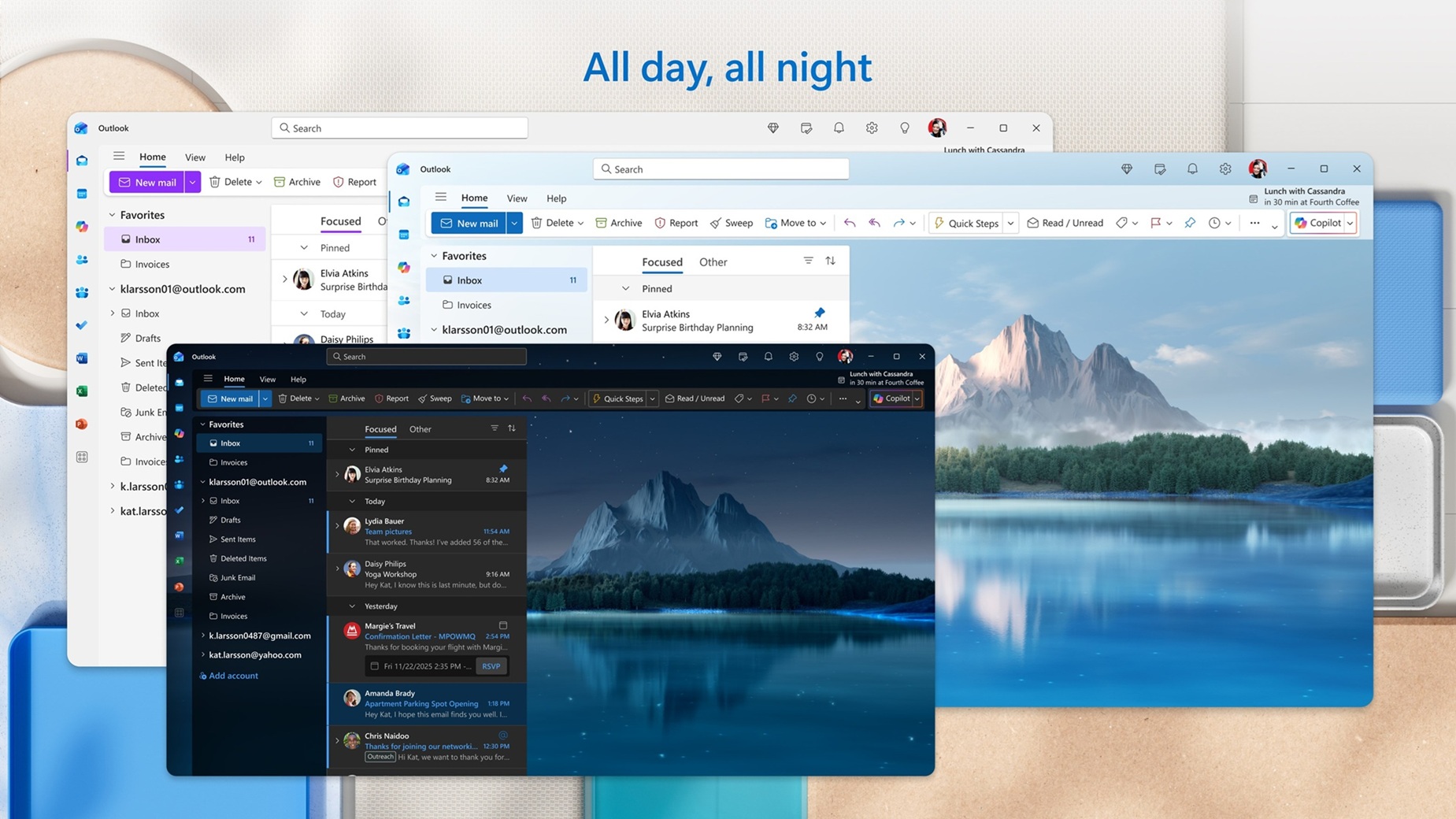
Outlook “New,” which is based on Outlook.com, is far from a decent email client. While it has come a long way, the new Outlook doesn’t feel as good as the Classic version, and it still lacks many features most users want. Microsoft now says it’s adding advanced support for Mail Merge, .PST, and a new single view for all accounts to the new Outlook app.
Outlook for Windows and web is getting the All accounts view in August 2026
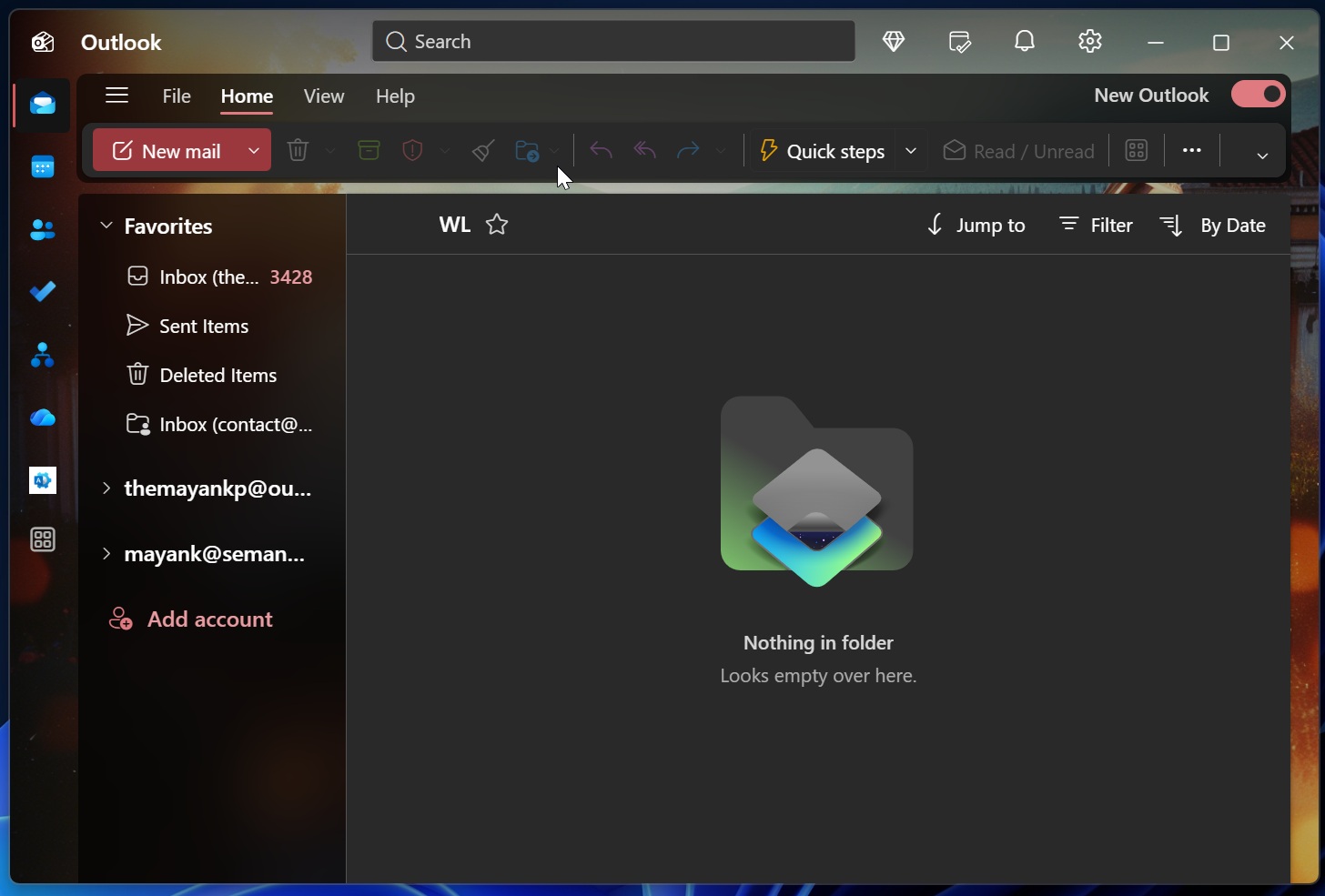
I asked Microsoft for more details, and it told me that Outlook on Windows 11 (and 10) will get support for a feature called “All accounts view,” similar to a Gmail feature that lets you see emails from all your accounts in a single inbox.
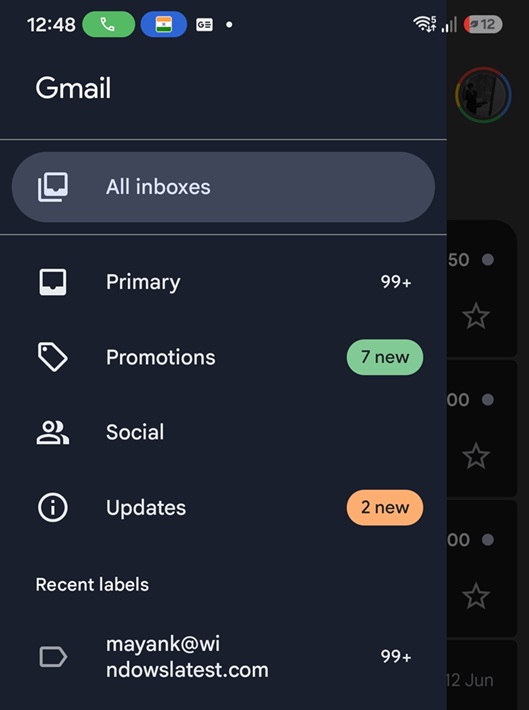
This feature is handy for those who manage their personal and professional inboxes in the Outlook app.
The all-accounts view is also called Unified Inbox, and when it rolls out to Outlook for Windows or web in August 2026, you’ll be able to see emails from all your accounts in a single view. That means you don’t have to switch back and forth between different inboxes, as long as you pay attention to the labels.
It also means you no longer have to merge mailboxes to see everything in one place.
Outlook’s All accounts view has advanced controls too, so it’s not just about viewing your emails or responding to them. You’ll be able to interact with emails as you’d do in their dedicated inbox. This means you can also delete, archive, move, or mark messages as read across all your mailboxes.
You don’t have to repeat these actions in their respective mailboxes.
Windows Latest also found that the All accounts view will have Copilot integration too, and it could be a bit useful. For example, when you’ve enabled All accounts view and use Copilot to search emails, the updated immersive search experience will surface content from the All accounts view.
At the moment, you cannot add a shared mailbox to the All accounts inbox, and it’s also not possible to use cross-account search. These features will be added to the All accounts inbox later this year.
As mentioned at the outset, Microsoft plans to ship the All accounts inbox to everyone in August 2026, but given the company’s track record, it can also get delayed.
New Outlook is making it easier to access Favorite folders
New Outlook always had the ability to set folders as “Favorite,” but you can’t switch between Favorite folders without opening the full folder pane.
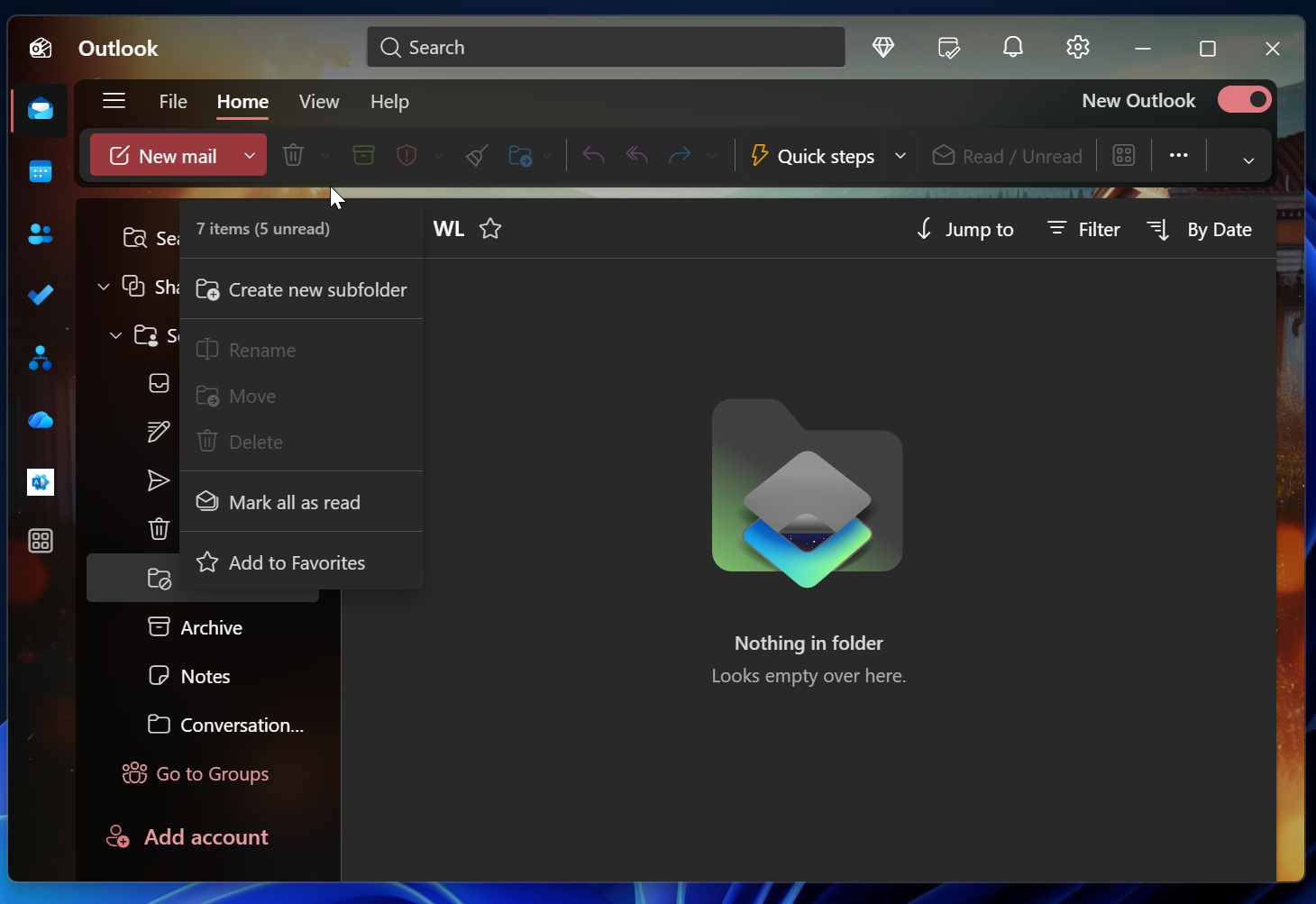
With a new update, you can now view the favorite folders in a vertical list and access folders you use most with just a single click. Also, counts appear directly, so you can see which folder needs your attention.
“It’s a familiar experience for anyone who loved favorites in classic Outlook, now built right into the new Outlook,” Microsoft noted in a document.
This feature is stated to arrive in September, 2026.
More control over the unread count for the folder pane
Microsoft is testing a new toggle that gives you greater control over the unread count in your folder pane for each folder. You’ll be able to choose whether each folder should have the unread count visible in the folder pane. You can also choose to show the total item count instead, so it’s totally up to you.
Right now, Outlook can display the count for each folder, but it can’t tell you the total count for all folders. To use the new feature, you just need to right-click any folder and choose between the total or unread count.
New Outlook is adding Mail Merge support
Microsoft is finally testing advanced Mail Merge support in New Outlook for Windows and the web after a long delay.
In an update spotted by Windows Latest, Microsoft said it’s improving Mail Merge so that each recipient will receive an individual email with only their address in the recipient field. Microsoft will also allow you to personalize emails by replacing fields with recipient-specific values, such as the person’s name.
Mail Merge will release in September 2026, while other features could begin rolling out earlier:
- You’ll be able to import your calendars and even contacts using a .pst file (July 2026)
- You can select non-consecutive dates in the calendar’s mini month using two new keyboard shortcuts, which are Shift+Click or CTRL+Click (July 2026)
- Outlook will support basic conditional formatting rules (July 2026).
It is worth noting that the update timeline could always change, and Microsoft has planned several changes for Outlook in June/July. I expect most features to be available to everyone by August 2026.
What else do you want Microsoft to add to the new Outlook for Windows or the web? Let me know in the comments below.