







Microsoft has clarified that it isn’t killing WinUI and XAML after it began testing an experimental framework called Microsoft.UI.Reactor. Given Microsoft’s reputation for giving up on UWP and killing Silverlight before, it’s not a surprise some developers have had doubts.
For those unaware (or if you’re not a developer), WinUI is Microsoft’s native UI framework. Apps built with it generally follow Windows 11’s design, like the Settings app. On the other hand, XAML is the markup language developers use to describe an app’s interface.
Reactor builds on WinUI and offers a new way to describe those same native interfaces directly in C#, without writing XAML. So it was quite obvious that Reactor wasn’t supposed to replace WinUI, but it does make you wonder if this is the FINAL nail in the coffin of XAML, which has felt neglected for years at this point.
I asked Microsoft and was redirected to its new document as well as the open-source materials.
“WinUI is the foundation. XAML is a first-class way to use it, it isn’t being deprecated, and it’s still getting active investment,” Microsoft’s Alexandre Zollinger Chohfi wrote in an October 21 developer blog post.
It’s quite funny that Microsoft had to say it explicitly, but it did the right thing.
After Silverlight and UWP, developers have reasons to be cautious
I’ve been closely following Windows development for a decade now, and Microsoft has a history of killing products. It’s just as bad as Google, or even worse, if you look at the effort involved.
Microsoft ended support for Silverlight on October 12, 2021. UWP remains supported “on paper,” but Microsoft itself no longer builds new apps using UWP, and its own documentation says it is “no longer under active development,” so it’s fair to call it effectively dead. In fact, the entire “one app, everything” vision for Windows is now dead.
WhatsApp replaced its native UWP app with a WebView2 version. In our earlier test of the web version, RAM usage climbed from about 600MB to 1.2GB while scrolling through chats. Playback is sped up 2.5 times. Video WindowsLatest.com
Microsoft instead recommends that devs use the Windows App SDK and WinUI for new apps.
I have seen Microsoft munch-munch, chomp-chomp, gobble-gobble, gulp (aka kill) projects like Project Astoria (Android to Windows), the Windows Subsystem for Android, and its iOS bridge project right in front of me after it made a HUGE deal out of everything. And I am not even going to get started on Windows Phone.
You can argue that Silverlight or UWP had different purposes from WinUI, but there’s no denying that both help explain why another Microsoft framework announcement can make developers nervous.
As a consumer, and later a developer, I’ve watched Microsoft change its strategies every few years, and it’s been a hell of a ride. We don’t have any compelling reasons to believe that today’s Microsoft is different from Microsoft a few years ago. In fact, a new company-wide reorg to cut costs and invest more in AI could once again put Windows on the back burner and derail its current revival efforts.
Microsoft says it’s sticking with WinUI
We’ve heard similar promises earlier this year as well, at least for WinUI. At the Build 2026 developer conference, Microsoft’s Chris Anderson said the company had “no intention of building a new framework.”
It even began referring to WinUI 3 as simply “WinUI,” so developers do not end up assuming that WinUI 4 is on the way and that it would be better to wait.
Chris Anderson explains why Microsoft is dropping the “3” from WinUI at Build 2026. Video Microsoft / WindowsLatest.com
The idea is to prove “continuity,” and I think it’s similar to Microsoft 365. You don’t wait for Microsoft 365 v2 every year because you know it’s being updated, and there’s no need to wait for a major milestone before you start using it.
Microsoft tried a similar idea with Windows 10 when it said Windows 10 would be the last version of Windows, but it eventually reversed course. I think there was also a problem for OEMs, as Windows as a service gave users fewer reasons to buy new hardware when their existing PCs could keep getting new features.
Reactor changes how you write a WinUI app
Now, why the heck is Reactor a big deal? Not everything Microsoft announces has a bad outcome, and I think Reactor could be one of the good ones. If it works, Windows could actually end up with far more native apps, and we may be saying a final goodbye to WebView-based apps.
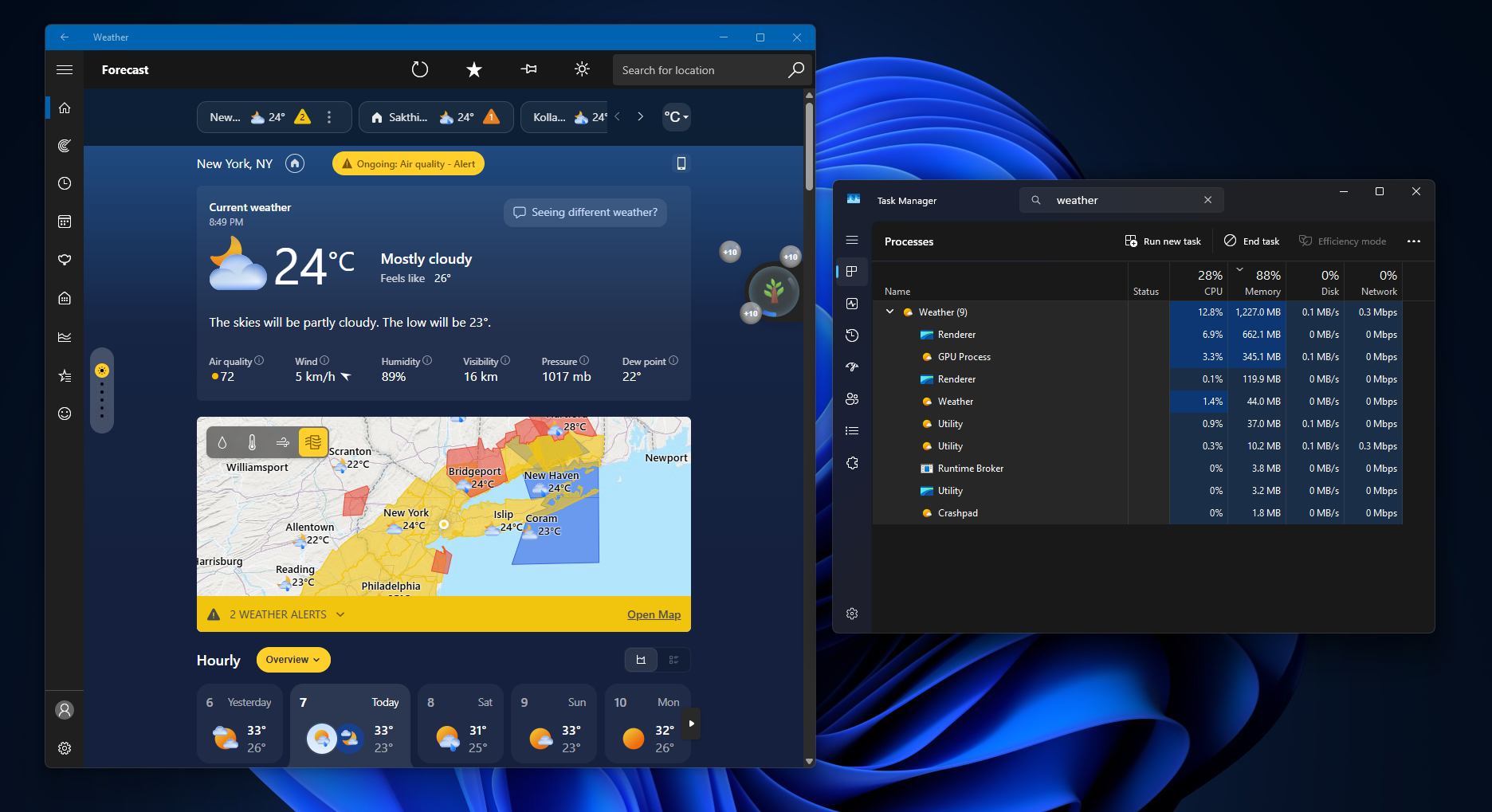
It’s exactly what some developers were probably looking for. I am not talking about Windows-only developers, but those who use SwiftUI, React, or Jetpack Compose. If you’re familiar with one of those frameworks, a typical WinUI project still involves learning XAML. This new idea of using a style that feels familiar could be a game changer, if you ask me.
Right now, if you’re a developer, and use to XAML for WinUP apps, you would have already noticed that the code managing its state and markup for the interface can be spread across several files, and it can be worse than that in some cases. But Reactor takes care of it by allowing developers to describe appearence and maintain component’s state together. This reduces the number of files compared to XAML.
It’s also worth noting that if developers begin using Reactor (C#) to do markup and drop XAML, they will be still using the real WinUI controls, including the text boxes, navigation views, and other controls.
Microsoft has assured that Reactor does not introduce a separate renderer or a browser-based interface, which is why WinUi remains safe, and is the foundation of this entire experiment.
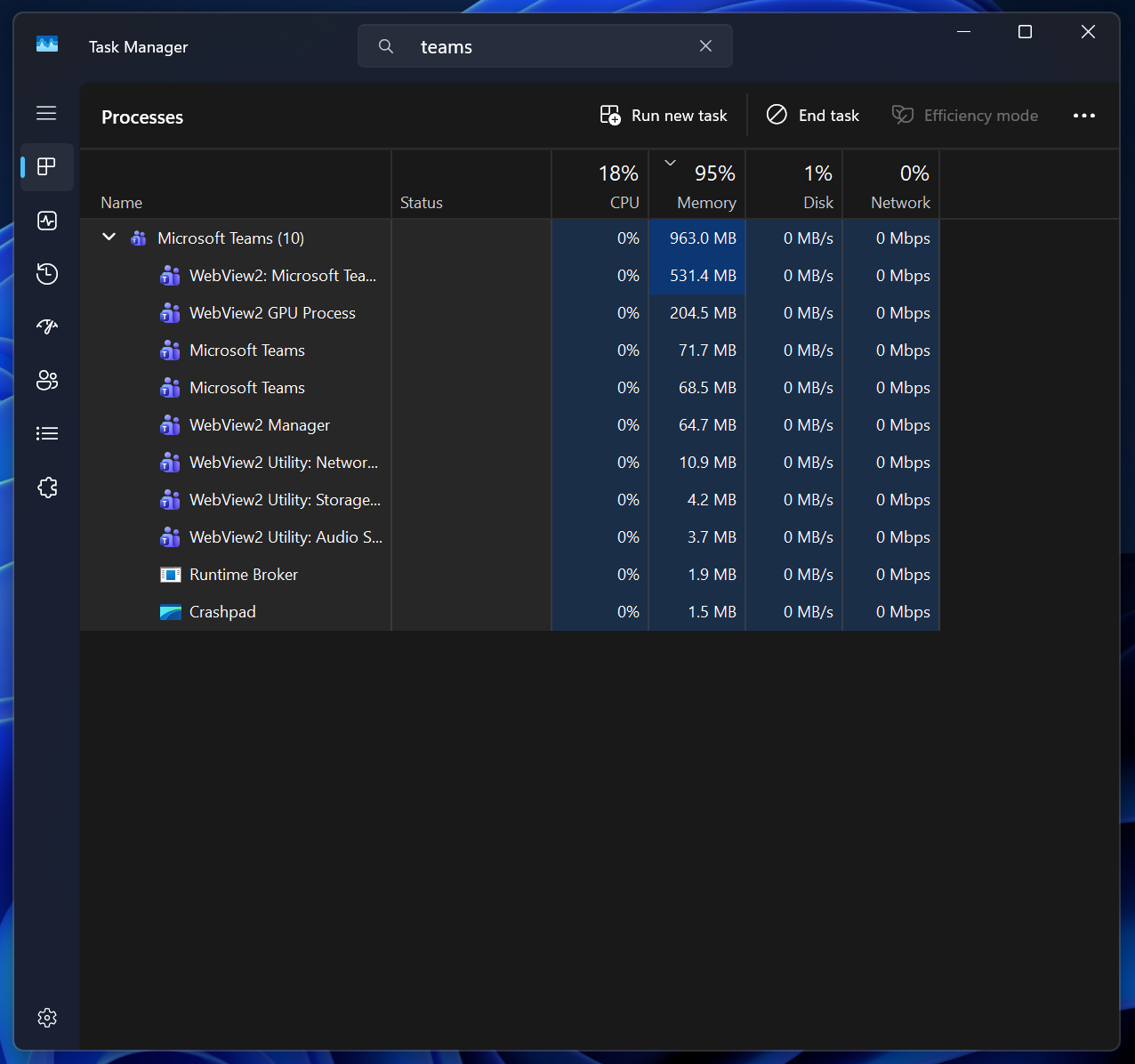
“Reactor is not a new UI platform. It is a new way to describe WinUI content,” Microsoft noted in the project’s GitHub documentation.
One developer also loved it and noted, “My reaction was ‘oh, finally’. I hope this catches on and helps native windows development to becomes more friendly to devs coming from other stacks. Can you imagine a world without the Electron bloatware crap.”