






Microsoft says it’s retiring “Copilot actions” from the File Explorer context menu, which it recently began rolling out. Some of you might not even have this clutter on your PC yet, and thankfully, you’ll never get it, as Microsoft continues to scale back Copilot in Windows 11 amid the “Microslop” backlash.
Earlier today, I spotted a document in Microsoft’s Admin Center where it noted that it’s specifically removing eight Copilot actions that relied on OneDrive. That means the actions popped up specifically when you had OneDrive installed or files were synced to OneDrive in one way or another.
Microsoft calls it “simplifying usage”
Microsoft argues that it’s simplifying how Copilot shows up in File Explorer and reducing entry points, while also giving you greater control over what appears when you right-click.
“As part of this change, we’re retiring the OneDrive Copilot Summarize, Create FAQ, Compare Files, Ask a question, Explain image, Explain images, Compare images, Extract text actions from the File Explorer context menu,” the company explained.
You’ll still come across the “Ask Copilot” button. However, you can simply uninstall the Copilot app, and that would disappear as well.
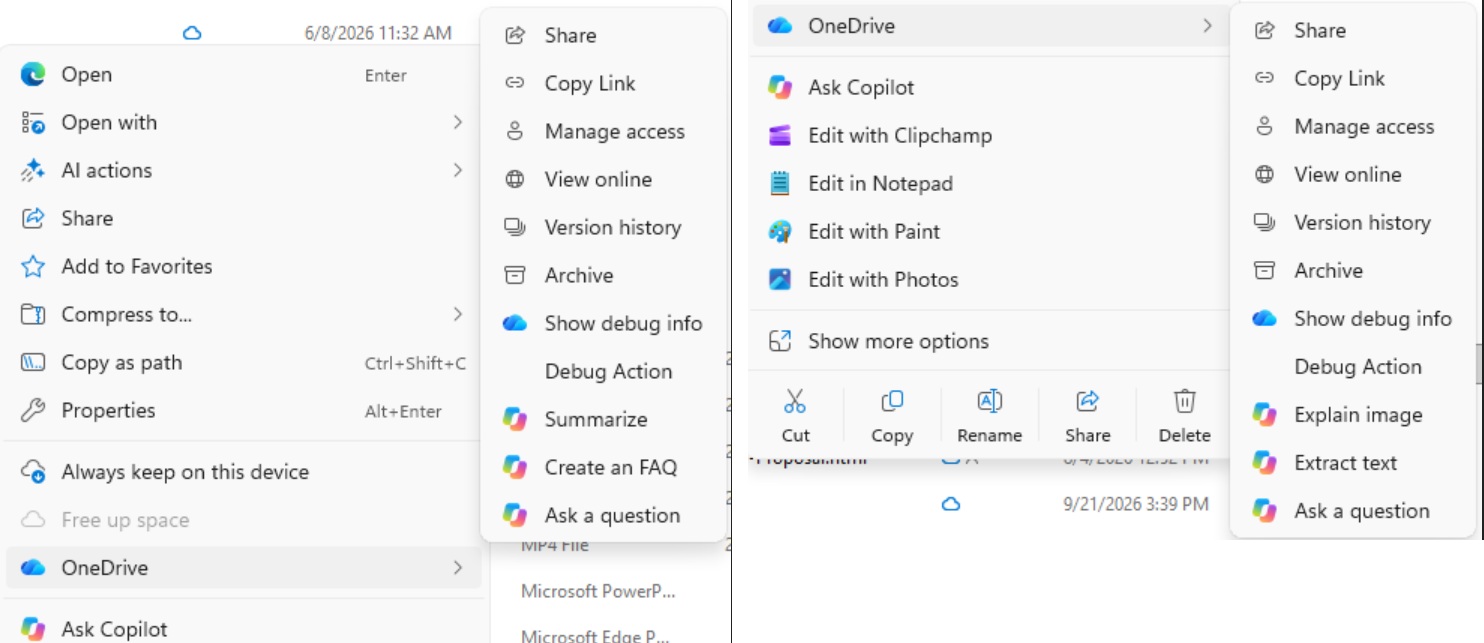
Of course, if you use Copilot or OneDrive apps, you can still access these features there, but they’ll no longer be exposed as separate actions in the context menu.
“Users can still access Copilot features via right-click “Ask Copilot,” the File Explorer Home icon, or the OneDrive activity center,” the company noted.
Windows Latest understands that Microsoft will begin removing these actions from File Explorer’s right-click menu in mid-November 2026. Since it’s a “staged” gradual removal, you might still have them for a few weeks. Copilot actions will disappear completely by December 2026.
Microsoft is already reducing Copilot across Windows and Outlook
Microsoft’s decision to scale back Copilot in Windows 11 shouldn’t surprise anyone, as it’s exactly what the company promised earlier this year. If you don’t remember, Microsoft confirmed in March 2026 that it’s going to integrate AI where it’s “most meaningful,” and since then, we’ve seen the company roll it back in apps like Snipping Tool.
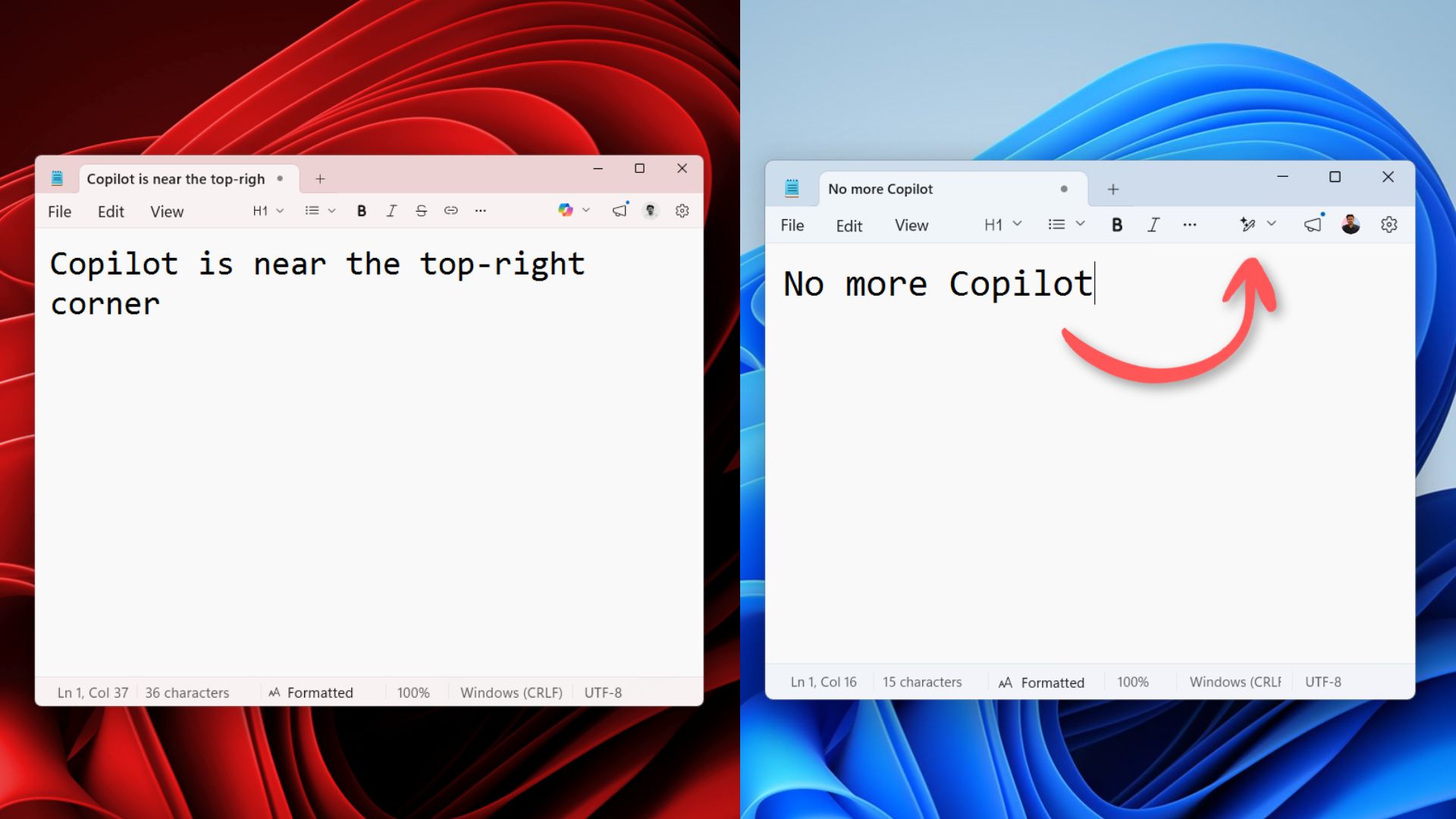
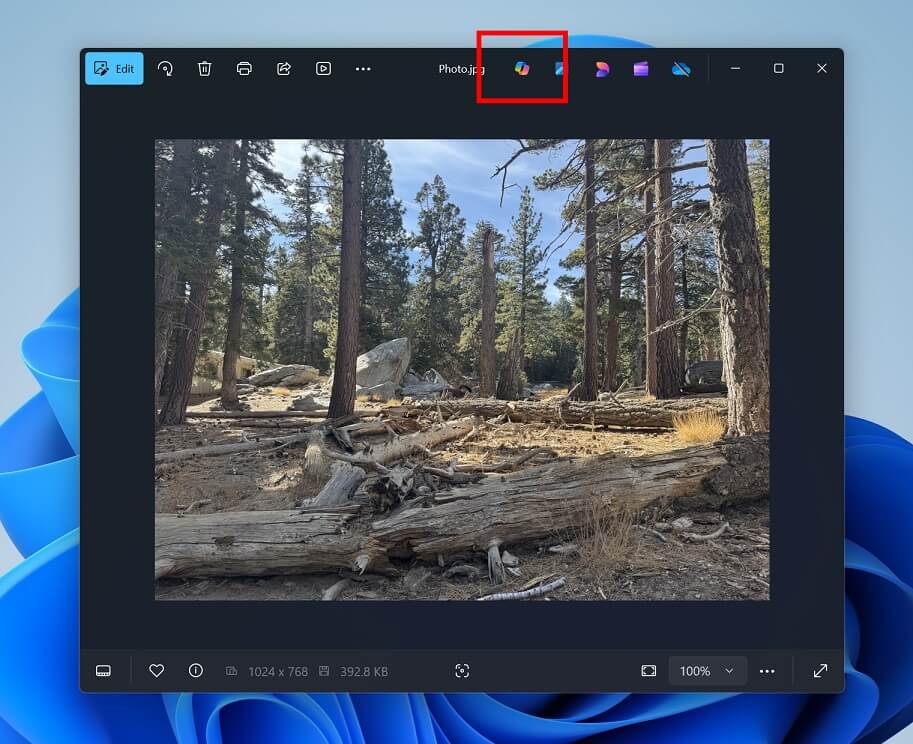
Microsoft has also renamed Copilot to “Writing Tools” in Notepad and removed the Copilot button from the Photos app entirely.
“You will see us be more intentional about how and where Copilot integrates across Windows, focusing on experiences that are genuinely useful and well-crafted,” Microsoft noted in a March 2026 announcement. “As part of this, we are reducing unnecessary Copilot entry points, starting with apps like Snipping Tool, Photos, Widgets and Notepad.”
More recently, Microsoft also paused Ask Copilot on the Windows 11 taskbar to “incorporate your feedback,” and it’s now bringing back the feature without the Copilot brand name.
It’s also important to understand that it’s no longer just about Windows 11. As I reported last week, Microsoft is also retiring Copilot-powered themes from the new Outlook, with the removal scheduled for mid- to late October. Themes you’ve already applied can stay until you change them, but you won’t be able to select them again.
Microsoft is also pulling back the “Wrap up your day” Copilot prompt from Outlook.
And it’s all because of the ‘Microslop’ criticism, which started around early 2026 when some users started spamming the term in Microsoft’s Discord server, prompting the company to lock the server.
Microsoft later called it a temporary anti-spam measure, and by September, we found that the word was no longer being blocked.
Microsoft will never give up on Copilot, but it’ll listen to your feedback
You shouldn’t expect Microsoft, or any company for that matter, to give up on AI, and that means Copilot is here to stay. I don’t mind having Copilot, but it bothers users when they have Copilot in places where it makes no sense.
For example, at one point, Microsoft considered integrating Copilot into the Start menu. That idea was ultimately shelved, but it could have happened without the Microslop backlash.
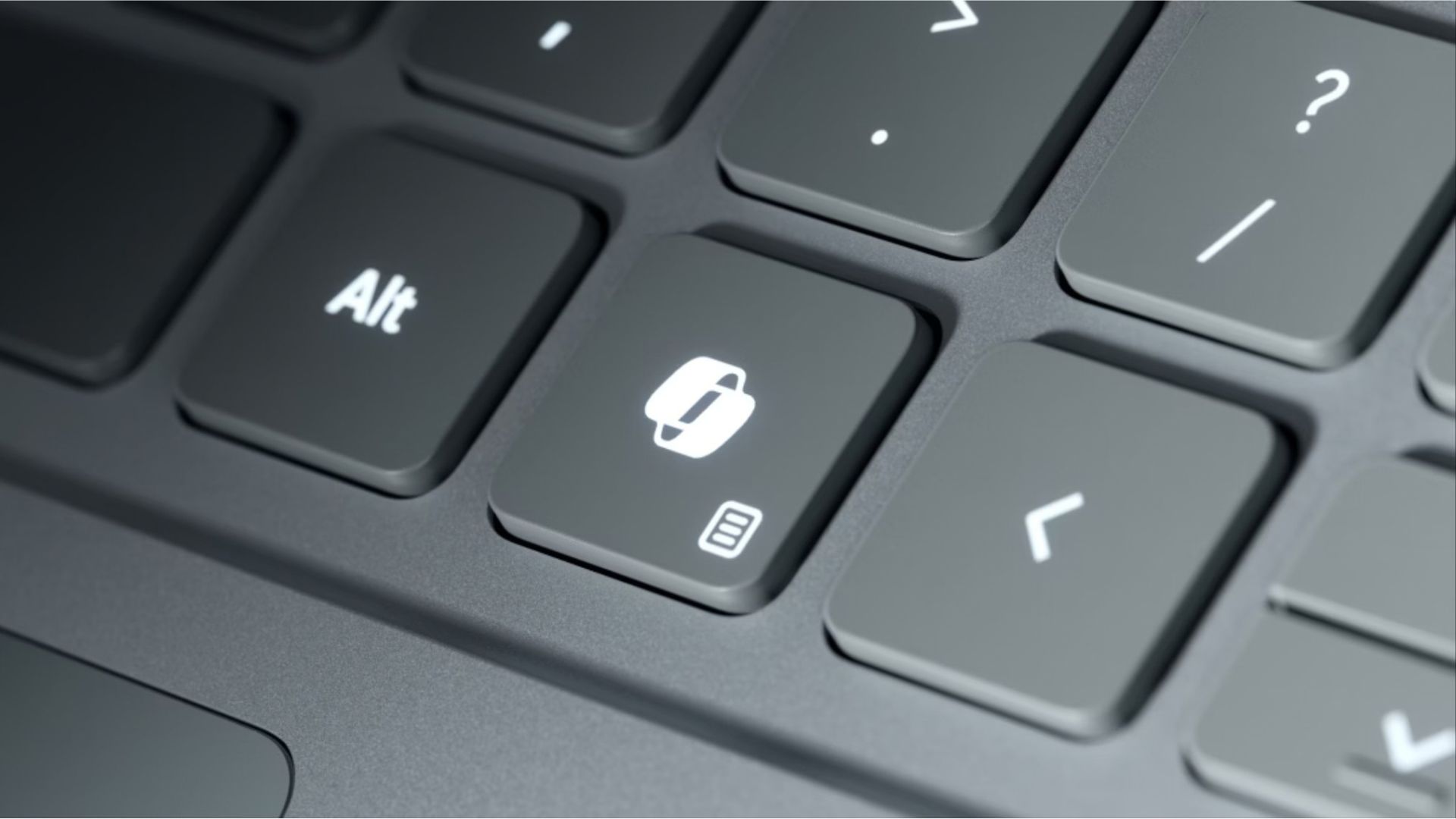
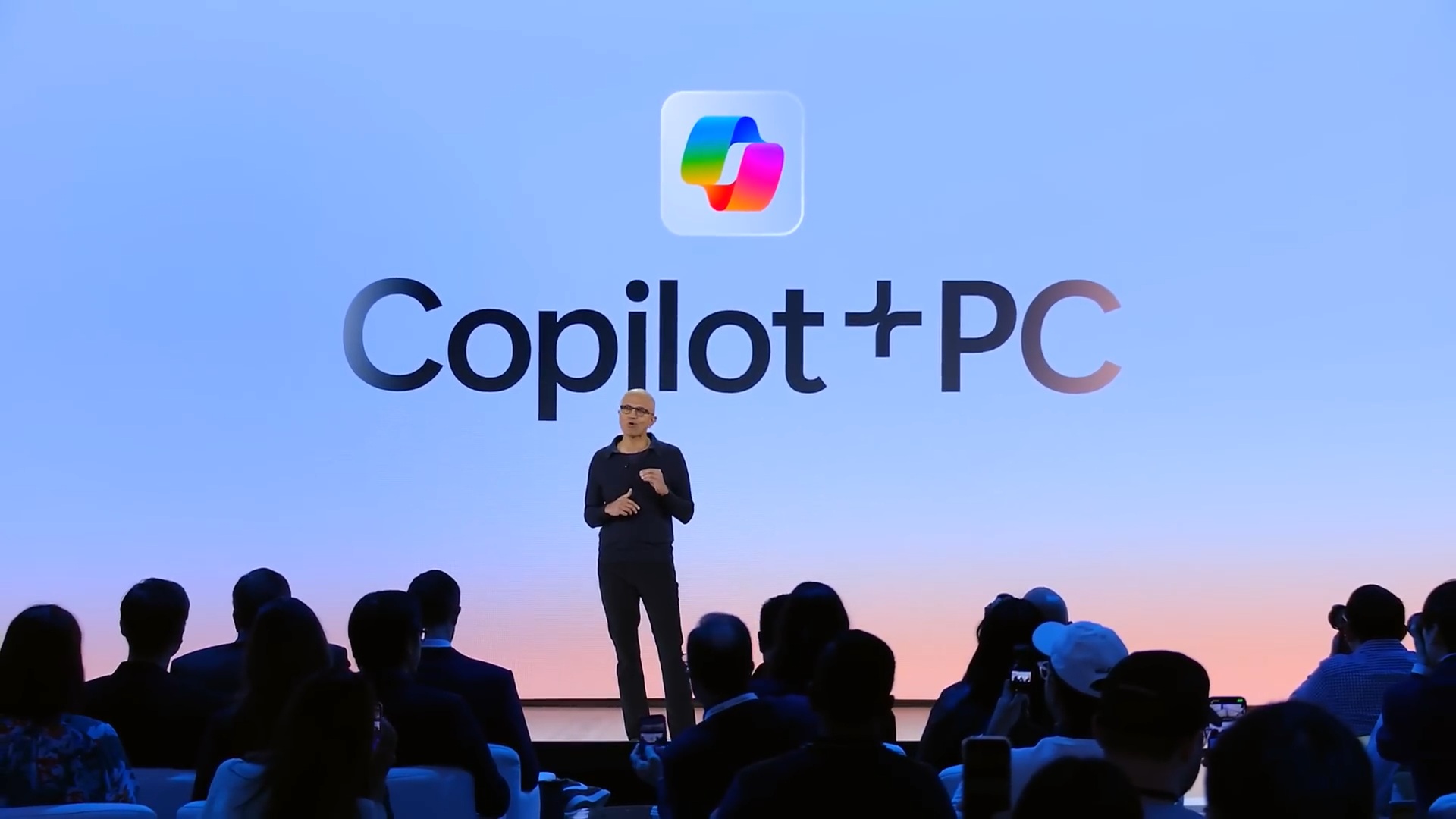
Then, you’ve got Copilot+ PCs, which still ship with a Copilot button. But now, Microsoft is letting you remap the Copilot key to something else, such as the right-click menu. You can also turn it into a screenshot shortcut with PowerToys, so it’s another example of the company listening to your feedback.
What about you? How often do you use Copilot? And if you use Copilot, do you think Microsoft has done a good job with integrating it across Windows 11? Let me know your thoughts in the comments below.