







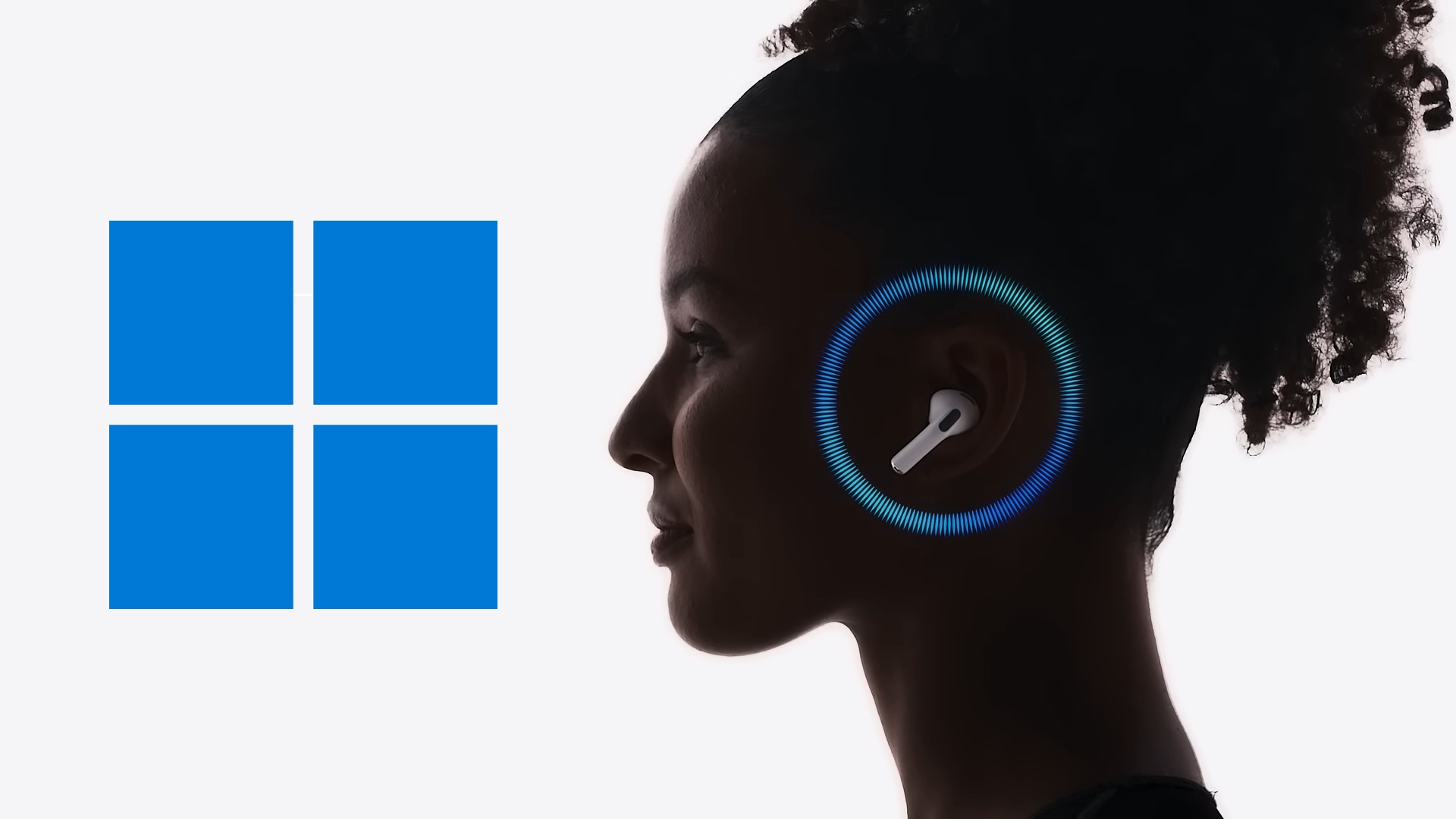
If you’ve got AirPods, you should consider installing Windows 11’s October 2026 Update, as it ships with the highly anticipated Bluetooth upgrade. And now, Microsoft says AirPods connect up to 15 seconds faster. You’re going to see similar improvements for other headsets, but we only have the “numbers” for Apple’s hardware for now.
Windows hasn’t had a major Bluetooth update in years, almost a decade if you consider its slow development during the Windows 10 era. Note that I am not talking about Bluetooth-related UI, which has improved significantly compared to Windows 10. With Windows 11, Microsoft added Quick Settings, which made pairing/connecting headsets much faster.
Windows Settings is also better at exposing Bluetooth settings, barring a few exceptions like Send and receive files, which still use the Win32 API. For the most part, I don’t think you have to use Control Panel or legacy applets anymore, and the need to do so is only going to drop from now on.
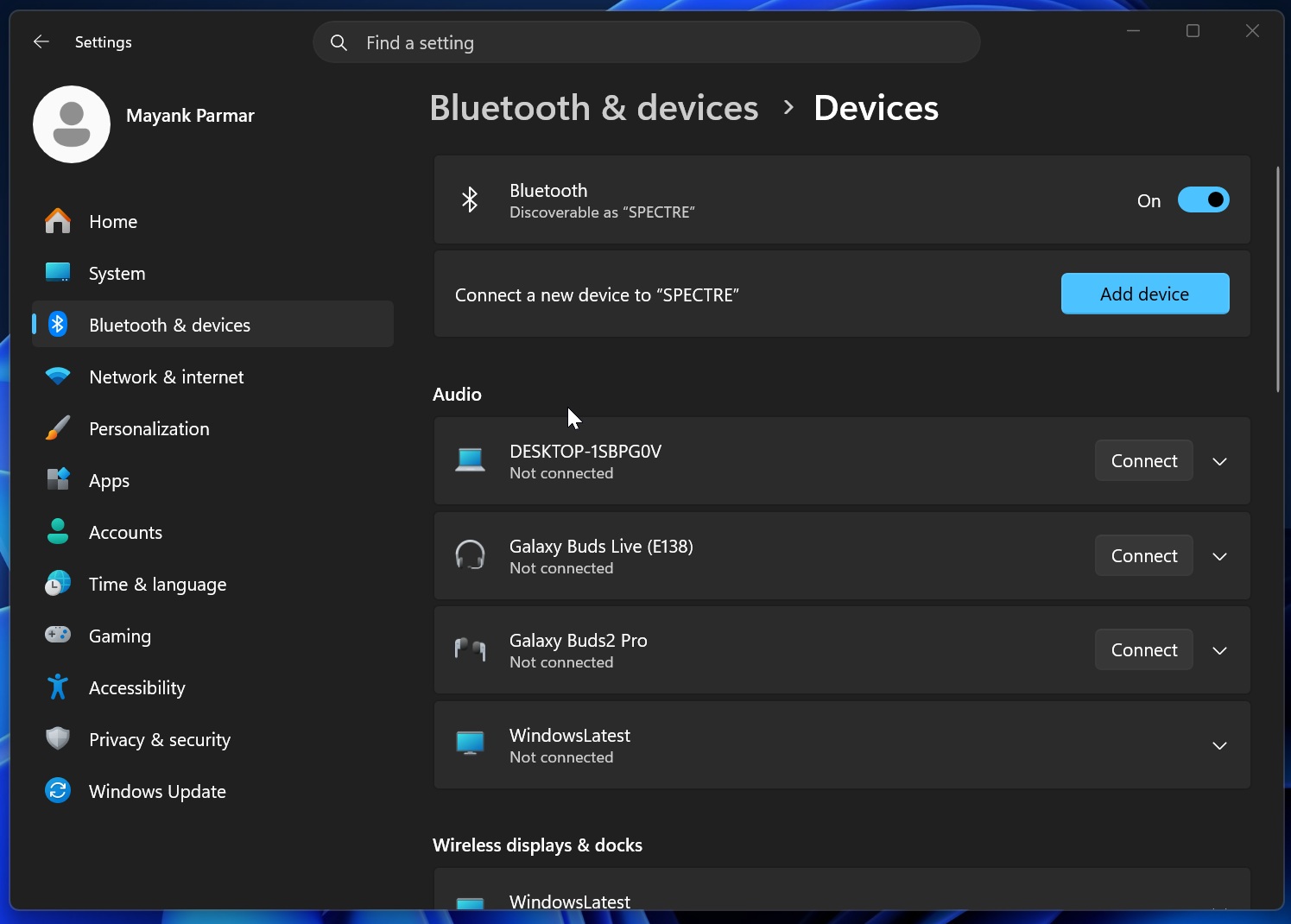
It’s an improvement, indeed, but we haven’t really seen Bluetooth becoming more reliable or Quick Settings correctly registering the status of the headset. For example, even if a headset is disconnected, it could still show as Connected in Quick Settings, which is why you might try to disconnect it. That would actually connect it again, as the status reporting was lagging.
AirPods now connect up to 15 seconds faster on Windows 11
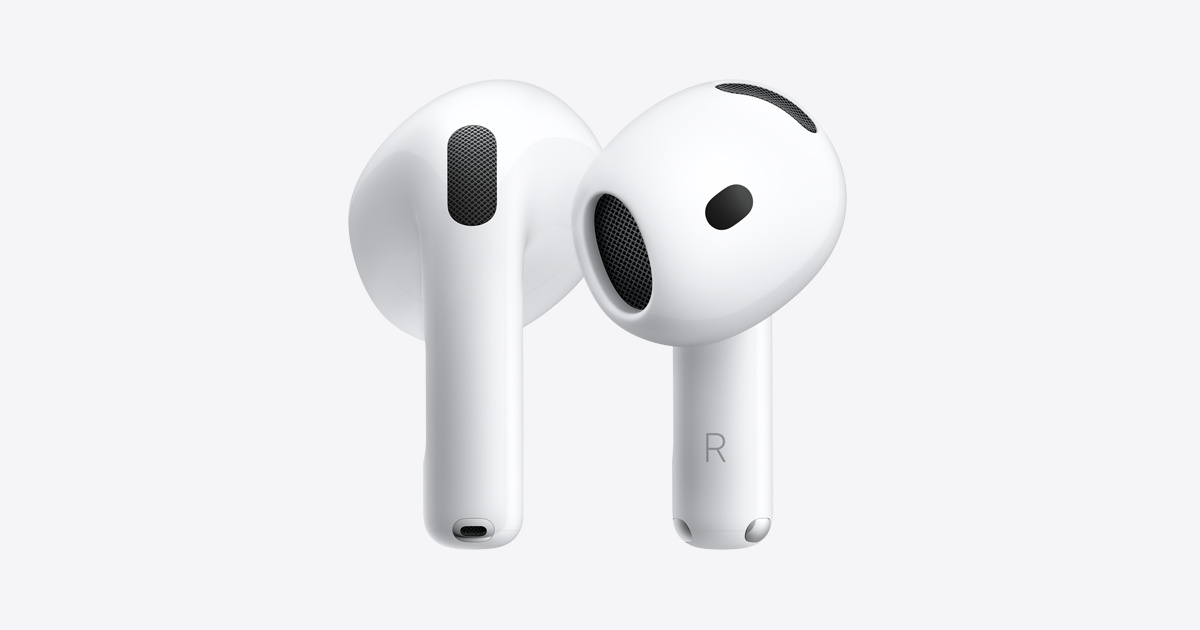
And you also have issues where Windows takes longer than usual to pair, sometimes several minutes before the connection times out. Apple’s AirPods were no exception, and it wasn’t because Apple cared less about Windows.
Microsoft had a bug where AirPods would pair more slowly than they should, and the October 2026 Update addresses it.
“We’re rolling out an AirPods pairing experience that’s up to 15 seconds faster,” Microsoft noted in a long document seen by Windows Latest. “Based on improvements included in Windows 11 OS build 26200.8737; actual performance can vary by Apple AirPods model, device configuration, usage and other factors.”
So “up to 15 seconds faster” isn’t a solid number that applies to all AirPods on the market. I’ve personally observed that AirPods and even Galaxy Buds pair approximately 20% faster. It’s really noticeable once you install Windows 11’s October 2026 Update, and the improvements go beyond pairing.
Windows 11’s October 2026 Update also fixes Bluetooth reliability
According to Microsoft, if you install the October 2026 Update, you’ll notice a “reliable” Bluetooth connection once the controlled rollout allows the features to hit your PC.
“We’re also improving the everyday interactions you depend on. Bluetooth headphones work more reliably on Windows, with smoother pairing, reconnection, audio, and calls,” Microsoft noted in a document.
I dug deeper, and here’s the full list of Bluetooth-related fixes rolling out this month:
- If you’re in a call and adjust the volume using the headset’s physical buttons or touch controls, you’ll notice that Windows 11’s volume flyout now appears. Previously, the flyout only appeared when you manually adjusted the volume in Quick Settings. This limitation mostly affected Bluetooth Classic audio accessories.
- Bluetooth now correctly reports the status of connected devices, so you don’t accidentally reconnect or disconnect a headset.
- A bug has been fixed where the Bluetooth radio was not turned off even when the toggle was set to off on the Bluetooth & devices page in Settings.
- You’re going to experience better microphone compatibility, and that means stuttering should be reduced across some headsets. Microsoft is not sharing the full list of headsets, but it’s likely huge.
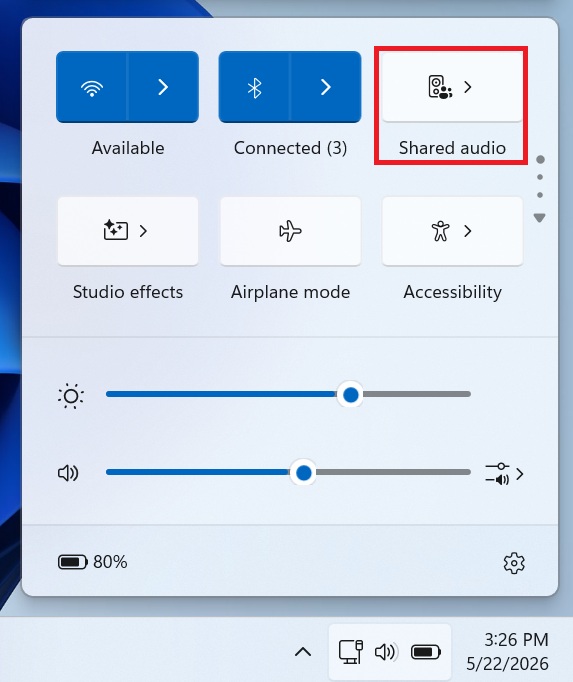
Last but not least, you’re expected to experience better Bluetooth audio quality and fewer bugs when sharing audio using Windows 11’s shared audio feature.
You can verify if you’ve upgraded to Windows 11’s October 2026 cumulative update or newer by going to Settings > System > About. If the Build number reads 26300.9711, 26200.9711, 26100.9711, or higher, you should automatically get the Bluetooth-related fixes in the coming days.
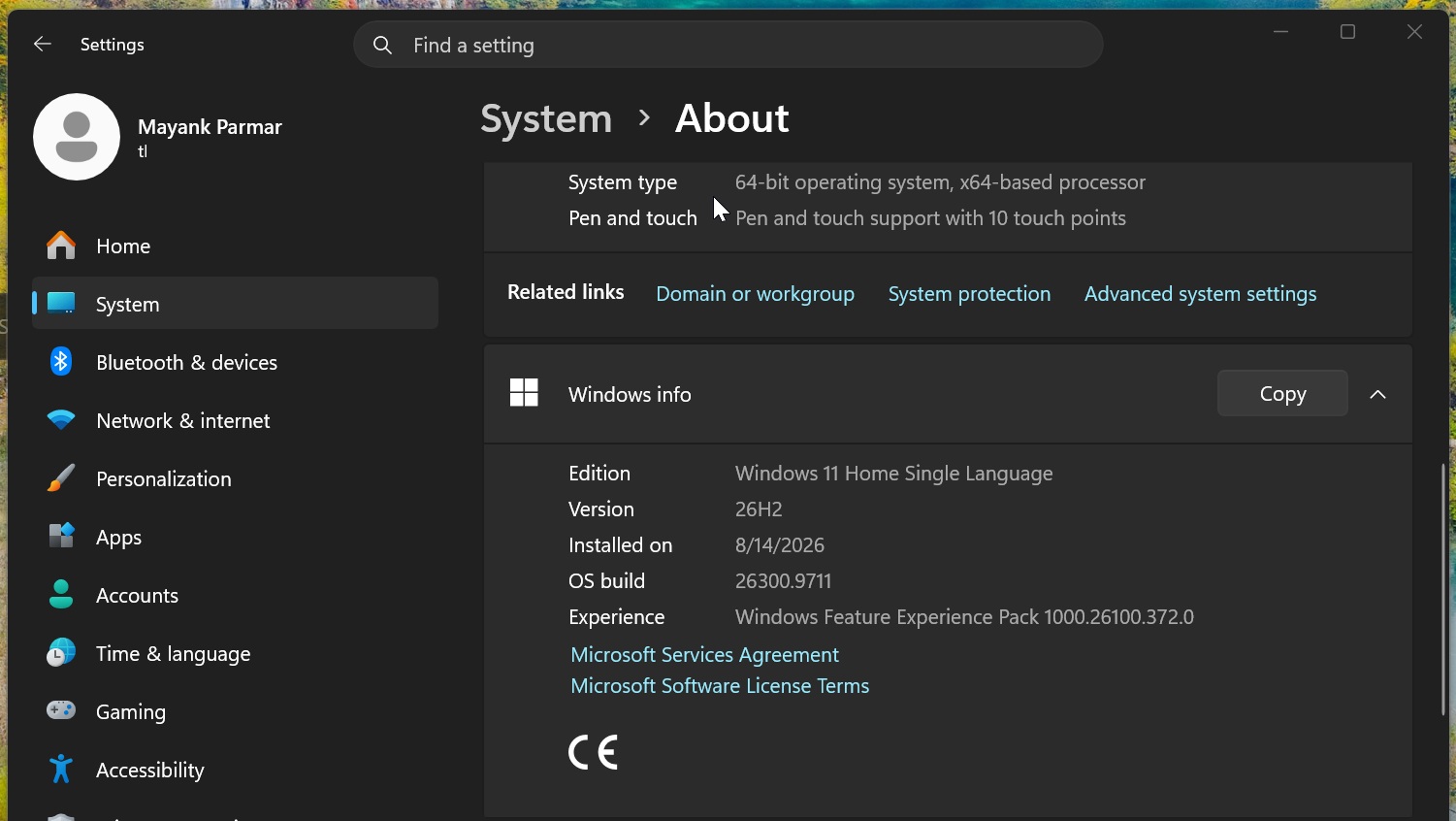
Microsoft previously told me that turning on “Get the latest updates…” could speed up the process, but it’s still a “gradual” rollout at the end of the day, so changes might take weeks to show up.