







Microsoft said it would reduce ads in Windows 11, but its popular wallpaper app, which it promotes on its flagship website and elsewhere, was recently updated with adware-like behavior where clicking on the desktop would open Bing.com.
Microsoft has a Bing Wallpaper app, which is entirely optional, and most users either download it manually or see an ad on Microsoft.com. It’s a decent app because Bing itself is a good search engine and a great way to find new wallpapers taken by human photographers. But of late, Bing Wallpaper has been behaving like adware.
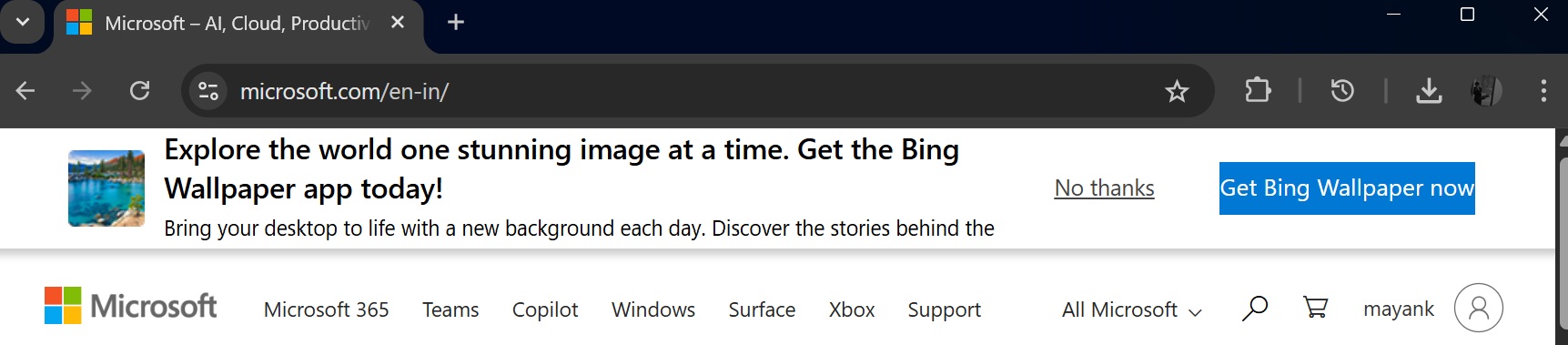
More recently, I reported that Bing Wallpaper had turned the Windows 11 desktop into a Harry Potter ad, and now we’re seeing a repeat of the adware-like behavior we spotted last year. In our tests, Windows Latest observed that the Bing Wallpaper app can send you to Bing.com when you click anywhere on the desktop background. Yes, literally.
But this time, I don’t see the toggle that let me turn it off last year.
The only good thing about this adware-like behavior is that Bing.com opens in your default browser. When I switched mine to Chrome and clicked on the desktop background (a left click, btw), it still opened Bing.com.
It also appears to trigger only once every 24 hours, which makes it easy to miss what’s happening. I tried clicking on the desktop multiple times after it first opened Bing.com, but I couldn’t get it to open the search engine again.
Finally, I tried again after 24 hours, and it worked. Bing.com opened in my browser after I clicked on the desktop, above the Start menu button.
Bing Wallpaper used to let you turn this off
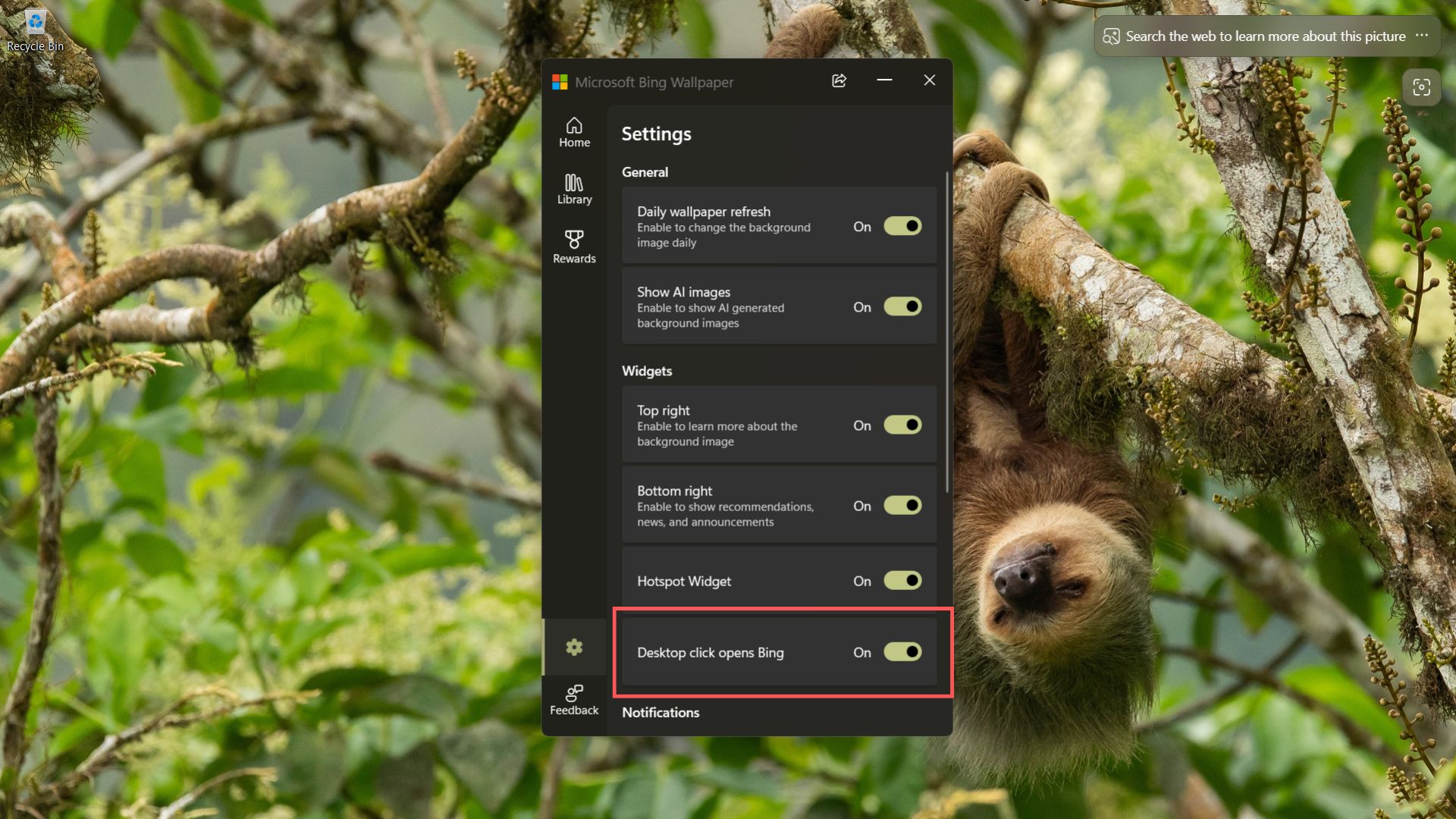
Bing Wallpaper experimented with this “feature” last year, but at the time, I noticed a toggle literally called “Desktop click opens Bing.” As odd as it sounds, Microsoft at least admitted it was a feature and gave you a way to turn it off, even though it was enabled by default on our PCs.
Here’s the toggle in a screenshot from October 2025:
Here’s a video I recorded last year, showing the exact same behavior we’re seeing today after a new update:
Bing is a great search engine, but you should reconsider using Bing Wallpaper
It’s quite unfortunate how Microsoft has turned a perfectly decent app like Bing Wallpaper into something that feels like borderline malware. You certainly wouldn’t expect a wallpaper app to hijack your desktop clicks.
Microsoft Bing works with independent photographers, National Geographic, and companies like Getty Images to source beautiful images. That’s what made Bing Wallpaper worth installing in the first place. But fast forward to 2025/2026, Bing Wallpaper no longer feels the same, and there are a number of problems.
There’s also a “Show AI images” option, which is a different topic, but it again defeats the whole purpose of supporting and using the original work of photographers.
Bing Wallpaper app also attempts to hijack your installed browsers
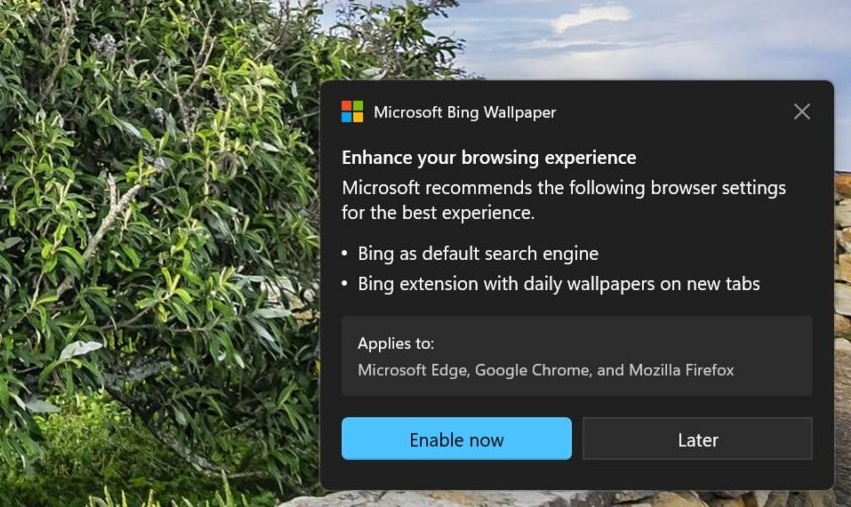
At the same time, I noticed a pop-up asking me to set Bing as the default search engine across my browsers. When I clicked Enable now for the sake of testing, the app tried to change my browser settings in the background. In Chrome’s case, the browser blocked the extension from being enabled, so Google stayed as the default search engine.
Google also does sketchy stuff, such as showing pop-ups on Google.com in Microsoft Edge asking you to download Chrome. Microsoft does these things too, but with Bing Wallpaper, it’s getting worse.
I strongly recommend switching to the Windows Spotlight feature, which also pulls in Bing wallpapers, or using a third-party app that does not hijack your desktop clicks.