




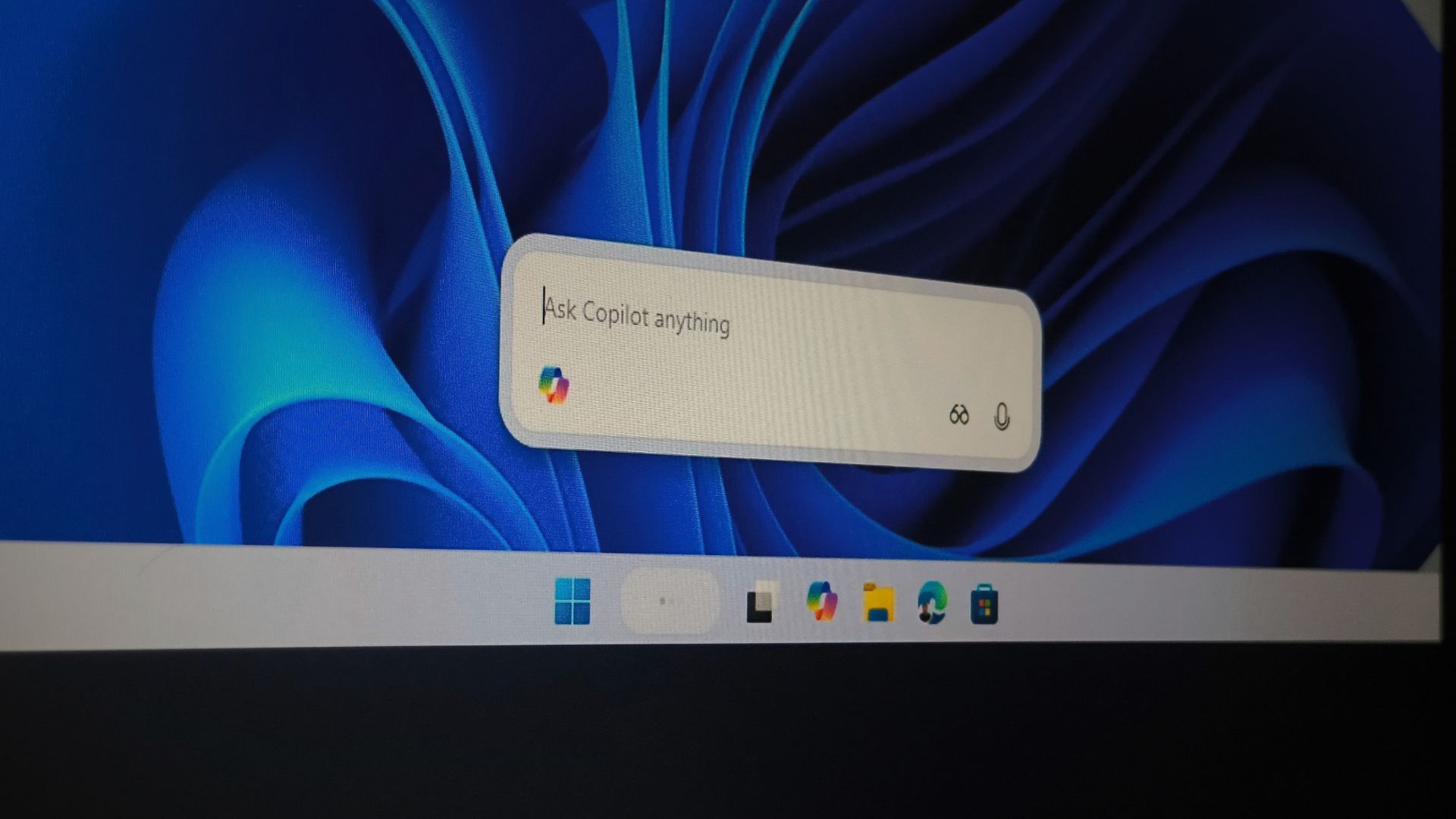
Microsoft has switched off Ask Copilot, the optional Copilot search box for the Windows 11 taskbar, while it previews an updated Copilot app for Windows Insiders. The feature had been in testing since October 2025 and was expected around mid-2026, but Microsoft hasn’t said when, or in what form, Ask Copilot will return.
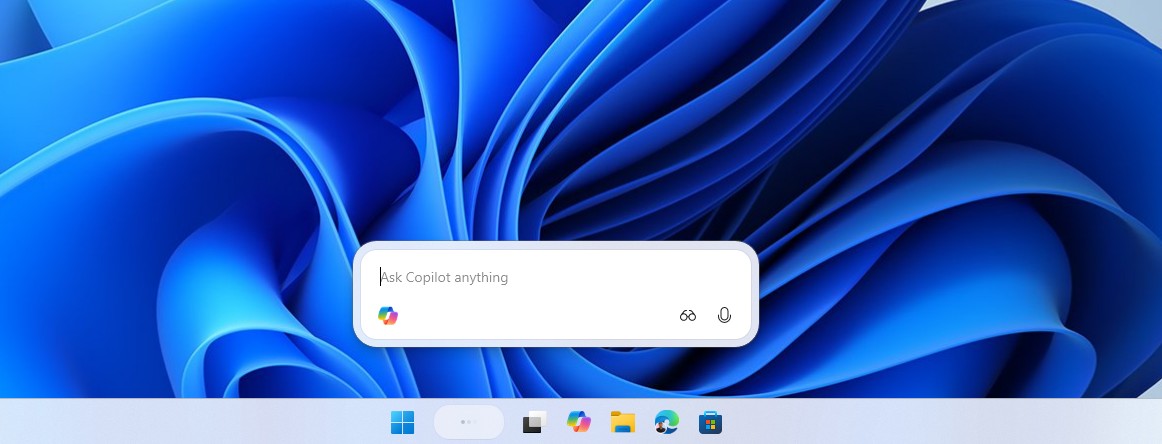
Ask Copilot was an opt-in feature for Windows Insiders that could be selected to replace the regular Search box on the taskbar. It wasn’t enabled by default.
In its August 14 release notes for the Copilot app (version 152.0.4191.25), Microsoft said it’s previewing updates to the Copilot icon on the taskbar, visual and navigation changes within the app, and changes to which features are available.
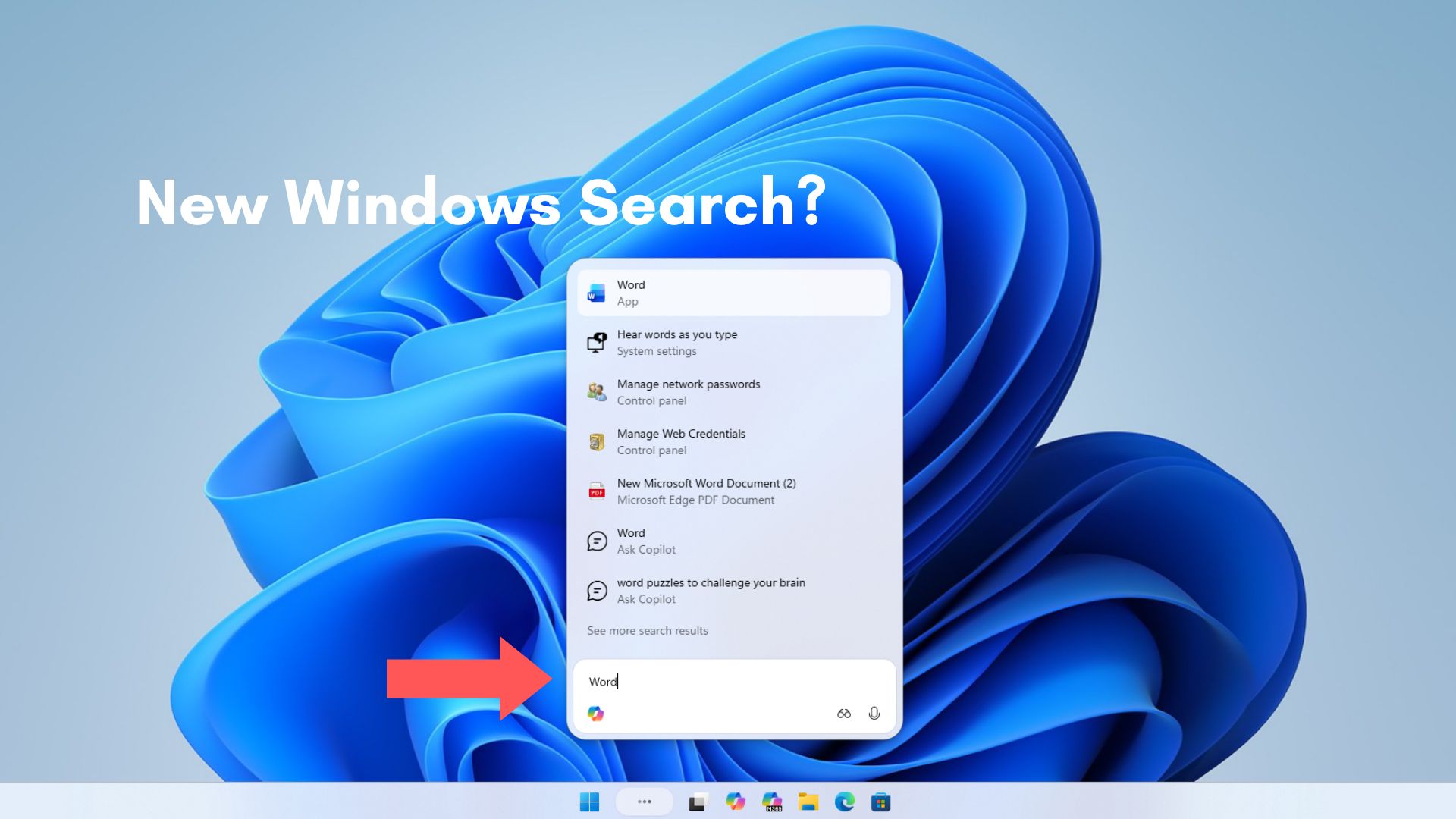
“As we implement these changes, we’re temporarily disabling Ask Copilot on the taskbar to update the new experience and incorporate your feedback,” the company explained.
Notebooks, Connectors, and Vision are also unavailable in the Copilot app for now, and Microsoft warns that “you might experience functionality gaps.”
Microsoft hasn’t shared what that feedback was but going by how people react every time Copilot shows up somewhere new in Windows 11, I can make a guess.
Microsoft spent almost a year turning Windows Search into Ask Copilot
In October 2025, Microsoft said it wanted to “make the taskbar a dynamic hub” with Copilot Vision, Voice, and search, and we pointed out that Microsoft couldn’t fix Windows Search, so it was handing it over to Ask Copilot (back then, the Search UI was a mess). The opt-in feature reached Insiders with Build 26220.7051 at the end of that month.
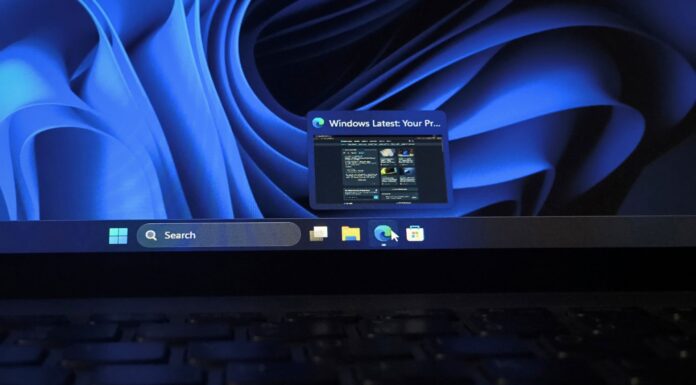
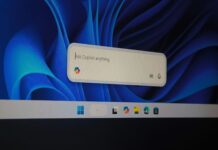
When I tested Ask Copilot, clicking the “Ask Copilot anything” pill opened a small, rounded window floating above the taskbar. It opened faster than Windows Search, the animation was smoother, and it didn’t throw a wall of MSN content at me.
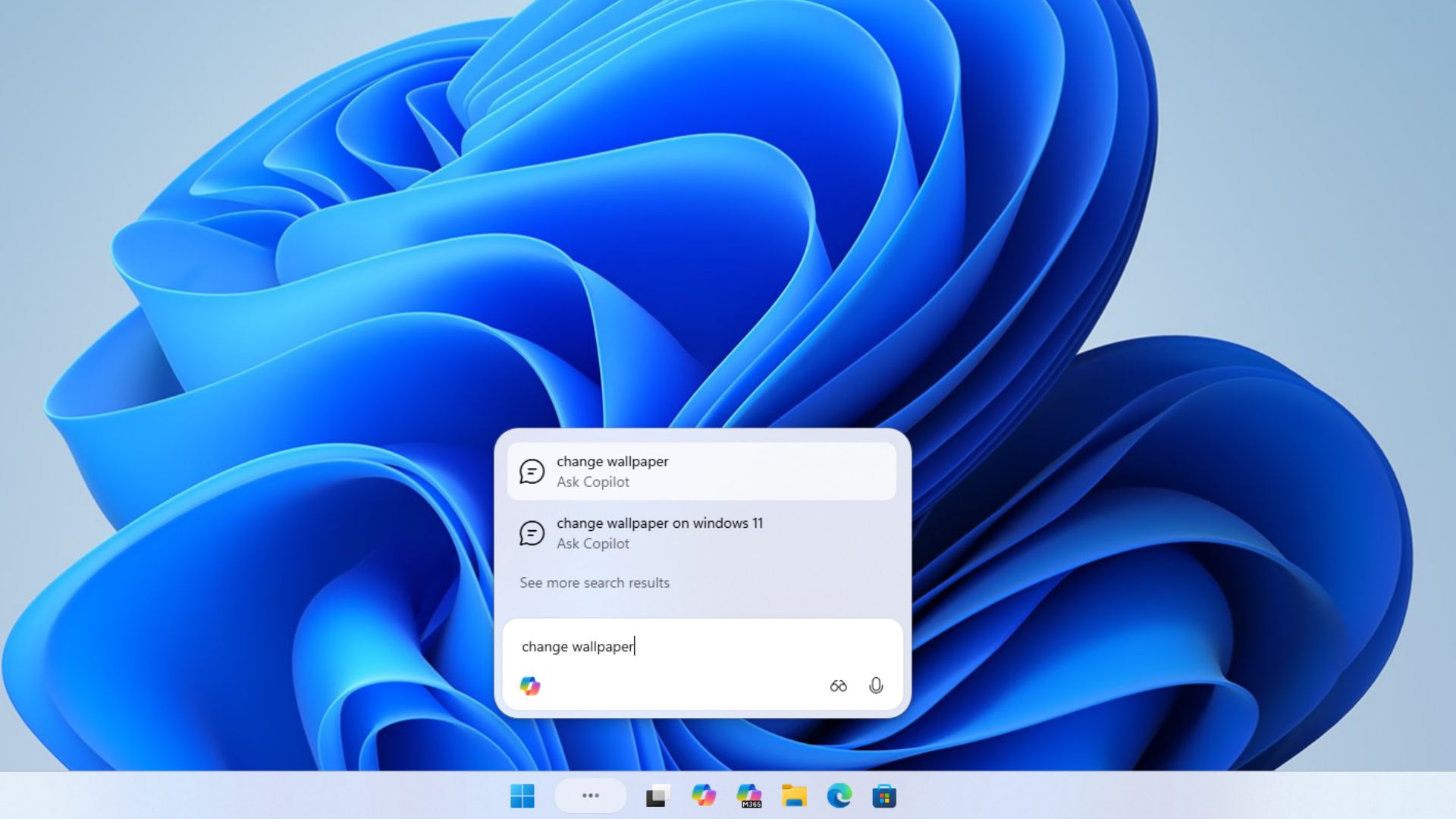
Ask Copilot uses existing Windows APIs to search apps, files, and settings, just like Windows Search and does not grant Copilot access to your personal content. Even back then, the interface impressed me more than the AI.
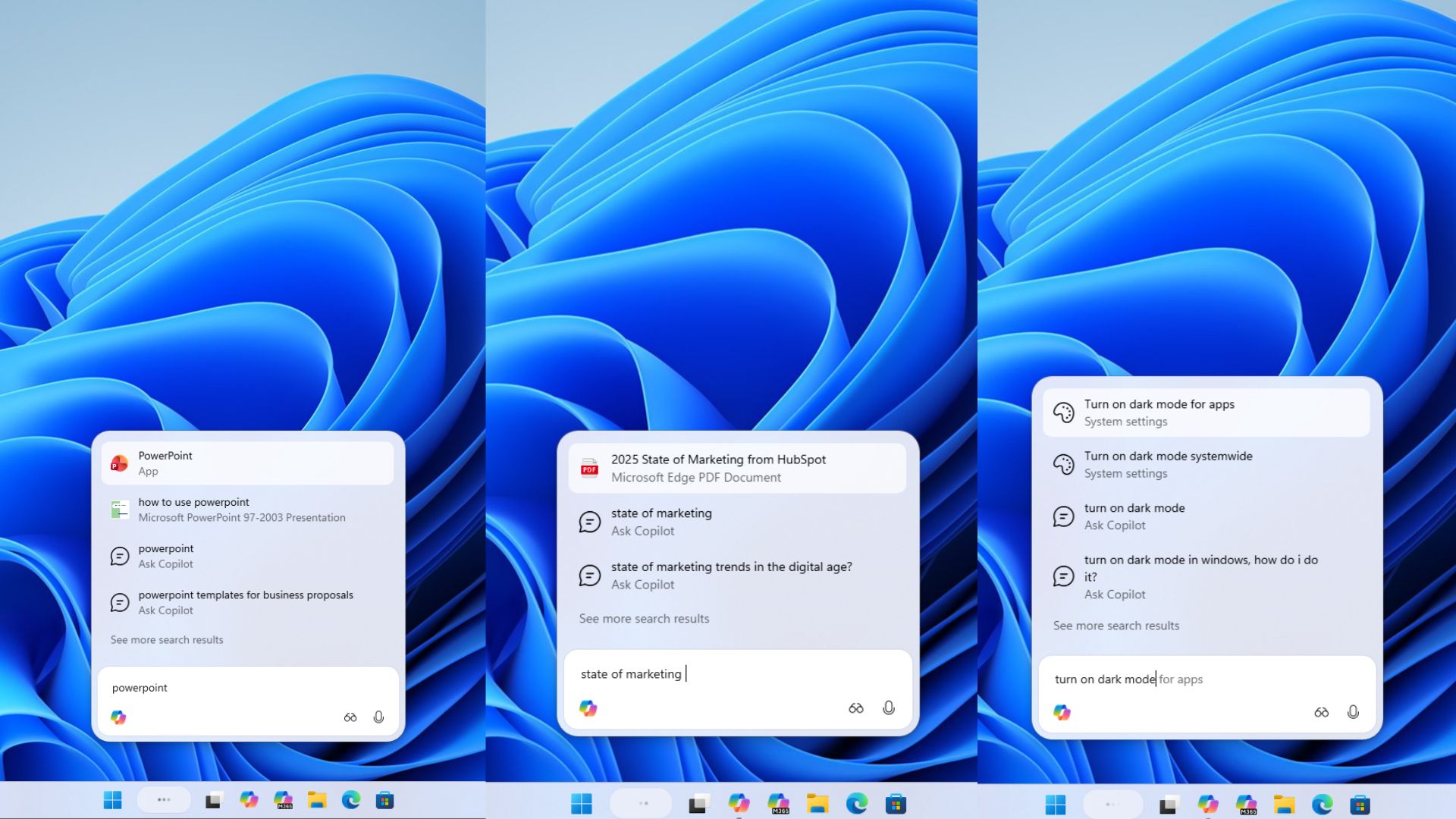
In December, Microsoft started rolling out a separate commercial version of Ask Copilot for Windows Insiders with Microsoft 365 Copilot licenses, turning the taskbar into “a unified entry point that fluidly connects Microsoft 365 Copilot, agents, and search” for commercial users with Microsoft 365 Copilot licenses.
Typing “@” invoked agents like Researcher, and you could track their progress from the taskbar. By then, Ask Copilot had become the front door to an agentic Windows.
Ask Copilot was supposed to come in mid-2026, then got pulled back
- In October 2025, Ask Copilot reached Windows Insiders.
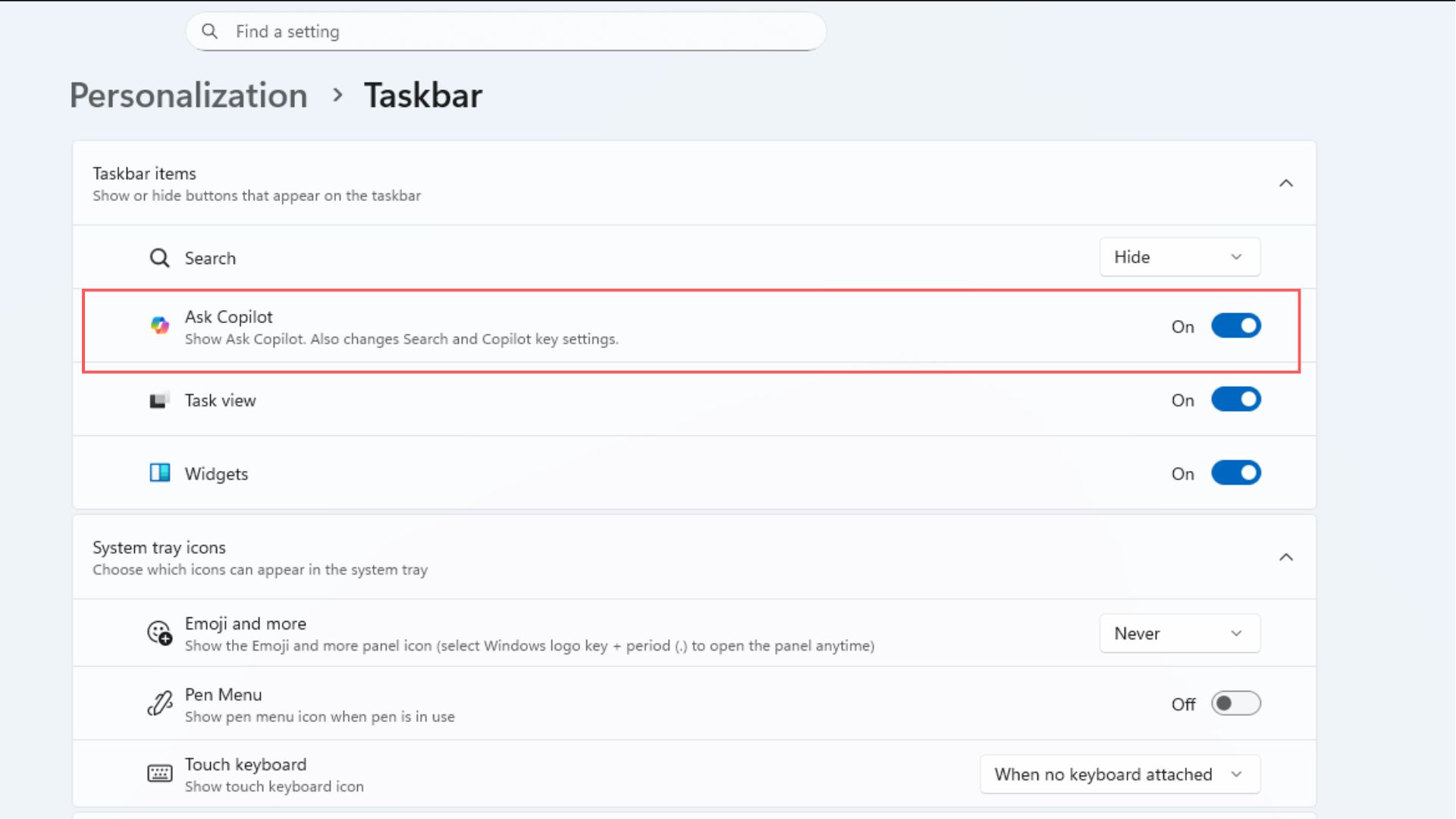
Ask Copilot toggle in the Personalization settings. Credit: Windows Latest - In December 2025, Microsoft 365 Copilot and agents joined it.
- In February 2026, Microsoft showed off agents running on the taskbar.
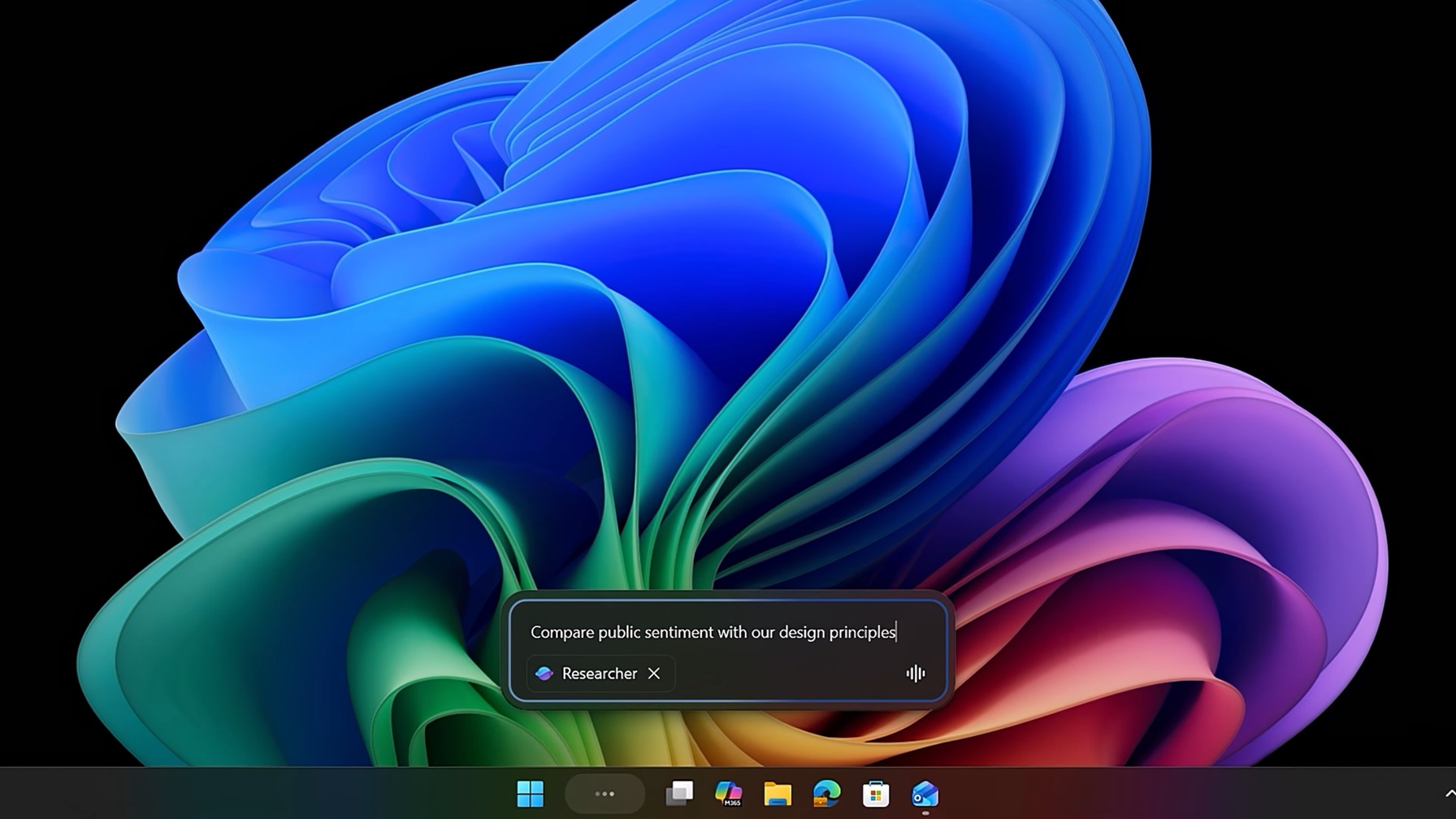
- In April 2026, Microsoft confirmed taskbar agents were still coming.
- In May 2026, Microsoft documentation said Ask Copilot was “expected to come mid-2026”.
- On August 14, 2026, Microsoft temporarily disabled Ask Copilot.
- On September 25, 2026, Microsoft unveiled the new Copilot.
The mid-2026 promise was aimed at businesses on Microsoft 365 Copilot, so Ask Copilot continued as a preview obscure to regular Windows 11 users. Instead of a release, even for Insiders, Microsoft switched it off in its August Copilot on Windows release notes.
Meanwhile, Windows boss Pavan Davuluri promised in March to reduce “unnecessary Copilot entry points,” starting with Notepad and other apps. By May, the Copilot buttons in Snipping Tool and Photos were gone, and Microsoft’s progress report promised “fewer more curated experiences.”. This might’ve also had a part to play in Ask Copilot’s temporary shutdown, not that anyone is complaining, though.
Copilot just got a major update
In March, Satya Nadella said Microsoft was “bringing the Copilot system across commercial and consumer together as one unified effort.” On September 25, Microsoft unveiled the new Copilot, with Chat and Cowork in Home, plus Code, Autopilot, and Word, Excel, and PowerPoint built into the super app. Home and Code are rolling out through the Frontier program, and Autopilot is in private preview.
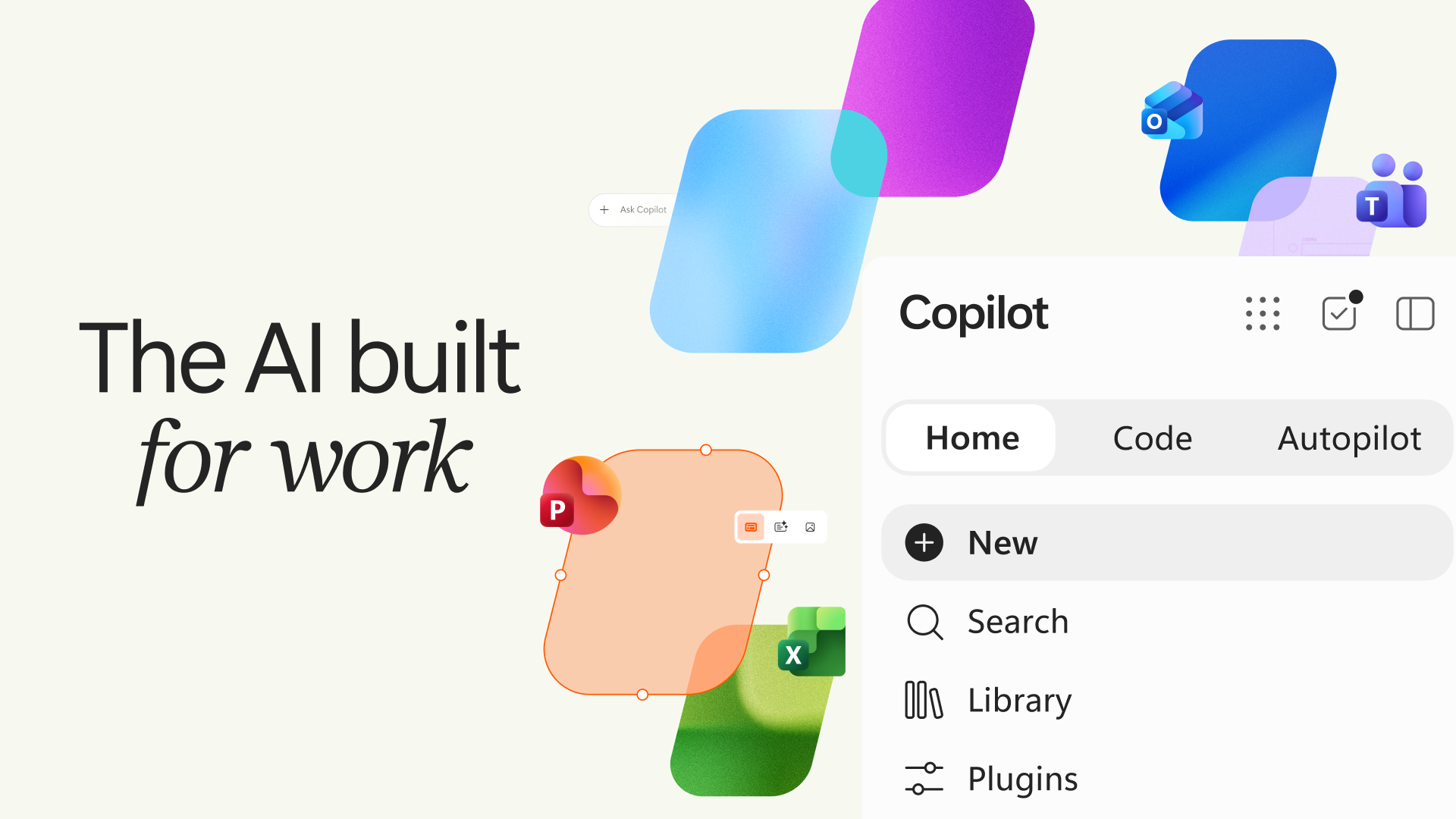
Nadella calls it “a new OS for work,” although Copilot on Windows 11 is still a web app. Either way, Ask Copilot was based on the old, split Copilot, so Microsoft probably has to rethink what happens when you type into a Copilot-powered taskbar. Microsoft hasn’t said the unified app is the reason for the pause, and it hasn’t given a return date, but the pause came weeks before the new Copilot was unveiled.
AI is staying on the taskbar, though, as Windows 11 26H2 lets you track supported agents like Researcher from there.
Microsoft also has another taskbar problem to solve
Windows 11 now lets you move the taskbar to the top, left, or right of the screen. When Microsoft announced the feature to Insiders on July 31, it said, “Support for touch gestures, Search box, and Ask Copilot in alternate locations is in progress.”
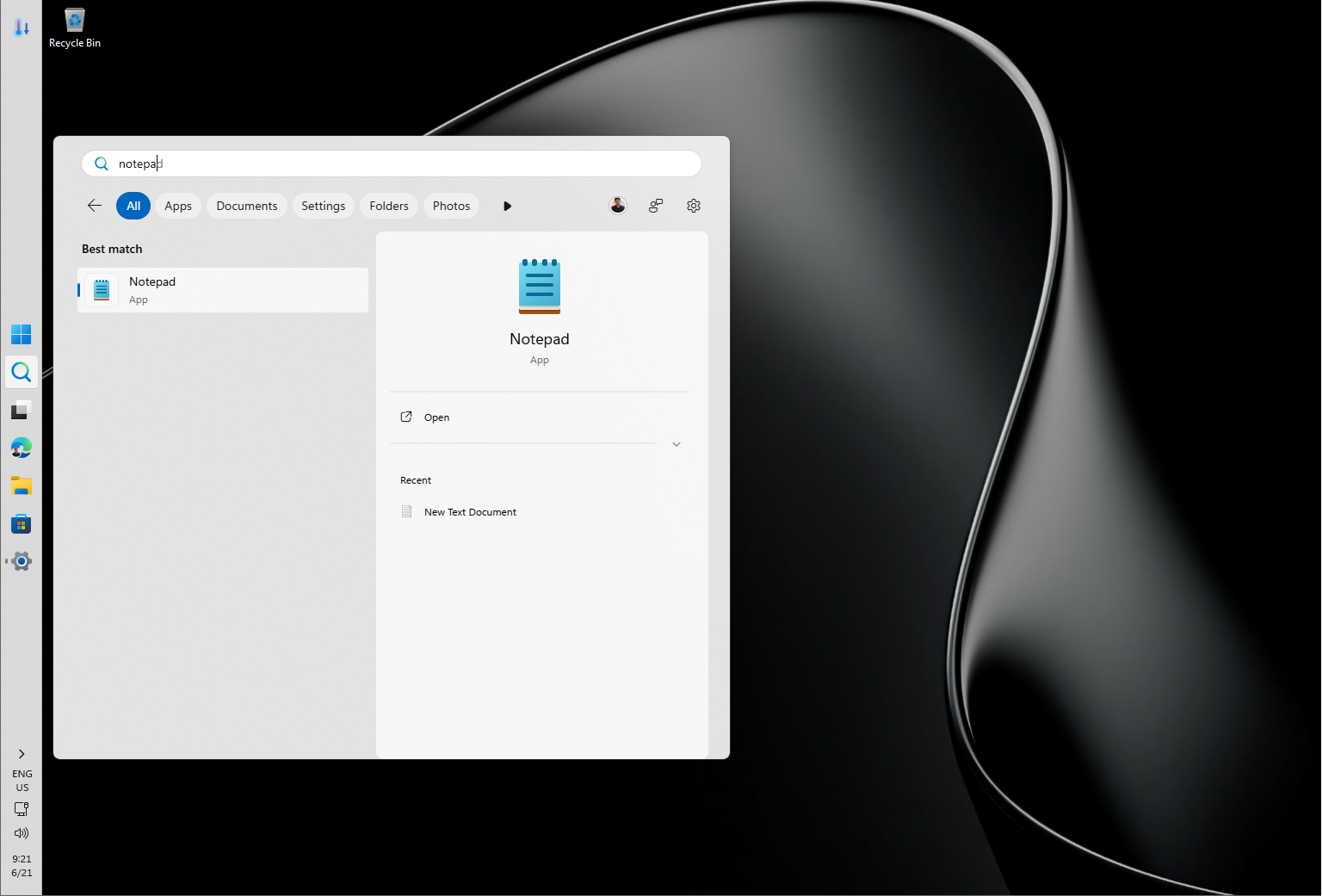
A floating box designed to pop up above a bottom taskbar also has to work the same way on a vertical one. Microsoft hasn’t said whether that work played a part in the pause, but Ask Copilot was still on its to-do list for top and side taskbars.
Windows 11 finally fixed Windows Search, but Ask Copilot’s UI is what I want
Microsoft’s September 2026 update brought the cleaner Search experience and movable taskbar to eligible Windows 11 PCs, while Ask Copilot remained on the sidelines.
The decluttered Windows Search removes the image of the day, the daily quiz, trending searches, top apps, and Games for you. Recent searches now lead the page, results are labeled by type, web and Store suggestions can be turned off, and in our testing, the animation was considerably faster.
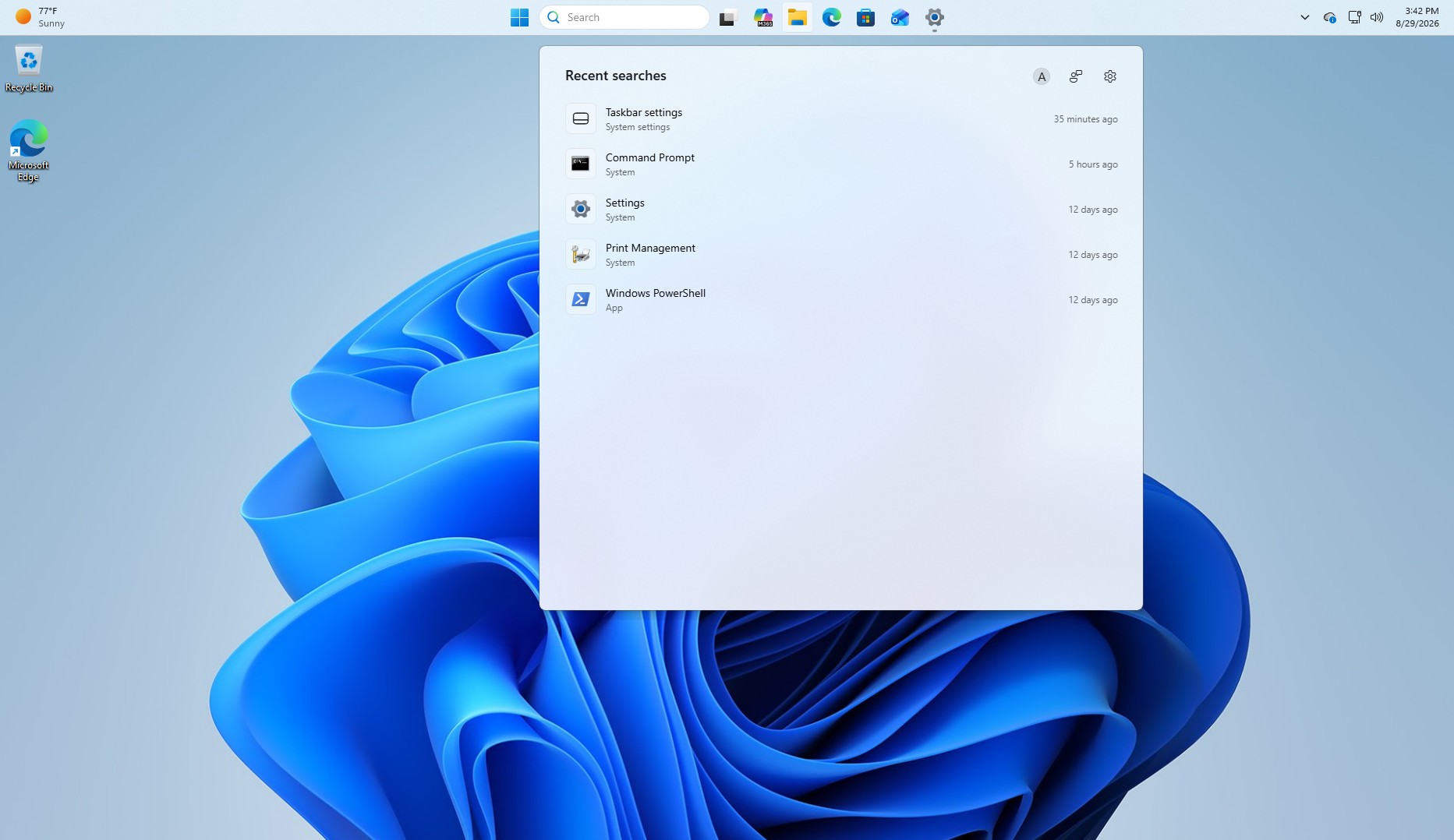
However, the Search panel is still huge, and much of it is white space.
Ask Copilot has already solved that. What I want is Ask Copilot without the Copilot: a compact, rounded, floating box that finds my apps, files, and settings using the new Windows Search.
Personally, I think Microsoft accidentally built the perfect Windows Search UI while looking for an ambitious way to make you use Copilot more.