






Windows 11 has a modern Settings app with dark mode, yet some settings still require the Control Panel from decades ago. Diego Baca, Vice President of Product Design, says designers are now contributing code fixes with AI’s help to clean up such inconsistencies.
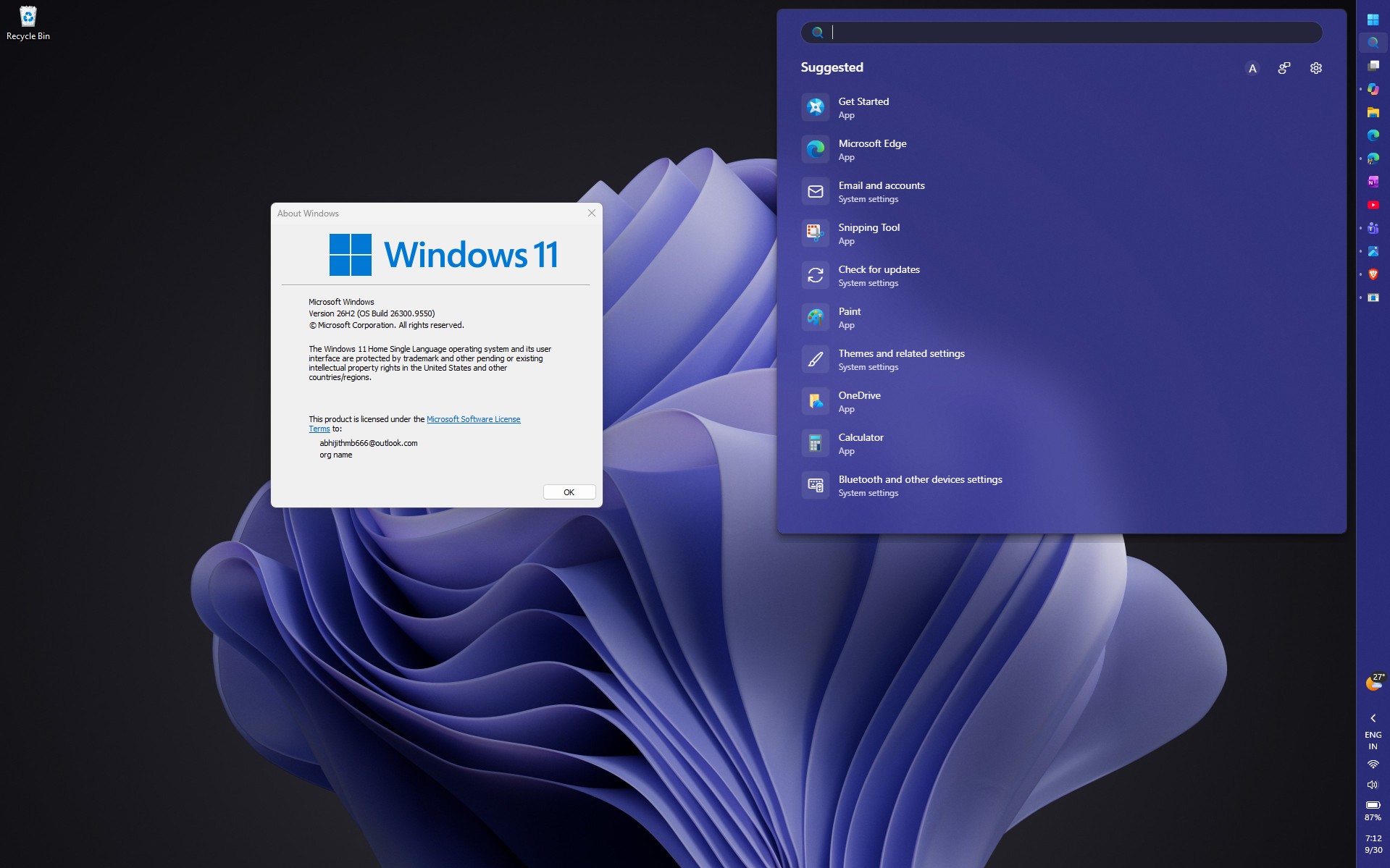
Windows Latest spotted the comment in an X exchange with Lockergnome founder Chris Pirillo, who reminded Microsoft of the practically unlimited AI tokens that the company has in their arsenal to unify Windows design, but is moving too slowly, and I can’t help but agree with it. The conversation is more relevant as Microsoft is testing a rebuilt WinUI 3 Search with Windows 11 26H2 Insiders.
Microsoft says AI is helping Windows designers fix the code, too
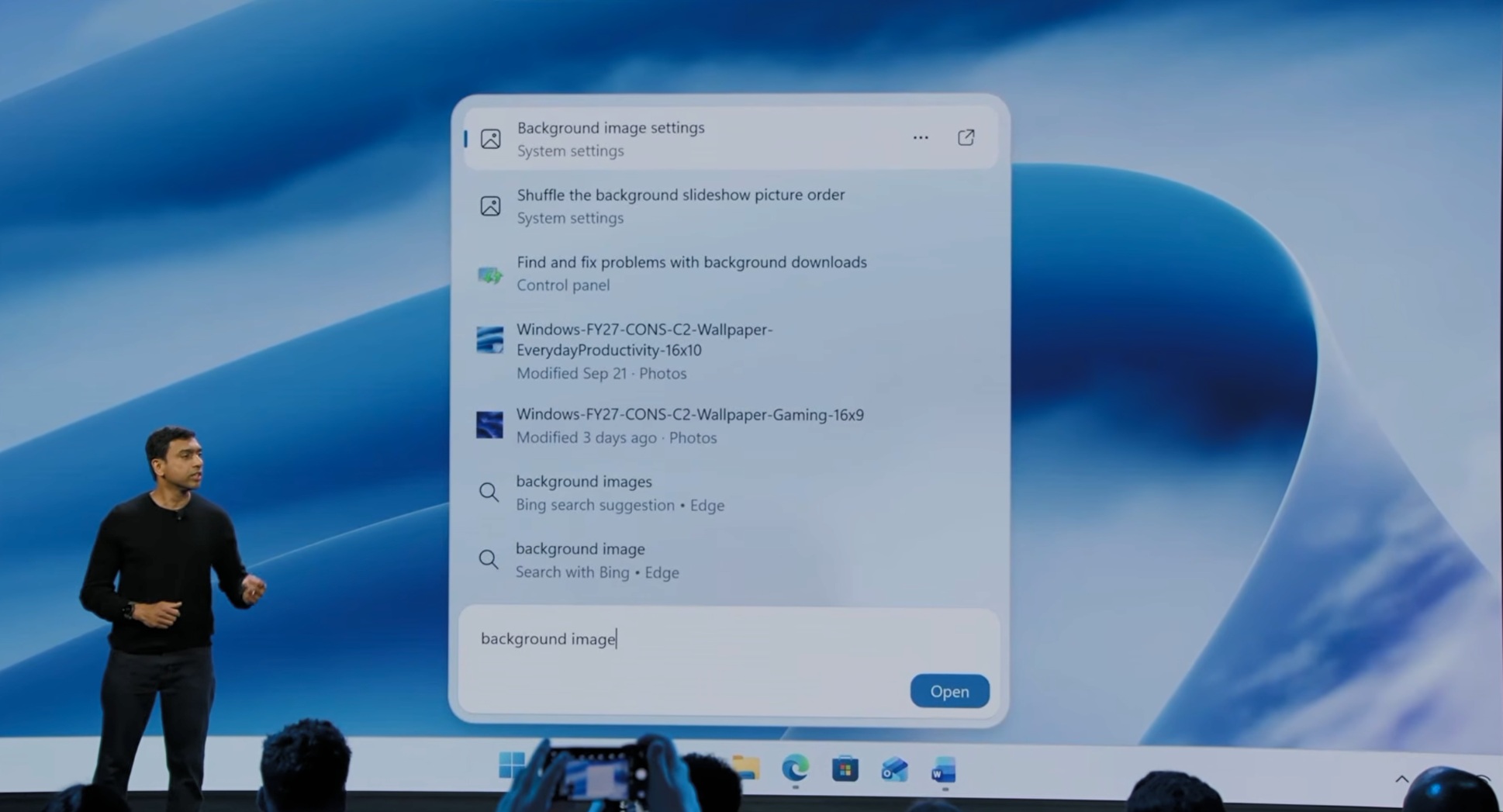
When Yusuf Mehdi, Microsoft’s consumer marketing chief, posted a video of the new Windows Search, which he says lets you take “thousands of quick actions” from the taskbar. Pirillo quoted the post, saying he hopes it “kills the Start Menu,” which he called “dated.” Yes, the Start seems dated, but I wouldn’t call or want it dead, though.
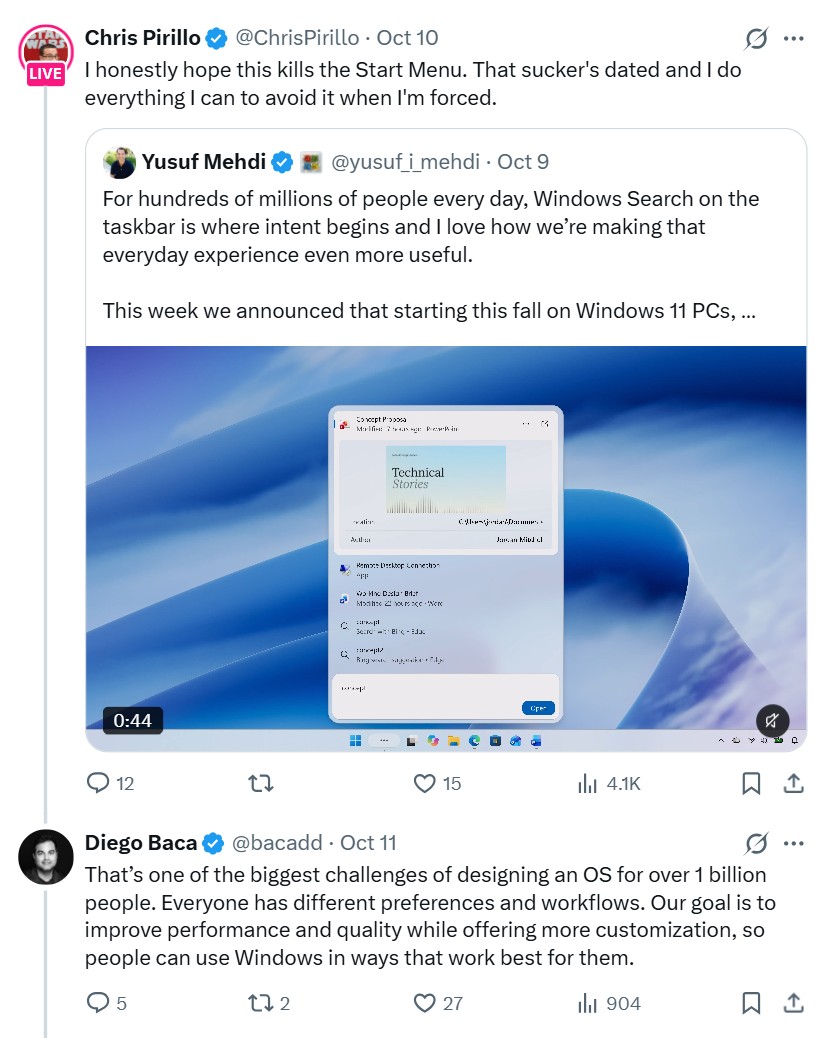
Anyway, Baca replied that designing an OS for over 1 billion people is hard because everyone has “different preferences and workflows.” Pirillo then asked why Microsoft doesn’t turn its AI tokens into progress, since orchestrating a fleet of agents “should be like child’s play” for its engineers.
In his reply on X, Baca agreed with him on AI agents “100%.”
“AI has already helped our design team accelerate significantly. We’re even seeing designers contribute directly to code fixes that improve craft, consistency, and quality. That’s exciting progress, and we’re only getting started.”
To be clear, Baca didn’t say AI itself is redesigning Windows 11, and he didn’t name the AI tools, the fixes, or how much of the code AI writes, unlike Satya Nadella, who was very vocal and proud of the then 20 to 30% he quoted. However, Baca confirmed that Microsoft designers are now using AI to code Windows 11.
Baca did admit the consistency problem. “Consistency across Windows is something we all want, and it’s an active workstream we’re continuing to accelerate,” he wrote, without giving a timeline. Note that Baca also wrote in Windows 11’s design principles last year that “At Windows, craft is everything.” So, maybe accelerate faster?
Windows 11 Search just got a massive WinUI 3 update, but there is more work in the rest of the OS
Credit where it’s due, Microsoft has started rebuilding parts of Windows 11 in WinUI 3, its native UI framework, instead of painting dark mode over old code. Yes, I too agree that they should’ve done this before launching the OS, 5 years ago!
Microsoft started testing the new Search on October 7 with Insiders in the Experimental channel, including build 26340.9616 for version 26H2. I love that we can type “switch to dark mode,” and Search flips the setting instantly. For context, the current Search flyout is built on Edge WebView2, basically web code inside a Windows panel, as we pointed out in July.
Microsoft says the new WinUI 3 Search for Windows 11 will reach all PCs later this year.
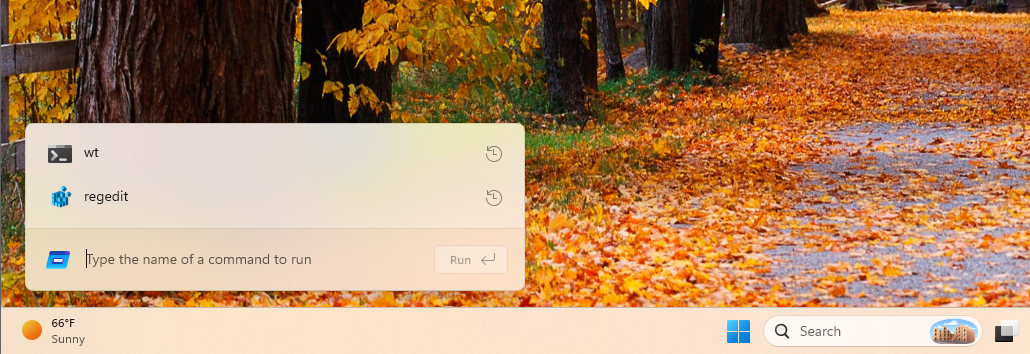
Another massive UI redesign is the modern Run dialog, a C#/WinUI 3 app compiled with .NET Native AOT, and Microsoft measured a median time-to-show of 94ms, compared to 103ms for the Windows 95-era version. It’s still an opt-in toggle under Settings > System > Advanced on Insider builds.
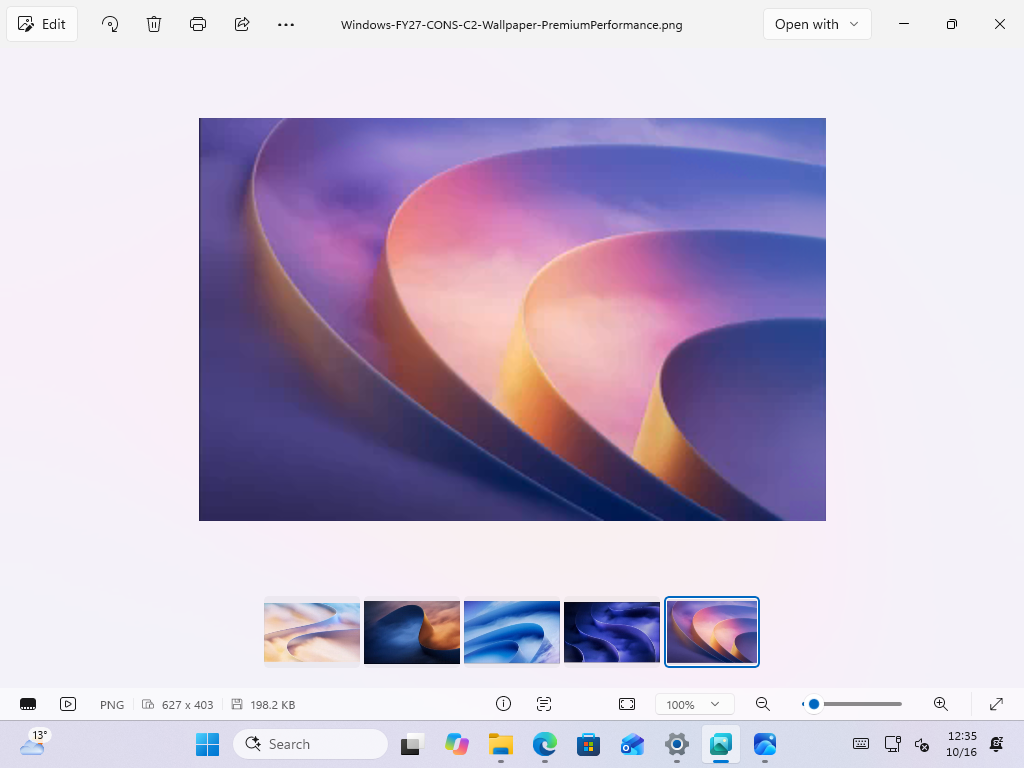
As for inbox apps, the new Photos app has an Editor “rebuilt from the ground up with WinUI 3” that Microsoft says loads 25% faster.
Legacy dialogs are getting the WinUI treatment with the rebuilt Properties dialog and a new Print Management app that doesn’t run inside the decades-old Microsoft Management Console (MMC), and AutoPlay is next.
March Rogers, Microsoft’s Partner Director of Design, says the team is “working through our list of all older dialogs,” and the file copy dialog is already done. Voice packages and Reset this PC are on the list.
The Windows 11 design problem is bigger than rounded corners and dark mode
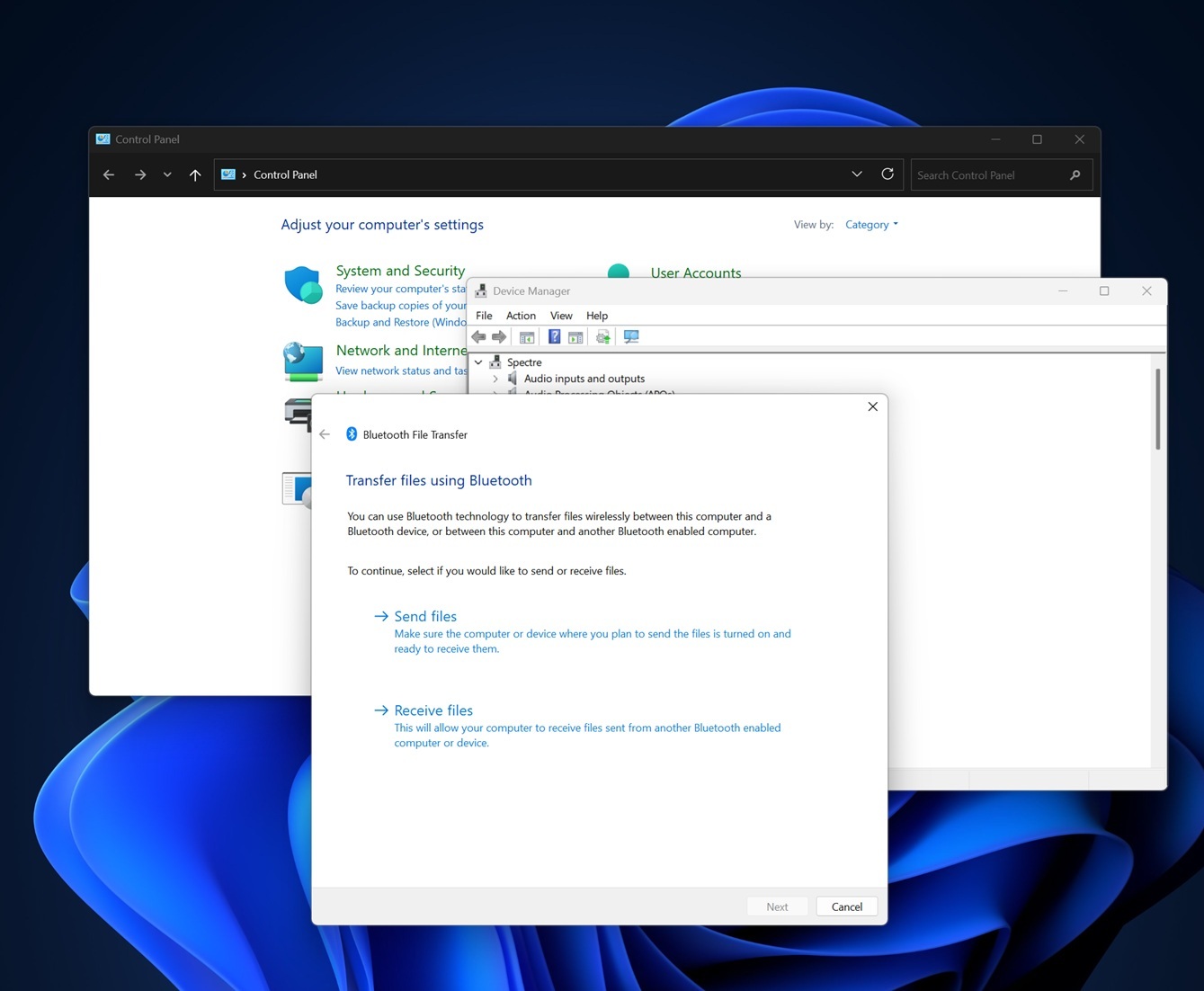
On my PC with Windows 11 26H2, Settings > Bluetooth & devices > Mouse > Additional mouse settings opens the old Mouse Properties dialog without dark mode, and right-clicking a file still offers “Show more options” to open the Windows 10-era menu, which Microsoft admits “became cluttered and sluggish.” While one is three decades old, the other is a decade old.
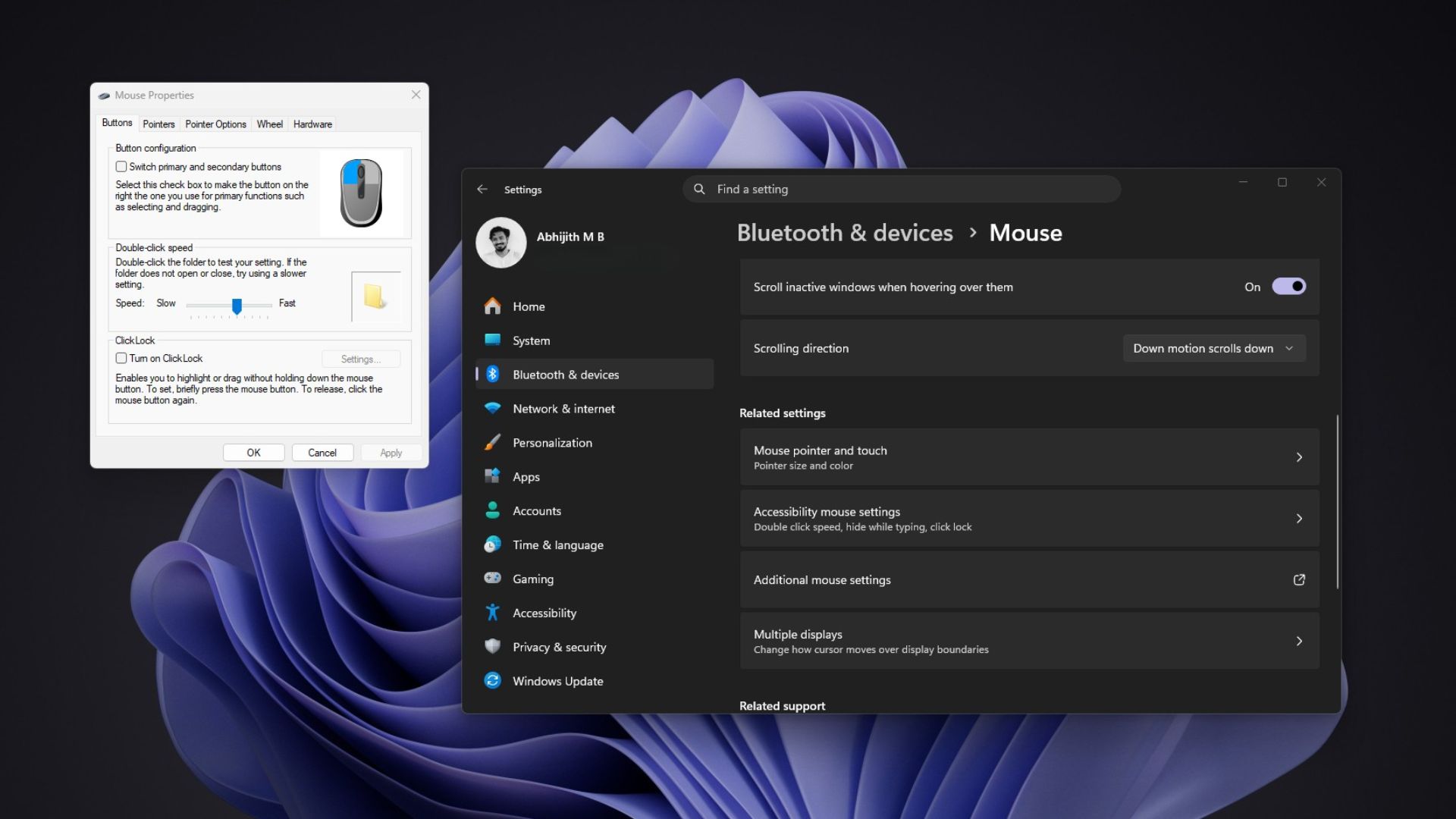
Sadly, going native isn’t the cure-everything fix, either, as File Explorer’s WinUI-based Home tab still loads noticeably slower than This PC in our testing. And don’t get me started about Windows 11 26H2 still shipping Windows 95’s heap manager and DOS-era file names.
Steve Jobs once famously said on stage that Microsoft has no taste…but can’t AI help now?
Windows can’t change overnight, but AI should help Microsoft move faster
Baca pushed back on the idea that Microsoft is “trying to be everything to everyone.” He says the company is focusing on “specific customer cohorts” with “customization and choice,” and admitted, “it’s a big ship.” Baca also says we shouldn’t “confuse the complexity of the challenge with a lack of taste or direction.”
As for the 1 billion users comment, Baca says it “was never intended as a brag.”
“It’s about responsibility. Whether people love Windows or feel they have no alternative, changes at that scale can be disruptive, even when they’re improvements.”
Well, he has a point. Microsoft’s Raymond Chen explained in 2003 that corporations with 10,000 employees “don’t like it when the user interface changes,” because retraining costs them millions of dollars.
Either way, compatibility shouldn’t be an excuse to leave Windows looking like three operating systems stitched together. Microsoft already has a smarter approach for the context menu in preview builds, where “Show more options” is off by default but is available for legacy extensions.
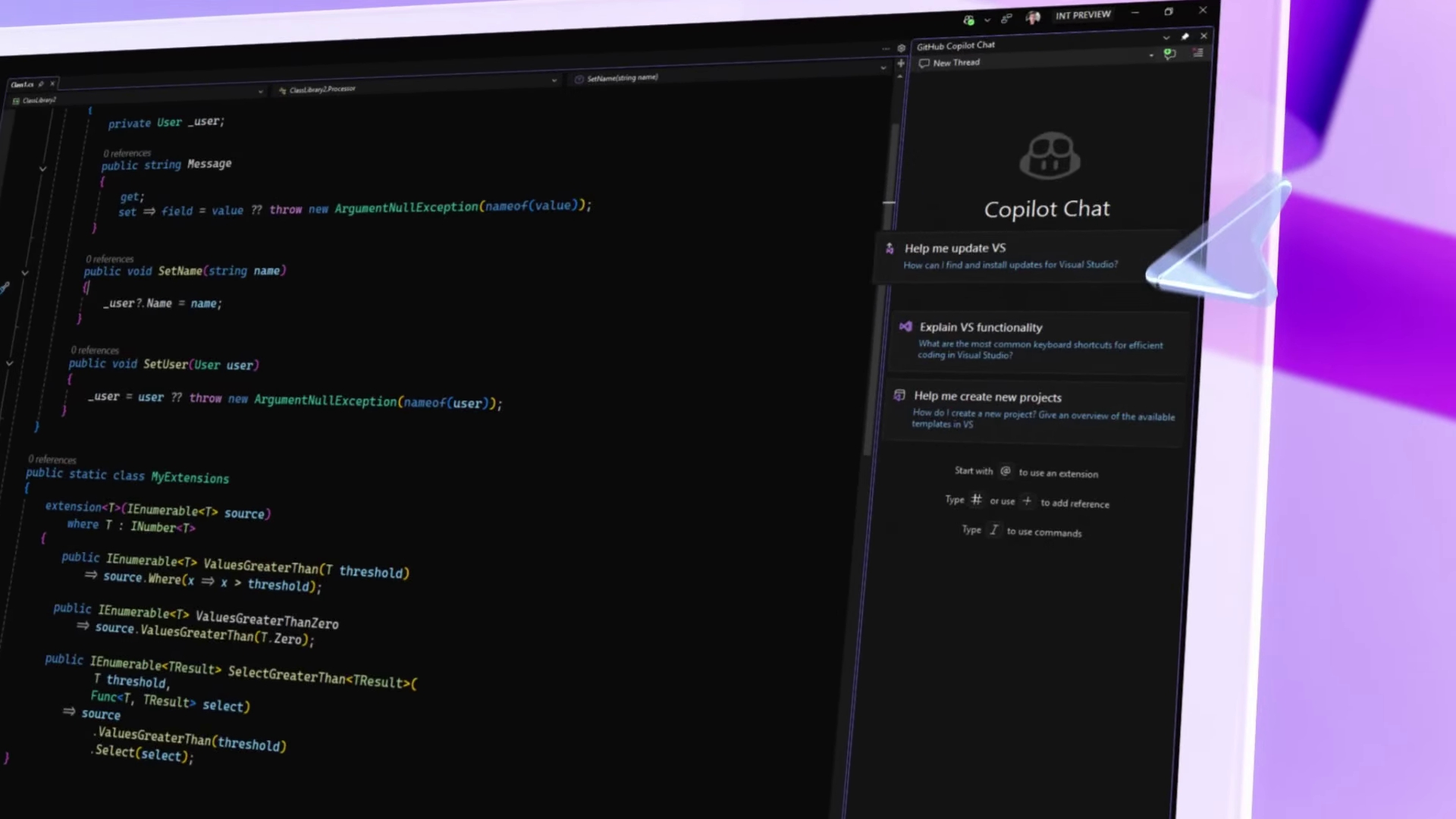
AI can speed up that grunt work. Designers usually hand mockups to engineers and wait, so a designer who can create a spacing fix on their own (read, using AI), can avoid a lot of back and forth. Microsoft Distinguished Engineer David Fowler said in September that “typing code is absolutely over,” although someone still has to review and test that code!
Microsoft needs to make Windows feel like one operating system again
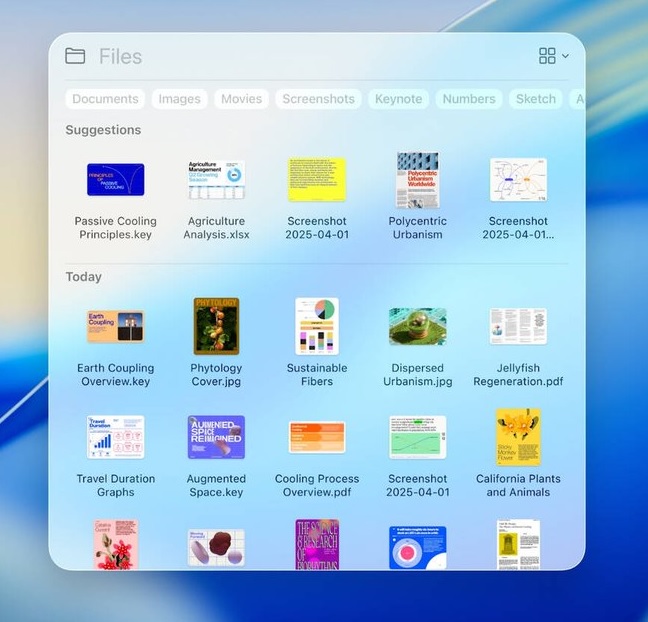
I’m not saying that every part of Windows should suddenly look coherent. Because it’s Microsoft and I shouldn’t have such lofty expectations. But Settings, File Explorer and a printer tool should look like they come from one company. Apple’s designers mentioned their culture at the WWDC26 session, saying “consistency helps people predict what will happen next” and “things that look the same should behave the same.” While it’s true that macOS has its own legacy corners, Apple documents its design guidance for developers in its Human Interface Guidelines.
If I were running Windows design, these would be at the top of my list.
- Rebuild the remaining legacy dialogs in WinUI 3, starting with the ones people open every day.
- Speed and stability should be part of the design, because a native dialog that opens slower is a bummer.
- Set stricter rules for spacing, controls and dark mode, and apply them to Microsoft’s apps first.
- Make native WinUI apps easier to build, while also making all inbox apps native first, so companies stop making web wrappers like the terrible WhatsApp for Windows.
If Windows goes native first, other companies might finally care about well-designed Windows apps the way they care about Mac apps. Microsoft’s engineers already say native apps are back, and AI should make them cheaper to build.
Baca hopes Microsoft can “earn back your enthusiasm for Windows through what we deliver, not just what we say.” Windows desperately needs some love. I’m cautiously optimistic. Would a consistent Windows 11 win you back, or has that big ship already sailed?