



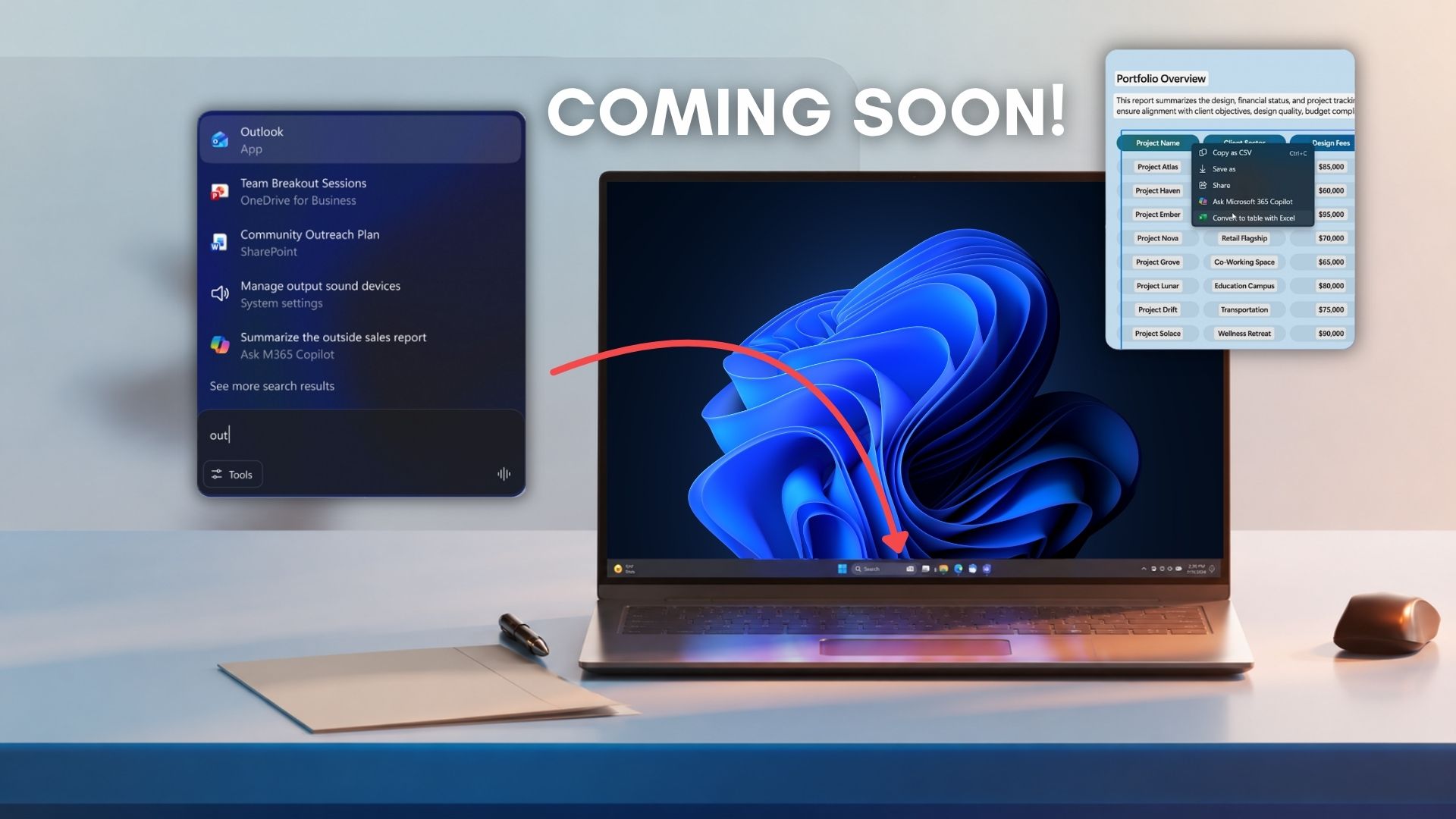
Microsoft has officially locked in the launch timeline for its next major wave of desktop AI features, including Ask Copilot for Windows 11’s taskbar.
In a newly published internal e-book, the tech giant outlines its core strategy to stop burying users in tool sprawl and instead intertwine intelligence directly into Windows 11.
Footnotes tucked inside the official documentation confirm that both the upcoming Ask Copilot taskbar experience and the Click to Do Excel extraction tool are scheduled to launch in mid-2026.
First spotted by Windows Latest, the document says, “[These capabilities are] not yet generally available and [are] expected to come mid‑2026. Timing and availability are subject to change.”
Note that these features are launching in mid-2026 for enterprise business professionals (or as Redmond calls “Frontier Firms”), and won’t be a default in all regular PCs.
Ask Copilot taskbar integration arrives mid-2026
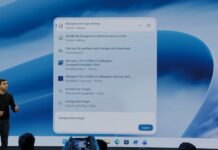
The upcoming Ask Copilot feature is designed to bring Microsoft 365 Copilot and specialized background AI agents directly into the taskbar and the Start menu through an upgraded Composer experience.
Instead of opening separate web browsers, users can use this interface to quickly pull up relevant policies, summarize active tasks, and manage project updates without breaking concentration.
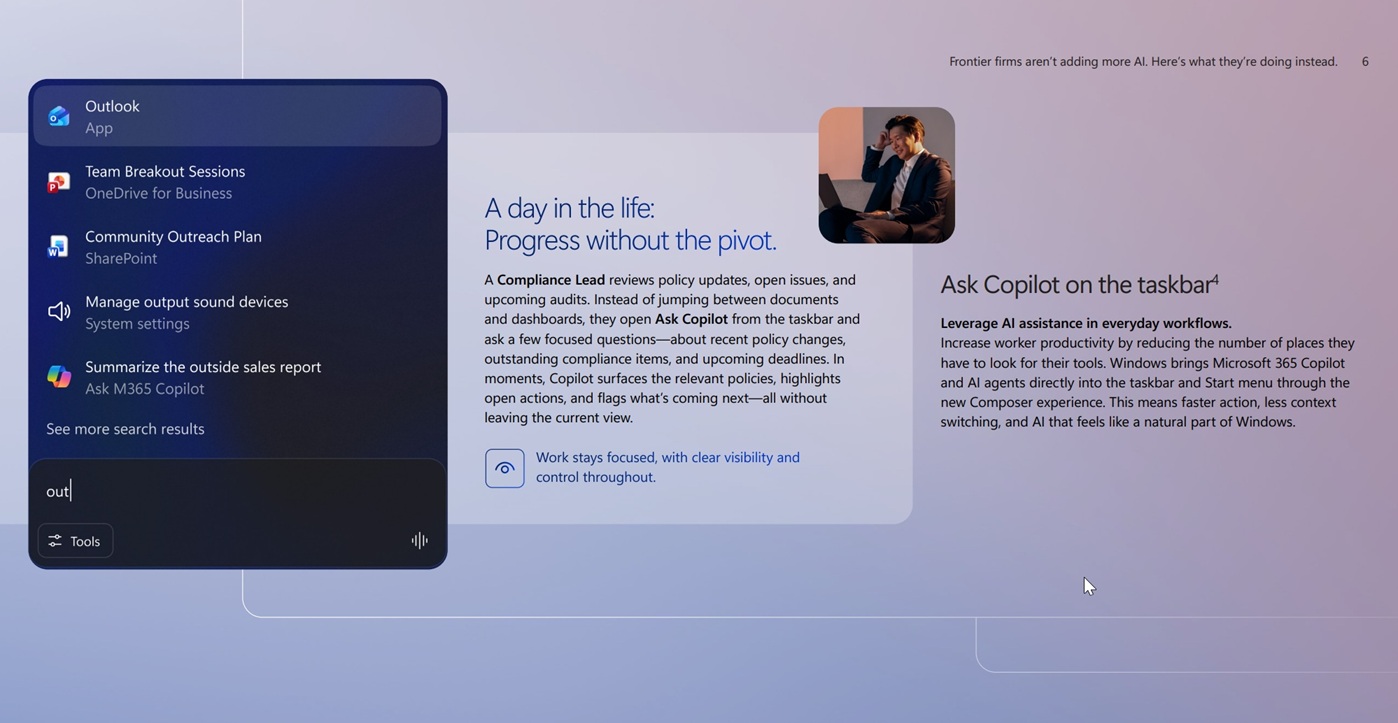
Microsoft is pushing Ask Copilot for Compliance Leads and Managers who need to find policy updates, open issues, and deadlines quickly without switching between windows.
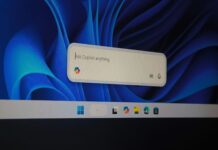
When I managed to get a first look at how Copilot will change Windows 11 taskbar search, I noted that this dedicated input bar felt significantly cleaner and faster than our “traditional” search.
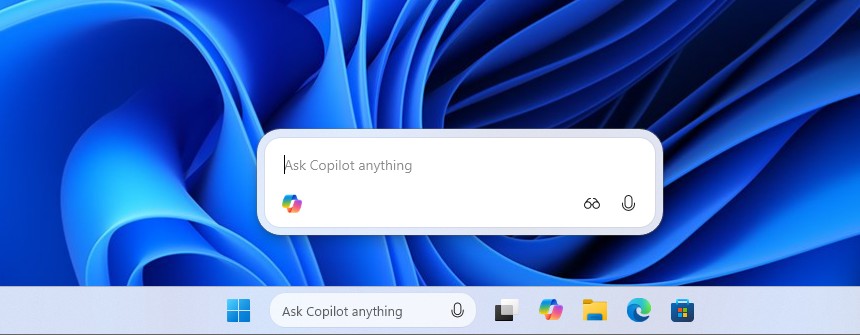
The current Windows 11 Search panel has faced heavy criticism from us for being intensely bloated with intrusive advertisements, game links, and forced widgets.
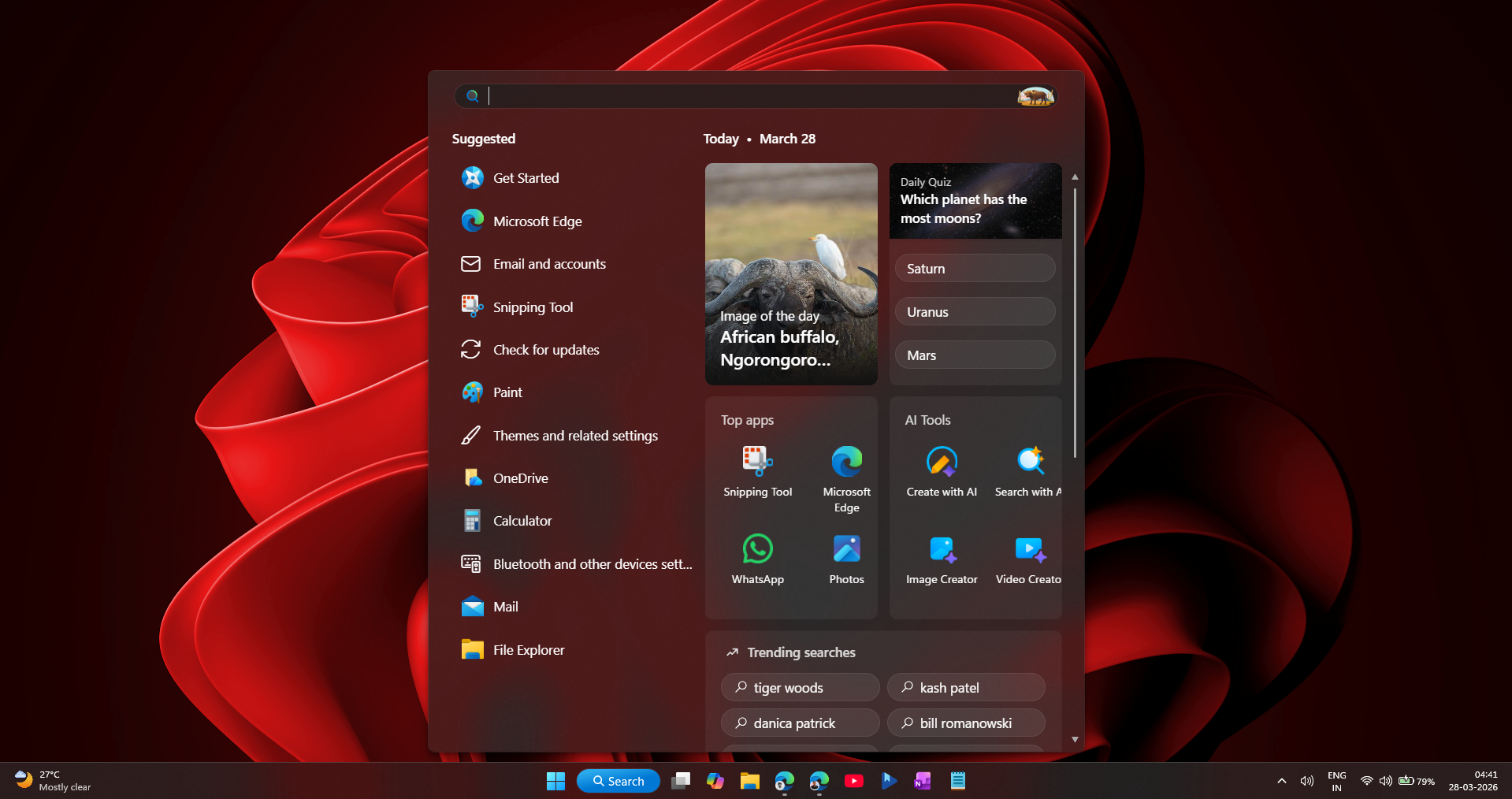
Moving toward a streamlined, system-level panel with direct access to Copilot Voice and Copilot Vision is a massive step forward for those enterprise customers that Microsoft is targeting here. For us, a cleaner, faster, and more reliable Windows Search will suffice!
However, Microsoft desperately needs to ensure these tools are completely polished before the mid-2026 rollout.
Previously, Microsoft yanked Copilot ad after the AI failed at a basic Windows 11 task. The promotional video showed a user asking Copilot how to increase the screen’s text size.
The assistant highlighted the wrong Display settings menu instead of the Accessibility tab, and then recommended a tiny 150% scaling option, forcing the user to manually correct the AI and choose 200%.
For Ask Copilot to succeed, the engineering teams must aggressively iron out these basic logic flaws before general availability to enterprise devices.
Click to Do will also land in mid-2026 to turn onscreen data into Excel spreadsheets
The second major workflow feature set for the mid-2026 timeline is an advanced iteration of Click to Do built exclusively for Copilot+ PCs. This capability uses local vision models to constantly analyze whatever text, graphics, or tables are displayed on your monitor.
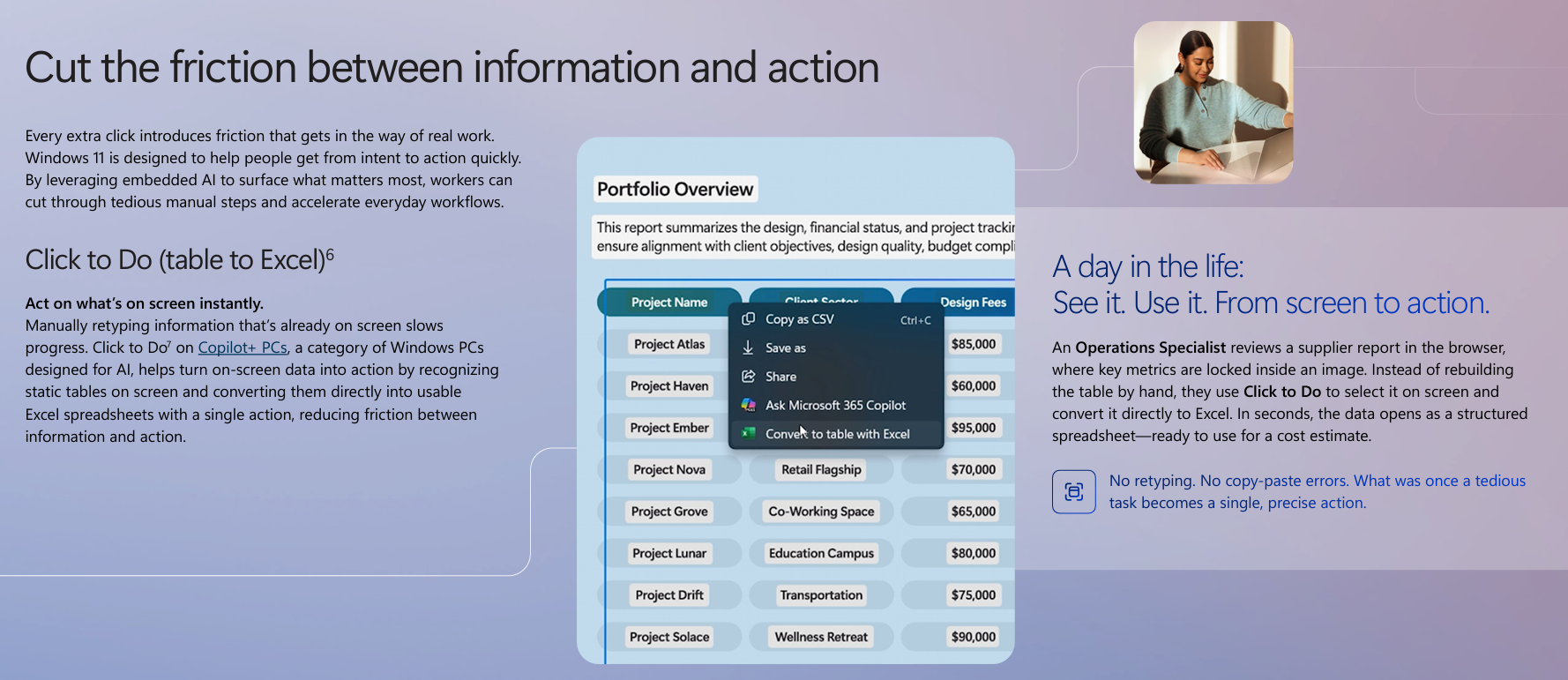
If you are inspecting an image, a webpage, or a PDF where vital business metrics are locked inside an uncopyable graphic, Click to Do will automatically recognize the static table boundaries.
With a single precise action, it will convert the visual data directly into a structured, fully functional Microsoft Excel spreadsheet. Microsoft notes that this on-device processing completely eliminates manual retyping and copy-paste layout errors, and I’m all for it.
Click to Do is for Operations Specialists and Data Analysts who need to instantly convert static image tables into editable Excel sheets.
This native, invisible integration is exactly what users want. We recently reported that Microsoft was forced to allow users to remove the floating Copilot button in Excel after intense backlash, as users hated that the intrusive chatbot widget blocked their active spreadsheet cells.
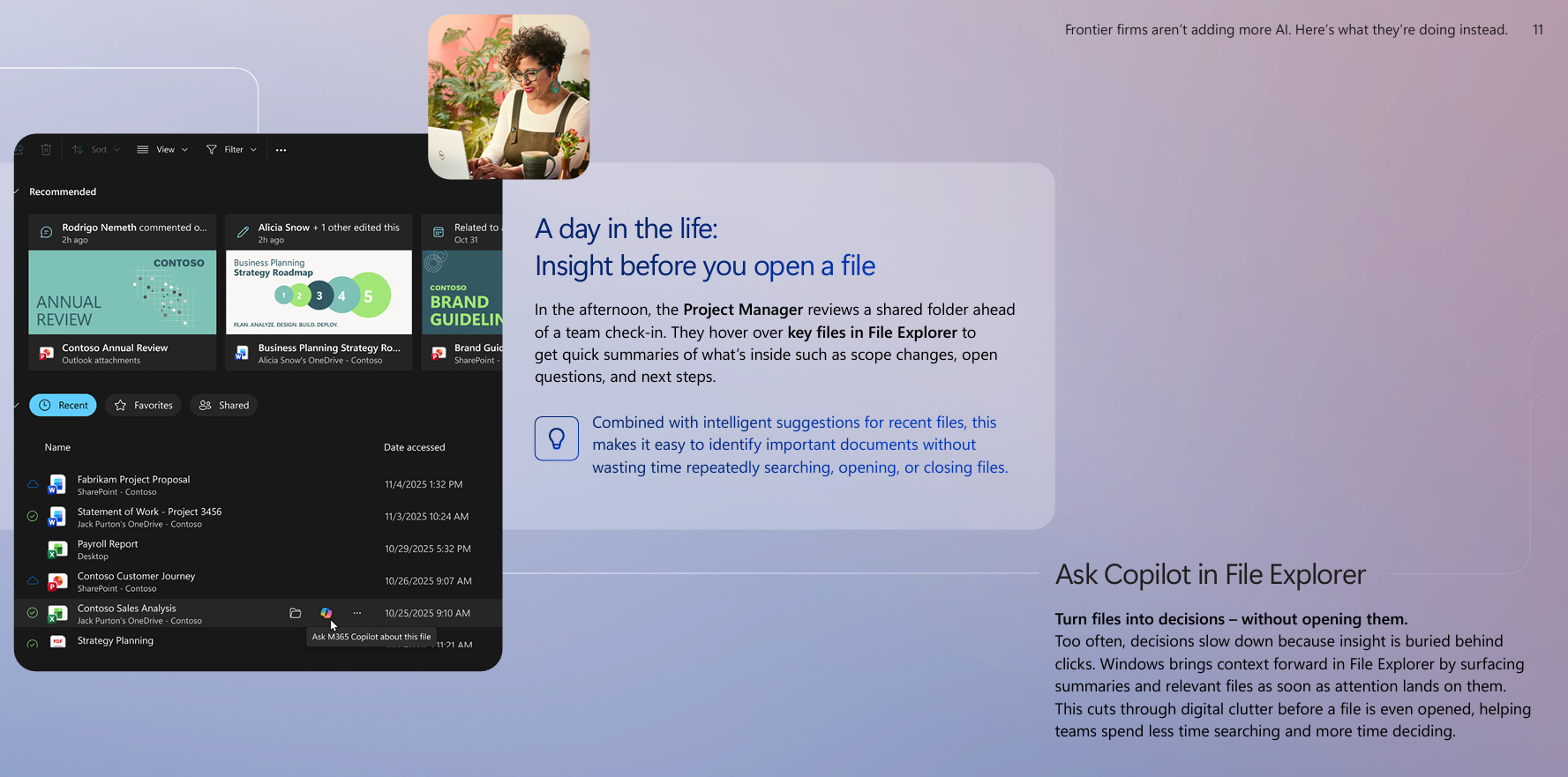
By contrast, a tool like Click to Do operates invisibly until summoned, proving that AI is far more useful as a background utility. The mid-2026 update will drop alongside other localized features, including writing assistance in text boxes and a tool to Ask Copilot for summaries inside File Explorer without opening the files.
Microsoft reinforces its plan to make Windows into an Agentic OS
A concrete mid-2026 feature roadmap proves that despite recent commitments to scale back on Copilot, Microsoft is not backing down.
As we recently covered, Microsoft’s Yusuf Mehdi pledges to reimagine Windows 11 for the AI era in his final year before leaving. The longtime consumer chief explicitly noted that he is staying through the next fiscal year to prep Windows for the agentic era and bring the One Copilot vision to life.
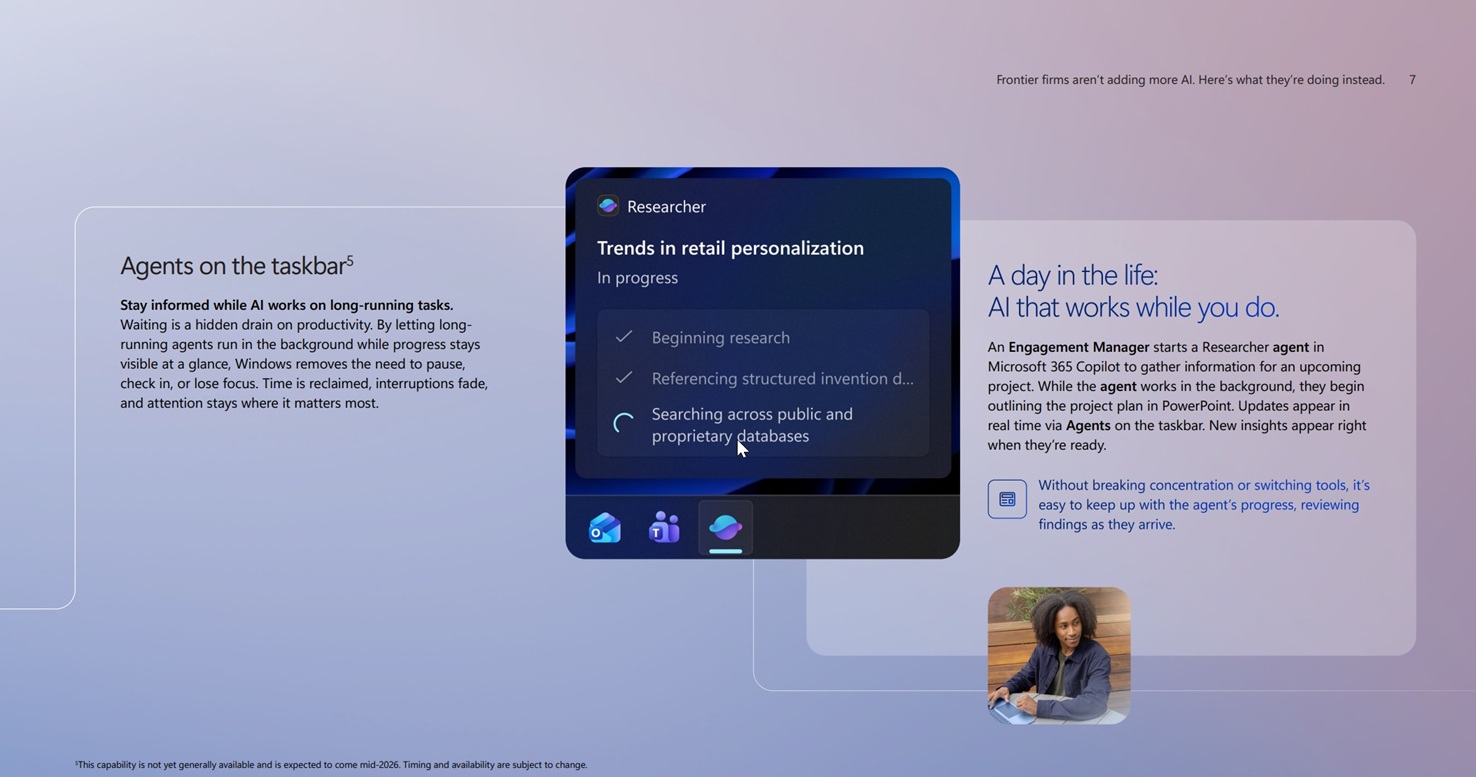
As Microsoft confirms AI agents are still coming to the Windows 11 taskbar, the company is building a platform where autonomous digital workers receive deep system access to research topics and complete workflows automatically.
Microsoft’s e-book already shows this vision with background researcher agents that execute long-running tasks while tracking progress via the taskbar.
But the elephant in the room is Microsoft’s existing plans to fix Windows 11’s performance issues, and fortunately, the company is also fully committed to it, as they already shared a progress report.
Although Ask Copilot was already announced last year, and it works for the most part in Insider builds, by pushing it to mid-2026, I feel Microsoft is giving its development teams the time they need to ensure Windows 11 is finally stable enough to support the future of automated work.