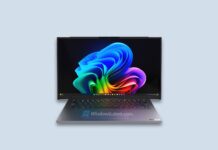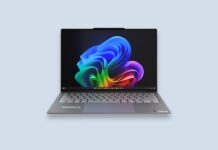







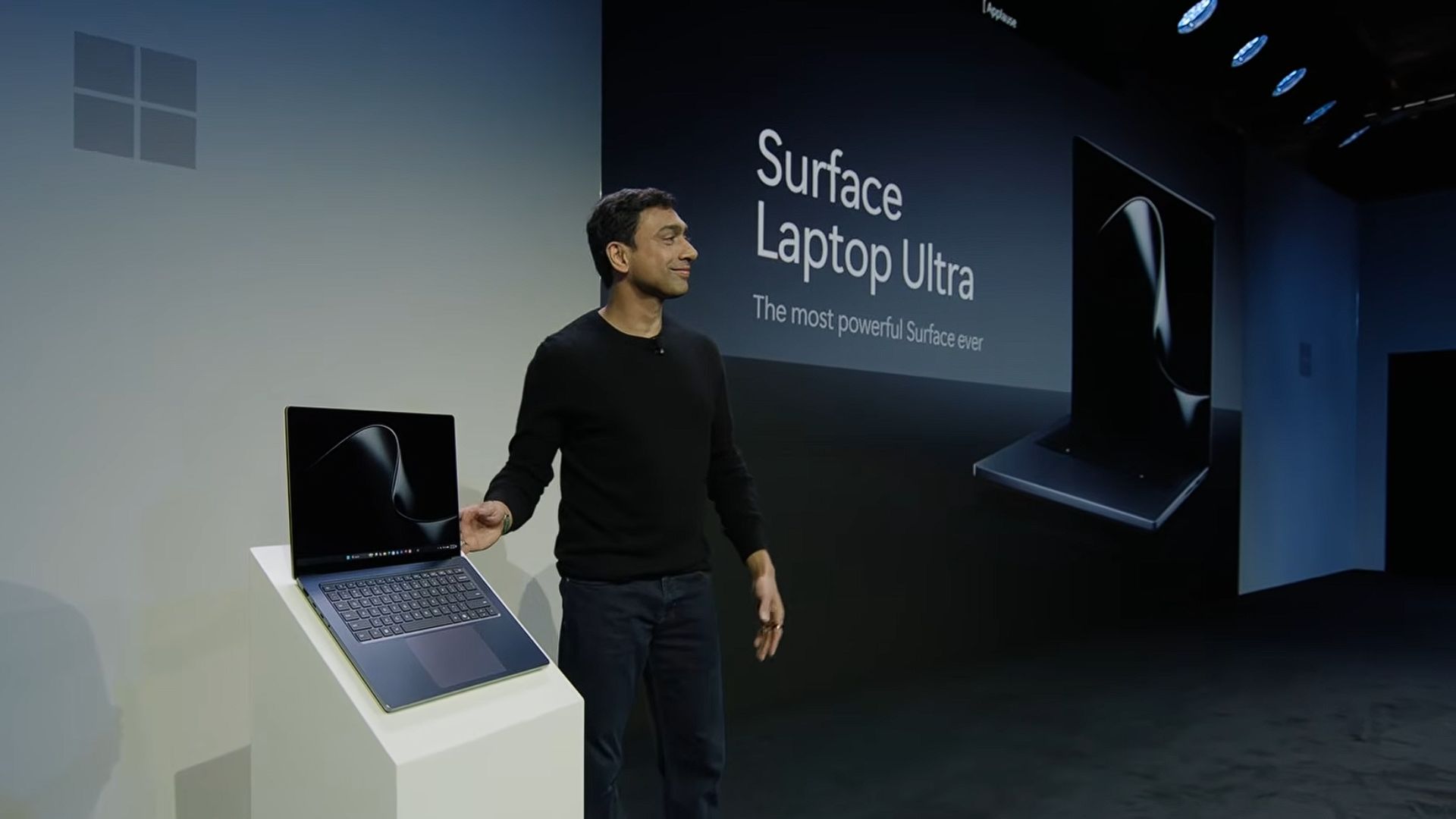
Microsoft has launched the Surface Laptop Ultra, a 15-inch Surface powered by NVIDIA’s RTX Spark superchip, with up to 128GB of unified memory and up to one petaflop of AI compute, enough to run AI models with up to 120 billion parameters locally. Microsoft says it’s “the most powerful Surface Laptop ever built.”
All of these fit inside a chassis that’s less than 18mm thick and weighs under 4.5 pounds, with a mini-LED display that reaches 2,000 nits. Finally, Microsoft has a Surface Laptop built to take on the MacBook Pro.
The Surface Laptop Ultra launches at a starting price of $2599 for the 18-core model with 24GB of memory. Preorders are open now, and shipping begins on October 16.
Surface Laptop Ultra packs NVIDIA RTX Spark into a surprisingly thin Surface
RTX Spark puts NVIDIA’s Grace Arm CPU and a Blackwell RTX GPU on a single superchip. The top configuration has 20 CPU cores and 6,144 CUDA cores, with 32GB, 48GB, 64GB, or 128GB of memory. The 18-core model drops to 5,120 GPU cores and 24GB or 32GB.
The CPU and GPU share this unified memory, so a large AI model can use far more of it than the VRAM on a typical gaming laptop. RTX Spark also supports CUDA natively, which means developers don’t have to give up NVIDIA’s AI tooling to use an Arm laptop.
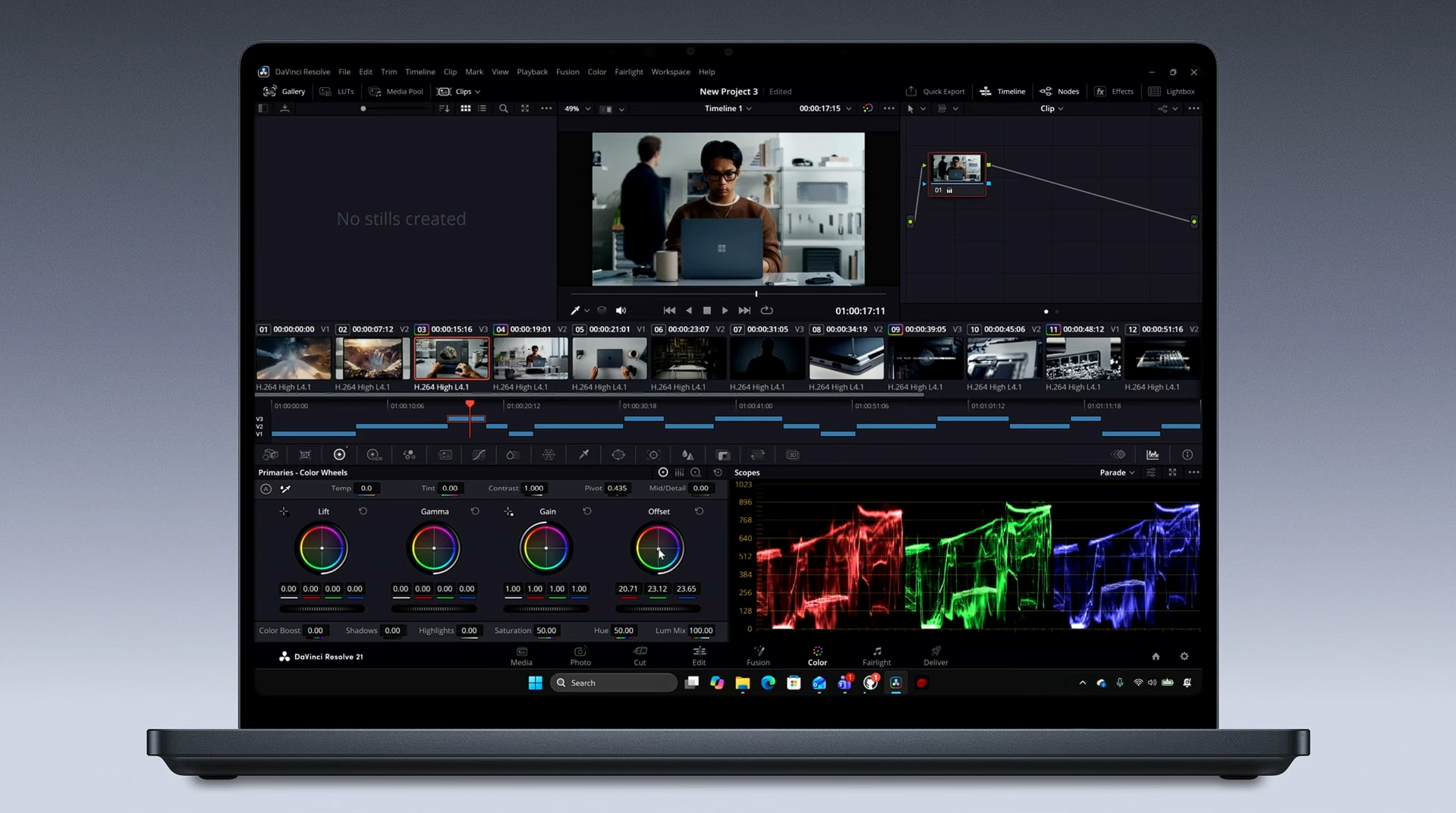
Microsoft changed Windows to keep up. They rebuilt the Windows 11 task scheduler with Workload Profile Scheduling to spread work across those 20 cores, and developed the Microsoft Power and Thermal Framework with NVIDIA to sustain performance without the laptop running hot.
The Surface Laptop Ultra has the display and design to challenge the MacBook Pro
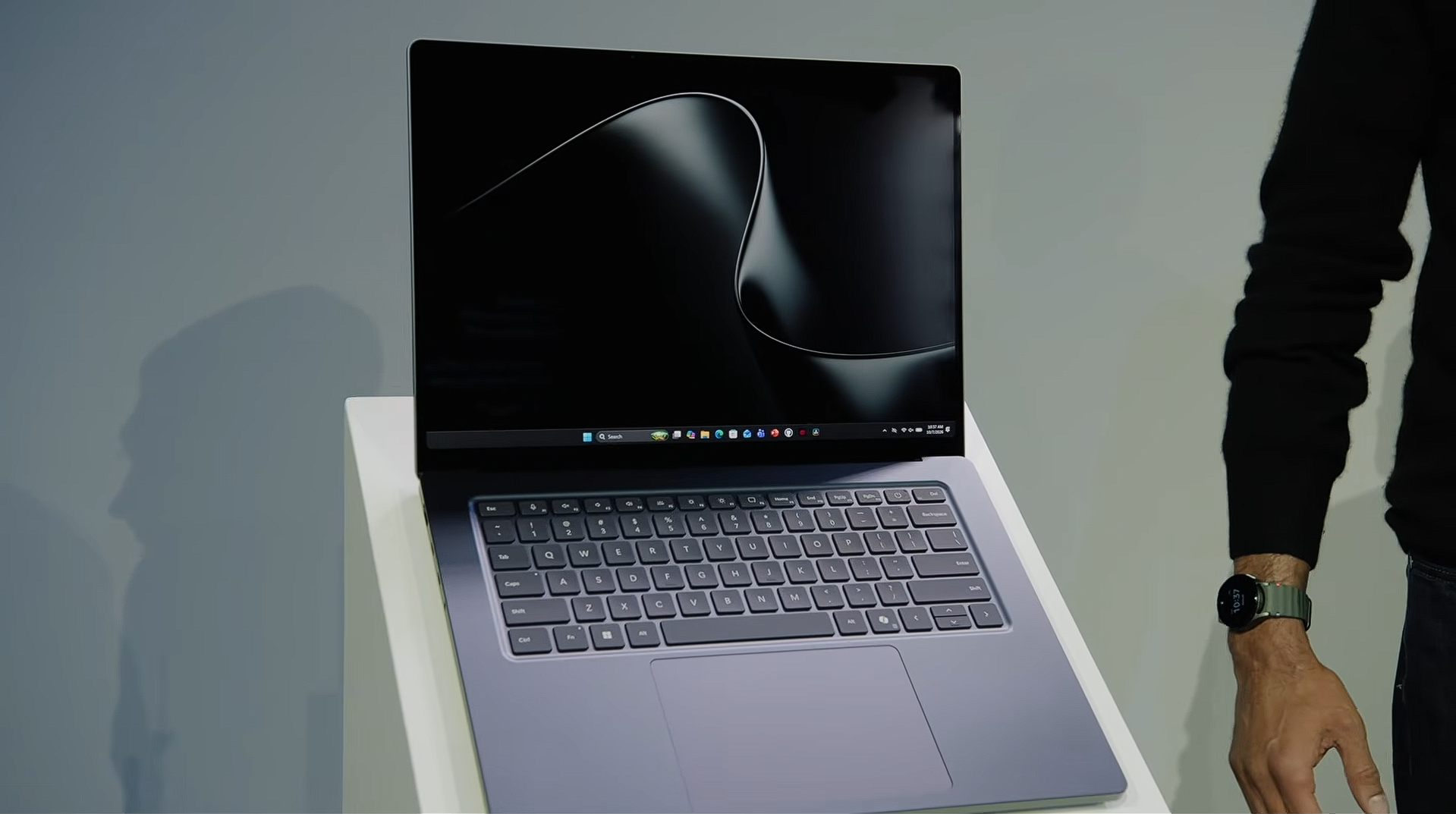
The 15-inch mini-LED PixelSense Ultra touchscreen has a 3:2 aspect ratio, 262 PPI, up to 2,000 nits of peak HDR brightness. The haptic touchpad is over 30% larger than the one on the 15-inch Surface Laptop, and you can pick Platinum or a new Nightfall finish.
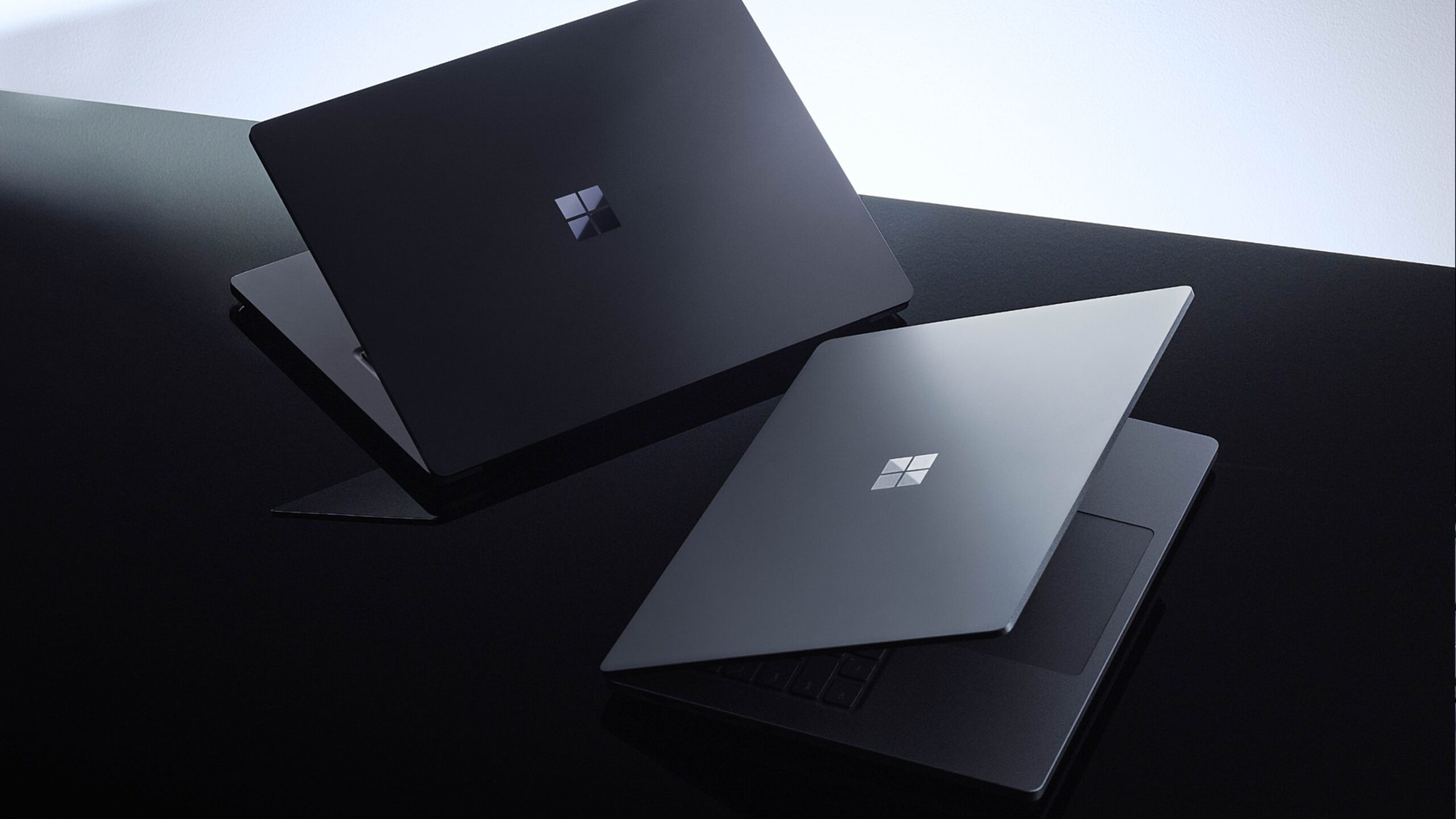
Don’t let the thin chassis fool you, because Microsoft didn’t skimp on the ports. You get three USB-C ports, USB-A, HDMI, a full-size SD card reader, and a 3.5mm headphone jack (the MacBook Pro still has no USB-A).
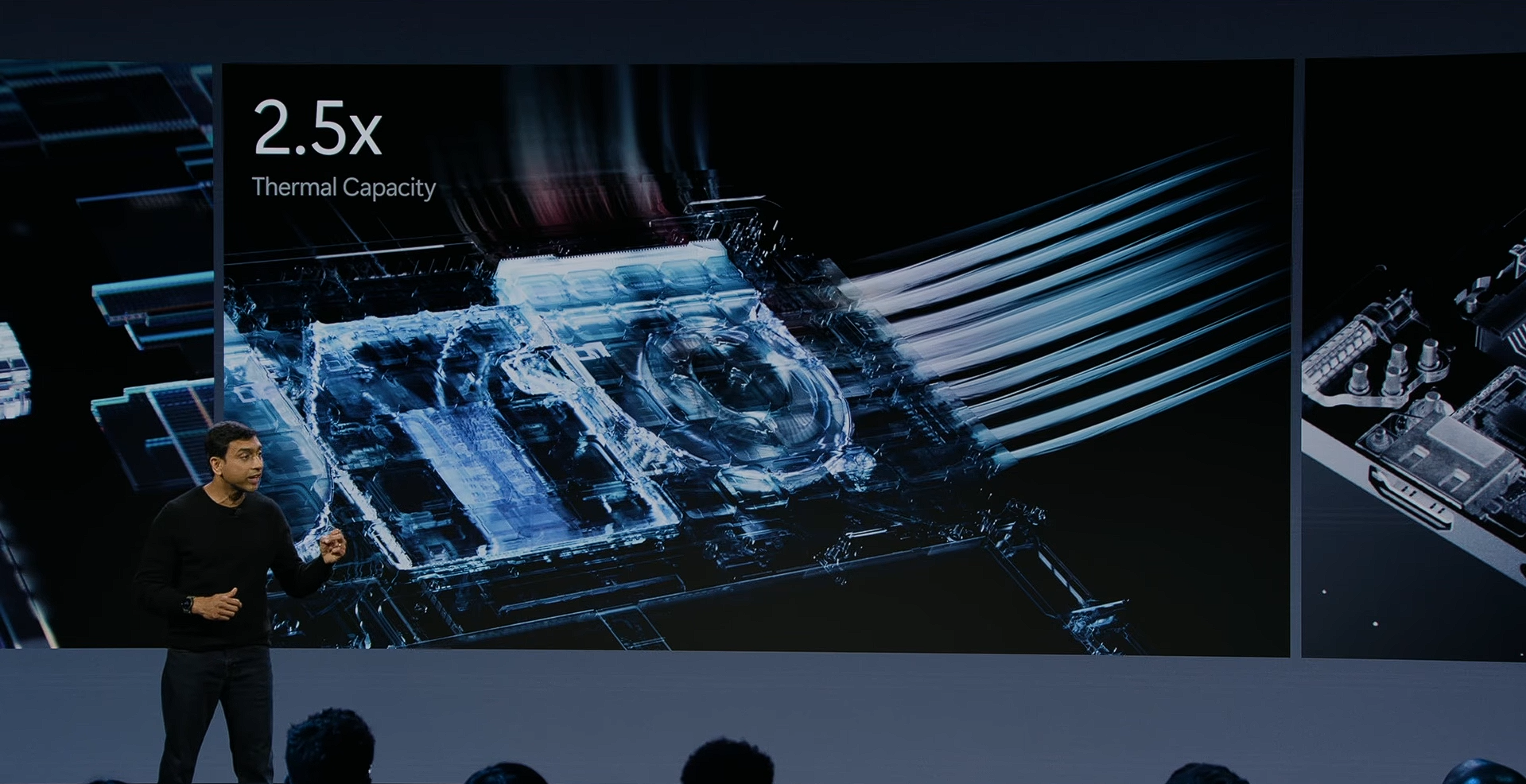
Inside, the cooling system has up to 2.5 times the thermal capacity of the 15-inch Surface Laptop 7th Edition, which should help it sustain long AI workloads.
Full Specifications of Surface Laptop Ultra
| Specification | Surface Laptop Ultra |
|---|---|
| Price | Starts at $2,599 (18-core CPU, 24GB memory) |
| Availability | Preorders open now, shipping begins October 16, 2026 |
| Processor | NVIDIA RTX Spark superchip with Grace Arm CPU, 18-core or 20-core |
| Graphics | NVIDIA Blackwell RTX GPU, 5,120 CUDA cores (18-core) or 6,144 CUDA cores (20-core) |
| AI performance | Up to 1 petaflop (FP4) |
| Memory | 24GB to 128GB unified memory |
| Storage | User-replaceable SSD |
| Display | 15-inch mini-LED PixelSense Ultra touchscreen, 3:2 aspect ratio, 262 PPI, up to 2,000 nits peak HDR brightness |
| Touchpad | Haptic touchpad, over 30% larger than the 15-inch Surface Laptop’s |
| Ports | 3x USB-C (one with Magnetic Connect magnetic charging), 1x USB-A, 1x HDMI, full-size SD card reader, 3.5mm headphone jack |
| Battery | All-day battery life, with over 99% of performance retained on battery |
| Cooling | Up to 2.5x the thermal capacity of the 15-inch Surface Laptop (7th Edition) |
| Security | Windows Hello facial recognition |
| Thickness | Under 18mm |
| Weight | Under 4.5 pounds (2 kg) |
| Colors | Platinum, Nightfall |
| Operating system | Windows 11 |
Surface Laptop Ultra price starts at $2,599.99, up to $5,899.99 for 128GB unified memory
The Surface Laptop Ultra starts at $2,599.99 for the NVIDIA RTX Spark N1X model with an 18-core CPU and 5,120-core GPU. That price gets you 24GB of unified memory, a 512GB SSD, and Windows 11 Home, in Platinum only. The 20-core model with the 6,144-core GPU starts at $3,699.99 with 32GB of memory and a 1TB SSD.
Nightfall starts at $2,999.99, as the 512GB base model is Platinum only. Every 32GB configuration and above also switches to Windows 11 Pro. The 48GB, 64GB, and 128GB models are listed only in Nightfall.
The top configuration, with 128GB of unified memory, costs $5,899.99. That’s $1,600 more than the 64GB model with a 1TB SSD, and the 2TB SSD option is only offered with 64GB. Luckily, the SSD is user-replaceable, so you can add storage later instead of paying Microsoft for it.
| Processor | Memory | Storage | OS | Color | Price |
|---|---|---|---|---|---|
| 18-core CPU, 5,120-core GPU | 24GB | 512GB | Windows 11 Home | Platinum | $2,599.99 |
| 18-core CPU, 5,120-core GPU | 24GB | 1TB | Windows 11 Home | Platinum, Nightfall | $2,999.99 |
| 18-core CPU, 5,120-core GPU | 32GB | 1TB | Windows 11 Pro | Platinum, Nightfall | $3,299.99 |
| 20-core CPU, 6,144-core GPU | 32GB | 1TB | Windows 11 Pro | Platinum, Nightfall | $3,699.99 |
| 20-core CPU, 6,144-core GPU | 48GB | 1TB | Windows 11 Pro | Nightfall | $3,999.99 |
| 20-core CPU, 6,144-core GPU | 64GB | 1TB | Windows 11 Pro | Nightfall | $4,299.99 |
| 20-core CPU, 6,144-core GPU | 64GB | 2TB | Windows 11 Pro | Nightfall | $4,699.99 |
| 20-core CPU, 6,144-core GPU | 128GB | 1TB | Windows 11 Pro | Nightfall | $5,899.99 |
RTX Spark is why Microsoft thinks Windows can fight the MacBook Pro
Until now, developers who wanted lots of unified memory for local AI usually ended up with a MacBook Pro or Mac Studio, while those who needed CUDA were stuck with bulky gaming laptops or desktops. Surface Laptop Ultra gives both in one portable machine, while also looking arguably better than a MacBook Pro.
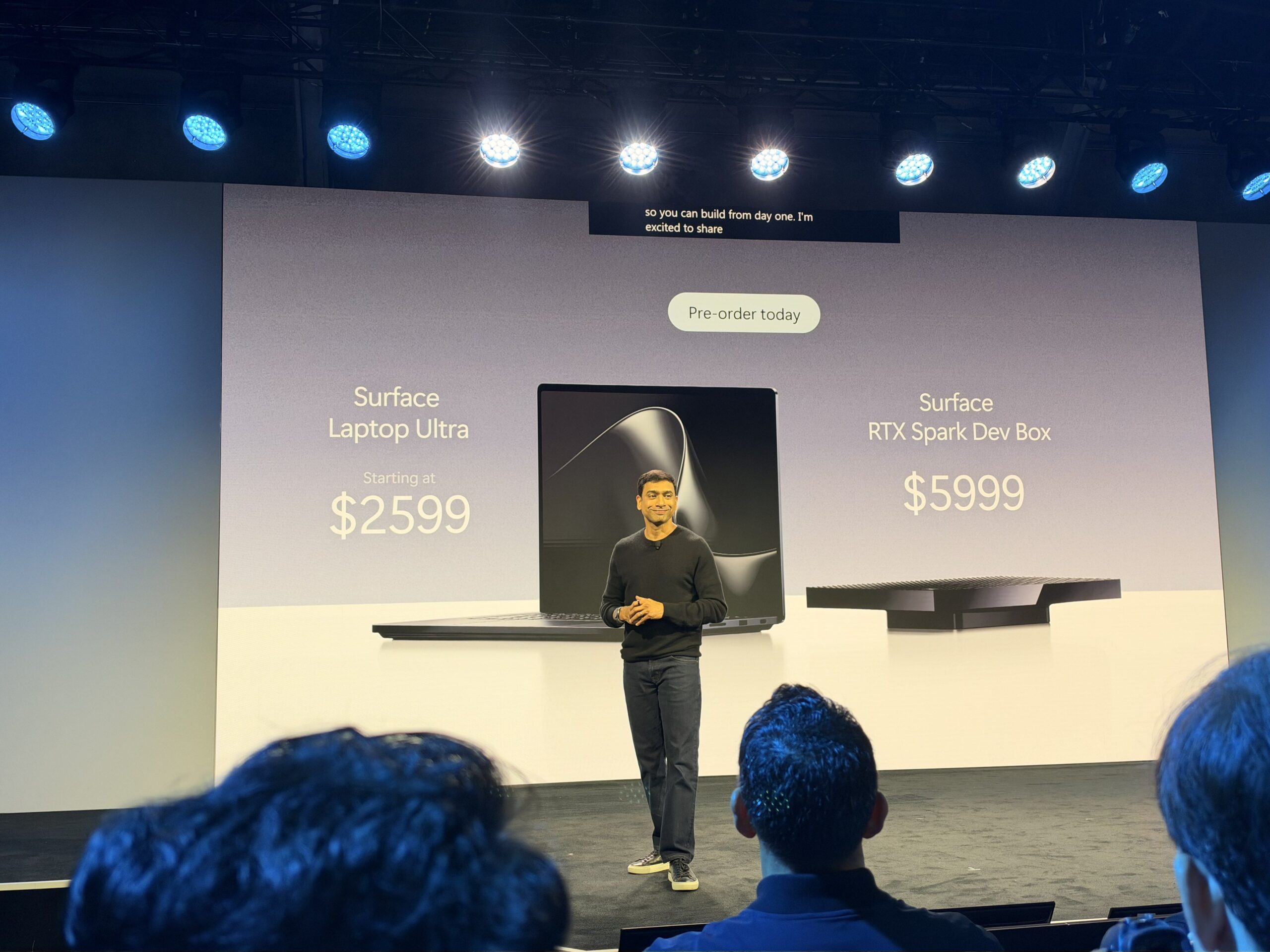
Yes, there’s no going around the insane pricing, but at this point, we weren’t expecting anything less.
For desks, there’s the $5,999 Surface RTX Spark Dev Box, which packs 128GB of memory into a chassis that reminds me of Apple’s cheese grater Mac Pro.
In my opinion, the biggest winners here are Windows developers who no longer need a MacBook Pro to run large AI models locally.