








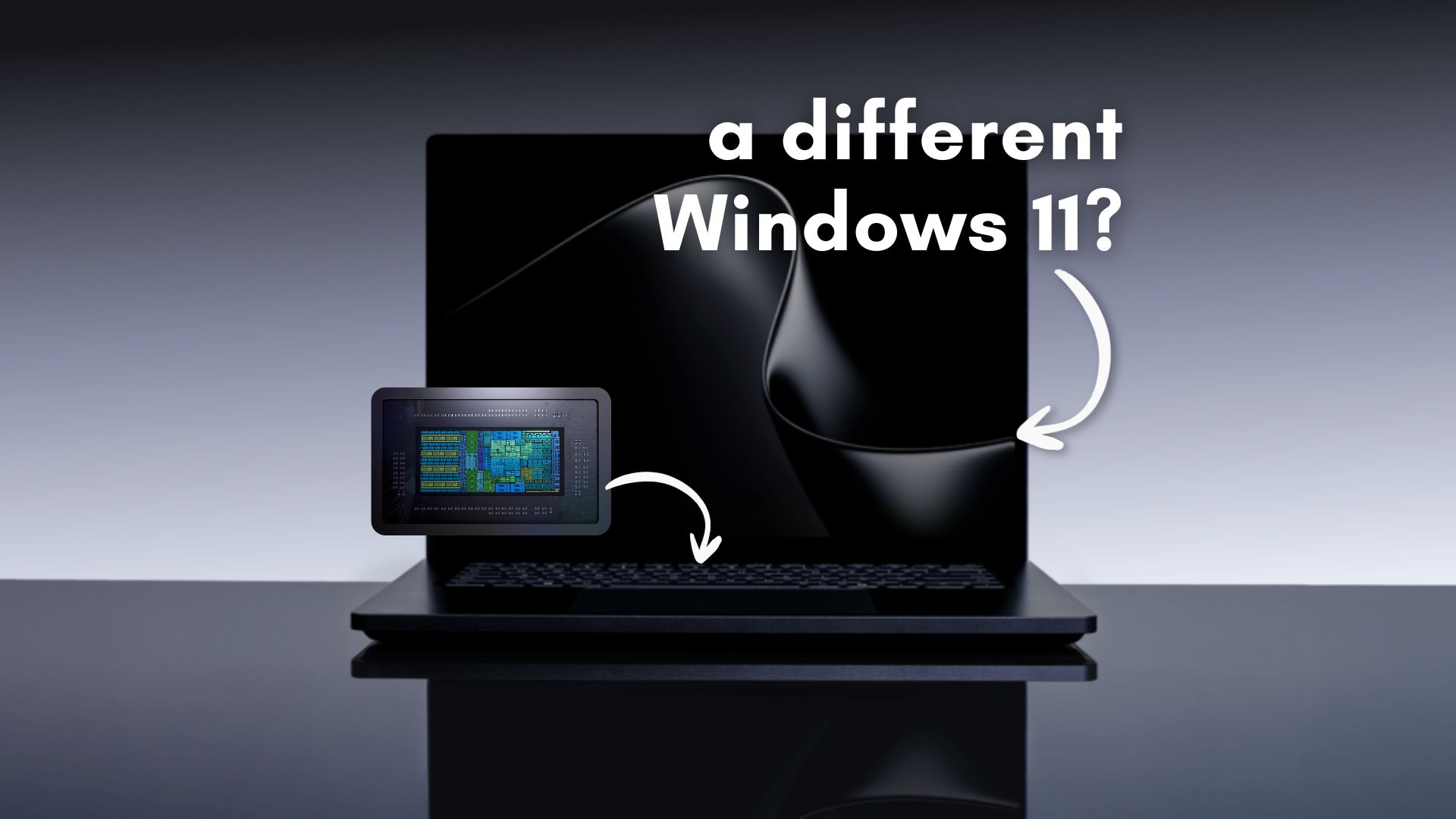
Microsoft and NVIDIA recently revealed the RTX Spark processor to the global tech community at Computex. The custom hardware promises to bridge the frustrating gap between battery efficiency and raw graphical power on the Windows on Arm platform.
However, getting an advanced system on a chip to run smoothly requires more than just dropping it into a laptop motherboard. Microsoft had to rewrite fundamental parts of the Windows 11 scheduler and memory management systems to handle the unique architecture.
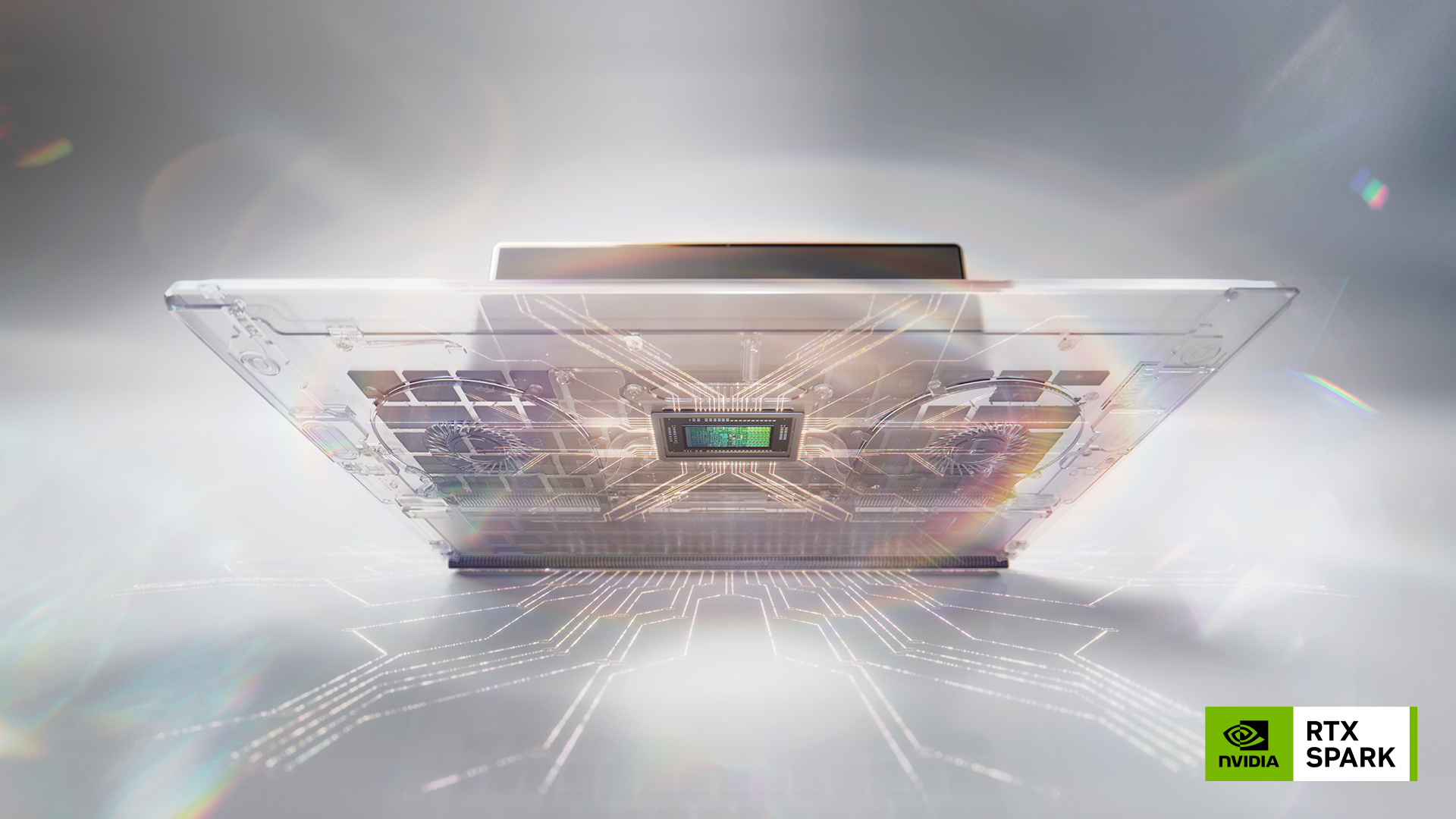
Modern processors already shift workloads dynamically between different core types for performance and battery efficiency. However, RTX Spark’s architecture is far more heterogeneous than typical laptop chips because it combines CPU cores, GPU acceleration, AI processing, and unified memory into a tightly integrated system.
Microsoft says Windows 11 now uses Workload Profile Scheduling (WPS) to scale workloads more intelligently across all 20 CPU cores of the RTX Spark, depending on the task.
“Whether you’re checking your email or running an agent locally to debug code, the Windows scheduler on RTX Spark will ensure you get the best performance and efficiency out of your CPU.”
We are not getting Windows 12 at Build 2026, but Windows 11 is now making more aggressive real-time decisions about where workloads should run and how power should be distributed.
We still do not have benchmark results to verify the lofty performance claims made during the keynote presentation. However, both Microsoft’s and NVIDIA’s blogs published during the Taipei event reveal some fascinating structural changes to the operating system.
Microsoft tuned the Windows scheduler for RTX Spark
Microsoft confirmed that they implemented new workload scheduling optimizations, memory management changes, Prism emulator tuning, and power management improvements specifically for RTX Spark systems. The company says these changes are designed to extract the best possible performance and efficiency from NVIDIA’s new Arm-based superchip architecture.
“To get the most out of Windows on RTX Spark’s powerful, heterogeneous architecture, we implemented workload profile scheduling (WPS) and optimized it for RTX Spark,” Microsoft said.
If you’re wondering why Microsoft didn’t do this previously with Windows on Arm, it’s because RTX Spark is not a traditional laptop processor.
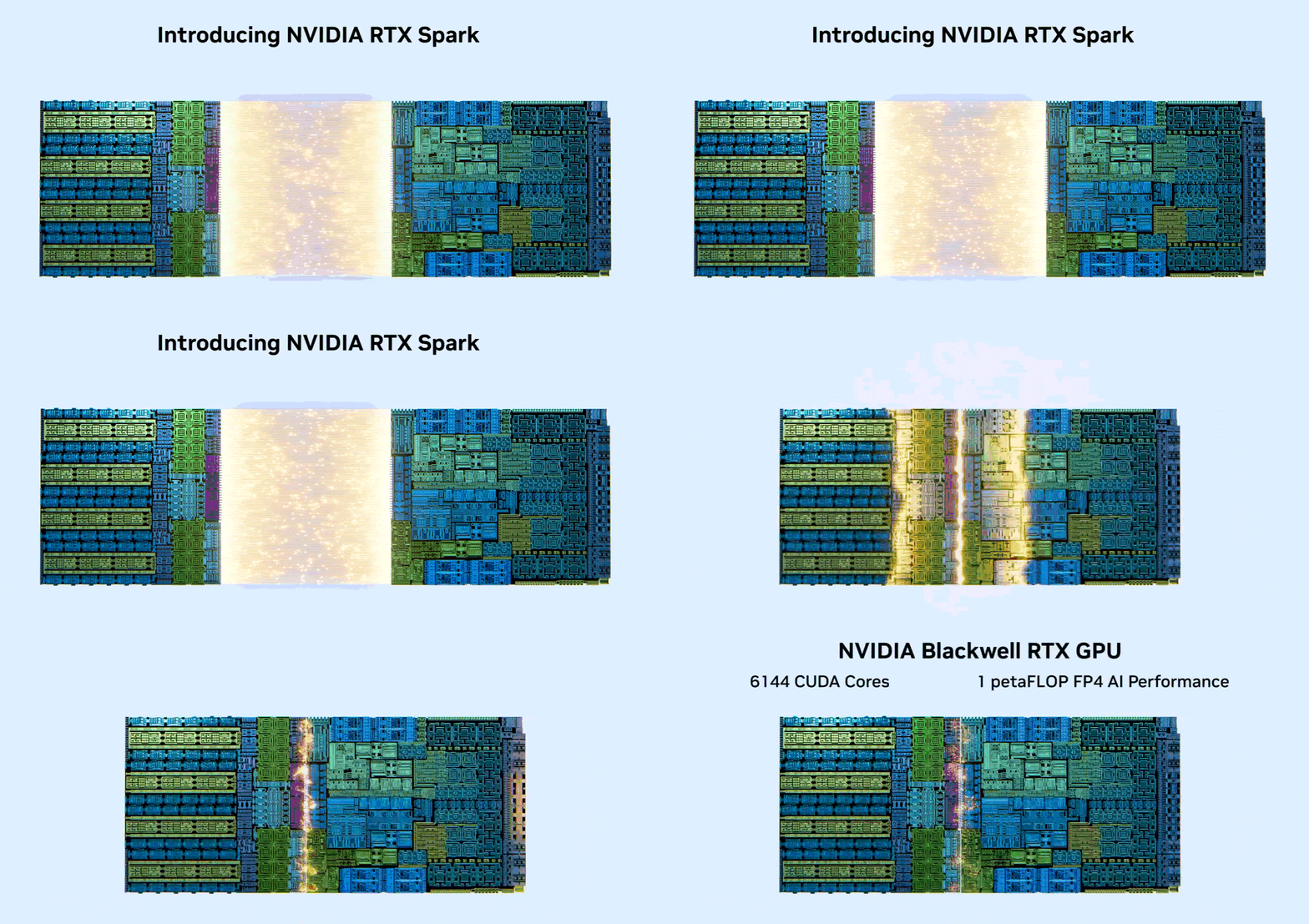
Unlike the mobile-optimized Qualcomm Snapdragon X2 series chips, RTX Spark is a dual‑die AI superchip merging a server‑grade Grace 20-core Arm CPU and a figuratively massive Blackwell RTX GPU with up to 6,144 CUDA cores with unified memory architecture, and dedicated AI acceleration into a single platform designed around local AI agents, creative workloads, and gaming.
Naturally, Windows itself had to change to support it.
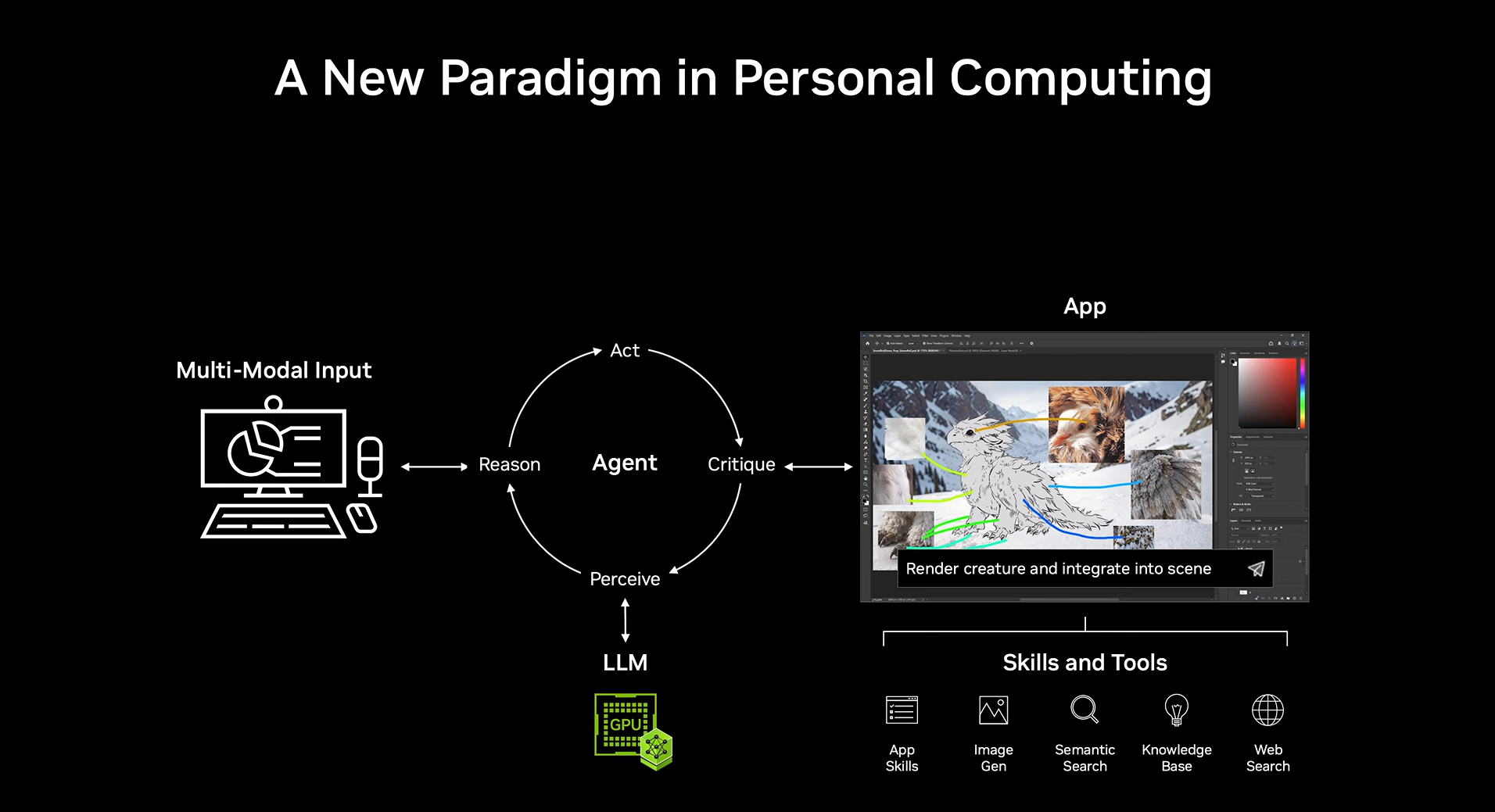
It’s especially important for AI workloads, which both NVIDIA and Microsoft are pushing, because local agents continuously move between CPU tasks, GPU inference, memory operations, and background processes simultaneously.
Microsoft also confirmed that it worked with NVIDIA on the Microsoft Power and Thermal Framework (MPTF), which standardizes thermal and power behavior across RTX Spark systems.
The company claims this allows RTX Spark laptops to maintain high sustained performance while staying cooler and more power efficient under heavy workloads.
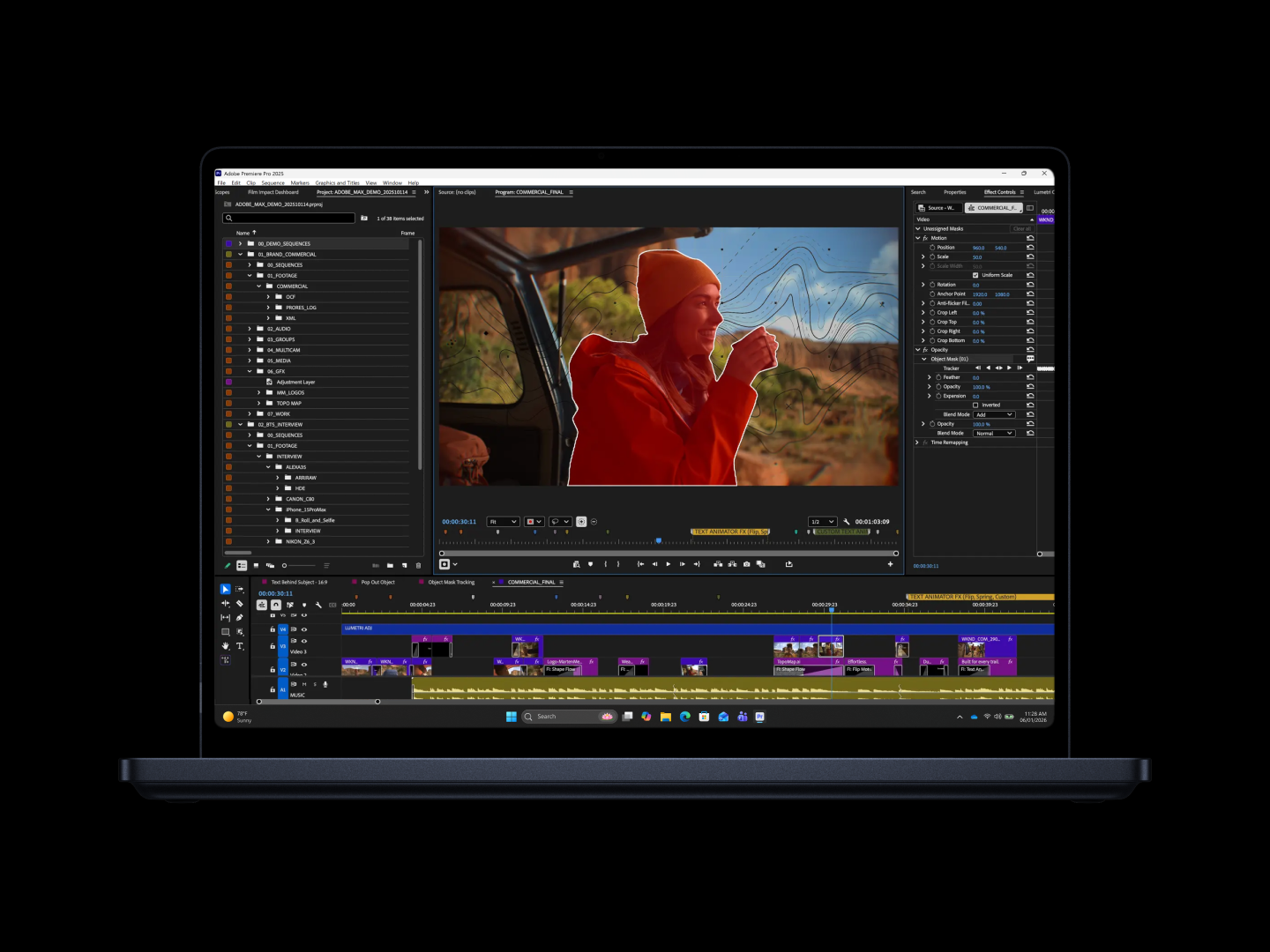
There is no word about real-world battery life or thermals. But technically, this is one of the deepest Windows-on-Arm platform-level optimizations Microsoft has publicly discussed in years.
Windows on Arm is getting serious performance upgrades
Adopting an ARM processor always raises valid consumer concerns when it comes to legacy software compatibility. However, Microsoft says they tuned the Prism emulation layer for the RTX Spark microarchitecture to ease that platform transition. Prism is Microsoft’s x86 emulation layer for Windows on Arm.
“Prism has been tuned for the microarchitecture of RTX Spark and when combined with the raw power of the silicon, unlocks great performance for developers, creators and gaming workloads running under emulation.”
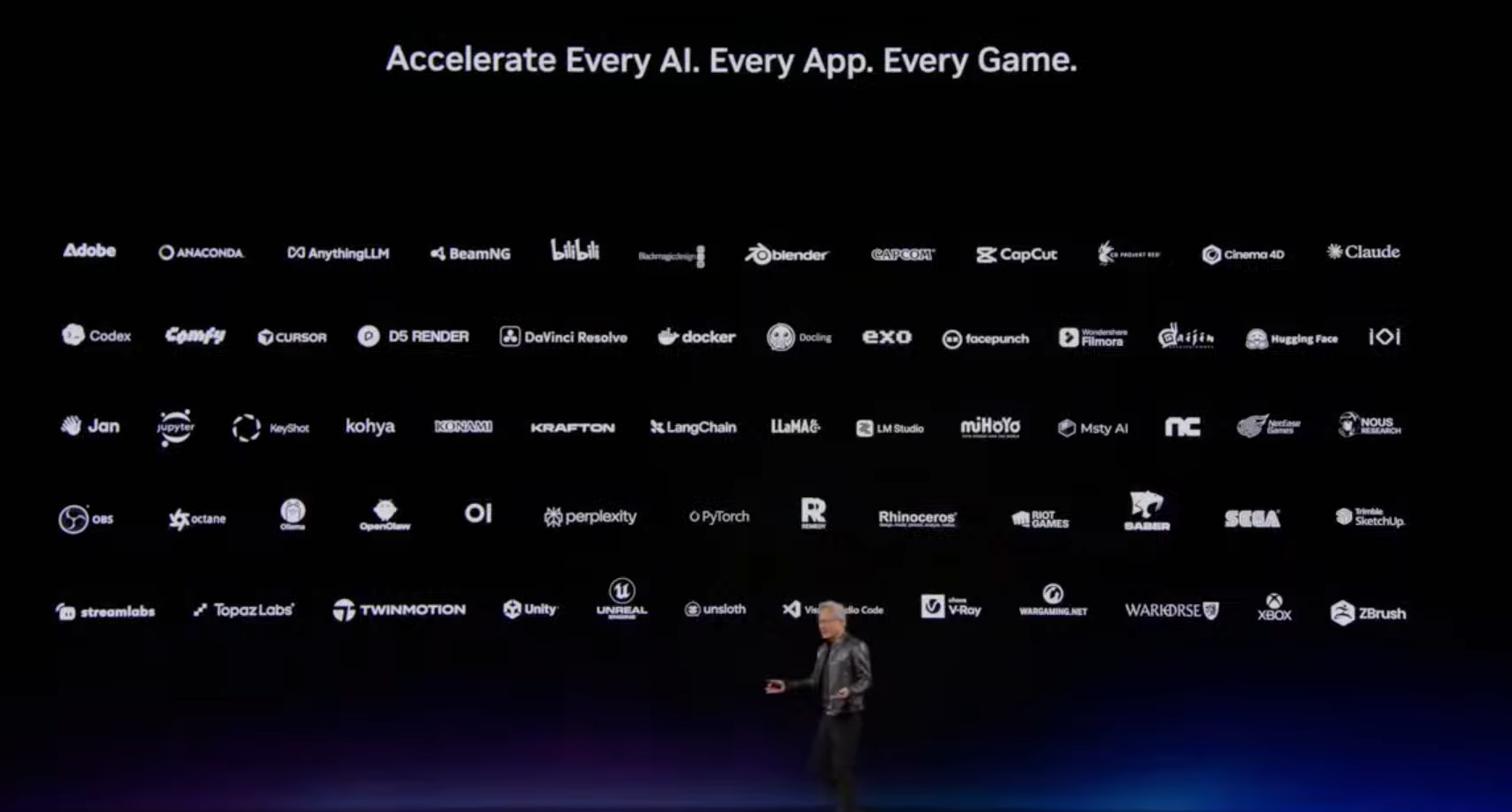
App compatibility is still the single biggest concern around Windows on Arm.
During the keynote, NVIDIA CEO Jensen Huang already addressed this concern, as Windows Latest recently reported, he confirmed that RTX Spark systems can run all existing Windows 11 applications through native Arm support or Prism emulation.
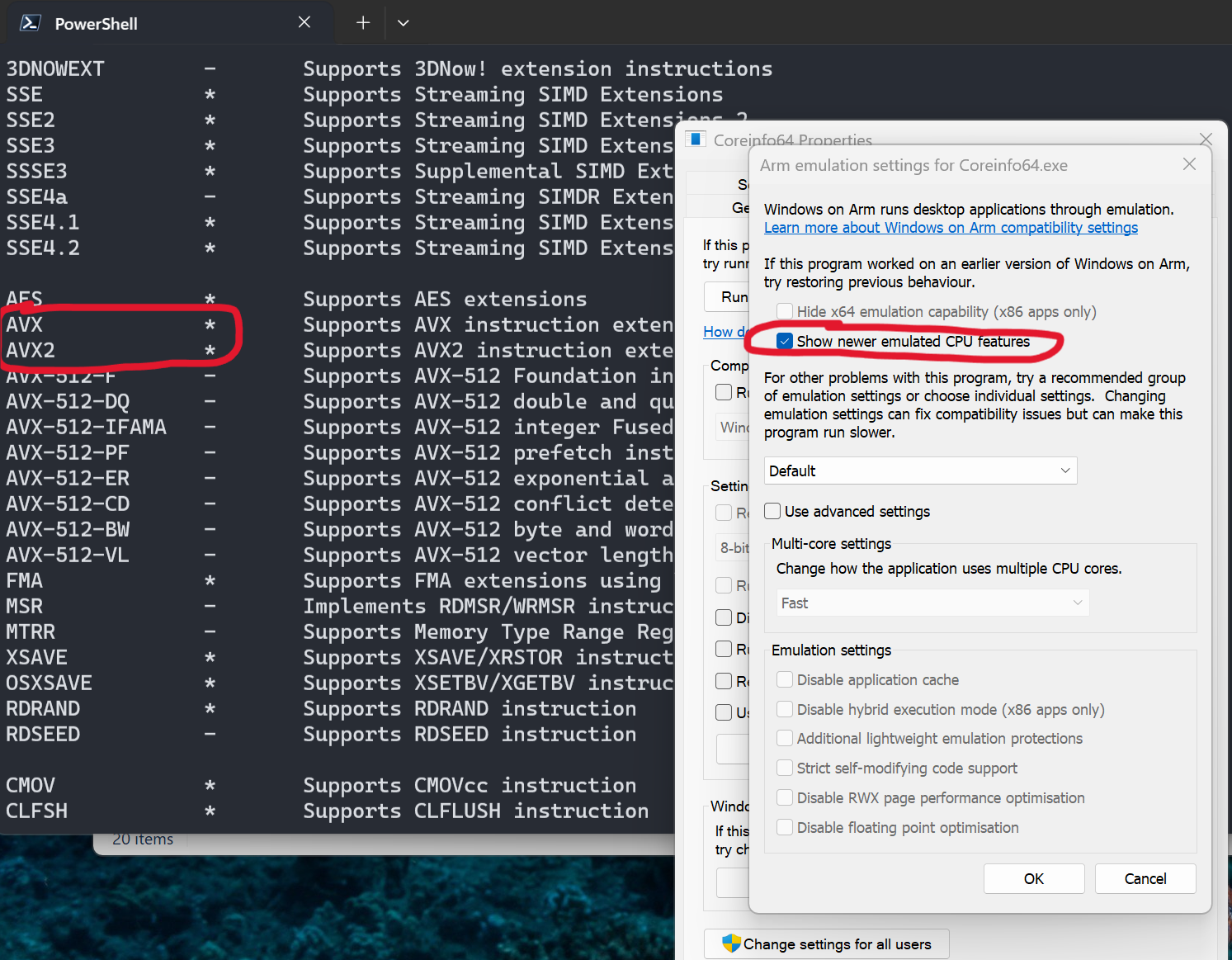
We also mentioned how NVIDIA and Microsoft improved AVX and AVX2 emulation support last year, which solved compatibility issues for many professional applications and games.
RTX Spark is clearly trying to position itself differently. NVIDIA wants it to be a full high-performance Windows platform for creators, developers, AI workloads, and gaming.
Whether it succeeds depends entirely on real-world software compatibility and sustained performance, but Microsoft looks to be treating this platform far more seriously than earlier Windows on Arm efforts.
Unified memory and AI workloads are forcing Windows to evolve
Microsoft also confirmed major memory management improvements for RTX Spark, as Windows 11 removes strict GPU memory barriers. The platform supports up to 128GB of unified memory shared between the CPU and GPU.
To support this properly, Windows now increases the amount of total system memory accessible by the GPU and improves page management behavior for large shared-memory workloads, which is particularly relevant for local AI models.
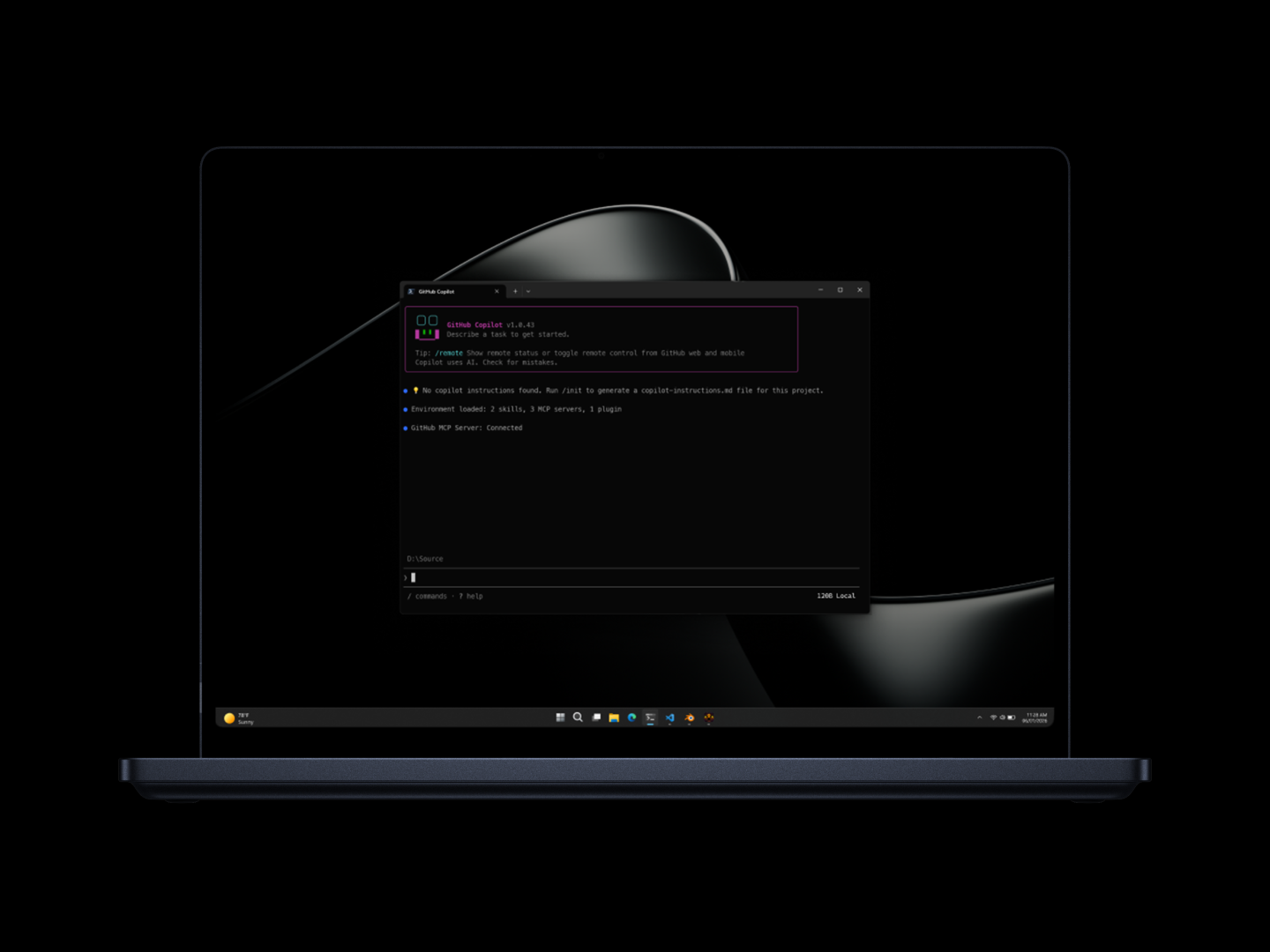
NVIDIA claims RTX Spark systems can run 120B parameter large language models locally with contexts reaching one million tokens. That is an absurd amount of memory pressure for a laptop-class device!
To compensate, Windows now dynamically adjusts larger memory page handling for unified memory systems.
New security primitives sandbox local AI agents to protect your privacy
NVIDIA and Microsoft are heavily pushing the concept of local artificial intelligence agents like OpenClaw and Hermes. Giving an autonomous agent the ability to read your screen and execute files is an absolute privacy nightmare if handled incorrectly. To solve the security gap, NVIDIA is bringing the OpenShell runtime directly to the Windows desktop.
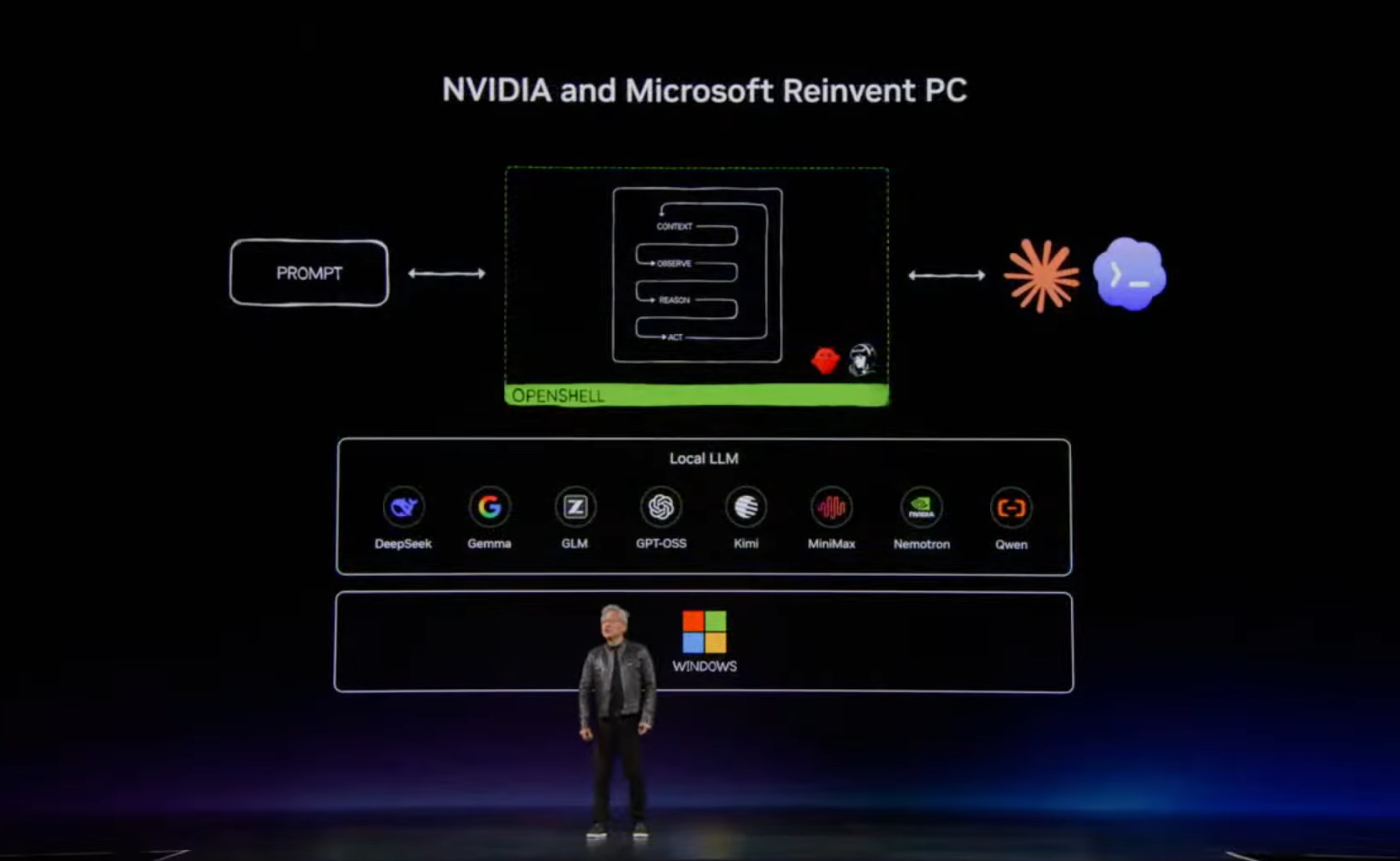
The OpenShell system integrates tightly with new OS enforced identity and containment primitives built directly into Windows 11. The containment features sandbox the local agents so they operate under strict policy boundaries. Users define what the software can and cannot access. The sandbox should keep your personal files secure while still providing the agent enough system context to execute cross-app workflows locally without pinging a remote cloud server.
Again, we need actual testing before knowing how well all this performs in practice. But technically, this is closer to how Apple Silicon handles unified memory than traditional Windows laptops, and is a comparison we can’t avoid because Microsoft’s Surface Laptop Ultra announcement clearly positions RTX Spark devices as premium MacBook Pro competitors.
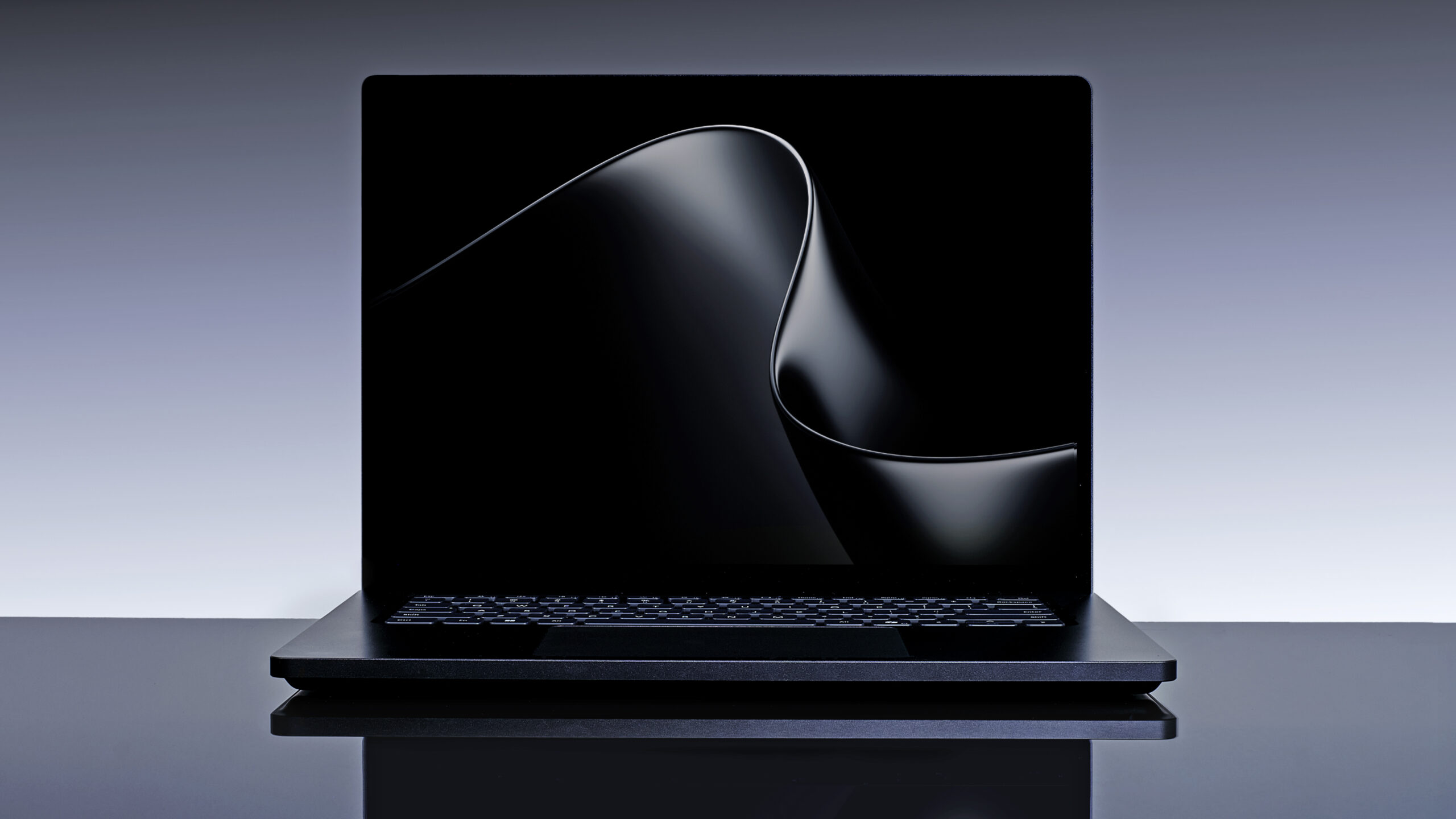
I’m genuinely impressed with the Surface Laptop Ultra, and it looks like Microsoft’s most ambitious hardware project in years, despite it not having the unique form factors Surface was known for. Sadly, all those devices failed to give a respectable price-to-performance ratio.
Putting a chip like the RTX Spark in a thin-and-light laptop design, focused on sustained local AI and creative workloads, sounds too familiar to a MacBook Pro, but with the current RAM crisis, it remains to be seen if Microsoft prices it like Apple.
Windows 11 improvements benefit everyone regardless of AI
The internet is understandably exhausted by the relentless corporate push for AI integration. Microsoft faced intense and entirely justified criticism over the past year (and even now) for prioritizing intrusive Copilot web wrappers while Windows 11 suffered from bugs and performance degradation. The huge public backlash, accompanied by the so-called Microslop era, forced a much-needed internal pivot.
Interestingly, Microsoft used the RTX Spark announcement to once again talk about improving Windows 11 quality.
“This year, we’ve been laser focused on raising the bar on performance, reliability and craft across Windows 11.”
Back in March, Microsoft partially acknowledged OS frustrations earlier this year in their “commitment to Windows quality” initiative. Since then, Windows Latest has extensively covered Microsoft’s gradual cleanup effort.
The company is rebuilding more shell components using native WinUI 3 frameworks, improving Start menu responsiveness, optimizing Windows Search, reducing memory usage under heavy load, and introducing Low Latency Profile CPU scheduling to improve UI smoothness.
Even taskbar customization is returning, including alternate taskbar positions that Microsoft cheekily mentioned again in the RTX Spark blog. To me, this matters more than the AI marketing.
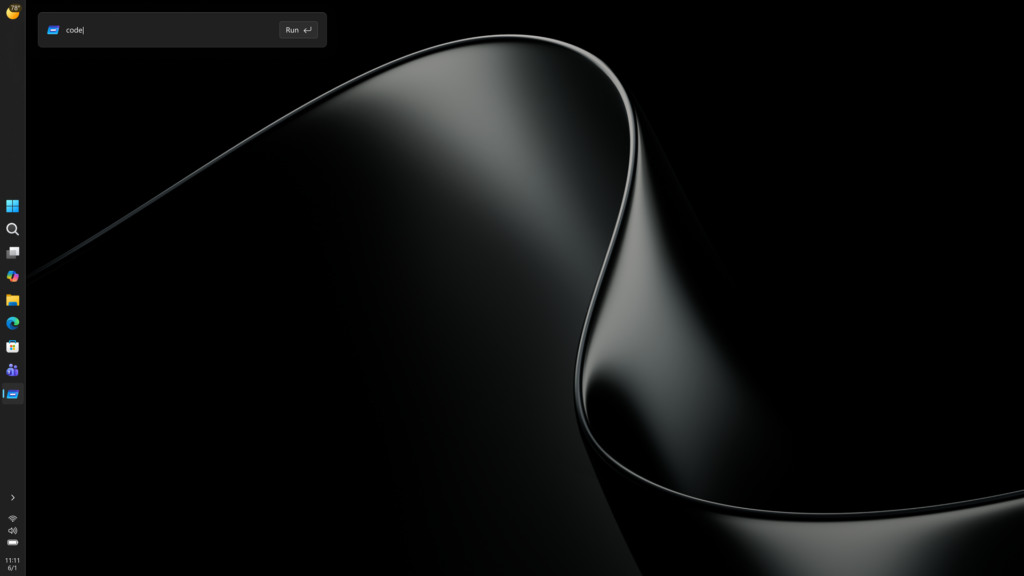
While Microsoft and NVIDIA are heavily leaning into “agentic AI” and local agents, the underlying Windows optimizations benefit regular users, too. Better scheduling, better memory handling, native applications, improved thermals, smoother shell interactions, and faster Arm emulation help everyone, even users who never touch AI workloads.
The AI push continues to be controversial. Microsoft clearly overextended Copilot integrations in several areas of Windows 11, and even the company has started quietly pulling back features that users disliked.
But there is also no denying where the industry is heading.
AI workloads are becoming deeply integrated into developer tools, creative software, local automation systems, and enterprise workflows. Companies like Microsoft and NVIDIA were going to optimize Windows anyway around all this.
The important part is whether those investments also improve the operating system. And based on Microsoft’s RTX Spark announcement, Windows 11 is finally receiving the kind of deep platform-level optimization work that users have been asking for over the last several years.