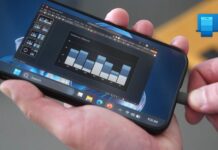

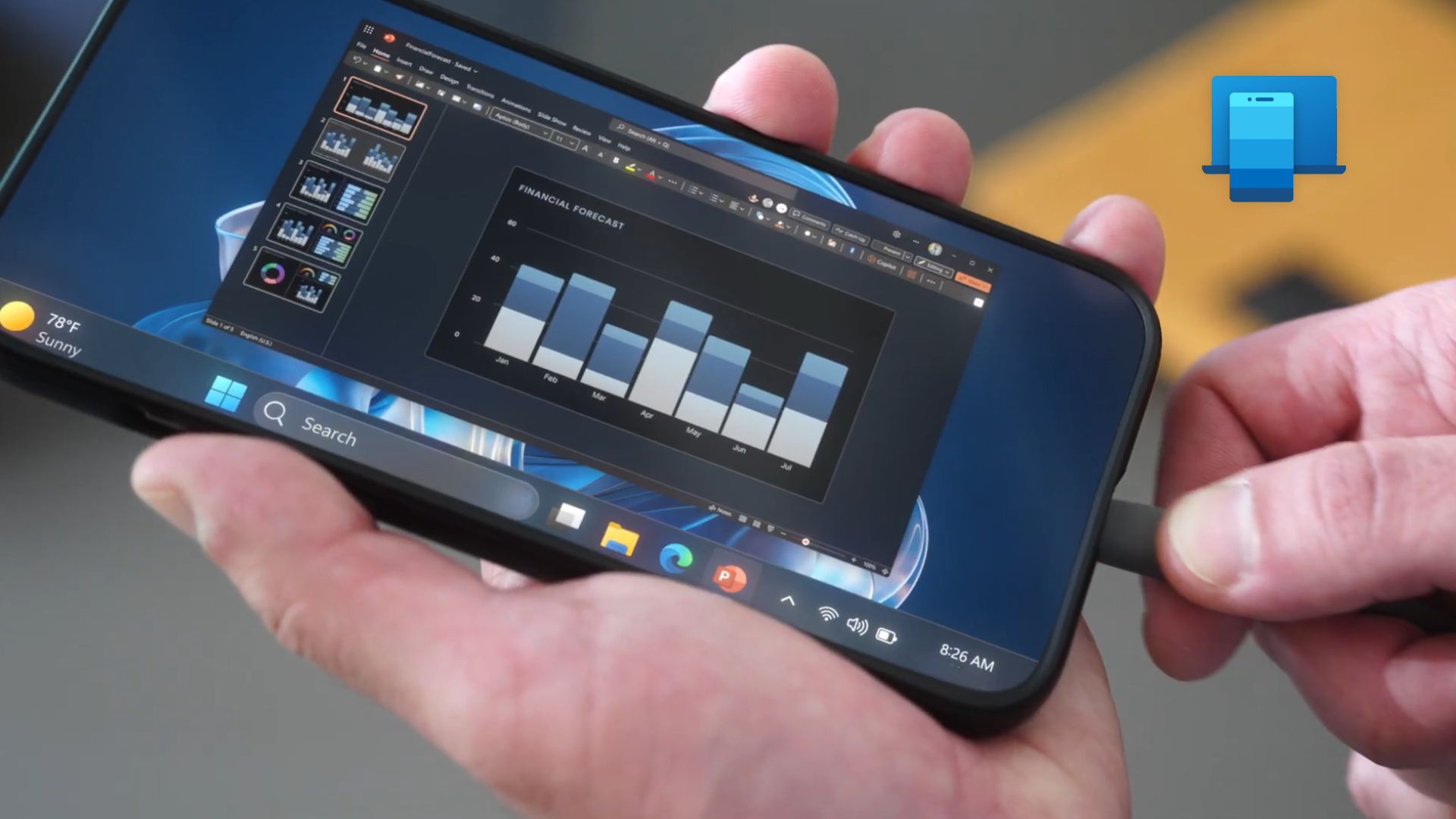
Microsoft is working on an “Extend display” feature for its Link to Windows app, which would let you use your Android phone and likely, tablet as a second monitor for your Windows 11 PC. Windows Latest found the feature’s interface strings, icons, and code for a dedicated “Phone as Display” system inside a recent version of the Android app.
If the software giant ships this feature, the old Android tablet gathering dust in your drawer could become a portable second screen for your laptop (no need to install a third-party app). I’m really excited about this because many of us have Android phones with gigantic 6.5-to-6.9-inch screens, which could be a handy extended monitor setup for work. Also, if you think an iPhone and Mac can do this natively, know that Apple’s Sidecar works only with iPads.
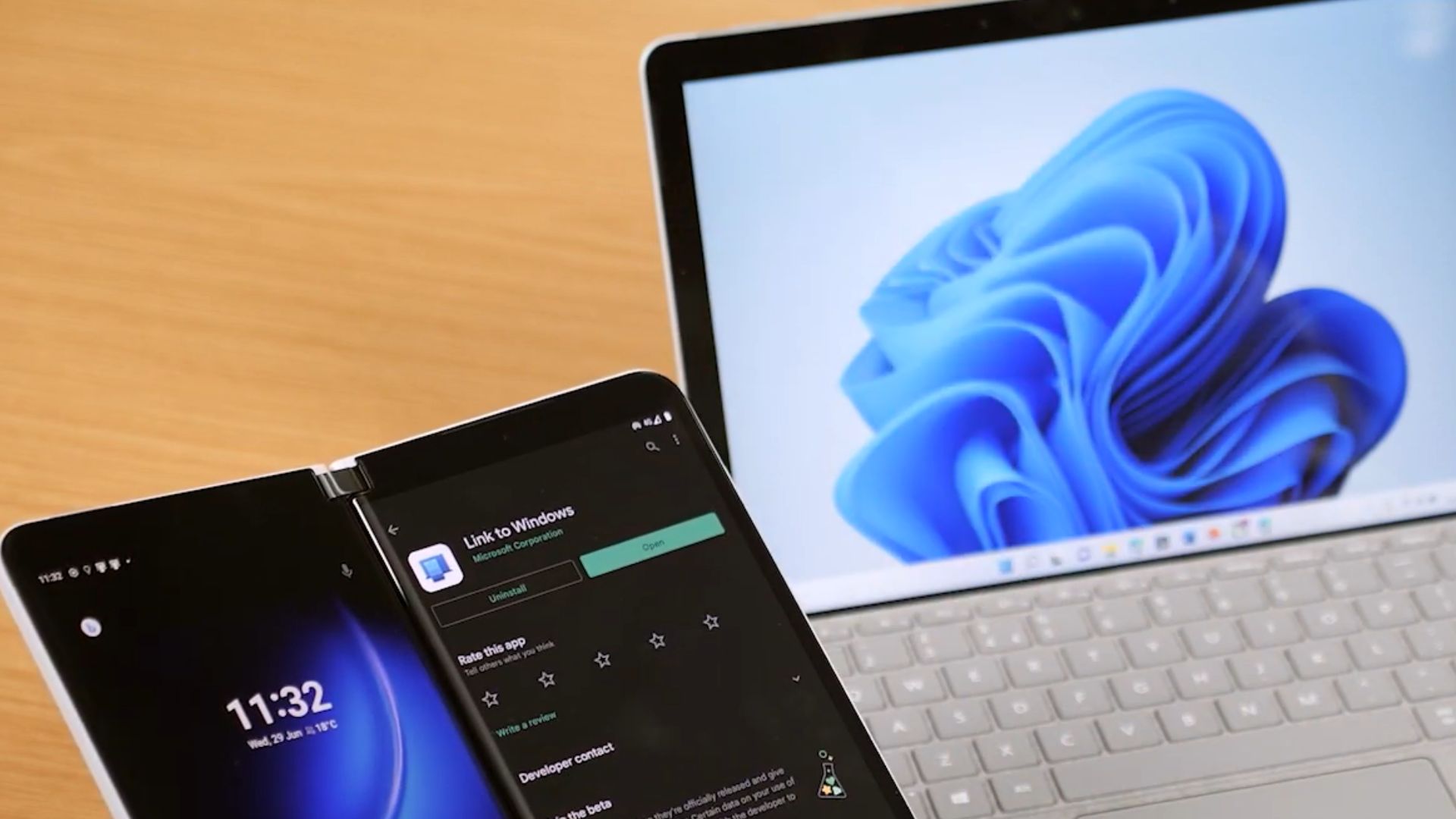
Microsoft could let you extend your Windows 11 desktop onto an Android phone
Extend display gets its own page in Link to Windows, based on these strings that Windows Latest obtained:
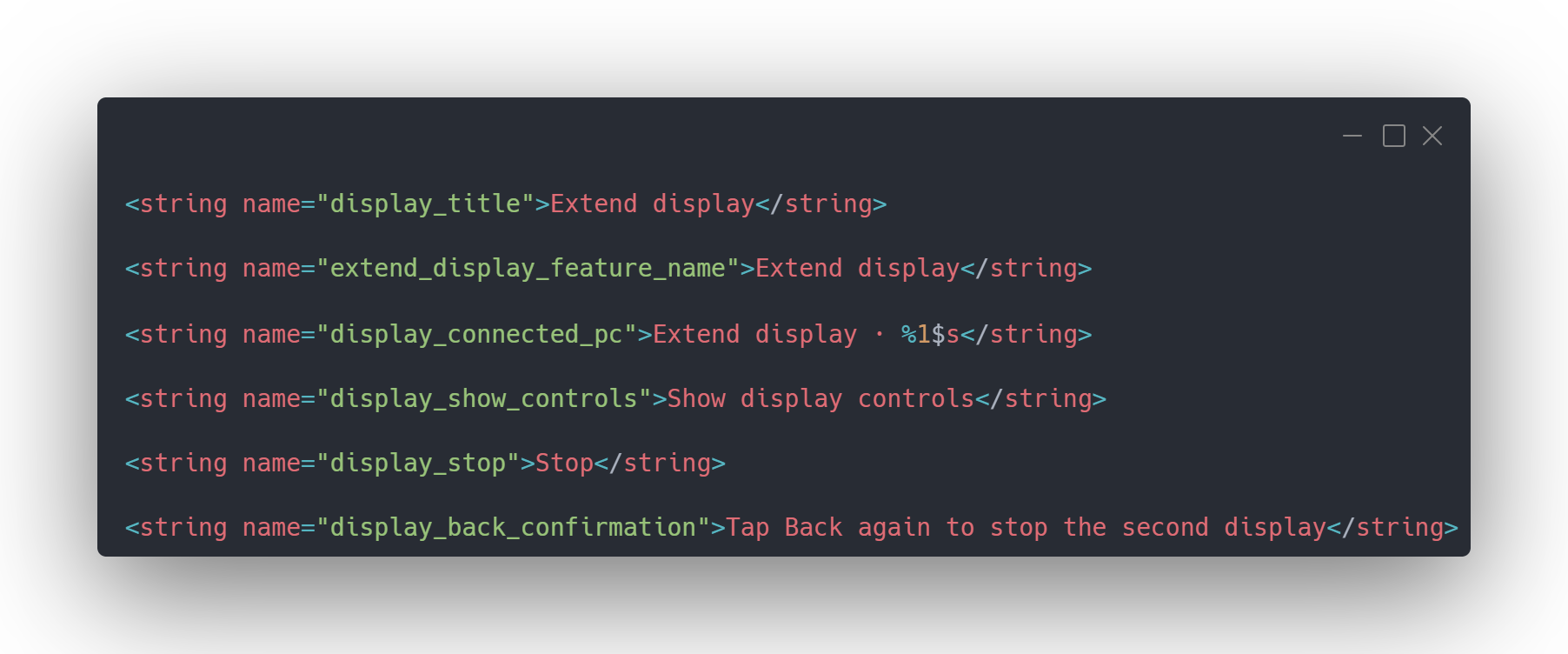
The “%1$s” placeholder will most likely show your PC’s name, and you also get display controls, a Stop button, and the option to tap Back twice to end the session.
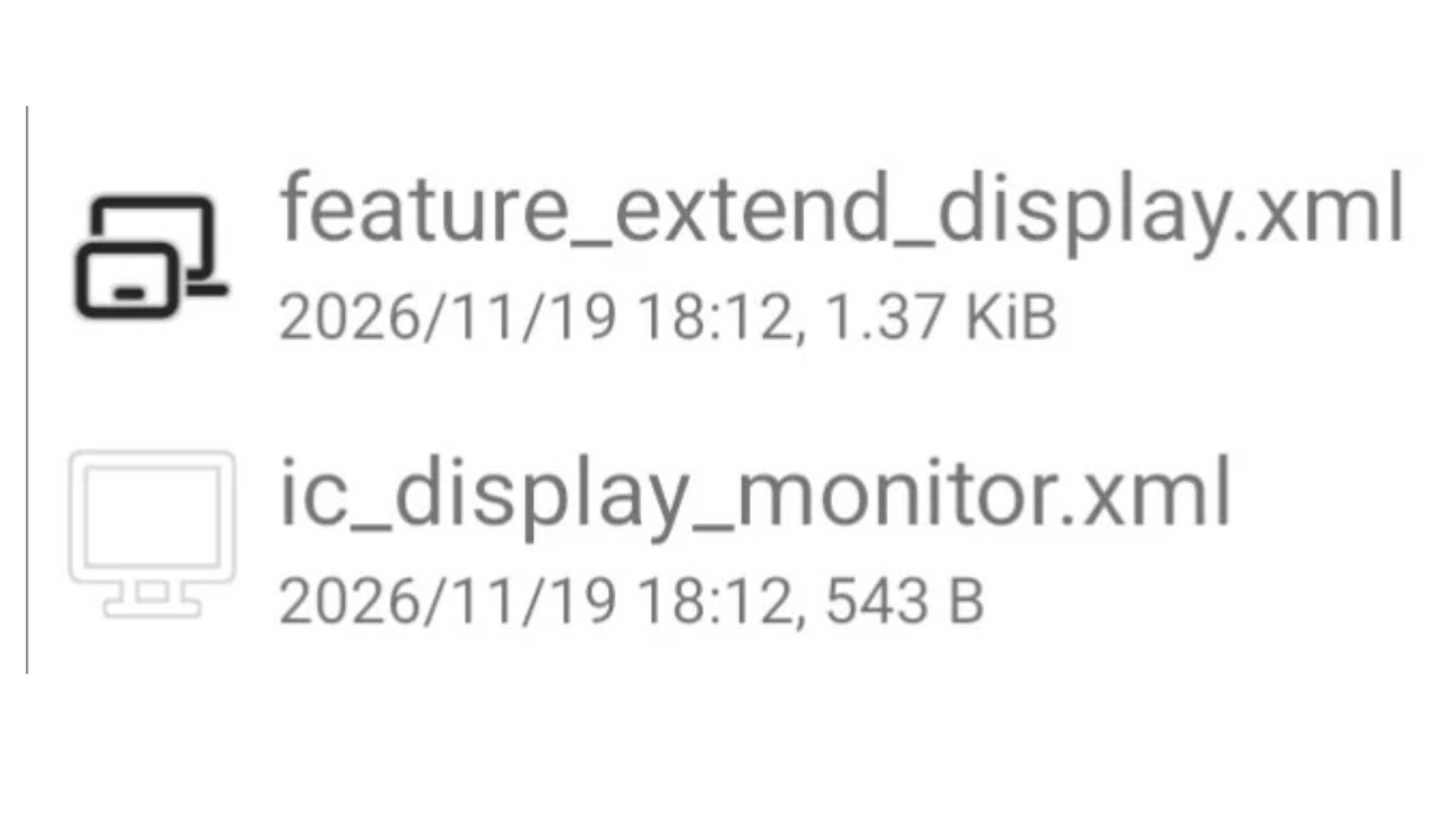
We also found two icons. feature_extend_display.xml shows a small screen overlapping a larger display, and ic_display_monitor.xml is a plain monitor. Keep in mind that these are only icon files from the app.
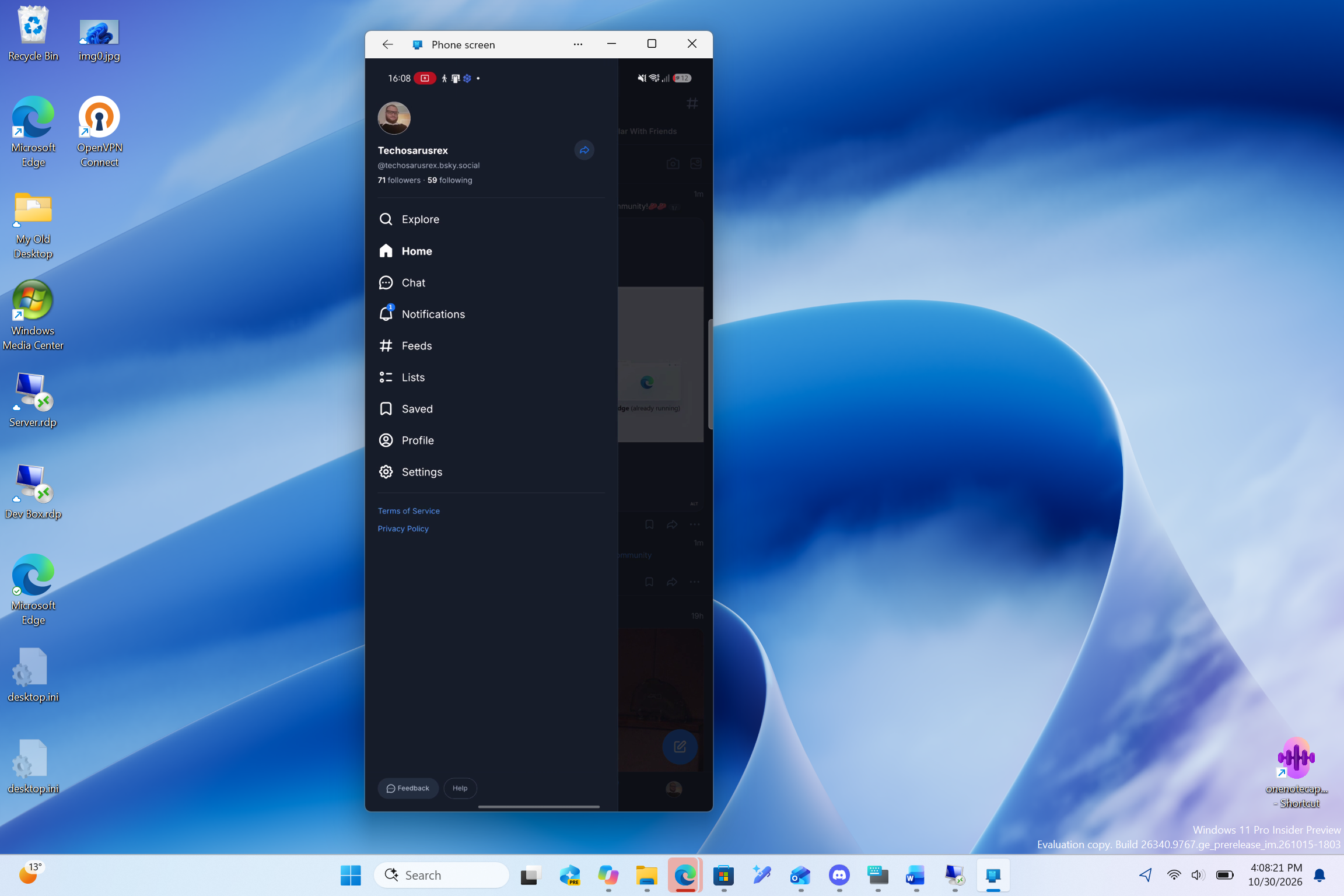
In case you’re unaware, Phone Link already supports screen mirroring and streaming apps from your Android phone to your PC, and we also first revealed that Microsoft is now testing a way to let you open Android apps from the taskbar Search, streamed from your phone. Extend display goes the other way, with Windows sending part of its desktop to your phone as an extra screen.
Using an Android tablet as a second monitor makes far more sense than a phone
A few months back, I tried Chrome Remote Desktop on my Android phone and gave up soon after, as Windows on a phone screen is all squinting and zooming. A tablet is a whole different ballpark.
I know a ton of people with old budget tablets that are too slow for anything practical now, but their screens work just fine, and one could keep Teams or a reference document open next to your laptop. On a regular phone, you’d fit a chat window and not much else, though foldables have a better shot.
Of course, Samsung’s Second Screen already does this on select Galaxy tablets, and spacedesk needs its own driver on your PC. But as it is built into Link to Windows, Extend display would be far easier to set up.
Just don’t assume it’ll be wireless like Phone screen, which needs both devices on one Wi-Fi network, as the code doesn’t say whether Extend display uses Wi-Fi, USB or both.
Link to Windows code reveals H.264, HEVC and adjustable display settings
Extend display runs on a dedicated package called phone_as_display.v1, and its PhoneAsDisplayInitiator class lists two ways to start a session:
.field public static final enum LTW:Lcom/microsoft/appmanager/display/api/PhoneAsDisplayInitiator;
.field public static final enum PC:Lcom/microsoft/appmanager/display/api/PhoneAsDisplayInitiator;
LTW is Link to Windows, and PC is, well, your PC. So, you could start Extend display from either device, although we can’t confirm that both work yet.
The code also references the H.264 and HEVC (Main, 8-bit) video codecs, along with a descriptor that tracks width, height and refresh rate.
const-string v1, “H264”
const-string v1, “HEVC_MAIN8”
.field private final heightPx:I
.field private final refreshRateHz:I
.field private final widthPx:I
Your PC will likely encode its desktop as video for the phone to decode, at a resolution and refresh rate both devices agree on. We didn’t find which ones are supported, though.
An experimental setting called ENABLE_PHONE_AS_DISPLAY controls whether the app advertises the feature, and parts of the display receiver and session setup code look incomplete in the version we examined.
Microsoft could stop a second-display session when your PC locks or loses connection
The PhoneAsDisplayStopReason class lists three reasons for ending a session:
const-string v1, “PC_LOCKED”
const-string v1, “RECEIVER_FAILED”
const-string v1, “CONNECTION_LOST”
Basically, the session stops if your PC locks, the phone’s display receiver fails, or the connection drops, and there’s a 60-second timeout if the first video frame doesn’t appear. CONNECTION_LOST will get a proper workout, considering Phone Link still loses your Android phone after sleep.
Microsoft’s biggest challenge could be Android phone compatibility
I use a Motorola phone, and even with every permission enabled in Link to Windows and Phone Link, I don’t get the phone screen mirroring feature or the option to open my phone’s apps on my PC.
Microsoft’s supported devices page limits Phone screen to select Samsung, HONOR, OnePlus, OPPO, Realme, ASUS, vivo, iQOO, and Xiaomi devices. Motorola and Google Pixel aren’t listed, even though Motorola had 11% of US smartphone shipments in Q2 2026 and Pixel 3%, according to Counterpoint Research.
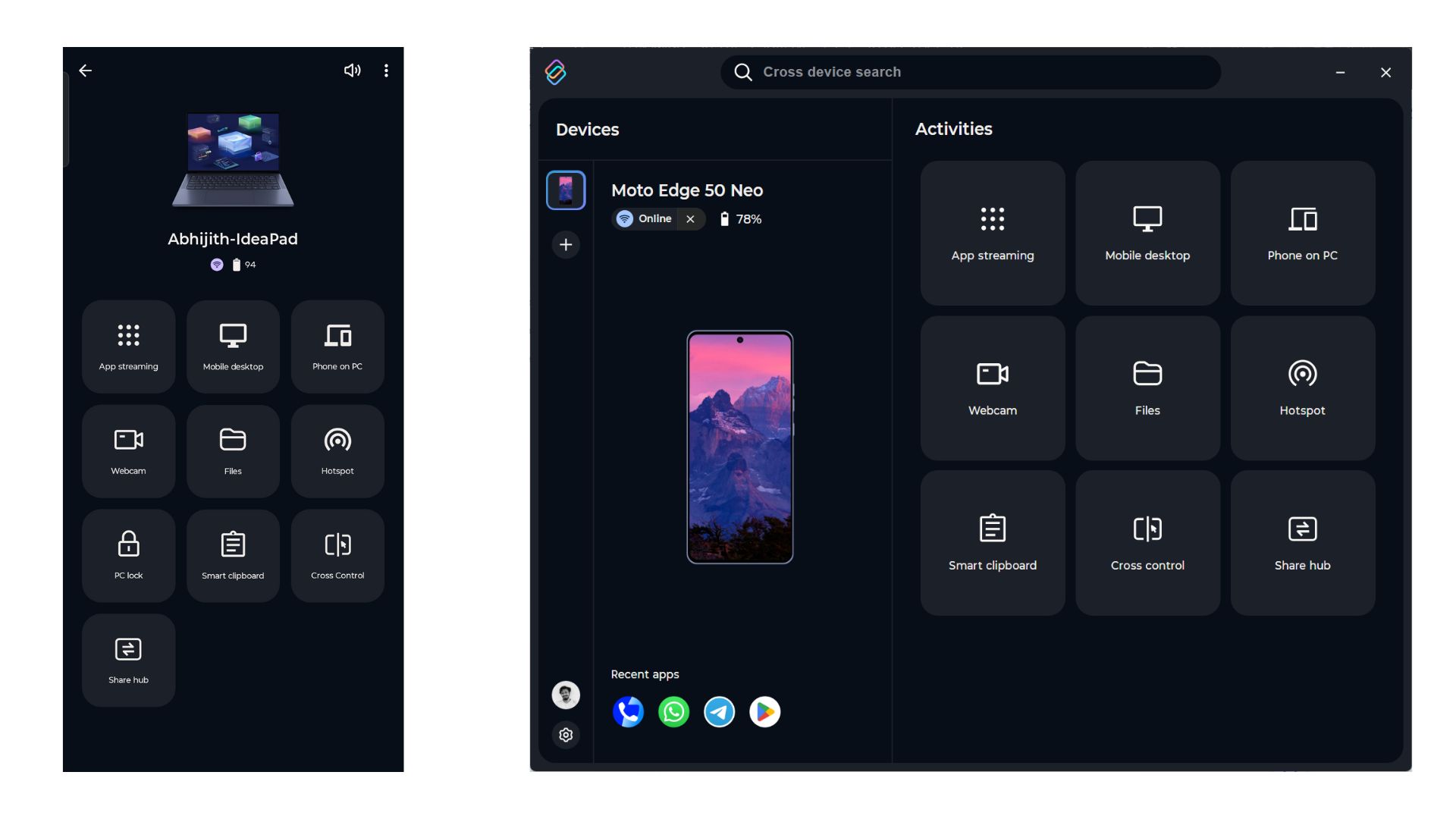
I’m not sad, though, as my Motorola streams apps to my Lenovo IdeaPad every day through Lenovo’s Smart Connect, which is much more powerful than Phone Link.
With Google busy pushing its Googlebook laptops, I wouldn’t hold my breath for Pixel support. Still, Microsoft needs more partners than Samsung if Extend display is to become a real Windows and Android advantage.
The team has been quietly at work as Link to Windows can now remove ghost PCs, and Windows 11 can resume WhatsApp chats from Android. Microsoft hasn’t announced Extend display, its supported devices, connection requirements, or a release date.
Would you use an old Android tablet as a second monitor? Tell us in the comments below.