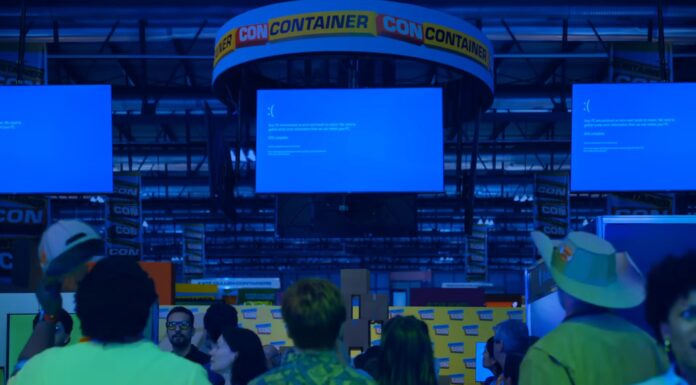






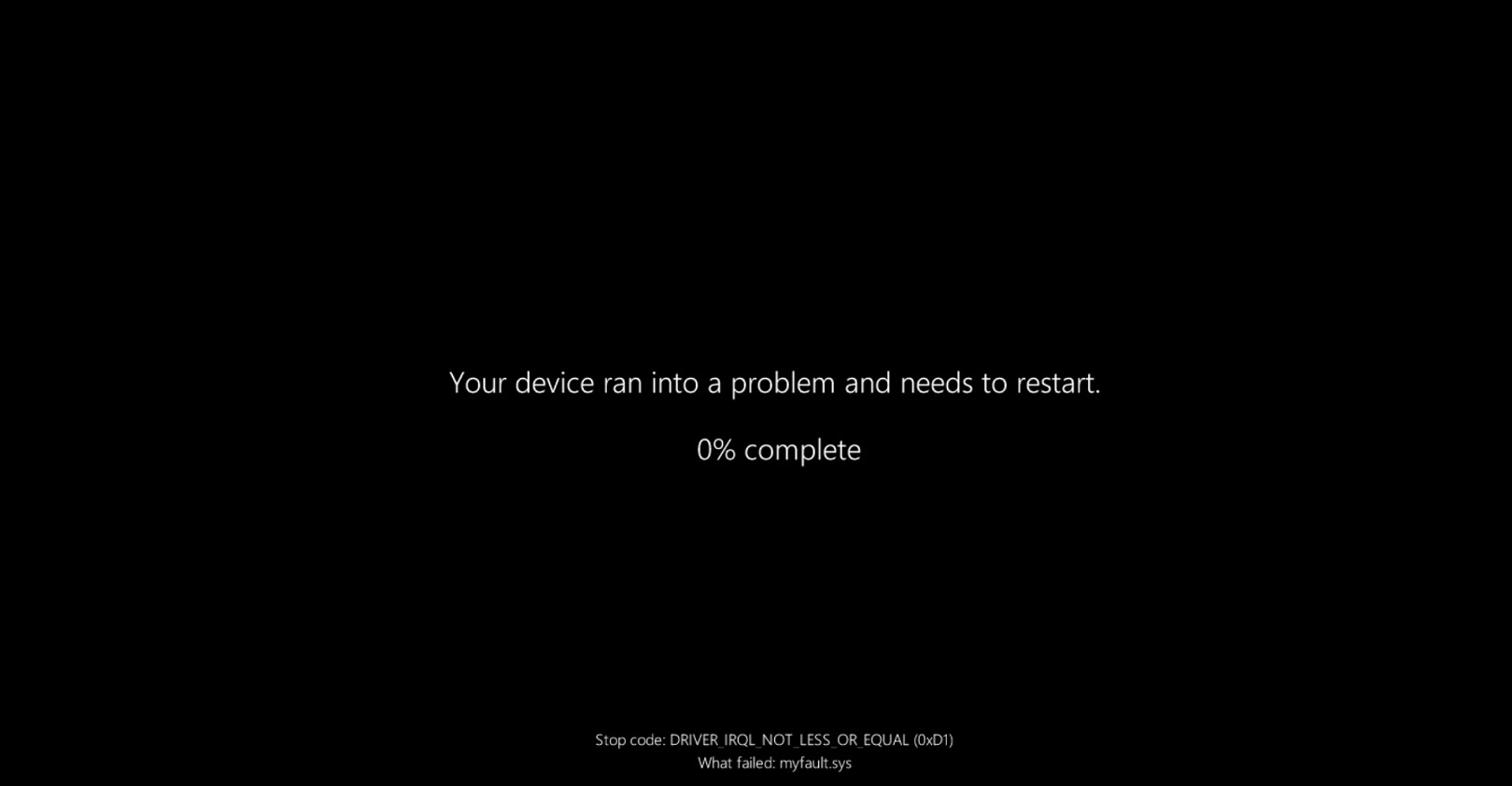
After Windows 11’s August 2026 Update, some gamers observed that their favorite titles, such as ARC Raiders and The Finals, simply crash, and in the worst cases, reboot the device with a Black Screen of Death (BSOD). Embark, a gaming studio, quickly called out Microsoft and acknowledged that its recent Windows update broke compatibility with a driver, which eventually caused the game crashes.
The update in question is Windows 11 KB5121003, which fixed up to 400 security issues. But as soon as users installed it, they started reporting multiple issues with certain games. As I noted, Embark is one of the studios that confirmed something was wrong and offered the following clarification:
“We’re aware of a new crash introduced with the release of a Windows update (KB5121003) that may be affecting some of you,” Embark Studios wrote in a message on Discord, as first spotted by Windows Latest. “The team is working on a fix, and we will keep you posted on any updates.”
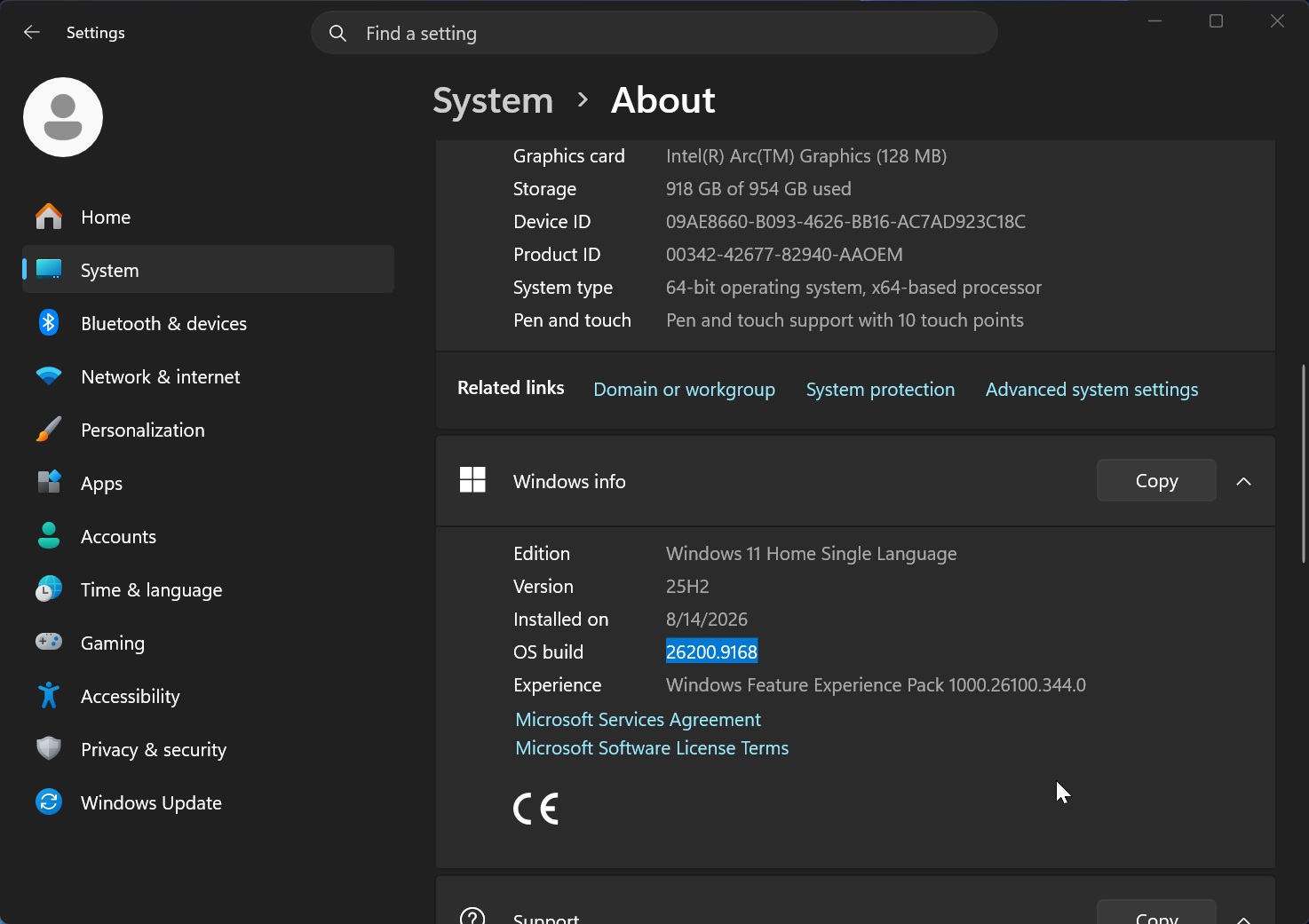
Our tests and Embark Studios’ report confirmed that the August 2026 Update appears to include a change that causes compatibility issues with inpoutx64.sys, which is a kernel-level driver that sits in the Windows drivers folder and is usually installed by third-party software, such as Razer. It may also be installed when you plug in a peripheral, such as an RGB device.
“This is a crash related to the file inpoutx64.sys, which changed with the Windows update,” Embark confirmed.
The studio explained that it’s better to remove the file if you want to play the game without issues, although if that stops your peripherals from working, you may instead need to remove the Windows 11 August update.
“We’re working towards a long-term fix, but in the meantime there is a workaround solution that will safely remove the file in question and allow you to play the game without issue,” the studio said.
Microsoft confirms the crashes are linked to RGB-related drivers
Microsoft later confirmed that the August 2026 Update can crash games when your system has inpoutx64.sys or similar components installed.
In a support document, the company offered more details, including an explanation that validates what we observed in our testing and makes a lot more sense than some of the random theories floating around.
“Ongoing investigation indicates that this issue is related to peripherals or internal device components which have RGB lighting features,” Microsoft explained in a support document. “Such devices may install drivers or code components with file names similar to inpoutx64. In systems where these drivers are found, the issue is then triggered by launching certain games.”
Microsoft has confirmed it’s trying to figure out exactly what went wrong with existing drivers after the recent Windows updates, but if you’re affected, you may need to disable or remove the third-party driver for now.
If you remove the driver, Windows should start normally and stop crashing when you play affected games. But for those who are unlucky, their peripherals or internal components may not work properly while the driver is absent.
So, for now, it’s something you’d need to decide: whether you want the affected peripheral to work properly or play the game without crashing Windows.
It’s highly likely that a future cumulative update will take care of the crashes caused by these drivers, as it’s unlikely that every old third-party driver involved will suddenly get updated.
Windows 10 appears to be largely unaffected, even with the same drivers
Interestingly, based on the reports we’ve seen so far, Windows 10 appears to be largely unaffected even on PCs where the same inpoutx64.sys-style drivers are present.
That may be because Windows 10 is now in a much more stable maintenance phase, where Microsoft is making fewer changes. Windows 11, on the other hand, continues to receive new features, security hardening, kernel changes, and other platform-level improvements every month, which means there’s simply a greater chance that an old third-party driver could suddenly run into a compatibility problem.
That’s not to say Windows 10 updates can never break drivers, but at this point, Windows 11 is far more likely to change something underneath legacy software or drivers because the OS itself is still actively evolving. And it’s not the first time a driver has caused problems with a Windows Update.
I’ve reported in the past how Intel drivers on Windows 11 caused a long range of issues, including blocking major feature updates due to compatibility problems. These situations keep happening despite OEMs and third-party partners promising better driver quality.
Microsoft needs to get more serious about Windows driver quality
Microsoft can never completely get to the bottom of these problems if it doesn’t take tighter control of the drivers present on Windows PCs.
Most users don’t even know what drivers are installed on their PC or why they’re there, which is something that needs to be addressed. When Windows started crashing after the August 2026 Update, most affected users rushed to uninstall the patch, which solved the issue, but they had no idea that a third-party driver was what triggered the whole mess in the first place.
At the same time, we can’t realistically expect Microsoft to test every third-party driver against every Windows update. For example, take a look at all the recent Windows issues caused by a driver update, and the list is huge, but I’ve only featured the most recent or critical problems:
- AMD Adrenalin drivers caused crashes and settings resets in 2023. After Windows 11 Moment 4, some AMD users ran into game freezes, crashes, and tuning profiles resetting after every reboot due to a compatibility issue between Windows and AMD’s driver.
- Intel Wi-Fi drivers caused BSODs in 2024. Intel confirmed bugs in its wireless drivers could crash Windows 11 with a Blue Screen of Death, while some users also lost Wi-Fi or saw their adapter disappear.
- Intel Smart Sound drivers blocked Windows 11 24H2. Certain Intel SST driver versions could cause random BSODs on Windows 11 24H2, so Microsoft placed an upgrade block on affected PCs until users installed a newer driver.
- Old Easy Anti-Cheat drivers also caused BSODs. Windows 11 24H2 had compatibility issues with older Easy Anti-Cheat drivers, which could crash PCs while gaming.
- A Dirac Audio driver broke sound on Windows 11 24H2. PCs with the affected Dirac component could lose audio through speakers, headphones, and even Bluetooth devices after upgrading.
- Nvidia drivers caused black screens and BSODs in 2025. GeForce 572.83 triggered black screens during installation, after reboot, or while gaming on some Windows 11 PCs. We also saw crashes pointing directly to Nvidia’s
nvlddmkm.sysdriver. - Intel’s IPF driver caused shutdowns and overheating in 2026. A conflict between Windows 11’s USB-C changes and Intel’s Innovation Platform Framework driver affected some Dell PCs, with reports of shutdowns, poor performance, extra heat, battery drain, and even Black Screen crashes.
That’s why I think it’s high time the company properly enforces the Driver Quality Initiative (DQI) it promised earlier. With DQI, Microsoft says it hopes to rebuild the architecture drivers, ensure all updates are certified, improve security, and focus on benchmarks that go beyond just performance to focus on thermal and battery impact.
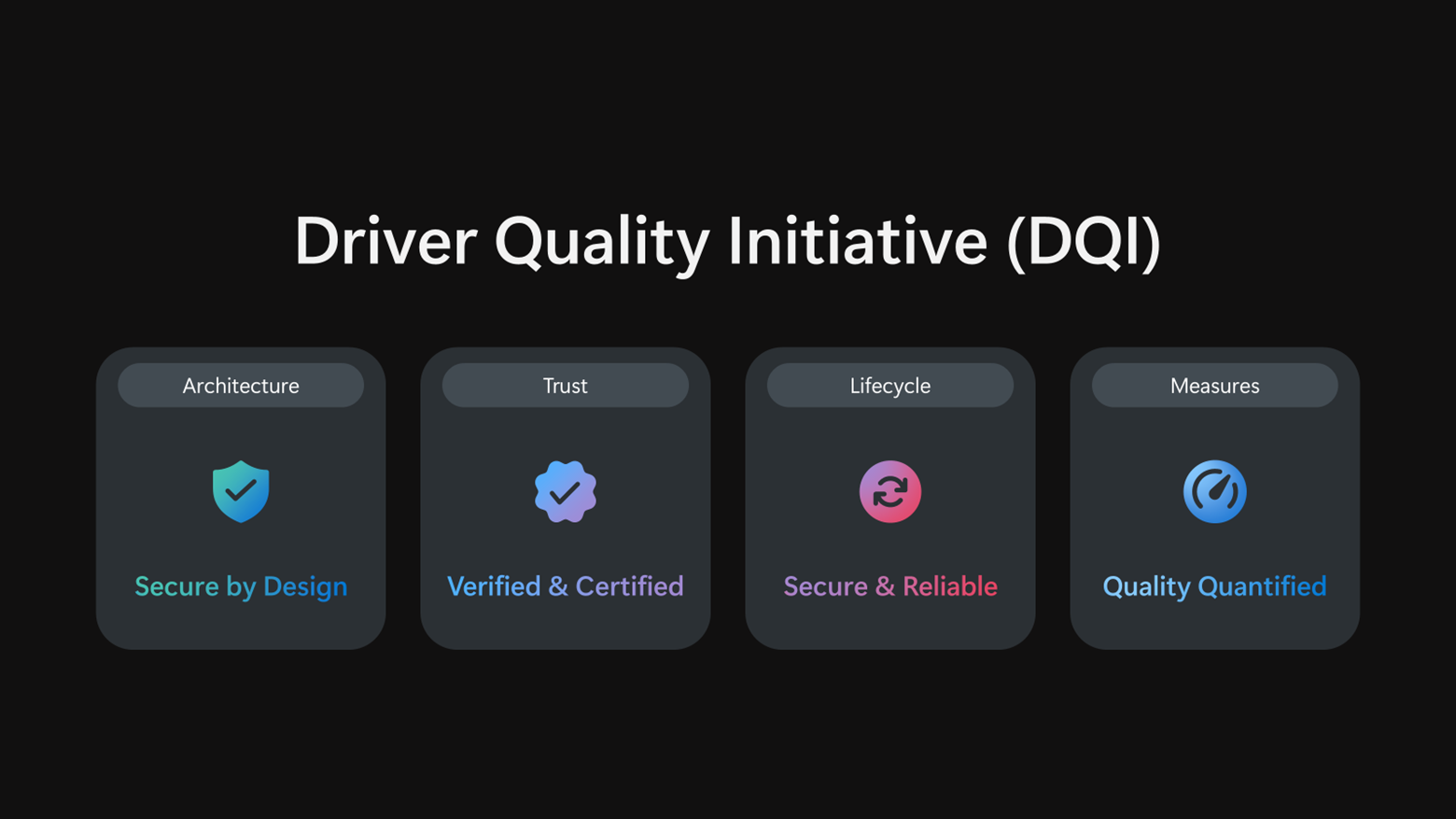
So far, I have only seen meaningful progress from Intel on the Driver Quality Initiative, while other OEMs or partners appear to have done little to nothing.
But if DQI actually goes through as Microsoft originally intended, we might end up with fewer unnecessary drivers, and the ones that remain should hopefully be more stable, better maintained, and far less likely to interfere with the Windows kernel.