







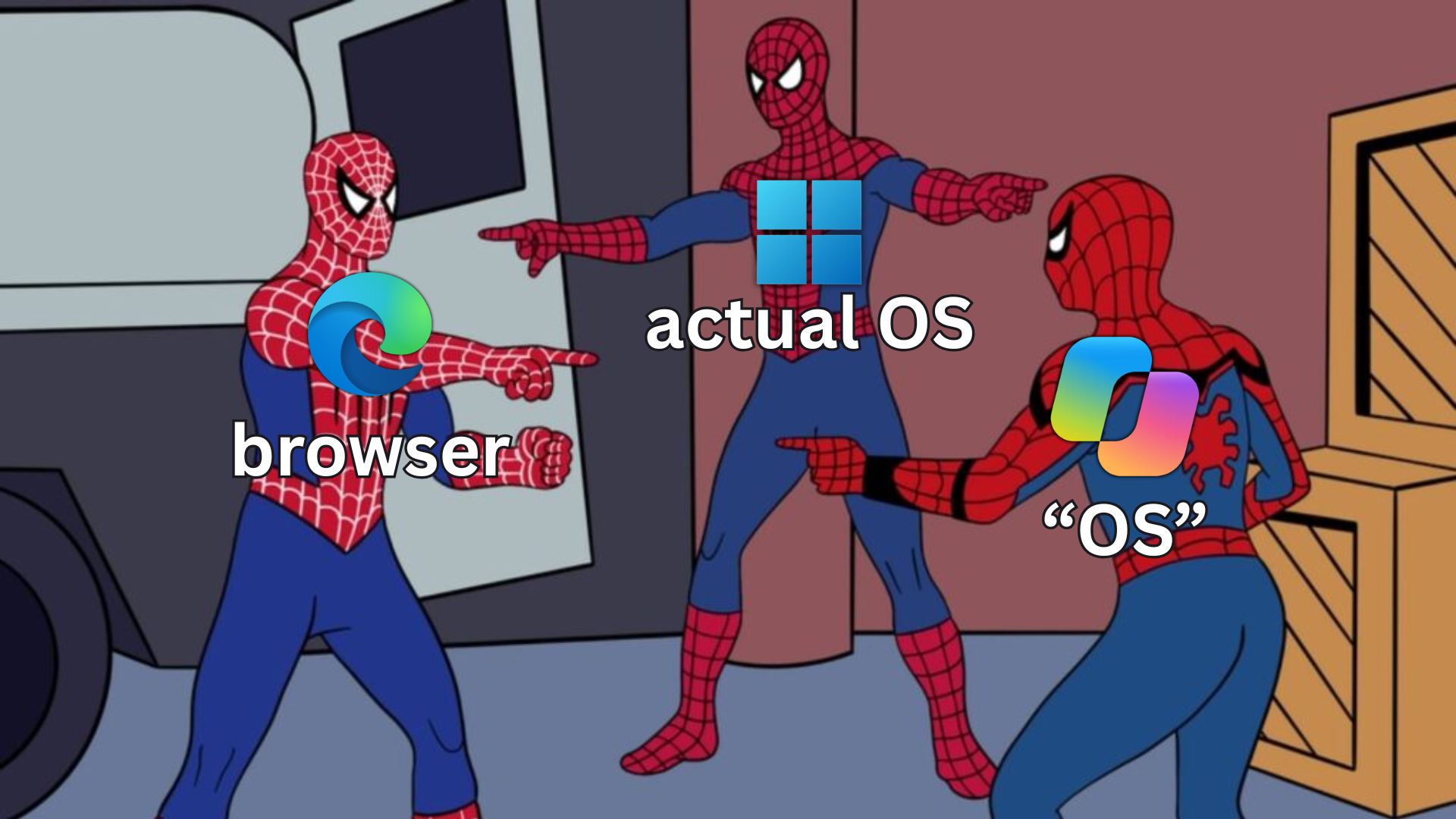
Satya Nadella has once again called Copilot a “new OS for work” when it is clearly an app, and that too a web app. As spotted by Windows Latest, this time the analogy comes in a leadership update, less than a week after Microsoft unveiled the latest Copilot, which was when the CEO first called Copilot an OS, at least on X.
I already have the “new” Copilot app on my PC, albeit without Home, Code, or Autopilot, because they are still not out yet. This app, however, is the replacement for the terribly named Microsoft 365 Copilot app, and you can get it too if you update it in the Microsoft Store.
Well, the thing Nadella keeps calling an OS is a regular Windows app, and when I went through the installation folder of build 154.0.4258.37, I found that copilotapp.exe is a rebranded Microsoft Edge launcher with a complete Chromium build behind it.
Microsoft is talking about a new operating system for work, but it’s actually an app on Windows 11 that runs in a browser. This is some Inception-level stuff!
Satya Nadella is calling Copilot an OS again, and Microsoft has a reason
In an October 1 post announcing that LinkedIn CEO Ryan Roslansky will leave Microsoft at the end of 2026, Nadella wrote:
“With Copilot, we are executing rapidly against our vision to build a new OS for work that spans every model, every form factor, and every task, with Office fully embedded in Copilot and vice versa!”
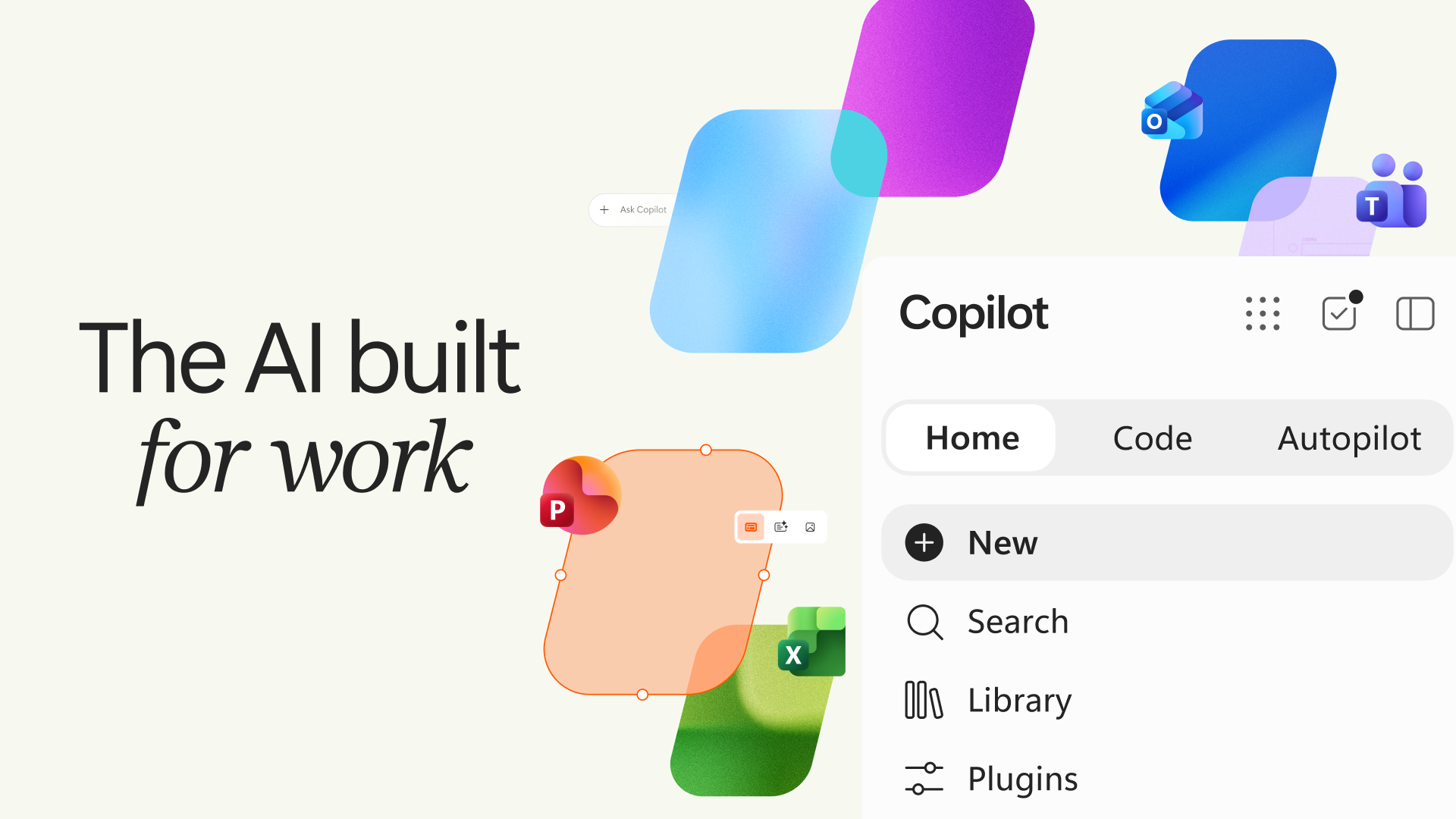
From what I see, Nadella’s “OS” pitch makes sense to the company because the app is now one place where you get all your work done, and Microsoft recently merged its Copilot identities and renamed the Microsoft 365 Copilot app to just “Copilot” to get there.
Microsoft wants Copilot to become the layer above your apps
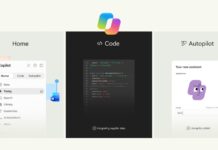
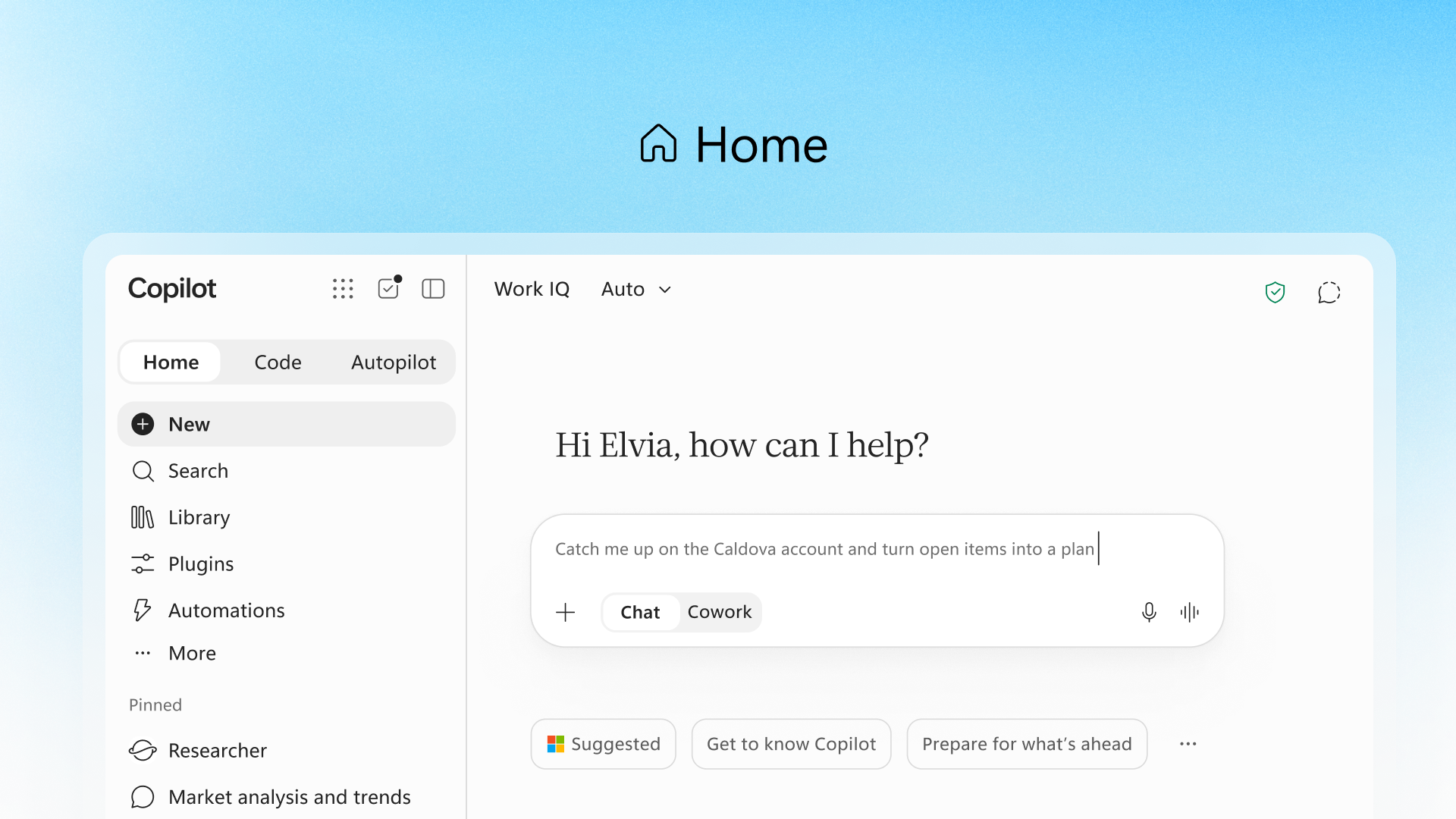
According to Microsoft’s September 25 announcement, the new Copilot brings together Home, where there is Chat and Cowork, and Office in Copilot, with Word, Excel and PowerPoint built in.
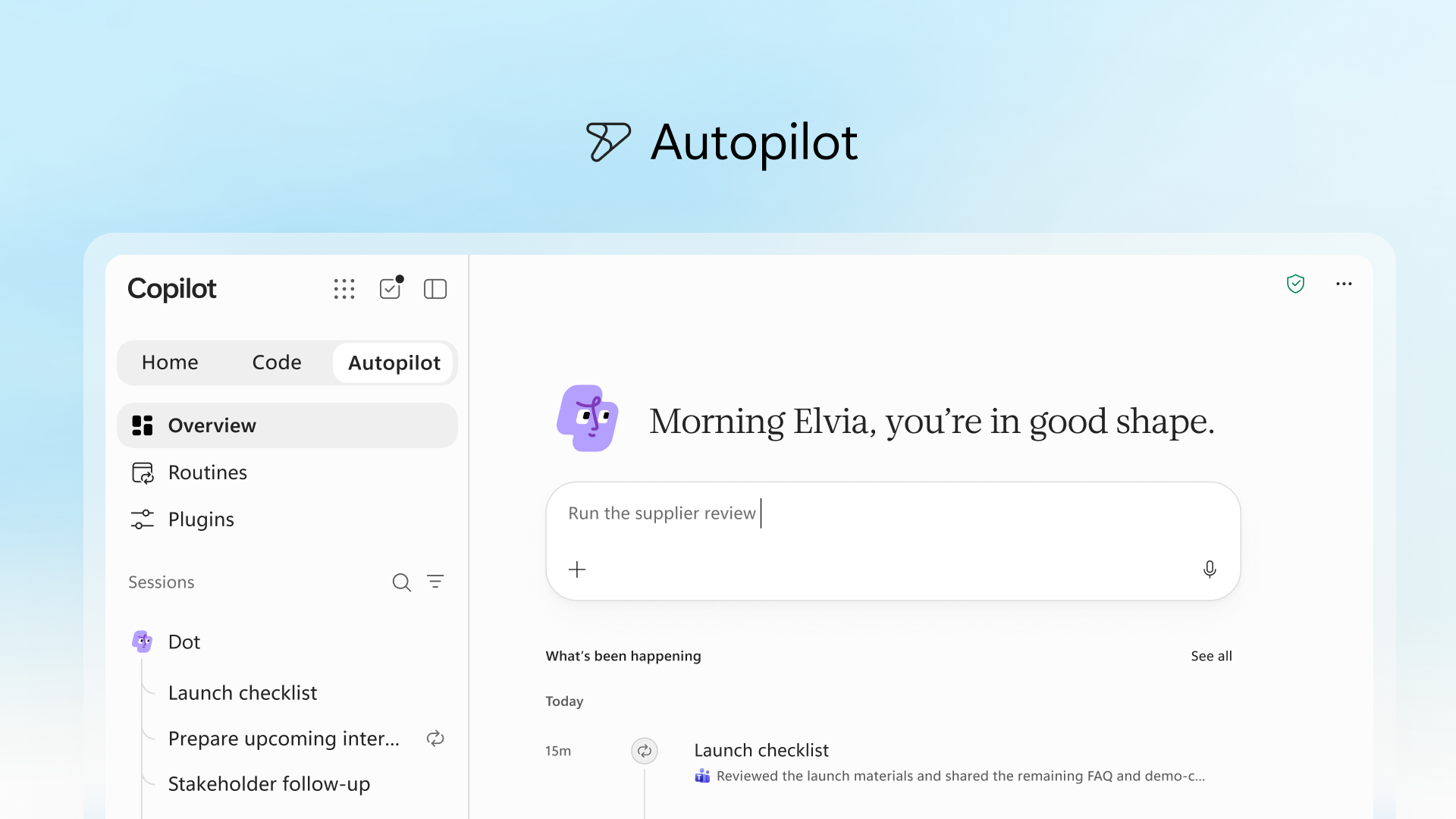
Code lets anyone build apps, dashboards and workflows by describing them in plain English, and Autopilot (previously called Scout) is a persistent agent that keeps working even when you’re not prompting it.
A proactive command center called Today is coming for your mail, calendar, Teams threads, meetings, and tasks, and apps built in Code can run on Copilot Managed Runtime inside your company’s Microsoft 365 environment.
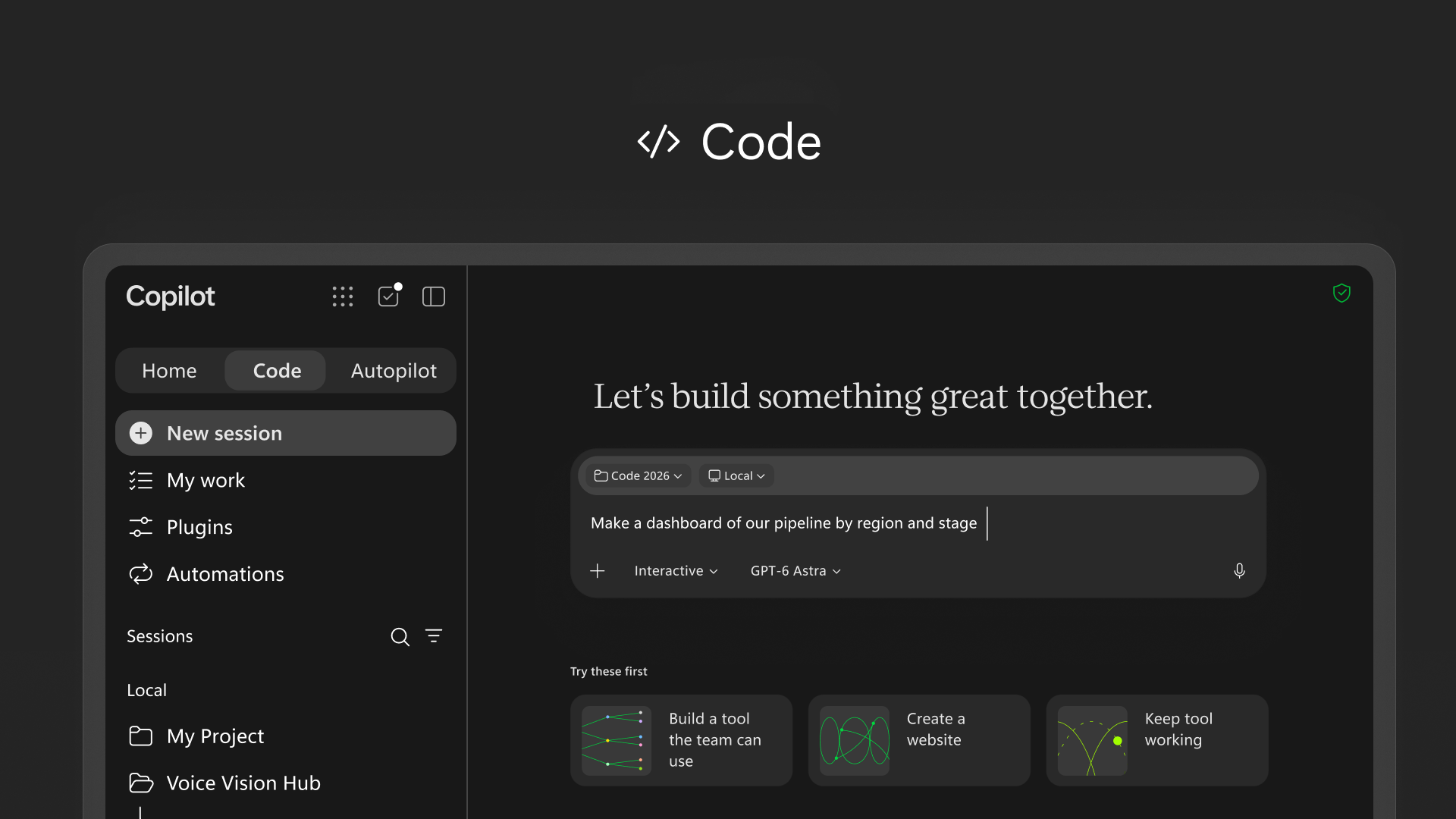
An operating system has always been the common layer through which you reach apps, files, and services. Microsoft wants Copilot to be that common layer for work, and as a product strategy, I get it, but I don’t think most people would agree with this take.
Most of the big Copilot features aren’t in the app yet
Home and Code will roll out through the Frontier program in the coming weeks; Autopilot only entered private preview at the end of September, and Today enters private preview in October.
So, the Copilot on my PC, signed in with a work account on M365 Copilot (Basic), is just a chat window with Search, Library, Agents, and Notebooks in the sidebar. However, these new capabilities will just be added to this app, instead of the company making it from scratch using WinUI.
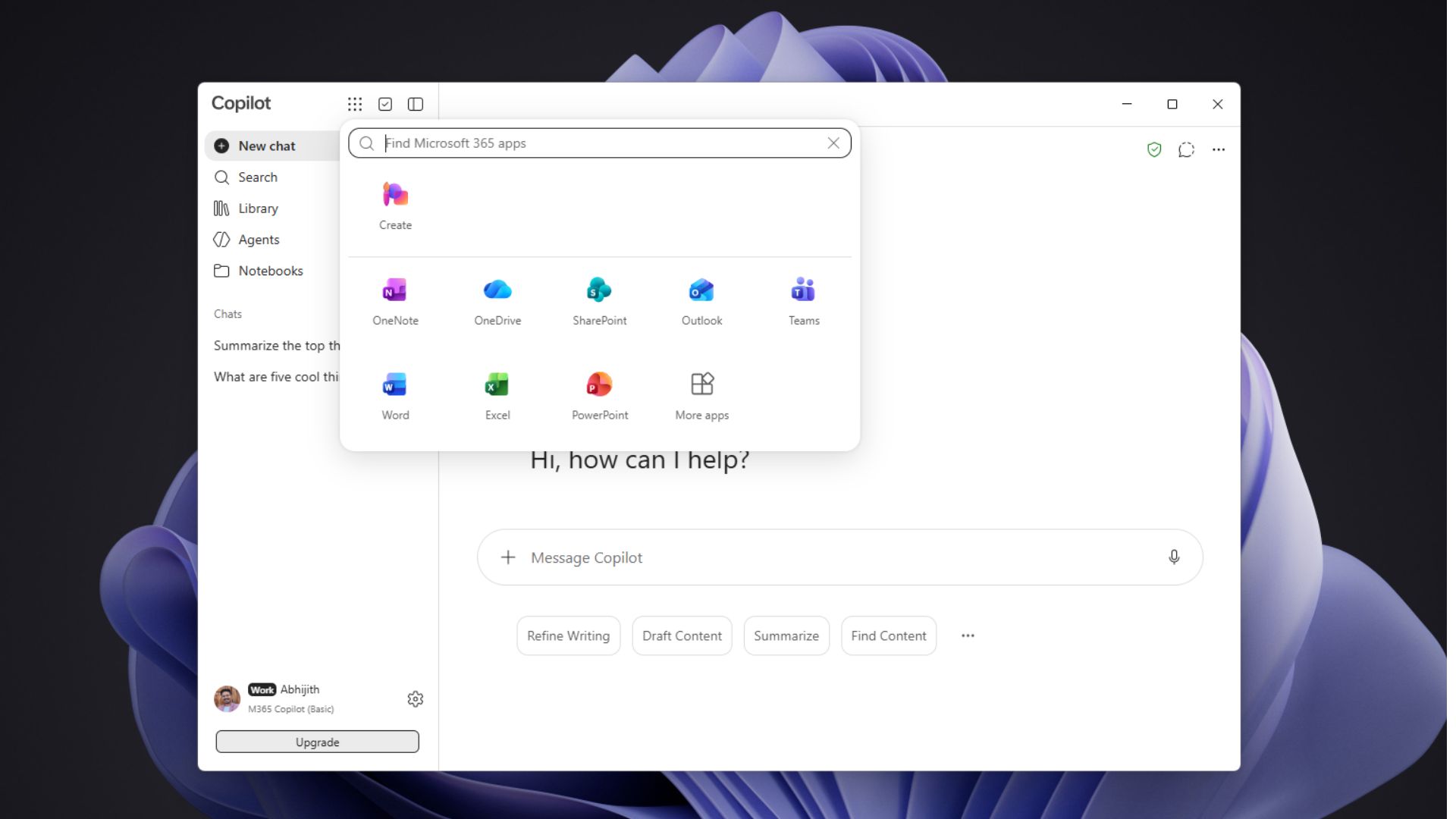
The Copilot app looks like Windows software, but Chromium does most of the work
Microsoft calls Copilot a desktop app along with its web and mobile versions, and from the regular user’s POV, it looks like one. But if you lift the hood, copilotapp.exe is only 4.99MB, and it imports the DLLs that the Edge browser process uses.
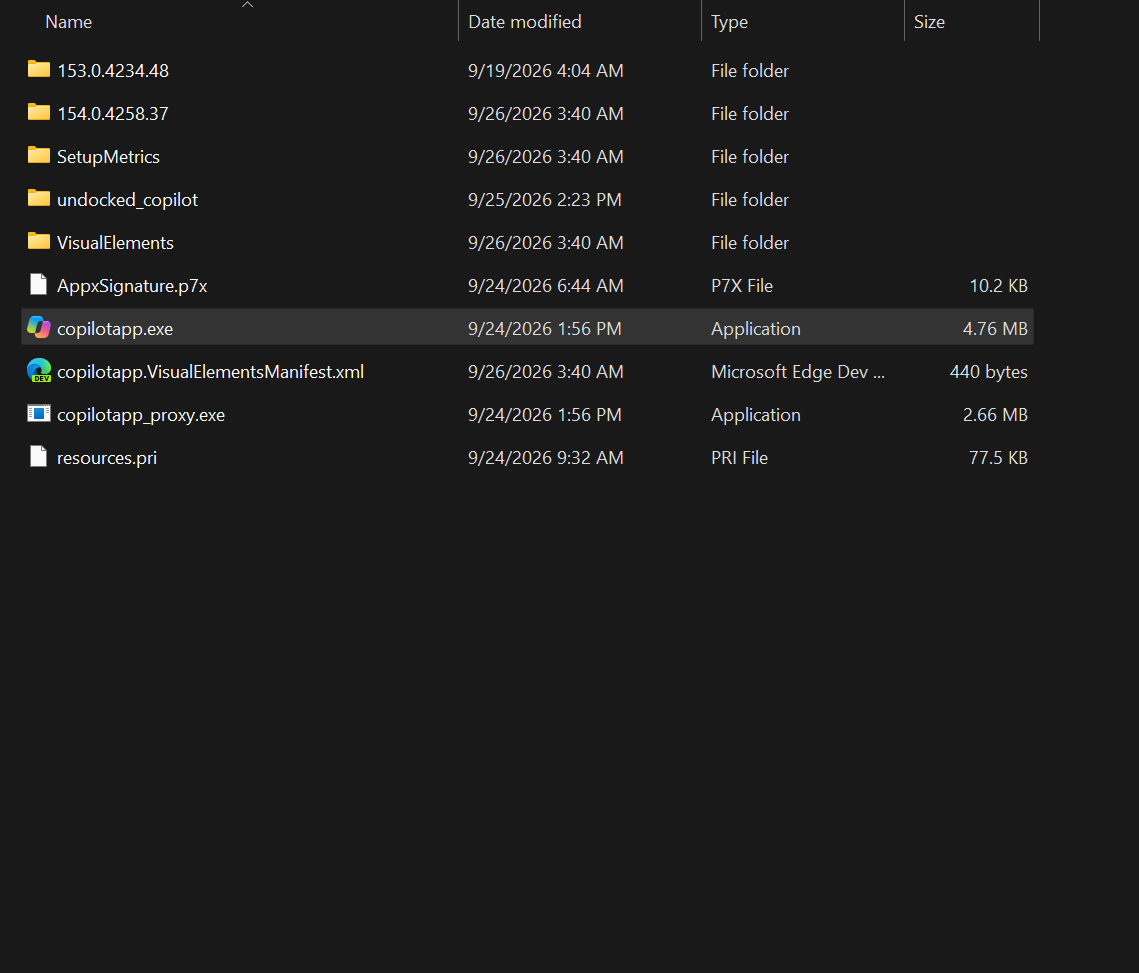
Next to it is a folder with a full Edge 154 build of roughly 520MB, including a 349.6MB msedge.dll that contains the whole browser, along with Chromium resource packs, V8, ICU, FFmpeg, and GPU components. Even copilotapp_proxy.exe has a file hash identical to Edge’s msedge_proxy.exe.
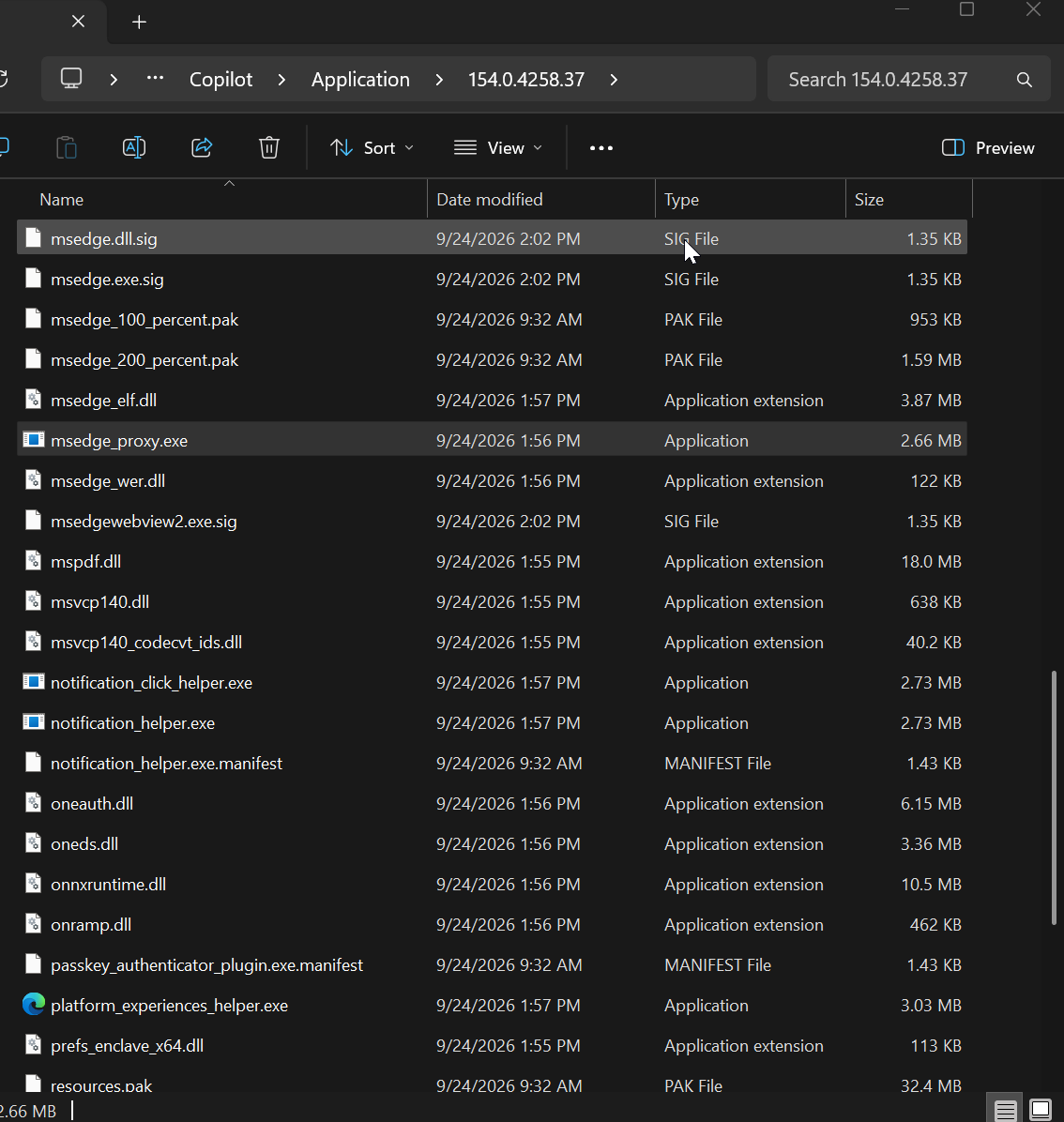
Copilot also carries Edge baggage like the IE mode adapter, Widevine DRM, and Edge Game Assist.
When you open Copilot, this browser loads copilot.microsoft.com for personal accounts and m365.cloud.microsoft/chat for work accounts, with Chromium’s usual renderer, GPU and utility processes running behind it. In simple words, the browser is the app, and naturally, the RAM usage is as high as it could get, even without it doing anything.
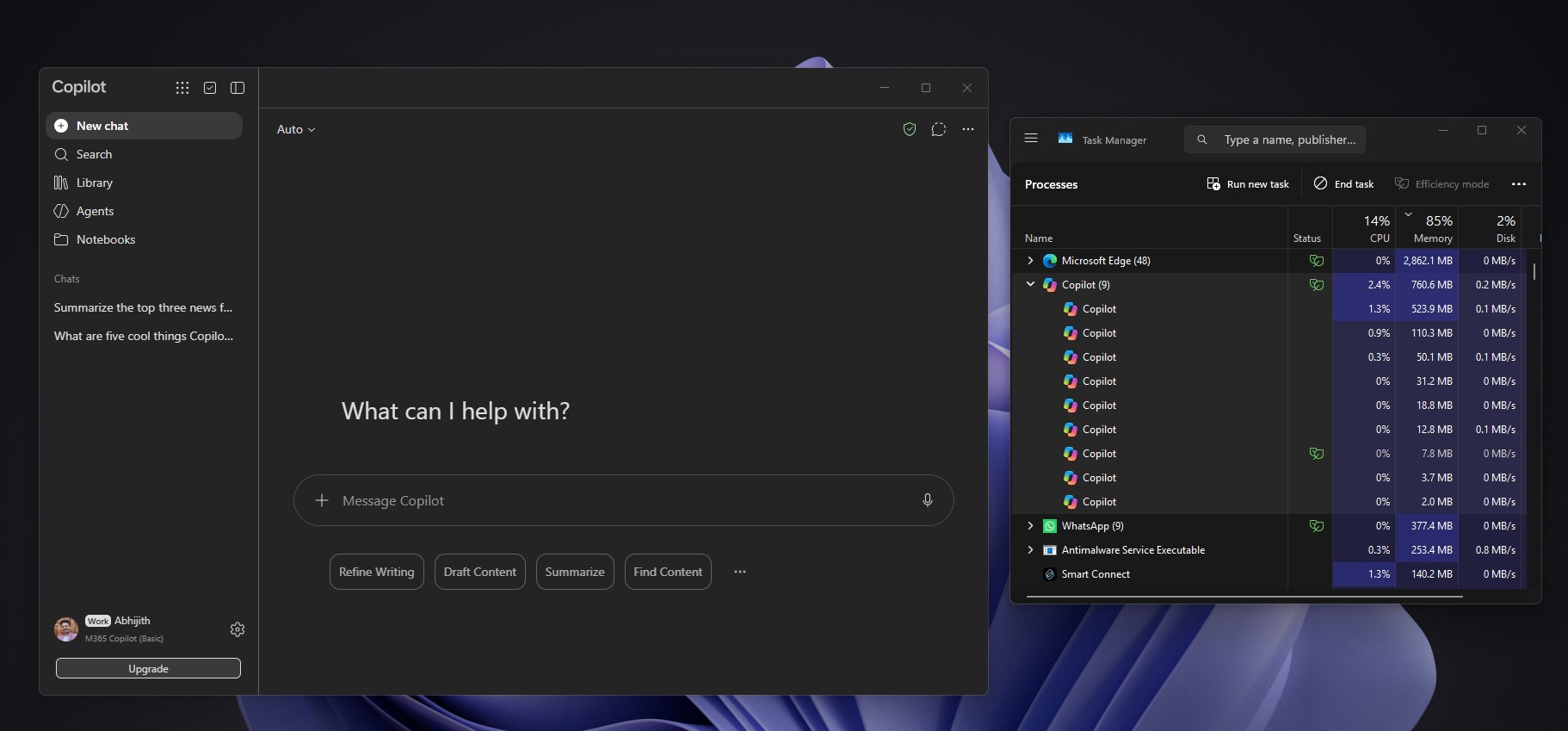
The new Copilot isn’t the WebView2 wrapper Microsoft shipped before
Copilot on Windows has changed its architecture more times than I can count. Microsoft once shipped a more native WinUI Copilot and built on it for a year, then started dumping native Copilot for a web wrapper in March.
In April, we found that the new Copilot included a full Edge package and rendered its UI through WebView2, using up to 500MB in the background and around 1GB when active.
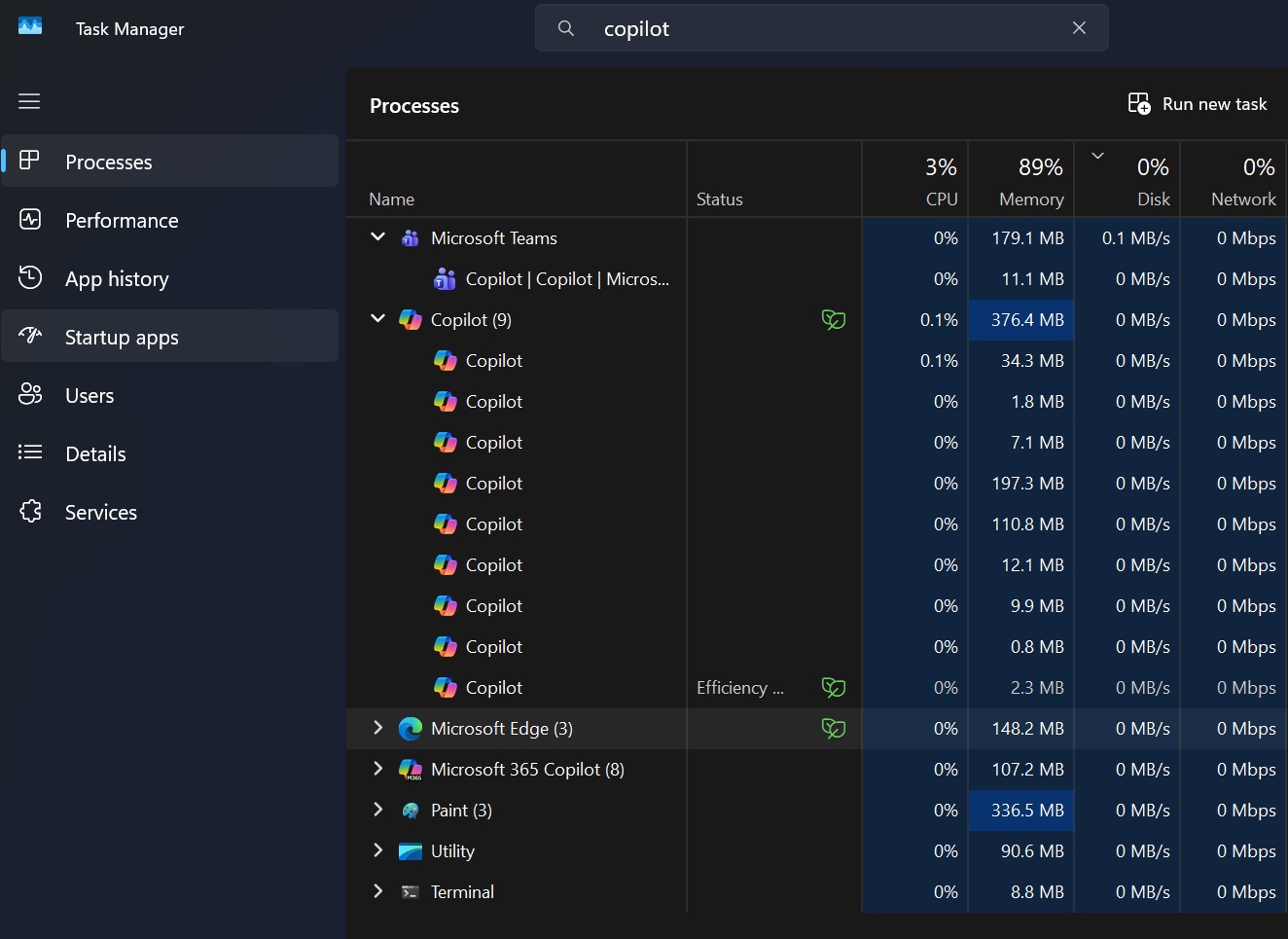
The current build goes a step further. I found no CoreWebView2, WebView2Loader, CreateCoreWebView2, or Microsoft.Web.WebView2 references in the main app or its native host, and no Electron files either. Microsoft has moved from embedding the web inside a native shell to making a Chromium browser build the core of the app.
Microsoft built a native WinUI host with the Chromium core
Calling Copilot “just a website” wouldn’t be fair either, thanks to a second piece called copilotapphost.exe.
It’s a WinUI 3 app written in C# on .NET 10 and compiled with NativeAOT, and it ships with Windows App SDK and WinUI XAML libraries. Microsoft uses it for voice activation, the “Hey Copilot” wake word, the voice composer, vision consent, screen sharing, and the floating composer overlay.
However, the native UI is tiny, as the XAML in the host only covers VoiceComposer, VisionConsent, ScreenShareItem, a suggestion flyout, and the floating composer controls.
Chromium owns the main window and everything you see in it, while the WinUI host wakes up only when Copilot needs a Windows feature like the microphone or screen capture, and exits when it’s idle.
The two halves talk through a Windows named-pipe bridge, with handlers for hotkeys, voice, chat queries, settings, code permissions, and local folder access.
Interestingly, the host’s manifest matches the Microsoft 365 Copilot (Office Hub) app’s byte for byte, so one host and one Edge-based shell serve both consumer and work Copilot.
TL;DR: Copilot is a Chromium app with a small WinUI sidekick.
But Microsoft is finally making WinUI better while Copilot goes the other way
Ironically, Microsoft just shipped Windows App SDK 2.5 Experimental with TableView and Chart controls, along with a fix for WinUI’s memory growth issue.
Microsoft has spent all of 2026 talking about native Windows. It’s rewriting parts of the Windows 11 shell in native code, admitted WinUI apps hog RAM and promised a fix, and is fixing the missing basics that pushed developers to web apps in the first place.
Yet one of its most important apps on Windows is built with Chromium. Microsoft is clearly investing in WinUI, but it looks like Copilot has a different priority, which is shipping one experience across Windows, the web, Mac and mobile, and Chromium makes that much easier.
The Copilot “OS” philosophy isn’t new
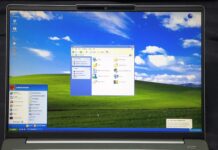
Recently, we looked at leaked internal documents for Project Aion, a 2024 prototype called CopilotOS that swapped the Start menu and desktop for a Copilot web shell built on a modified Edge.
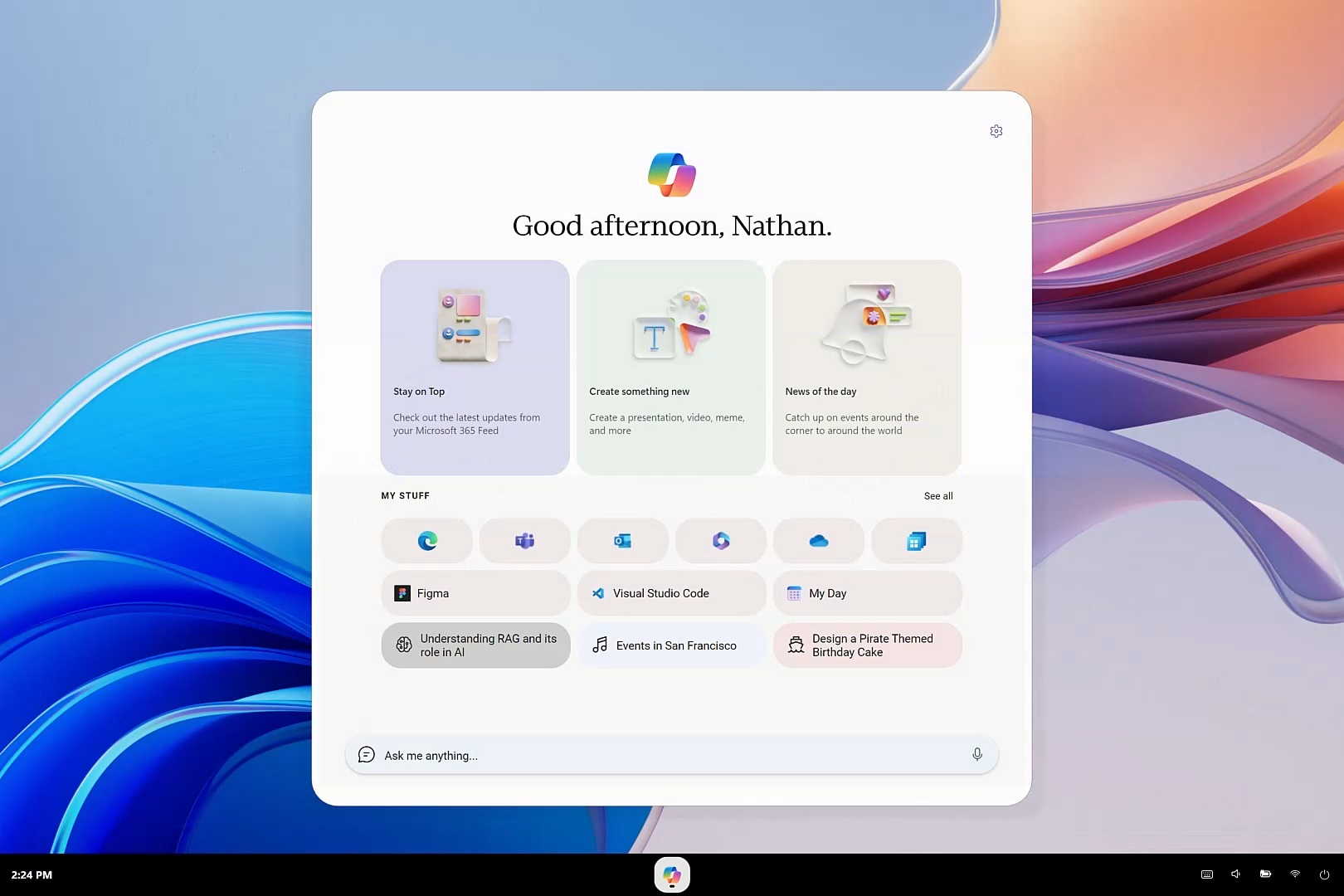
Of course, I’m not saying that the current Copilot app is Aion, but you see the resemblance too, right? While it was an actual web OS that looked like it was made for AI and Agents, the new Copilot is a web app that is being called an OS for work, again built for AI and Agents.
Nadella’s “OS” description makes sense only when you look at what Microsoft wants Copilot to become, with chat, Office, coding, and agents behind one interface. But being the layer for someone’s work and being an operating system are two different things.