






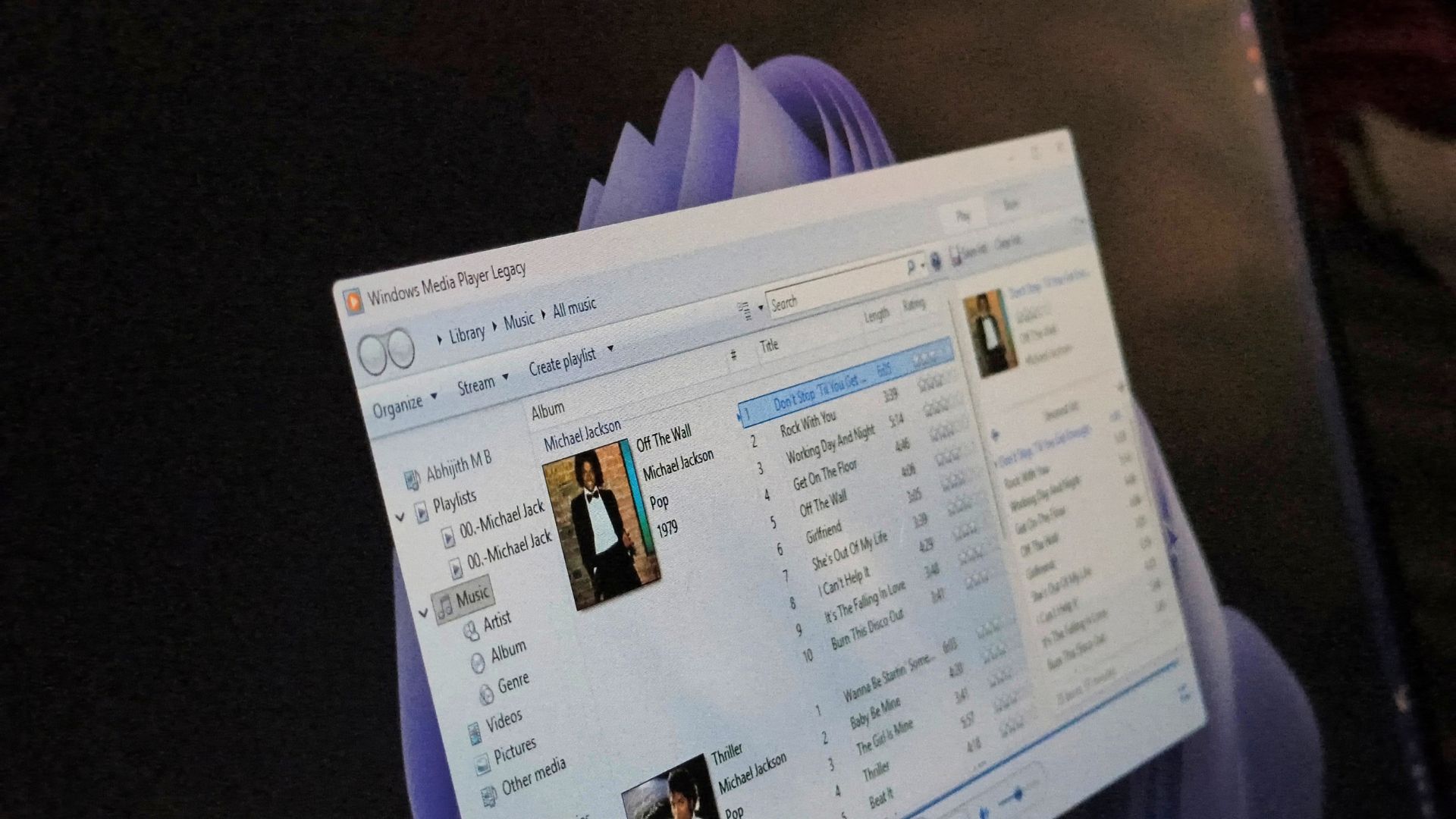
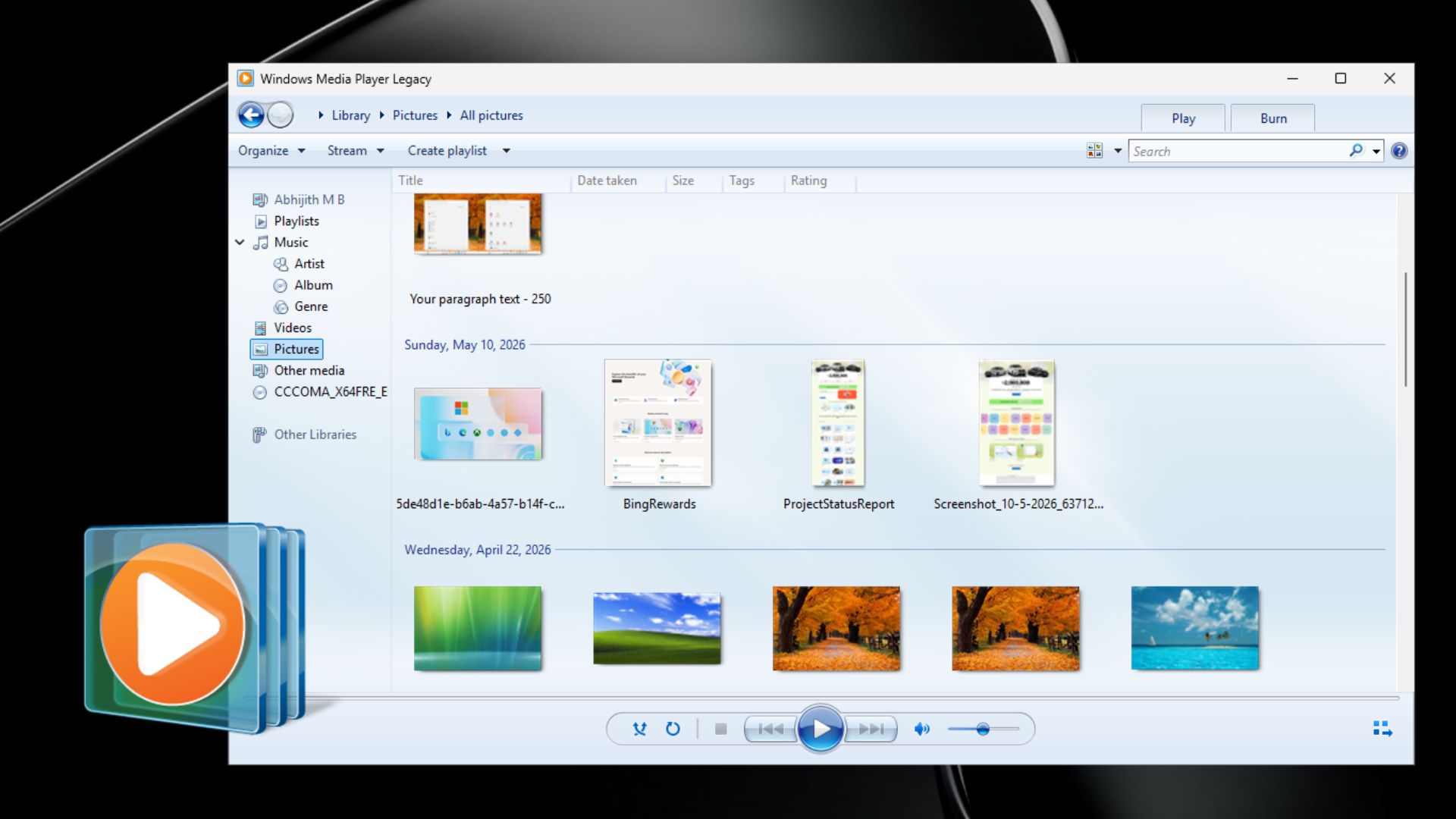
Windows Media Player Legacy is losing skins on Windows 11 in November, ending one of the most fun parts of the early-2000s player. Microsoft wants you on the modern Media Player instead, which is slower and too basic.
Microsoft has added a warning to its old Windows Media Player skin documentation, and it marks the end of one of the classic player’s most nostalgic features.
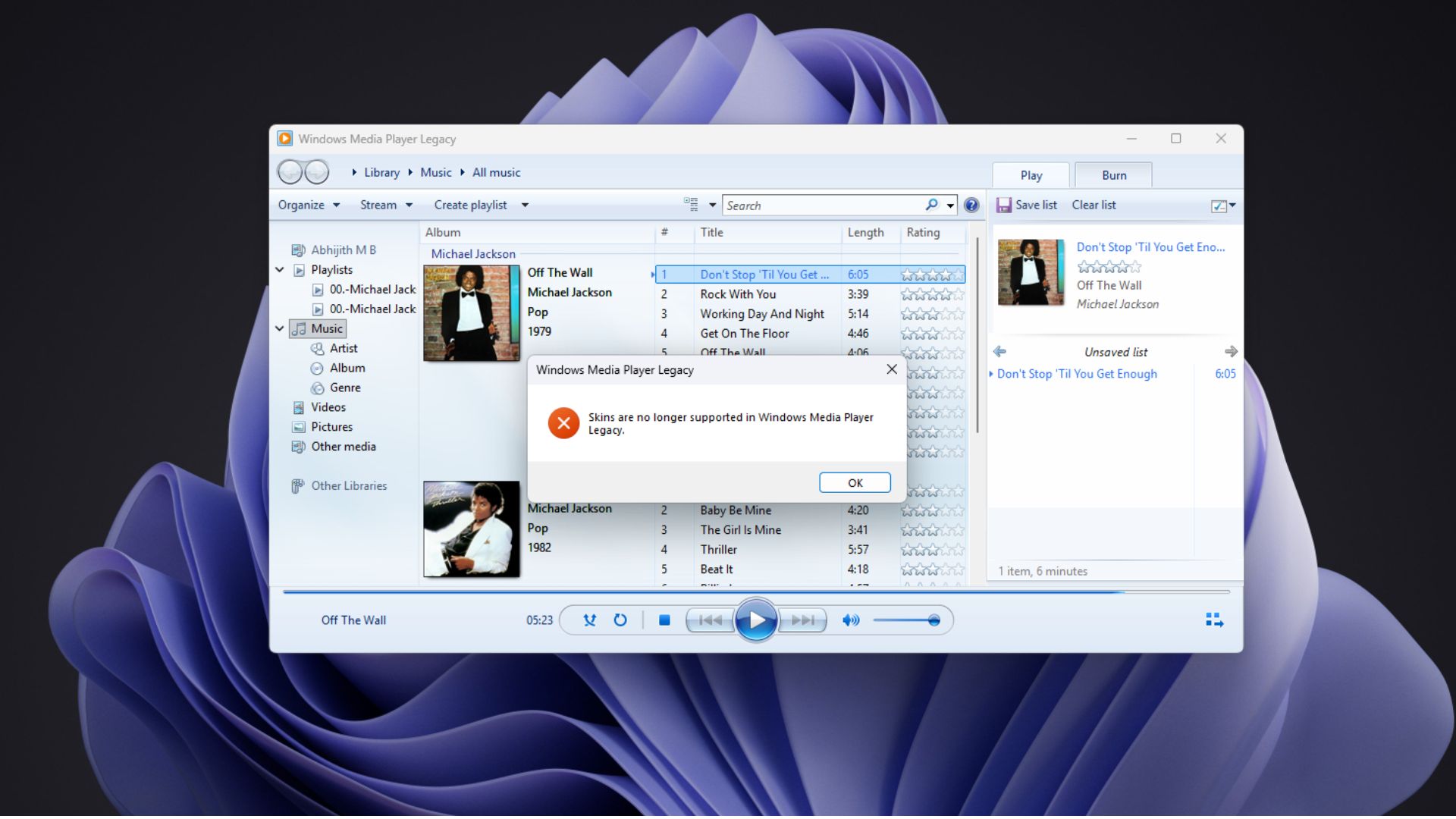
“Skins will no longer be supported in Windows Media Player Legacy (WMPL) starting November 10, 2026, on Windows 11 version 24H2 and later,” Microsoft says.
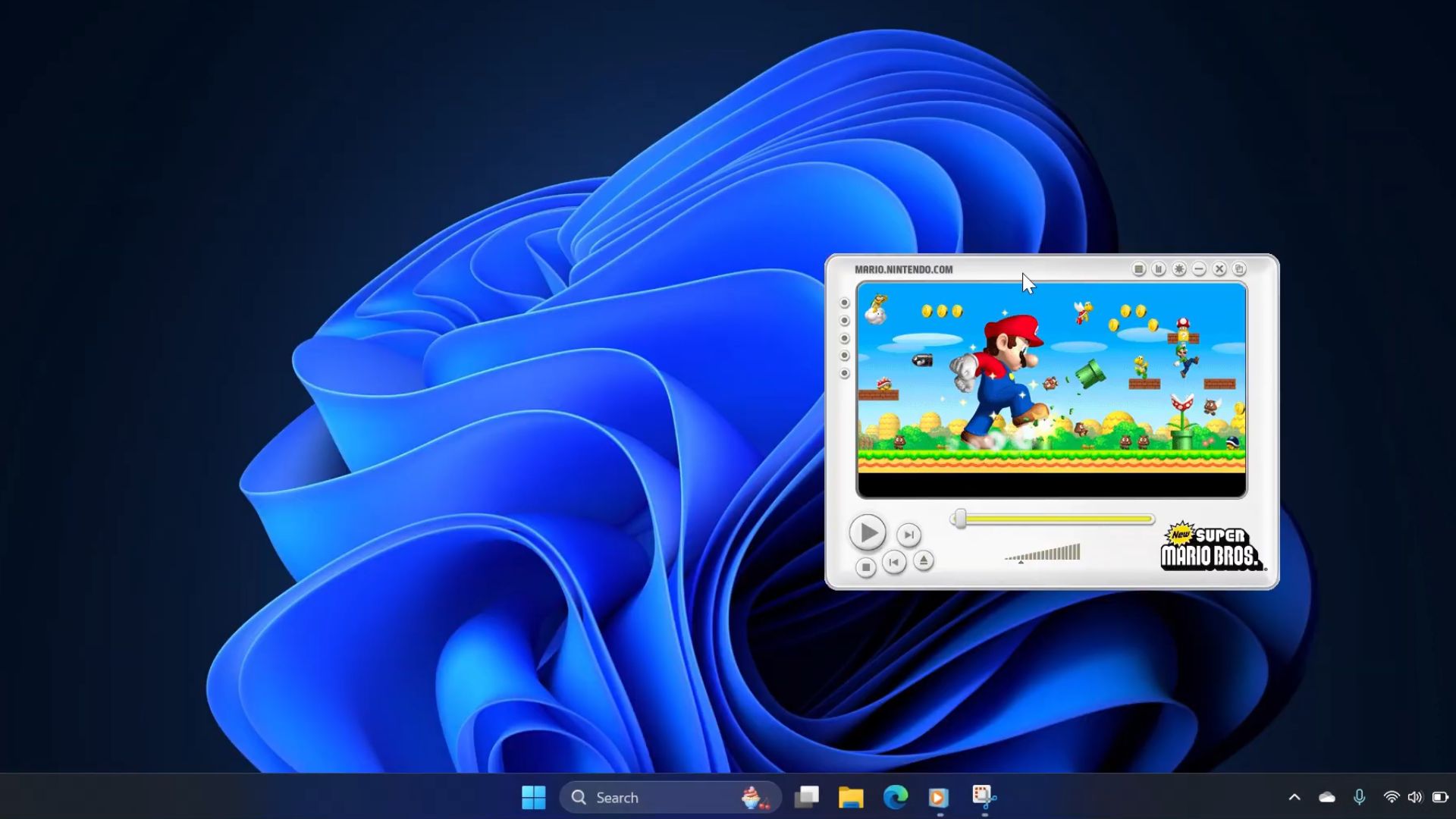
Windows Media Player Legacy will still be there on your PC. Only the skin system stops working on Windows 11 24H2 and later, including the newly released 26H2.
In case you missed that era, for some reason, know that skins were complete interfaces for the player. According to Microsoft’s skin documentation, a skin could change “not only the way Windows Media Player looks, but how it functions.” A .wms file was for the skin, while a .wmz file bundled it with its artwork and JScript files. It was a fun time!
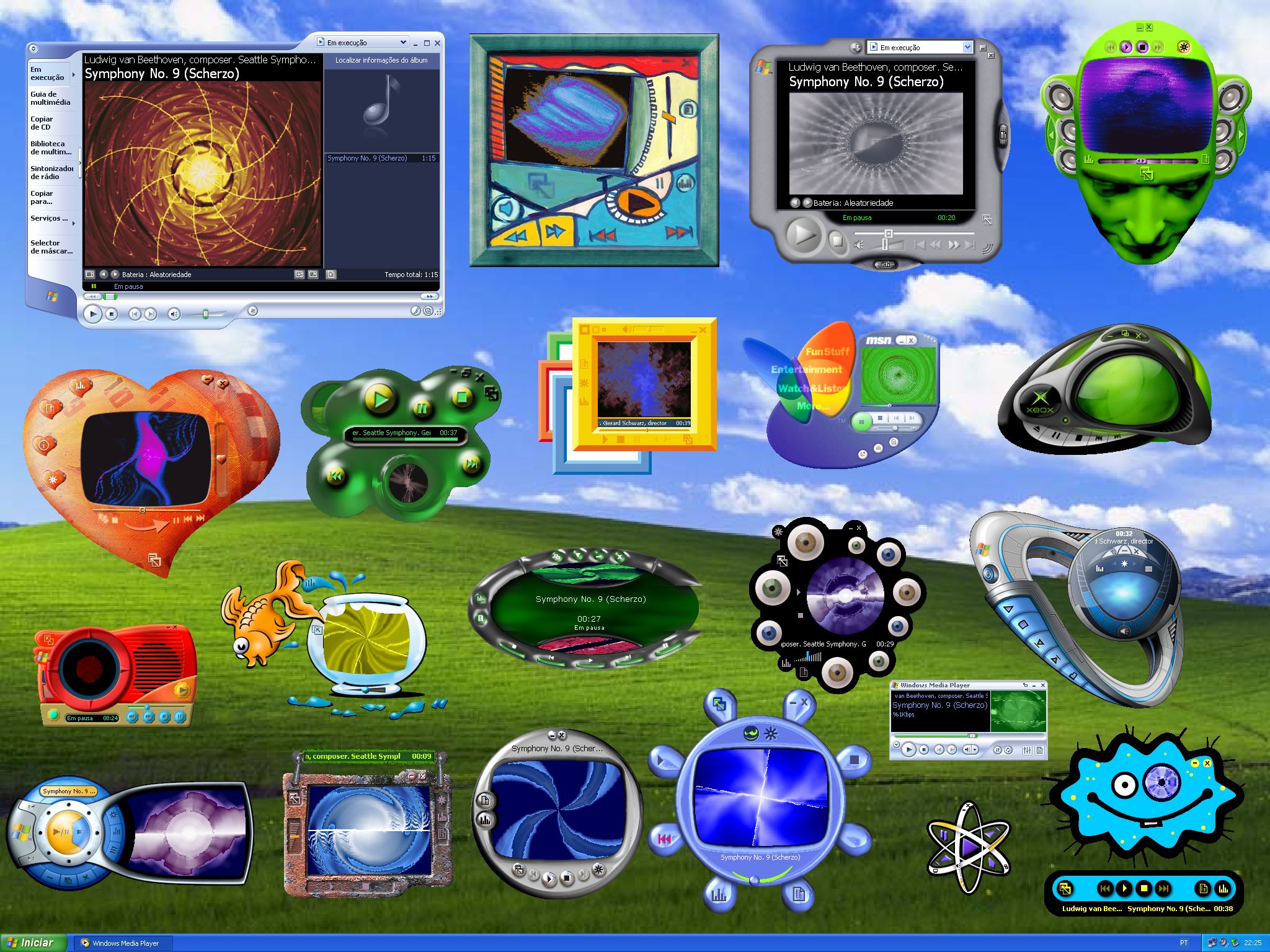
Windows Media Player skins let people turn the app into their own
Skins came with Windows Media Player 7 in 2000, when Microsoft was fighting Winamp for a place on your desktop. In December that year, it released a Bonus Pack with new skins and a tool that could convert “any of the thousands of existing Winamp skins” into Windows Media Player skins.
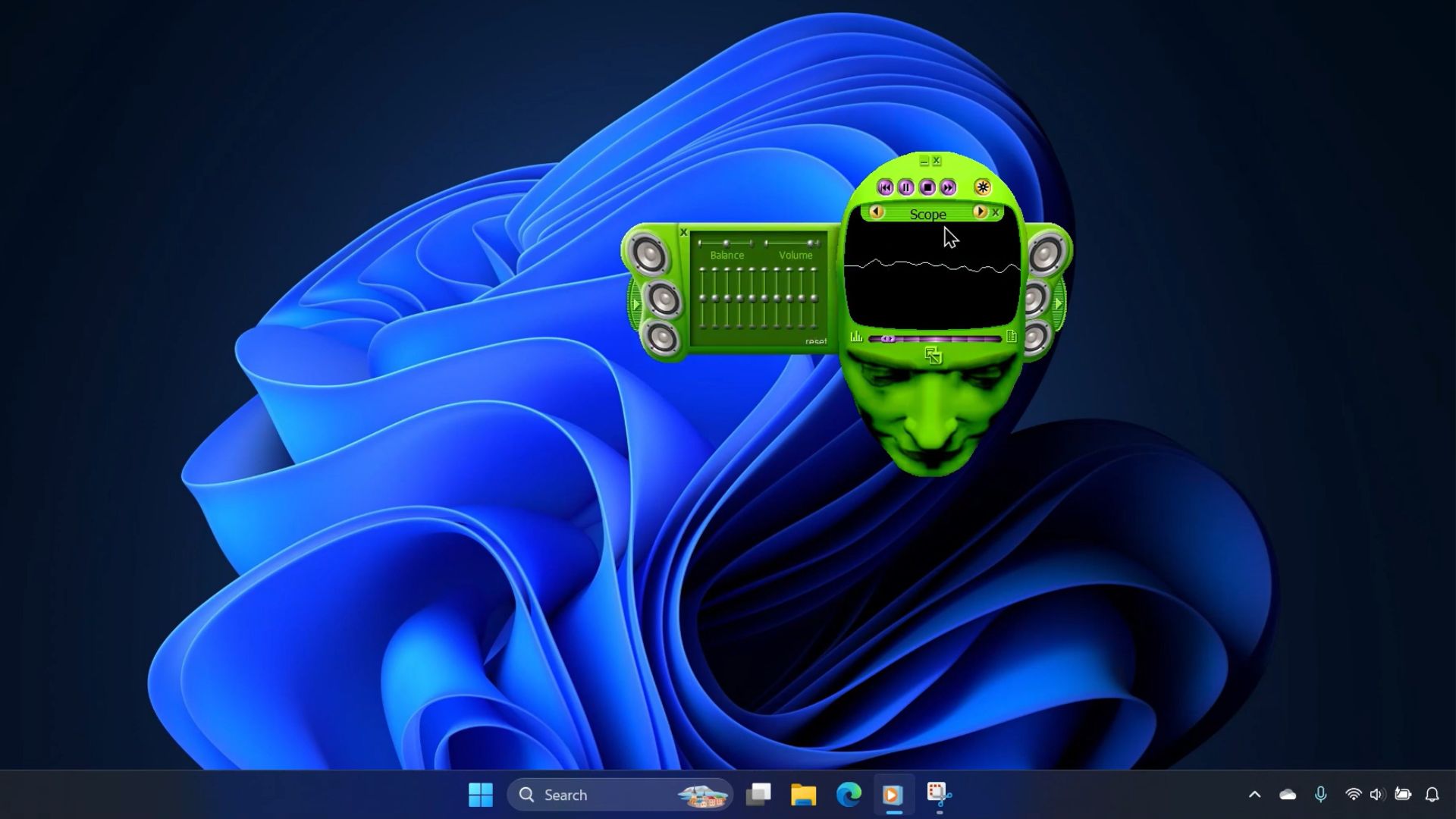
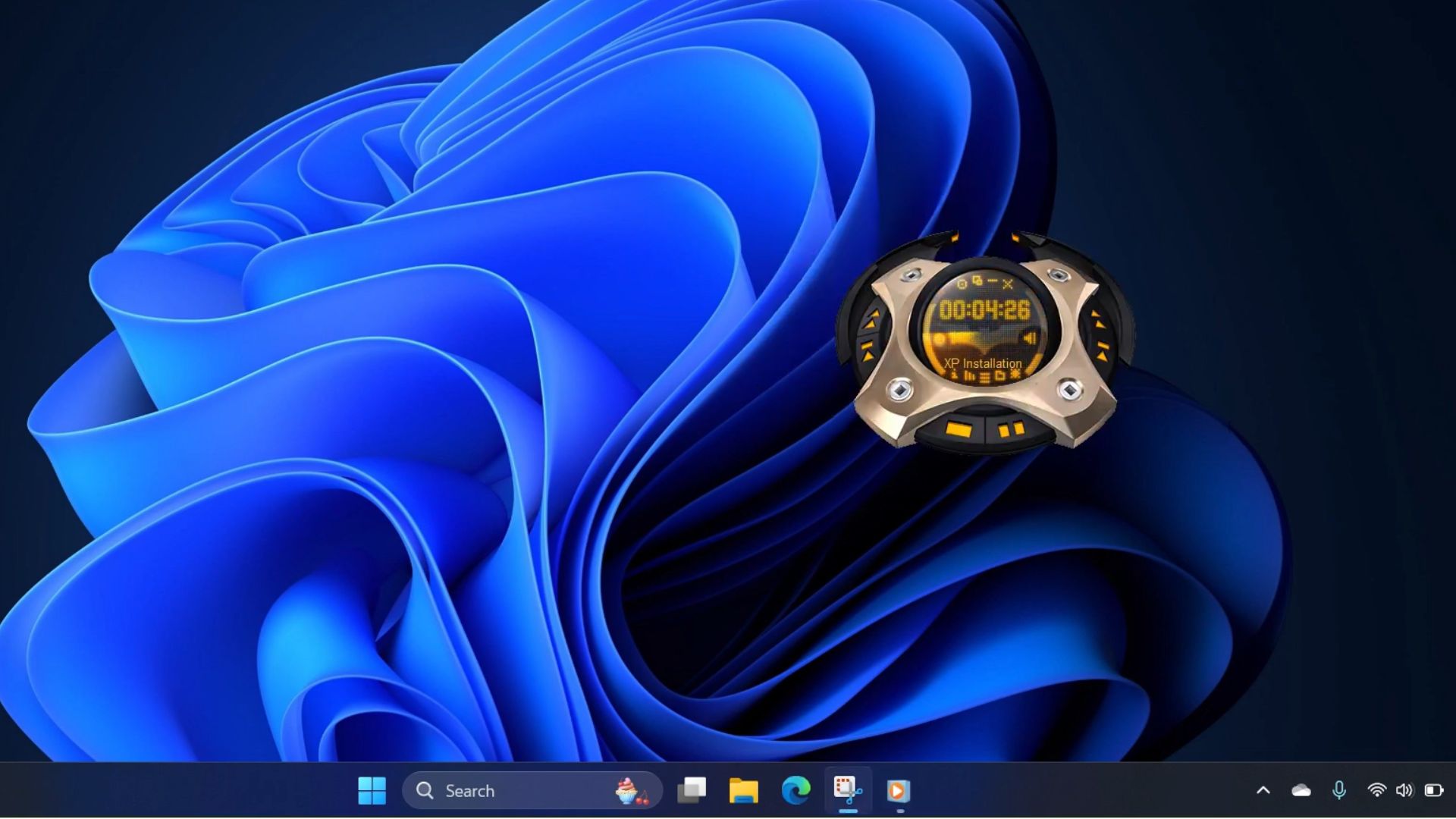
Today’s app themes swap an accent colour or a background, which is nothing compared to how a WMP skin could reshape the whole player with your favourite band, movie, game or some futuristic gadget, and Microsoft even had a skin guide so anyone could design the artwork and write the code.
On Reddit, a post on a 2000s nostalgia subreddit called these skins “peak creativity,” with people wishing Microsoft would bring them back. Another thread had users instantly recalling the Batman, Terminator 3, and Alien Invaders skins, and a recent Windows 11 thread praised how much more character the old player had in the Windows 7 and Vista days.
Of course, not everyone loved Windows Media Player. Plenty of people in these threads remember Winamp, Sonique, VLC, or foobar2000 as their preferred media players.
We may not want a Batman-shaped media player in 2026. But what’s being lost is the idea that old Windows software let you play with the software.
Microsoft wants us on the modern Media Player, but it still has a lot to prove
Skins aren’t the first thing Legacy Media Player has lost. In 2024, Microsoft started shutting down legacy DRM services for the original player on Windows 7 and 8, and this August, a Windows 11 test build blocked captions in Legacy Media Player with a prompt telling users to move to Windows Media Player.
So, what’s waiting on the other side?
When I tested both players in June, the modern Media Player used around 377MB of RAM while idle, against roughly 103.4MB for Legacy, and it took noticeably longer to open a video that Legacy played almost instantly.
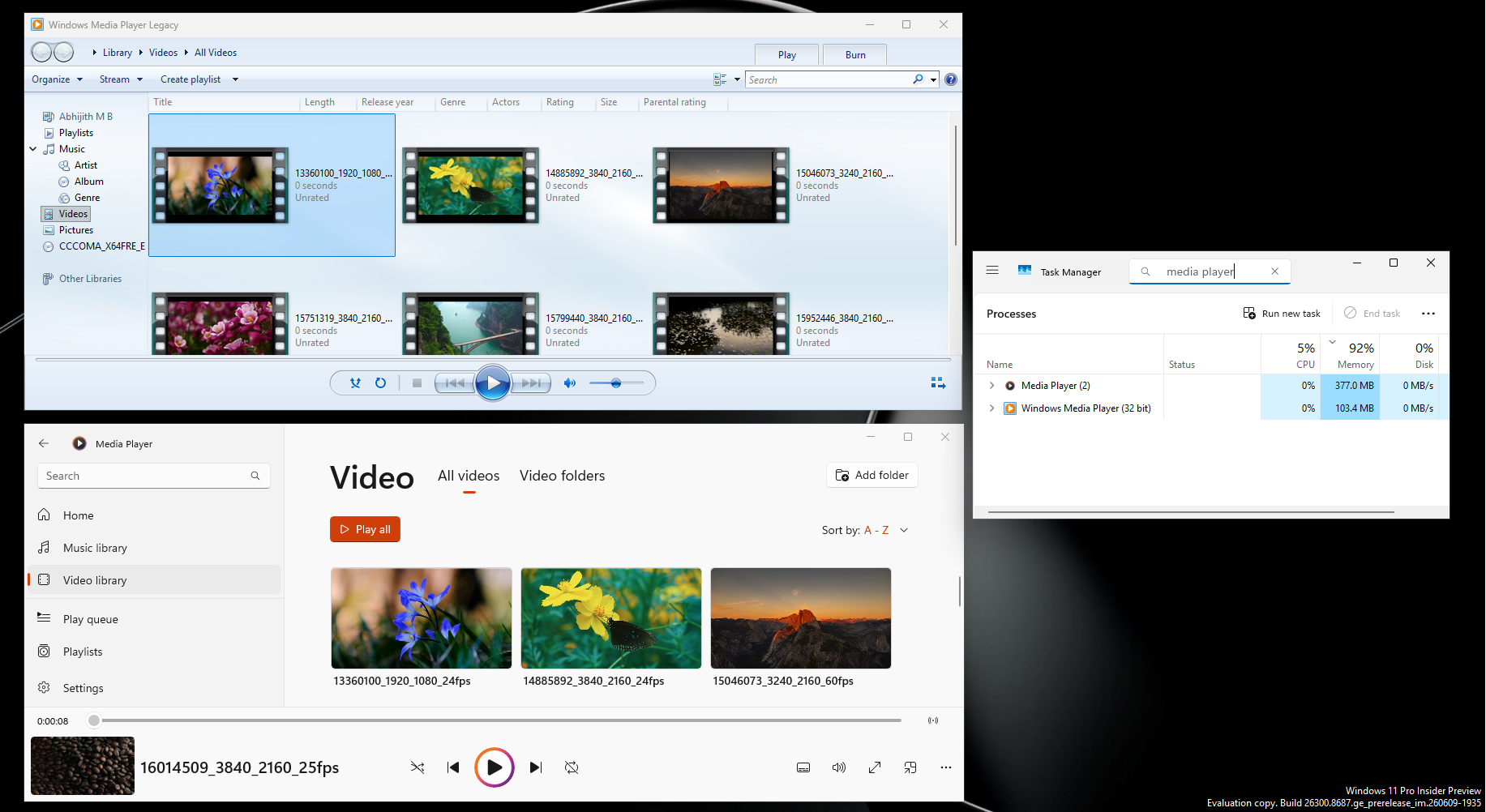
It also asks you to buy the $0.99 HEVC Video Extensions to play HEVC files, which is a codec that’s everywhere now, and the default in the iPhone’s video camera. Note that Legacy played them without any purchase. Also, this is on Windows 11, which isn’t a free OS to begin with.
Microsoft replaced a player that had personality with one that’s modern but strangely empty.
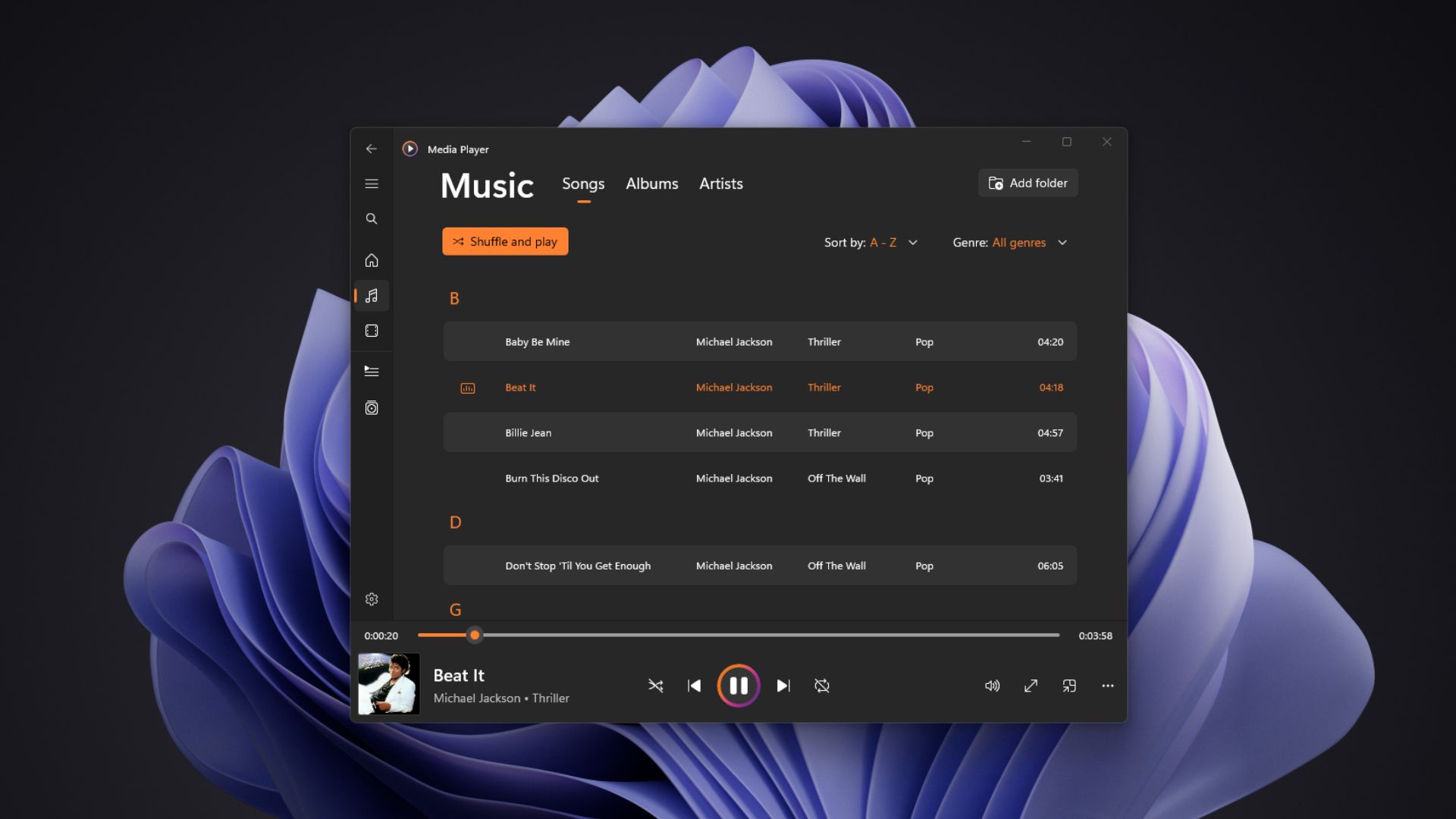
To be fair, Microsoft told us it hasn’t stopped developing the modern Media Player, and it keeps getting updates. But it has to get faster, lighter, and better at codecs before people stop installing VLC on day one.
I’d also like to see an Android and iOS version of Windows Media Player with library syncing. A lot of people use VLC on their phones first, and then naturally download it on their PC because they already trust it. Microsoft could build familiarity for their new player.
Redmond doesn’t need to bring back skins. It needs to make Windows’ built-in apps worth choosing again.