






Microsoft has confirmed it’s preparing to roll out the long-promised DataGrid-style control for WinUI, which should convince more developers to build apps using Windows 11’s modern framework instead of WebView2 and other options. This was previously teased at the Build 2026 developer conference, and it’s now closer to public release.
But why is it a big deal? Although this change is meant for developers, a DataGrid-style control means WinUI can now display proper tabular data, and you might soon notice more enterprise apps built with the recommended framework. Microsoft is hoping that it could bring more developers to build WinUI-based apps by bridging the gap.
The Microsoft Store has always had an “app gap” situation where you could find fewer apps compared to the internet, and compared to the early days of Windows 10, the situation is a lot better. But we now have another “gap,” and it’s the framework gap, where WinUI, which is the recommended native framework, is lagging behind other alternatives.
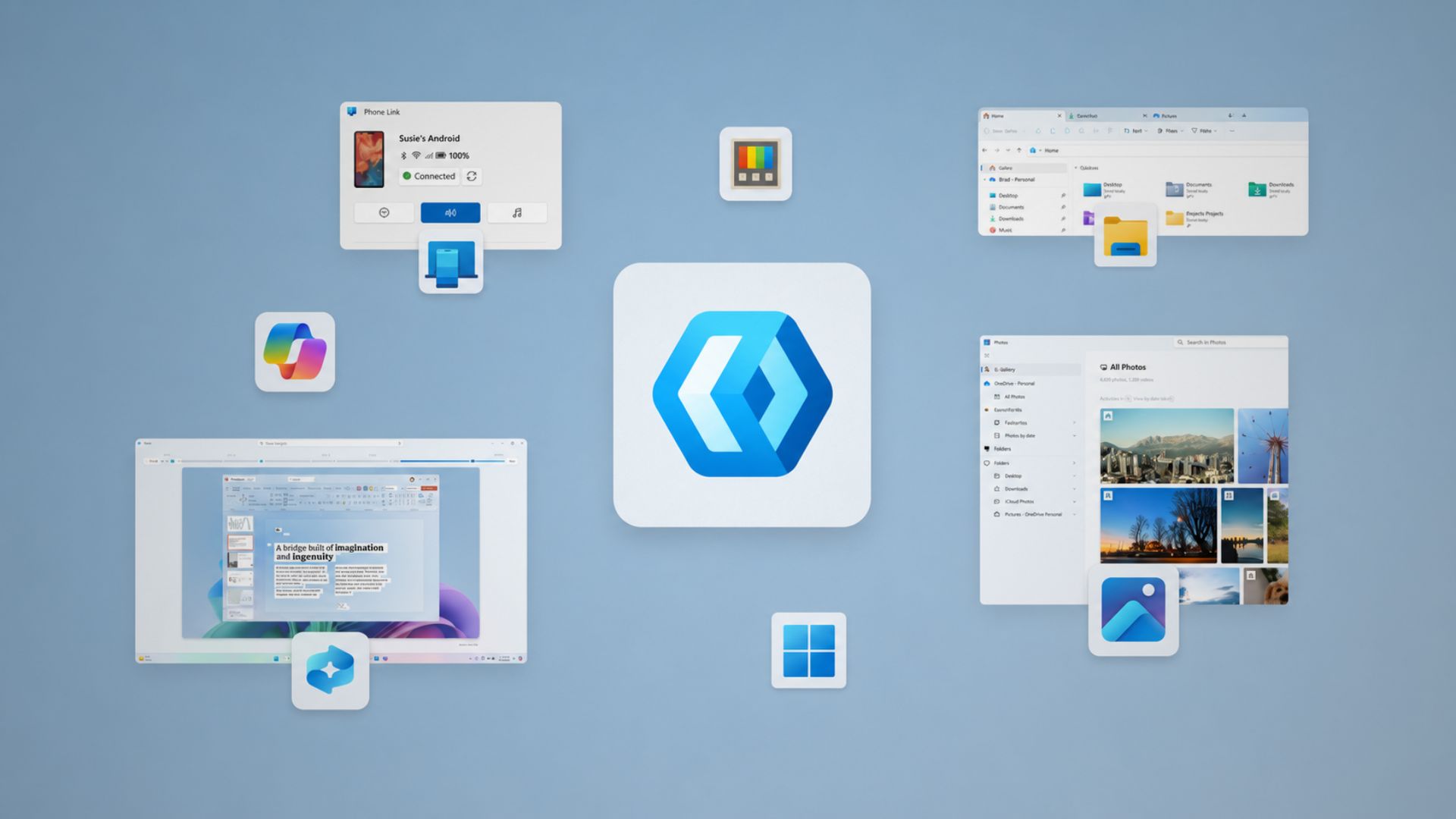
One of Windows 11’s biggest problems is its apps and how they’re built. Microsoft can make Windows as fast as it wants, but if apps offer a poor experience, the overall OS experience is going to feel sloppy, and it’s one area where Apple’s strict policies help. But you can’t expect Windows to enforce similar rules.
Windows is built differently, and it has a job to support all frameworks, and it does not enforce a UI guideline outside WinUI.
Microsoft still wants developers to build more native apps for Windows 11 using WinUI, but for years, the modern framework has been missing something incredibly basic, and that is full-fledged support for displaying and working with tabular data. This type of control allows apps to build powerful data-based experiences.
Microsoft finally makes WinUI TableView usable outside its own repository
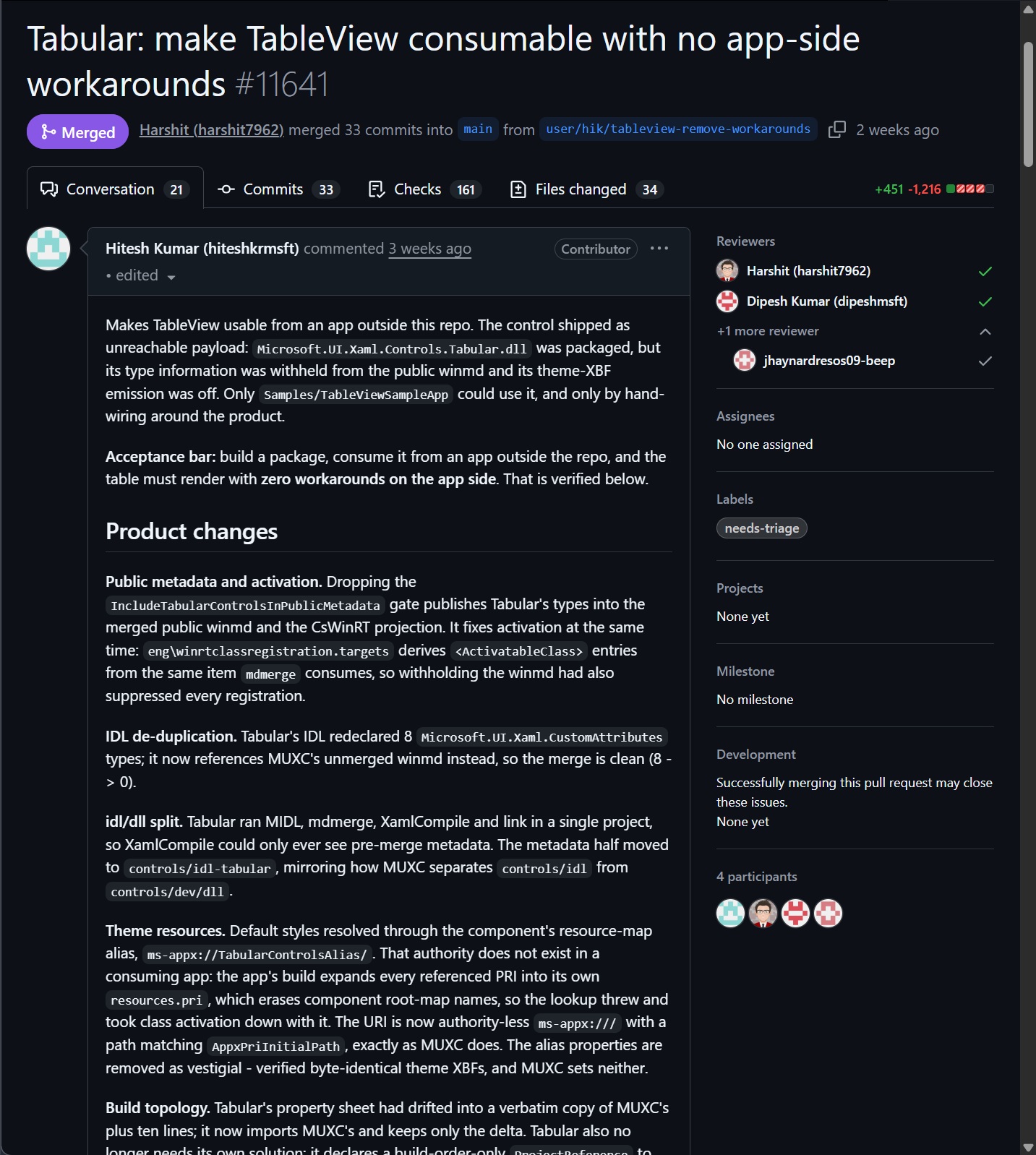
As first spotted by Windows Latest, there’s a new GitHub pull request that confirms Microsoft has finally merged the work required to make its new TableView, which is the long-promised DataGrid-style control for WinUI, usable by apps outside Microsoft’s own repository.
There’s also a separate sample gallery with examples for sorting, filtering, editing, virtualization, File Explorer-style tables, Task Manager-style interfaces, and more.
However, it’s not live yet. Windows Latest understands that the highly anticipated TableView is not yet released as a stable WinUI control, but that would change in the coming weeks.
Right now, the code has landed in Microsoft’s WinUI development branch, and it’s in line with what we heard from the company recently.
TableView still has some limitations
For example, Microsoft says “the control cannot group a source in this release,” even though the sample code for grouping already exists.
Moreover, multiple and extended selection have also been dropped from the current sample in favor of single-item selection, so you cannot select multiple rows yet.
These are limitations Microsoft could address before or after the wider release, so I don’t think it’s a big deal.
WinUI has been missing basic controls for a while now, and DataGrid is one of the long-standing gaps
If you’ve followed Windows Latest for a while, you might remember that I talked about how Microsoft is making WinUI better and some of the changes teased at Build 2026 developer conference.
At that time, I remember Microsoft promising to bring controls that developers want, including enterprise developers, and it listed DataGrid as one of the options. Here’s a clip from the Build 2026 conference session on WinUI that discusses new controls:
According to Microsoft, WinUI is the “production platform for Windows apps,” and now it’s treating it as the flagship/recommended framework for building apps for Windows 11. That means the framework must have all the basic controls, so not just some indie developers, but even enterprises prefer use it over other options.
It also promised to improve WinUI’s performance and memory usage, and eventually bring the framework to the Windows shell, including replacing the React-based Start menu with a fully native version.
During the same conference, Microsoft also admitted WinUI still had gaps, and that it was listening to feedback. One of the gaps, as I noted, was DataGrid, alongside Charting.
“We have DataGrid and Charting that are up and coming that should be out relatively shortly,” Microsoft’s Chris Anderson said at Build 2026.
How DataGrid could help enterprises switch to native Windows framework
DataGrid or even Charting might sound boring until you realize it’s the beginning of Microsoft’s efforts to make WinUI ready for enterprises.
With DataGrid, developers could make an app for accounting and display transactions, including an admin panel listing users.
One of the examples that you can relate to is Task Manager, which can display processes, a file manager that can show files and their properties, or practically any enterprise app dealing with large amounts of structured information.
Until now, WinUI has not supported a first-party DataGrid, which means it did not have one native control offering rows, columns, sorting, filtering, selection, editing, virtualization, and often grouping.
Microsoft’s own documentation still lists DataGrid under the known WinUI migration gaps and says there is “No first-party WinUI 3 control.”
If a developer wanted to build a WinUI app that can show a DataGrid, they would need to use third-party controls, community-driven options, or Windows Community Toolkit controls.
At some point, it made more sense to go with a web-based approach, which is not only cross-platform in many cases, but also supports practically anything developers would want to use.
In November 2021, some developers argued on GitHub that there was a need for a WinUI-provided DataGrid or TableView because the Community Toolkit implementation wasn’t an ideal solution for every app, particularly native C++ apps.
“The platform should include this control rather than rely on developers to roll their own,” the issue noted.
DataGrid won’t suddenly make Windows native again, but it’s an important gap Microsoft is finally fixing
I am not trying to make a point that support for DataGrid is a game-changing move for WinUI, and that it would make Windows native again. But it’s quite interesting to see Microsoft address one of the longest-running issues.
I’ve been following WinUI development for years now, and Microsoft had some ideas around the TableView control in WinUI as early as March 2024, but nothing really happened for a long time, and developers had to use community-driven UI toolkits.
There’s no denying that Microsoft has become a strange company to developers, and its strategy of repeatedly changing its preferred Windows framework or design guidelines over the years has pushed developers back.
Instead of using some third-party toolkit and going through the hassle of making WinUI work for their needs, developers simply preferred building on top of their websites or using Electron.
As I previously reported, Microsoft itself has admitted that WinUI has a “large backlog” of feature gaps, and developers have had to rely on open-source libraries and third-party controls to fill them.
Microsoft has already spent almost half a year promising native Windows apps, with one of the company’s executives stating that the goal is “100% native” inbox apps.
Microsoft is also making it easier to build or migrate apps to WinUI, and we’re expecting some groundbreaking changes in the next few months.
DataGrid alone isn’t going to change the state of Windows apps, but Microsoft finally fixing one of WinUI’s longest-running framework gaps is still a step in the right direction.
You can now track WinUI development publicly on GitHub
WinUI development is now happening publicly on GitHub, so whatever changes Microsoft makes to the framework can be viewed publicly.
Microsoft recently confirmed that “mainline WinUI development is now taking place on GitHub.”
Of course, Microsoft still gets to decide what makes it into the actual WinUI product, and the broader open-source transition is still ongoing. But in the case of features like TableView, which are being built by Microsoft itself, you can now track the progress of official upcoming releases.