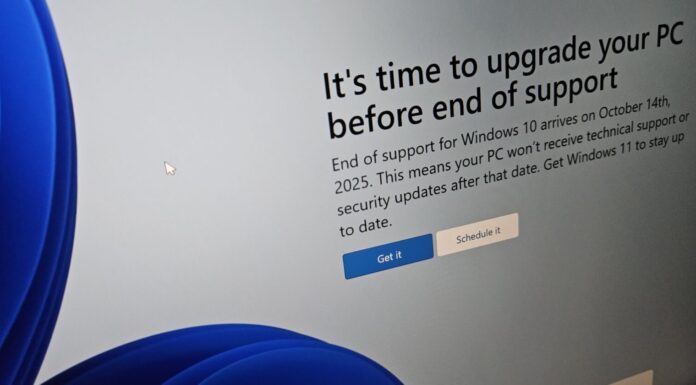








Windows 10 installation bug accidentally forces users to buy Microsoft 365
Windows 10 has again started displaying a full-screen pop-up that takes up the whole screen (similar to the first boot experience) and attempts to sell Microsoft 365. The pop-up itself isn't...

Windows 10 Redstone 4 to bring new Cortana feature ‘collections’
The Fall Creators Update for Windows 10 is coming next week, while it adds some improvements such as the Fluent Design language but it is not a major update. The next...
More than 100,000 NHS staff will upgrade to latest Microsoft’s services
Microsoft has entered into a partnership with NHSScotland which will help them revolutionize healthcare system in the country. Microsoft will be providing advanced solutions to NHSScotland which would help them improve patient...

Direct Download links for Windows 10 KB5003169 (Build 18363.1556)
Microsoft has just rolled out a new update for Windows 10 v1909. The patch is available via Windows Update and it is said to be the final service update for Home...

You can now send web links from Windows 10 to Android with Your Phone...
Microsoft is working on several features to bring Windows 10 and Android devices closer. The company recently launched Your Phone app to allow users to access photos and messages stored in...

Qualcomm: Windows 10 ARM devices to have incredibly insane battery life
Both Microsoft and Qualcomm have confirmed that Windows 10 ARM devices will have an insane battery life. Neither Microsoft nor Qualcomm provided any solid proof about the battery life of Windows 10 on...

Microsoft is considering bringing compact view (split view) to Skype’s new Windows 10 app
Last month, Microsoft confirmed that the company is retiring the classic version of Skype on September 1, and as part of its efforts to convince users to update before the September...
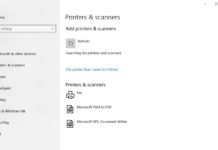
Windows 10 version 1809 to receive Printer drivers through Windows Update
Microsoft pushed out the latest Windows 10 October 2018 Update to the general public on October 2nd. The update was later blocked due to major issues found during and after installation.
However,...
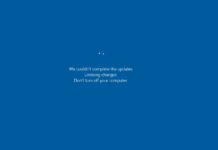
Microsoft aware of Windows Server KB5037765 0x800f0982 error
Microsoft has confirmed reports that Windows Server KB5037765 may fail to install with error code 0x800f0982 in regions such as Germany, France, and Spain if an English language pack is not installed. A fix will be rolled out to everyone in the coming hours.
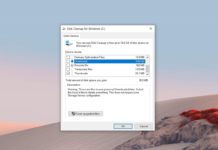
Microsoft addresses multiple issues in Windows 10 version 2004
Microsoft recently acknowledged multiple known issues in Windows 10 May 2020 Update, which is scheduled to release between May 26 and 28. For reference, Microsoft warned that the May 2020 Update...
Windows 11


Windows 10