




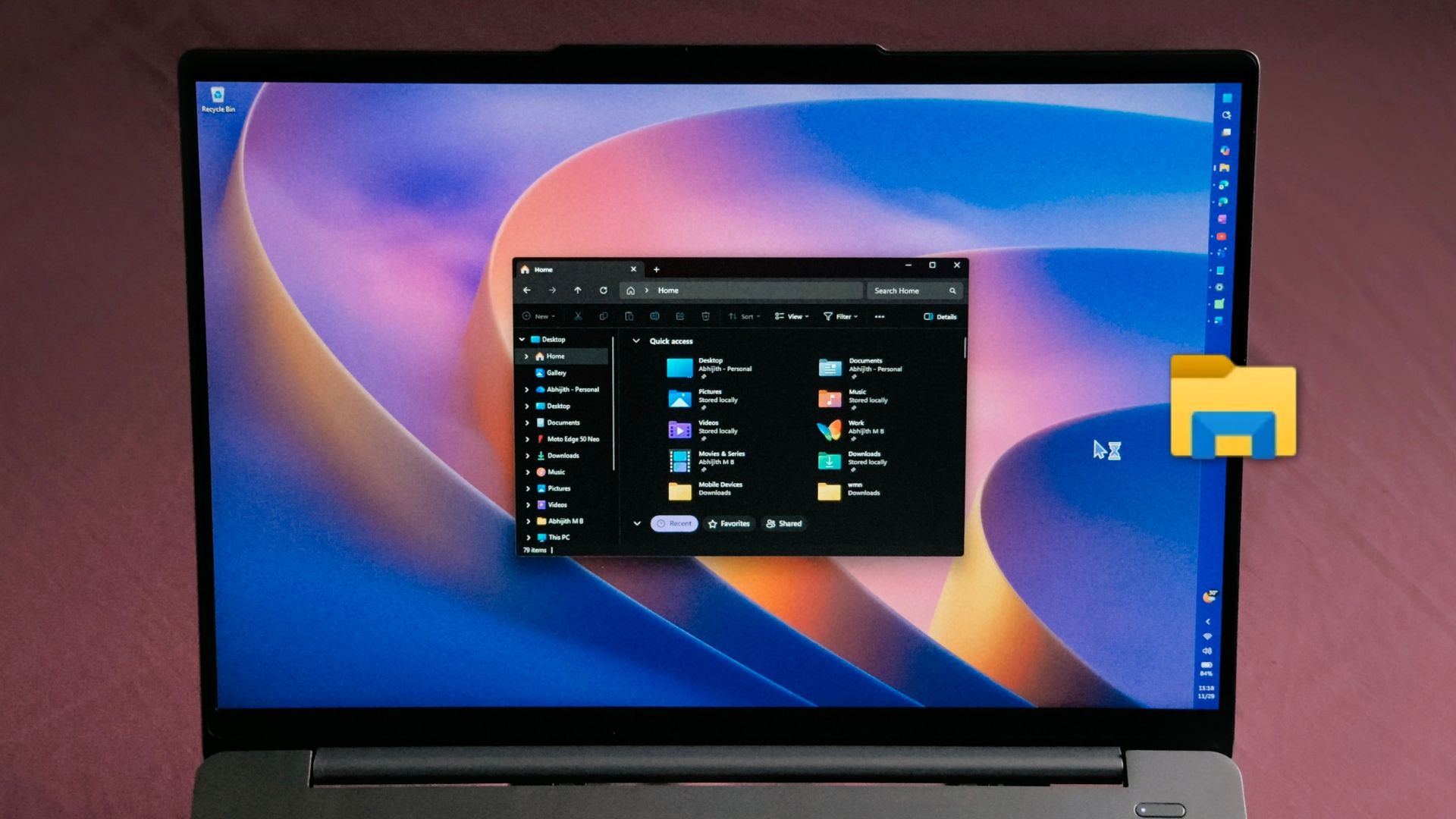
We finally have the official reason why Windows 11’s File Explorer was lagging and it’s because Microsoft let work pile up on the app’s UI thread that should have run elsewhere. These also include network checks to see if a OneDrive file is available. Windows Latest spotted the explanation in a Microsoft Ignite 2026 session, where Core OS chief Ian LeGrow said these checks now run on background threads, and that Microsoft got rid of about 80% of the lag-causing things in Explorer.
If you use Windows 11, you’ve probably seen File Explorer freeze for a second when you open a folder, or even when you switch between the Home tab and This PC. I have, and it’s even more annoying because the Windows 10 File Explorer in my 2GB RAM virtual machine doesn’t have an issue opening almost instantly.
Microsoft says File Explorer kept lagging because its UI thread was doing too much
I saw the explanation in the Q&A of “Raising the Bar for Windows Quality: Built with Your Feedback,” presented by LeGrow, Microsoft’s CVP of Core OS, and Robin Seiler, who leads commercial engagement for Windows. Microsoft also revealed in the session that its own apps were eating nearly 900MB of RAM. Bold of the company to admit to all this.
An IT admin asked how Microsoft changed File Explorer, calling it one of the biggest gripes for end users because “the experience is so slow.”
“File Explorer has its UI thread, which keeps things responsive,” LeGrow replied. “What happened over time was things got added to the UI thread that shouldn’t have been there.”
For context, the UI thread draws what you see in an app and responds to your clicks. If it’s stuck waiting on a slow network, the whole window waits with it, regardless of how powerful your PC is.
“And so you end up with these blocks. So that would cause these hangs and pops as it goes. Oh, is that OneDrive file available or not? I’ll do a network check,” LeGrow explained.
OneDrive was just one example, as LeGrow also mentioned disk checks. But it explains a lot. Back in August 2021, users on Microsoft’s forums reported that File Explorer froze in OneDrive folders on early Windows 11 builds, and pausing OneDrive sync made it smooth again. As recently as June, another thread complained that File Explorer opens slowly on PCs with network drives or OneDrive mounted.
Earlier in the session, LeGrow said the hangs you see when opening Explorer or a right-click menu are hangs “I notice those myself on a day-to-day basis as I’m using my PC.” Well, at least Microsoft’s engineers also feel our pain.
Microsoft moved network and disk checks to background threads to make File Explorer faster
According to LeGrow, Microsoft did “a hygiene sweep on File Explorer so that a lot of the things that might require the network or a disk check were moved off on separate threads. And so things sped up quite substantially.”
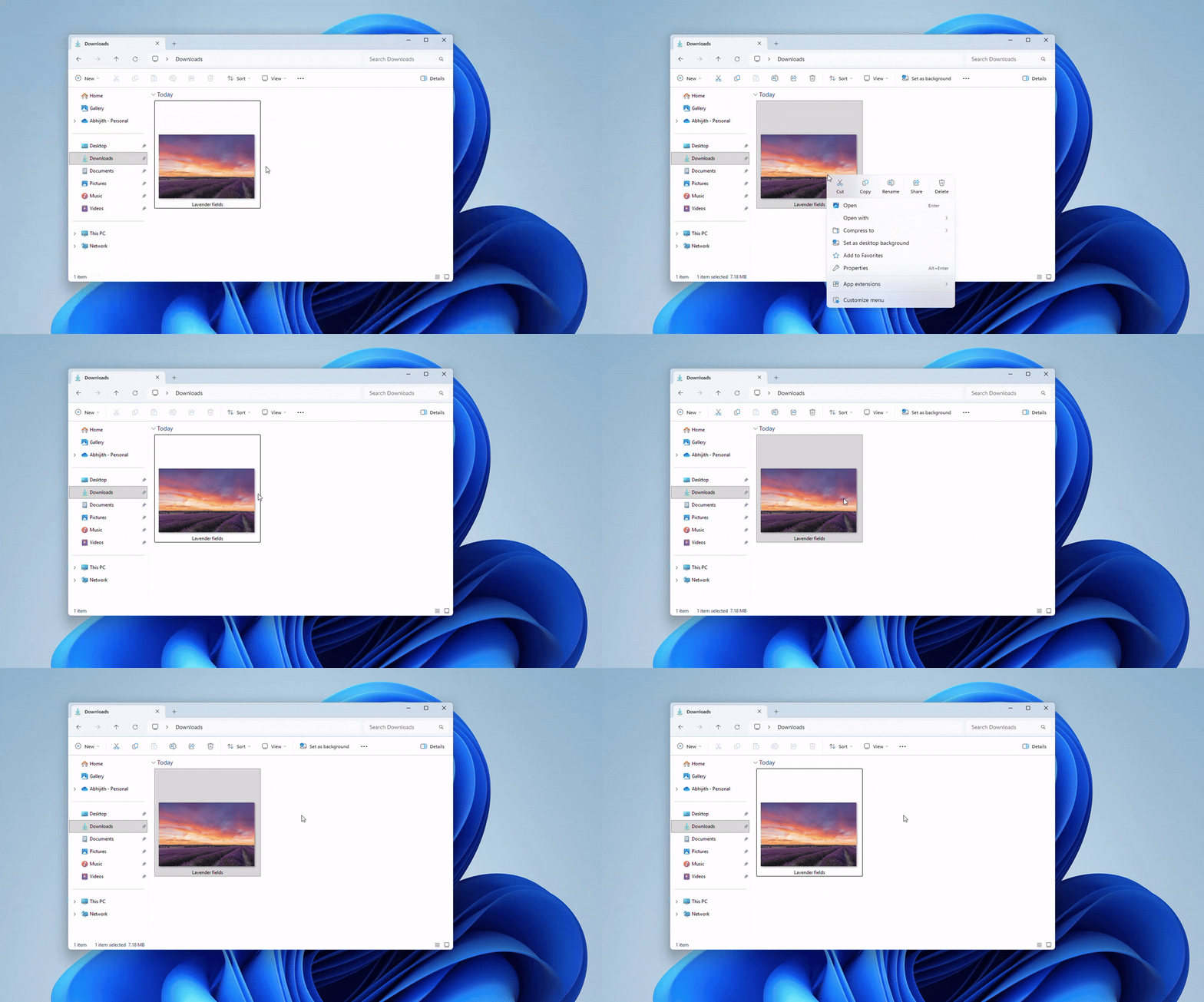
As expected, the right-click menu is where you’ll notice it most. “In older builds, some of the menu items would say loading, loading, loading, loading, because it was seeking things from the network. A lot of that’s much, much faster,” he said. Items that kept loading after the menu opened also caused misclicks, as the menu grew and shifted under your cursor.
As for launching it, LeGrow says File Explorer will “display substantially faster than months ago,” and then asked the room, “Are you using it? Have you noticed?”
The IT admin said he has seen an improvement on the latest builds, but pushing updates to all his end users is a slow process. Earlier, LeGrow also said Start, File Explorer, Task Manager, Quick Settings and Settings open about 20% faster on 8GB PCs.
To be clear, LeGrow didn’t share a launch time, a benchmark, or the specific builds with these changes, and he says about 80% of the hang-causing things are gone, so some hangs remain.
Funnily enough, when the admin asked about the Files app, some of his end users open it instead of File Explorer; it turned out to be the Microsoft 365 Files companion, which Microsoft is retiring on December 16. According to the session, the companion apps “were a source of a lot of memory and issues.”
Windows 11’s File Explorer got faster in 2026, but Windows 10 still sets the bar
File Explorer’s speed has been a sore point since, well, since the launch of Windows 11. In April 2025, KB5055627 made the Home tab load faster, after it showed a “loading” message for several seconds. Then we got preloading, which my testing found still slower than Windows 10, as it only made the launch faster and did nothing for the sluggish right-click menu.
In March, Microsoft promised to finally make File Explorer faster in 2026. The June optional update sped up File Explorer’s launch without preloading, along with a faster address bar and no more freezes when mounting an ISO, and in July, an Insider build made it faster at deleting large files. All these fixes compounded throughout the year.
My favourite is the new right-click menu in File Explorer. The older one was “cluttered and sluggish” as Microsoft admitted. The new context menu is shorter, cleaner and faster, and it started rolling out with KB5127936 in October, though gradually.
Microsoft hasn’t compared any of this with Windows 10, and on my PC, Windows 10’s File Explorer still feels snappier. Fortunately, Redmond is finally fixing how File Explorer works instead of just preloading it in memory, and for an app most of us open dozens of times a day, it’s about time.
So, are you using the latest builds? Have you noticed?