








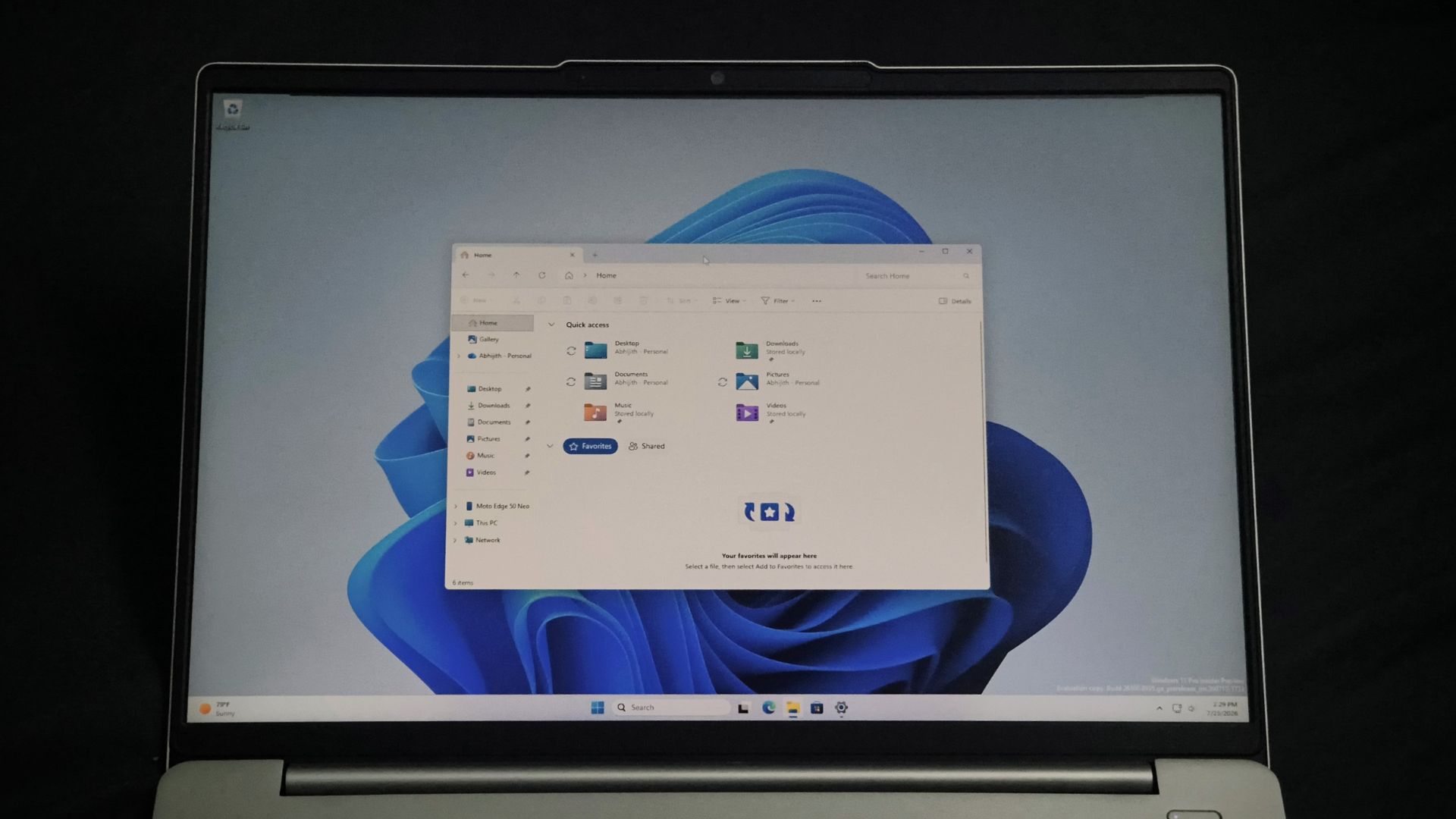
If you have ever seen the word “Calculating” when trying to delete a folder with a ton of files in it, or a single large file, then know that it was a decades-old problem that Windows users had to face, and fortunately, Microsoft has fixed it now.
With the latest Windows 11 Insider Experimental Preview Build 26300.8935, released July 20, File Explorer deletes large, fragmented files faster. However, Microsoft’s changelog credits the fix to “certain scenarios” only.
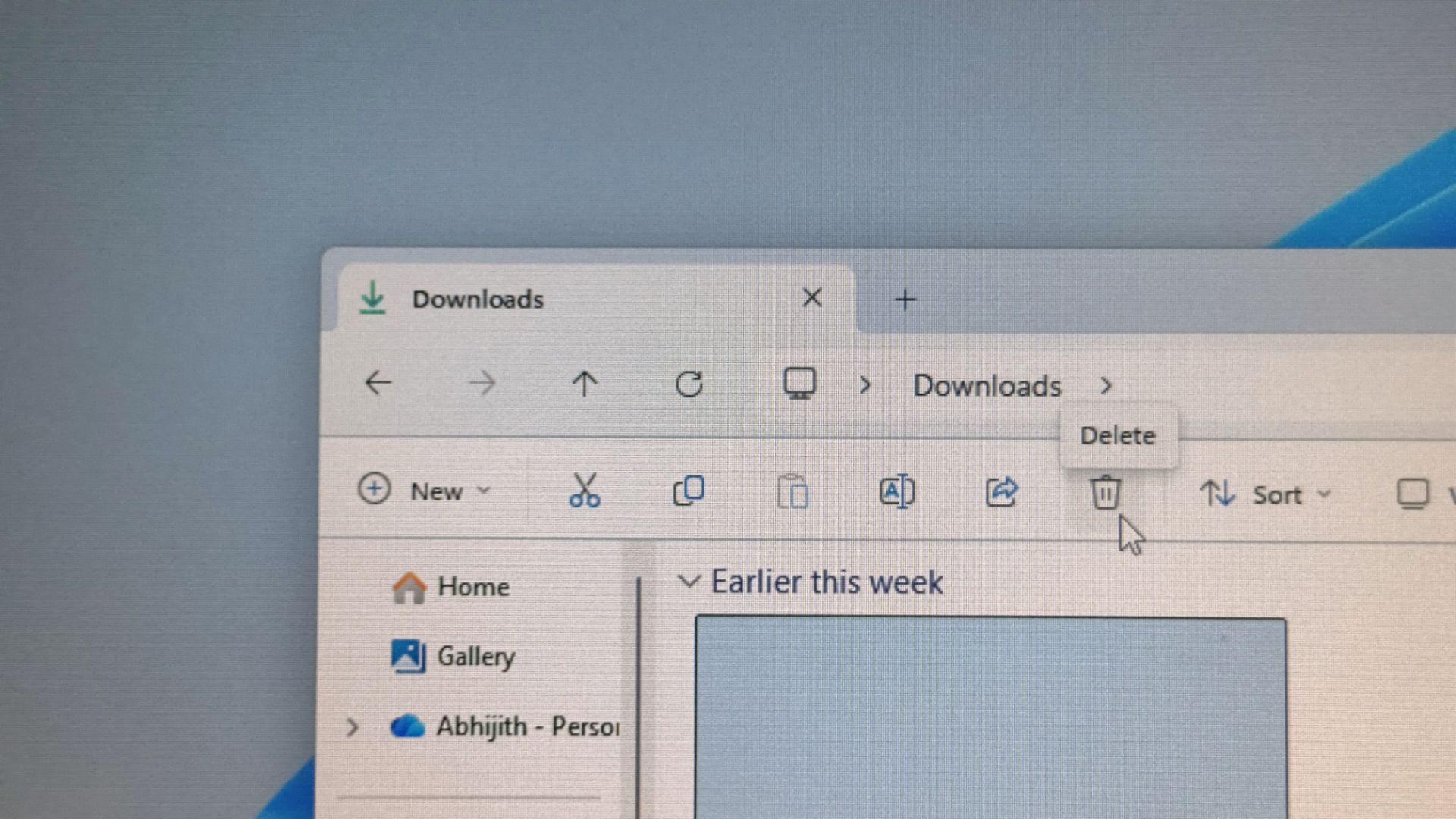
File Explorer now deletes large files faster
Microsoft first revealed bulk delete would get at least 30% faster back in June, along with faster launches and less flicker across File Explorer. Build 26300.8935 is the first Insider build where a version of that promise shows up in the changelog.
The company notes: “File deletion in File Explorer is now faster in certain scenarios when deleting large, fragmented files.”
You’ll notice the difference most on drives that are close to full, since that’s when files get fragmented in the first place.
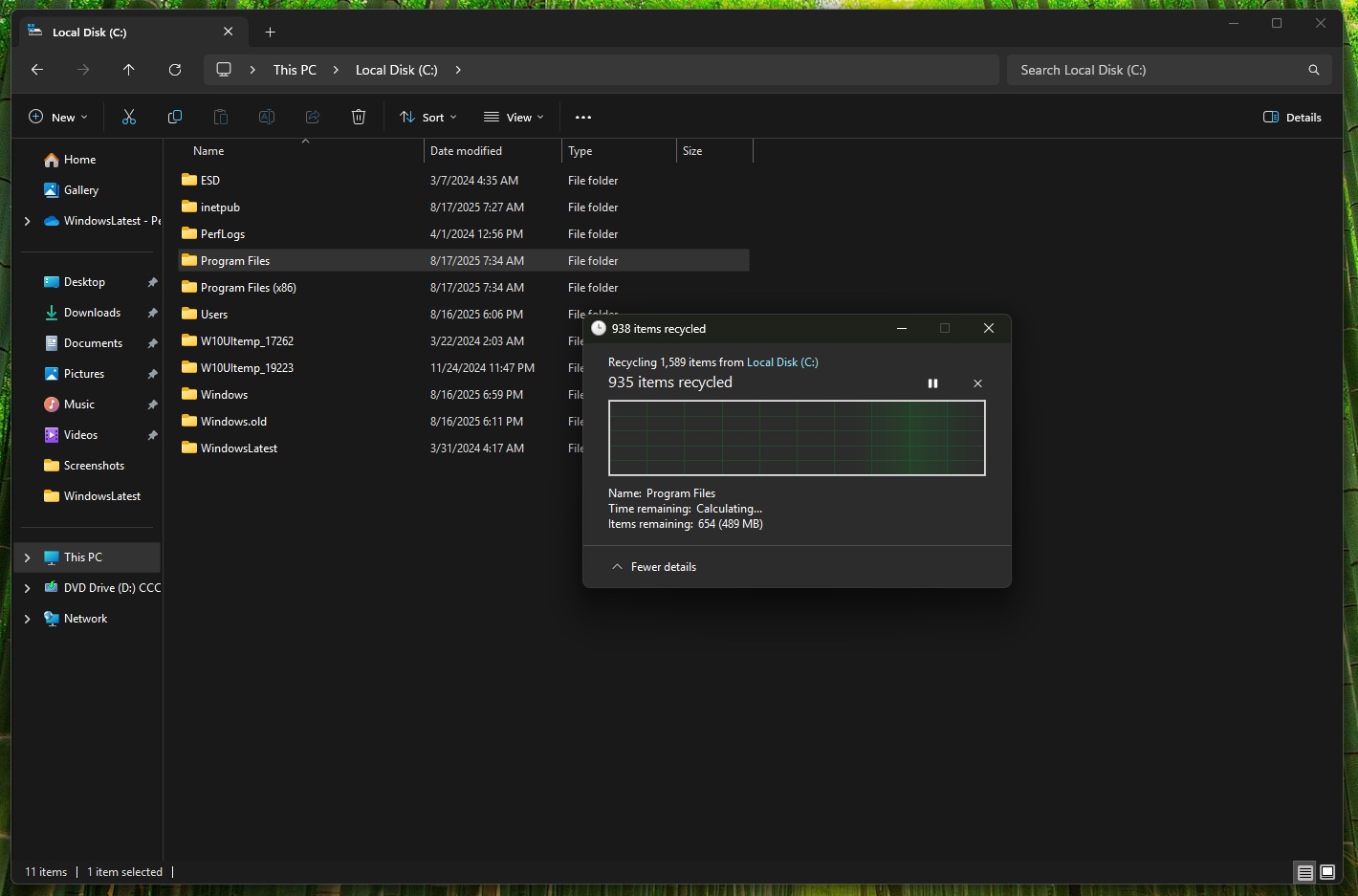
Why large files were slow to delete in Windows
When a drive still has large blocks of free space, NTFS can usually write a file in one contiguous piece. Once free space shrinks and breaks up into smaller gaps, a large file, like a VM disk, a database, or anything that keeps growing over time, gets split into thousands of smaller pieces scattered across the drive.
Fragmentation is what makes deletion slow, and it isn’t only an HDD problem. On a hard drive, each fragment adds a physical seek, so a file split into thousands of pieces means thousands of head movements before it’s gone. SSDs obviously don’t have physical movement, but they don’t skip the bookkeeping.
NTFS still has to look up every fragment and clear it from the drive’s free space records one by one, and with a badly fragmented file, it is enough to slow things down.
Microsoft hasn’t mentioned what changed in the deletion path, but a faster way to process the fragment-by-fragment cleanup would explain the speed improvement without needing anything else to change.
File Explorer Home also loads faster now
Build 26300.8935 makes File Explorer’s Home tab launch faster and more responsive. Microsoft already targeted it once with KB5095093 in June, which improved Home tab launch speed and address bar reliability. Build 26300.8935 continued with the improvements.
The above screen recording is on an underpowered VM, which already shows some improvements in speed when compared to before I applied the update. Of course, once it comes to your PC, it would feel faster.
The Recommended section on Home, the file carousel that shows recently used items, now supports touch scrolling, which makes the myriads of touch-screen Windows 11 laptops slightly worth it. Although I would say that File Explorer is still not touch-friendly, like the rest of Windows 11.
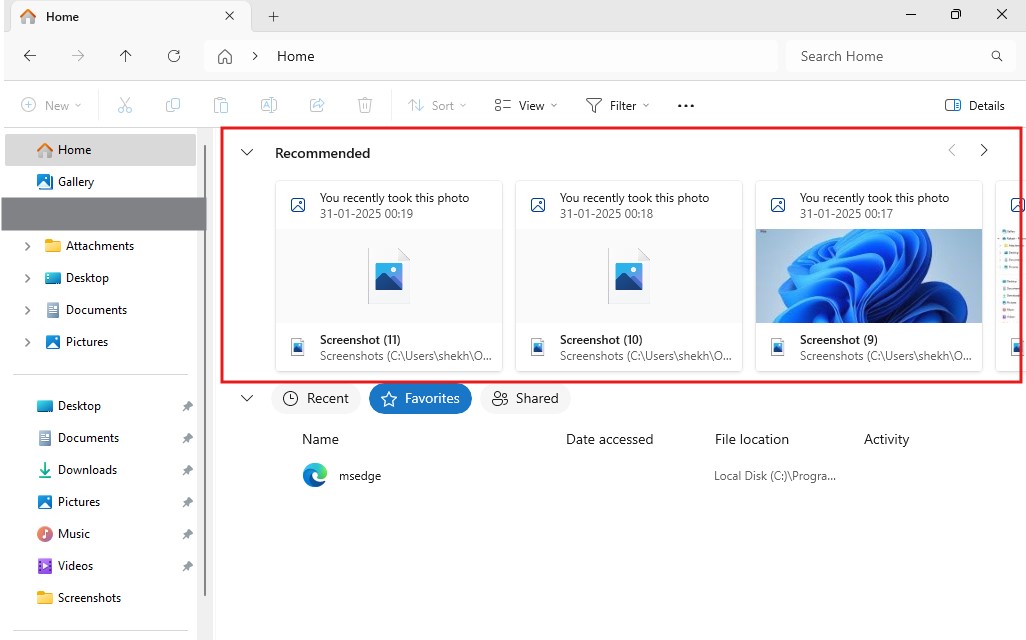
All three changes are live for Insiders in the Experimental channel and rolling out gradually, so not everyone on that channel will see them at once.
File Explorer is getting much-needed improvements in 2026
Search across This PC is getting a dedicated speed and relevance overhaul, built on the same performance work Microsoft has already shipped for the improved Windows Search.
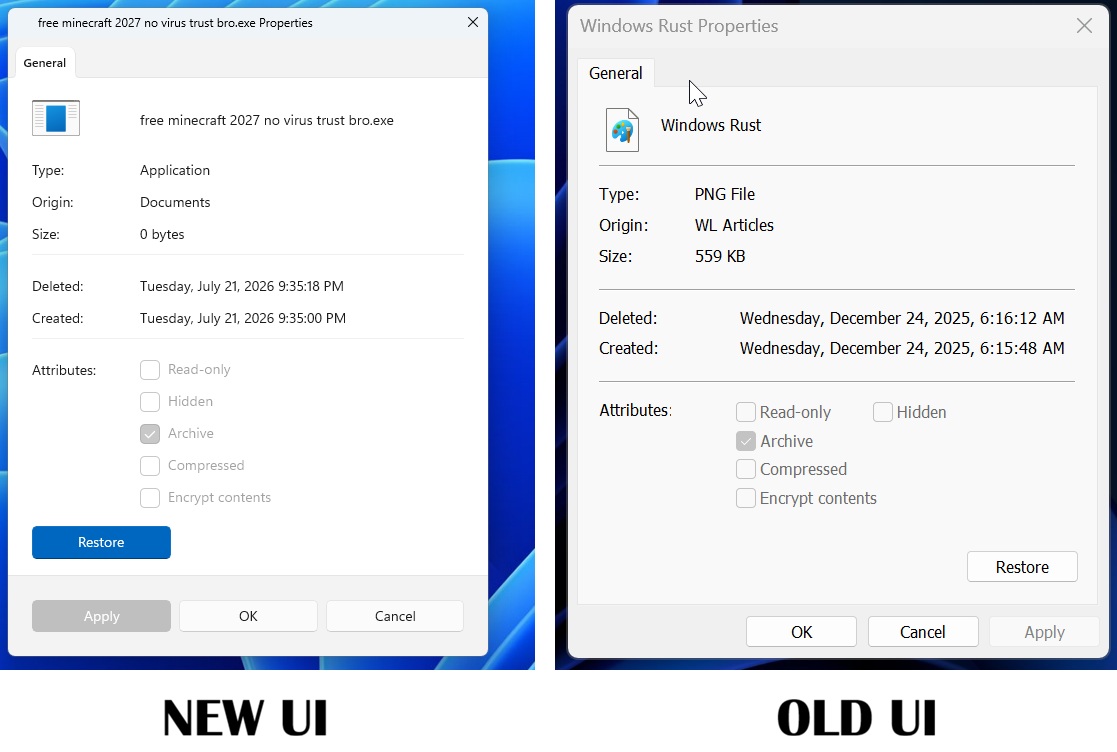
One of the most exciting changes coming to File Explorer is the Properties dialog being rebuilt with a modern look. Microsoft has started replacing the Windows 95-era Properties dialog with a native WinUI version that supports dark mode, moving away from the decades-old Win32 property sheet.
Other fixes have shipped in the months before this. Microsoft acknowledged File Explorer’s sluggishness in May and admitted preloading alone wouldn’t solve it. File Explorer picked up refreshed right-click options and readable file sizes in Details view the same month.
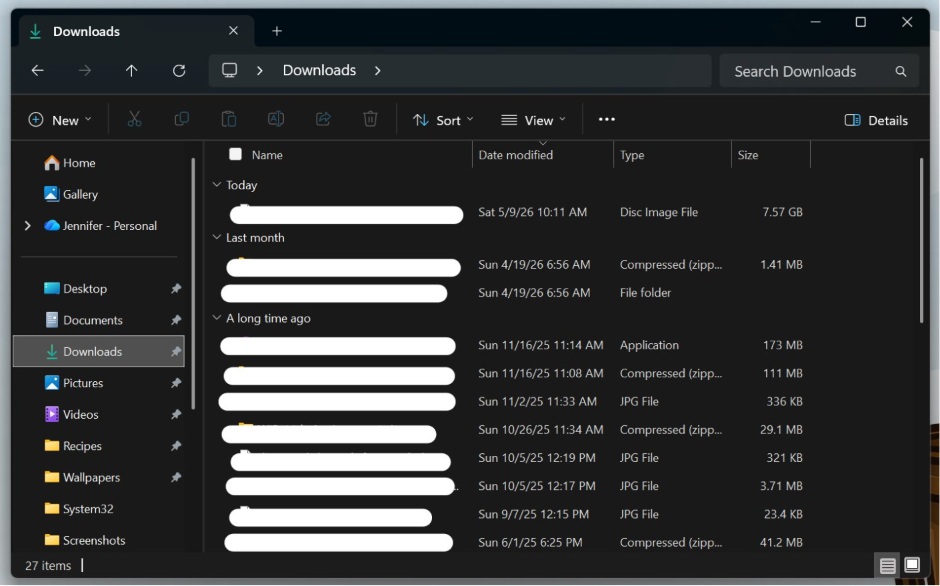
We reported on Microsoft’s explanation of why File Explorer’s scrolling is inconsistent. To understand what I mean, head on to the File Explorer Gallery section and scroll. You’ll notice buttery smooth scrolling. But you won’t find it anywhere in the app.
In case you’re wondering, the smoother Gallery is WinUI and the choppy rest of the File Explorer has a hybrid architecture, speaking of which…
All of these improvements go back to March, when the company confirmed that File Explorer has been slower than its Windows 10 counterpart, largely due to File Explorer’s hybrid architecture, still running on Win32.
Faster file deletion, a quicker Home tab, better search, and a modernized Properties dialog are all pieces of the same effort to make File Explorer look and feel better in Windows 11.