






Microsoft has deprecated MTP over Bluetooth, a Windows feature that lets PC users browse files on compatible devices without a cable. In a November 2026 update to its list of deprecated Windows features, the company said it might remove MTP over Bluetooth in a later release but gave no date. People using a regular Bluetooth file transfer tool can continue normally.
“MTP over Bluetooth is deprecated and might be removed in a future release of Windows. You can continue using MTP over USB to manage files on connected devices,” Microsoft noted in an updated support.
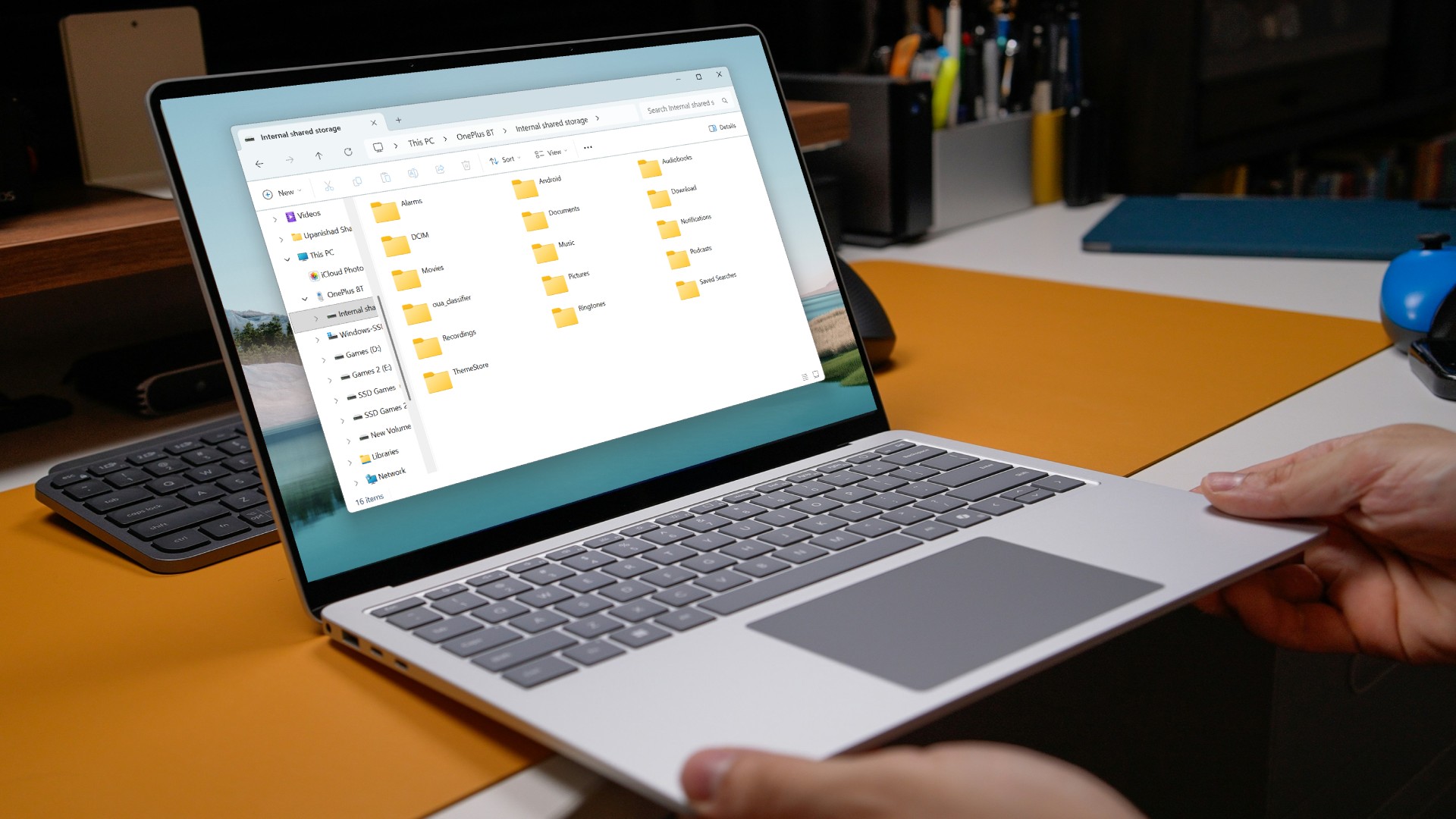
Funnily enough, you may already use MTP without ever even knowing it. Whenever you plug an Android into your laptop and choose File Transfer, the Media Transfer Protocol helps File Explorer show the phone’s folders. From there, you can drag a video onto your PC or vice versa. Thankfully, MS says you can keep using MTP over USB.
Why Windows supported MTP over Bluetooth in the first place
MTP over Bluetooth actually goes way back to the Windows 7/Vista Platform Update. But why was it there if you never used it, you ask? Well, imagine someone with a compatible portable music player. With Bluetooth MTP, Windows Media Player could sync songs to it without a cable. That was also a listed example by Microsoft.
It worked the other way too. Windows users could open a compatible player’s folder on their PC and copy a file back over BT. That’s the exact thing you lose if Microsoft removes MTP over Bluetooth.
If you play music in stereo through classic Bluetooth headphones, Windows 11 still uses the Advanced Audio Distribution Profile (A2DP), which was around in the Windows 7 days. I’d bet more of us have listened to a song that way this week than copied one to an MP3 player over Bluetooth.
Can you still send files over Bluetooth in Windows?
Yes, Windows 10 and 11 will still let you send files over Bluetooth. The built-in transfer tool we love uses the OBEX Object Push Profile to send files to a device paired over Bluetooth.
While I’m sure you don’t need a full walkthrough, here is how to still send your files over Bluetooth. To send a photo from Android, pair your phone with the PC. Then press Windows + R, type fsquirt, and press Enter. Select Receive files in the Bluetooth File Transfer Wizard.
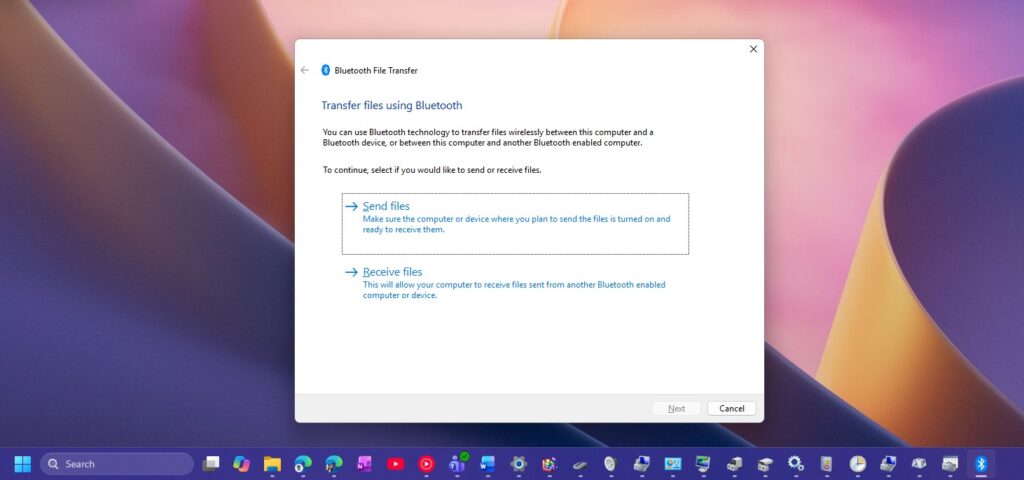
Once Windows is waiting, simply open the file on your phone and share it through Bluetooth. Select your PC from the list of paired devices. When the transfer finishes, choose where to save the file and finish.
You can also send a file the other way around from the initial wizard. So if you were worried about losing regular Bluetooth file transfers, you can rest easy.
So, should we really care?
So, should you care that Microsoft deprecated MTP over Bluetooth? No, not really. I’d care if I had a portable music player with a library to sync. If this feature goes, then I would need to find a cable every time.
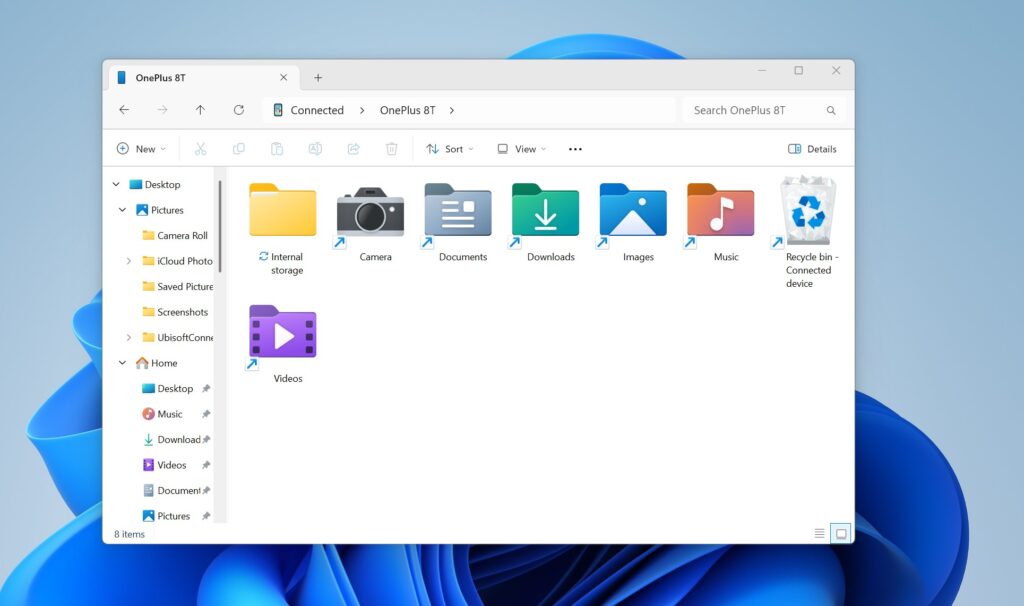
If you have a compatible Android phone, you can already browse its contents over Wi-Fi in File Explorer using Link to Windows. In our tests, Windows Latest found the folder view on a Galaxy M34 in our April Phone Link test.
I tried it with my OnePlus 8T. Once I linked it to my PC, I could easily open the phone’s storage in File Explorer.
Microsoft has been taking a closer look at Bluetooth on Windows 11 lately. October’s update lets AirPods pair up to 15 seconds faster and fixes the bug where you’d disconnect your headphones and Quick Settings would still say “Connected.
In a recent Windows 11 preview, we could also keep music playing in stereo at 48 kHz with the mic on using a compatible PC and Bluetooth LE Audio headset.
I doubt many people will notice this little change. Still, the announcement has a hint of nostalgia. I’ve always had a soft spot for gadgets that keep doing their jobs even as everything changes. If I were a portable music player kind of guy, I’d want to keep browsing my player’s files over Bluetooth.
However, for my current phone, I’m less attached to how it actually connects and more interested in getting to my files quickly when I need them. So I guess saying goodbye would be a little easier.