






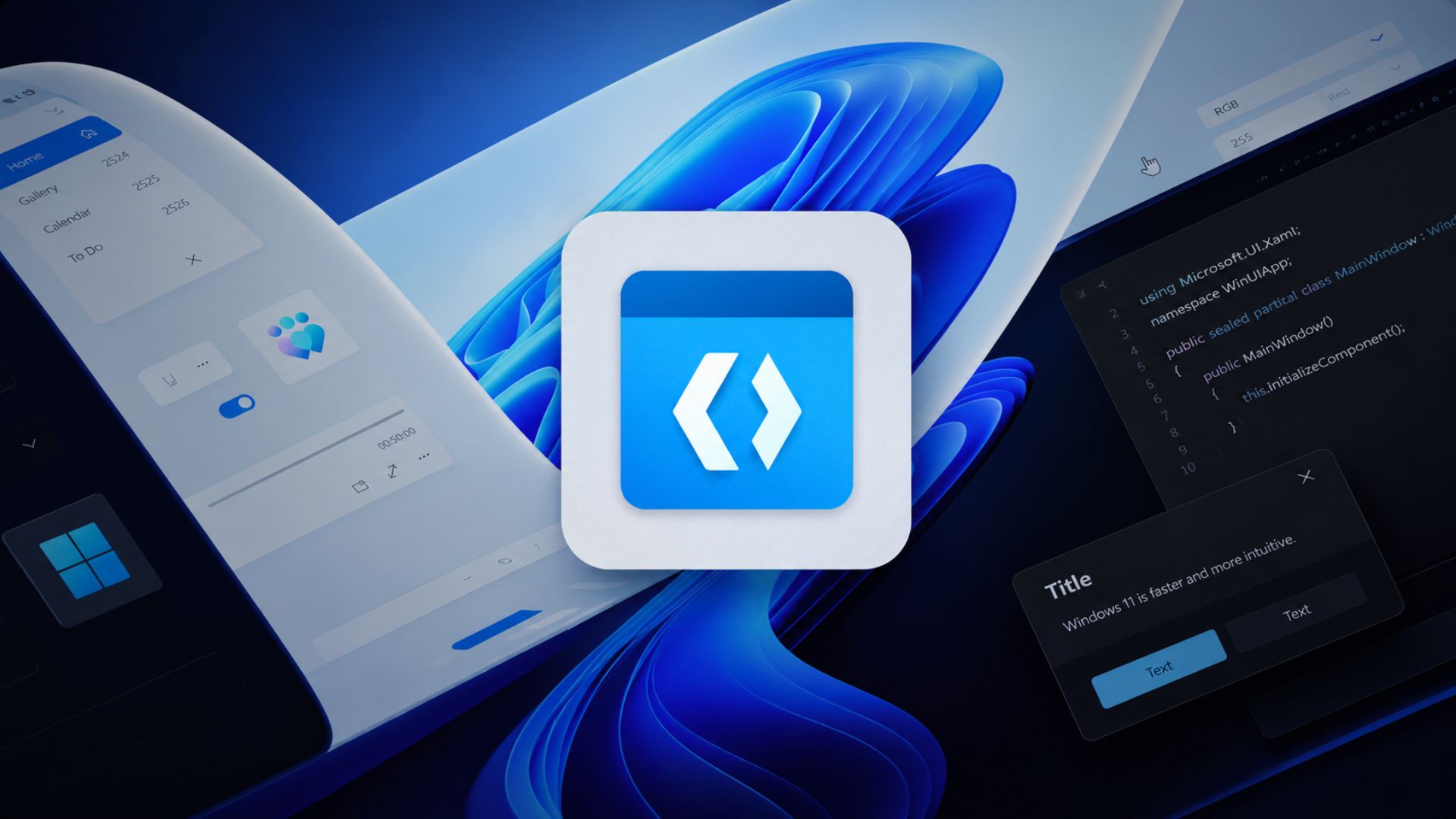
At Ignite 2026, Microsoft made it clear that it’s invested in WinUI and won’t abandon or replace it with another framework. It also pointed to recent WinUI advancements on Windows 11, including the redesigned Run box, as a reason to trust WinUI, and it hopes that more developers will adopt the framework.
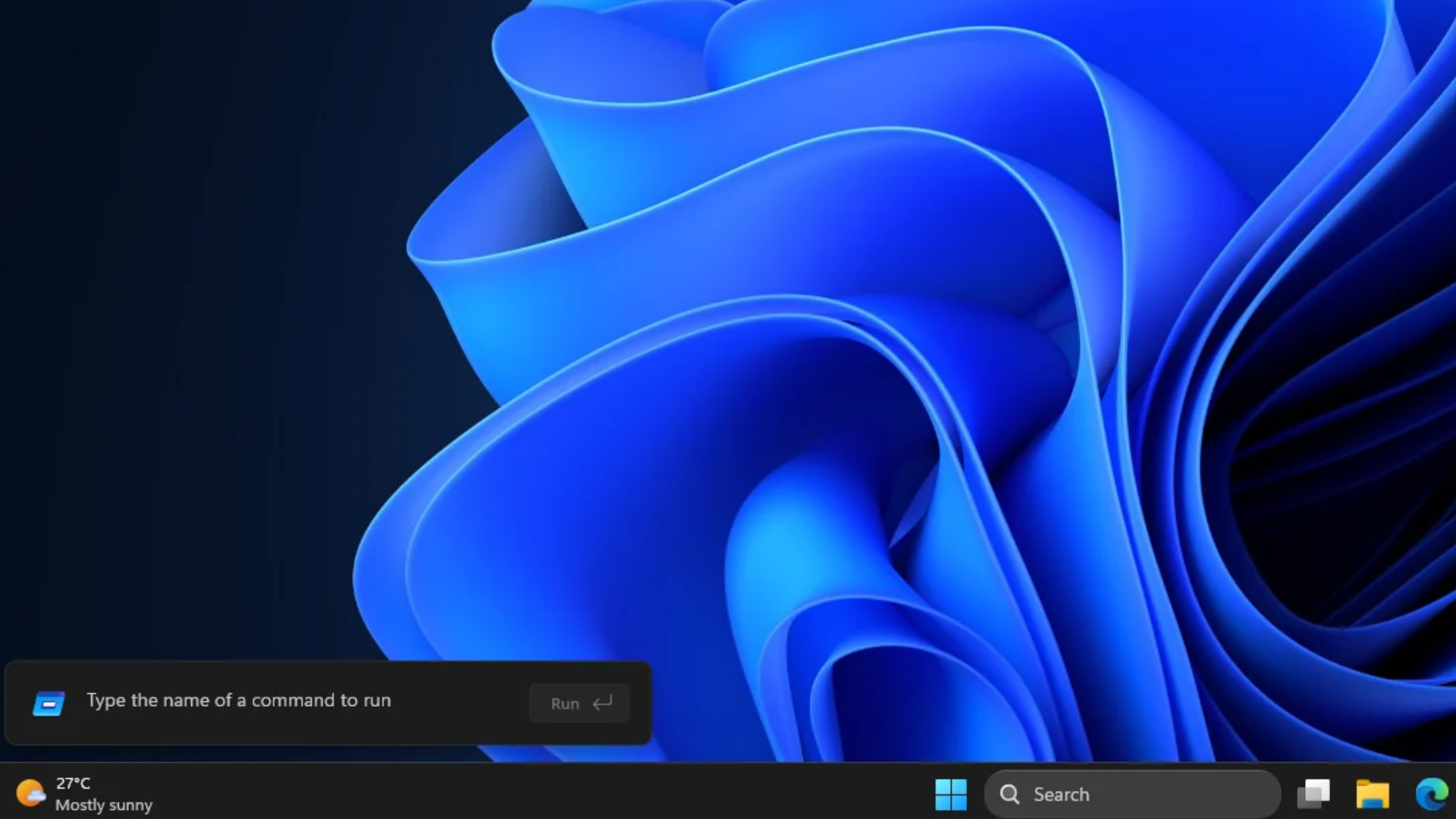
I’ve watched nearly all Windows sessions at Ignite 2026, and there are all signs that Microsoft will not back off this time. The company is investing heavily in WinUI, whether it’s addressing performance concerns or adding back missing features, such as the ability for developers to use charts in their apps. All of that is supposed to make it easier to move apps to WinUI.
At Ignite 2026, Microsoft declared that WinUI is “the platform choice forward” and listed some of its biggest strengths, including modern input, Fluent design, and GPU-accelerated experiences.
Microsoft is hopeful that developers will build a variety of apps with WinUI, and even confirmed that the framework also works with enterprise needs.
Until now, WinUI has appeared more like a fancy framework for consumers, but now, the company insists, WinUI is designed to “scale” across consumer and enterprise apps.
WinUI will become faster, but it still has bugs
Microsoft also pointed to framework-wide tuning efforts intended to make some WinUI apps “leaner and faster by default.” Just like Windows, WinUI’s main focus is currently performance this year, and Microsoft is confident that it would help apps launch faster and use less memory.
However, Microsoft is also honest about the fact that WinUI isn’t perfect, and it even stated that “there’s a lot of bugs” that it needs to patch.
Toward the end of Ignite 2026, Windows Developer Platform engineer Beth Pan acknowledged what developers have been telling the company about using it.
“We’ve heard you that there’s many paper cuts on the WinUI platform. There’s a lot of bugs.”
Previously, Pan’s colleague Jaylyn Barbee admitted that Microsoft made it difficult to even get started with WinUI, and at one point, developers would give up.
“Fundamental things like the windowing API, we know there’s a gap. We’ve been working on closing that gap,” Pan said, admitting that WinUI has a gap, and it’s one of the primary reasons why developers are still not sure about WinUI. She also acknowledged gaps in how apps handle input, pointing to gamepad support as one area where the team had made progress.
Microsoft is also working on the WinUI developer experience
At the same Ignite 2026 conference, we noticed that Microsoft is trying to improve the developer experience around WinUI. It introduced WinApp CLI, a command-line tool that can create, build, run, inspect, test, profile, package, and sign Windows apps.
The tool is designed to work with AI agents, too, using Microsoft-supported skills and plug-ins to help them find the right commands and resources instead of guessing.
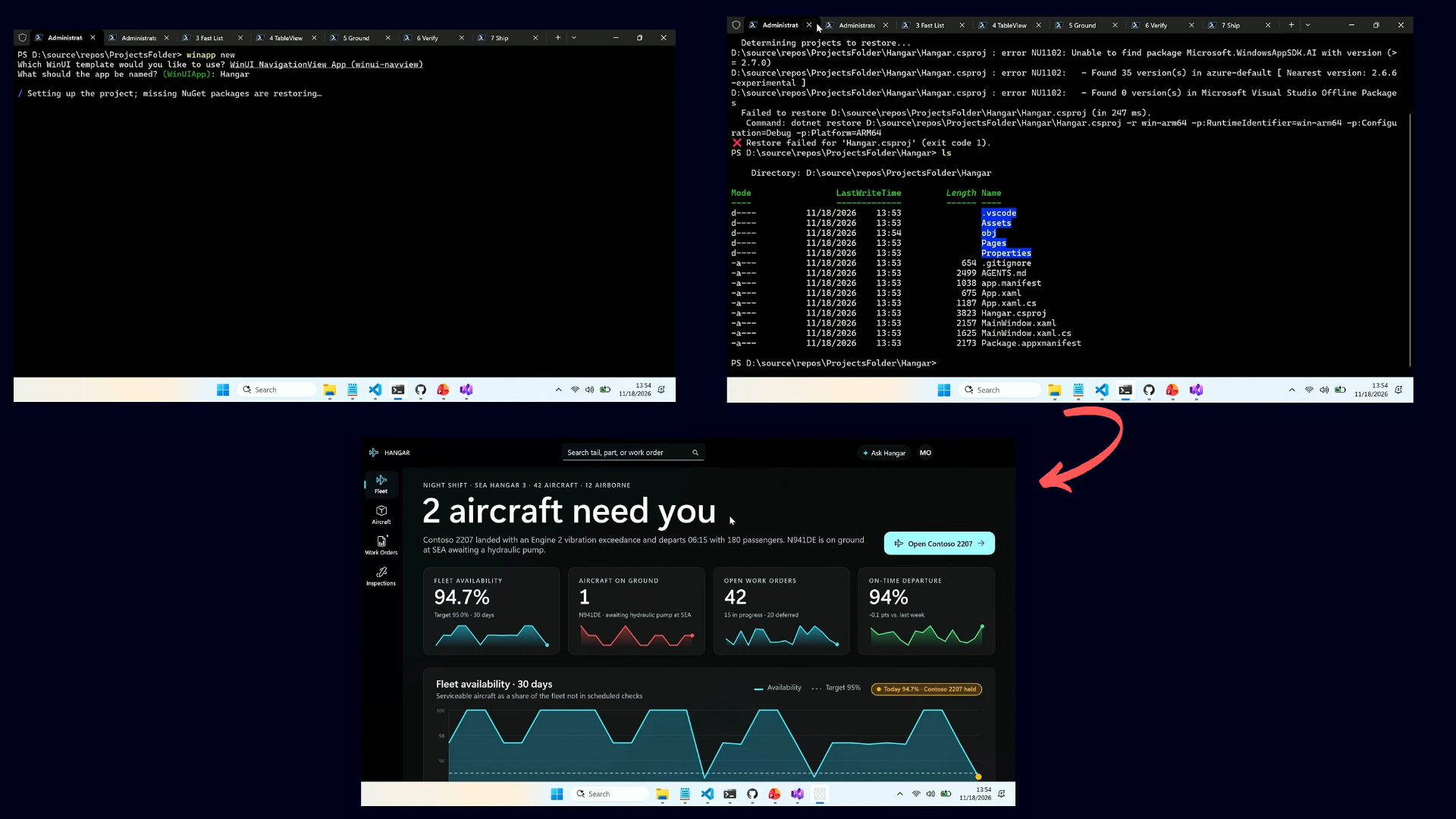
Microsoft also admitted that getting started with Windows apps had pushed some developers toward other frameworks.
“Previously, starting Windows apps was a pain point for our developers. It led them to picking other cross-platform frameworks or just not building Windows apps at all. But with WinApp CLI, we’ve made it really easy,” one of the presenters said. It’s also one of the reasons we’re seeing several new controls coming to WinUI.
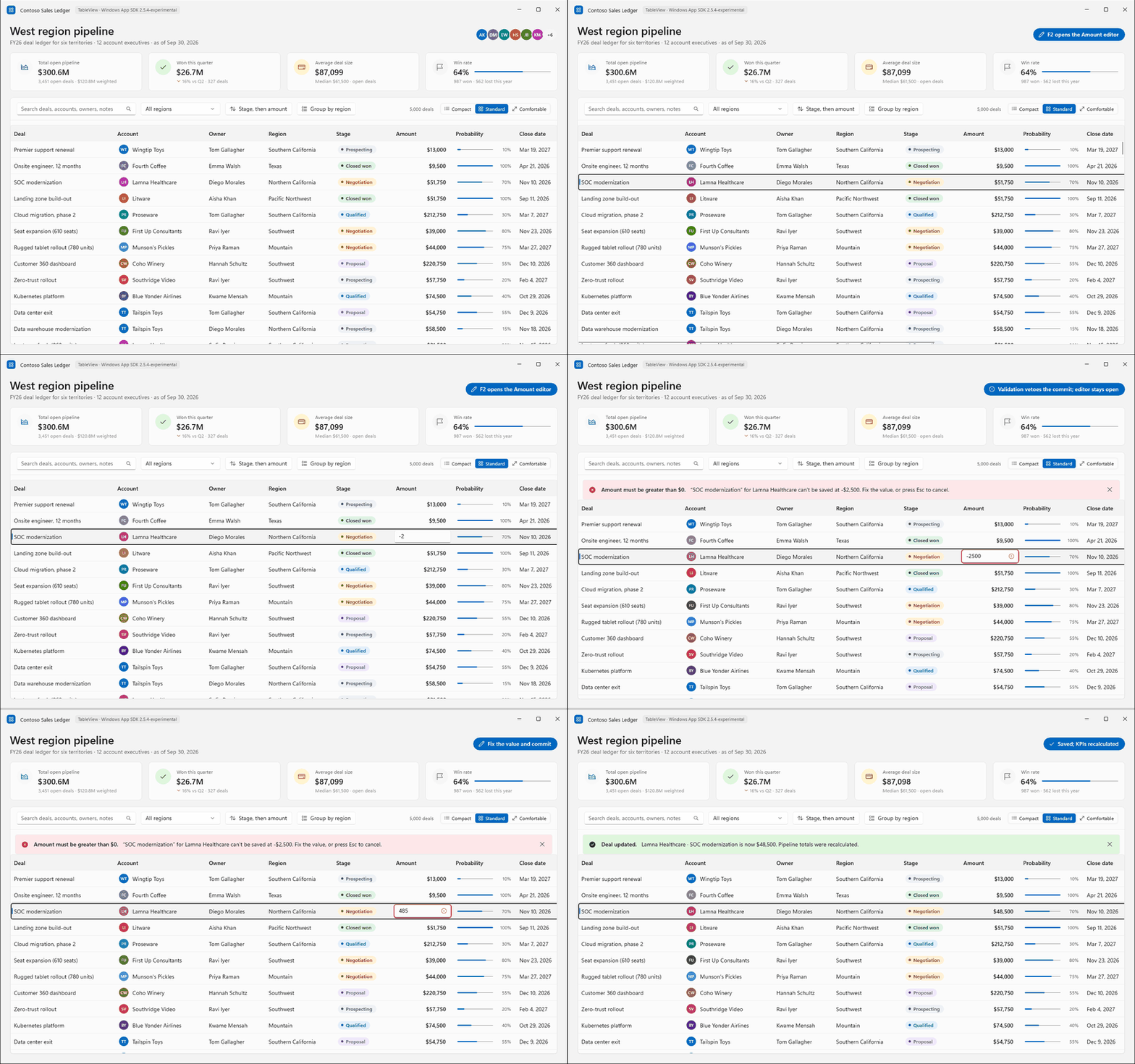
Microsoft said TableView, chart controls, and InkCanvas are available in an experimental package today, and asked developers to try them in their apps and provide feedback.
“We’re looking for feedback, so please try them out in your apps and leave feedback for us,” the presenter said.
WinUI bugs even made basic app development a pain for developers
Microsoft’s framework is actually open-source, so if you have enough free time, you can scroll through its repositories’ issues tab and find out for yourself what developers are dealing with. One of my favorites is a post from May 2026, where a developer demonstrated a keyboard bug with a WinUI app that had a single task to do.
The developer argued that the app had a button to upload a file, and then an option to press Enter. Ideally, that should have brought the “open the file” picker for a second time, only if WinUI actually worked. But nothing happened, and a simple demo app struggled with controls to choose a file in File Explorer.
Interestingly, WinUI was able to detect when the app had keyboard focus, yet it couldn’t detect the keystroke until the developer clicked inside the window again.
This was eventually fixed in an August 2026 update, but it’s just one of the many problems with WinUI. In 2022, a developer asked Microsoft when WinUI 3 would get InkCanvas, a feature that even legacy apps supported on Windows 11. But at that time, Microsoft did not have an answer.
In 2023, the company said it was investigating inking for Windows App SDK 1.5, and it wasn’t until this August that the company actually put the pen toolbar and canvas together in an experimental release.
It took four years after that developer asked for a date for Microsoft’s own InkCanvas to finally arrive, and even then, it was only in an experimental build.