


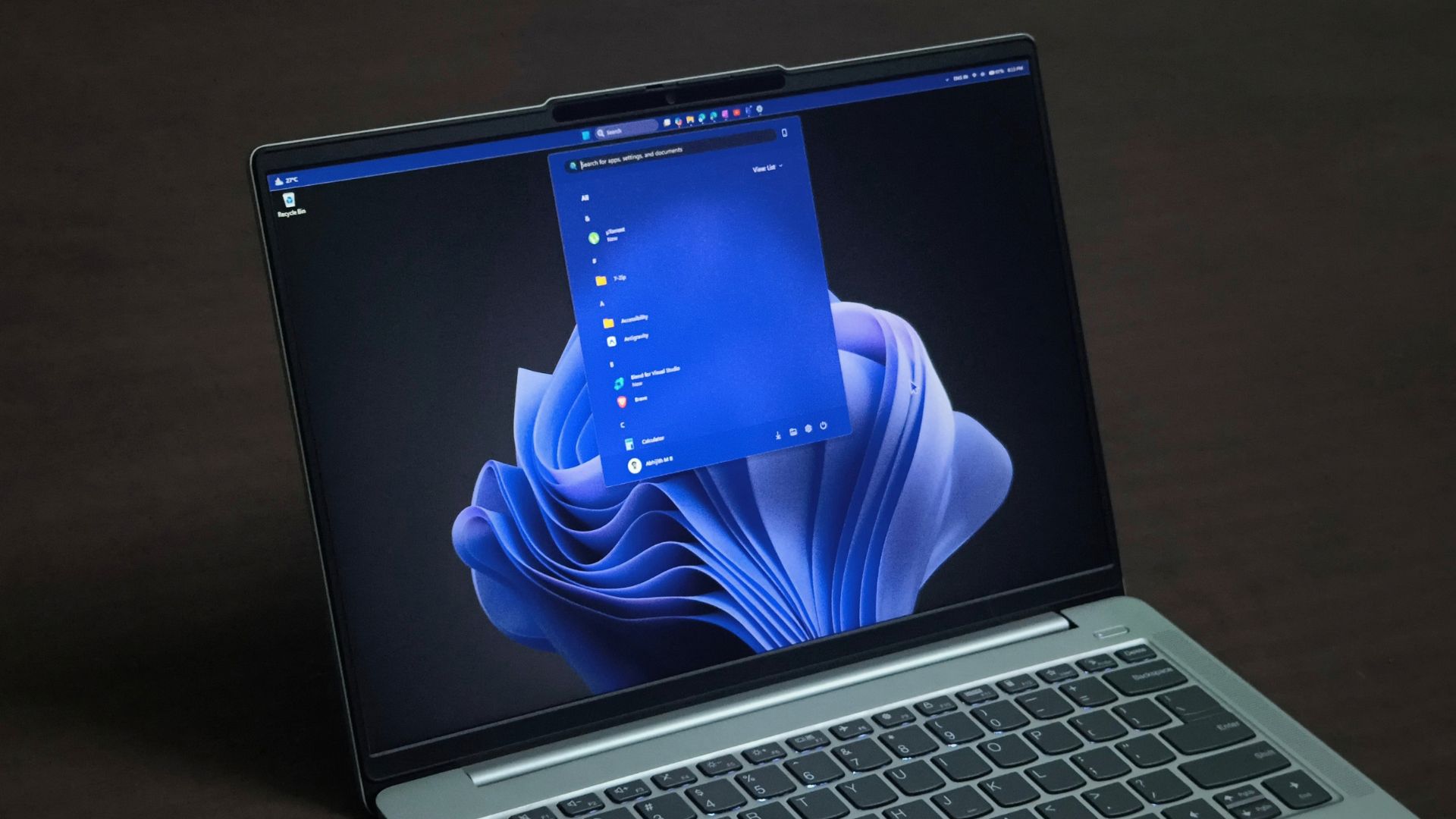
To everyone holding on to last year’s OS version, Microsoft’s Windows 11 25H2 status page now says, “We recommend updating to version 26H2 to stay up to date, secure, and productive.” On the 26H2 status page, four of the five tracked known issues are now marked resolved, except a USB audio bug, which Microsoft shows as mitigated.
The recommendation comes after a rough couple of months. 26H2 rolled out on September 29, just weeks after the September update broke multiple features, and it launched with three known issues already active. A month later, Windows 11 is in far better shape (including performance!)
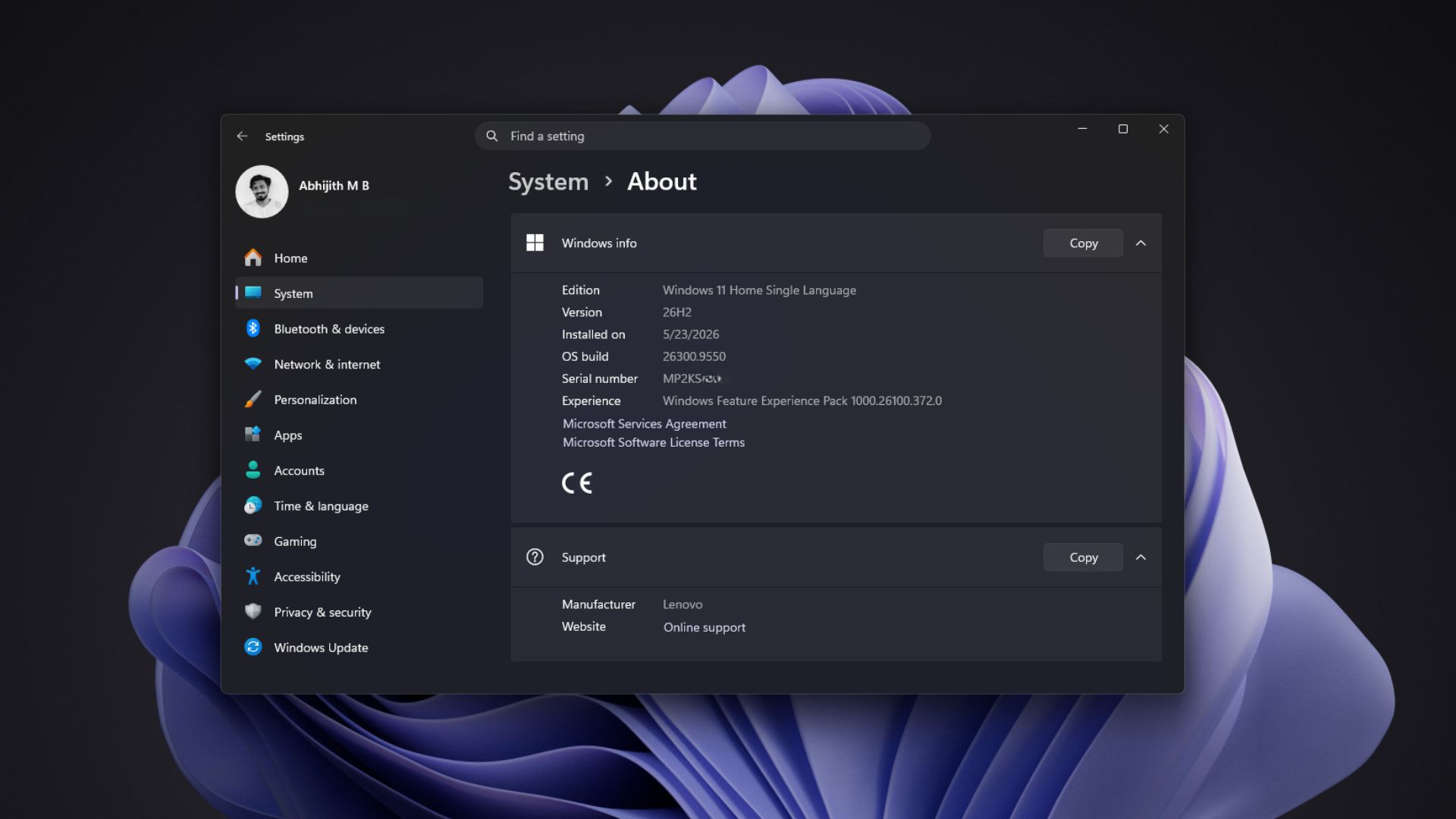
Microsoft has fixed four of Windows 11 26H2’s five known issues
The September 8 update, KB5124008, broke Remote Desktop sessions, crashed File Explorer, and quietly stopped File History backups, accompanied by a false and strange “Reconnect your drive” warning. Microsoft’s explanation for the Explorer crashes was that “The September Windows updates were extensive.” Well, that’s one way to put it.
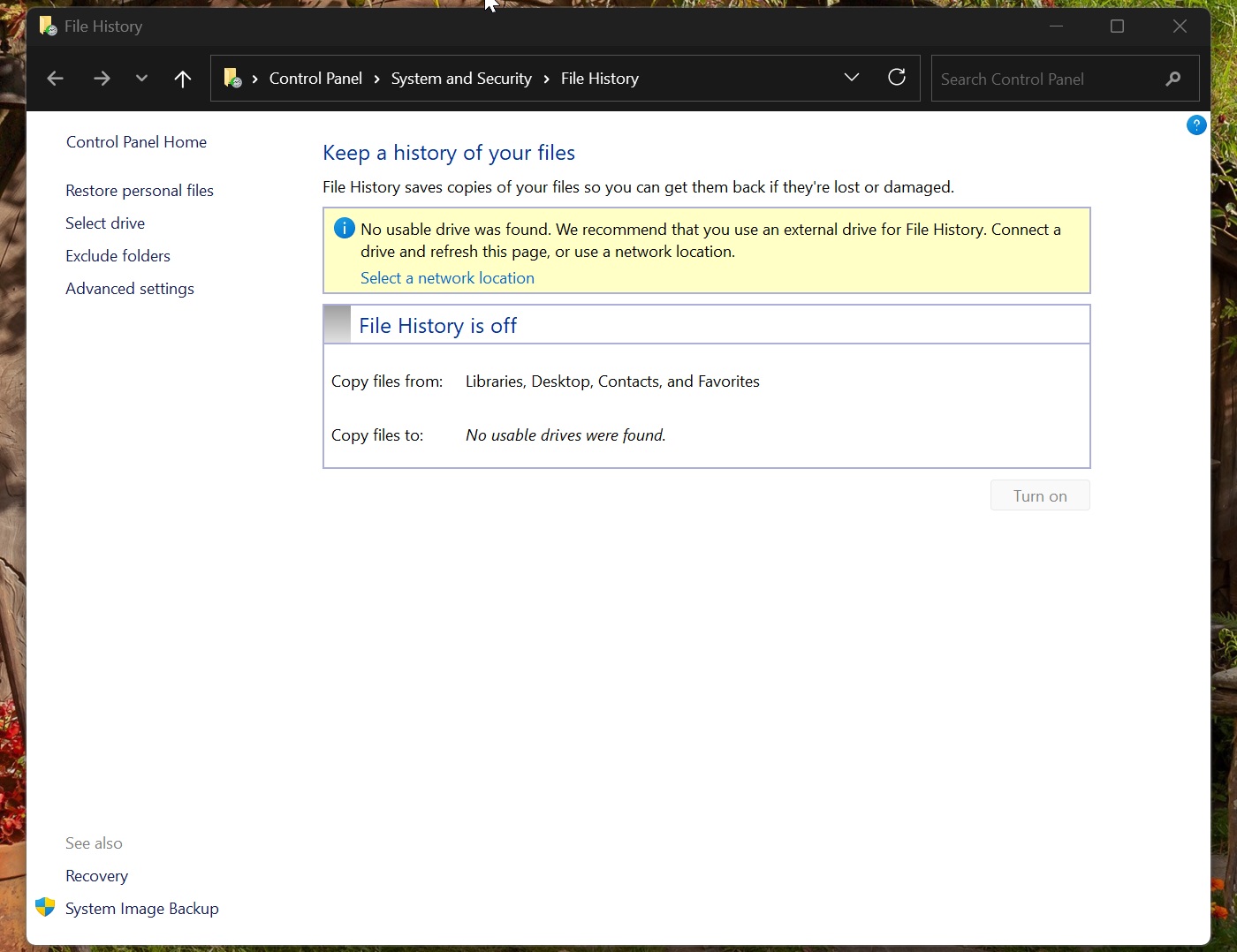
Microsoft needed four updates to squash the bug, starting with an emergency patch, KB5129195, on September 14. File History backups started working again with the October 2026 Patch Tuesday update in our testing, and the last fix came on October 28 with KB5127936. The table shows the current condition of the 26H2 status page:
| Known issue | Status | Fixed by |
|---|---|---|
| Remote Desktop fails for non-admin users (error 0xC000000D) | Resolved | KB5127936, October 28 |
| Black screen or desktop loading issues after sign-in | Resolved | KB5127648, October 13 |
| Apps close during AC-3 audio decoding | Resolved | KB5127648, October 13 |
| Domain-joined devices lose trust with the domain | Resolved | KB5124010, September 22 |
| USB Audio Class 1.0 devices fail or produce no sound | Mitigated | Partial fix in KB5129195, September 14 |
USB audio is the one Windows 11 26H2 bug Microsoft hasn’t fixed
“After installing Windows 11, version 26H2, some USB Audio Class 1.0 devices might fail to start or produce audio,” Microsoft says. If your device is on that unfortunate list, it may show a Code 10 error, produce no sound, or the volume controls and sound settings may become unresponsive. USB Audio Class 1.0 is the older, driverless standard that is still used by a lot of USB headsets, microphones, and DACs.
Microsoft’s September 14 emergency update fixed the 8-channel and 3D audio symptoms, so the company marks the bug as mitigated, not resolved. For everything else, the company says, “We are working to address this issue in a future Windows update and will provide more information when it is available.” The entry hasn’t been updated since September 29.
Also, in case you’re wondering, skipping 26H2 won’t protect you here, as Microsoft lists the bug on every Windows 11 version from 23H2 onwards, Windows 10 22H2, and even Windows Server 2012.
Skipping Windows 11 26H2 won’t save you from bugs, and delaying updates is riskier than ever
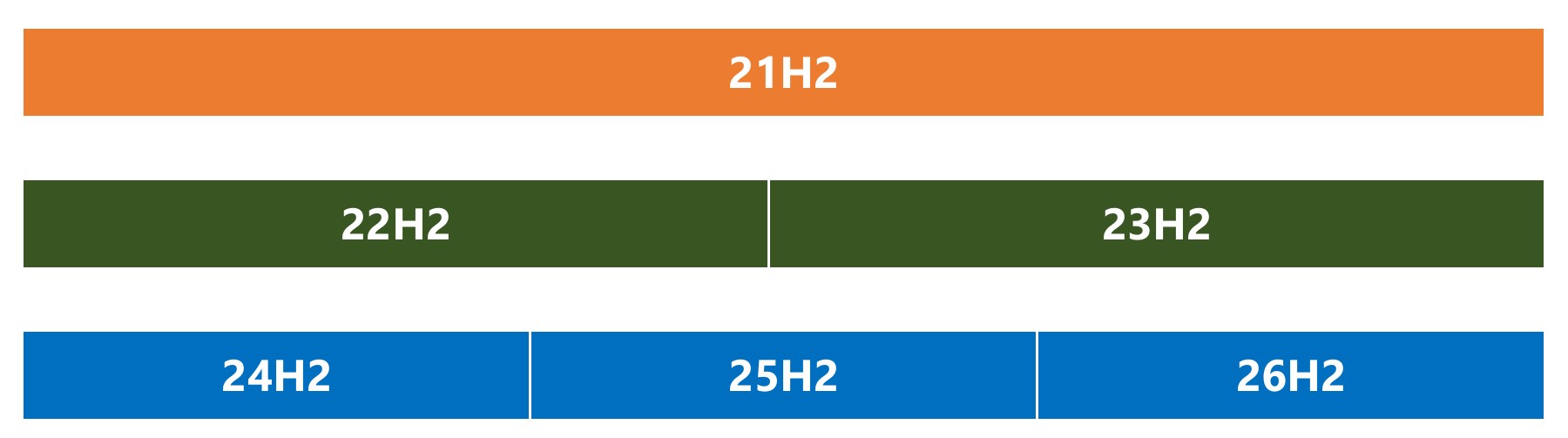
Windows 11 26H2 isn’t a new operating system. Microsoft’s enablement package documentation says, “Windows 11, versions 24H2, 25H2, and 26H2 share a common core operating system with an identical set of system files,” and the new features “remain dormant until they are turned on.” That’s why the upgrade needs just a single restart, and why a bug in one version usually shows up in all three, as Microsoft explained when 26H2 launched.
I wouldn’t dare delay monthly updates, either. In September, Microsoft 365 director Jeremy Chapman said Microsoft cut its recommended window for deploying Windows updates to “less than three days,” as anything longer is “ample time for attackers using AI to find and exploit known security gaps.” October’s Patch Tuesday fixed a record 1,413 vulnerabilities, including a Windows Shell flaw that was already being exploited. If you’re on 24H2 Home or Pro, support ended on October 13, so the upgrade isn’t optional anymore.
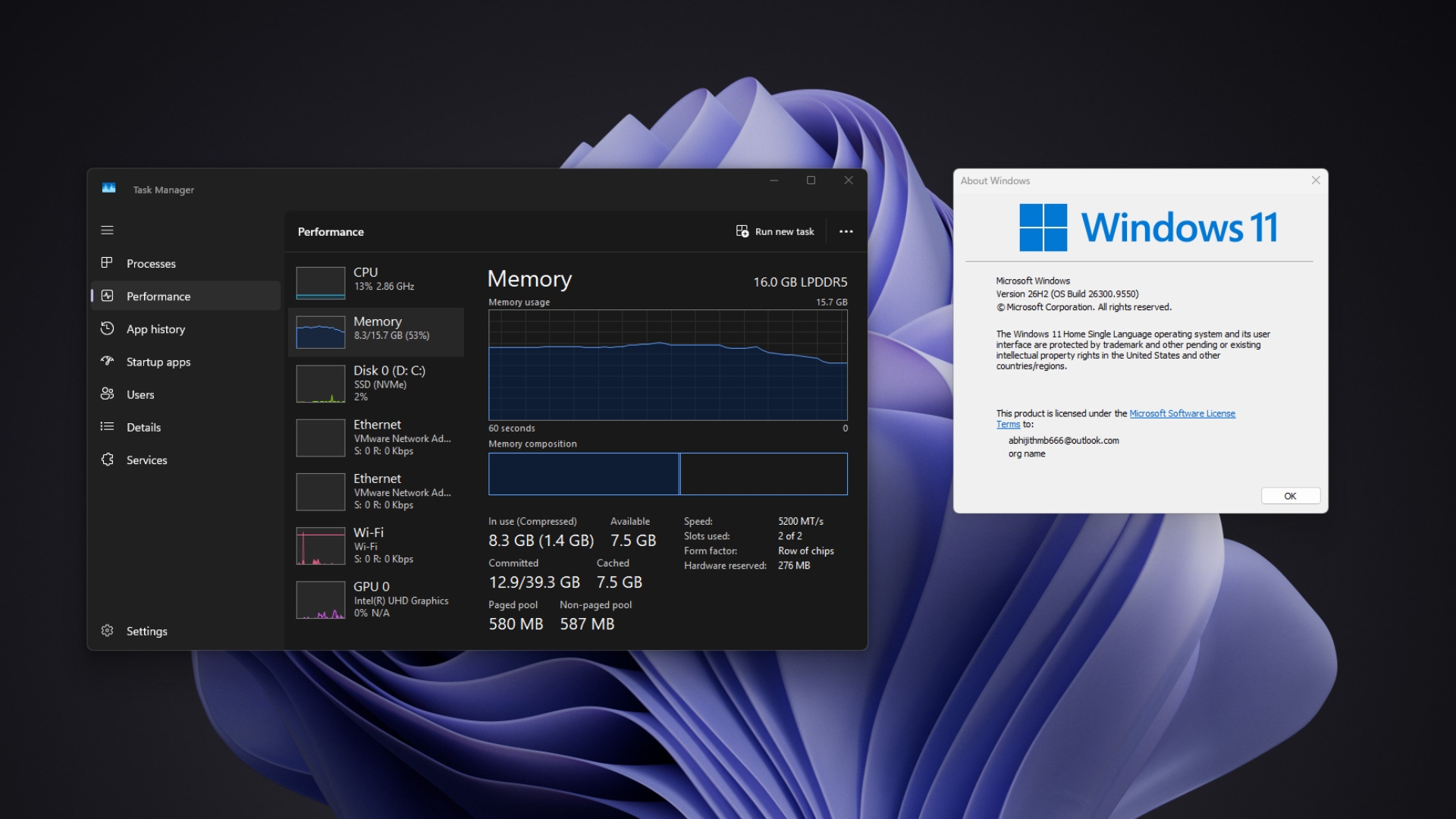
There’s a performance reason, too. Microsoft’s latest 8GB RAM improvements, which make Windows up to 20% more responsive on those PCs, need 26H2 build 26300.9818 or later. When I updated my own 16GB laptop to 26H2, RAM usage after a restart fell by as much as 2GB, and my dad’s 8GB laptop dropped from 5GB to 3.3GB. I would say update to 26H2 just for the performance benefits.
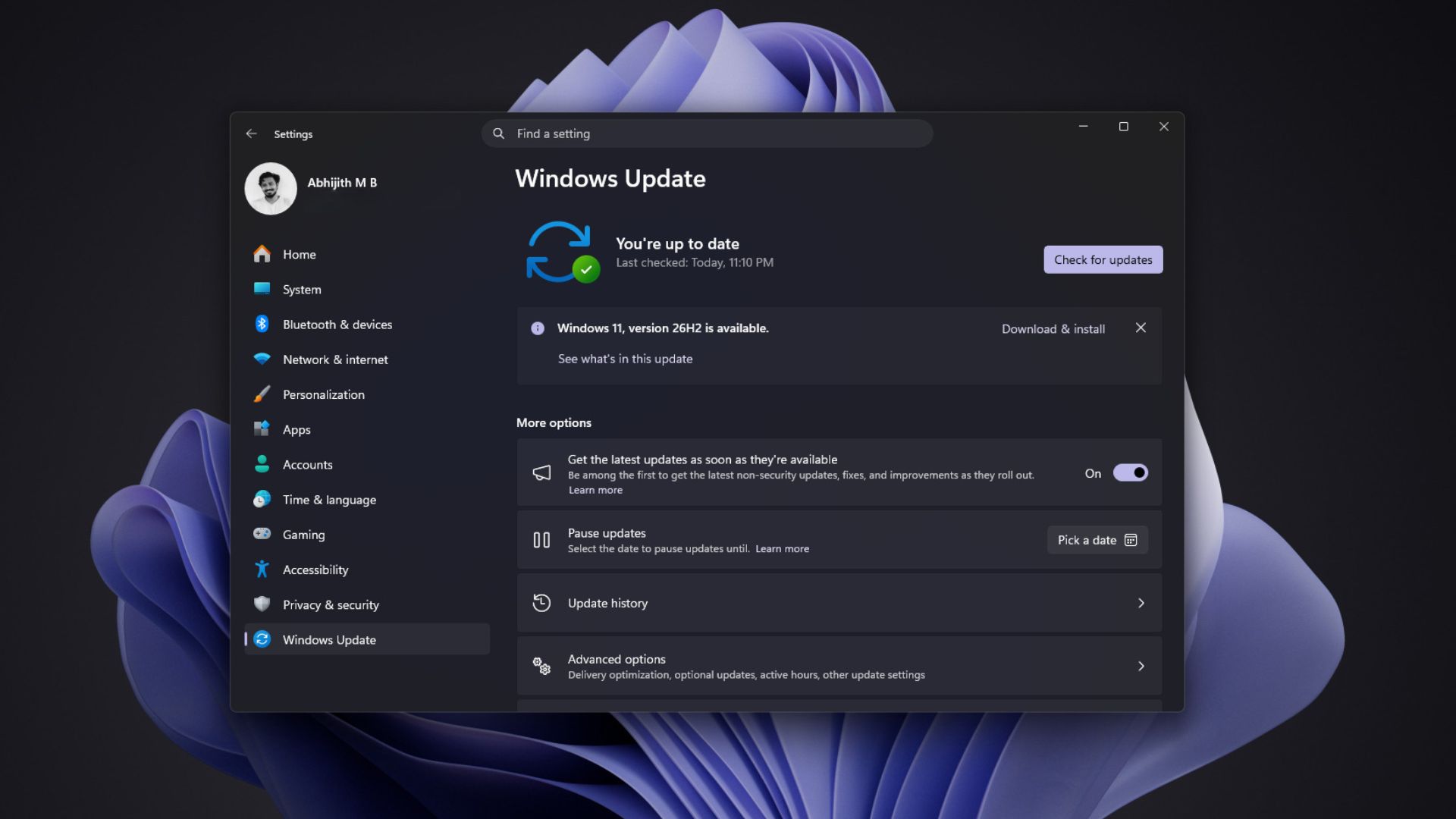
To upgrade, open Settings > Windows Update and click Check for updates. “If Windows 11, version 26H2 is available for your device, select Download & install,” Microsoft says (proudly, I presume).
Windows 11 26H2 is ready for most people
I’ve been on 26H2 since early October, and Windows 11 feels better now than it has in a long time. Credit where it’s due, Microsoft cleaned up most of September’s mess in about seven weeks.
But “recommended” doesn’t mean bug-free, and if your USB headset or DAC is acting up, Redmond is still on it. Have you moved to Windows 11 26H2 yet?