






This year’s annual update, “Windows 11 26H2,” is officially rolling out, and it doesn’t come with anything new for consumers, but that doesn’t mean there are no bugs. If you have issues with Windows 11 25H2 or 24H2, you’re also going to have those issues with Windows 11 26H2, and Microsoft has confirmed that there are at least three problems.
Windows 11 26H2 has a bug that breaks audio on some PCs
The first is a bug where audio does not work on some PCs, so even if you try to adjust the volume or turn it up to 100%, you won’t hear anything.
“After installing Windows 11, version 26H2, some USB Audio Class 1.0 devices might fail to start or produce audio,” Microsoft warned in a support document.
If you run into this bug, neither your headphones nor your mic will work, and Device Manager will throw an error that says “Device cannot start.” Disabling or removing the driver does nothing because it’s Microsoft that broke it.
Now, if you actually try to troubleshoot audio by going to Sound settings, you’re in for a surprise because Sound settings will either become unresponsive or simply crash. This issue is still being investigated, and Microsoft has promised to issue an update in the future to patch it.
For now, it will continue to affect Windows 11 26H2, 25H2, and 24H2. It’s the same issue introduced on Windows 11 25H2/24H2 PCs with the September 2026 update.
Windows 11 26H2, 25H2, and 24H2 share the same underlying code and servicing branch, which is why a recent bug can be present in all three versions.
“If an issue affects 26H2, it will also affect 25H2, and vice versa. Likewise, an update that would fix that issue is the same update for both versions. It is the same source code, the same update package to install,” Microsoft explained in a document previously obtained by Windows Latest.
Some enterprise PCs could have sign-in issues
With that said, there’s a second bug in Windows 11 26H2 where some Credential Guard-protected machine accounts might not work correctly, as they lose their secure channel. In that case, you’ll be unable to sign in.
This only affects enterprises that use Active Directory, and it can prevent sign-ins even with valid domain credentials.
“This issue occurs because Windows 11, version 26H2 enables the Machine Identity Isolation feature. While the update does not directly enable Machine Identity Isolation enforcement, it does cause Windows to begin honoring any existing or policy-provisioned settings that enabled Machine Identity Isolation enforcement,” the company noted.
Microsoft is looking into the root cause, and we’re expecting a future Windows update to take care of the issue.
Windows 11 26H2 can cause black screens on Azure Virtual Desktop hosts
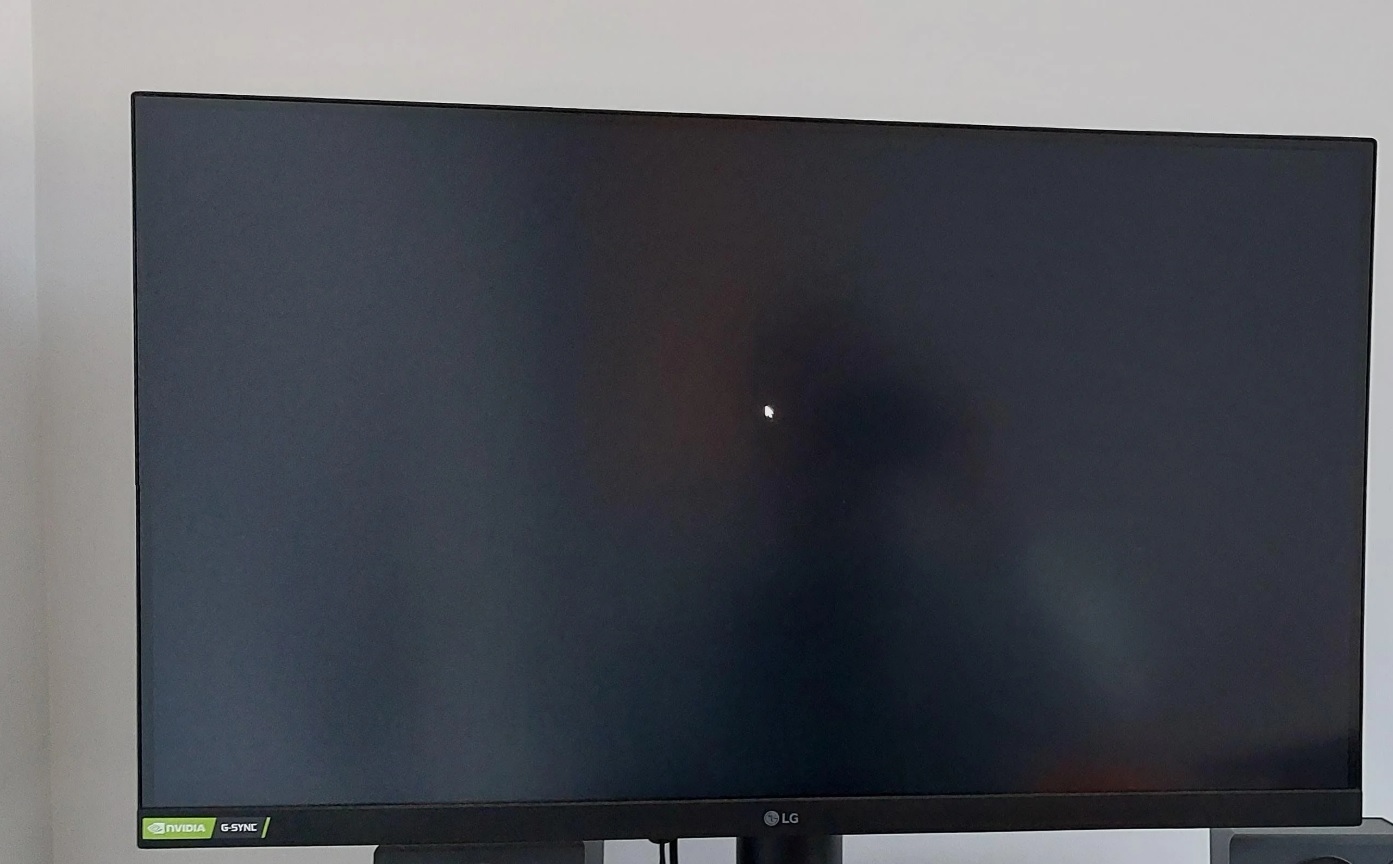
Finally, there’s a third (and hopefully the final) bug where Windows 11 26H2 causes a black screen or desktop loading issues. As alarming as it might sound, it doesn’t affect most consumers.
Microsoft confirmed that only Azure Virtual Desktop (AVD) hosts could run into these desktop issues.
“After installing Windows 11, version 26H2, and subsequent updates, some devices might experience desktop loading issues,” Microsoft explained. “This issue appears to occur more frequently with some existing user profiles.”
Microsoft is also investigating this one, and we’ll hear more from the company soon.
So should you skip Windows 11 26H2?
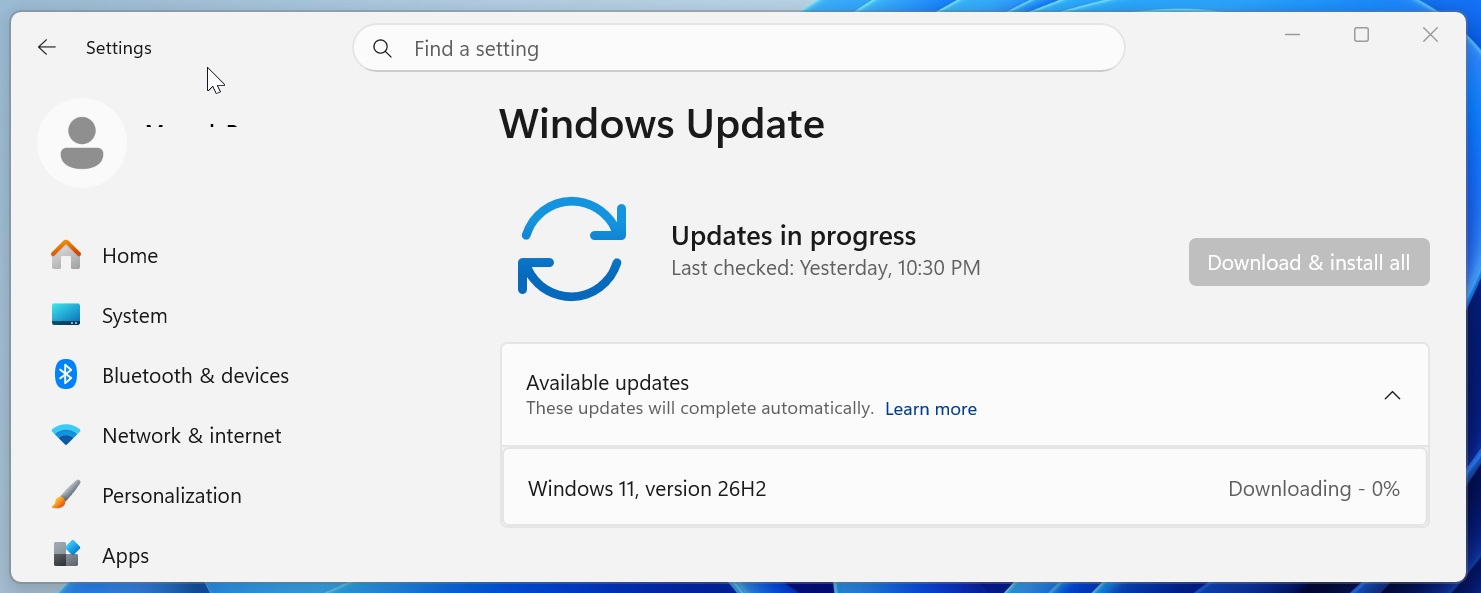
You shouldn’t, really, if your concern is bugs already present in 24H2 or 25H2. Windows 11 26H2 is a nothing update. When you move from either of those versions, the upgrade arrives as an enablement package (eKB), which flips the OS version and build number.
“Updating from one version of Windows to another from the same branch greatly reduces the risk of application or hardware compatibility issues,” Microsoft explained in the document previously obtained by Windows Latest.
As I noted at the outset, the same source code without any meaningful different power these three versions of Windows 11. That means, whether you use Windows 11 26H2 or 24H2, you’re going to get the same security and non-security fixes, and also the known issues.
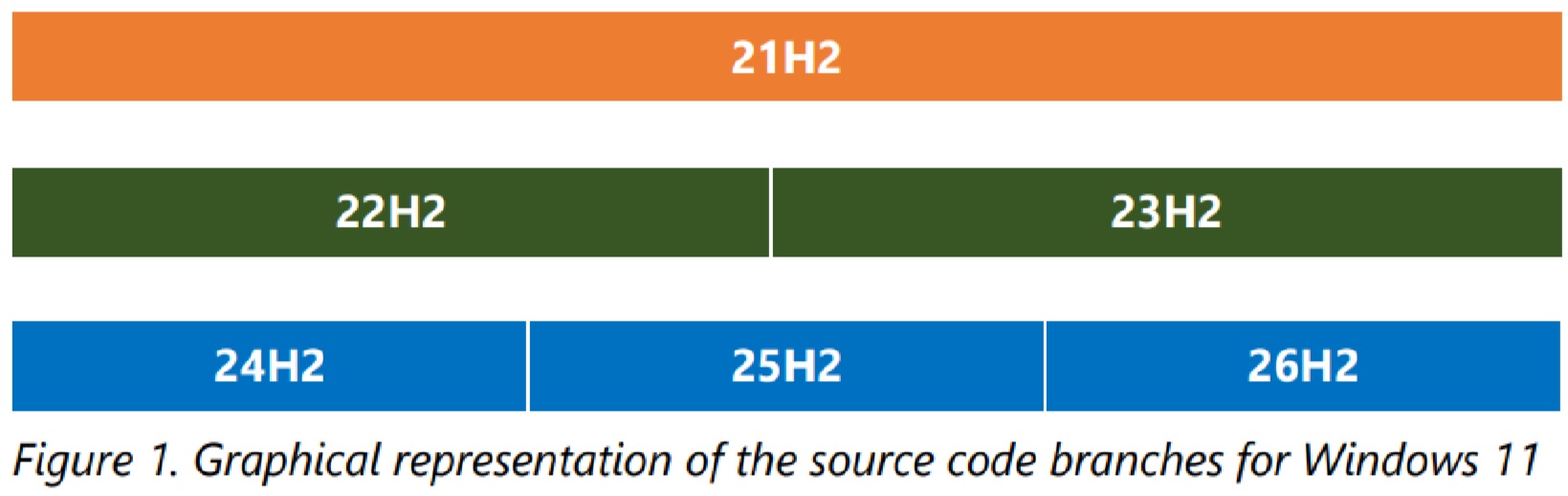
Microsoft is using the same source code to make Windows upgrade experience more stable, and reduce compatibility issues.
“When devices move between Windows versions on the same servicing branch, the update experience is much closer to a monthly quality update than to a traditional operating system replacement,” the company noted.
Windows 11 26H2 will also turn on features that were previously gradually rolling out, so you might finally get the ability to make the Start menu smaller or move the taskbar if those features did not reach you during the gradual rollout.