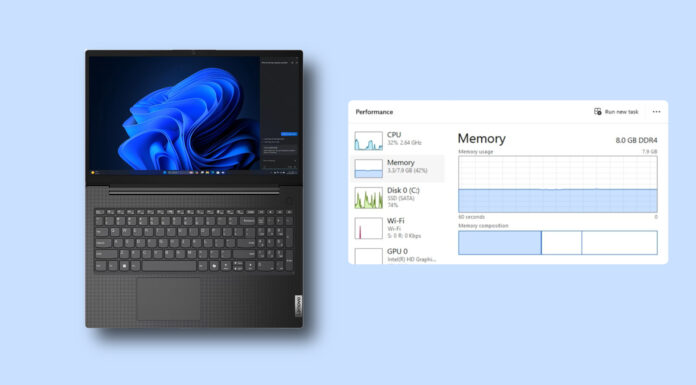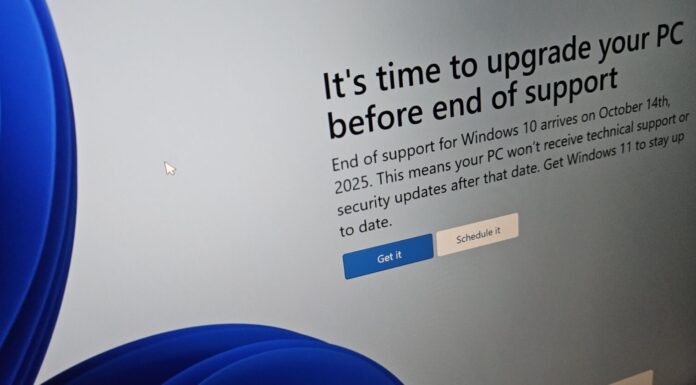





Microsoft has declared that you can “do more with 8GB [of RAM],” and this time, these are not just words, as the changes are already available. If you use Windows 11 26H2 or newer, Microsoft says your system can be up to 40% more responsive, and the improvements are mostly visible on PCs with 8GB of RAM.
Microsoft spent the last two years convincing regular users that they need at least 16GB of RAM, and gamers that 32GB of RAM is a “must” for serious players.
RAM prices are through the roof, and Microsoft is now selling PCs with 8GB of RAM again. Its OEM partners have also started building and selling 8GB RAM PCs to take on the MacBook Neo, which runs comparatively better than Windows 11 with fewer resources, but that has finally begun changing.
It’s not that Windows isn’t doing better on a PC with 32GB of RAM, but the optimizations are obviously more noticeable on low-end PCs.
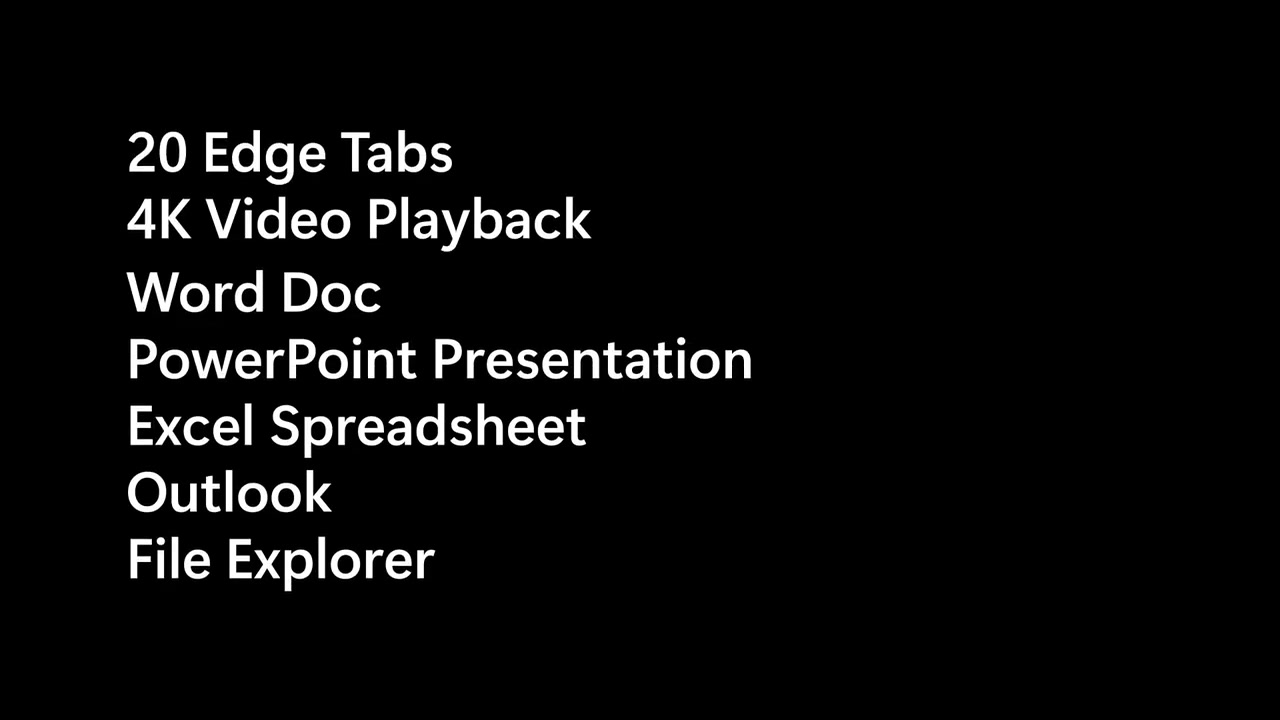
In a test on two PCs with 8GB of RAM, Microsoft opened 20 tabs in the Edge browser, played a 4K video, and opened a Word document, a PowerPoint presentation, Excel, Outlook, and File Explorer.
Now, the first PC is running Windows 11’s January 2026 update, which predates Microsoft’s commitments from March 2026. And you’ve got a second PC with Windows 11 26H2 (October 2026 Update).
In both tests, Microsoft does exactly the same thing. It opens Edge sites (fake brands like Contoso, VanArsdel, Northwind, Adatum, and Fourth Coffee), File Explorer, the right-click menu, PowerPoint, Excel, and Word.
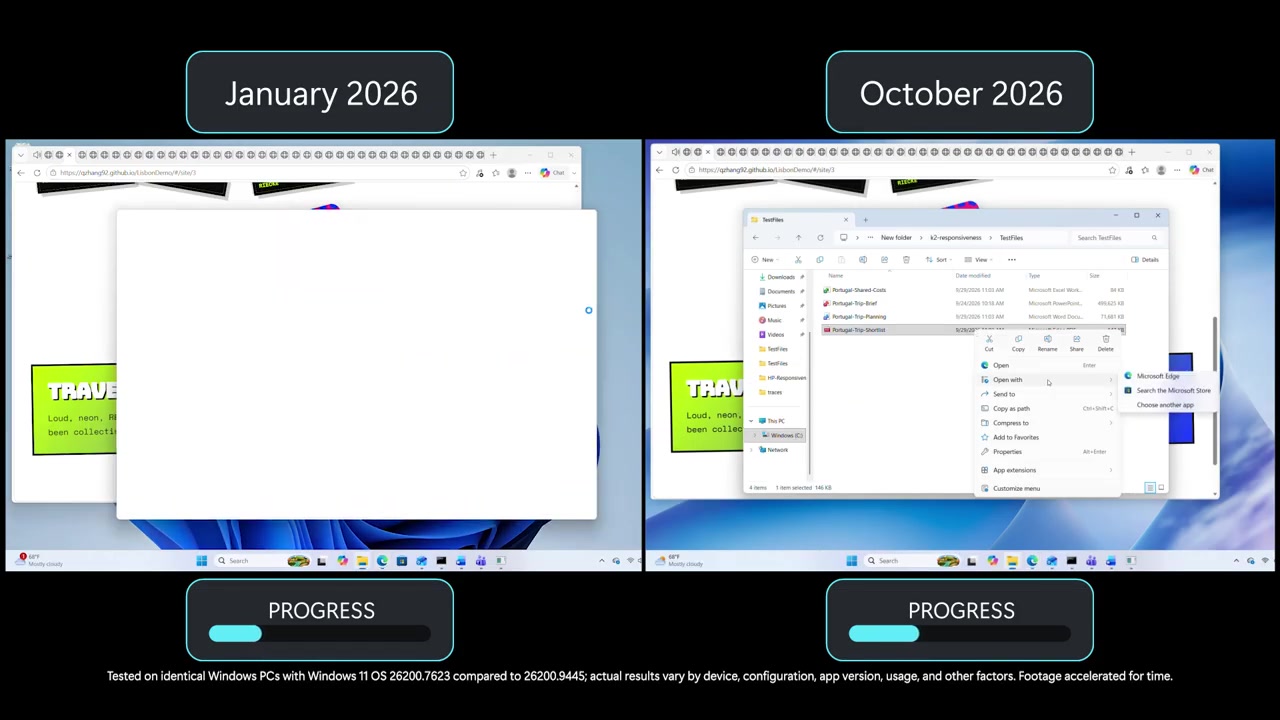
While the October machine is clearly finishing everything first, you’d notice that the January version of Windows was really a mess, as it would often get stuck on a blank or loading window while the October one had already moved on to the next app.
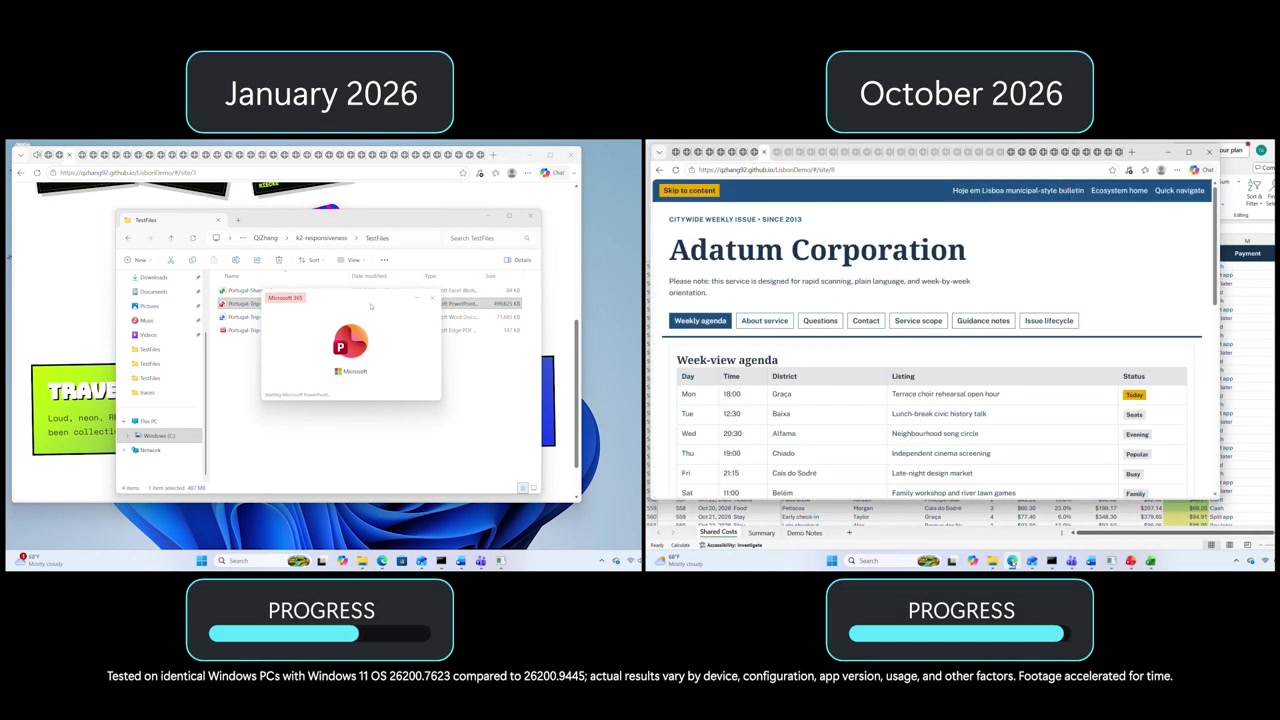
“Tested on identical Windows PCs with Windows 11 OS 26200.7623 compared to 26200.9445; actual results vary by device, configuration, app version, usage, and other factors. Footage accelerated for time,” Microsoft noted.
This doesn’t mean you shouldn’t see any changes if your hardware is different from the undisclosed device of Microsoft, but do not blindly expect 20% less RAM usage or 40% more responsiveness after recent updates.
Up to 40% faster response times on the same 8GB PC after the October 2026 update
Now, on the same hardware, Microsoft says Windows is far more responsive, and the improvements can go well above 40% on certain configurations.
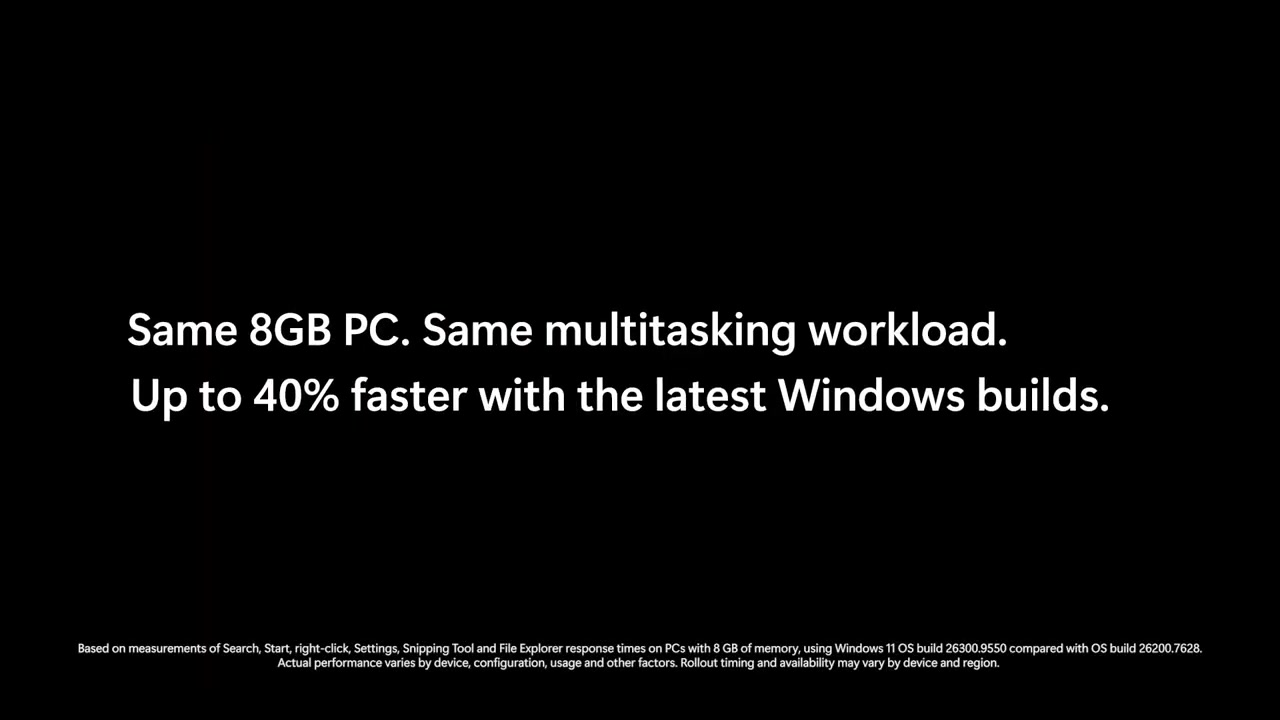
This claim is based on response times for Search, Start, right-click, Settings, Snipping Tool, and File Explorer on PCs with 8GB of memory. Microsoft compared Windows 11 Build 26300.9550 (26H2) with OS Build 26200.7628 (25H2).
However, Microsoft warns that “rollout timing and availability may vary by device and region,” so these changes may not be live for everyone yet.
I believe these are related to Low Latency Profile (LLP), which uses your CPU for brief bursts of performance to make Windows feel far more responsive.
Also, if you watch the video closely, you’d notice that the “less committed memory” figure grows as each app is added:
- Teams: 375 MB
- PowerPoint: 612 MB
- Edge: 794 MB
- Word: 869 MB
- Excel: 891 MB
- Outlook: 900 MB
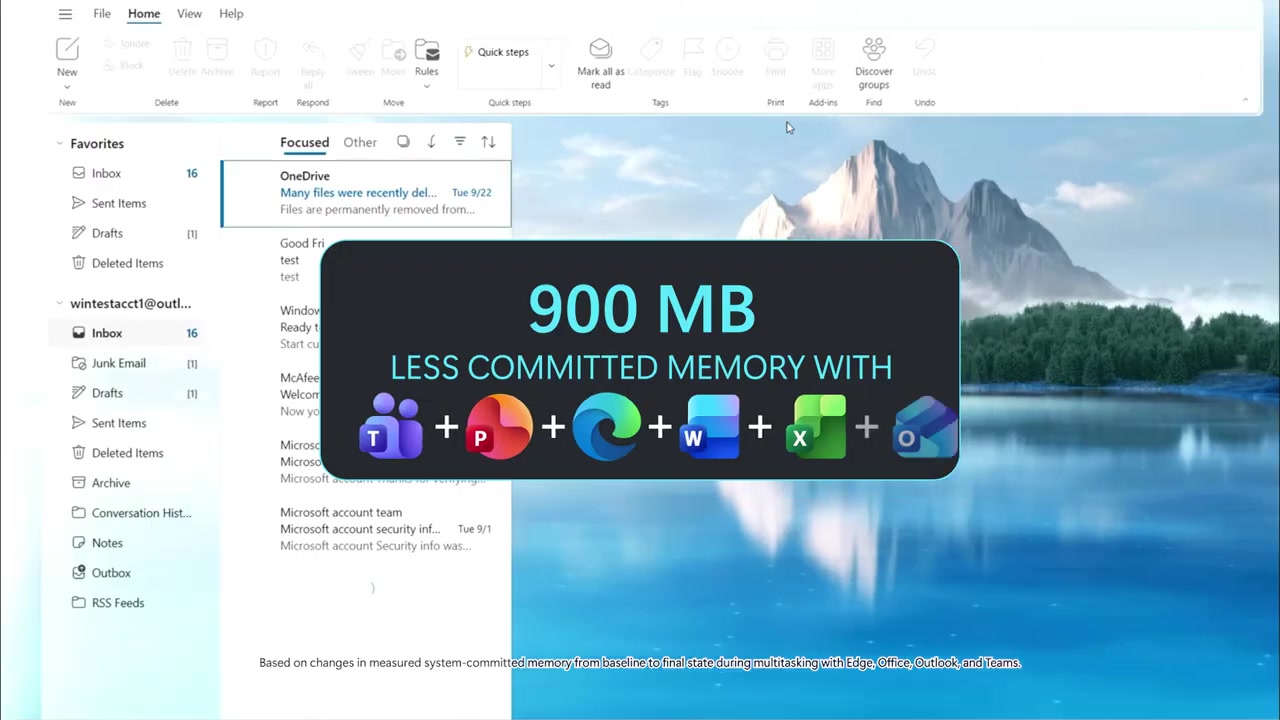
Microsoft says it calculated these numbers “based on changes in measured system-committed memory from baseline to final state during multitasking with Edge, Office, Outlook, and Teams.”
Finally, Microsoft argues that these apps now use up to 900 MB less committed memory compared to January 2026, which is a pretty big deal for a PC with just 8GB of RAM.
Most of these improvements are already live, so if you don’t notice a difference, your PC may not have been the bottleneck Microsoft targeted. As I said, it’s mostly noticeable on 8GB RAM PCs, but if you’ve got a low-end processor, that 40% responsiveness may be off the table due to less impact of Low Latency Profile.