





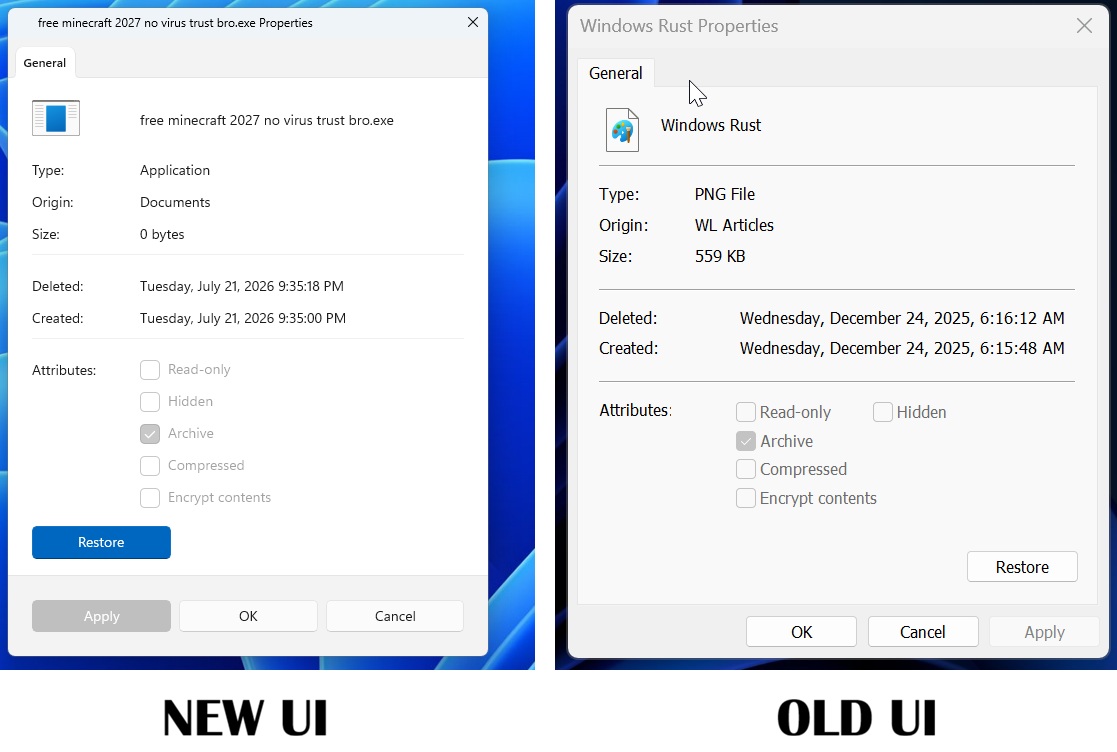
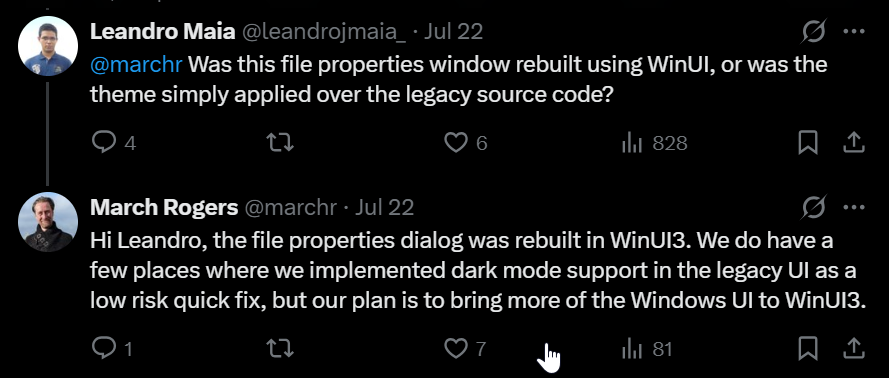
Microsoft says that their plan is to convert more Windows UI elements to WinUI3, while confirming that the new File Explorer Properties dialog was rebuilt from scratch in WinUI, and not just a fresh coat of paint.
Windows 11 has felt inconsistent for a while now. Modern panels are right next to decades-old dialogs, RAM usage keeps creeping up in apps that are supposed to be native, and popular Windows apps keep turning into web wrappers because developers don’t trust Microsoft to stick with a UI framework.
Microsoft confirms more of Windows 11 to switch to WinUI, not a reskinned Win32 dialog
WinUI is Microsoft’s native UI framework, meant to replace older technologies like Win32 and UWP with something modern, GPU-accelerated, and consistent with Fluent Design.
When Windows Latest got an early look at the redesigned Properties dialog, we found no trace of WebView2 and clear signs of native WinUI elements instead, like the Pivot-style tab header and the AccentButtonStyle on the Restore button. Neither of those exist in the old Win32 property sheet, for what it’s worth.
Under an X post about this new File Explorer Properties dialog, a user asked March Rogers, Microsoft’s Partner Director of Design, whether the redesign was a real rebuild or just a theme change over the old code. Rogers replied:
“…the file properties dialog was rebuilt in WinUI3. We do have a few places where we implemented dark mode support in the legacy UI as a low risk quick fix, but our plan is to bring more of the Windows UI to WinUI3.”
The “quick fix” isn’t the right way to go about it
Windows 11 already has a real-world example of what happens when dark mode gets bolted onto legacy code, and it wasn’t pretty. Last December, an update added dark mode to File Explorer’s legacy dialogs and introduced a bug where the screen would flash white when switching tabs or opening the Details pane.
Microsoft fixed it eventually, but that’s the kind of outcome Rogers is describing when he calls the legacy UI dark mode work a “low risk quick fix.”
Fortunately, Microsoft is really sticking with WinUI this time
Microsoft has cycled through UI frameworks for years, and not in a good way. Win32 gave way to MFC, then WinForms, then WPF, then Silverlight, then UWP, and now WinUI, and by this point developers have learned not to fully commit to whatever Microsoft is pushing at the moment, since the company has rarely stuck with one framework long enough to justify the investment.
A lot of popular apps for Windows, like WhatsApp, ship as web wrappers instead of native Windows apps partly because of this history.
Rebuilding a 30-year-old dialog like Properties, first introduced back in Windows 95, is Microsoft putting real engineering time behind their promise. At Build 2026, Microsoft’s Chris Anderson confirmed the company has no intention of building another framework, and Microsoft is even dropping the “3” from WinUI 3 so at least the name stops implying that another version is coming down the line.
Windows is moving to WinUI and it may solve the RAM and performance issues
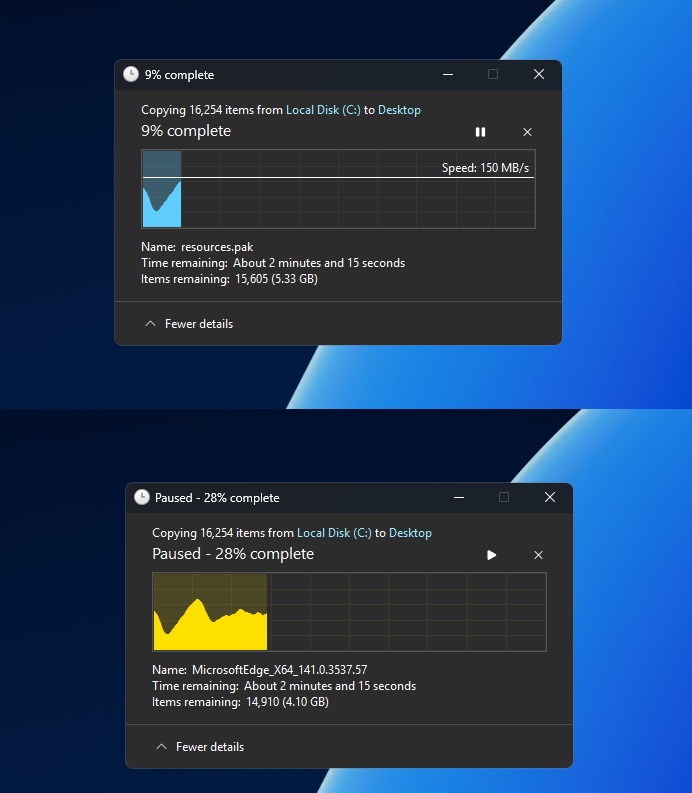
Microsoft’s plan to “bring more of the Windows UI to WinUI3” holds up when we look at their work that we’ve been tracking across several dialogs and system components this year. The file copy dialog is already rewritten in WinUI, and the common file open dialog is next on Microsoft’s list.
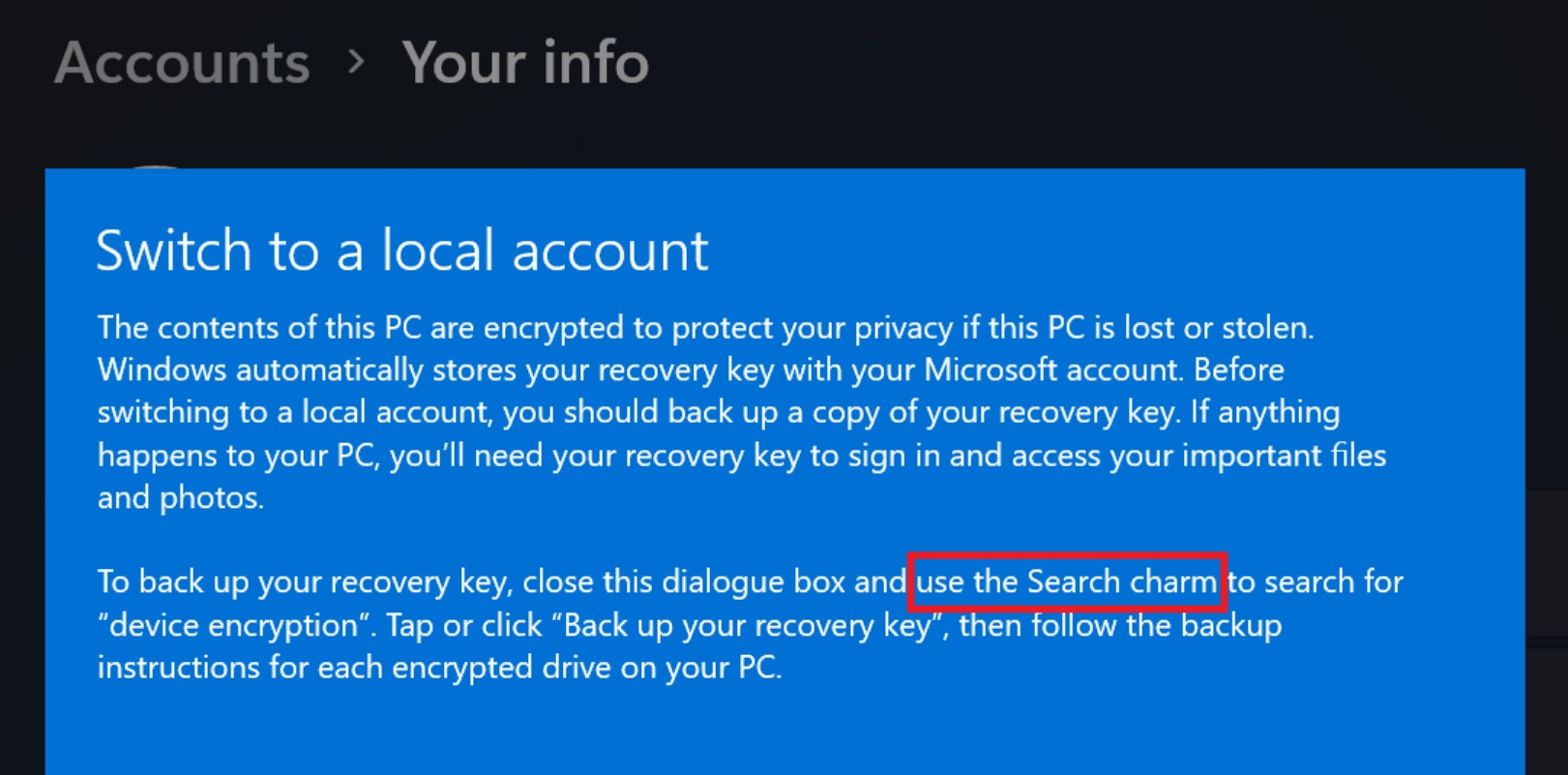
The Windows Design and Research lead has confirmed that the “Switch to a local account” dialog, from Windows 8, which still tells you to use “Search charm,” is now on the company’s list for rejuvenation, which just means a WinUI refresh.
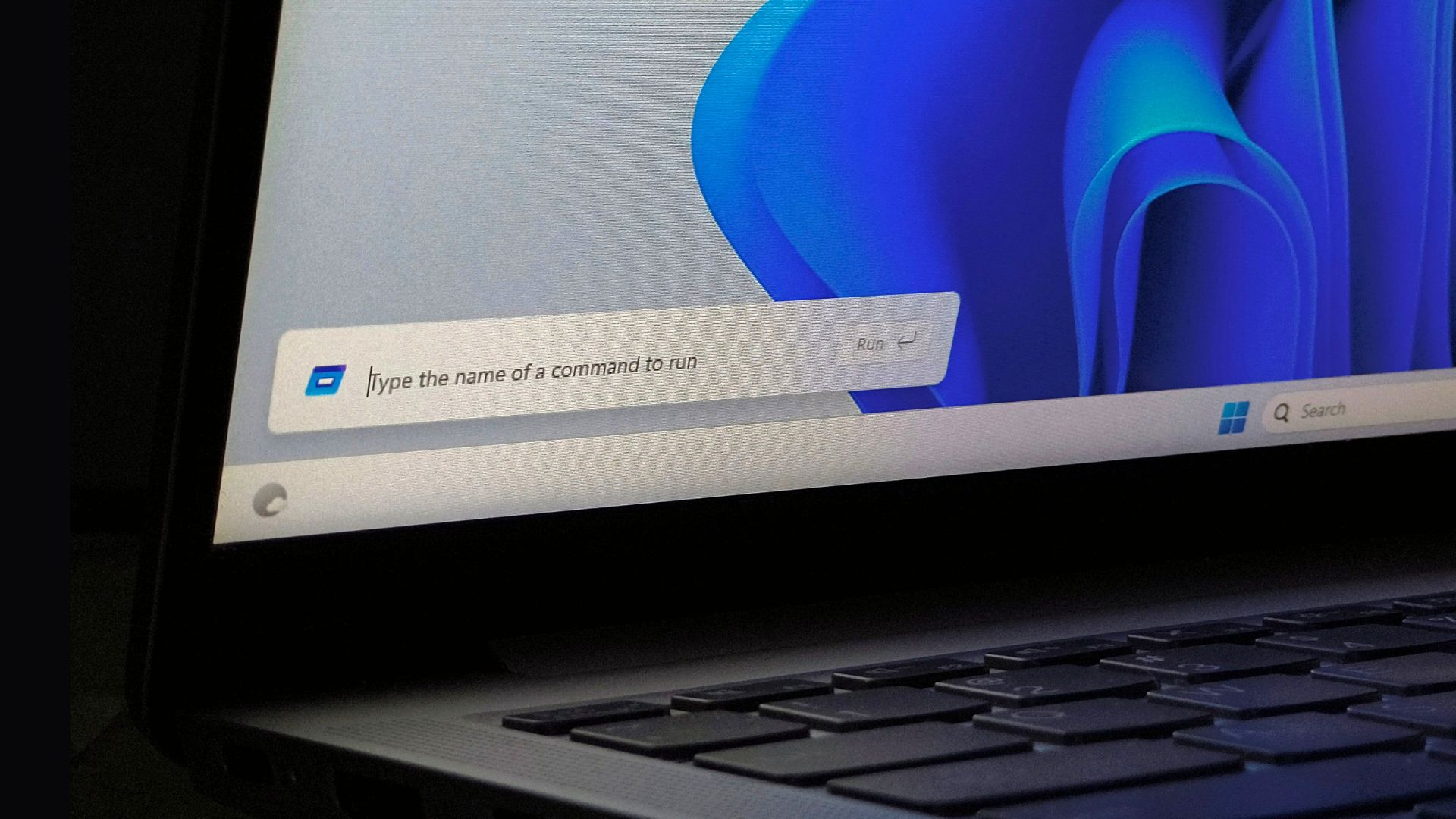
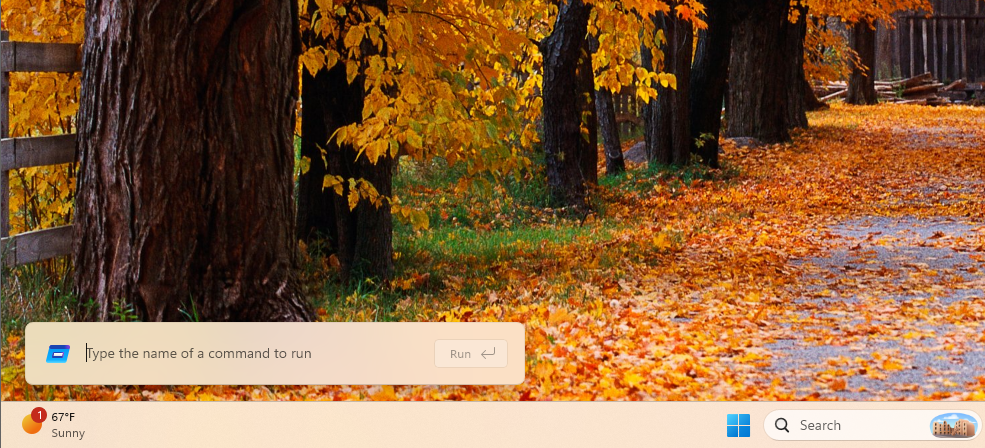
The Run dialog made the jump too, and Microsoft’s own telemetry shows the new WinUI version loading faster than the Windows 95-era one it replaced, 94ms versus 103ms. So, this shows that a WinUI rewrite clearly doesn’t have to come with a performance tax, which is good news.
The Start menu is the real test, though. Microsoft is rewriting it in WinUI to move it off the React Native components it currently runs on, but the rollout is being held back, and for good reason.
WinUI’s memory usage still needs work. File Explorer’s Home tab, also built on WinUI, loads noticeably slower than This PC, which doesn’t use the framework at all.
Even the redesigned Windows Search that made headlines in July is still running on WebView2 rather than WinUI, funnily enough, given how much Microsoft has been talking up native code lately.
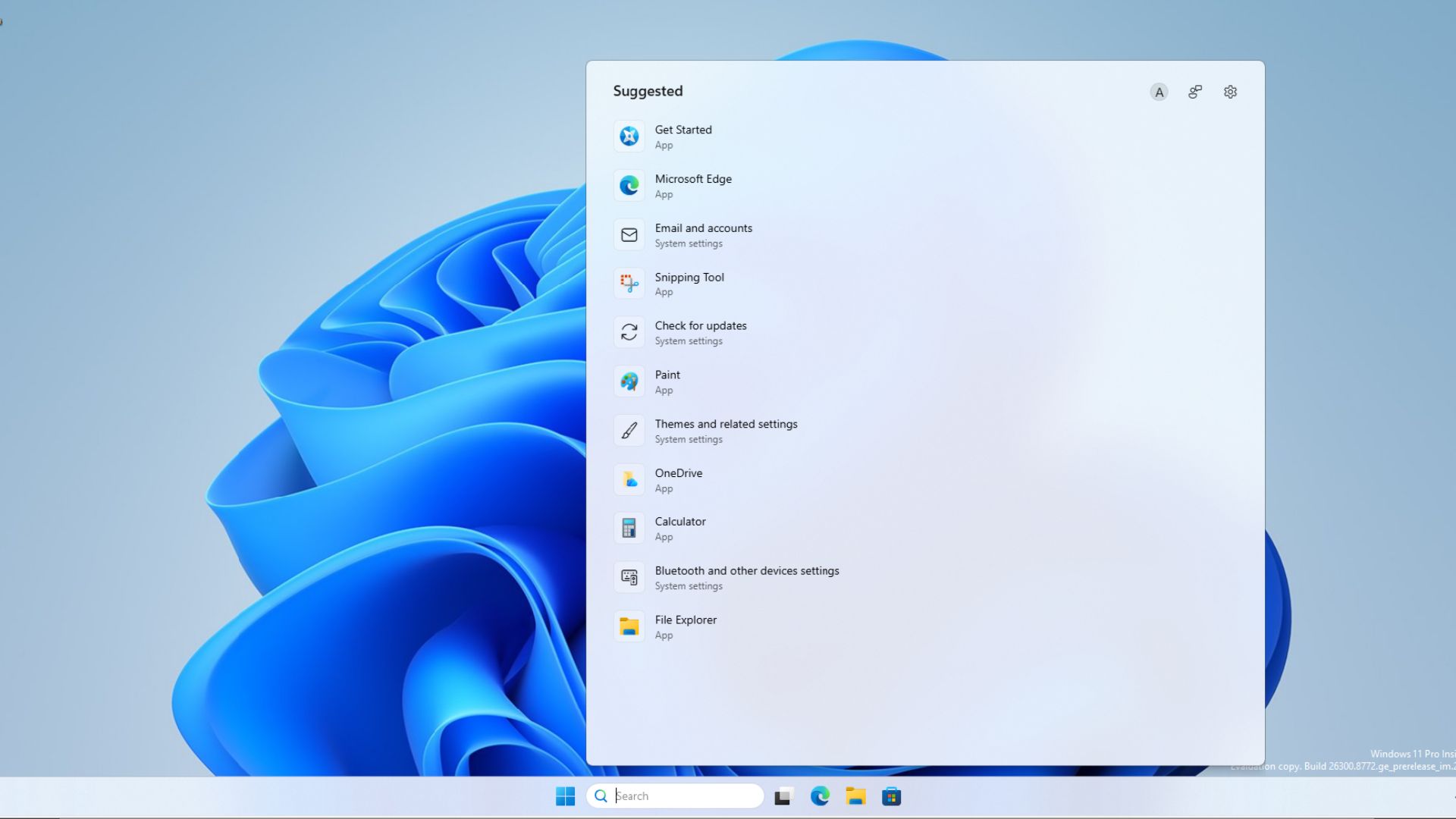
Microsoft is at least aware of this. The company has been improving WinUI’s memory usage and moving it to the Windows system compositor for better performance, and this work needs to come before the Start menu rewrite.
WinUI has struggled with basic polish elsewhere too, Microsoft admitted earlier this year that resizing WinUI apps causes visible tearing that older UWP apps simply don’t have, with a fix Rogers said was rolling out over the summer.
That said, the Properties dialog is a real, full WinUI rebuild, not a theme, and Microsoft will keep replacing legacy Windows 11 dialogs the same way. Whether that promise holds depends on how quickly Microsoft can fix WinUI itself, because right now, the framework Microsoft wants to build all of Windows on is still slower than the code it’s replacing.