





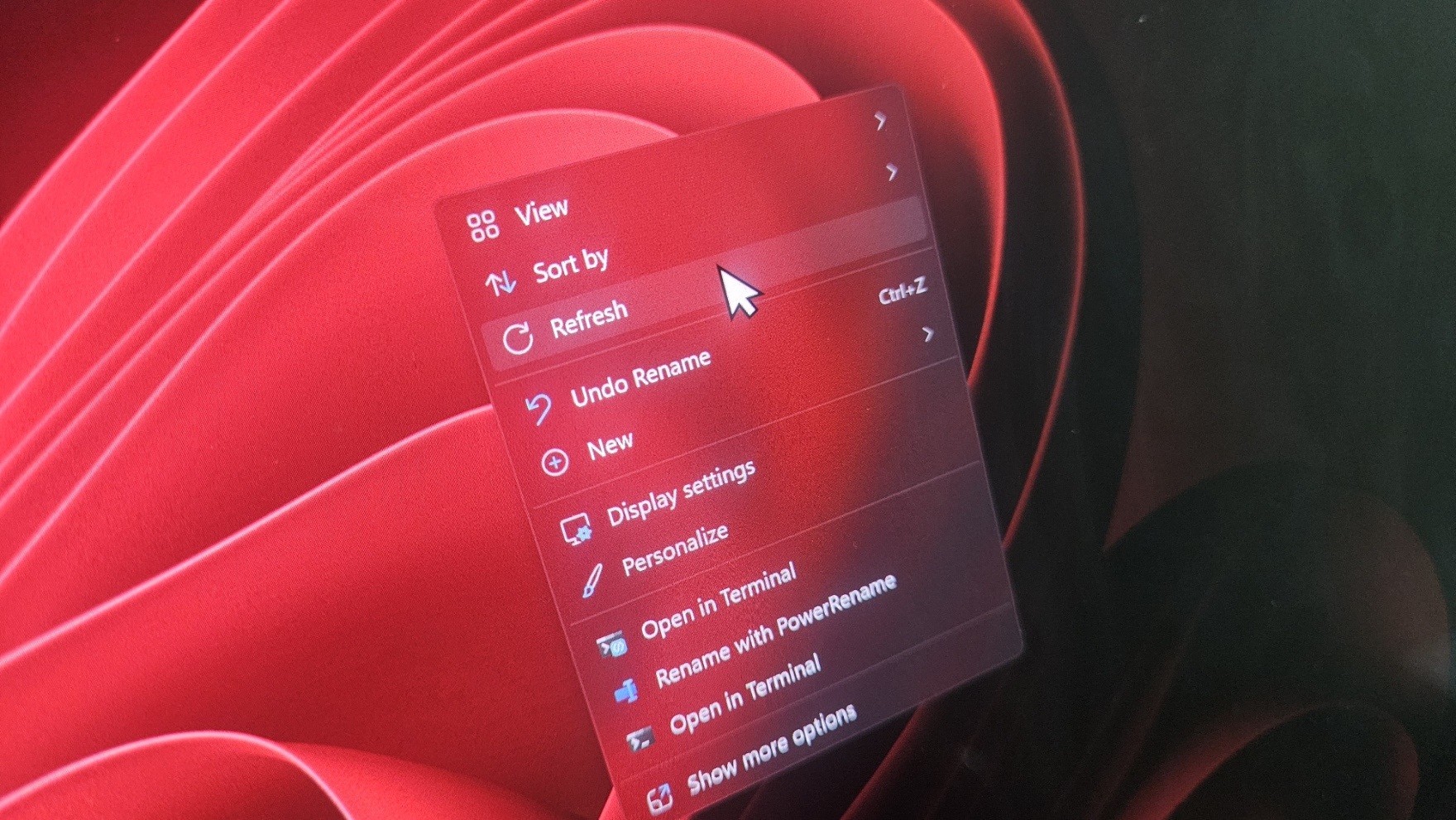
There are at least three issues affecting Windows 11, and Microsoft has acknowledged two so far. One is a bug where the cursor either disappears, appears broken, or loses customization. The second is a bug where Office apps crash on ARM-based PCs, which I wouldn’t call a major problem. And the third is that wallpapers are reset on every restart, but this is not yet confirmed by Microsoft.
On August 27, 2026, Microsoft rolled out Windows 11 KB5120998 and bumped PCs to Builds 26200.9168 (25H2) and 26100.9168 (24H2). This is one of the most important releases of the year because it added the three most requested features to Windows 11, including a movable taskbar, a resizable Start menu, and the ability to remove Bing from Search.
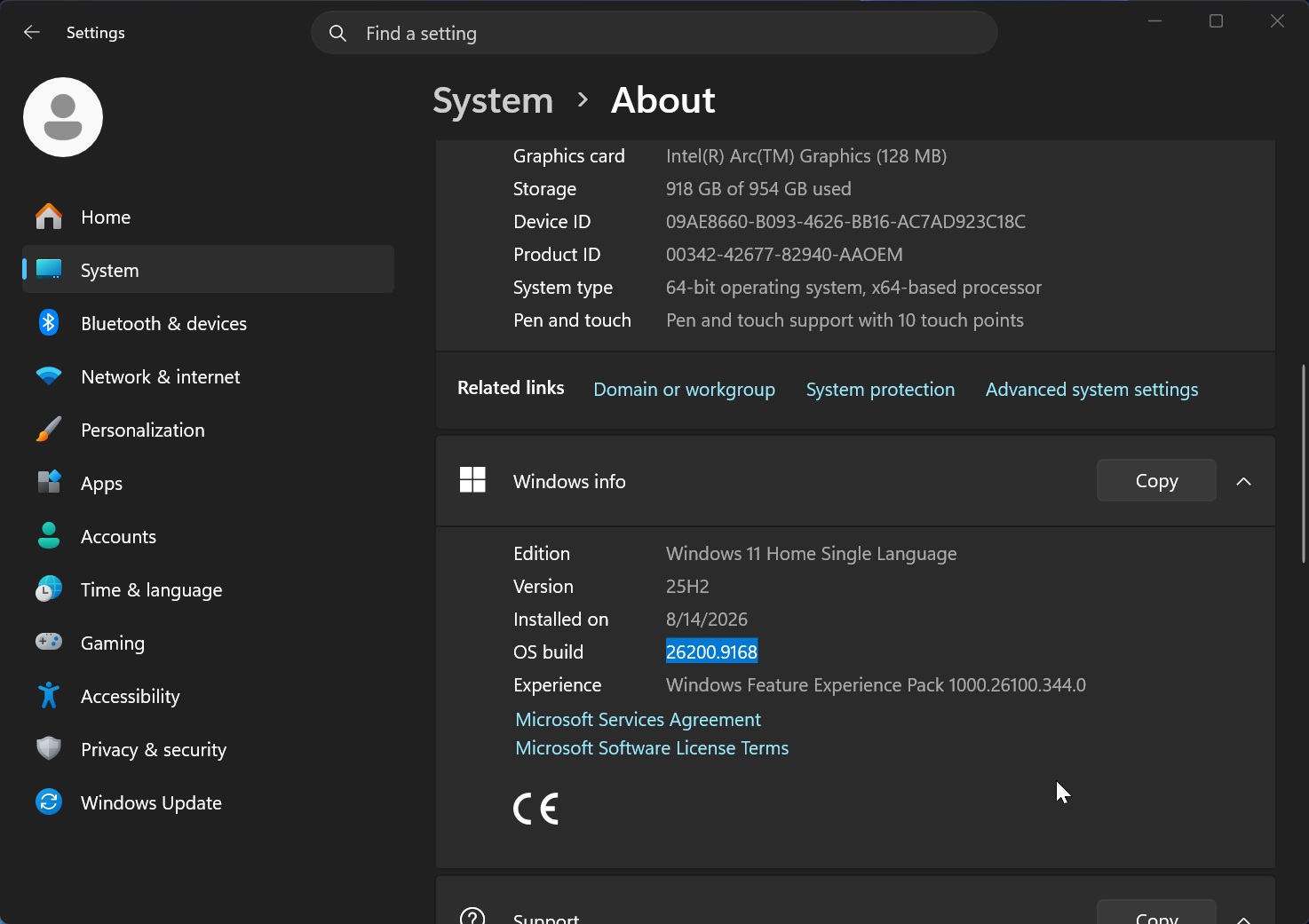
But at the same time, we found that the update is resetting the desktop background and even breaking the mouse cursor, where either the cursor looks odd, disappears, lags, or simply feels out of place due to buggy animations.
There have also been reports of the cursor resetting to default settings or incorrectly picking up personalization, where a white cursor becomes black and uses a large size instead of regular. And another bug where fonts look blurry.
Microsoft confirms Windows 11’s update broke the mouse cursor
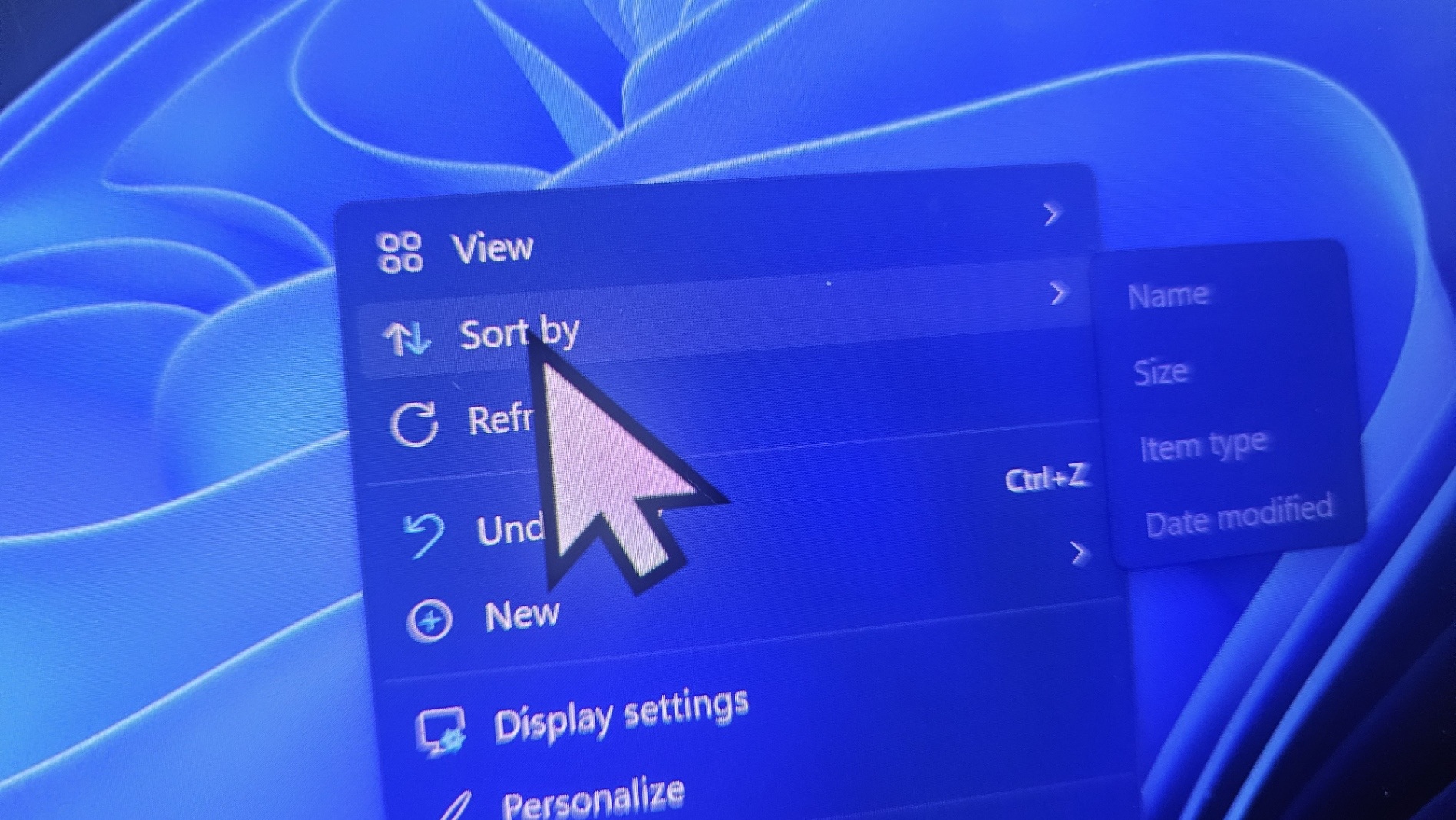
In an updated document spotted today by Windows Latest, Microsoft confirmed that it messed up and broke the cursor on Windows 11 with an update (KB5120998) released on August 27, 2026.
Microsoft previously noted that it was aware of the reports, but it was not sure whether it really caused the issue. Now, I spotted another support document, and Microsoft admitted that it made a change that broke mouse personalization settings:
“Our investigation indicates that this issue is caused by code components used in non-English Windows installations,” Microsoft noted. “In impacted locales, these settings will fail to load, causing a default to be used instead. Attempting to manually restore the settings values is not successful, as the issue prevents loading these settings regardless of their value.”
Microsoft’s findings align with reports seen by Windows Latest, and it also explains why you can’t simply reset and go back to the original cursor because nothing gets saved.
“The cursor is just stuck on the old one for default and busy. No other options change it in any way including inverse cursor. Reboot, graphic driver re-install, removing mouse device doesn’t help,” one user wrote in a post on Feedback Hub.
“Same for me. Also, the cursor sizes are wrong – bigger than they should be,” another added.
However, reports seen by Windows Latest suggest that the issue is not just affecting those who use Windows in a non-English language. It’s entirely possible that if you installed a secondary language or added a keyboard layout, you’re likely to be affected.
But given how Microsoft’s gradual rollout works, the bug has not reached all PCs yet, so it may show up in the coming days if you install Windows 11 KB5120998.
We’ve also had dozens of people sending us emails or dropping comments about their nightmare experience with the cursor or desktop background after installing Windows 11 KB5120998.
“I wish I had read this article sooner,” one reader told Windows Latest. “My wallpaper is gone, and I have a black screen, which, of course, I replaced successfully, but the cursor style is completely broken. I tried everything (from changing its style, size, colors, etc.), but it just loads for a few seconds after restarting the PC, and then goes back to the classic old cursor styling.”
Microsoft also confirms Office apps can crash on ARM PCs
Microsoft has also confirmed that Office apps can crash on some ARM-based PCs after recent Windows updates. I wouldn’t call this a major problem compared to the cursor issue, but it’s still another confirmed regression.
“After installing Windows security updates released on or after August 11, 2026, (KB5121003), Microsoft Teams and the new Outlook for Windows might fail to launch or might close unexpectedly on ARM-based devices,” Microsoft noted, and confirmed that it’ll include the fix in the next update, which is likely the September 2026 Patch Tuesday.
The wallpaper issue, on the other hand, has not yet been confirmed by Microsoft.
Windows Latest has seen reports where the desktop background gets reset after every restart. In some cases, the wallpaper disappears entirely, and users are left with a black background until they manually set it again.
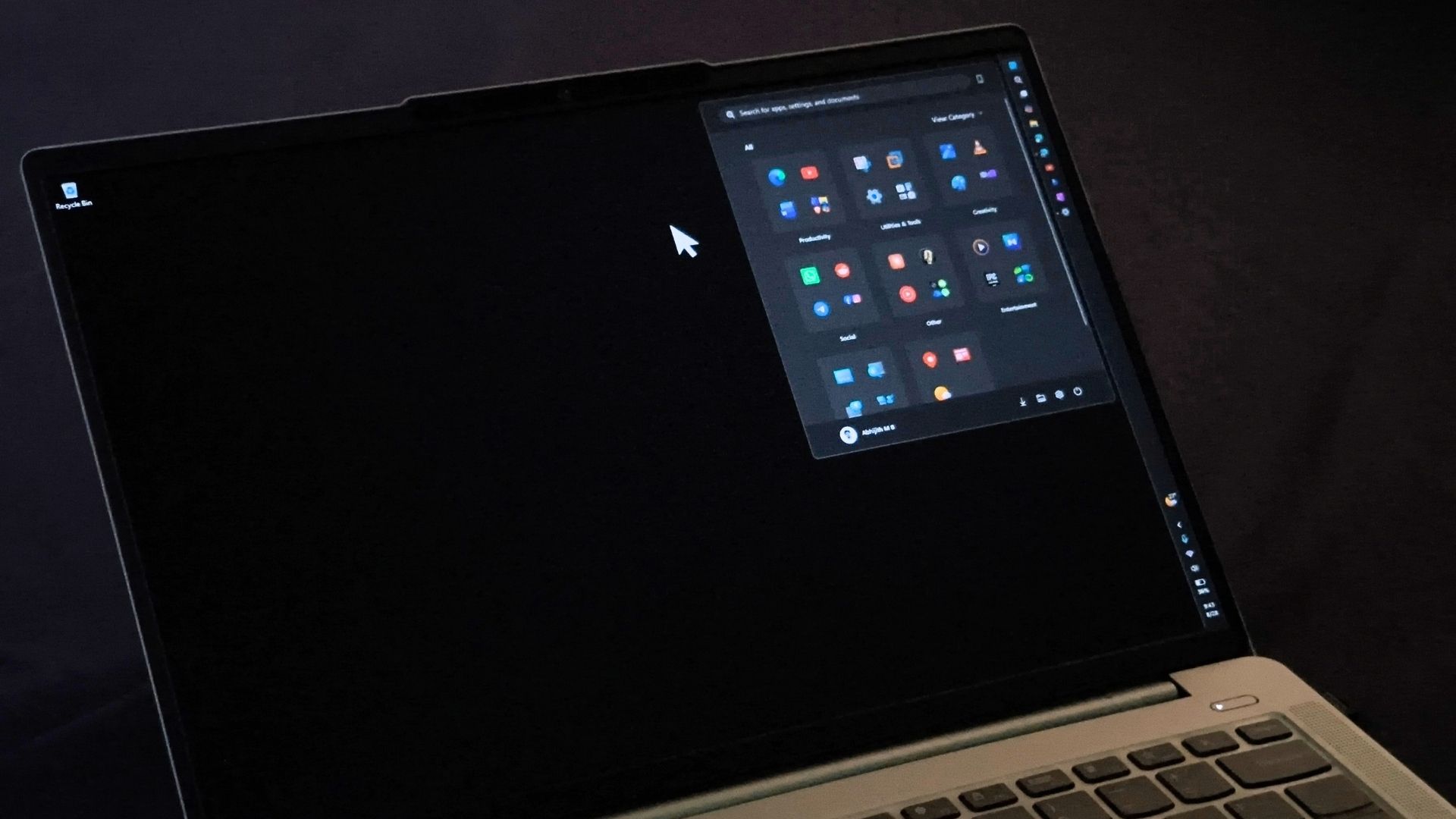
The botched-up mouse cursor and wallpaper issue have been among the most reported problems in recent months, which is why I think Windows 11 KB5120998 has been the buggiest release since Microsoft promised to revive the operating system.
Over these months, I’ve observed that monthly updates have become a lot more stable, and we’ve seen a significant drop in the number of issues being reported, up to 70% compared to last year. But the August 2026 update is an odd release with too many problems.
However, I’ve not come across BSODs or severe issues with the Windows 11 August update, so at worst, you’ll have a broken cursor and a missing background, which can be fixed by removing the update.