
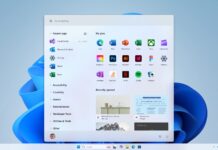




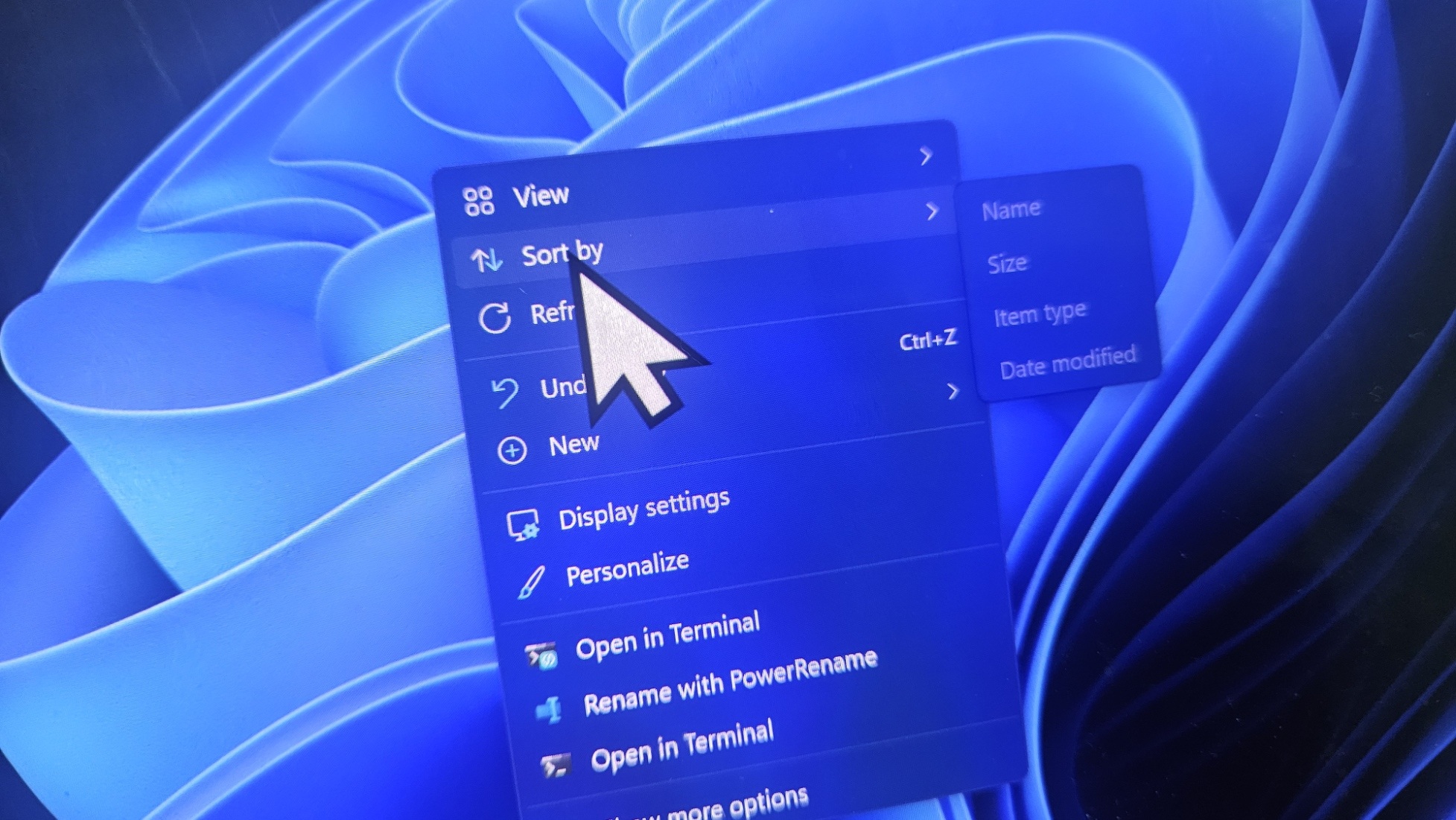
On Thursday, Microsoft rolled out Windows 11’s biggest update of the year with a resizable Start menu, a movable Taskbar, and Windows Search without Bing/bloat. Unfortunately, Windows Latest found that it breaks the mouse cursor, resets the wallpaper, causes font issues, and now Microsoft says it’s investigating.
We’re talking about Windows 11 KB5120998, which bumps the OS to Build 26200.9278 on version 25H2 and Build 26100.9278 on version 24H2. It’s an optional update, so it does not download or install automatically, but you don’t have to join any particular testing program to see it. It shows up on all PCs by default.
As soon as Windows 11 KB5120998 shipped, some users started reporting a bug where the mouse cursor is either not showing up at all or appearing too large or too small. In other cases, the mouse cursor was being reset to default, either in terms of color or size.
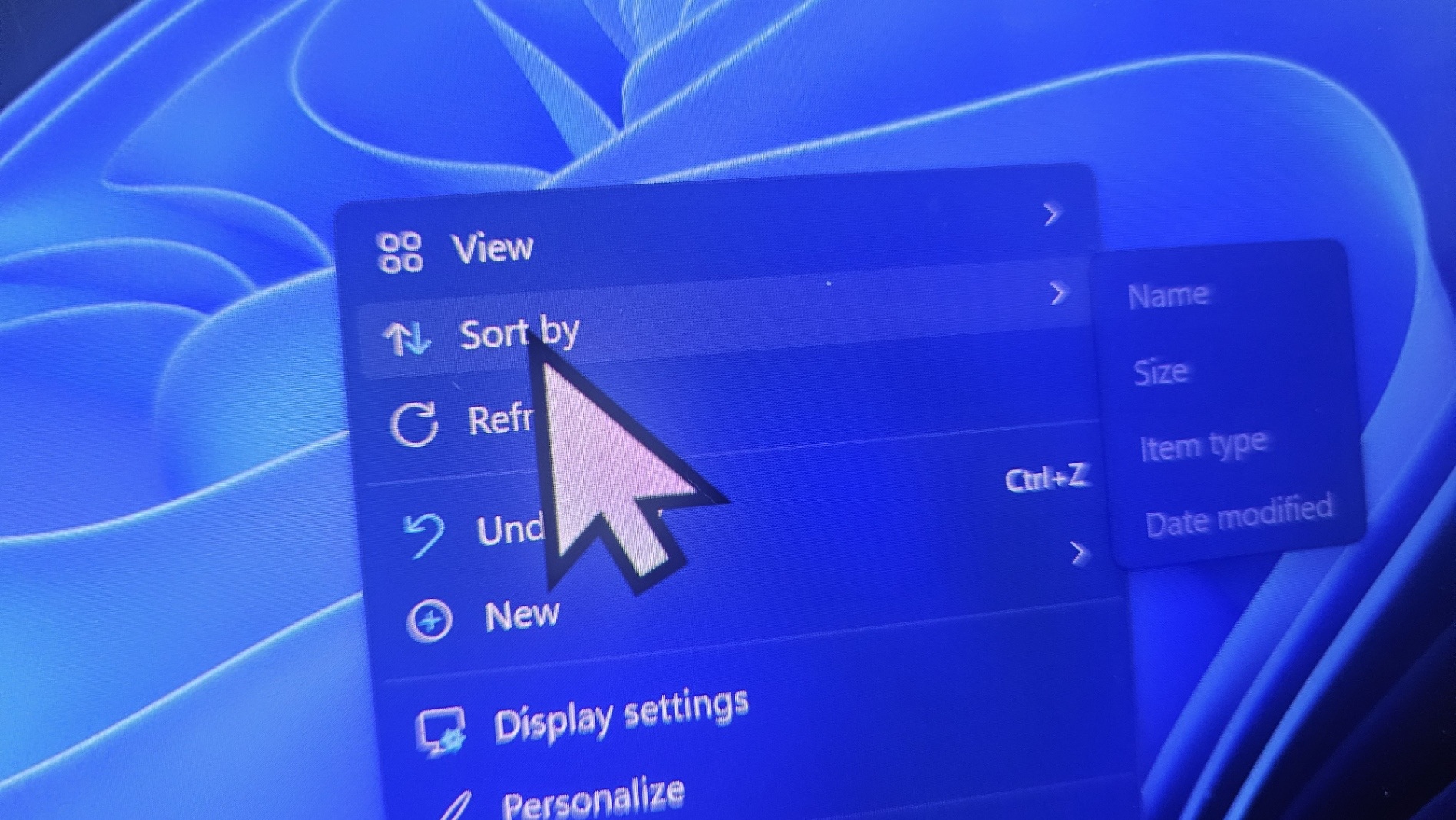
Until now, Microsoft maintained radio silence, and based on the growing number of reports, we were convinced that it was far more widespread than the usual chatter. Now, Microsoft has quietly updated its release notes to confirm that mouse cursor settings are indeed getting messed up after the Windows update.
“Microsoft has received reports indicating that mouse cursor personalization settings are being changed or reverted to certain standard settings,” Microsoft warned in the updated release notes spotted by Windows Latest. “This occurs following installation of Windows updates released August 27, 2026 (KB5120998) and later.”
Microsoft says it’s investigating the reports and trying to figure out if the issue is really due to Windows Update. However, all signs suggest it’s indeed caused by the optional update, as the problem appeared the minute the update finished installing and went away when users removed it.
It’s the usual PR language Microsoft has used lately when talking about Windows Update issues, so I’m expecting a more formal acknowledgment in the next few days, followed by either a rollback of the change that caused the issue or an emergency out-of-band update addressing the broken cursor.
Windows 11 KB5120998 can break cursor size, colour and custom schemes
I got in touch with an affected user who tried everything, from resetting the Windows Registry to running DISM and resetting mouse cursor settings to default, but they still had a giant cursor on their desktop. As soon as they uninstalled Windows 11 KB5120998, the cursor issue resolved on its own.
And that appears to be the case for everyone who reported cursor issues after installing Windows 11’s big optional update.
According to Microsoft, and based on the reports Windows Latest has seen, here’s what could happen when you install Windows 11 KB5120998, and you’re unlucky:
- Cursor animations could look broken, and the appearance could change, particularly if you use a custom scheme, including those provided by Microsoft in the official Windows Settings.
- Some cursors that were set to default are being replaced by larger cursors.
- If you had a white cursor, it could become large and black, and vice versa.
- If you use a custom scheme or cursor animations, they could revert to standard settings. I don’t think it’s a major issue compared to a large cursor appearing out of nowhere.
- If you try to restore a smaller or regular cursor, it could revert back to the broken one, as the settings are simply not saved.
Unfortunately, if you happen to run into these issues, you’d need to manually remove Windows 11 KB5120998, as no other workaround appears to work.
You need to open Settings > Windows Update > Update History > Uninstall, locate KB5120998, and click Uninstall. Since Windows 11 KB5120998 is an optional release, you can remove it without missing the security fixes from this month’s Patch Tuesday release.
It’s unclear why and how Windows 11’s update broke the cursor because most of the changes in the update were around the Start menu, Search, Taskbar, and File Explorer, except for a slightly related improvement where the update improved “touchpad reliability on some devices.” I don’t think that could have caused the issue.
Wallpapers are being reset after August update
Windows Latest observed that there’s another bug where your desktop wallpaper settings are never saved, and you have a black screen. It keeps resetting on every restart, and there are plenty of similar complaints in Feedback Hub. I was able to reproduce this issue, and it fixed on its own after removing the update.
“My desktop wallpaper went black after installing the latest Windows 11 updates in August 2026 and every time I reboot it goes black again,” one user wrote in a post on Feedback Hub, and there are dozens of similar complaints across our forum/comments section and platforms like Reddit.
There’s a third bug where font could look blurry on certain systems, but I don’t think this one is as widespread as the other two.
Microsoft has not acknowledged wallpaper issues yet.
Windows 11 KB5120998 is a “preview” update, but not the type you might think
Some of you might argue that it’s a “preview” update and nobody should have installed it on their “production” PCs. But it’s not the type of “preview” update some would think it is.
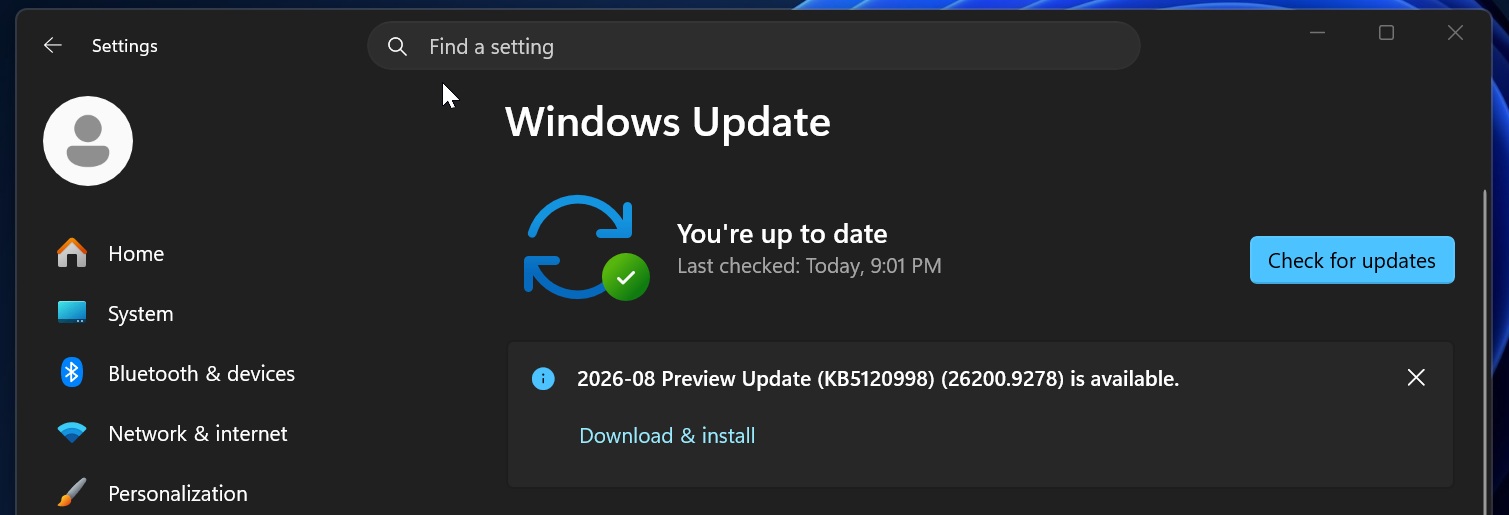
KB5120998 is labeled as “preview update,” but it’s not a Windows Insider Preview technical build. Microsoft uses similar terminology for both, but optional updates like KB5120998 are offered to production PCs and simply aren’t downloaded automatically unless you’ve enabled the option to get the latest updates as soon as they’re available.
Microsoft has never recommended against optional updates, as they’re essentially for everyone who wants to try new features ahead of the next Patch Tuesday release, which would come with these changes anyway, alongside security fixes.
“The Preview of Monthly Rollup is product-specific and addresses new non-security updates, and includes fixes from the latest Monthly Rollup,” Microsoft noted in a support document describing “preview updates.” “This Preview of Monthly Rollup would be displayed under the title Preview of Monthly Quality Rollup when you download or install.”
Everything in these monthly optional “preview” updates ships with the next Patch Tuesday release, including the cursor bug if Microsoft doesn’t rush out a fix.
Windows optional preview updates are usually about as stable as Patch Tuesday releases, and they were more or less the same when Windows 10 was the flagship OS. However, over the last few years, as Microsoft fired most of its Quality Assurance team members and started relying more on AI, Windows quality has been on a downward trend.