







Microsoft has apparently found the free time to build a standalone app whose only job is switching your default search engine to Bing across every browser on your PC. It is not force-installed through Windows Update yet, and it is not available in the Microsoft Store either. It is a standalone executable hosted on Microsoft’s official download servers, and we wonder why it even exists.
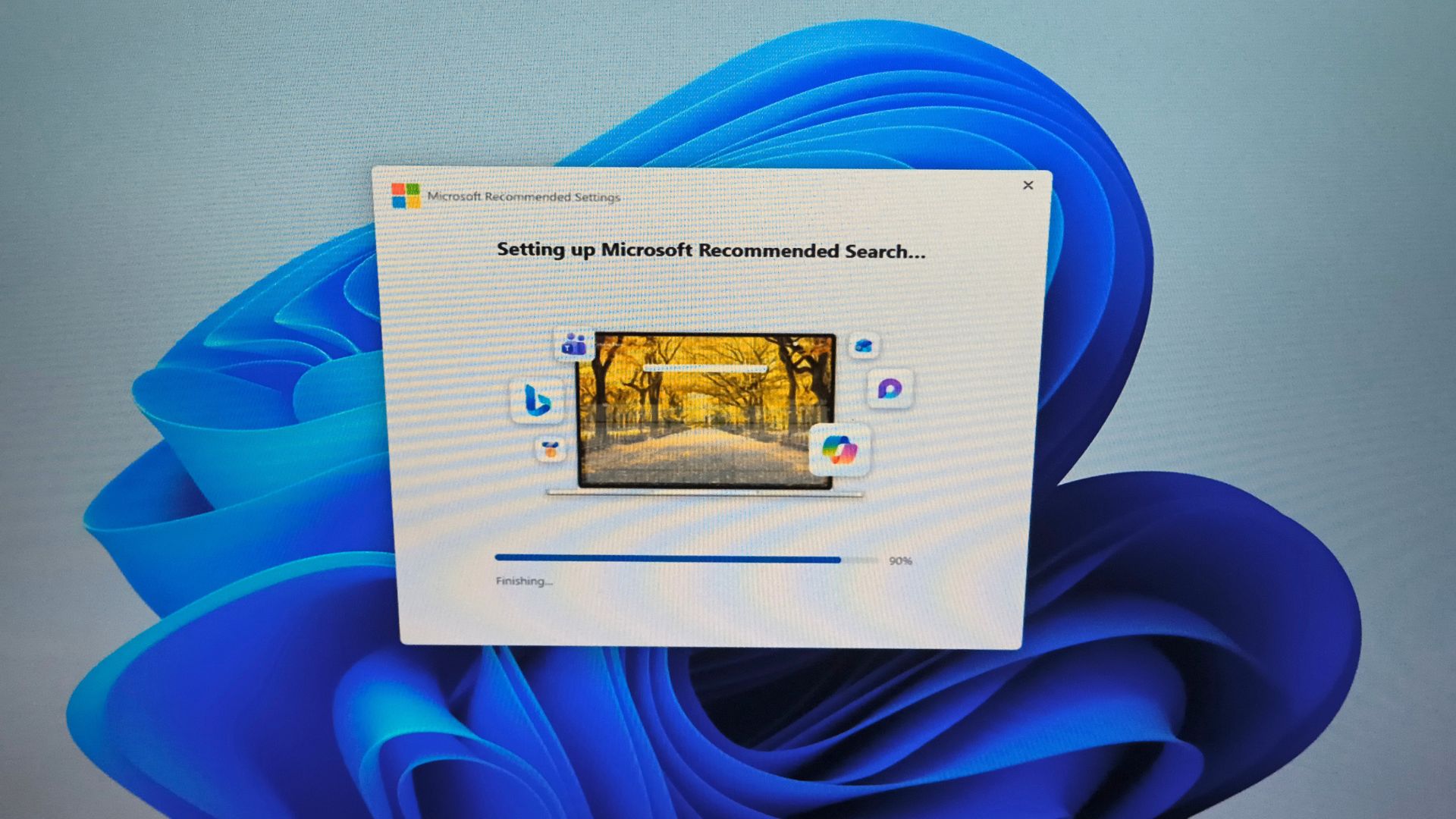
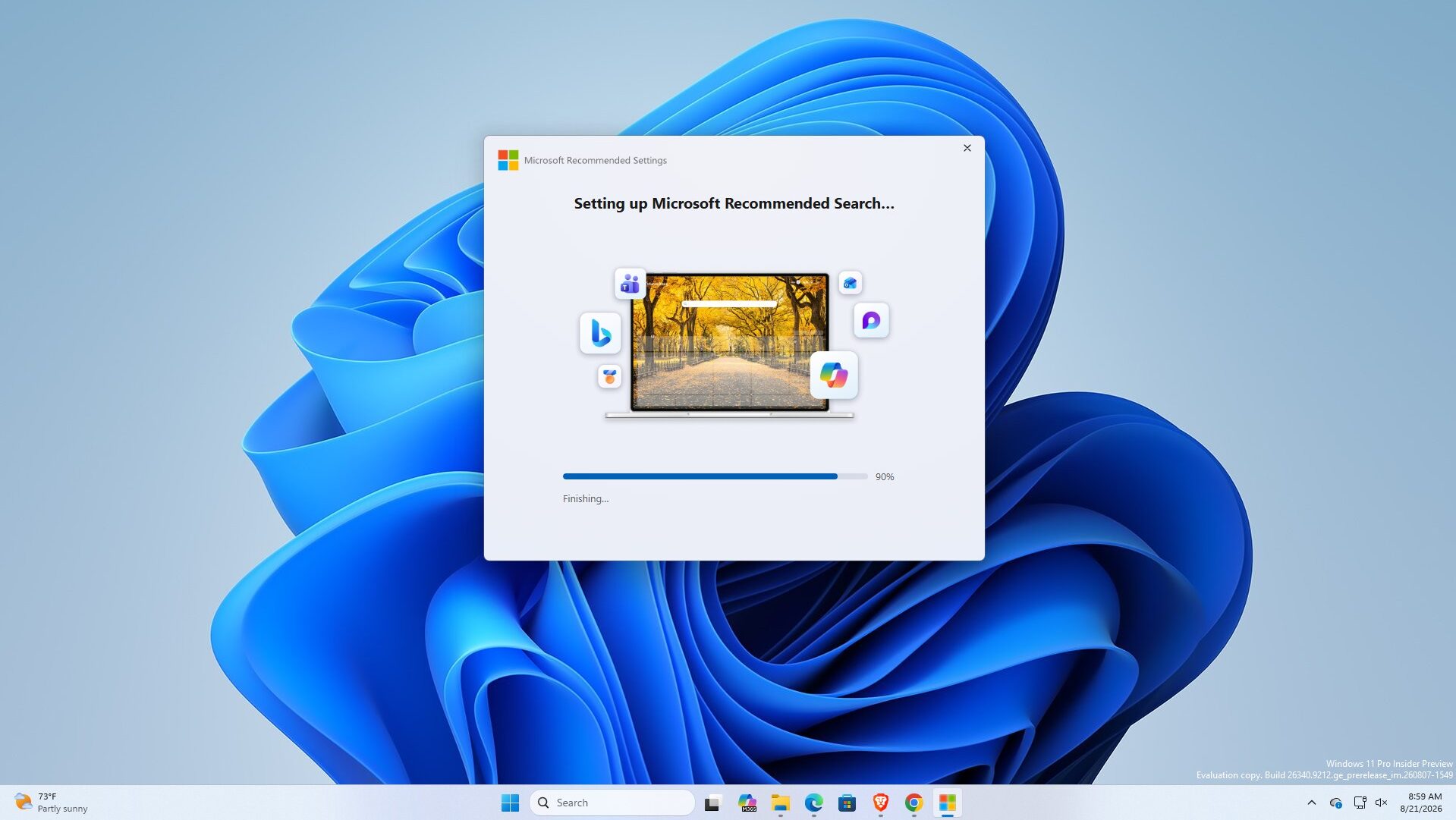
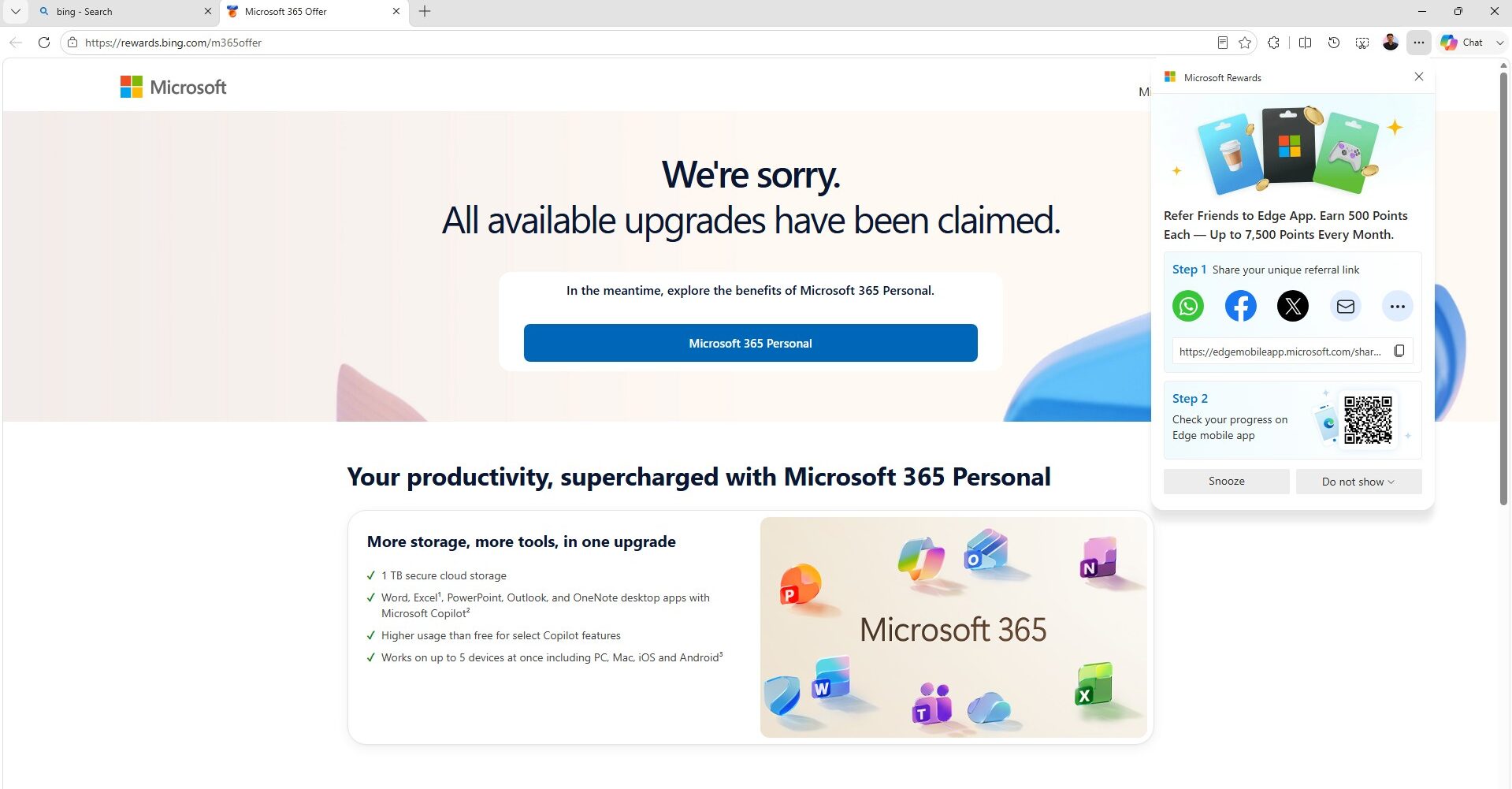
The app is called Microsoft Recommended Search Settings, and once installed, it prompts you to add extensions to all your installed browsers, which does the job of switching to the Bing homepage experience. After finishing installation, you also get redirected to the Microsoft Rewards page, which is basically a bribe for switching.
MicrosoftSettings.exe exists only to change your browser defaults
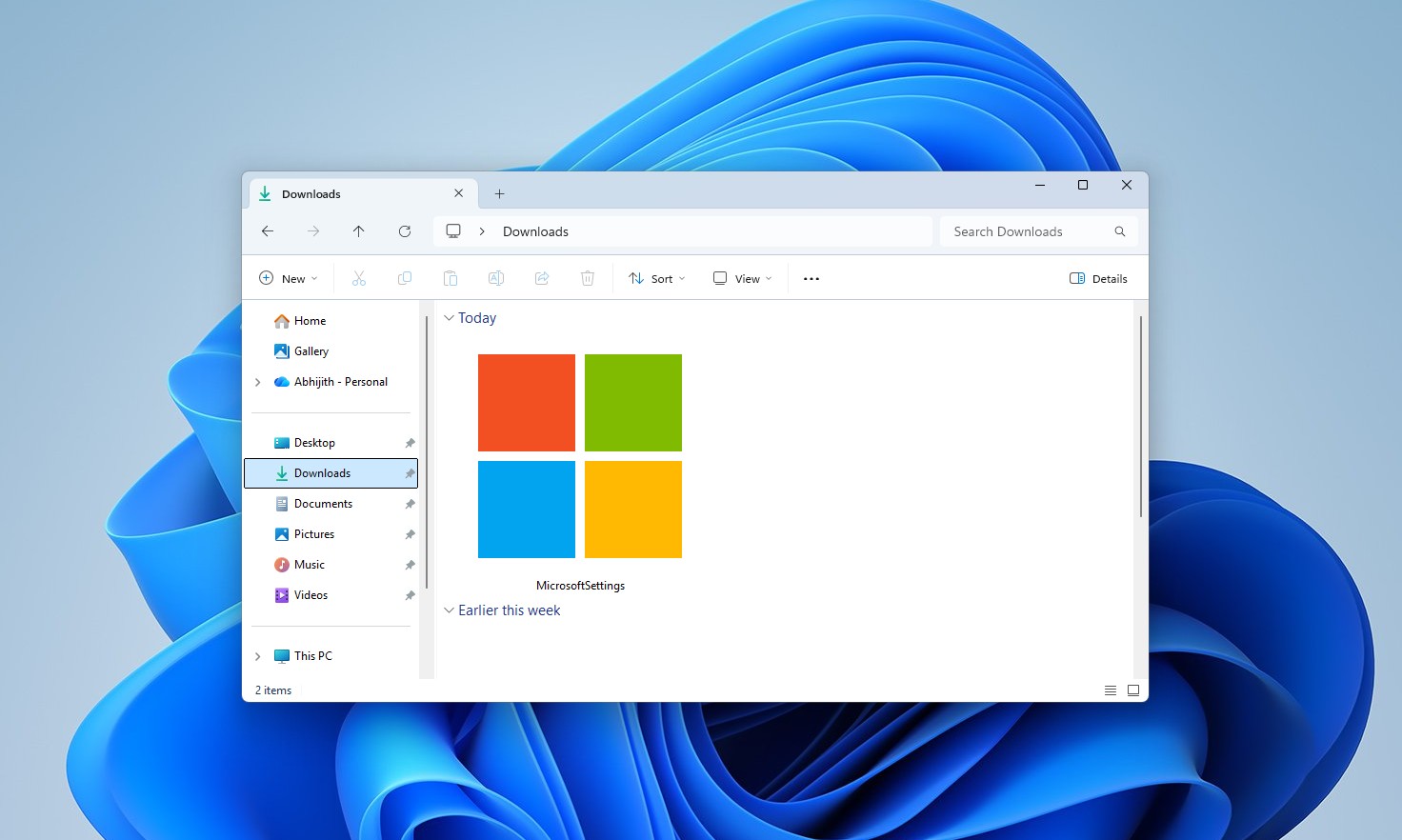
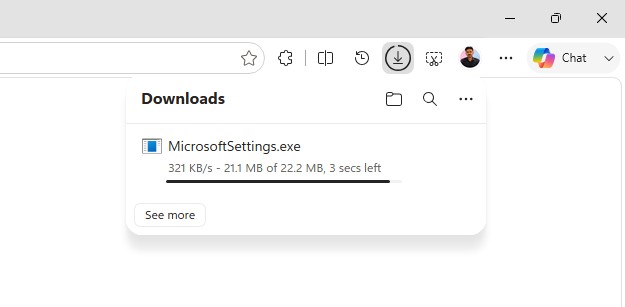
The executable is called MicrosoftSettings.exe, and its entire purpose appears to be asking whether you want to change your default search to Bing, then opening rewards.bing.com/m365offer once setup finishes.
The app has a WinUI shell with WebView2, built solely to install a Chrome extension across every browser on the PC, a strange amount of engineering effort indeed.
What bothers me here is that Microsoft already has a stack of bloated WebView2 apps and OS components it has not fixed. The default Weather app uses roughly 1.2GB of RAM, about five times what macOS Weather needs, and still shows ads. Instead of switching such apps to WinUI3, Microsoft spent resources building a WinUI shell with the only job of installing a browser extension.
I tested the extension, and Chrome fought back almost immediately
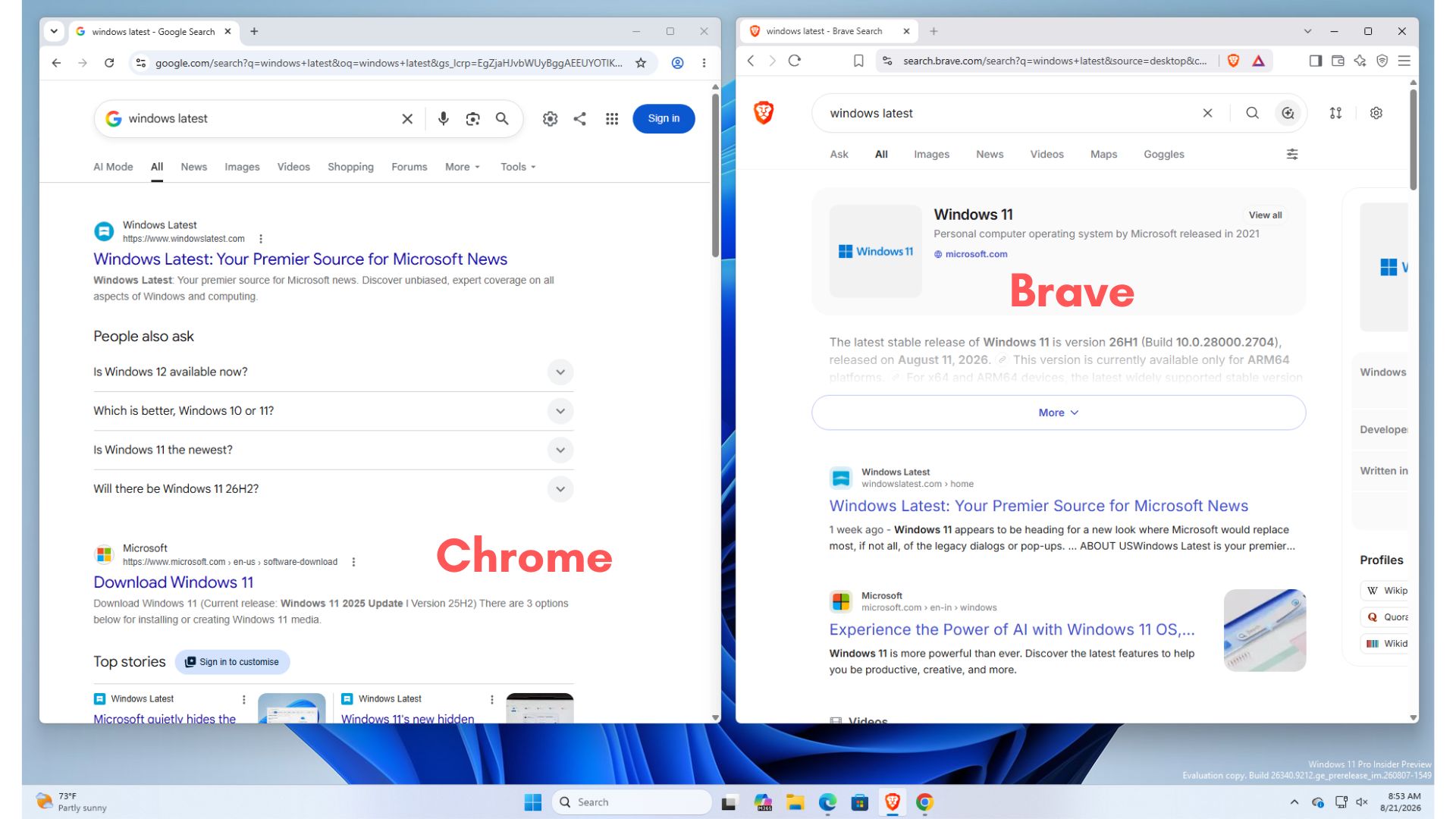
I downloaded MicrosoftSettings.exe and ran it on my test PC. The installer is 22.2MB. I have Chrome and Brave set up with their own defaults, and searching from either pulled up Google and Brave Search respectively.
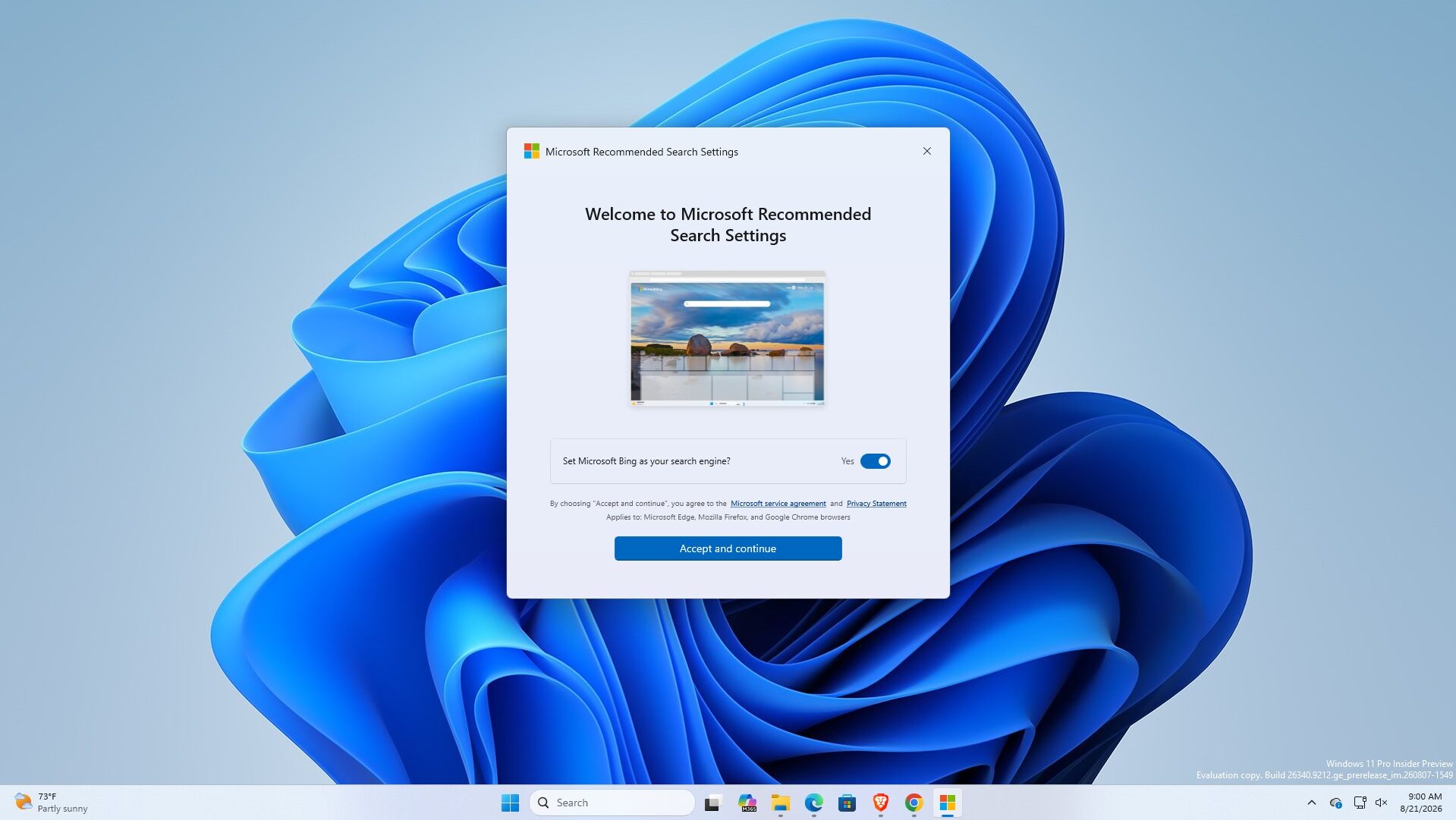
The first screen is titled “Welcome to Microsoft Recommended Search Settings,” with a toggle already switched to “Yes” for setting Bing as your search engine. Small text underneath says the change applies to Microsoft Edge, Mozilla Firefox, and Google Chrome.
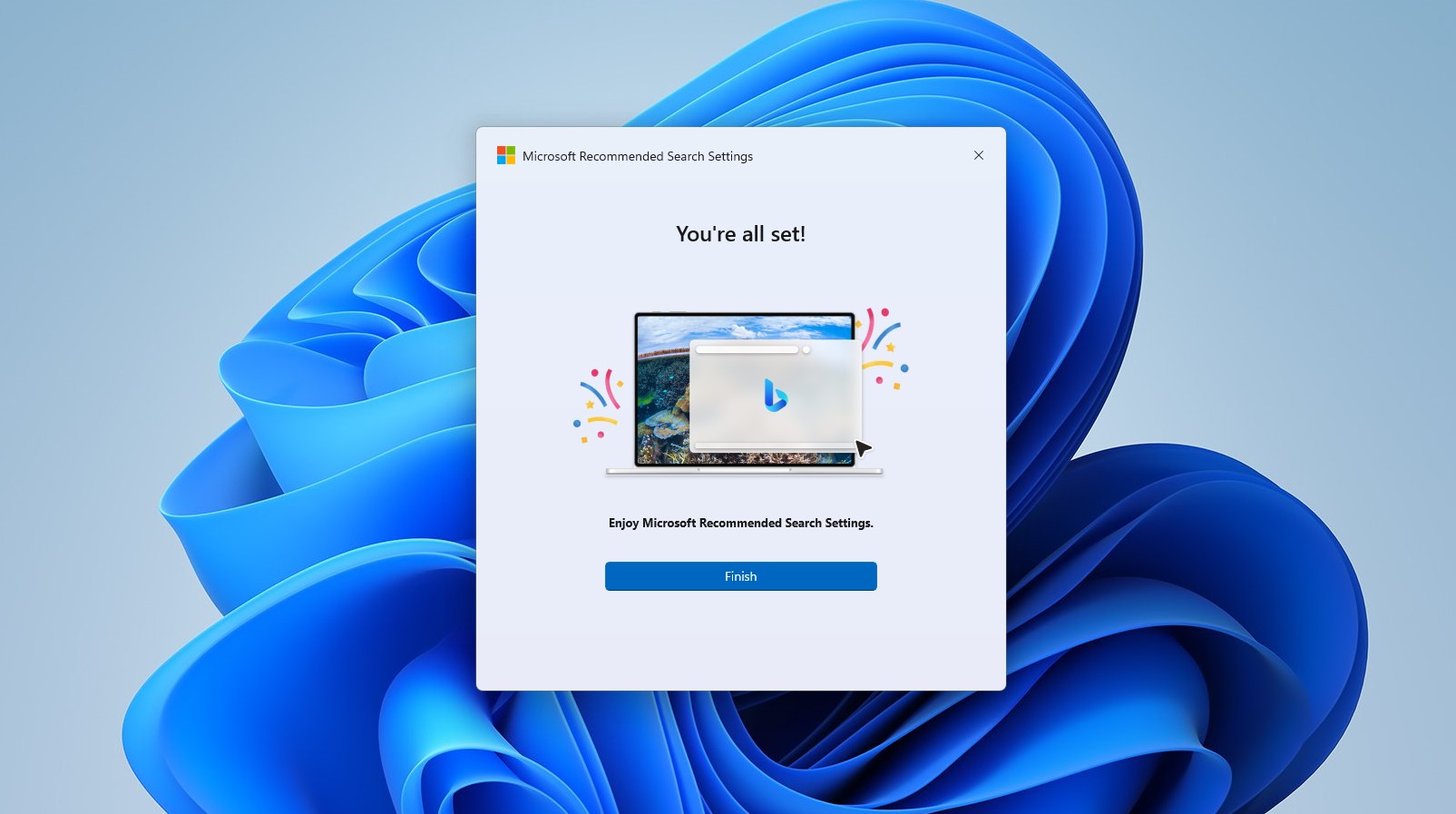
Clicking “Accept and continue” kicks off a short setup that ends on a “You’re all set!” screen with a Finish button, and hitting Finish is what opens the Microsoft Rewards page in Edge.
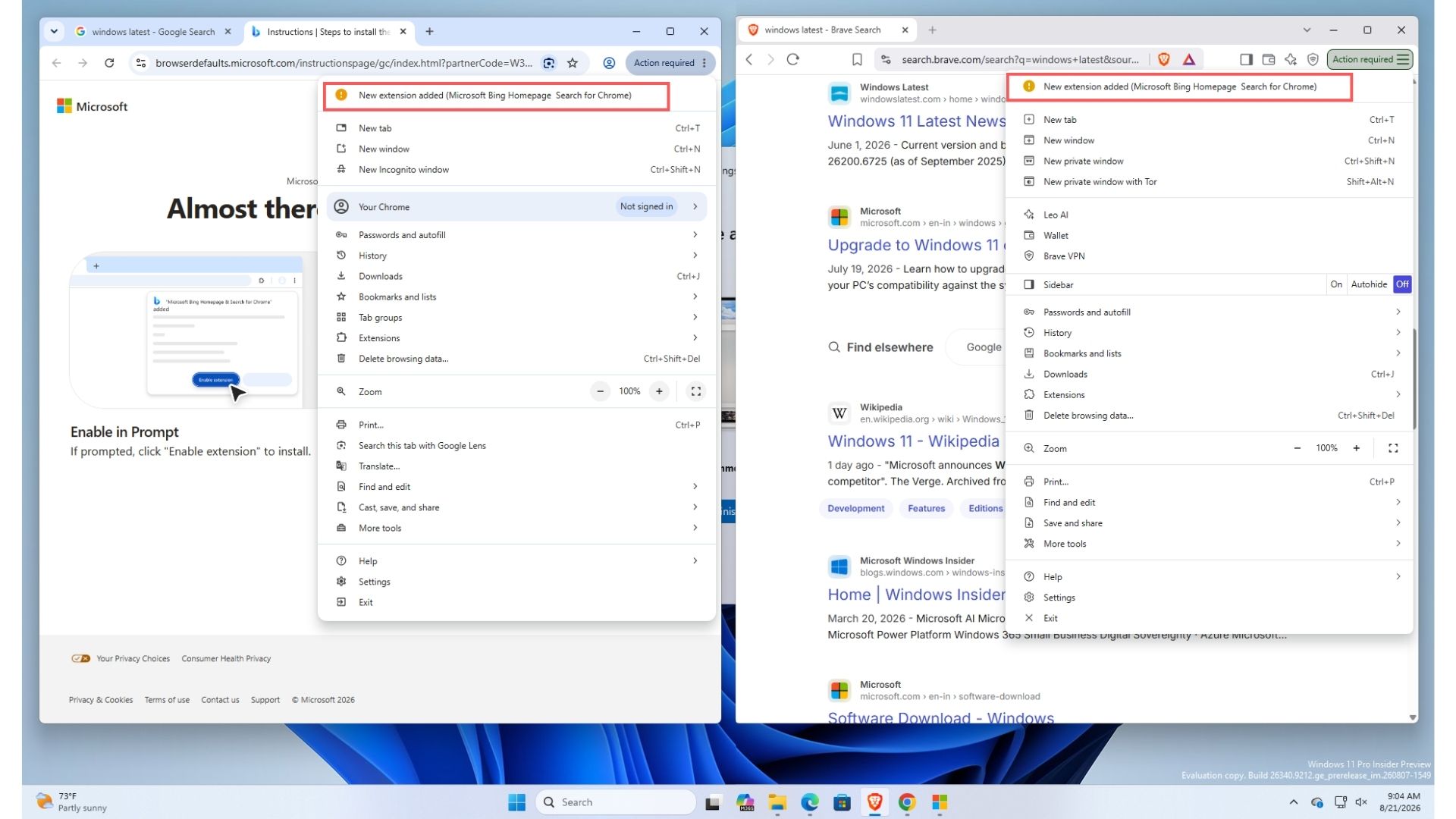
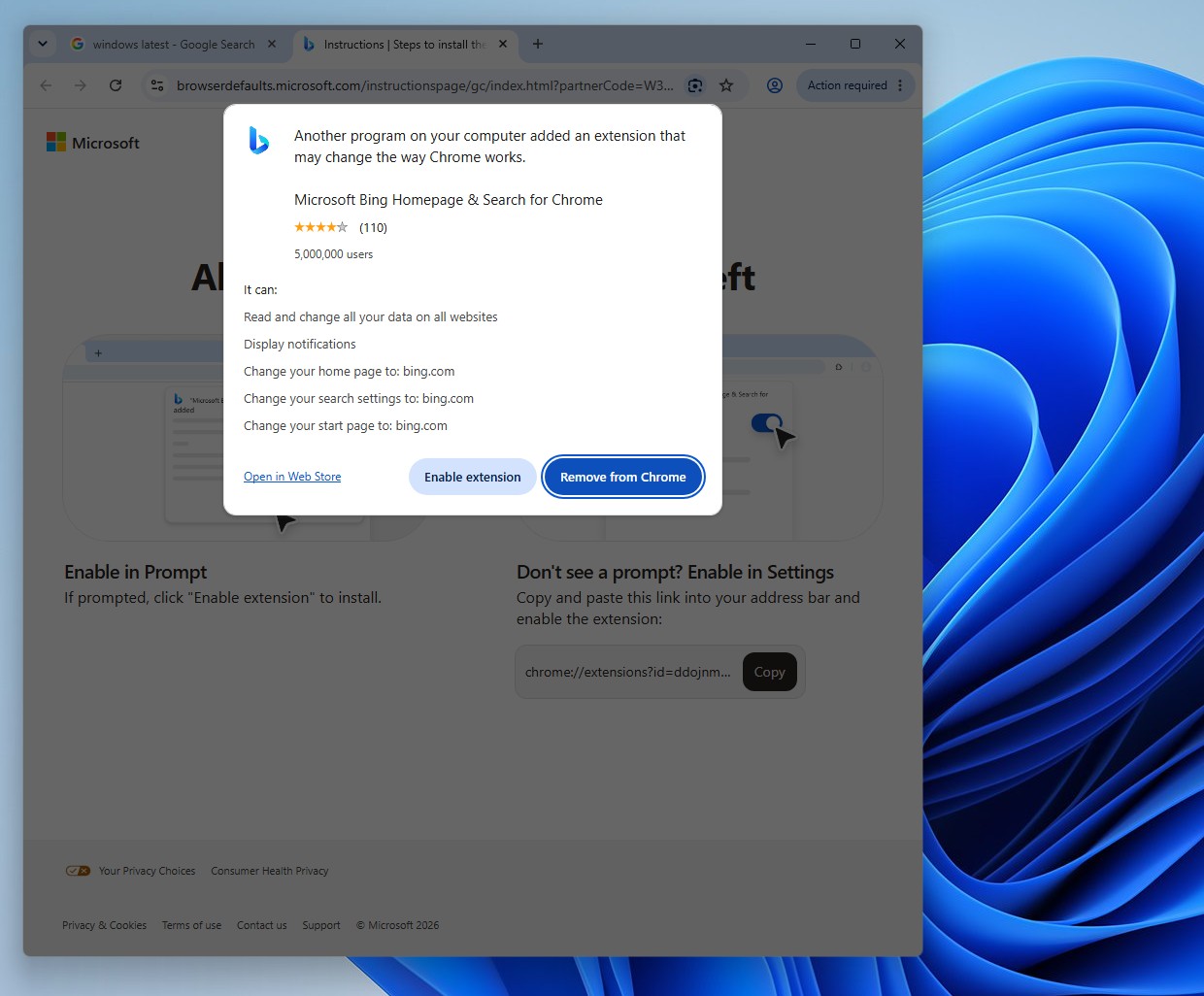
On the browser side, Chrome and Brave both flagged a new extension called Microsoft Bing Homepage & Search for Chrome. Chrome’s warning shows it can read and change all data on all websites, display notifications, and change the home page, search settings, and start page to bing.com.
The Microsoft Bing Homepage & Search for Chrome extension somehow has a 4-star rating from 110 reviews and 5 million users!
If you skip these warnings from Chrome and click “Enable extension” anyway, Google has another trick up its sleeve to prevent Microsoft from taking over Chrome. Google’s browser popped up a prompt asking, “Change back to Google Search?” noting that the Microsoft Bing Homepage & Search extension had changed search to use bing.com.
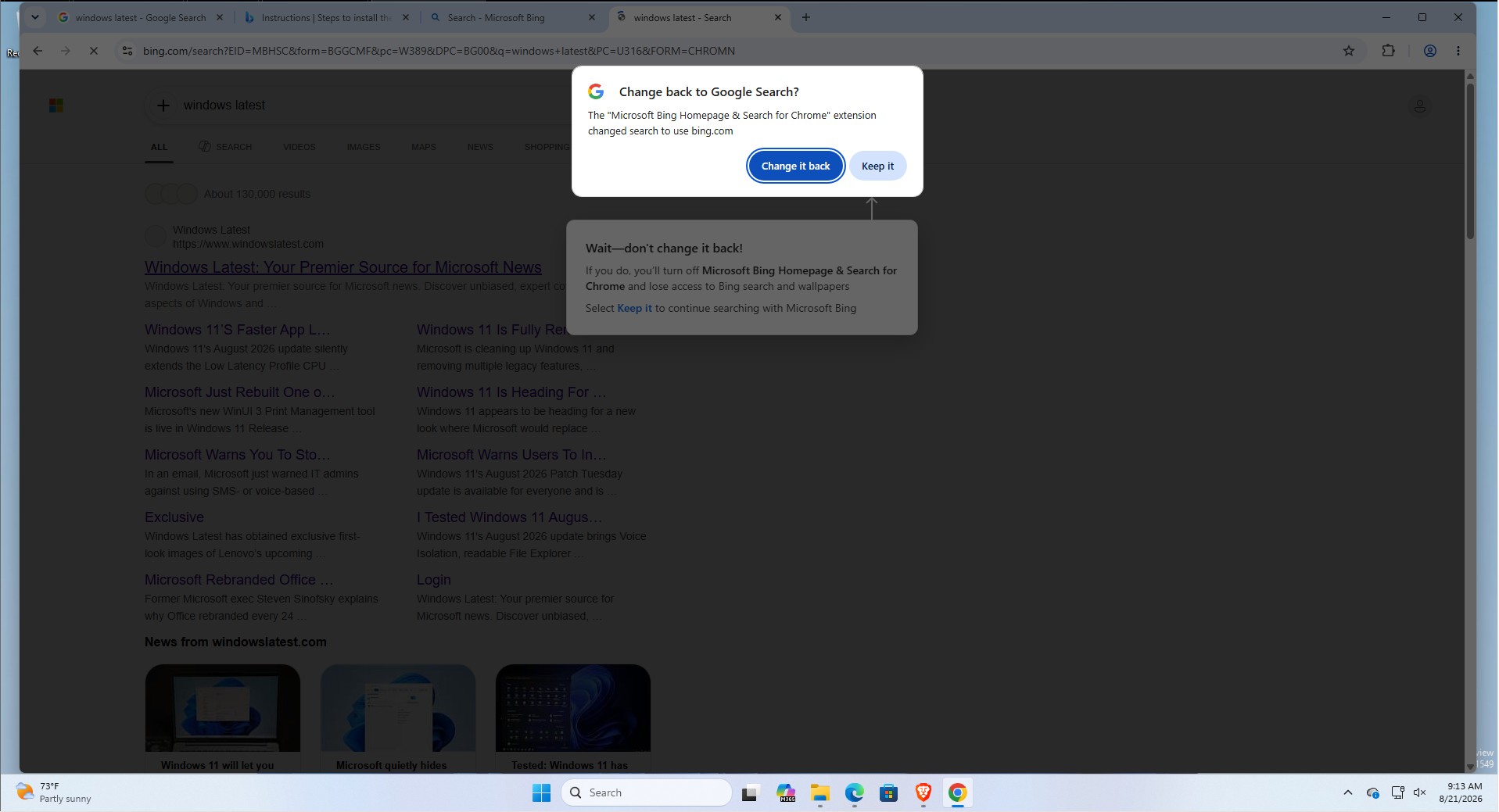
Under that prompt, with an arrow pointing directly at Chrome’s “Change it back” button, Microsoft had placed a second box reading “Wait, don’t change it back!” It warns that reverting will turn off the Bing extension and cause you to lose access to Bing search and wallpapers, then nudges you toward “Keep it” to continue with Microsoft Bing.
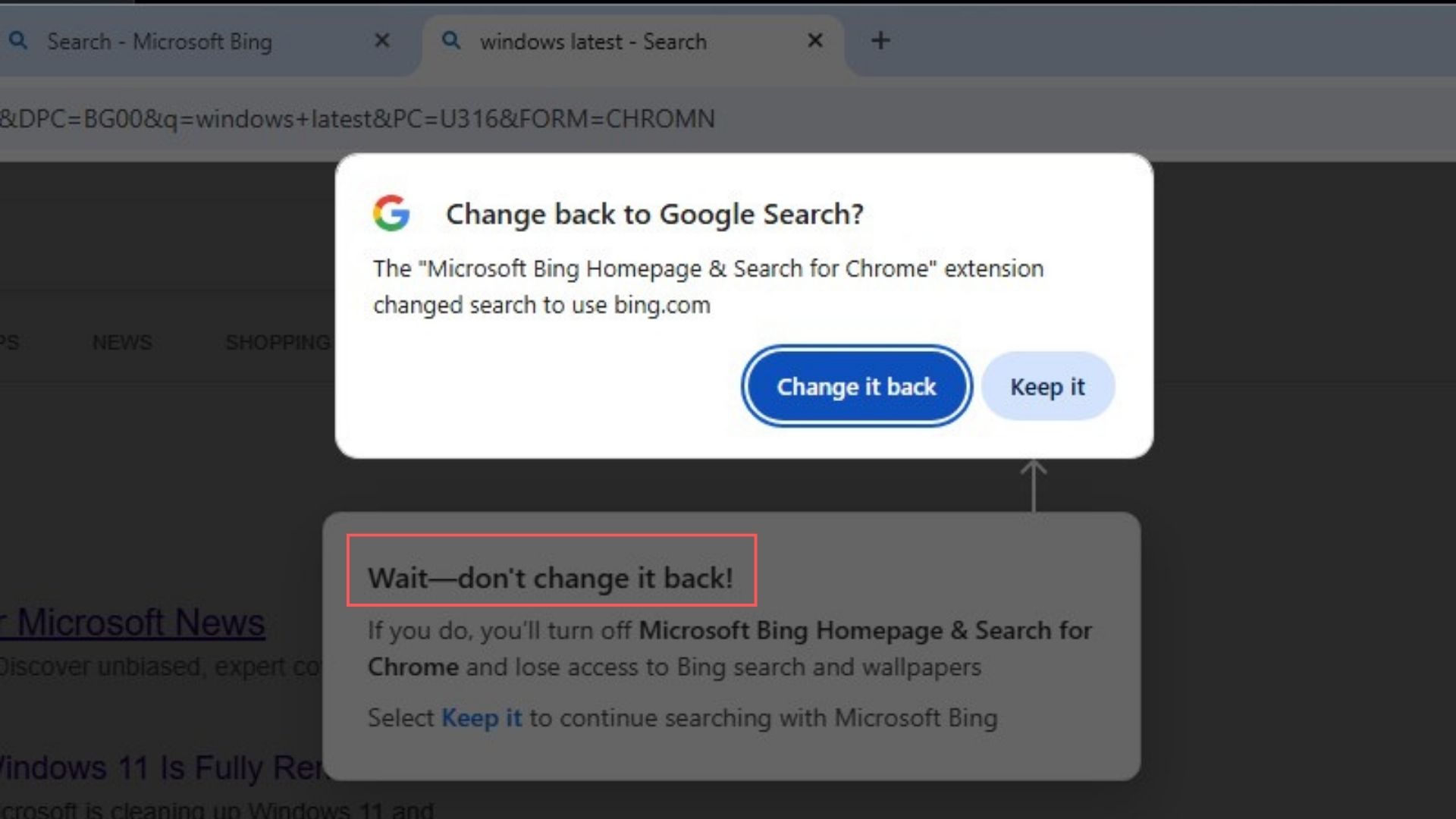
It’s genuinely funny to see two of the biggest companies on the planet arguing, inside your browser, over which search engine you should use. This standoff is not new, though. Windows Latest reported on a nearly identical Bing pop-up war in Chrome back in March 2024, where Microsoft used a similar two-layered prompt to talk people out of reverting to Google. Either way, Microsoft is clearly not done running this playbook.
Once I accepted Bing everywhere, Chrome’s new tab page turned into the familiar cluttered MSN feed, the kind of homepage that makes you regret every decision that led you here.
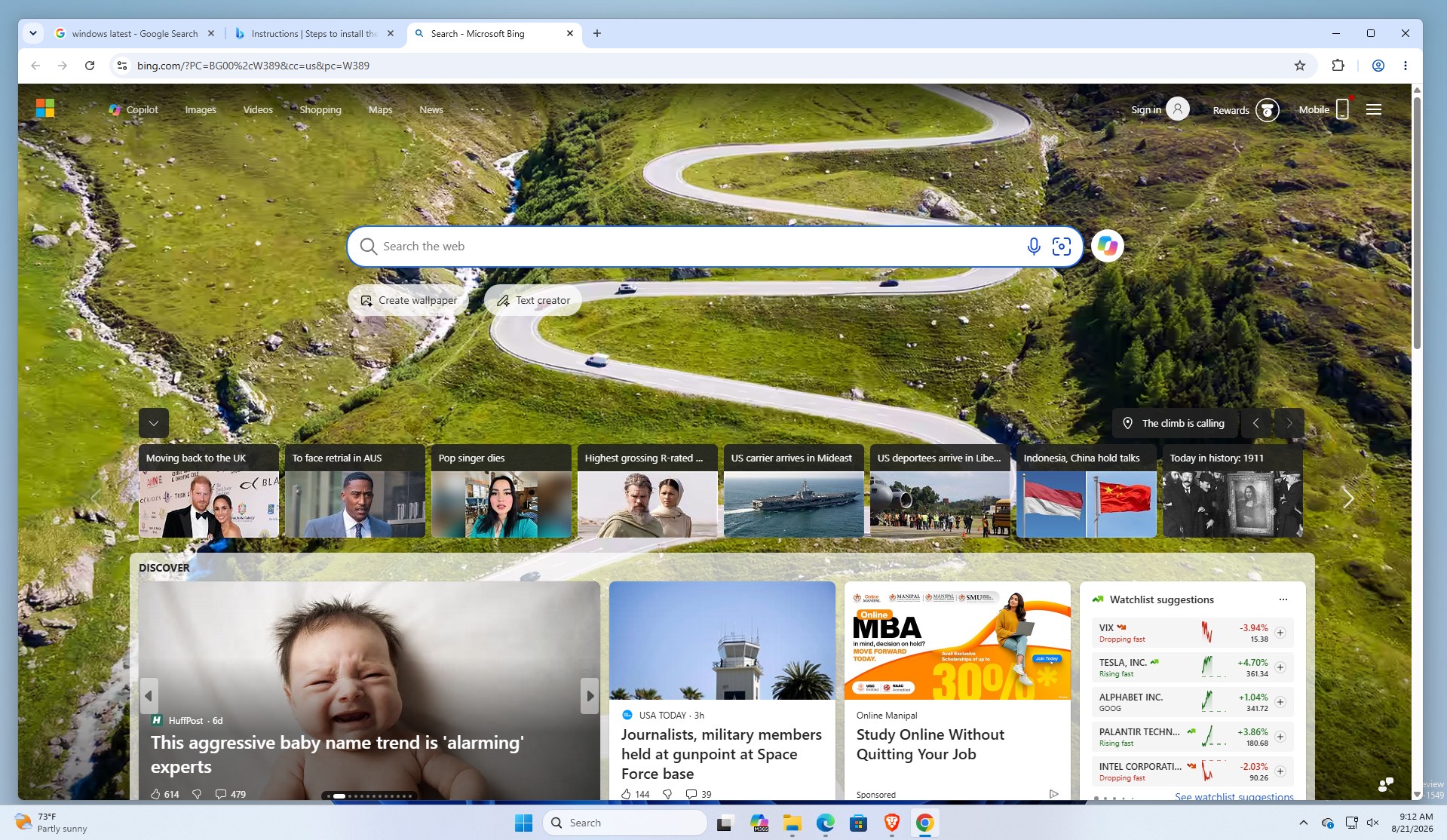
Microsoft keeps finding new ways to push Bing while promising to clean up MSN
Microsoft has spent the past year publicly walking back MSN clutter elsewhere. Windows Latest tested a decluttered Windows Search that finally dropped years of MSN tiles, sponsored shopping cards, and daily trivia, and we also reported how Redmond had Windows 11 Widgets turn off the MSN feed and ads by default.
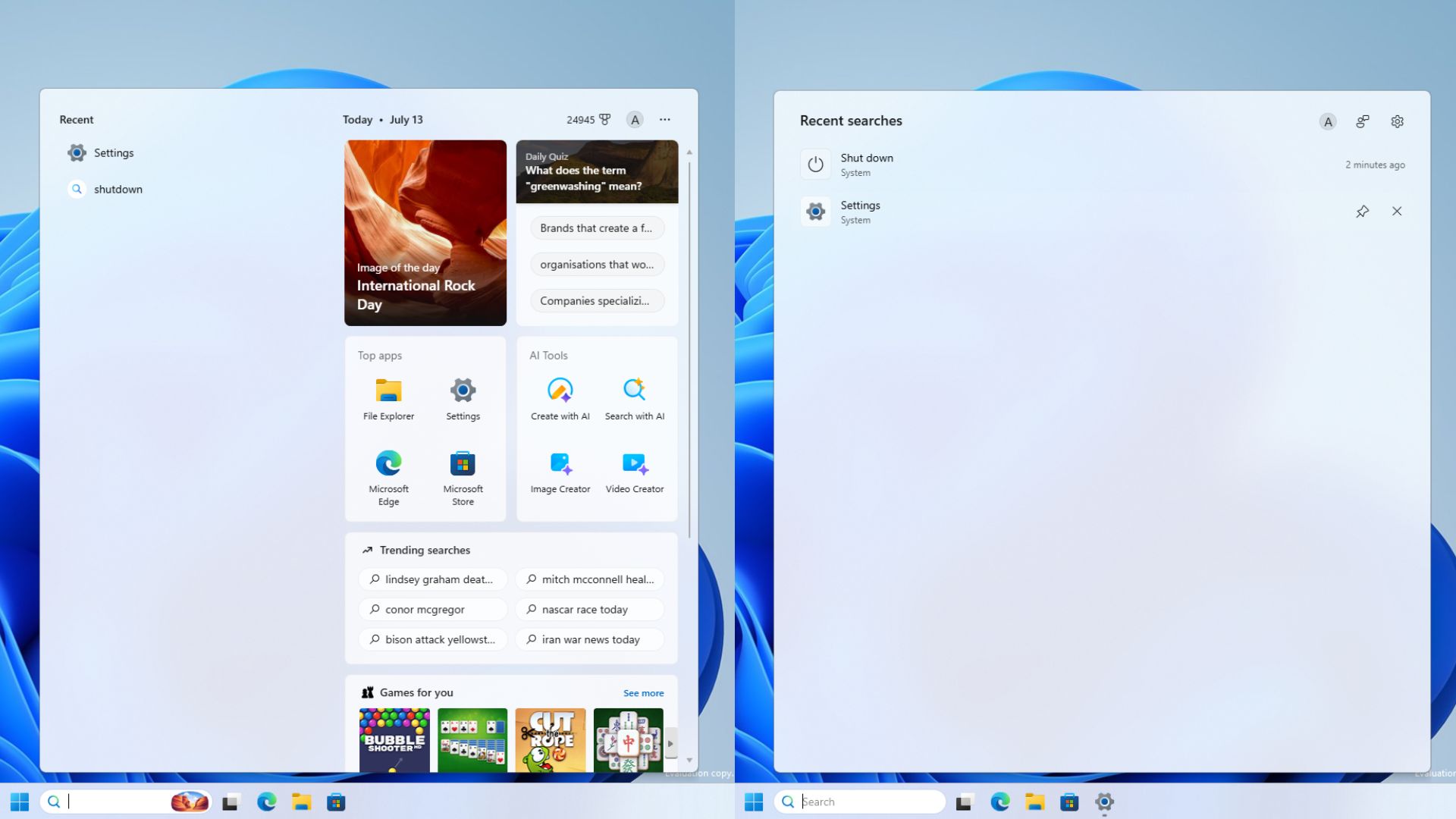
Back then, I wondered how it would be a loss in their revenue from MSN. But now, the company is quietly building a new app to push Bing and its MSN homepage into your browser!
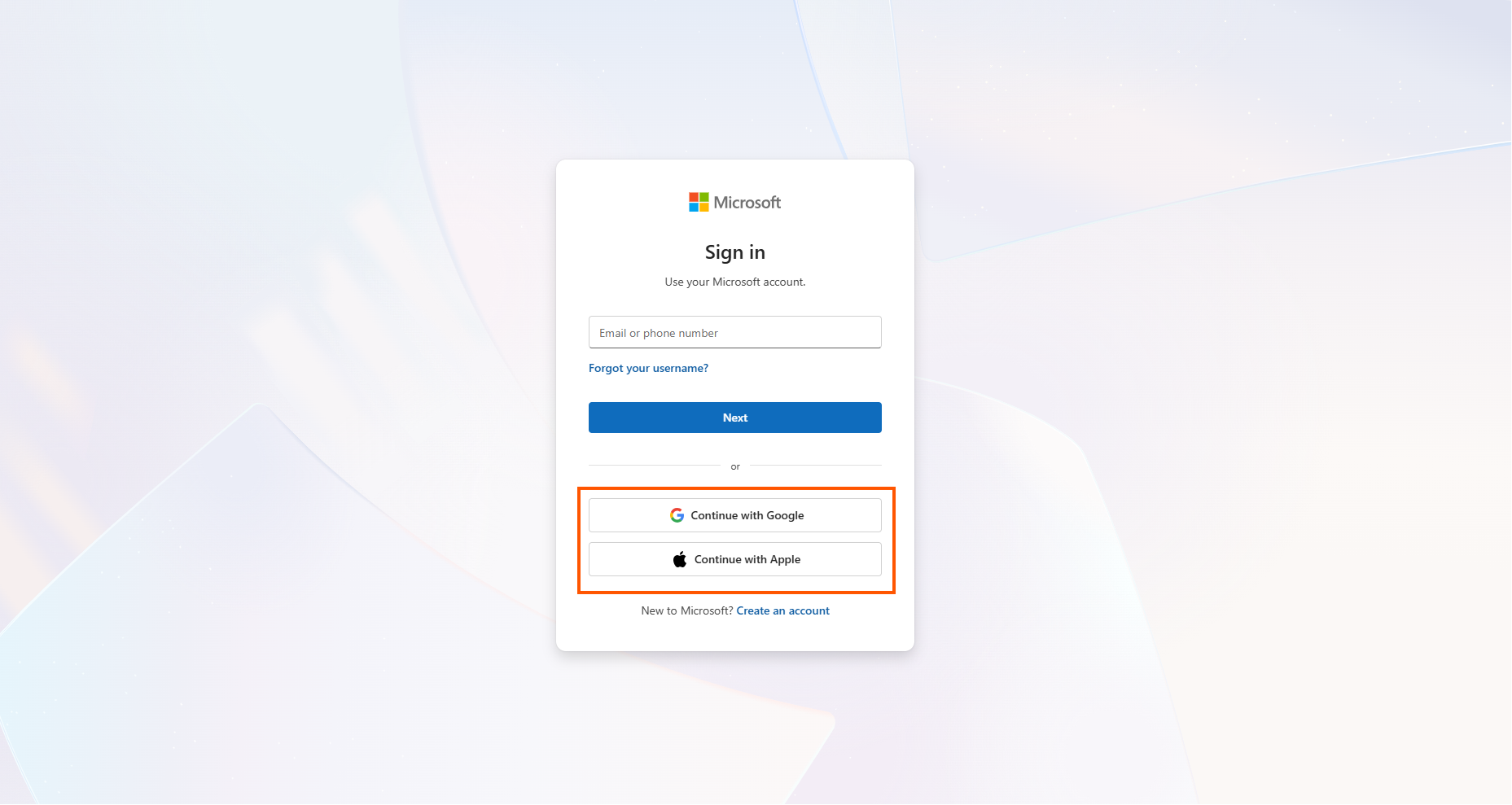
Yes, Microsoft will go the extra mile to make you use Bing. The company now lets you sign into Bing with a Google or Apple account instead of a Microsoft account, removing one more excuse not to use it.
In even crazier news, the software giant ran a sweepstakes offering $1 million to Bing users, which also says plenty about how hard it is to unseat Google through product quality alone, while also keeping a fake version of Google’s own homepage design on Bing for a year and a half after facing backlash over it.

And it’s not like Bing is struggling to get a meaningful user base either. Satya Nadella confirmed that Bing crossed 1 billion for the first time. But it seems as if the company wants to use shady practices instead of improving the quality of Bing, which is now sitting at an incredible opportunity because of Google’s AI push into their Search, earning them a much-needed backlash.
The new Microsoft Recommended Search Settings app was first spotted by Windows tester Xeno Panther, who uncovered MicrosoftSettings.exe and pointed out that it prompts users to switch their default search to Bing before opening Microsoft’s Rewards offer after setup.
However, we doubt whether corporate habits ever change. Microsoft wants Bing everywhere badly enough to keep building new doors into it, even while other parts of the company are busy trying to close the ones already open.