







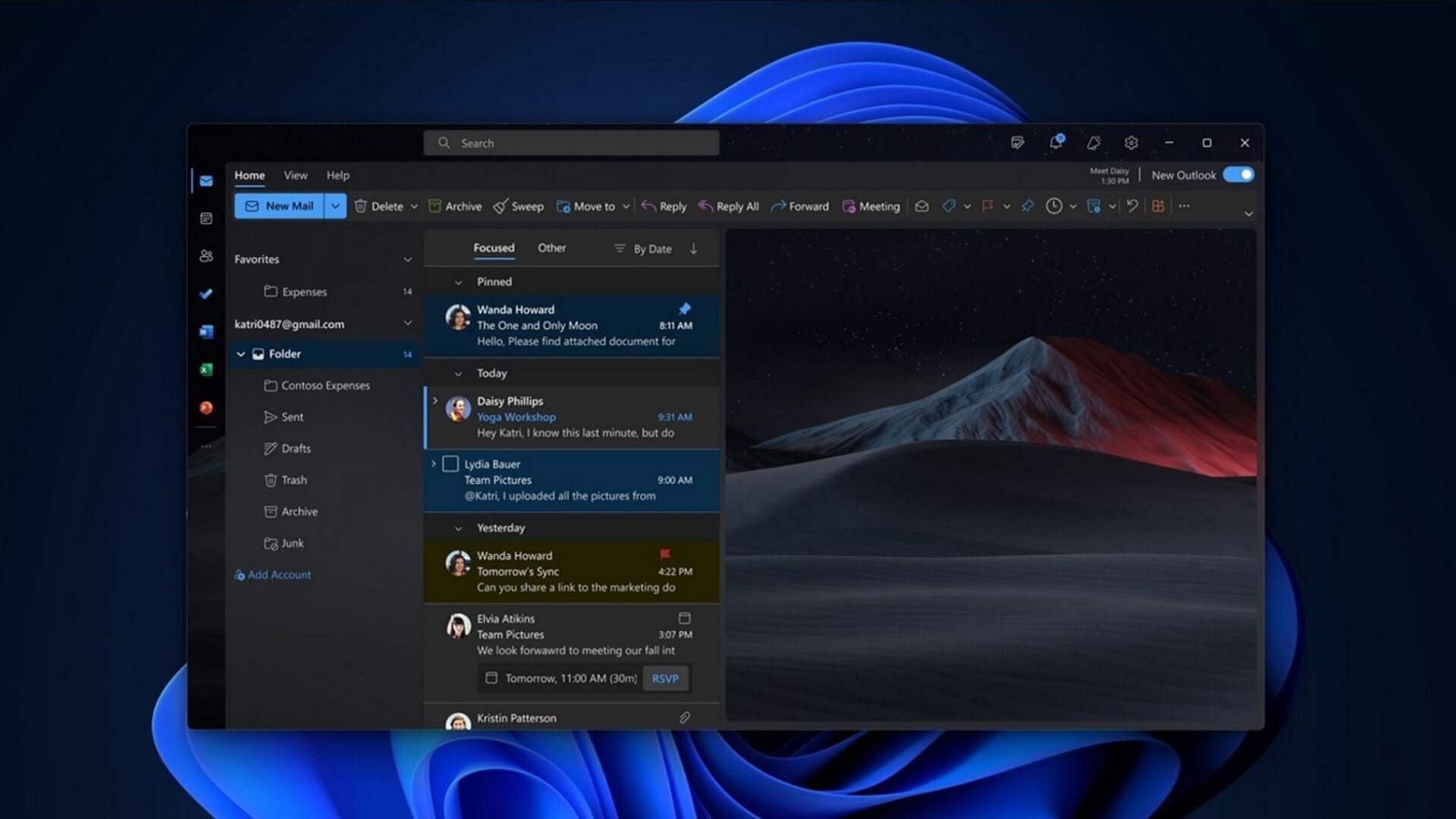
Microsoft may have stopped caring about Microsoft To Do, and today’s Outlook update makes it even more obvious. New Outlook for Windows has now started rolling out support for Planner, and you can add it to the left sidebar, similar to how Microsoft To Do has been integrated until now.
Microsoft To Do is effectively in maintenance mode, as it hasn’t been getting new features, and Microsoft has been slowly moving towards Planner. Planner is similar to Microsoft To Do, but the company says it can help you become more productive because it’s better suited for organization-level plans, while Microsoft To Do has been geared more towards personal tasks.
In a post on the admin portal seen by Windows Latest, Microsoft said some of you should begin seeing Planner in New Outlook this week. If you still don’t have it, the feature is being rolled out gradually and will become available to everyone by the end of August 2026.
Microsoft says adding Planner to New Outlook makes sense because it reduces context switching. The company argues that Planner is already integrated across its products, including Microsoft 365 Copilot, while users currently have to juggle between Microsoft To Do in Outlook and Planner elsewhere.
By adding Planner to New Outlook, you can create and manage tasks alongside your emails, calendar, Copilot, Office apps, and other Microsoft 365 services.
“This update is based on customer feedback requesting tighter integration between task management and daily productivity workflows,” the company said.
You don’t need Copilot to use Planner in New Outlook. There are also no plans to integrate it into Outlook Classic, as the company likely hopes Planner will act as bait and finally convince you to dump the classic email client.
Outlook Classic does not have Planner, but it comes with Microsoft To Do, which is more than enough for planning and syncing personal tasks.
Microsoft says it won’t add new features to Outlook Classic unless they’re AI-powered
You might wonder how difficult it would be to add Planner to Outlook Classic. It isn’t, as Microsoft owns both platforms, but there’s a reason why it’s not happening.
Outlook Classic is also in maintenance mode and is not supposed to get anything beyond bug fixes or improvements. If you look at the changelog or observe recent changes to Outlook Classic, you’ll realize that nothing significant has changed in the last few months.
However, that does not mean Microsoft won’t add AI to it.
Outlook Classic is set to receive more AI-powered features, including a full-fledged Copilot button in the ribbon that can read your emails and offer contextual suggestions.

I’ve also spotted that the compose box in Outlook Classic will get Copilot-powered features, including the ability to write emails, improve drafts, refine what you’ve written, and more.
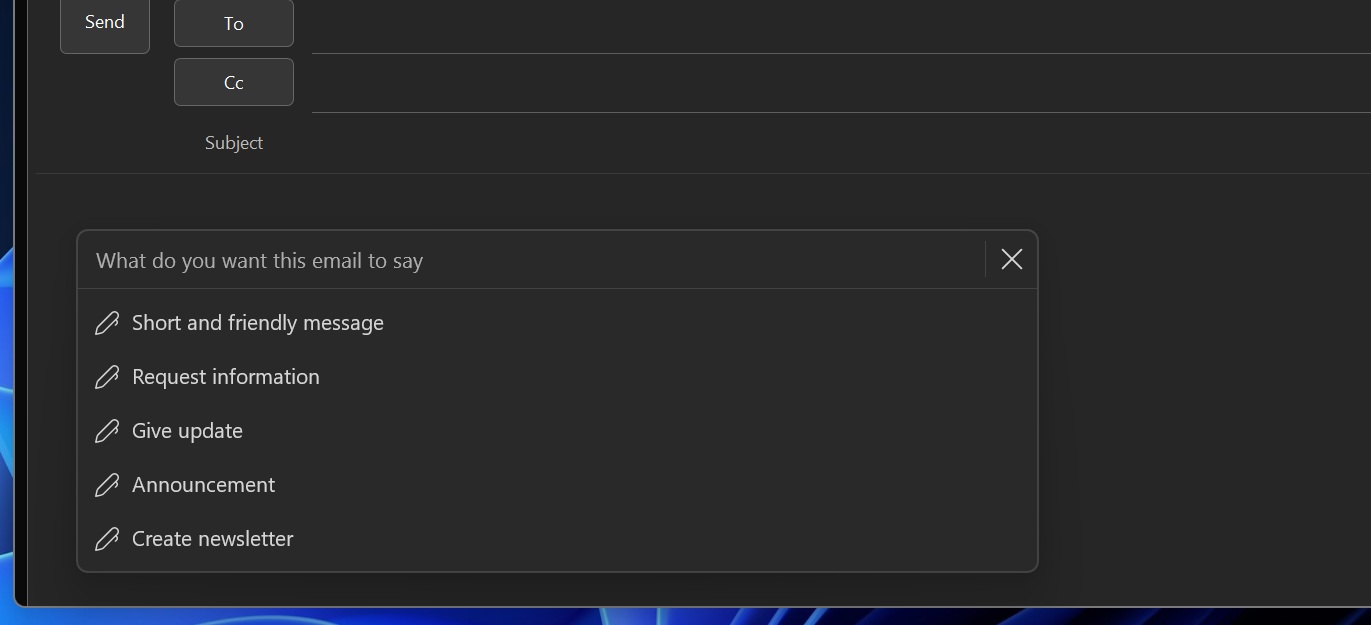
You can turn off the new Copilot features coming to Outlook Classic, but everything will be enabled by default if you have a Microsoft 365 Copilot license.
Outlook Classic is also getting shared calendar improvements
There’s one notable non-AI change coming to Outlook Classic that Microsoft argues could make it faster. The company is replacing the legacy MAPI-based model with a modern REST-based model for shared calendars, which should result in better syncing and performance, similar to New Outlook.
In addition, if you are moving from Outlook Classic to New Outlook, Microsoft says you can now finally access shared automapped calendars.
Microsoft is hopeful that these changes will convince more people to dump Outlook Classic for New Outlook, but I’m doubtful that will happen. Classic is still superior in many smaller but important areas, including PST support, shared mailboxes, and the fact that Copilot has still not fully rolled out.