







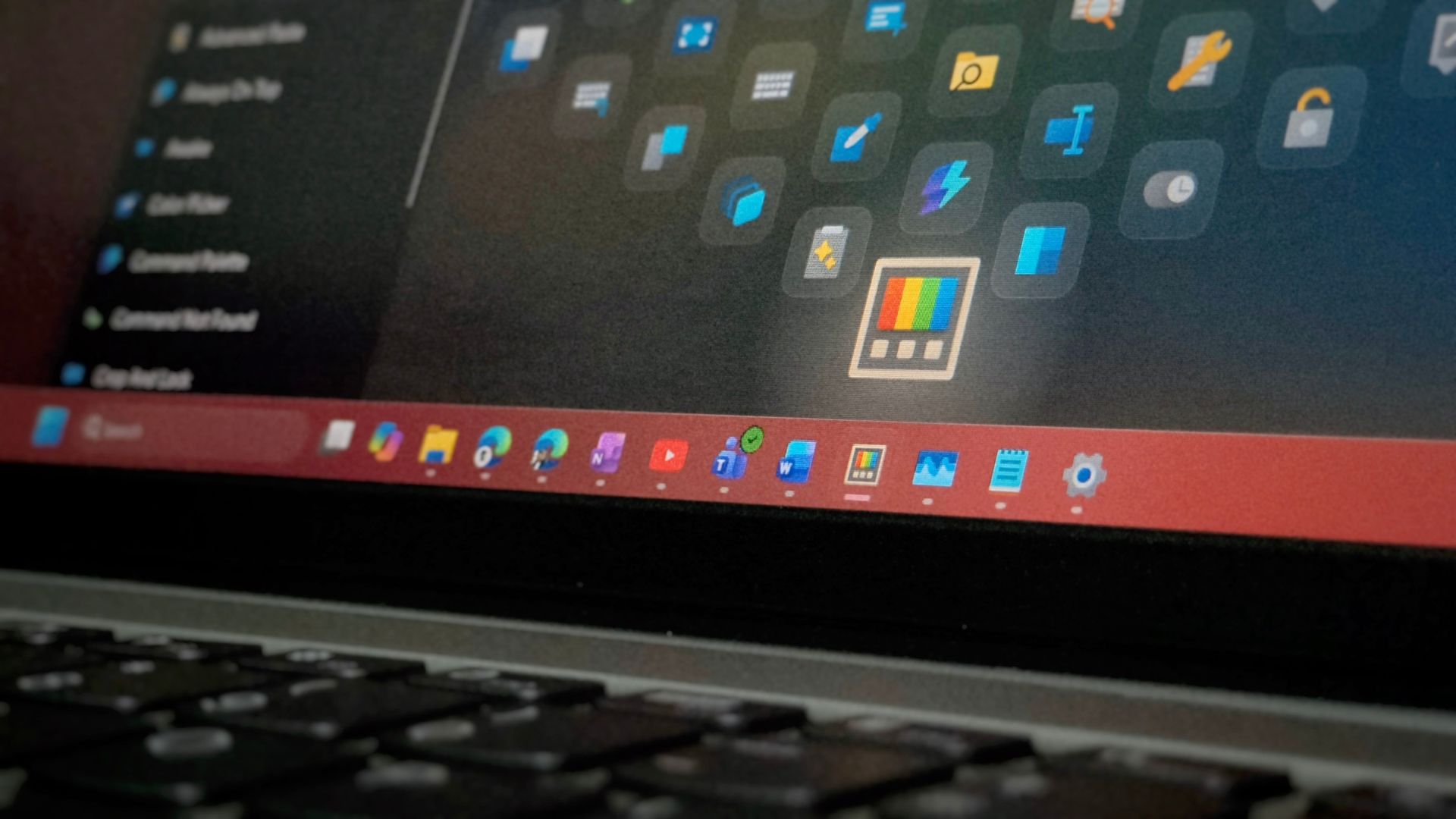
PowerToys 0.102 has moved Color Picker and Text Extractor to WinUI 3, joining Image Resizer, Quick Accent, Mouse Jump, and the Keyboard Manager editor, which all switched over this year. Microsoft is also tracking the rest of PowerToys’ old WPF interfaces in a public GitHub issue, with FancyZones and Workspaces up next.
In case you didn’t know it already, PowerToys is open source, and Microsoft didn’t have to undertake a massive operation to rewrite tools that already worked well for power users. Yet, the team is doing it anyway, at a time when the company hopes developers will steer away from web apps for Windows 11, after years of WinUI missing basic controls.
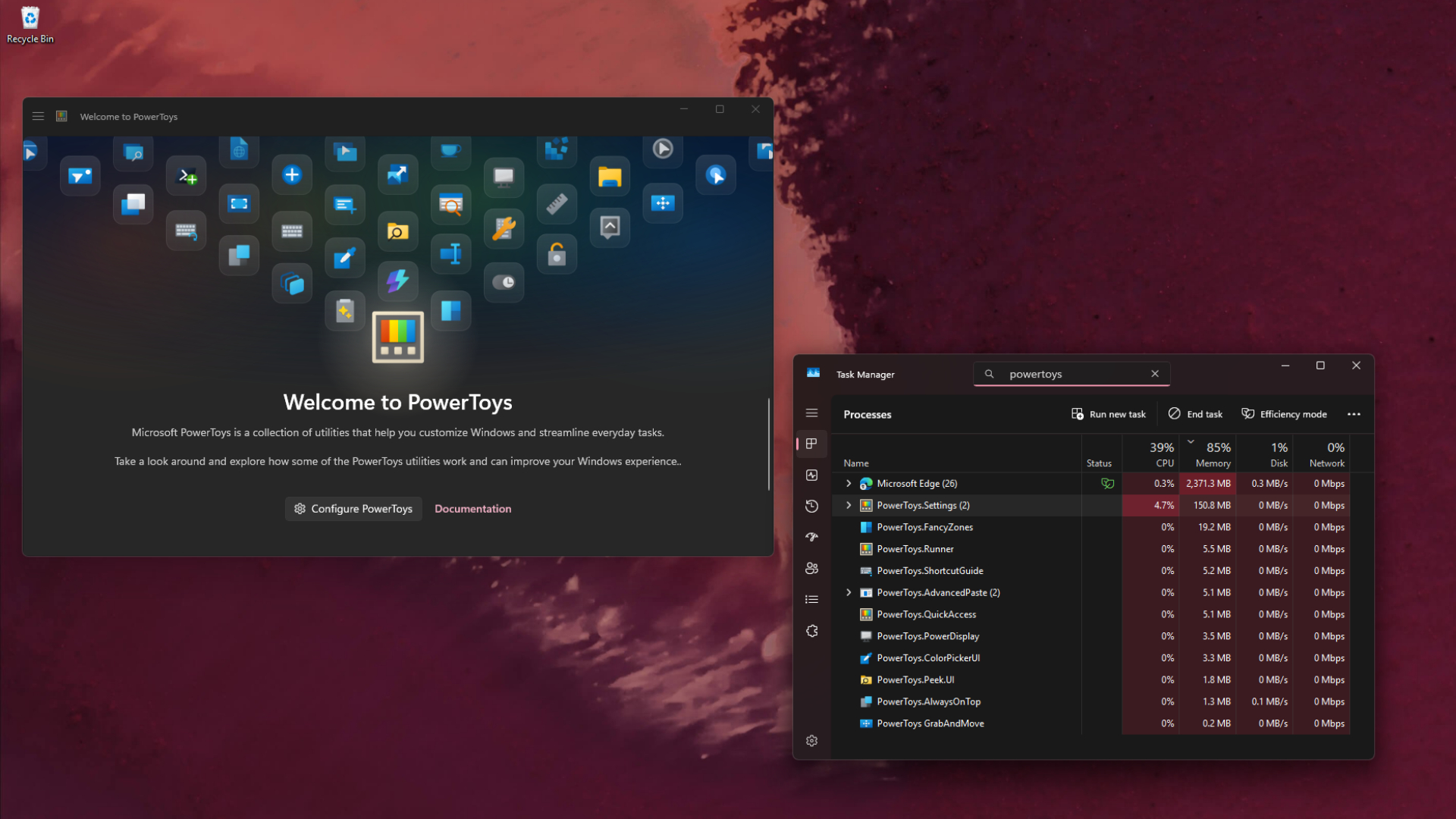
PowerToys 0.102 rebuilds Color Picker and Text Extractor in WinUI 3
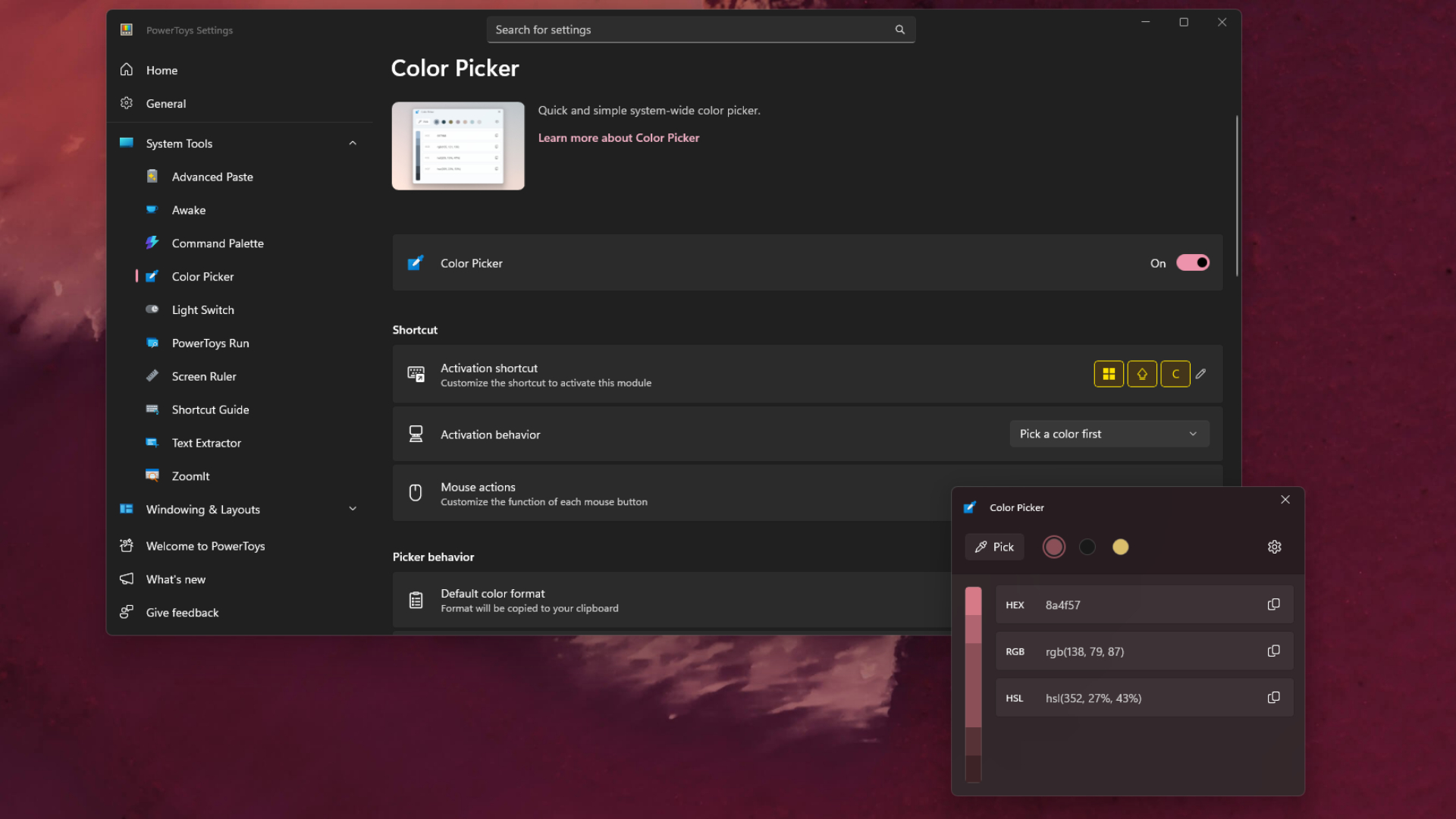
PowerToys 0.102 rolled out on October 21, and Microsoft’s Niels Laute wrote in the release announcement that “Color Picker and Text Extractor also move to WinUI 3.” Color Picker gets a new overlay, editor and magnifier, and “Your existing shortcuts and settings carry over.”
I checked the notes and tested it and it’s actually more than a new coat of paint. The Color Picker migration moved the picking overlay, color editor, zoom magnifier, settings and Win32 input hooks off WPF.
One of my favourite tools, Text Extractor, which grabs text from anywhere on your screen with Win + Shift + T, was surprisingly trickier. WPF gives developers a transparent overlay for free, but WinUI 3 doesn’t (yet another limitation of the newer framework that Microsoft is pushing), so the team rebuilt the snipping overlay as one borderless window per display and rewrote its positioning for mixed-DPI setups.
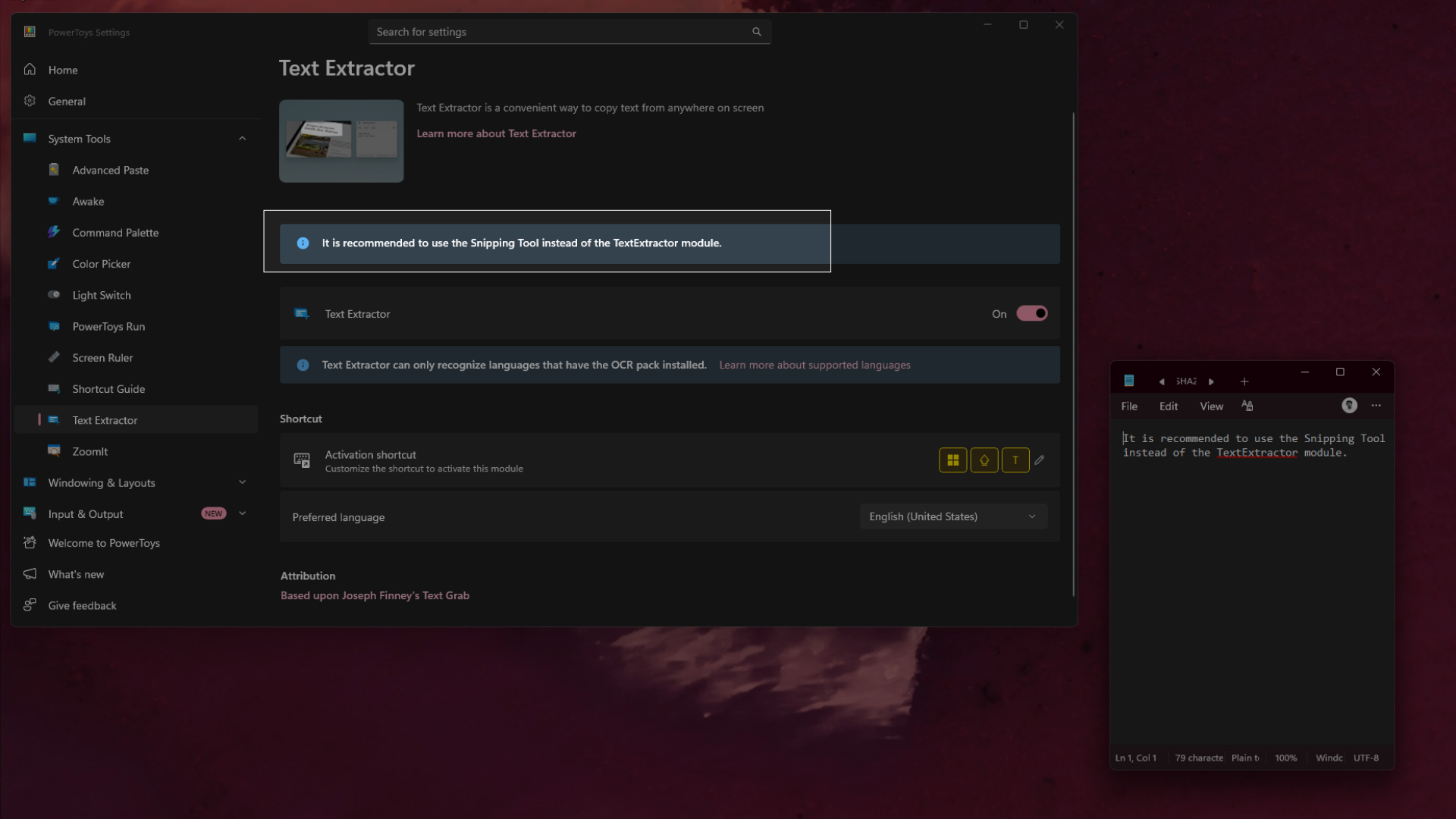
The OCR, formatting and table detection code also moved into a separate PowerOCR.Core library that doesn’t depend on any UI framework.
Six PowerToys tools have moved to WinUI 3 this year
| PowerToys tool | Moved to WinUI 3 in | Release date |
|---|---|---|
| Keyboard Manager editor | 0.98 (preview), 0.100 (default) | March 17, June 9 |
| Image Resizer | 0.99 | April 28 |
| Quick Accent, Mouse Jump | 0.101 | August 25 |
| Color Picker, Text Extractor | 0.102 | October 21 |
When the new Keyboard Manager editor came in 0.98, Microsoft said “The UI has been rebuilt from the ground up using WinUI 3, making it easier for us to maintain and improve going forward.” Image Resizer followed with “a more modern look and improved consistency with the rest of PowerToys.”
But I did some more digging and found that the list is far bigger than what’s shown in the migration tracker. Windows Latest went through the PowerToys source code on GitHub (as of November 5), and Command Palette, Peek, Advanced Paste, PowerRename, Registry Preview, Hosts File Editor, Environment Variables, File Locksmith, Screen Ruler, PowerDisplay and the new Shortcut Guide also have WinUI 3 interfaces.
In total, 17 utilities, plus the Settings app, now use Microsoft’s native framework. The only interfaces still on WPF are the FancyZones editor, Workspaces and PowerToys Run, while Mouse Without Borders uses Windows Forms.
Why Microsoft is moving PowerToys from WPF to WinUI 3
PowerToys developer Yu Leng opened the migration issue on March 24, explaining that “PowerToys’ utilities come from various sources and have been completed over a wide period of time, that makes our codebase have WPF, WinUI3, WinForms, C++ UI code now. This makes the new contributor more confused and hard to maintain.”
Leng adds that “WinUI 3 provides a modern UI and makes sure that our experiences fit in with the Windows 11 look and feel.”
There’s a size benefit too. PowerToys 0.100.2 takes up 960MB on disk with a 271.7MB installer, partly because it bundles the WPF and Windows Forms runtime twice, as shared libraries pull WPF into modules that are otherwise pure WinUI 3. Microsoft estimates that removing all WPF would cut about 85MB from the install and 30–38MB from the installer, and dropping Windows Forms too could push the savings to 138MB.
These are projections from the GitHub issue, and they haven’t shipped yet. Of course, 85MB is nothing on a 1TB SSD, but PowerToys has been bloating up with every new utility, so I’ll take it.
FancyZones and Workspaces are next, but PowerToys Run is staying on WPF
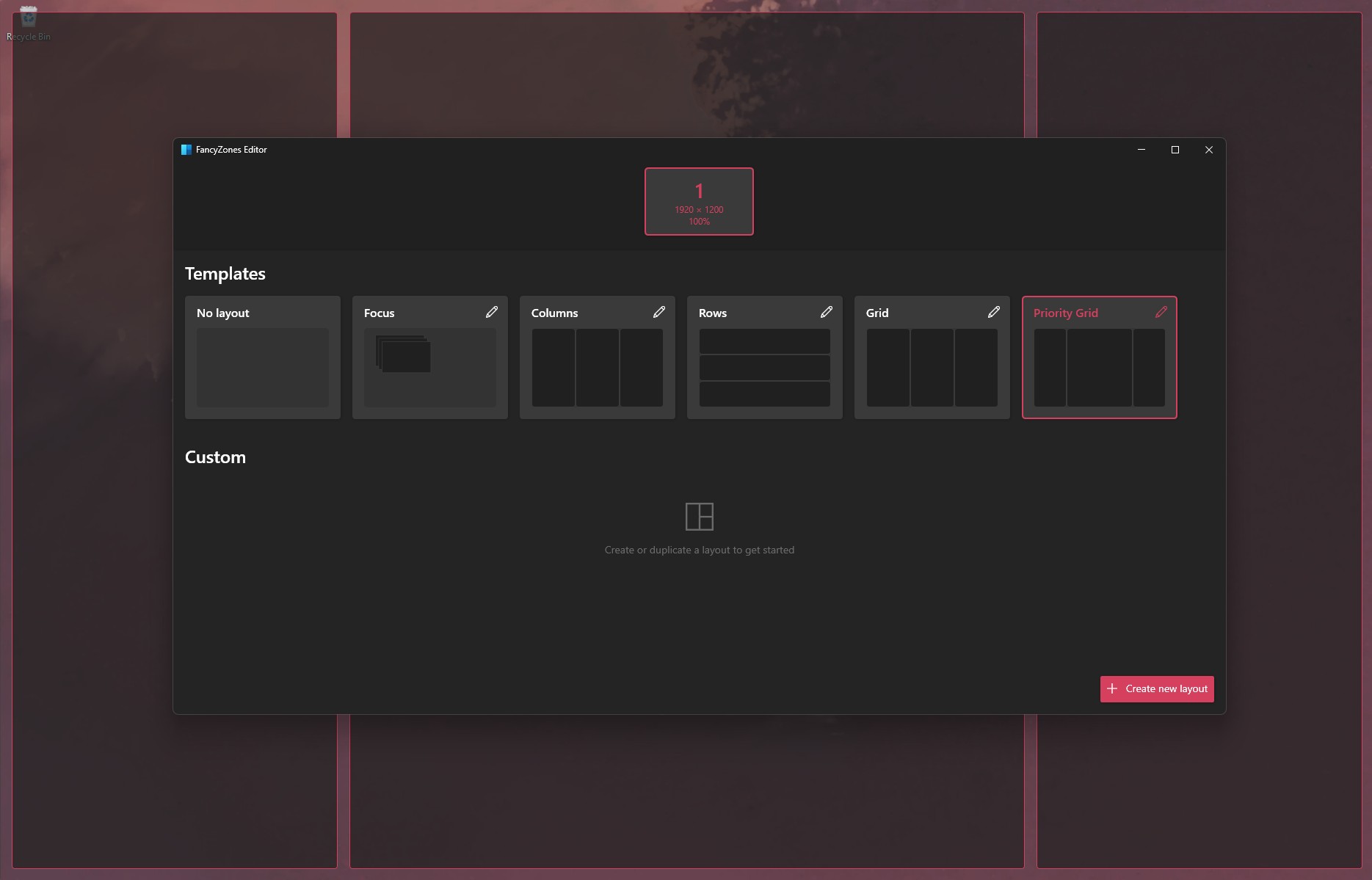
FancyZones’ layout editor is getting a redesign along with its migration. “FancyZones is a tricky one. Let’s also rethink its UX while we are at it because it has some quirks and we could do improvements there,” Laute wrote on GitHub in June, and an early draft of the migration was later closed without merging.
Workspaces’ editor and launcher are also in progress, held back by a transparent launch overlay, WPF page navigation, and a shared library that still depends on WPF.
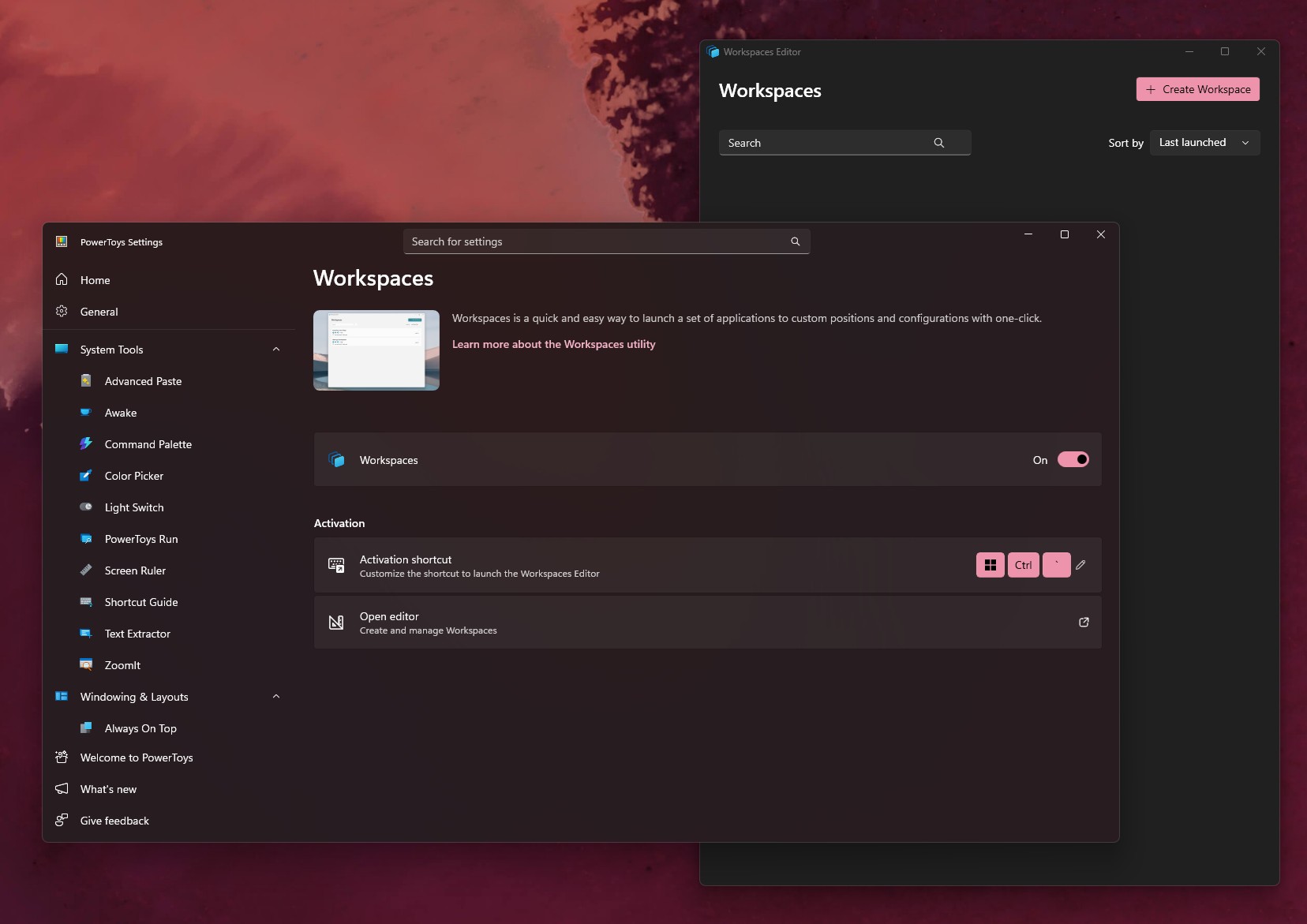
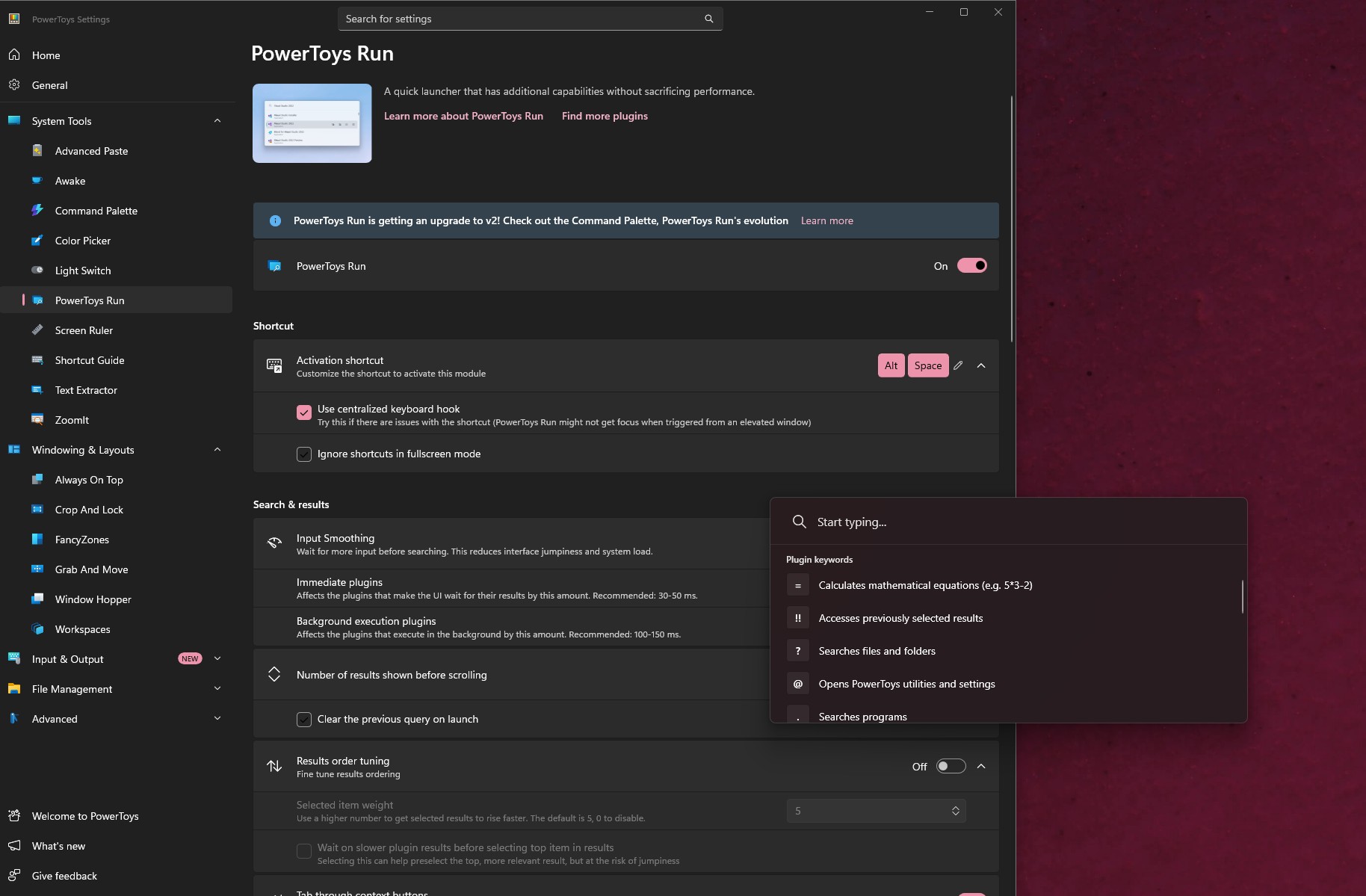
Credit where it’s due, Microsoft isn’t forcing WinUI 3 where it doesn’t fit. PowerToys Run won’t migrate because its plugin system exposes WPF types to more than 22 plugins, and the issue says a rewrite “would break the plugin ecosystem for little UI gain.” The STL thumbnail provider has no UI at all, and its 3D rendering depends on WPF’s Media3D, which has no WinUI 3 equivalent.
Microsoft wants third-party developers to build native WinUI apps again
As you’d already know, a big reason Windows 11 is full of web wrappers is that WinUI had “a ton of feature gaps in the platform,” as Microsoft’s Chris Anderson admitted at Build 2026. Many developers who couldn’t find a native data grid or chart control simply shipped WebView2 apps, and hilariously, Microsoft’s favourite child, the infamous Copilot app, is a web app too.
Now, Microsoft says it has “no intention of building a new framework,” and that “a lot of the first-party features coming from Microsoft” will be built on top of WinUI. WinUI development has moved to GitHub; Microsoft has admitted native apps hog RAM and released experimental memory fixes, TableView and Chart controls, and even Windows 11’s ancient defrag tool is on the WinUI to-do list.
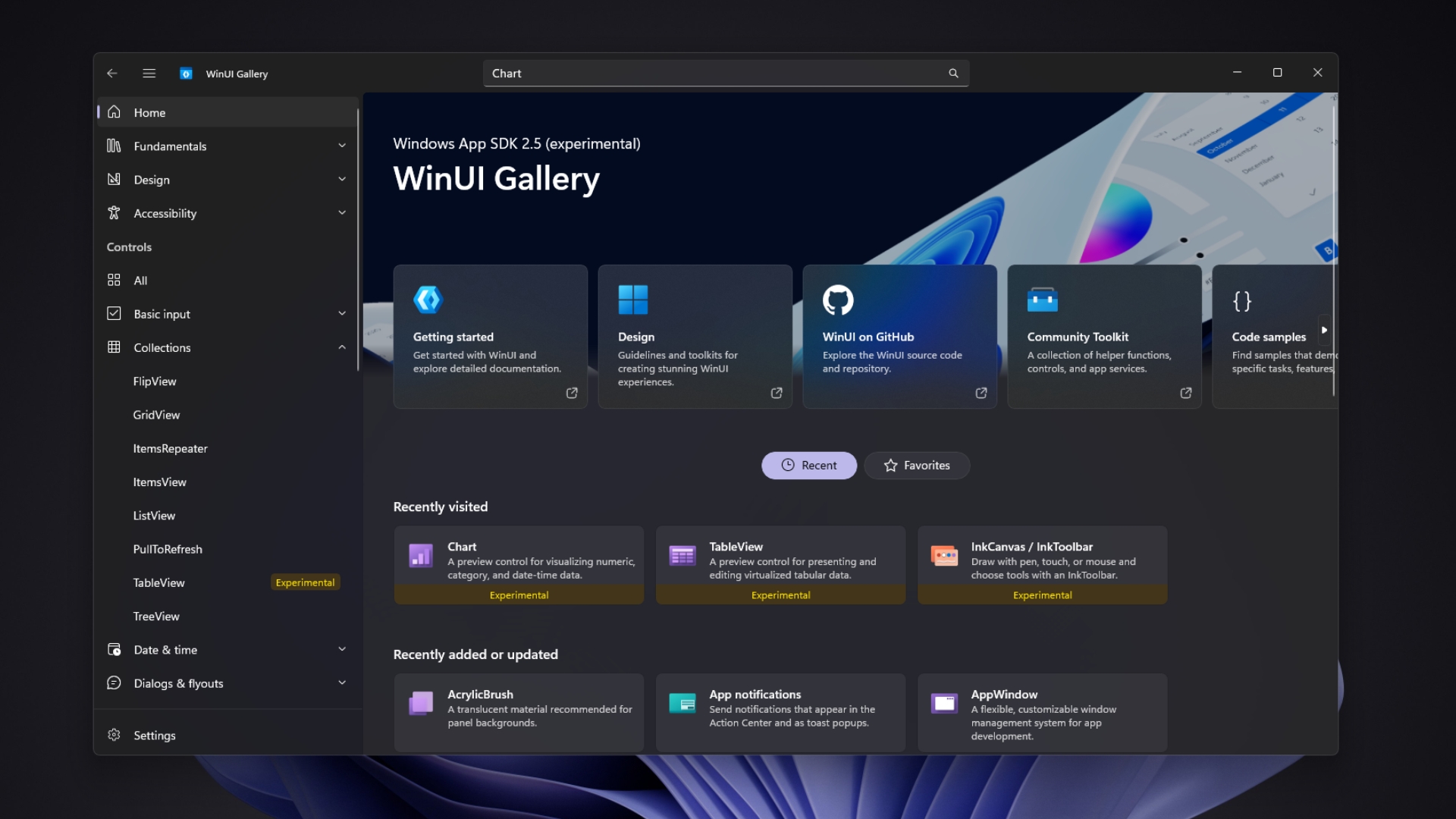
Laute, who is a product manager for both PowerToys and WinUI, also released WinUI Gallery 3.0 on October 13 so developers can try upcoming controls before they reach a stable release. Third-party developers have heard promises before, as Silverlight and UWP fans would tell you, which is why Microsoft had to clarify that WinUI isn’t being killed this time.
PowerToys is a bigger deal here than its size suggests, as it’s a popular, open-source Microsoft app that any developer can study, and it shows WinUI 3 can replace WPF in tools people use every day. If Microsoft wants 100% native apps on Windows 11, it needs more examples like this, and fewer Copilot web wrappers.
As someone who uninstalled WhatsApp after it turned into a WebView2 wrapper, and who is eagerly waiting for the new native Discord app, I, for one, hope native apps really are back.