





Windows 11’s Task Manager and taskbar can stop responding right when you need them to kill a runaway app. Microsoft engineer Raymond Chen says running them at high priority wouldn’t fix it, because a high-priority thread can still get stuck as it waits for a resource that another, slower thread is holding.
I have certainly experienced this when a game, or Chrome with too many tabs, or some heavy app maxes out my PC, and I desperately press Ctrl+Shift+Esc, hoping Task Manager could save the day to help me end the task, but instead, it takes forever to open or looks like it’s stuck.
Why Task Manager can freeze when your PC runs out of CPU time
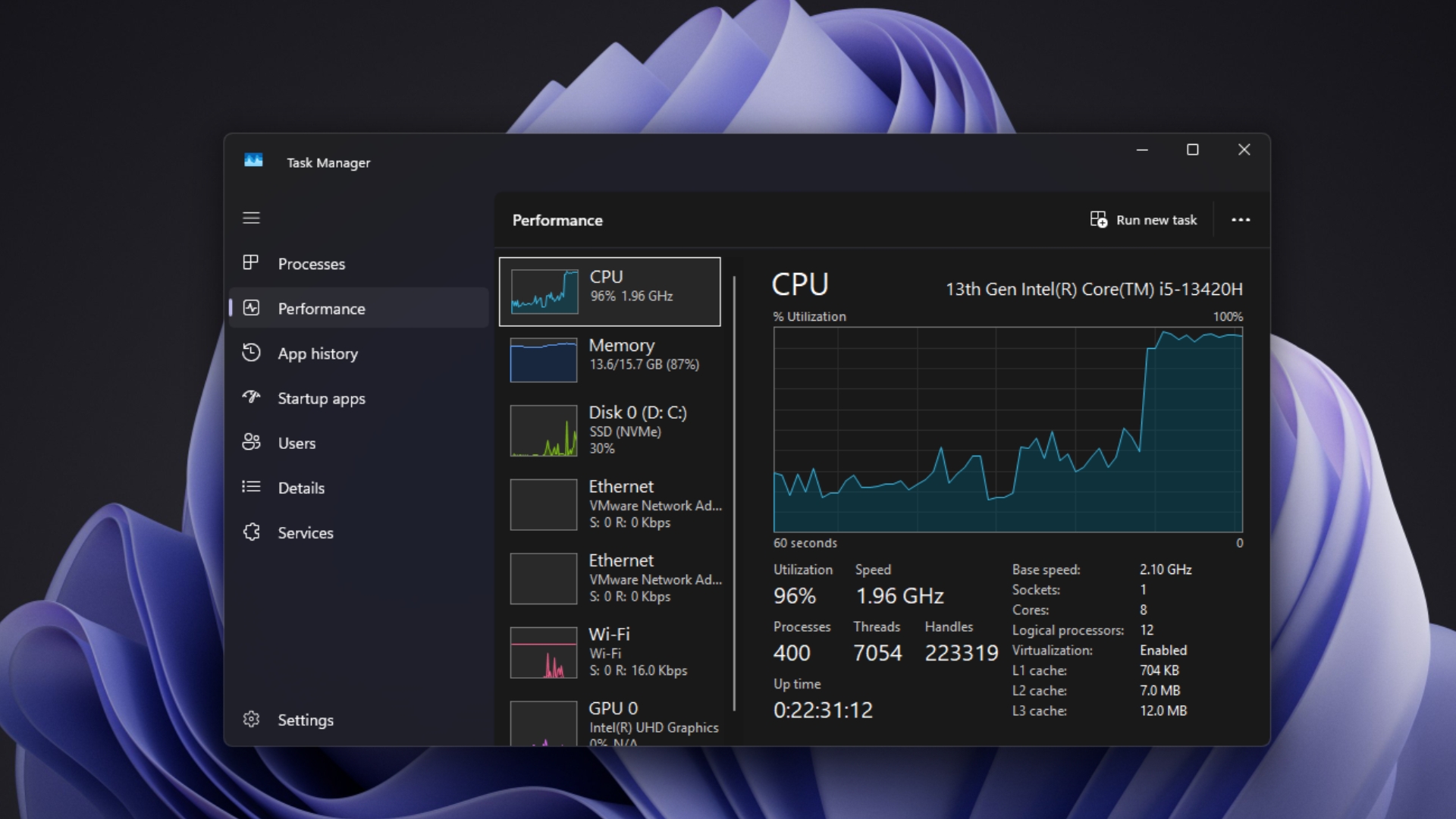
Your CPU can only run so many threads at once, and Windows picks who goes next using priorities from 0 to 31. When a heavy app hogs the CPU, everything else waits, including Task Manager, which needs CPU time to draw its window, refresh the process list, and react to clicks.
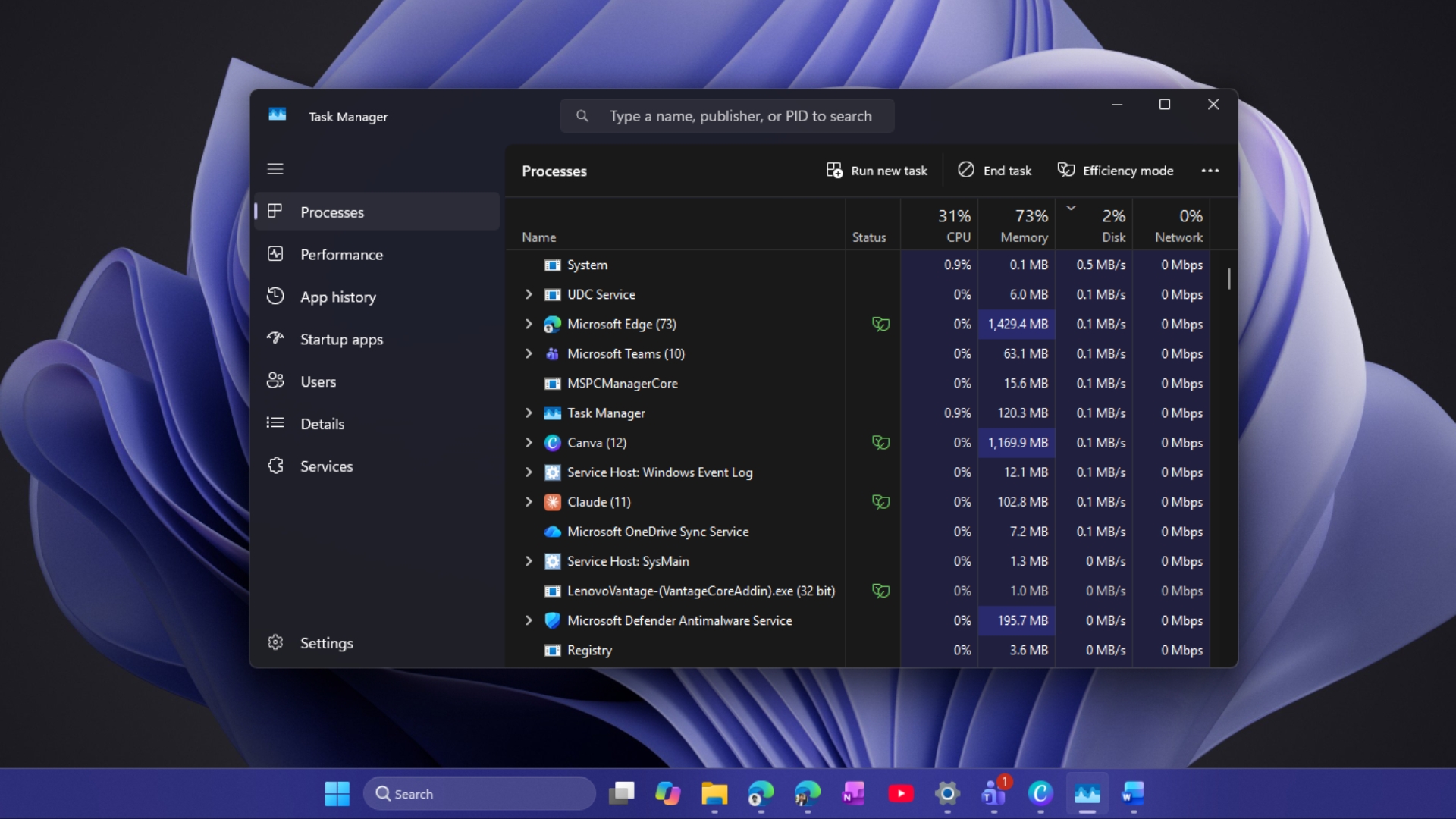
“If a system becomes CPU-starved, all processes begin to suffer,” Chen wrote on October 27, 2026. “This includes the taskbar and Task Manager, even though they are often the tools you want to use to stop whatever it is that’s making your system suffer.”
Ironically, Microsoft’s documentation names the Task List, Task Manager’s ancestor, as an example of the high priority class, because it “must respond quickly when called by the user, regardless of the load on the operating system.” So why isn’t that enough?
Giving Task Manager higher priority wouldn’t fix the real problem
Priority only decides who gets the CPU first. It doesn’t let a thread skip a lock, file or other shared resource that another thread is already using. A thread waiting on a lock isn’t even in the queue for the CPU, so raising its priority does nothing until the lock is free.
Chen compares it to a supermarket. “Your priority checkout pass gets you to the front of the line, but if the person at the register has a large shopping cart full of groceries, you just have to wait until they are done before you get your chance.”
Windows does have a fix for one version of this, called priority inversion, where a high-priority thread waits on a low-priority one that can’t finish because other work keeps taking the CPU. According to Microsoft, a feature called AutoBoost raises the priority of the thread holding the resource “to the maximum priority of the waiter until it releases the resource.”
But a faster cashier doesn’t help if the cart is full. Chen says you are “still stuck waiting” if the owning thread is busy with slow work, “like, say, accessing a file over the network.” No amount of CPU priority makes a slow network respond faster.
Windows already prioritizes the app you’re using, but that has limits
Windows already favors the app in front of you. Microsoft’s Priority Boosts documentation says the foreground app’s priority class is raised to at least the level of any background process, and when a window gets keyboard or mouse input, “the scheduler boosts the priority of the thread that owns the window.” In-focus apps also get High Quality of Service, while apps that aren’t visible drop to Low and, on battery, can be moved to power-efficient cores.
“So if you can get focus onto the taskbar or Task Manager, you are doing about as well as you can,” Chen says.
The caveat is UI code. “For UI code, this problem is particularly acute because you will eventually have to call into the UI system, and now you’re duking it out with all the other UI threads in the system,” he explains. Task Manager can get its turn on the CPU and still have to wait for parts of Windows that every other app is hammering.
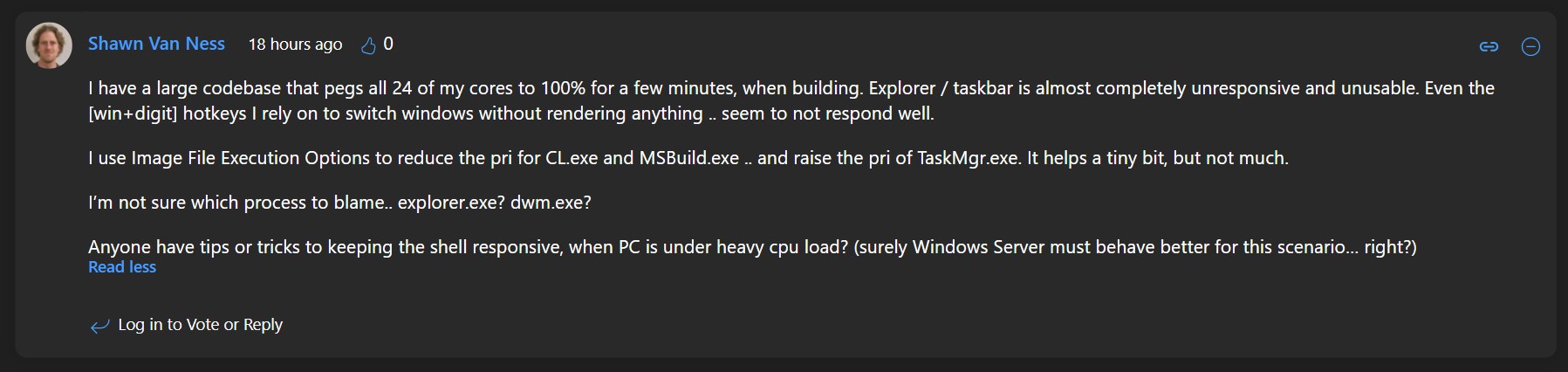
One reader under Chen’s post said big builds make the taskbar nearly unusable, and raising Task Manager’s priority helped only slightly.
Why Microsoft can’t make Task Manager unbeatable
“The problem is that it’s hard to fix a runaway system from within that same system,” Chen wrote. Task Manager runs on the Windows it’s trying to rescue, and the tools you’d use “may already have been compromised.”
He made a similar point back in 2010, when someone suggested running Task Manager at real-time priority. Running it at real-time “won’t help, and it would be wrong,” Chen said, because “nothing in the user interface runs with real-time priority,” including the thread that processes your keyboard and mouse input.
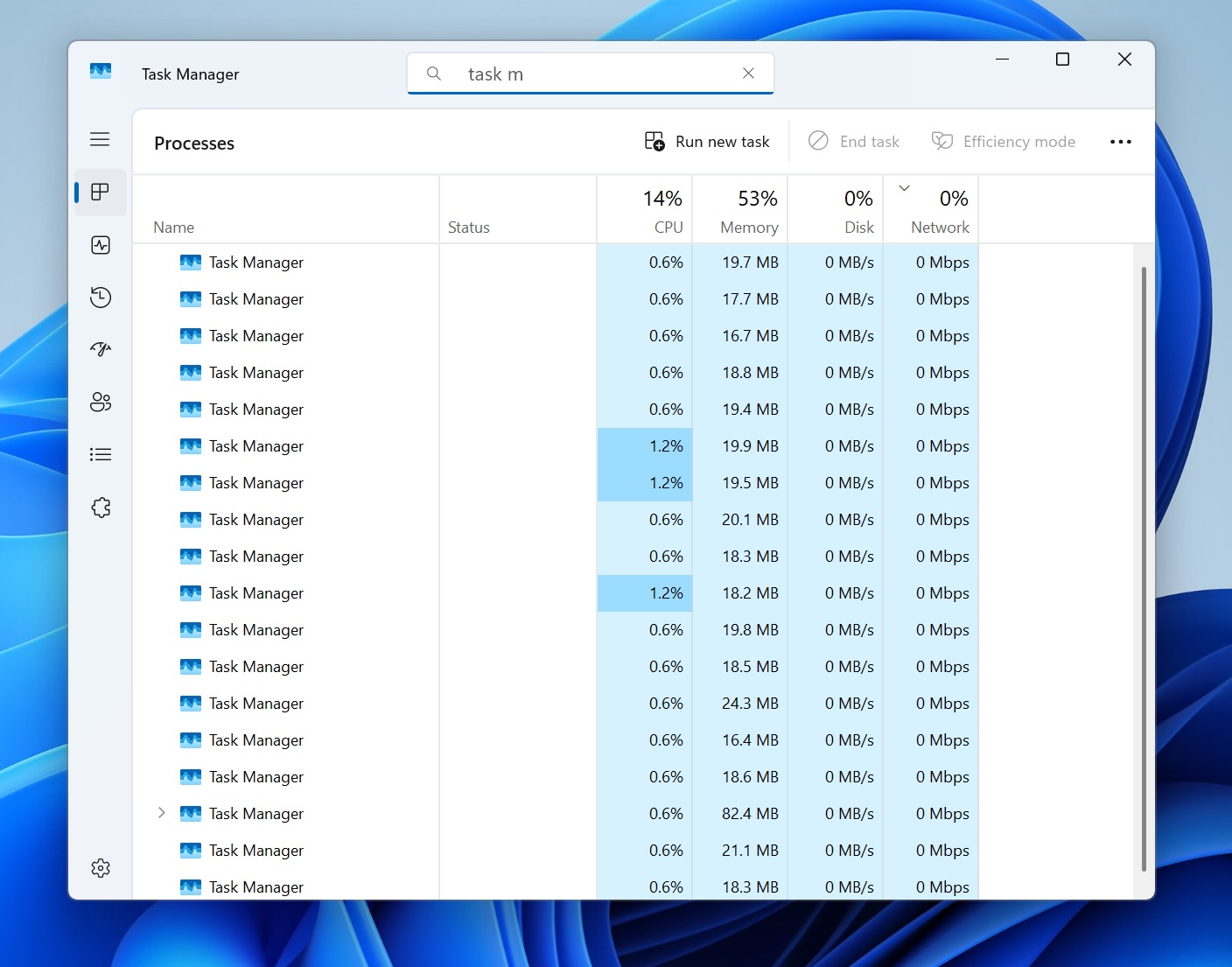
Just to clarify, Chen isn’t describing a new Windows 11 bug. Taskbar freezes can also come from explorer.exe reliability issues, and Task Manager had an insane bug last year that left multiple copies running in the background.
What you can do when Task Manager or the taskbar stops responding
If Task Manager won’t open, press Ctrl+Alt+Delete. The security screen runs on its own secure desktop and lets you open Task Manager, sign out, or restart, though it can lag too when Windows is badly stuck.
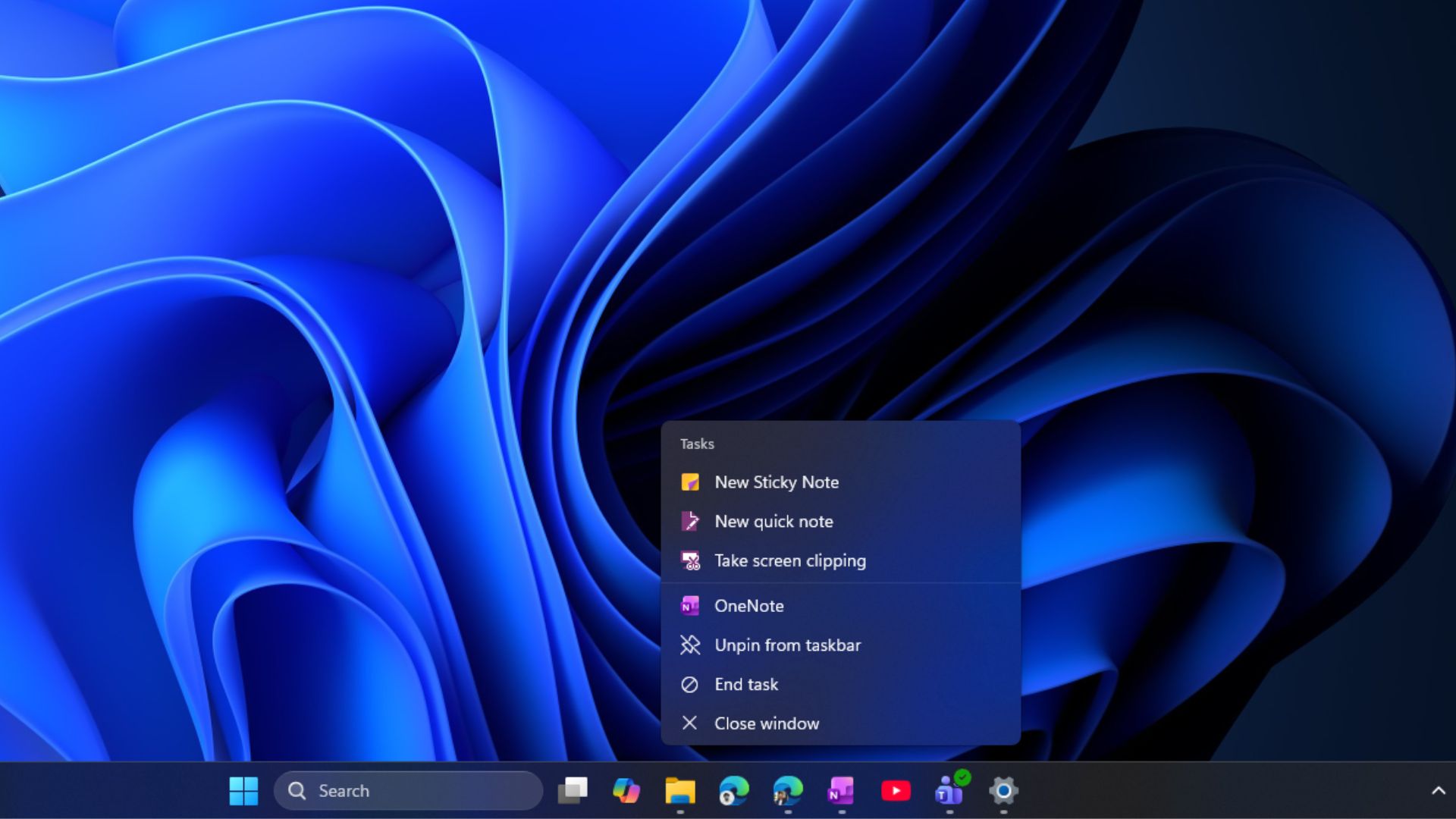
Remember to turn on End task in the taskbar from Settings > System > Advanced. For a single frozen app, just right-click the app’s icon and press End task to kill it without opening Task Manager.
In my opinion, instead of finding a way to make Task Manager responsive in situations where the CPU gets maxed out, I would be more impressed to see Windows not freezing an app just because it’s too much for the PC to handle. A warning sign about the load, which prevents the app from freezing by pausing it, would be a better way to handle such situations.